Index Ai Academy
I built Index Ai Academy for the learner who can follow an explanation but still needs to write the code and see what it does. Its curriculum maps 575 concepts, from a first Python program to agent harnesses, and every concept has its own lesson with code to run, checks to pass and a quiz. Indee helps learners study through chat, spoken replies and guided activities alongside the lesson.
The academy in use
The academy’s own walkthrough videos, recorded in the live product.
Why AI engineering has to be learned by doing
Most people meet AI engineering through explanations: a video, an article, a diagram of attention. They follow along, and then the first real task shows what they cannot yet do.
I designed Index Ai Academy so that every concept ends in something the learner runs, checks or builds, and so that the course knows what each learner has actually mastered.
Reading about AI
Explanations to follow.
- Explanations you nod along to
- Code you never run
- No way to tell what you already know
- Projects nobody checks
- Progress that lives in your head
Learning in the Academy
Skills to demonstrate.
- Every concept ends in code you run in the browser
- Checks that pass or fail on your own answer
- Placement marks off what you already know
- Projects checked by tests and reviewed by the tutor
- Progress saved, with review cards when a concept is due
575 concepts, 13 phases, one map
The curriculum runs from a learner’s first Python program to building agent harnesses and working as a professional engineer. Every concept is one lesson, linked to the concepts it depends on, so the route can adapt to each learner.
- Foundation math118 concepts
From whole numbers to the maths inside a neural network
- Tools46 concepts
Python, the terminal and calling APIs
- Building with LLMs35 concepts
Prompting, retrieval, tools, agents and evals
- Math for ML engineers30 concepts
Batches, shapes, autograd, stable arithmetic and error bars
- Machine learning50 concepts
Learning from data, and knowing when it worked
- Deep learning31 concepts
Neural networks, backprop and training them well
- Transformers47 concepts
Attention, GPT from scratch and pretraining
- Modern LLM engineering48 concepts
Post-training, fine-tuning, serving and safety
- Software engineering59 concepts
From bits to tested, well-designed programs
- APIs27 concepts
Design, build, secure and scale web APIs
- Model Context Protocol17 concepts
MCP servers, clients and hosts, to production
- Agent harnesses24 concepts
The software that turns a model into a capable, safe agent
- Professional practice43 concepts
Ship and run real systems, work in a team, get hired
Twelve certificate courses across the map
- Python for AI
- Prompt engineering
- RAG
- AI agents
- LLM from scratch
- Python developer
- How Transformers Think
- Why Models Do That
- Creating Custom LLMs
- MLOps
- The Foundation Math for AI and ML
- Transposition of Formulas
The learning loop
Each learner moves through the same loop, and the course adapts at every step: where they start, what unlocks next and what comes back for review.
Place
735 placement questions mark off what a learner already knows, so nobody repeats it.
Plan
A goal, a starting point and weekly hours become a route with real lesson counts, hours and a finish date.
Learn
Each lesson opens with a concrete problem and a worked explanation.
Practise
Real Python runs in the browser, and the exercise’s checks pass or fail on the learner’s own code.
When a check fails, the Academy names the likely beginner mistake behind it.
Quiz
Graded questions with explanations tie each answer back to what the code did.
Review
Spaced-repetition cards bring each mastered concept back before it fades.
Checkpoint
A server-marked assessment at the end of a phase confirms what has stuck.
Build
28 test-checked projects and 68 tutor-reviewed briefs turn lessons into a portfolio.
Indee, an AI tutor you can talk to
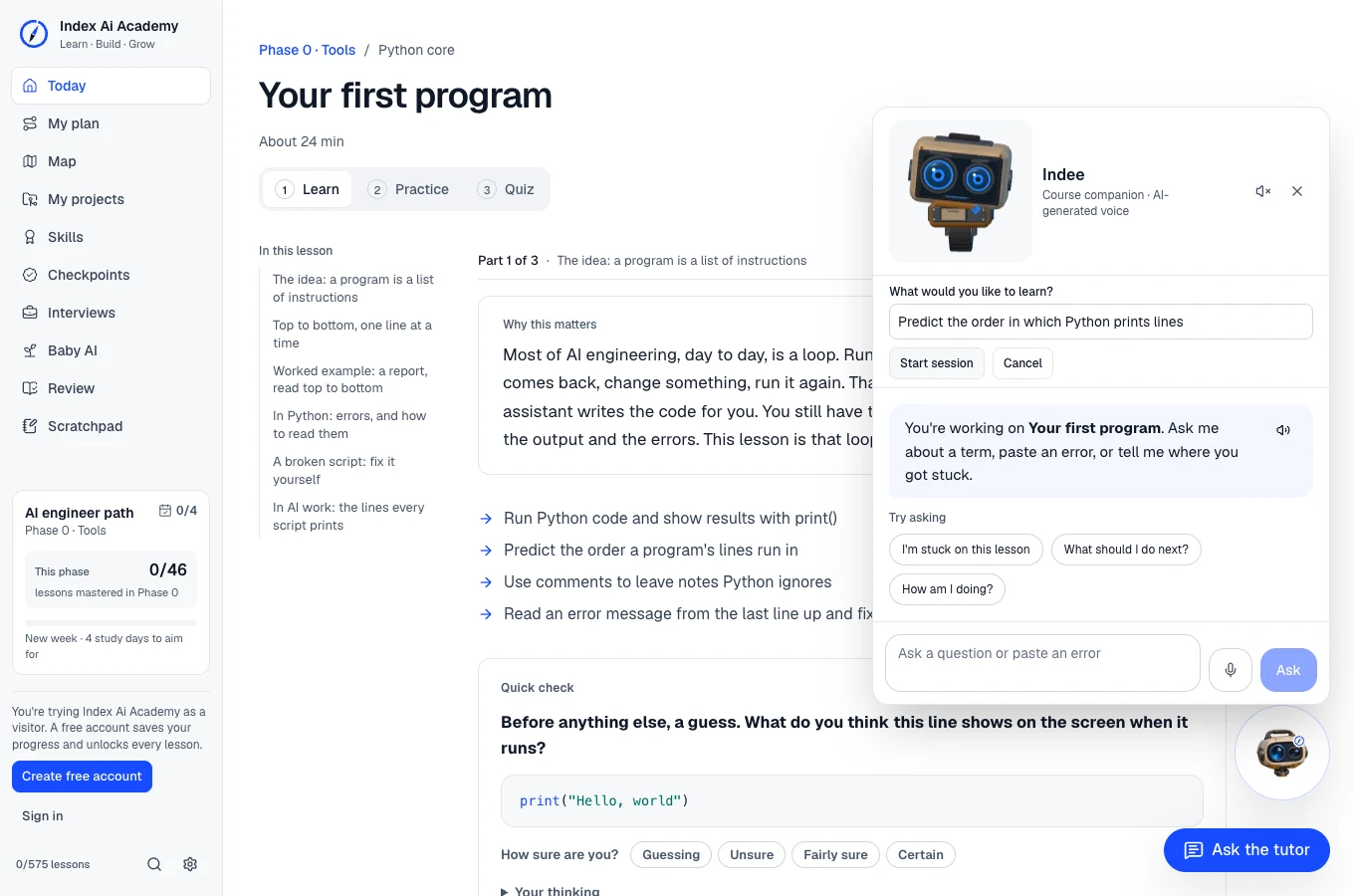
Indee is the Academy’s course companion. I built it into the learning workspace so the current lesson and stage are available when a learner asks a question. A learner can start a guided session with a goal, continue to the next practice step and choose when to share an exercise attempt.
Learners can type a question or talk to Indee through the microphone. A separate speech service can stream Indee’s spoken replies, and the same audio drives the tutor’s 3D character as it speaks. The character follows the lesson margin as the learner scrolls.
One lesson walkthrough
One request can bring up the relevant Academy lesson, a worked example and a check for understanding. The learner can switch between the example and quiz.
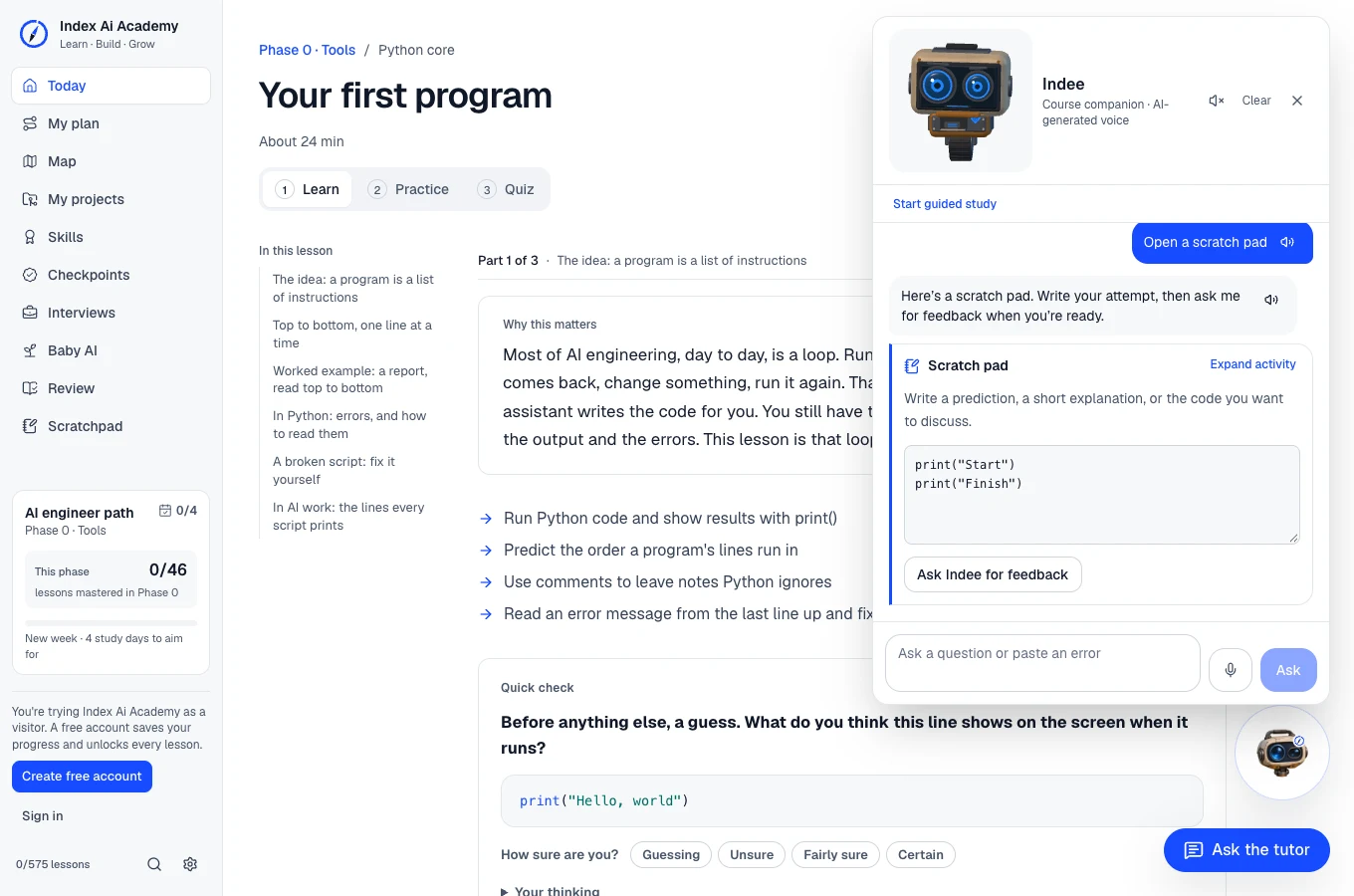
Practice inside chat
Inline quizzes, worked examples and scratch pads give the learner a place to make an attempt and review it.
Checked links and actions
The server resolves lesson links against the Academy catalogue. The workspace checks actions such as opening a lesson tab or highlighting its editor before applying them.
A separate model configuration
Indee has its own conversation model setting. The server budgets the available context for instructions, the latest question and an answer before including recent turns.
How I design learning products
The same method works for any subject that people have to be able to do, not just describe. I turn the subject into a map, give every idea something to practise, and make progress measurable for the learner and the organisation.
Map the knowledge
Break the subject into concepts and the prerequisites between them.
Write for doing
Give every concept an exercise, a decision or a build that proves it.
Make it observable
Interactive labs that show what a calculation, a model or a process is doing.
Check automatically
Exercises, quizzes, checkpoints and projects with checks that pass or fail.
Measure and improve
An operator console for activity, tutor use and costs, and content checks before anything ships.
Where a custom learning product pays off
Company-wide AI upskilling
Teams learn to use and build with AI on their own tools, with progress managers can see.
- placement
- routes
- reports
Universities and colleges
Course content becomes interactive practice with automatic feedback and server-marked checkpoints.
- exercises
- checkpoints
- projects
Bootcamps and training providers
A structured route from basics to portfolio, with interview practice built in.
- portfolio
- interviews
- certificates
Professional and certification bodies
Competency maps, assessments and records that stand up to review.
- competencies
- assessments
- audit
Life sciences and regulated industries
Procedures and data analysis taught with runnable examples and checks on every step.
- procedures
- analysis
- checks
Marketing and commercial teams
Practical AI skills, from prompting and retrieval to automation, on realistic tasks.
- prompting
- RAG
- automation
Developer onboarding
Internal platforms and APIs taught through exercises that run against the real interfaces.
- APIs
- tests
- runbooks
Maths and science foundations
Ideas taught by hand, in code and in context, with visual labs that make them concrete.
- visual labs
- Python
- drills
Learn a concept, run the code, then build with it
An adaptive AI engineering academy: 575 concepts in 13 phases, browser-run Python, live model labs, the Indee chat and voice tutor, and test-checked projects.
For independent learners starting with Python, software developers moving into AI engineering, and educators who need to see where learners practise, progress or get stuck.
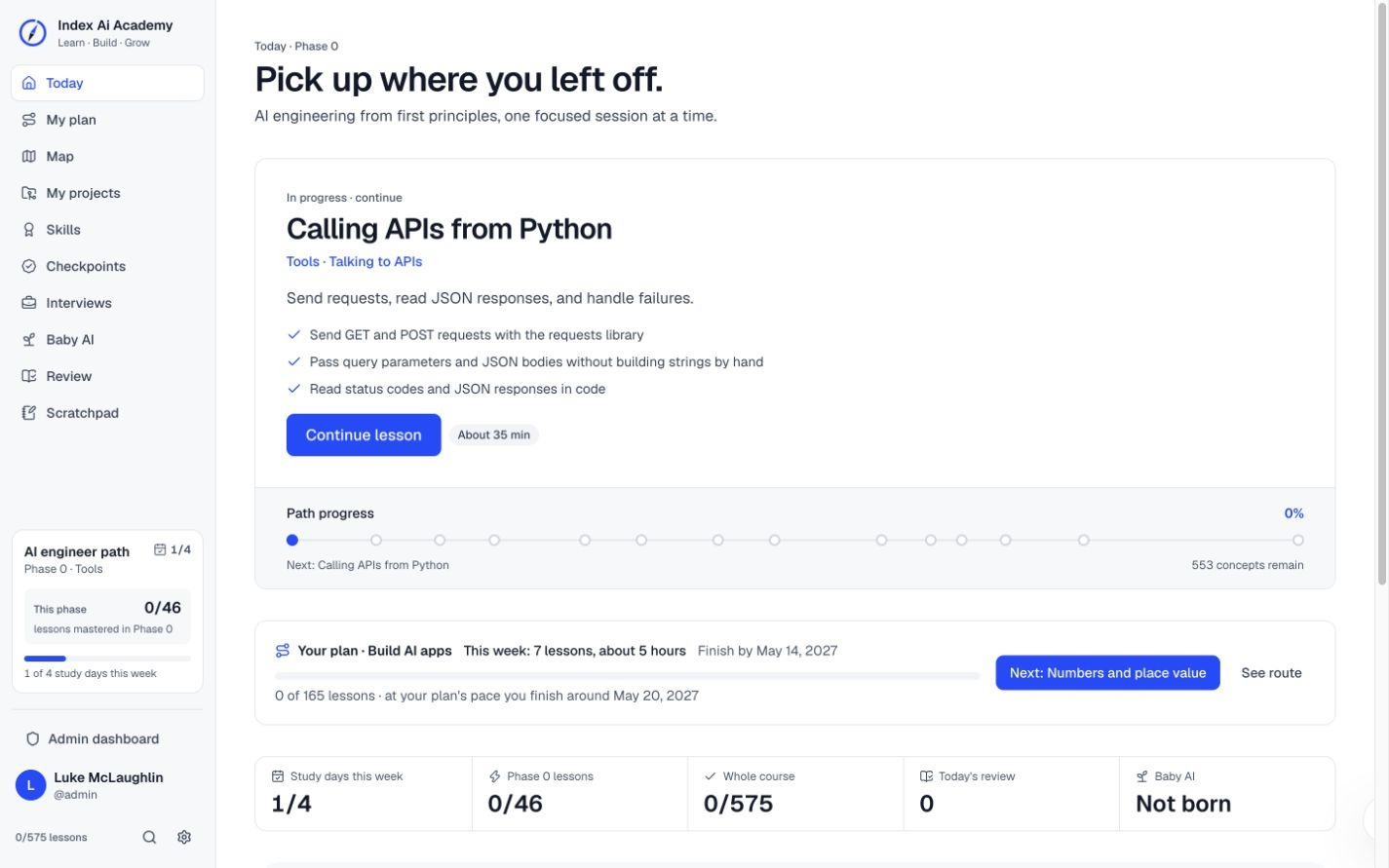
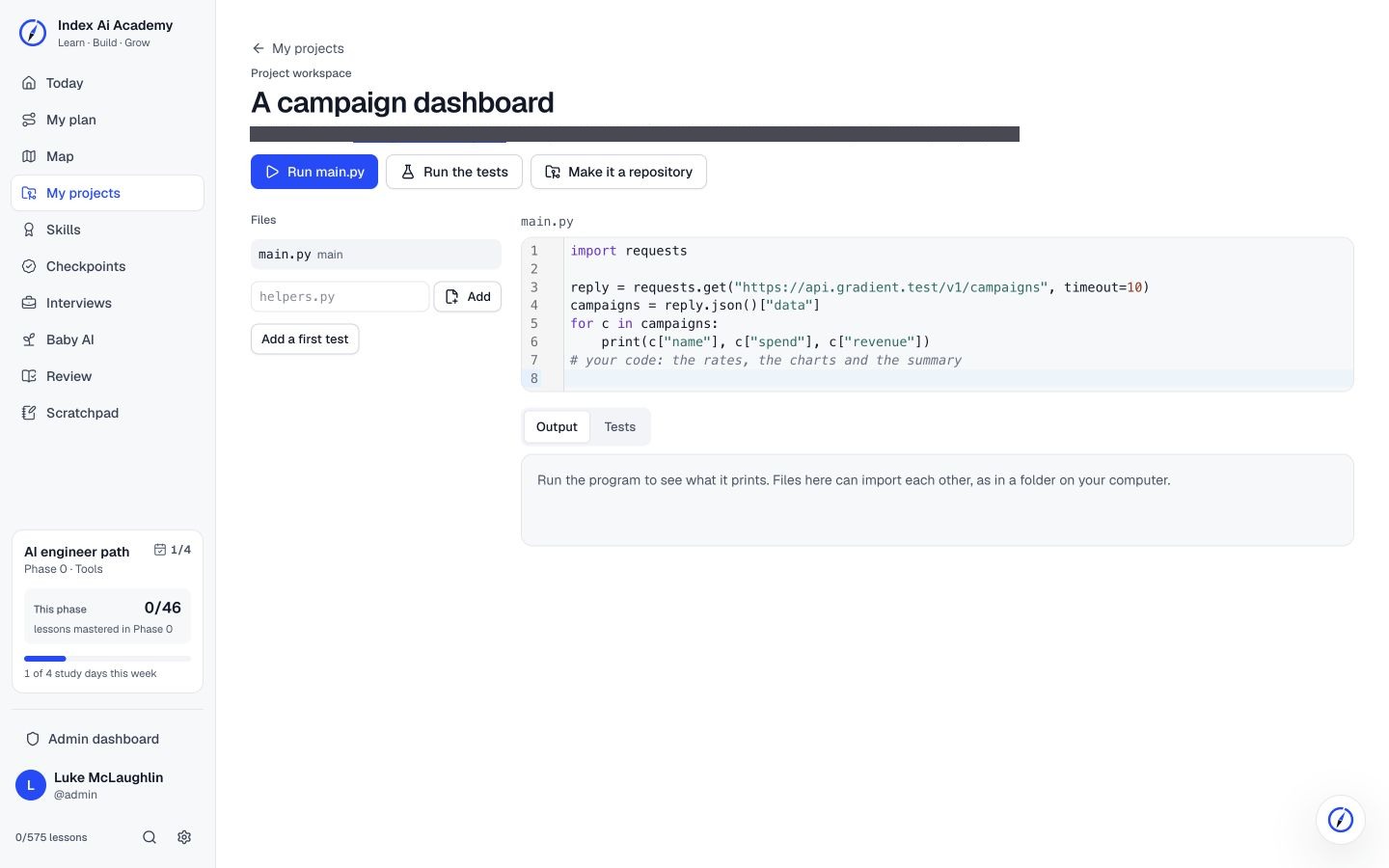
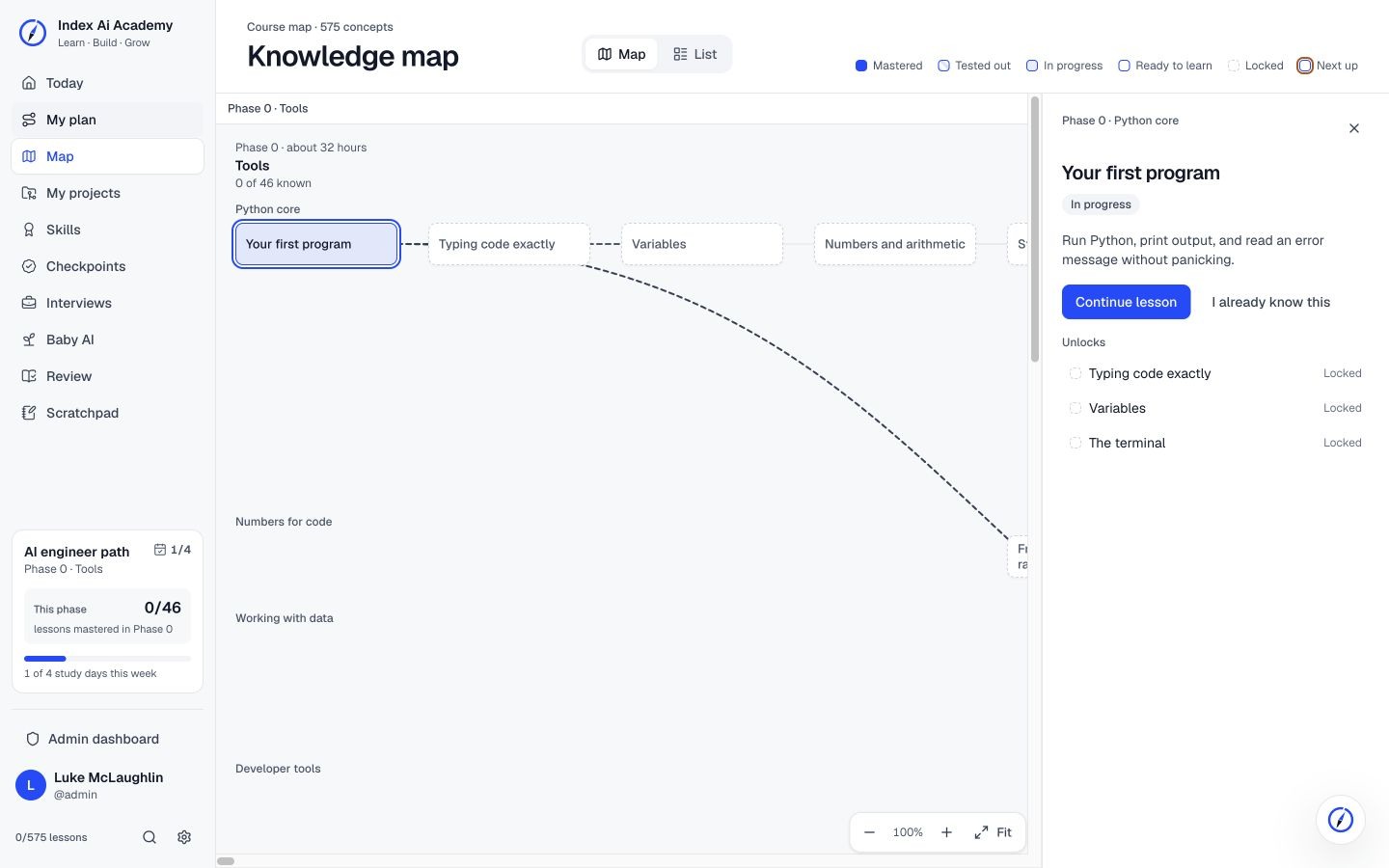
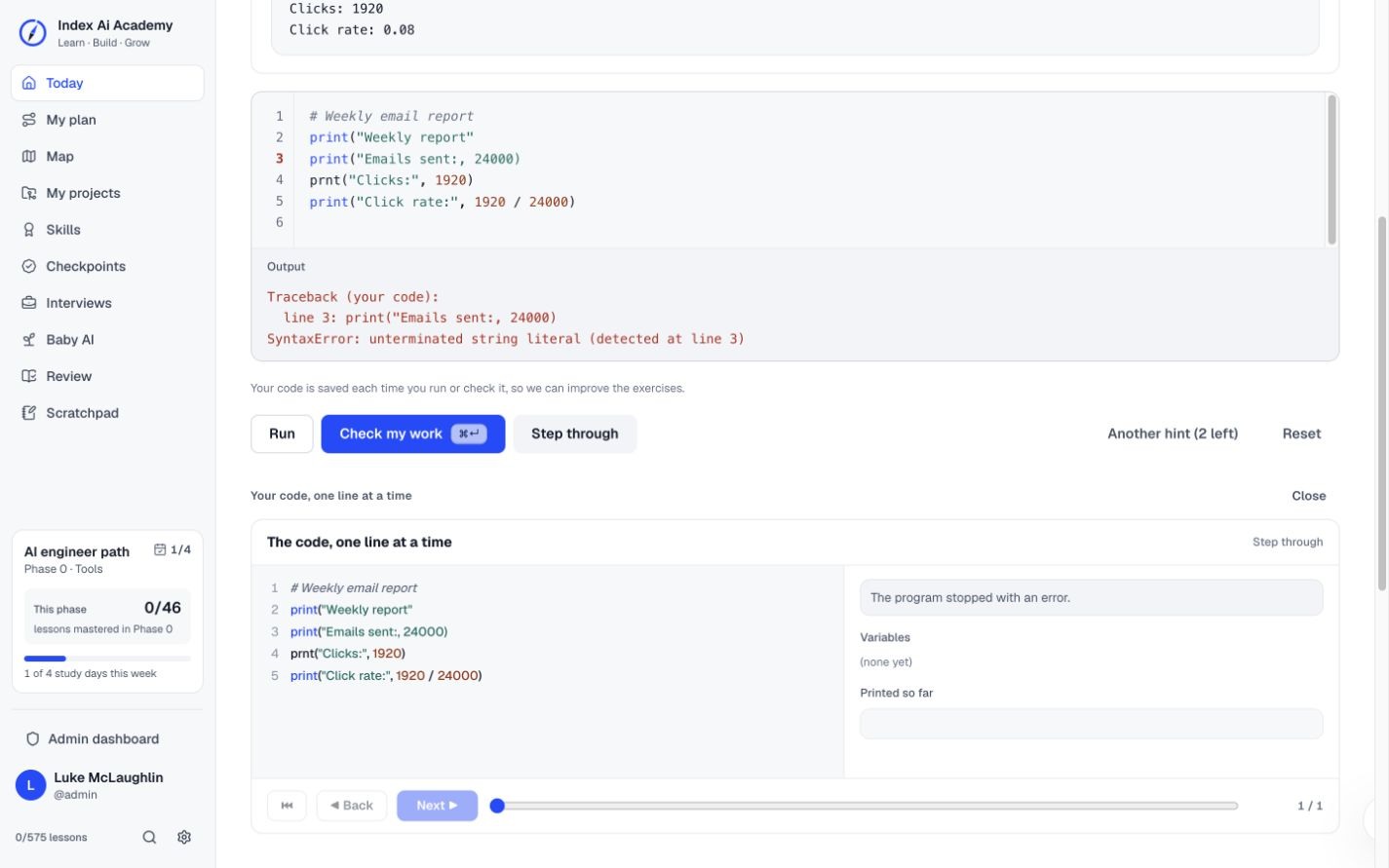
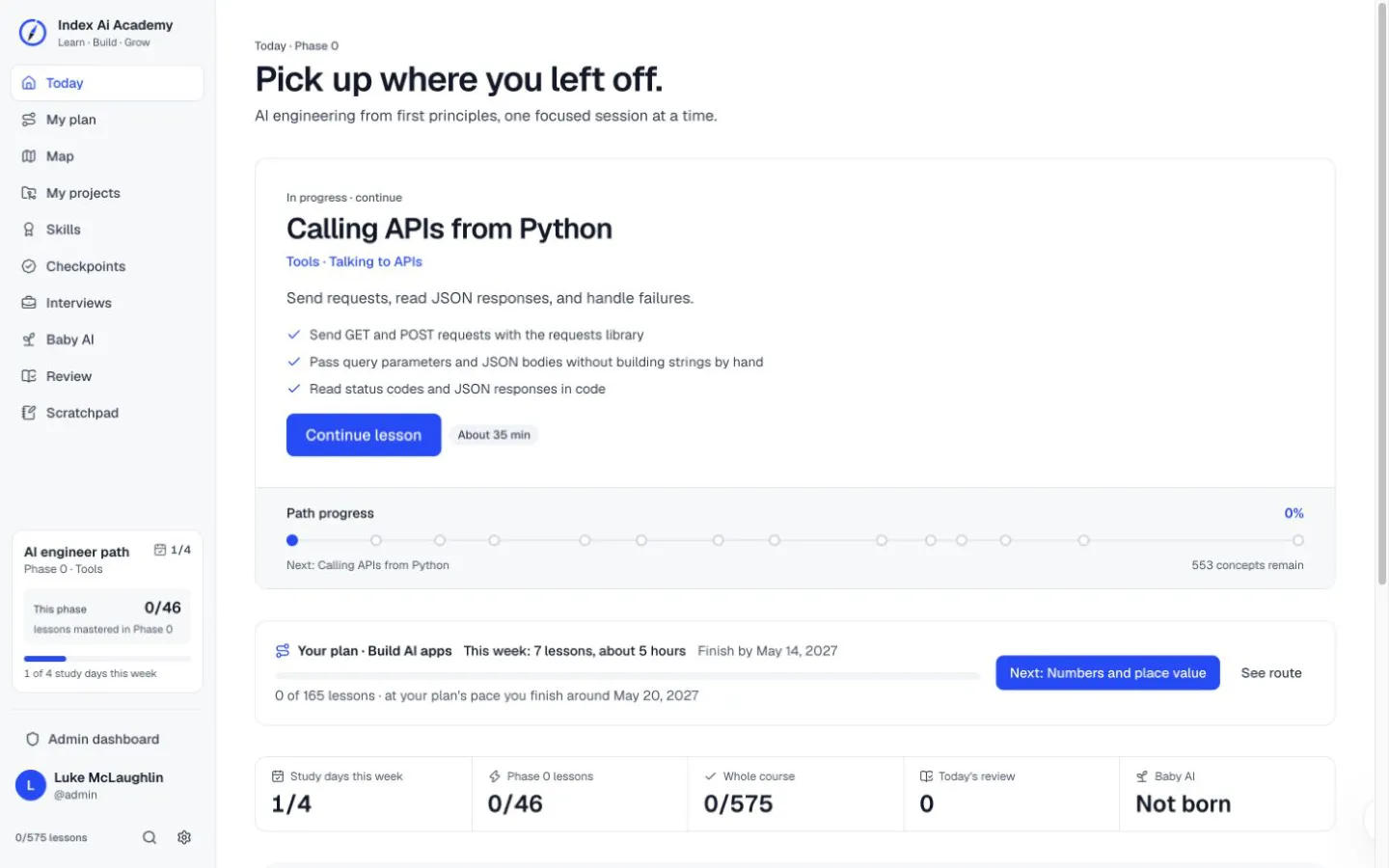
A learner can resume Calling APIs from Python on Today and carry that skill into a campaign dashboard project. The map explains what to study first, the lesson supplies practice, and the project workspace brings the files and checks together.
Find a starting point
A placement test checks prior knowledge. The planner combines goals, prerequisites and weekly study time into a route across 575 concepts. Today, the knowledge map and the skills view give different ways to pick up the next session.
Practise with immediate feedback
Move between Learn, Practice and Quiz, edit and run Python in the browser, and inspect execution one step at a time. The scratchpad gives room for experiments and Halo can explain a lesson in the context of the learner’s work.
Test understanding over time
Review resurfaces material for spaced recall. Checkpoints assess progress through a phase, projects turn lessons into working builds, and interview practice covers coding, design and explaining decisions.
Observe learning at two scales
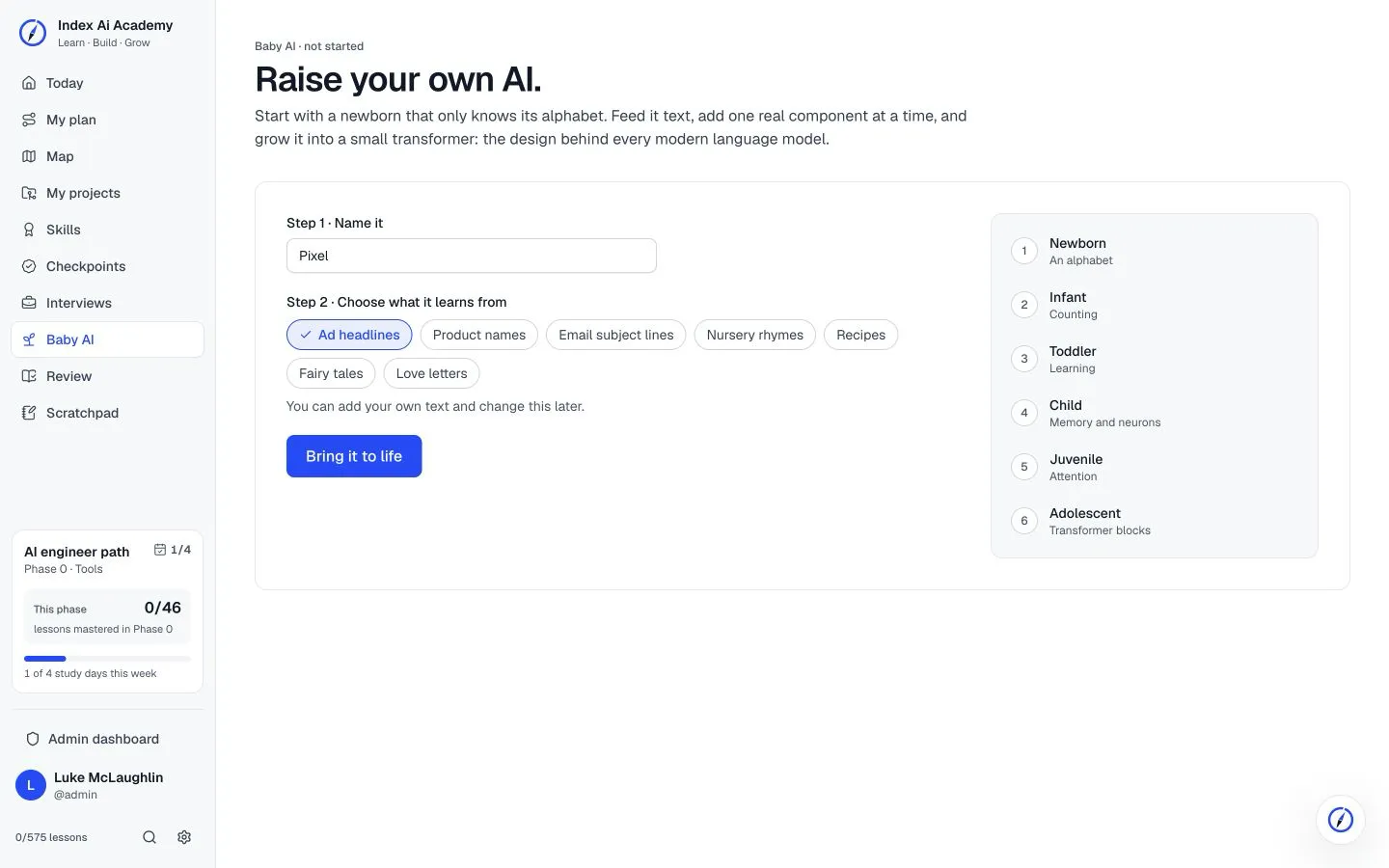
In Baby AI a learner supplies examples and observes a small language model change. For operators, the administration area covers learning activity, tutor usage, engagement, acquisition, costs, diagnostics, exports and audit history.
Turn a learning goal into a study plan
The planner asks what the learner wants to build, what they already know and how much time they can spend each week. It combines those answers with lesson durations and prerequisites to estimate a finish date and identify projects along the way.
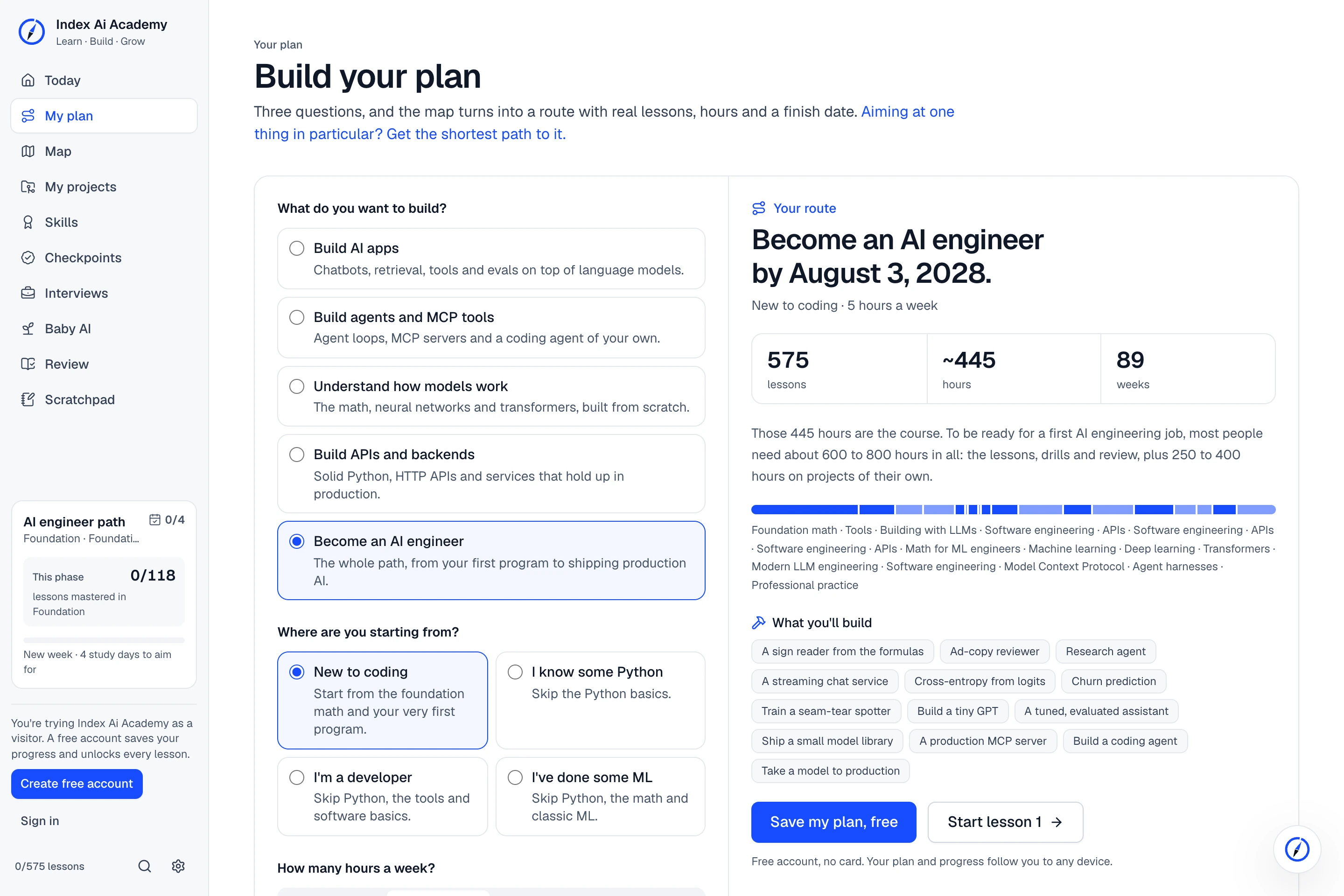
The selections on the left produce the route on the right. Its lesson count, study hours, projects and estimated finish date make the commitment concrete.
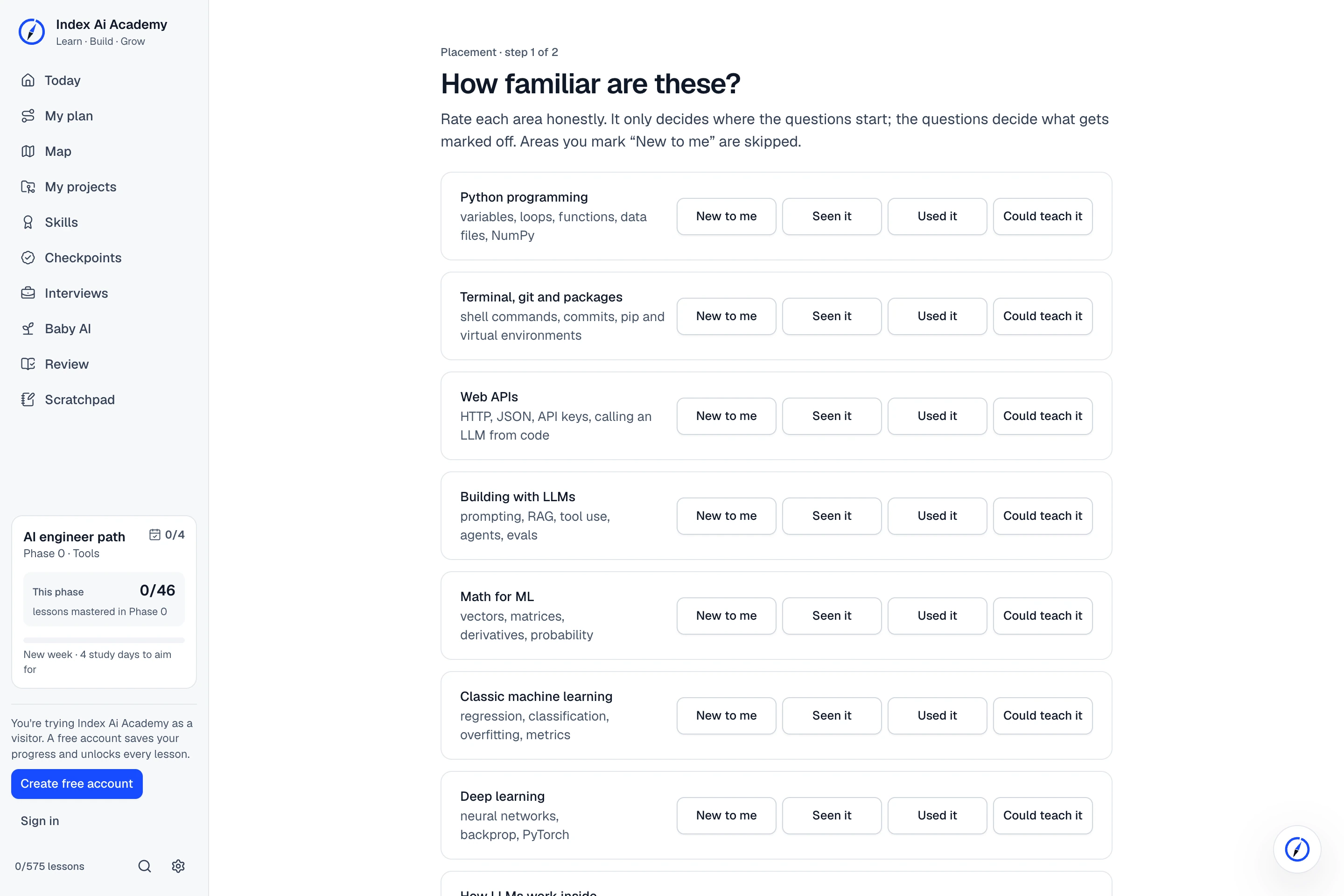
The opening ratings help choose the starting difficulty. Later questions supply the evidence for marking a concept as already understood.
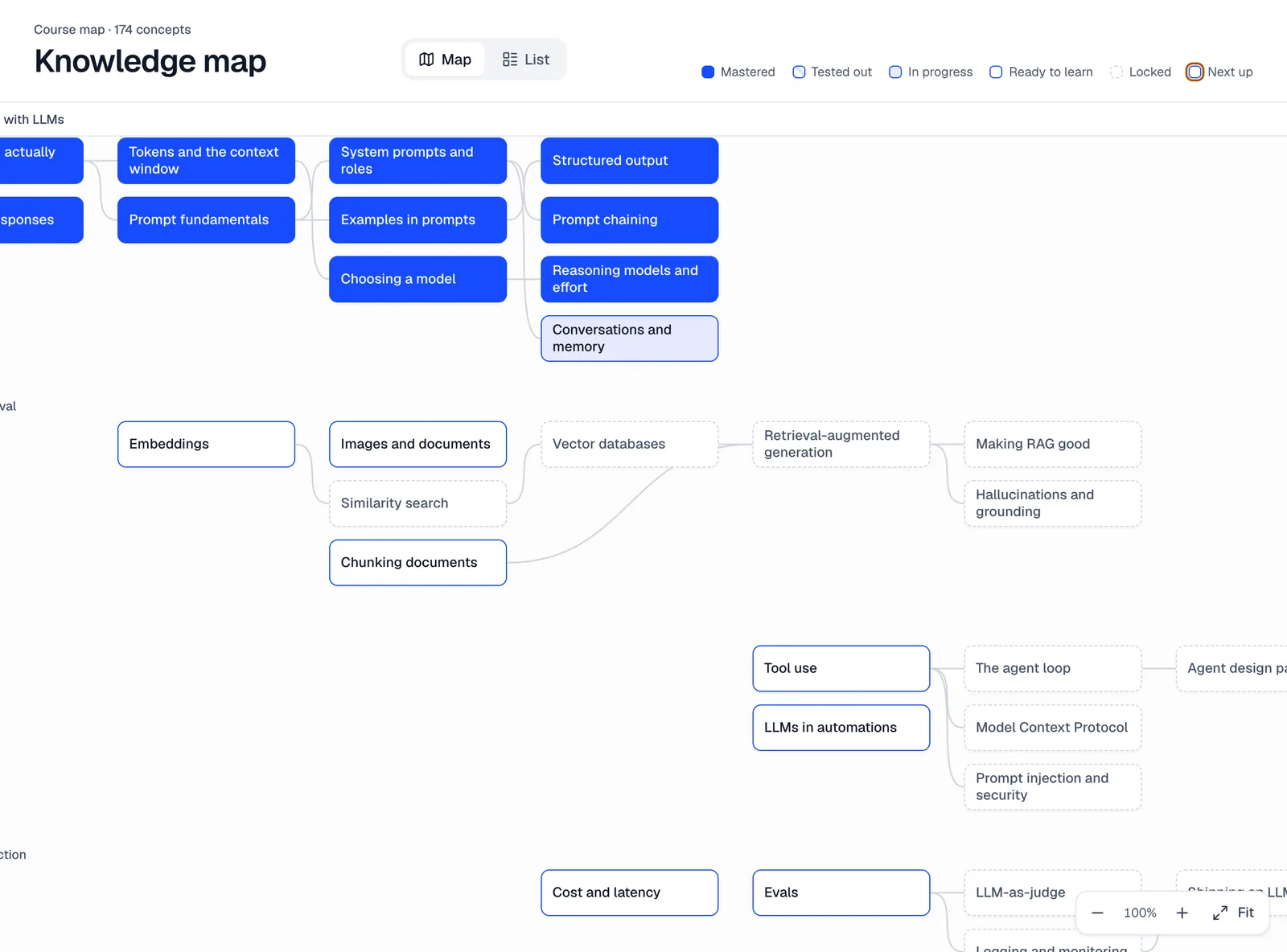
Connections show which ideas feed into a later lesson. Colour and state labels distinguish completed, available and locked concepts.
Placement goes one step further. Familiarity ratings choose where the questions begin. The answers decide which material a learner can test out of. The knowledge map keeps prerequisite relationships visible when someone wants to inspect or change direction.
Read the idea, run the code, check the result
A lesson on the first LLM call starts with a concrete problem. A chat app shows a reply, but the developer still needs to know what the application sends over HTTP. The lesson introduces the request, response text and context limit, then moves from explanation into practice and a quiz.
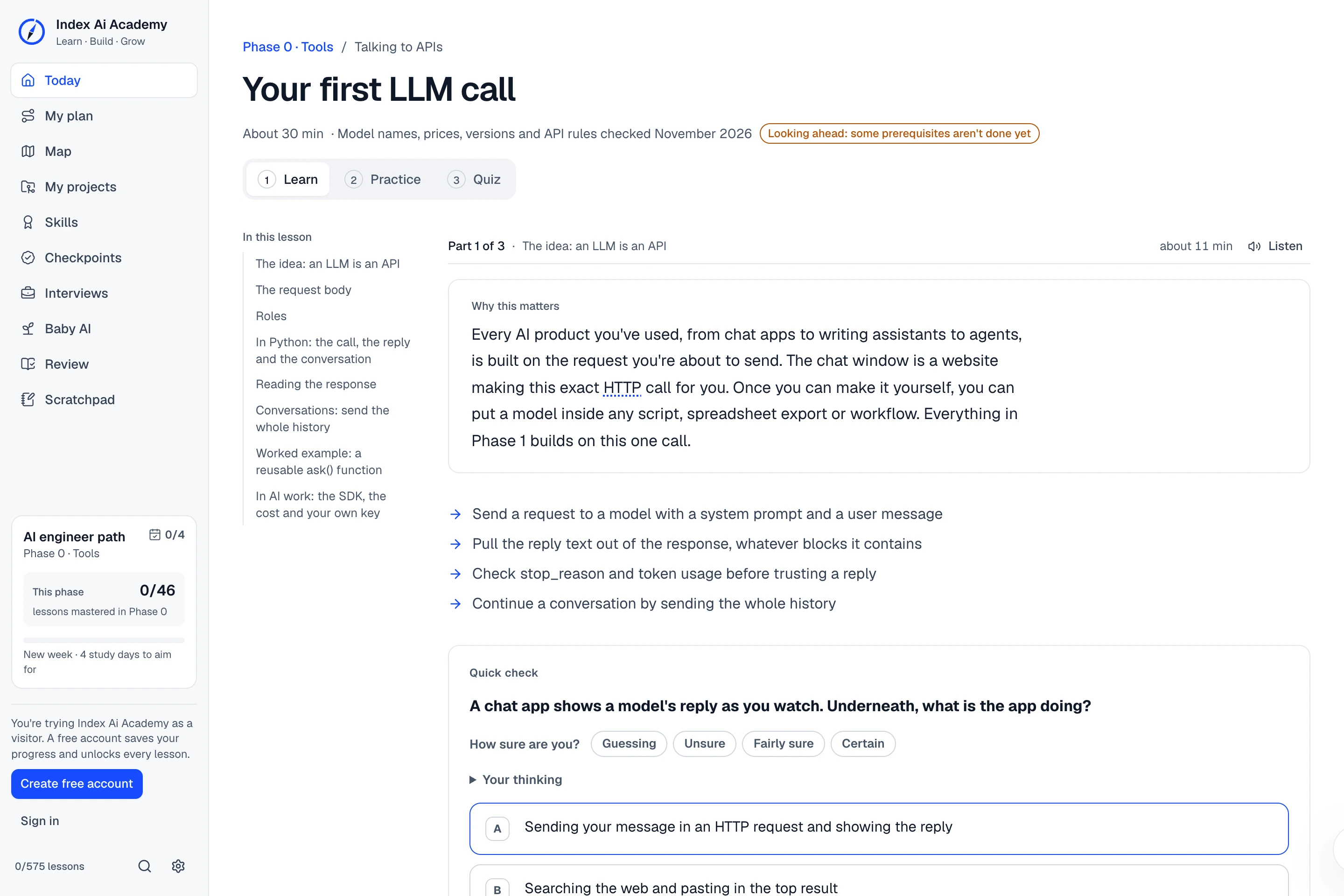
The section outline stays beside the lesson, and the Learn, Practice and Quiz controls show how the explanation leads into assessed work.
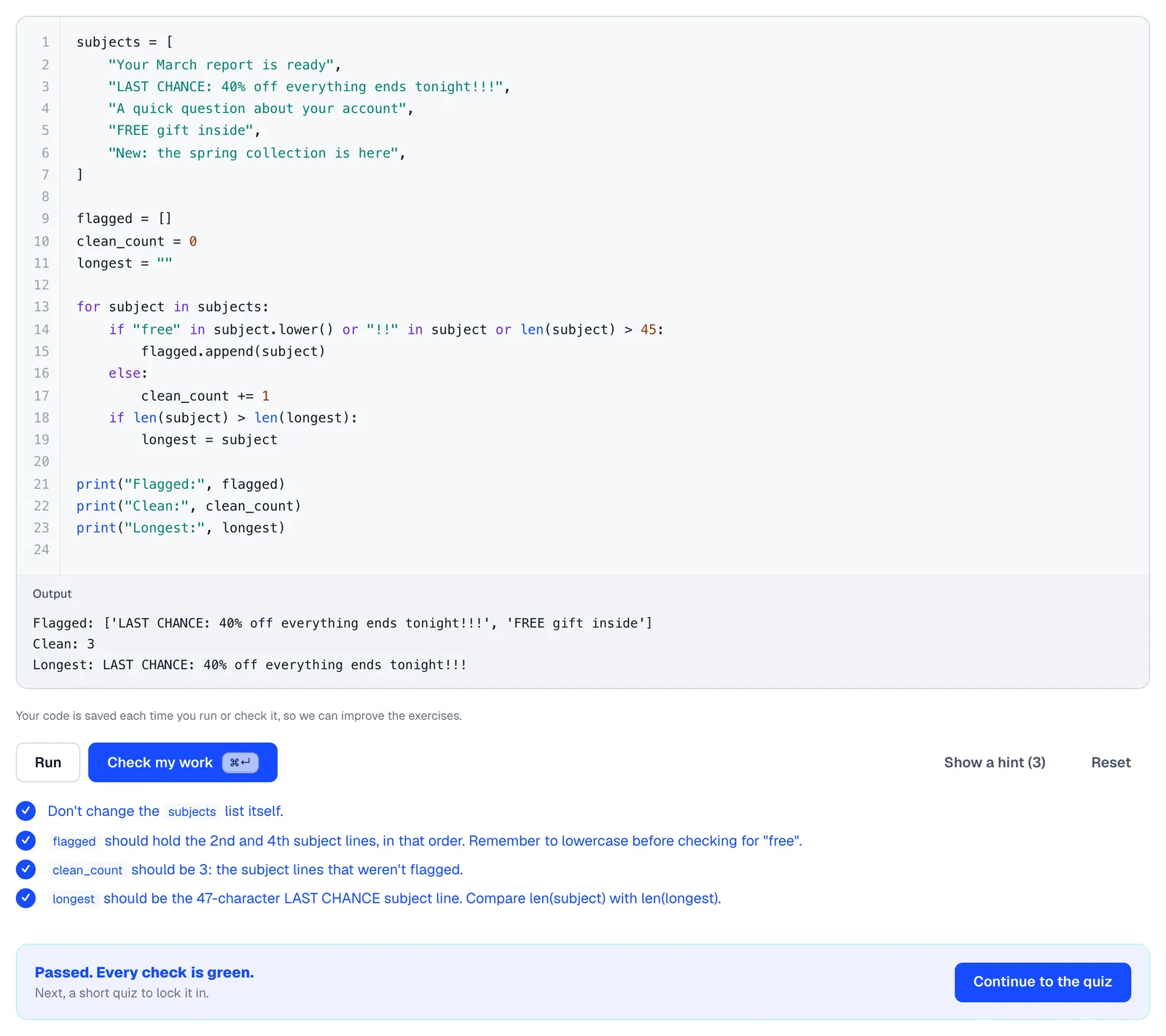
The editor and checks share a view. A learner can trace a failed condition back to the code, change it and run the exercise again.
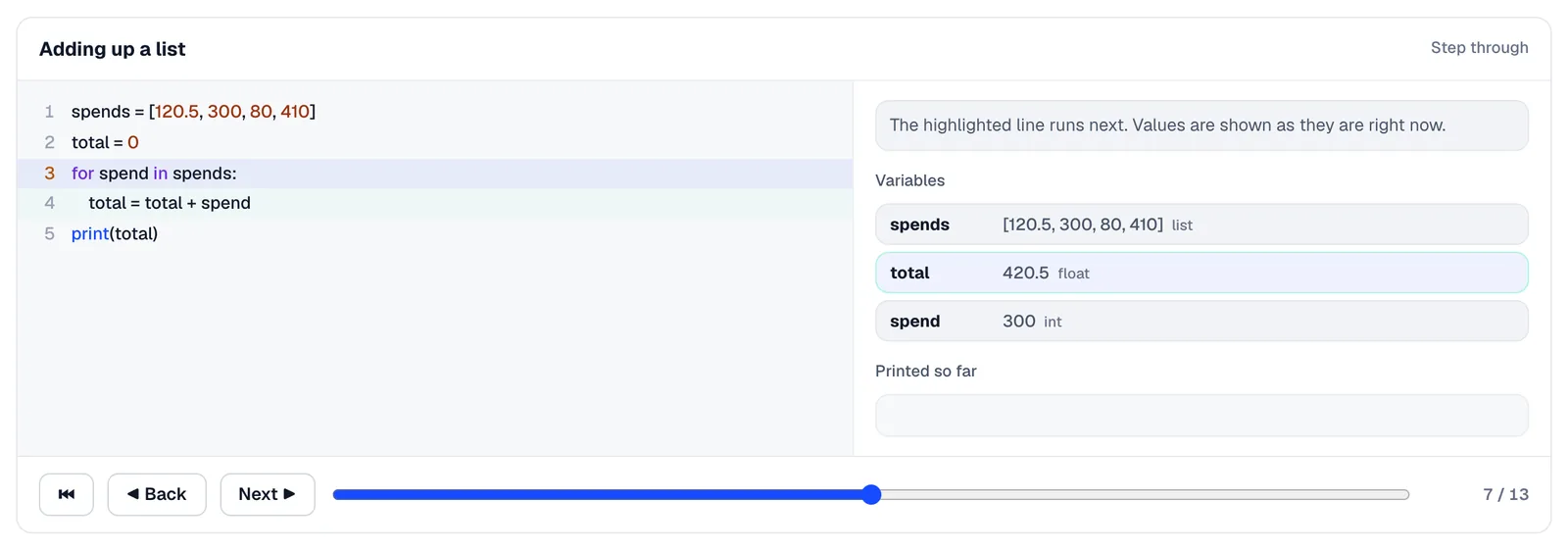
Stepping through the loop exposes the accumulator and current item after each line, making a changing program state visible.
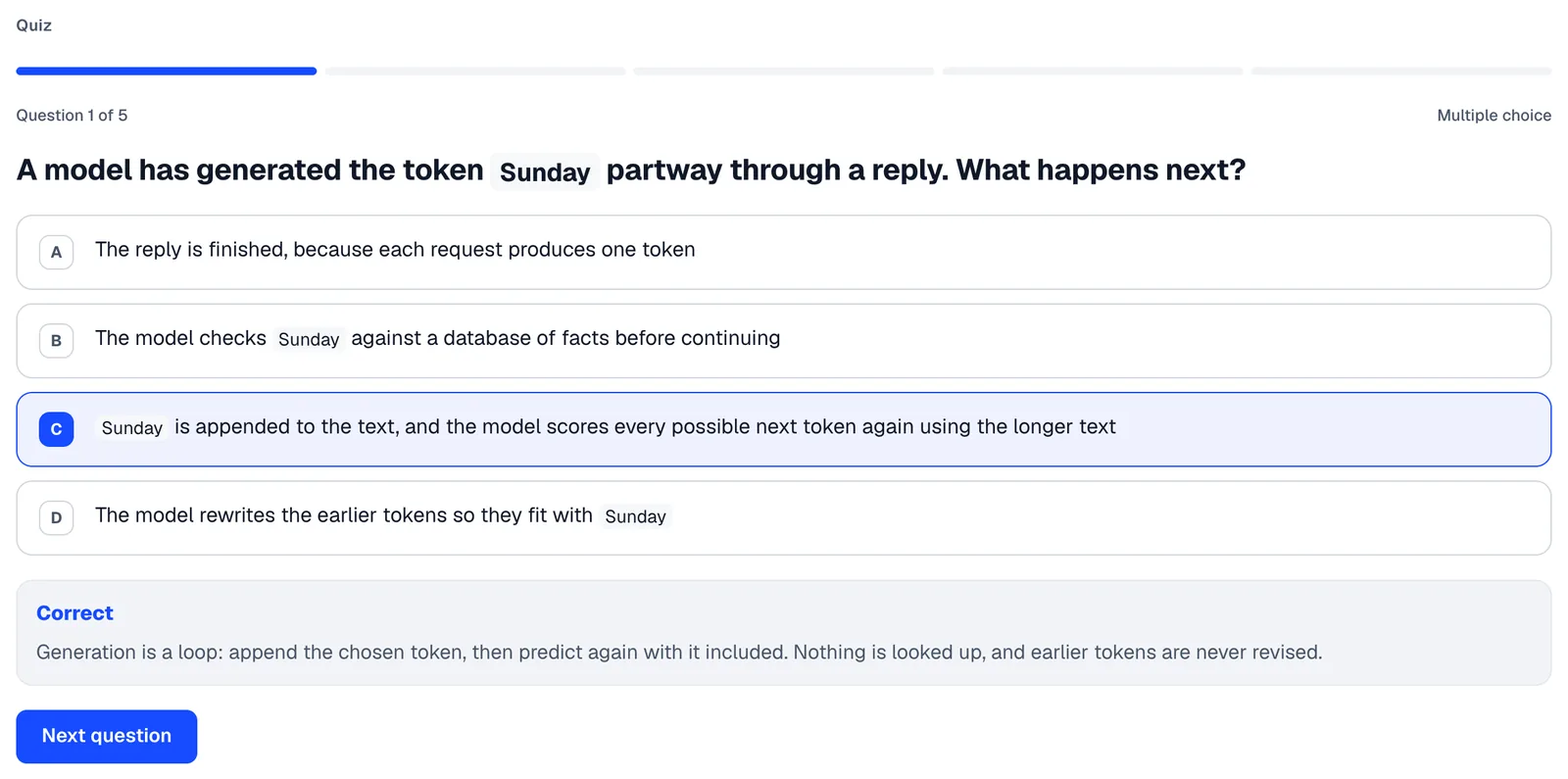
Feedback explains why the next token is appended to the sequence. It connects the answer to what actually happens on the next generation step.
Python exercises run in the browser through Pyodide. Learners can edit the code, inspect output and see which checks passed. A step-through visualiser exposes variables between lines. When enabled, Indee can use the learner’s code and error as context for its explanation. Saved lessons and a separately downloaded Python runtime can be used offline.
Make model behaviour observable
Why does increasing temperature make a model’s output more varied? The two screens below show the same scores at two temperatures. The learner can move the control, read the new probabilities and see the calculation underneath. In the attention lab, selecting a word similarly reveals the weights it gives to the surrounding tokens.
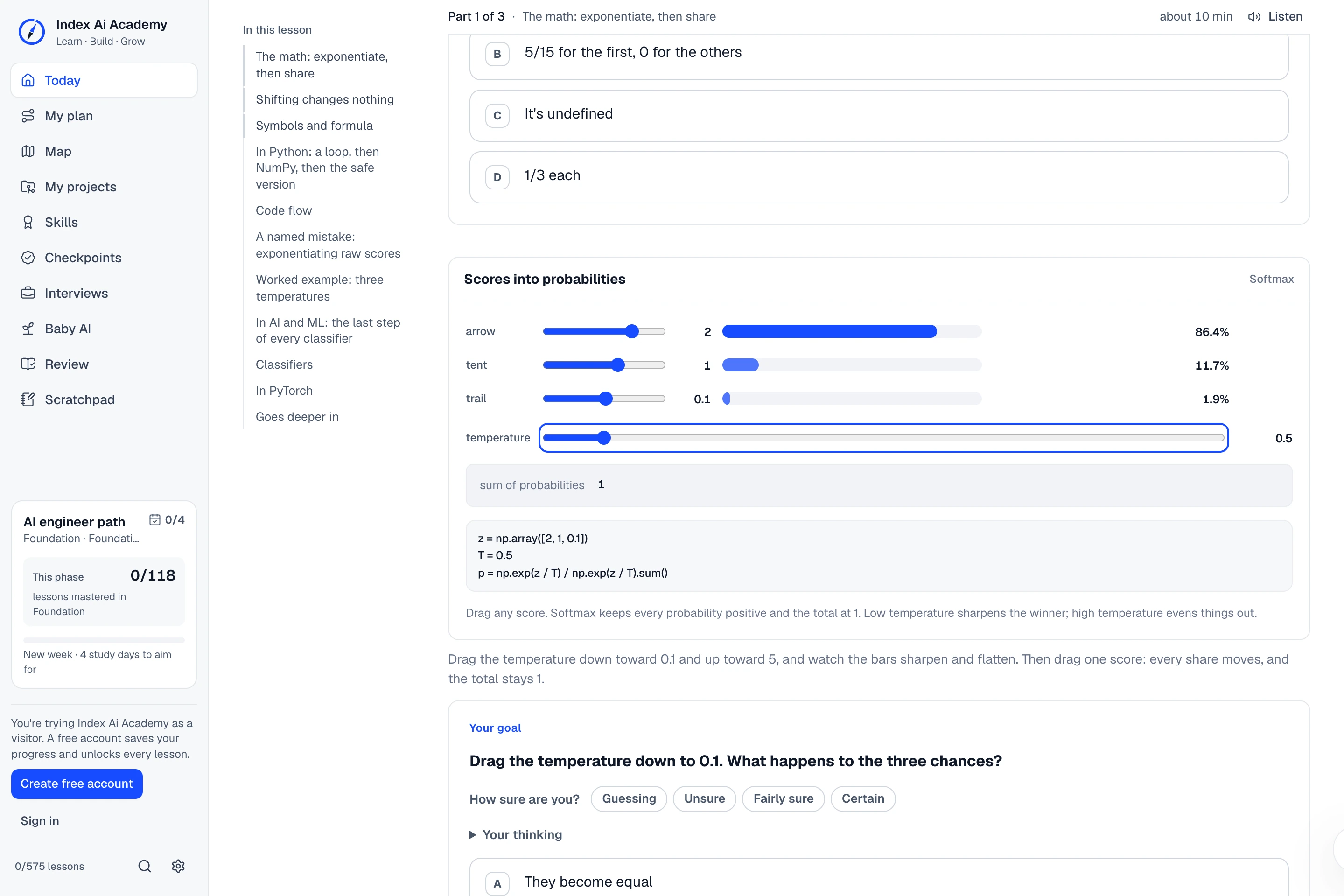
The scores are 2, 1 and 0.1. At a temperature of 0.5, the first class takes 86.4% of the probability. Select Temperature 2 to see the same exercise after changing one slider.
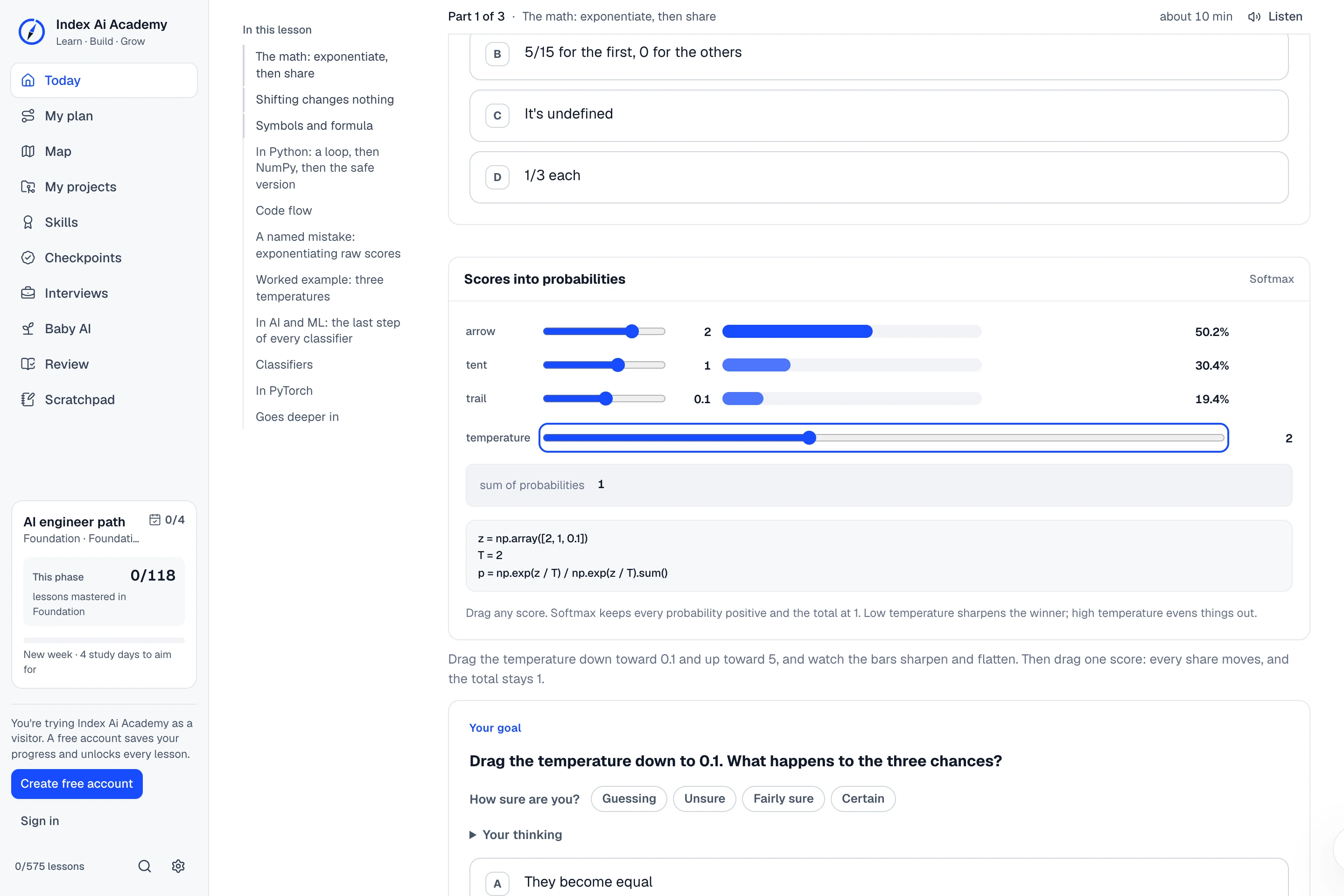
The scores stay fixed. Raising the temperature to 2 reduces the leading class to 50.2% and lifts the other two to 30.4% and 19.4%. The sum remains one.
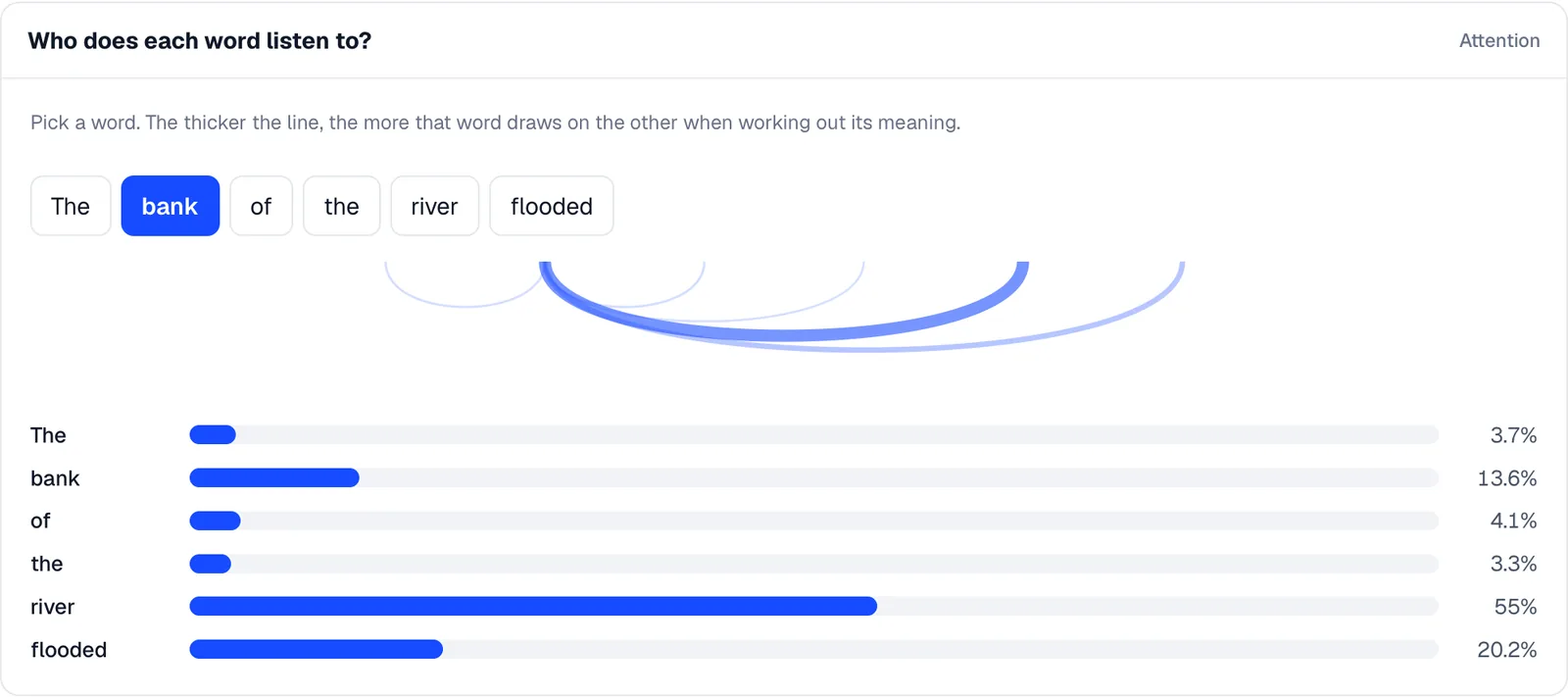
Selecting “bank” links a word in the sentence to its attention distribution. The arcs and bars are two views of the same weights.
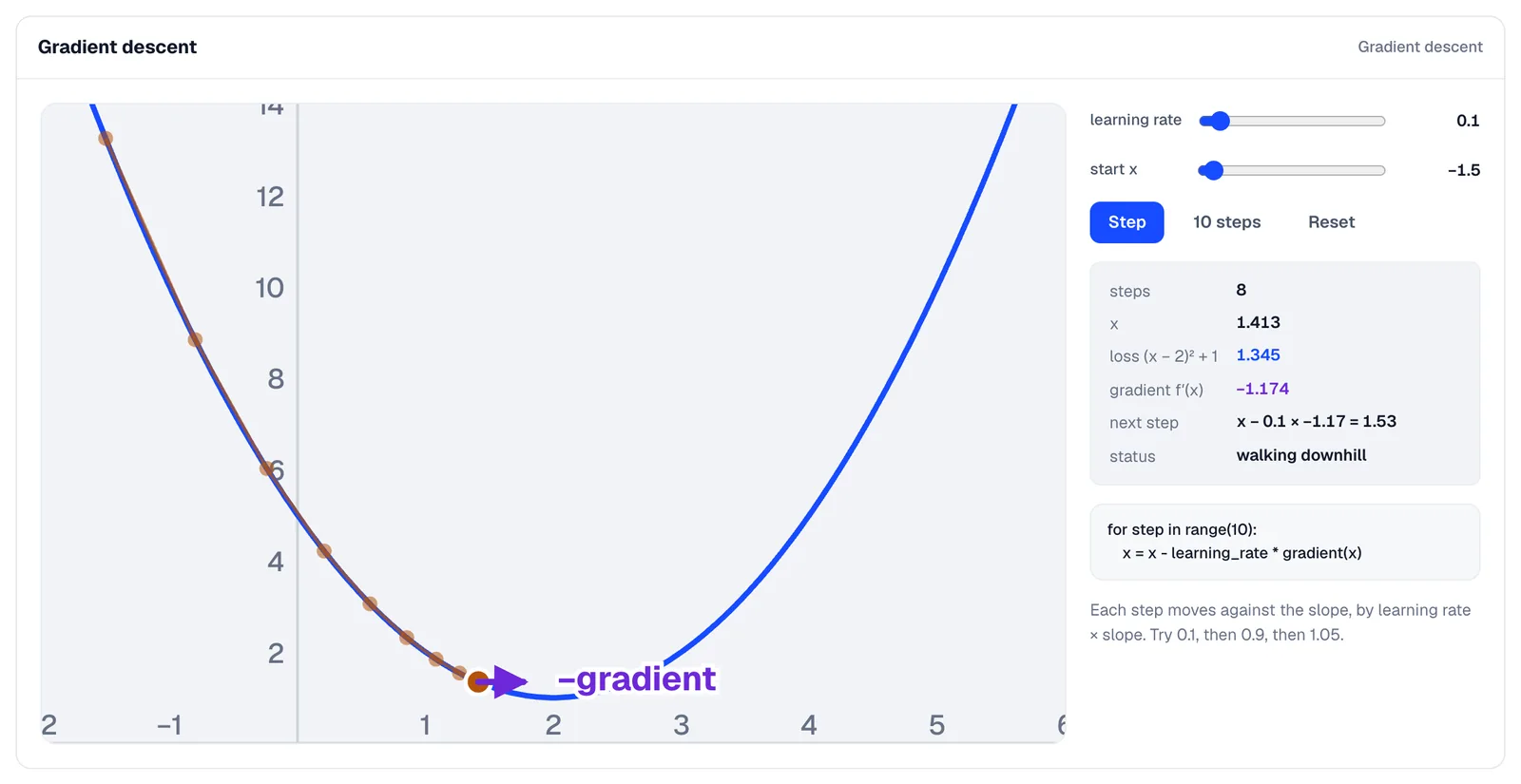
The point on the curve, the slope and the update rule show one optimisation step from three perspectives.
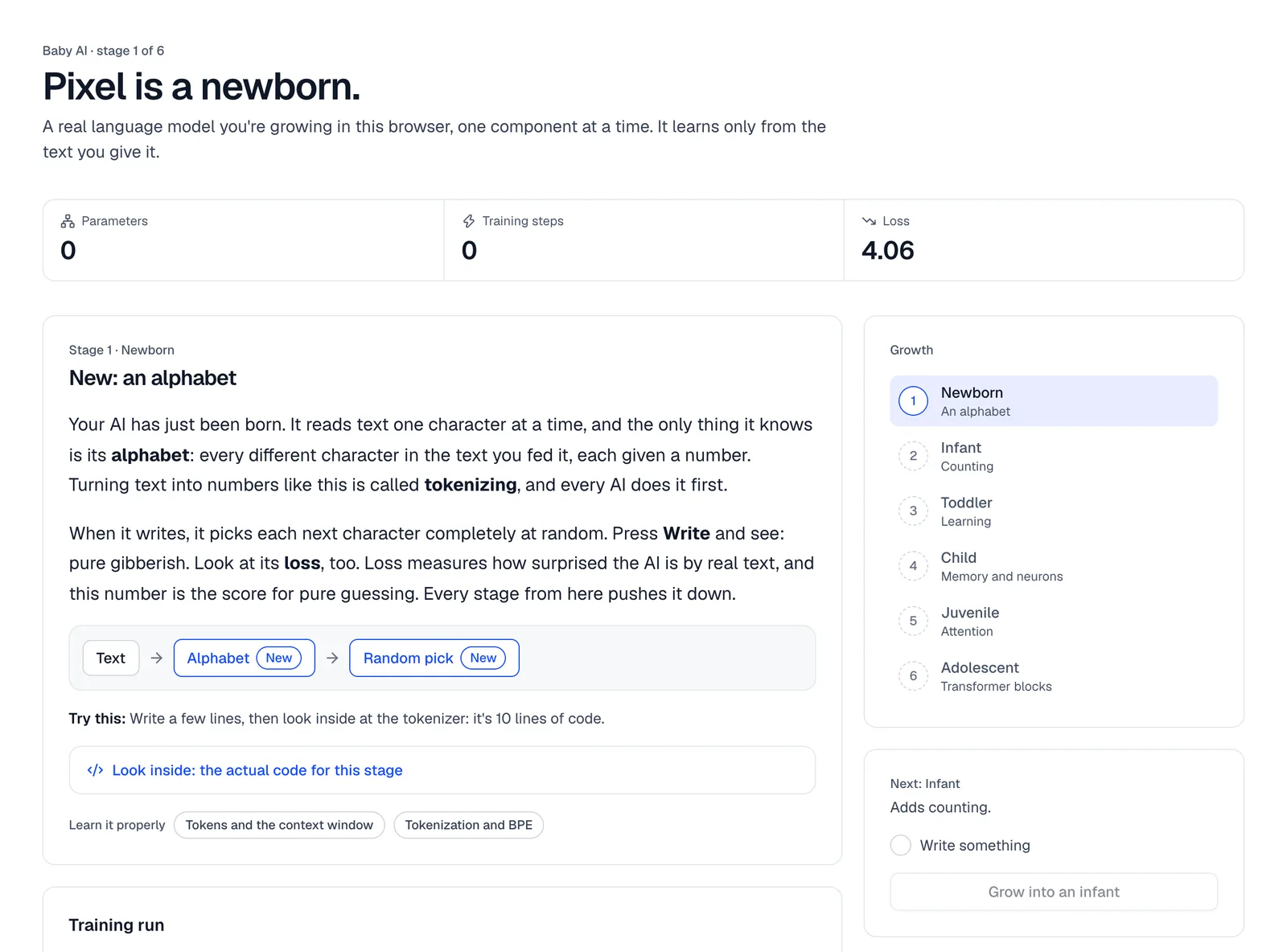
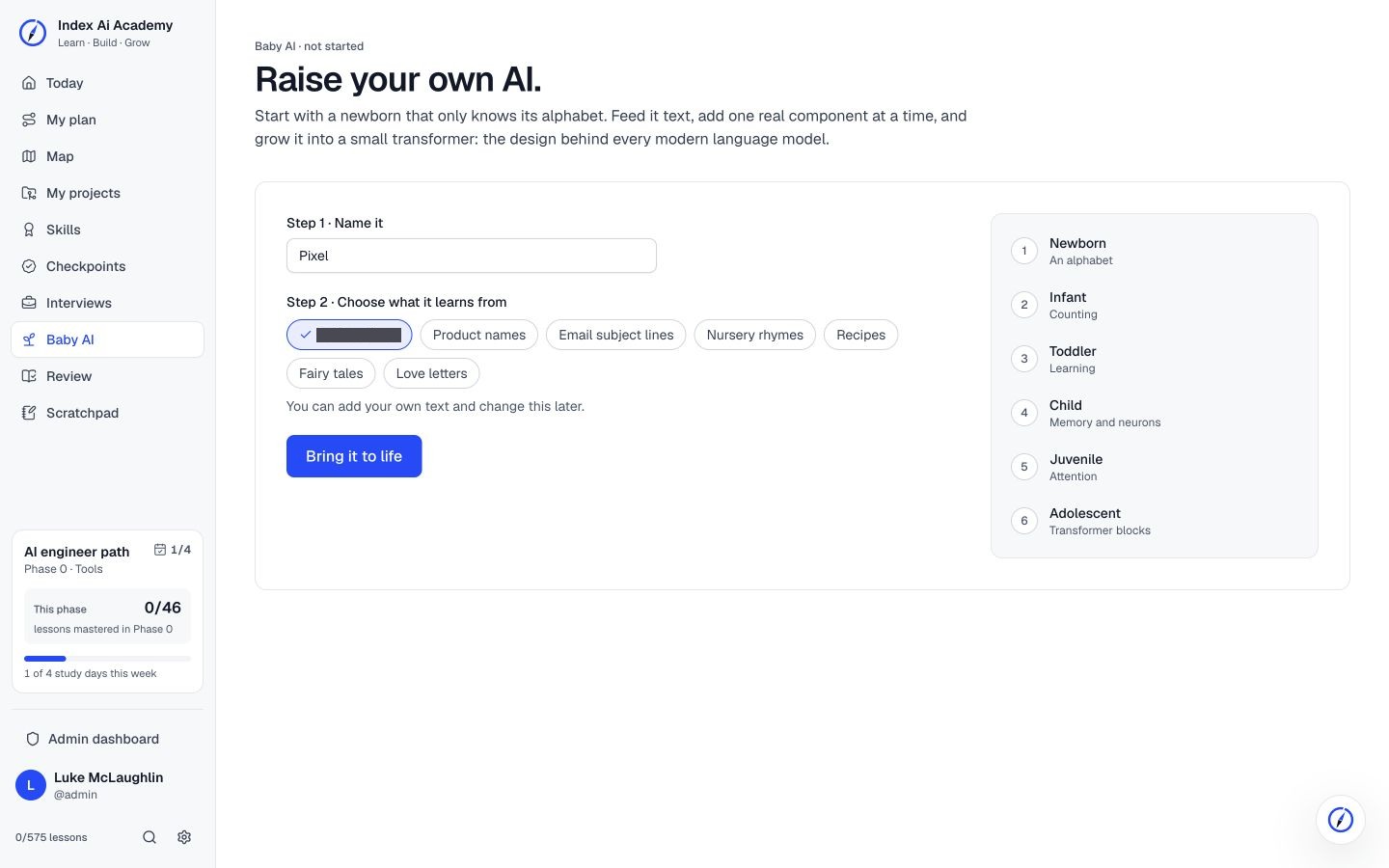
Pixel begins with an empty training history. The notebook gives the learner a baseline for observing what changes after new training examples.
The gradient-descent lab connects a plotted curve to a step of optimisation. Baby AI extends the same principle over time. A learner supplies examples to a small character-level model and can inspect its training history and notebook as its output changes.
Carry lesson work into a portfolio
The project area organises builds by curriculum phase and lists their requirements. Opening a workspace gives the learner project files and a test panel. Review cards bring mastered concepts back for spaced practice, and phase checkpoints use a server-marked assessment to check what has stuck.
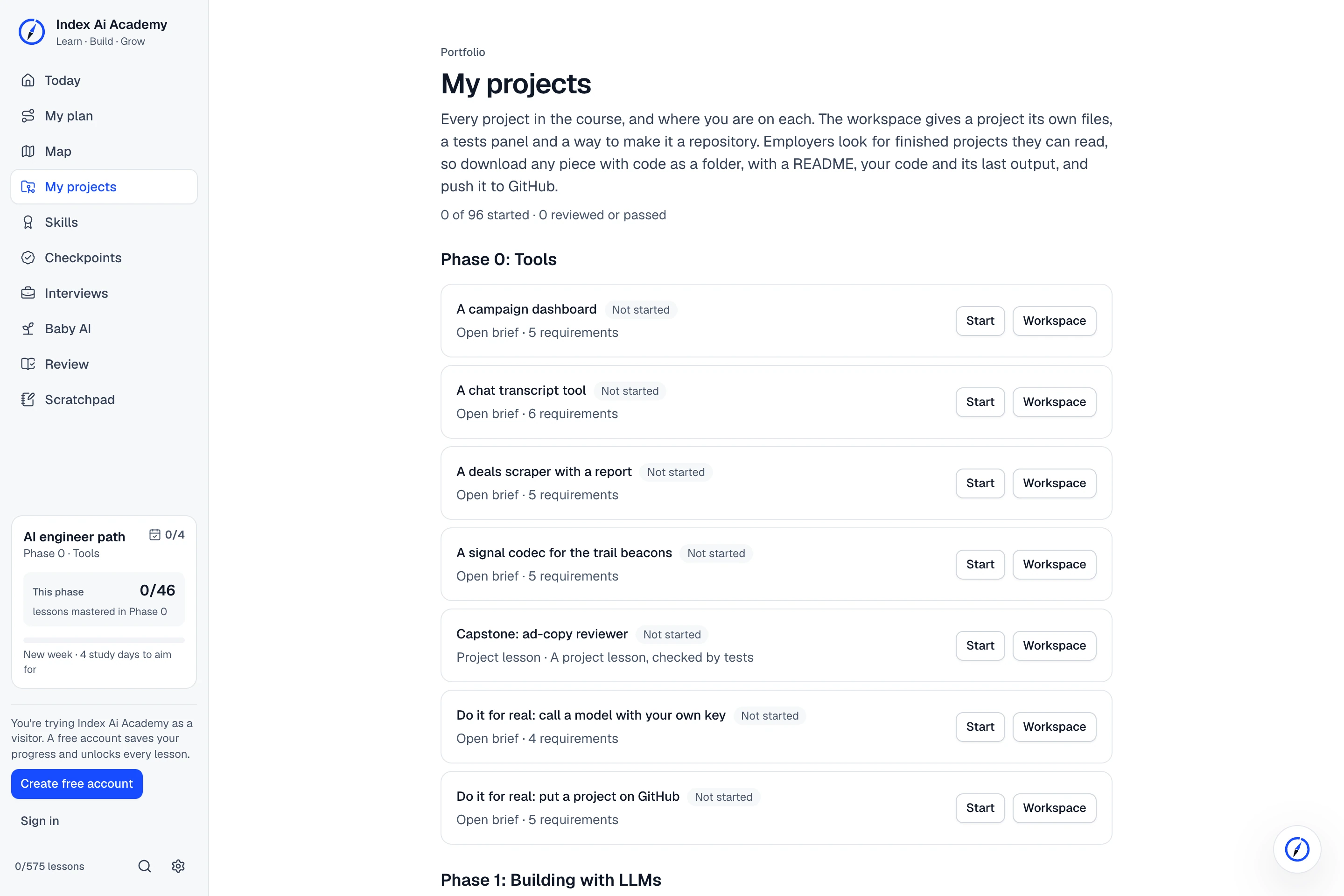
Each project exposes its requirements and a route into the workspace. A learner can see how individual lessons contribute to a larger deliverable.
Interview practice adds timed coding, system-design and other role-focused exercises. These give a learner several ways to demonstrate the same skill, from explaining a concept to producing a working implementation.
Model behaviour you can see and change
The Academy’s labs turn the mathematics of AI into something a learner can move and watch. Here is one of them, running on this page.
Try it: temperature and softmax
Three classes keep fixed scores of 2, 1 and 0.1. Move the temperature and watch the probabilities the model would sample from. At 0.5 the first class takes 86.4%. At 2 it falls to 50.2%. The total is always 100%.
Attention weights
Select a word and see how strongly it attends to every other token, as arcs and as bars.
Gradient descent
Follow one optimisation step on a loss curve, with the slope, the learning rate and the update together.
Baby AI
Name a small language model and grow it through six stages, from a random newborn to a small transformer, trained in the browser on text the learner chooses.
Code stepper
Pause Python between lines and watch every variable change.
HTTP and JSON explorers
Build a request, read the response and see exactly what an application sends to a model.
A simulated terminal
Practise command-line work safely inside the lesson.
Where each part runs
Lessons respond instantly because the work happens in the learner’s browser. The server keeps durable progress, and Indee can guide the learner from the current lesson and an exercise attempt they choose to share.
The learner’s browser
Instant, private practice.
- Python through Pyodide
- Saved lessons and their Python runtime for offline study
- Code stepper and visualisers
- Baby AI training in a web worker
- Concept search on every page
The Academy server
What has to last.
- Accounts, with Google and Apple sign-in
- Progress, plans and review cards
- Server-marked checkpoints
- Admin console and learner CRM
- Activity analytics with retention rules
Indee
Conversation and speech.
- Current lesson and study stage
- Guided sessions and inline activities
- A separately configured conversation model
- A private speech service for spoken replies
Content held to an engineering standard
Every lesson is code as well as prose, so the Academy tests its content the way software is tested.
- Every exercise
- A mutation scanner puts real beginner mistakes into every Python exercise and drill and confirms that the checks catch them. Its latest pass strengthened 39 checks across 34 lessons.
- 4 sweeps
- over every lesson for repeats, ordering claims, wording, and prose that must match the code’s real output.
- Automated tests
- Cover the planner, labs, lesson rules and content, as well as Indee’s activities, model context, speech controls and offline lesson support.
- 1,286
- glossary terms, plus a check that no lesson’s code uses a Python feature before the lesson that teaches it.
- 14
- interview sessions: timed coding with hidden tests, system design and behavioural questions reviewed against a rubric.
- Content scripts
- check the map’s order, readability, lesson references, glossary use and the tutor’s answers.
A curriculum that drives the interface
The React and TypeScript frontend uses the curriculum graph for navigation and the study planner. Lesson content, execution and assessment have distinct jobs. The browser runs Python and visual experiments, a worker handles character-model training, and the server persists account progress and marks checkpoints. That lets an exercise give immediate feedback while the learner’s longer-term record follows them between sessions.
Complete screenshot library
Explore 385 full-frame views of Index Ai Academy by feature and device. Open any image to inspect it at its original dimensions. Identifying details are obscured in sensitive views. The administration screens show demonstration data.
Account 6
Account controls bring identity, sessions and personal data settings into one place.
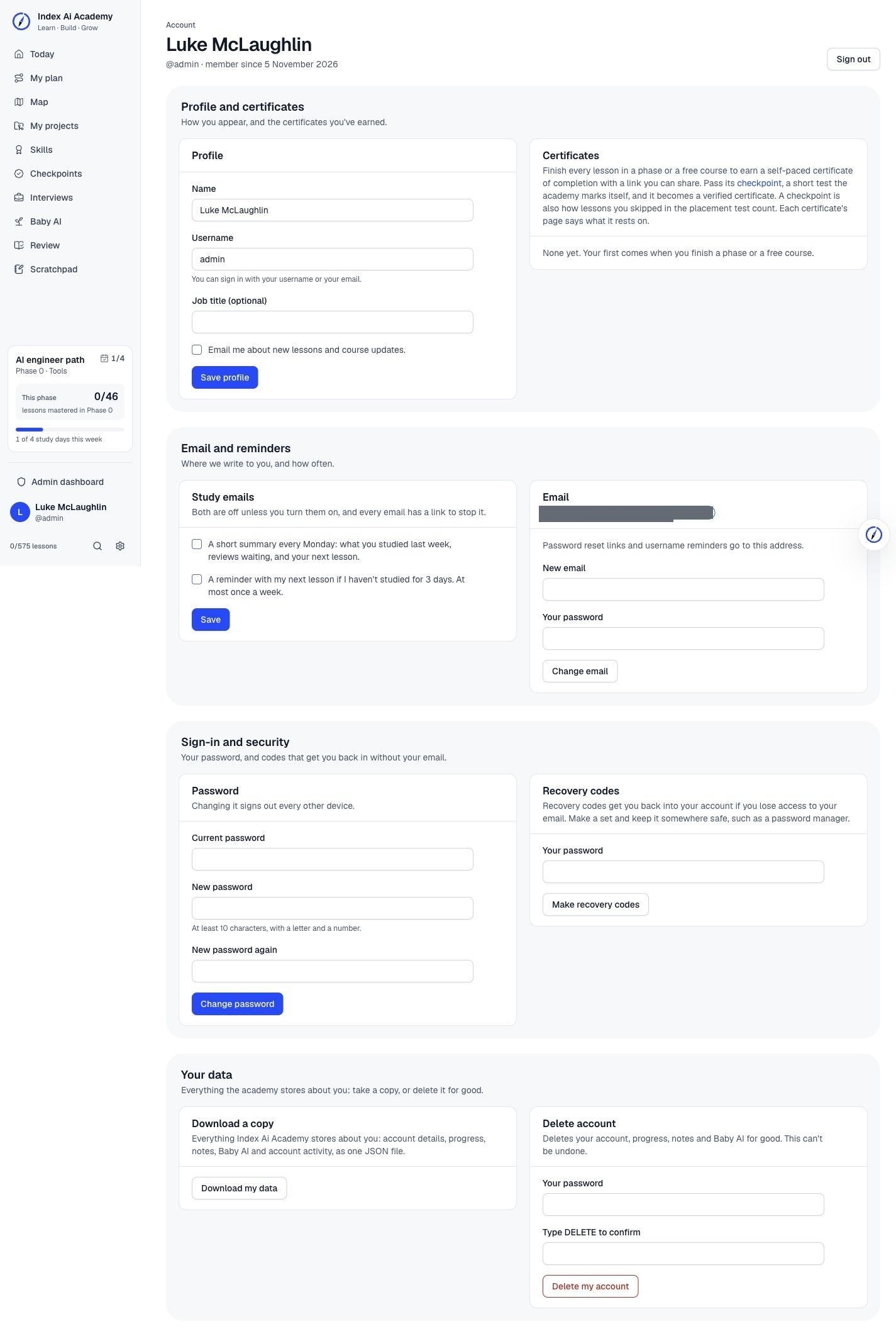
Account settings bring the user’s security and data controls into one place for review. This full-page capture includes the material below the initial viewport.
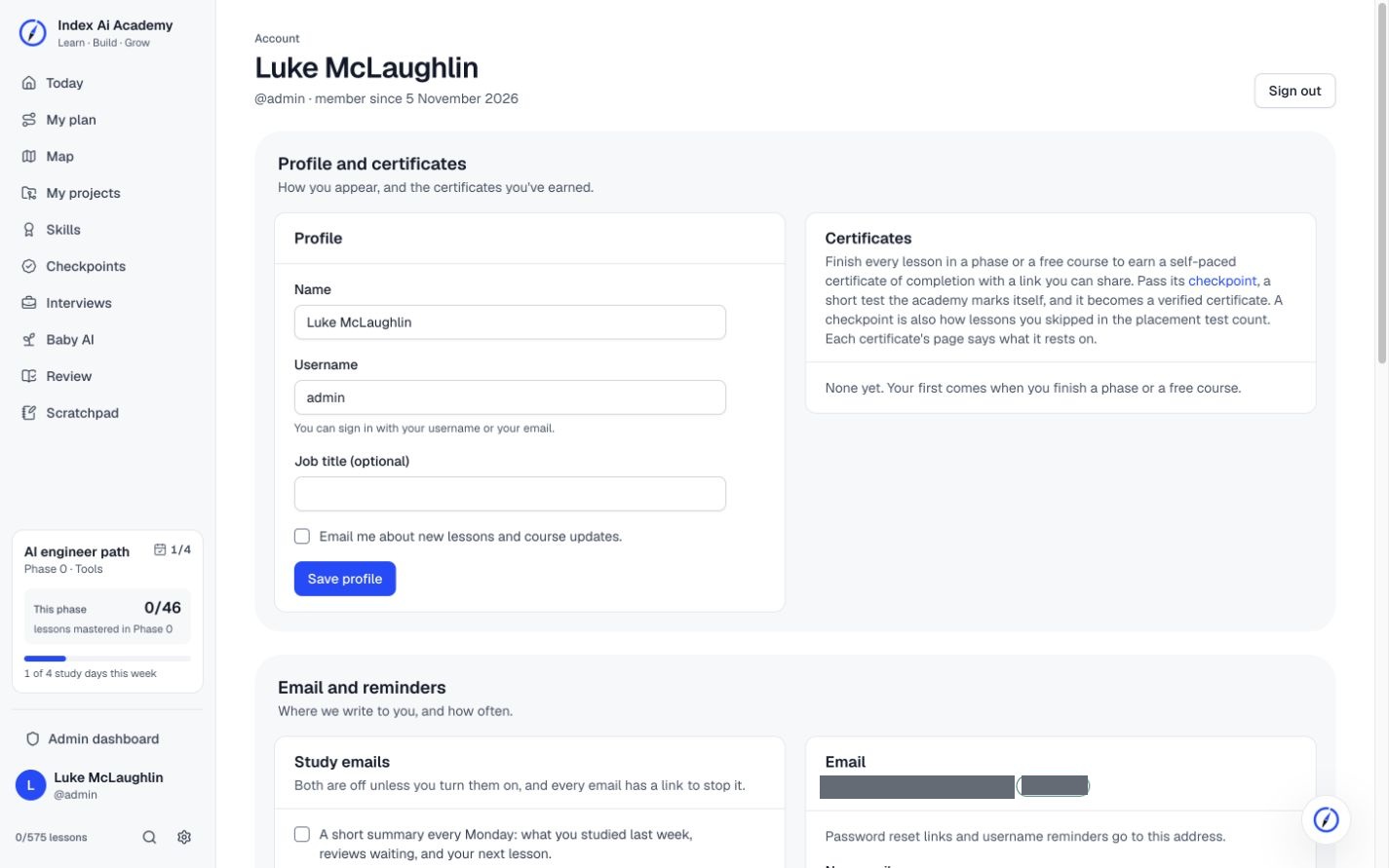
Account settings bring the user’s security and data controls into one place for review.
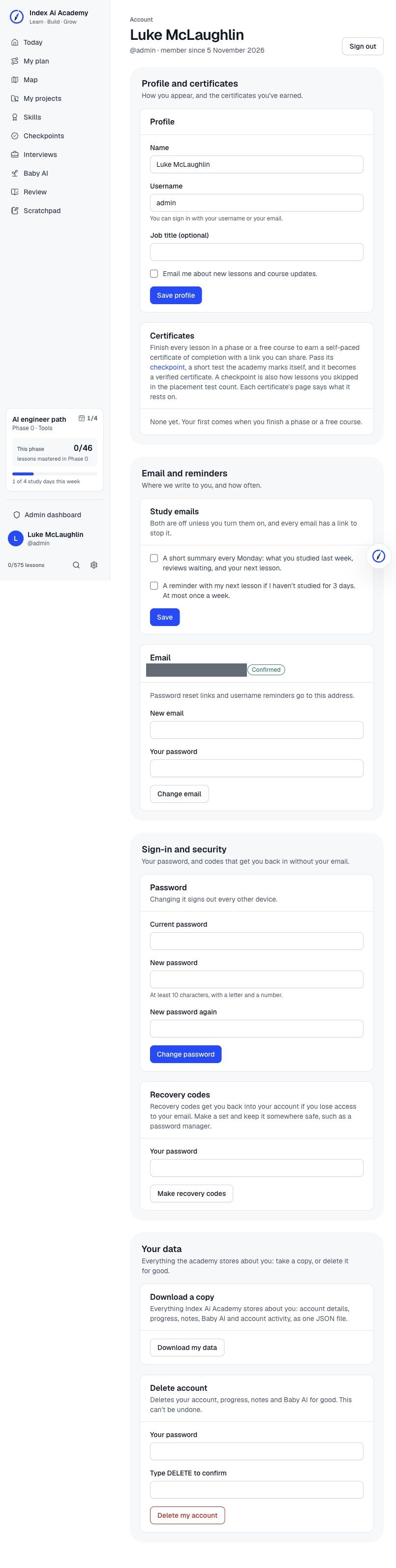
Account settings bring the user’s security and data controls into one place for review. This full-page capture includes the material below the initial viewport.
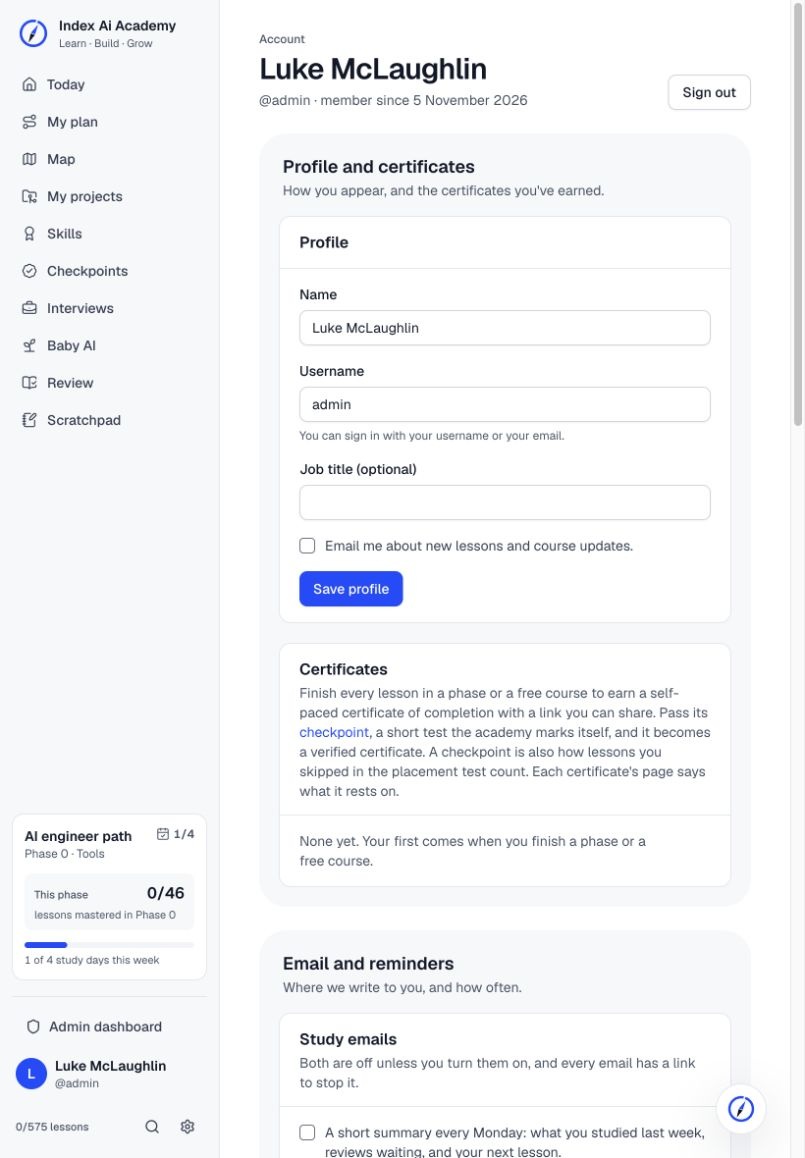
Account settings bring the user’s security and data controls into one place for review.

Account settings bring the user’s security and data controls into one place for review. This full-page capture includes the material below the initial viewport.
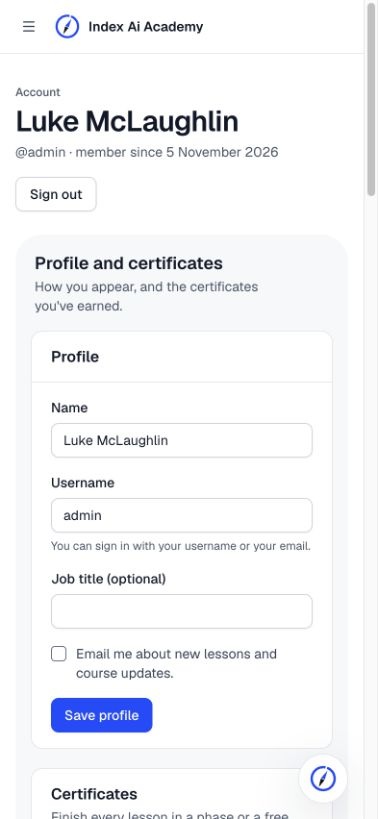
Account settings bring the user’s security and data controls into one place for review.
Admin 120
Follow the operator’s view from sign-ups and lesson activity through tutor usage, costs and audit history. The collection includes overview screens and full-page reports.
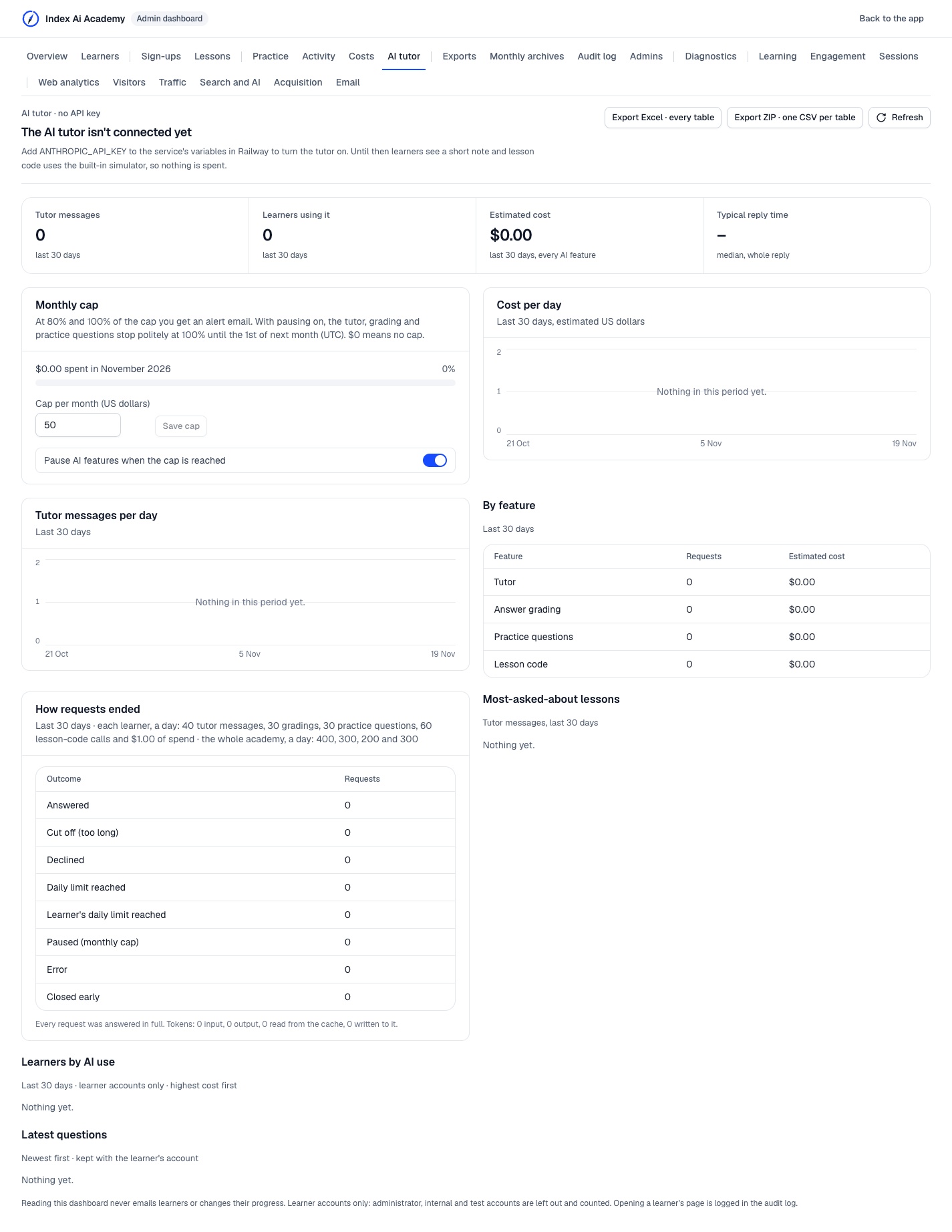
This administration report covers tutor usage and how learners interact with assistance. It gives the operator a view across the Academy while learner-facing pages focus on individual study. This full-page capture includes the material below the initial viewport.
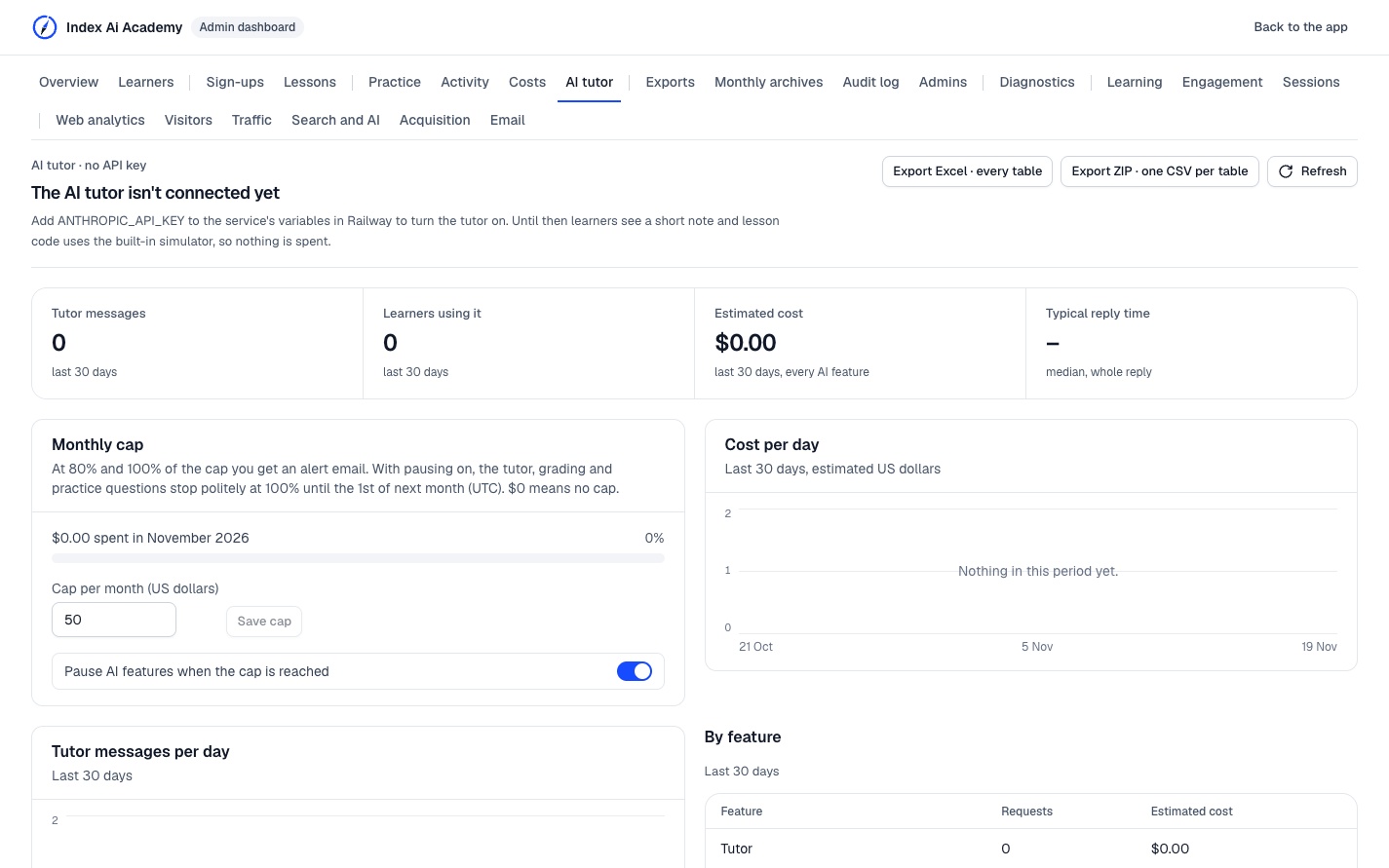
This administration report covers tutor usage and how learners interact with assistance. It gives the operator a view across the Academy while learner-facing pages focus on individual study.
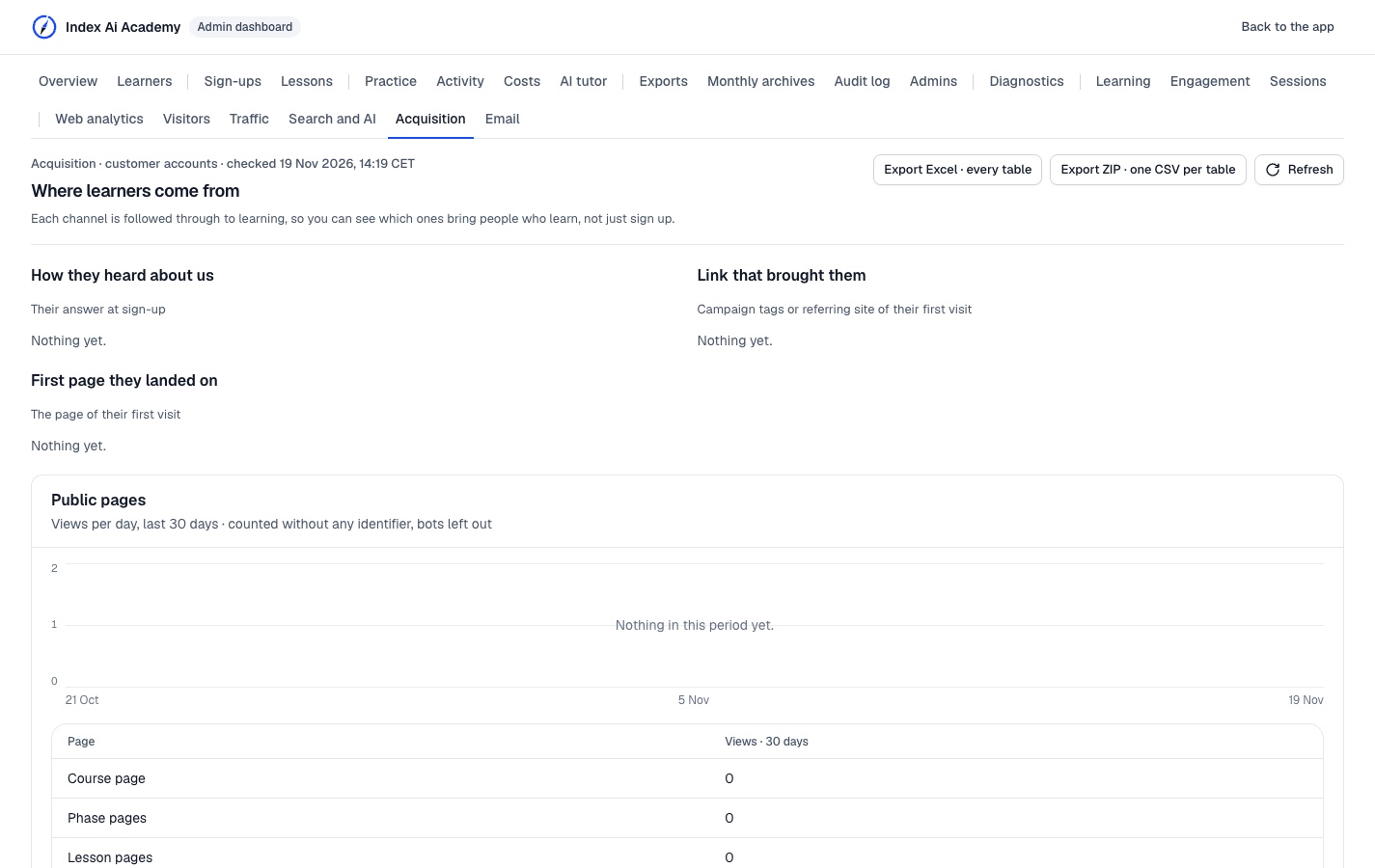
This administration report covers where visits and sign-ups originate. It gives the operator a view across the Academy while learner-facing pages focus on individual study. This full-page capture includes the material below the initial viewport.
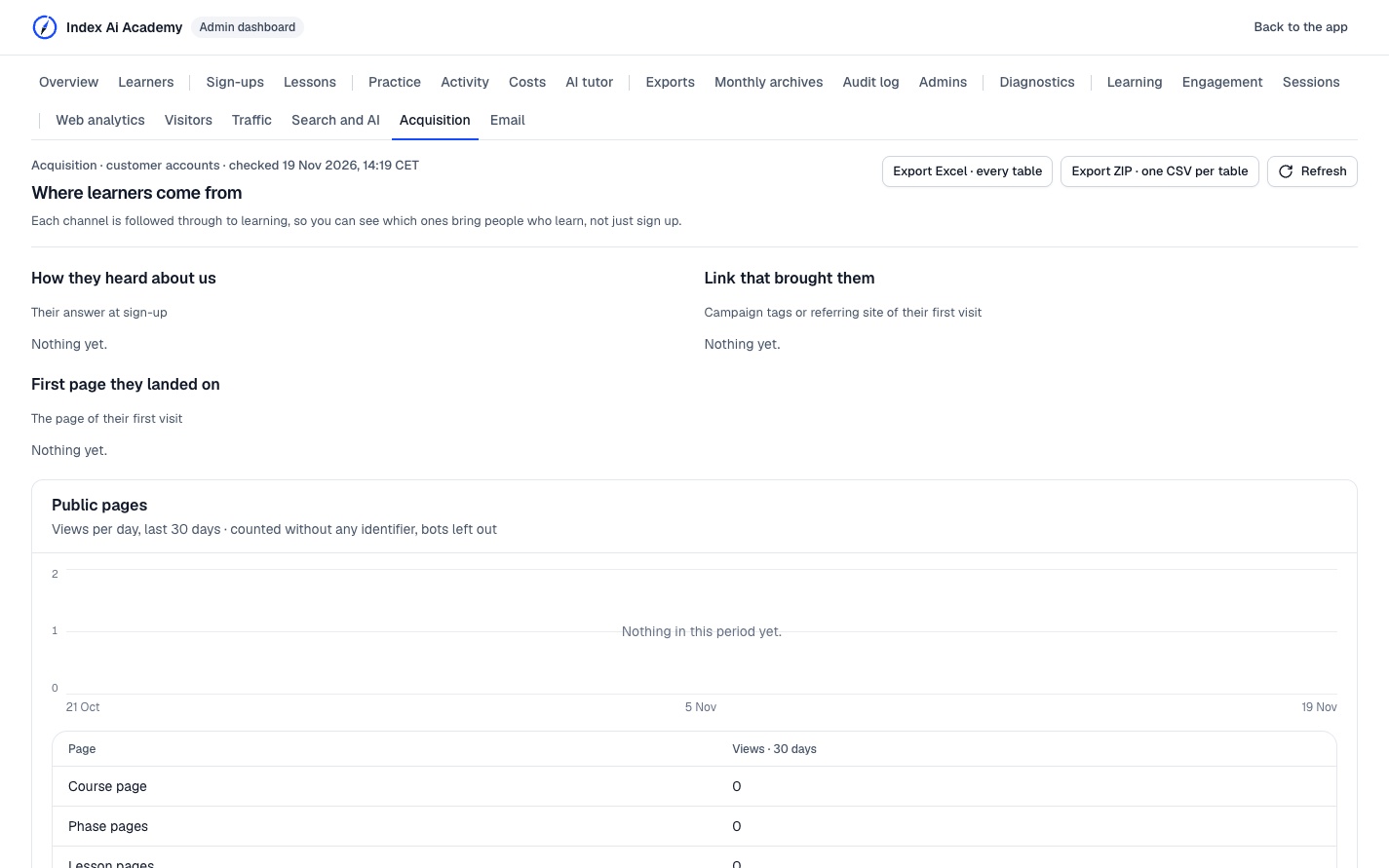
This administration report covers where visits and sign-ups originate. It gives the operator a view across the Academy while learner-facing pages focus on individual study.
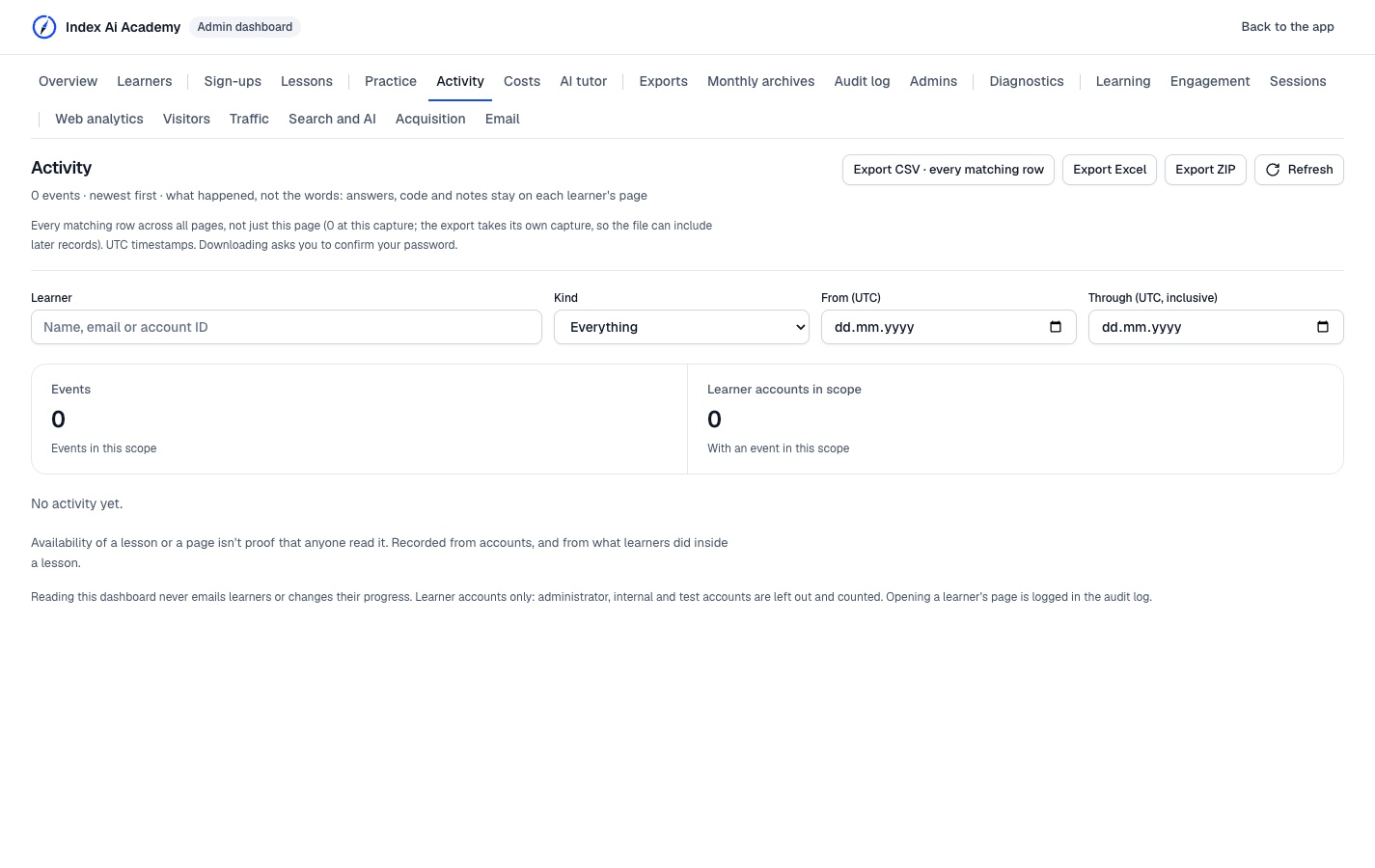
This administration report covers recent activity across the learning platform. It gives the operator a view across the Academy while learner-facing pages focus on individual study. This full-page capture includes the material below the initial viewport.
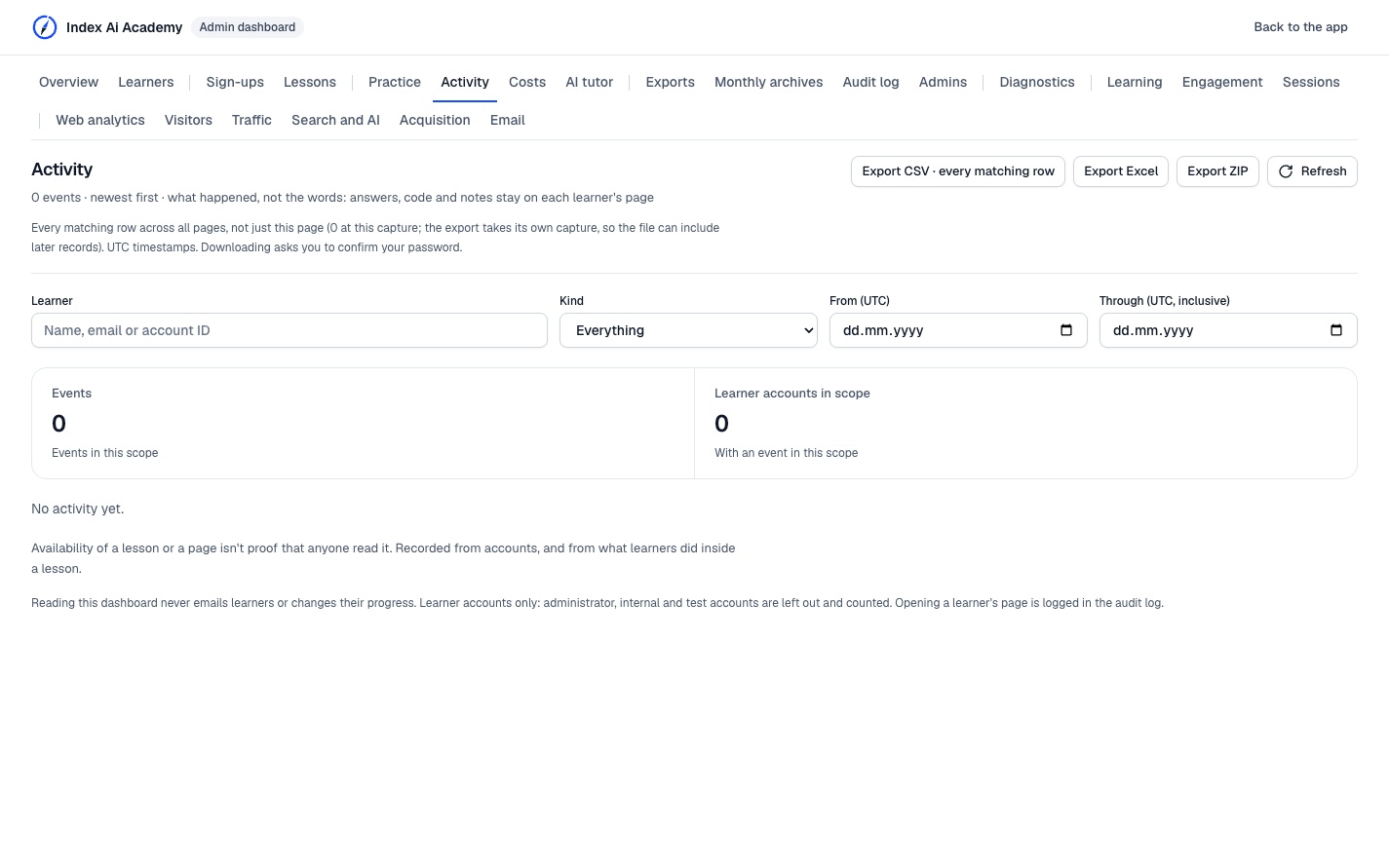
This administration report covers recent activity across the learning platform. It gives the operator a view across the Academy while learner-facing pages focus on individual study.
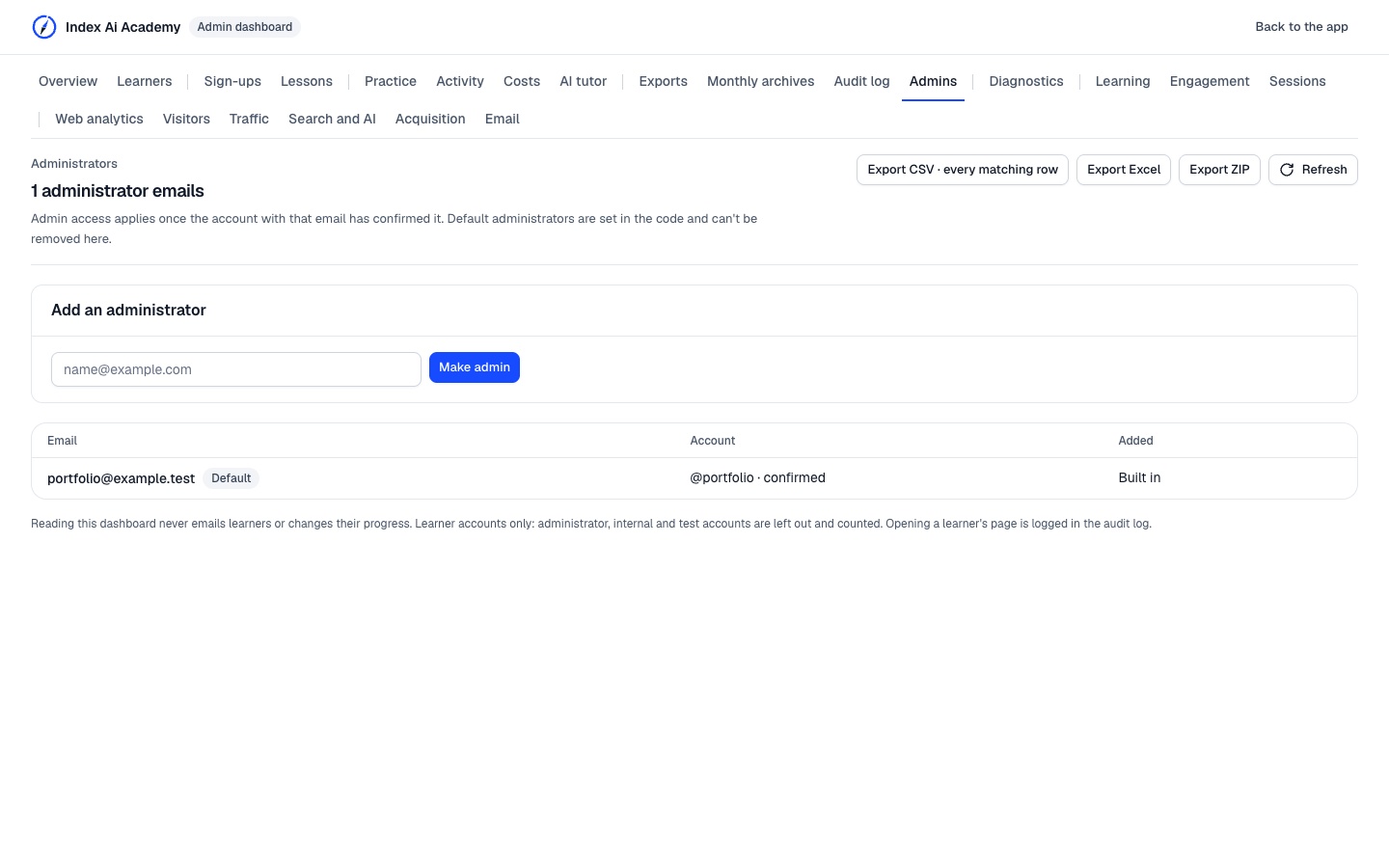
This administration report covers administrative roles and access. It gives the operator a view across the Academy while learner-facing pages focus on individual study.
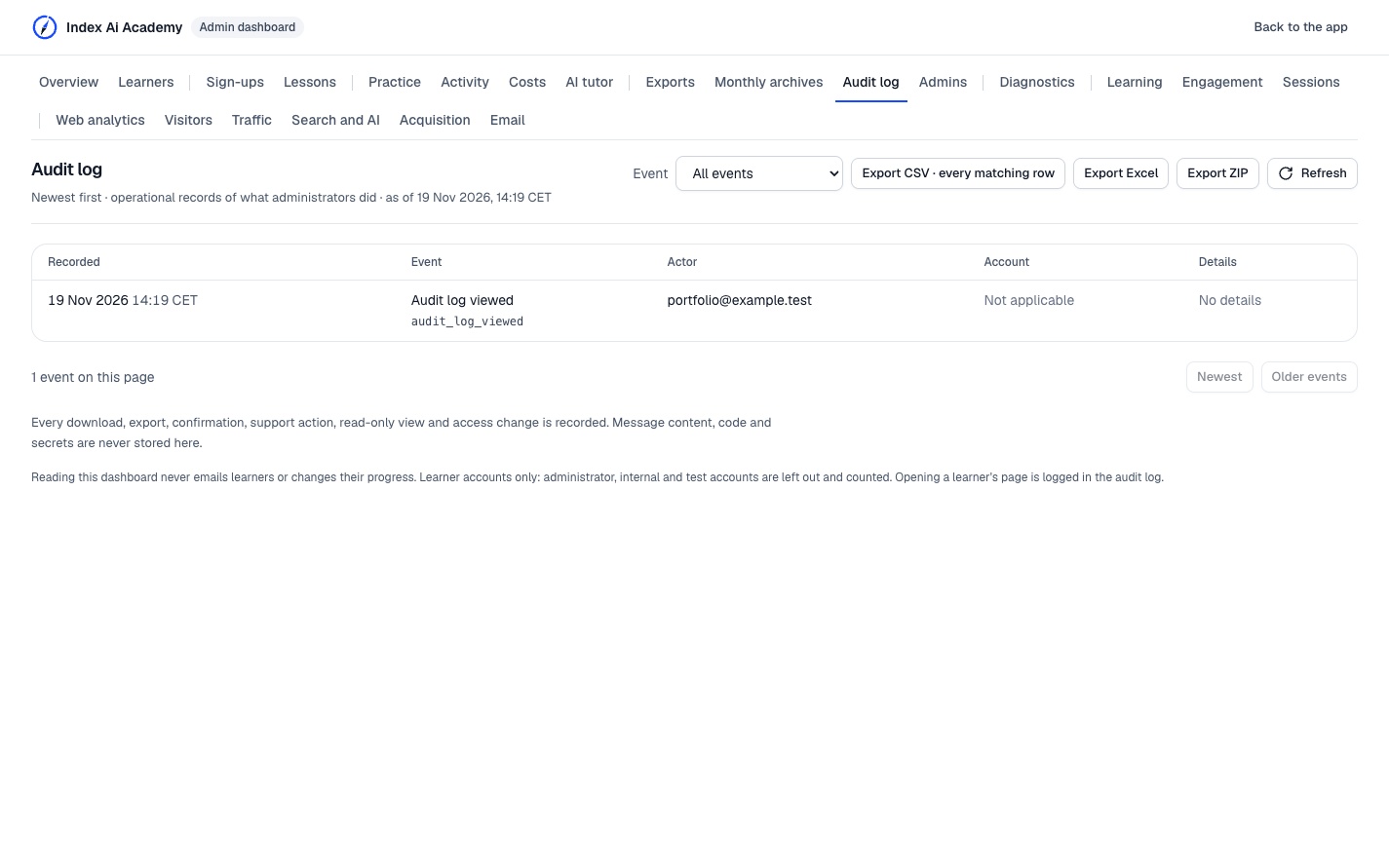
This administration report covers administrative actions and their history. It gives the operator a view across the Academy while learner-facing pages focus on individual study.
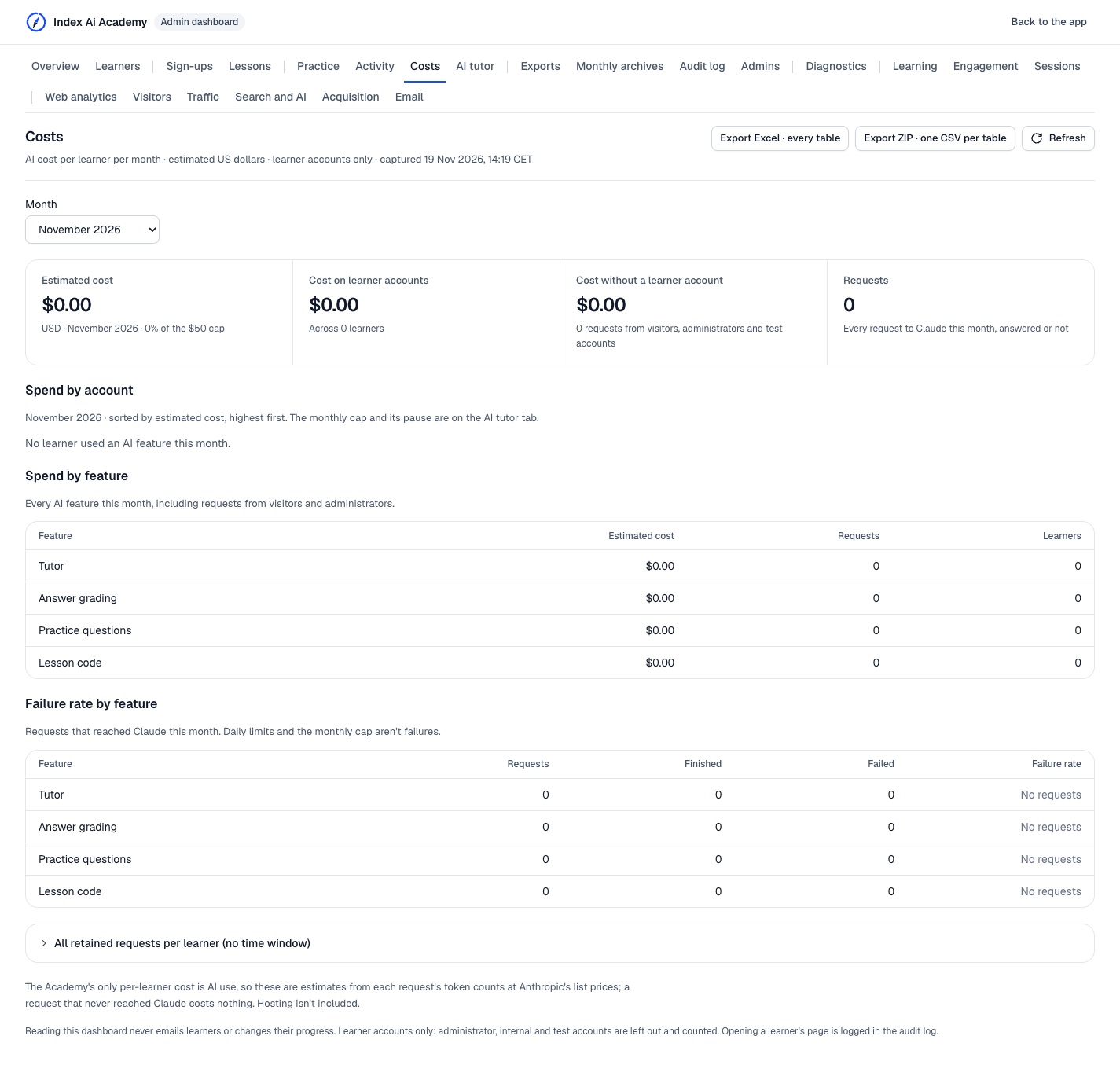
This administration report covers the cost of running learning services. It gives the operator a view across the Academy while learner-facing pages focus on individual study. This full-page capture includes the material below the initial viewport.
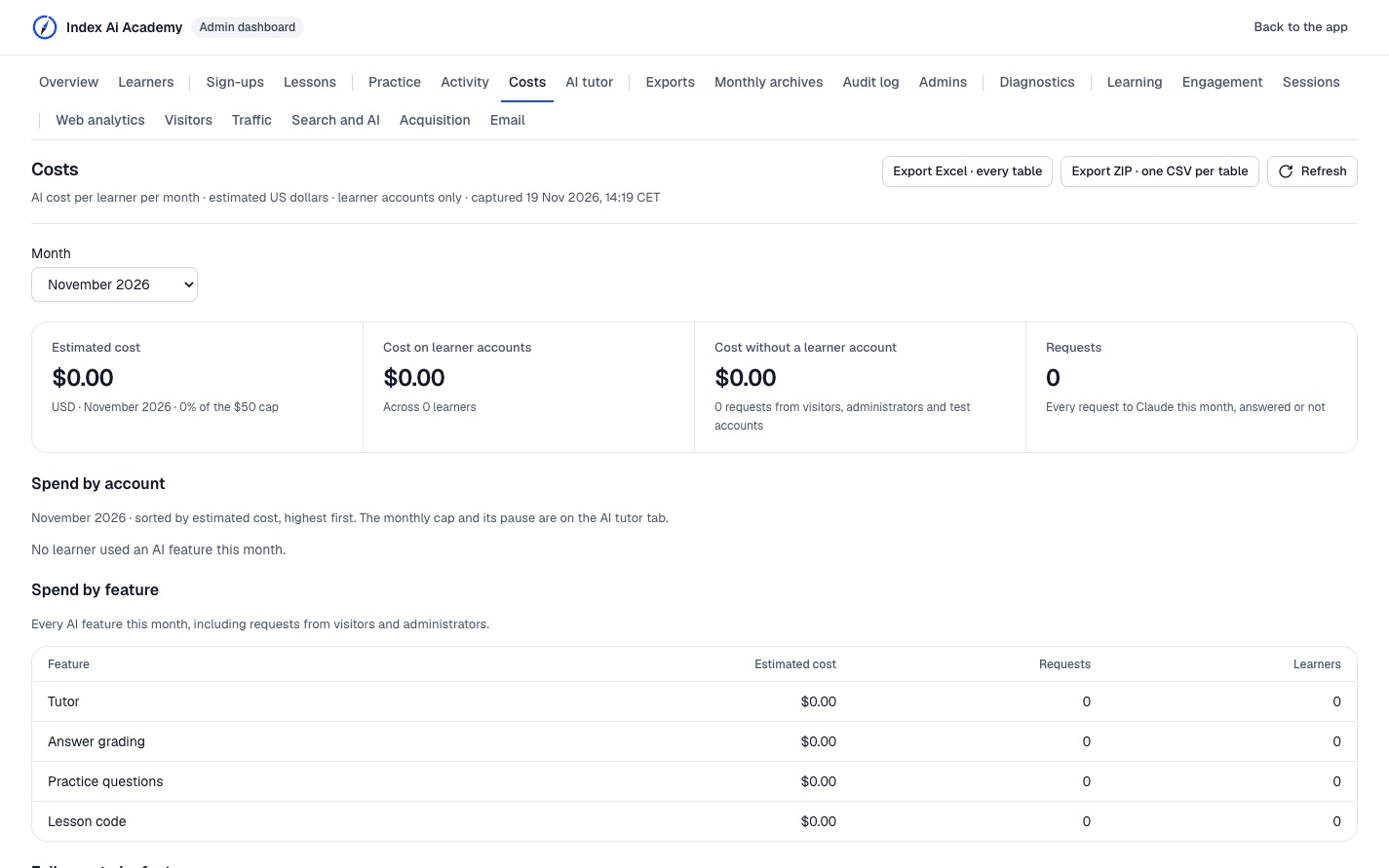
This administration report covers the cost of running learning services. It gives the operator a view across the Academy while learner-facing pages focus on individual study.
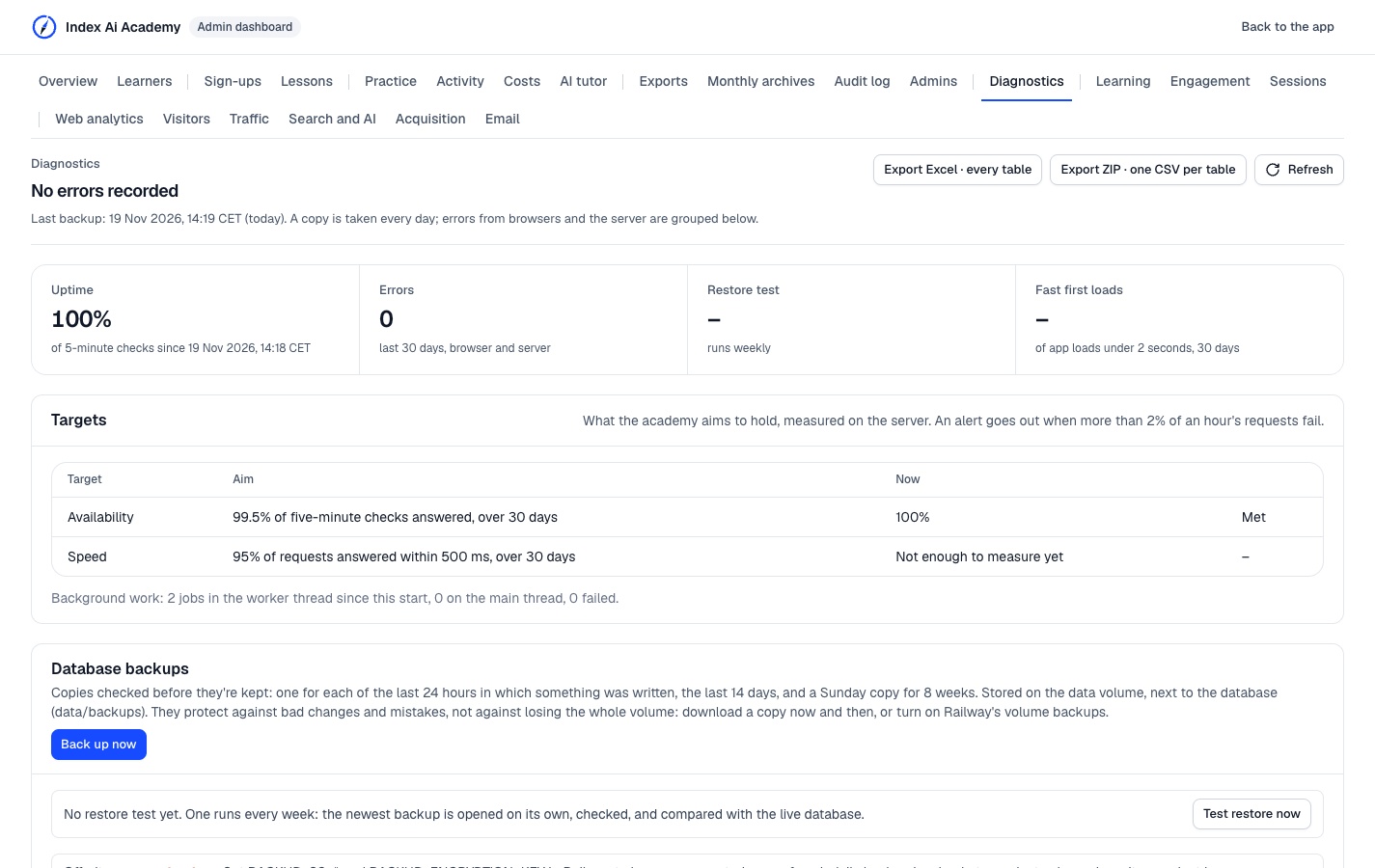
This administration report covers operational health and troubleshooting information. It gives the operator a view across the Academy while learner-facing pages focus on individual study. This full-page capture includes the material below the initial viewport.
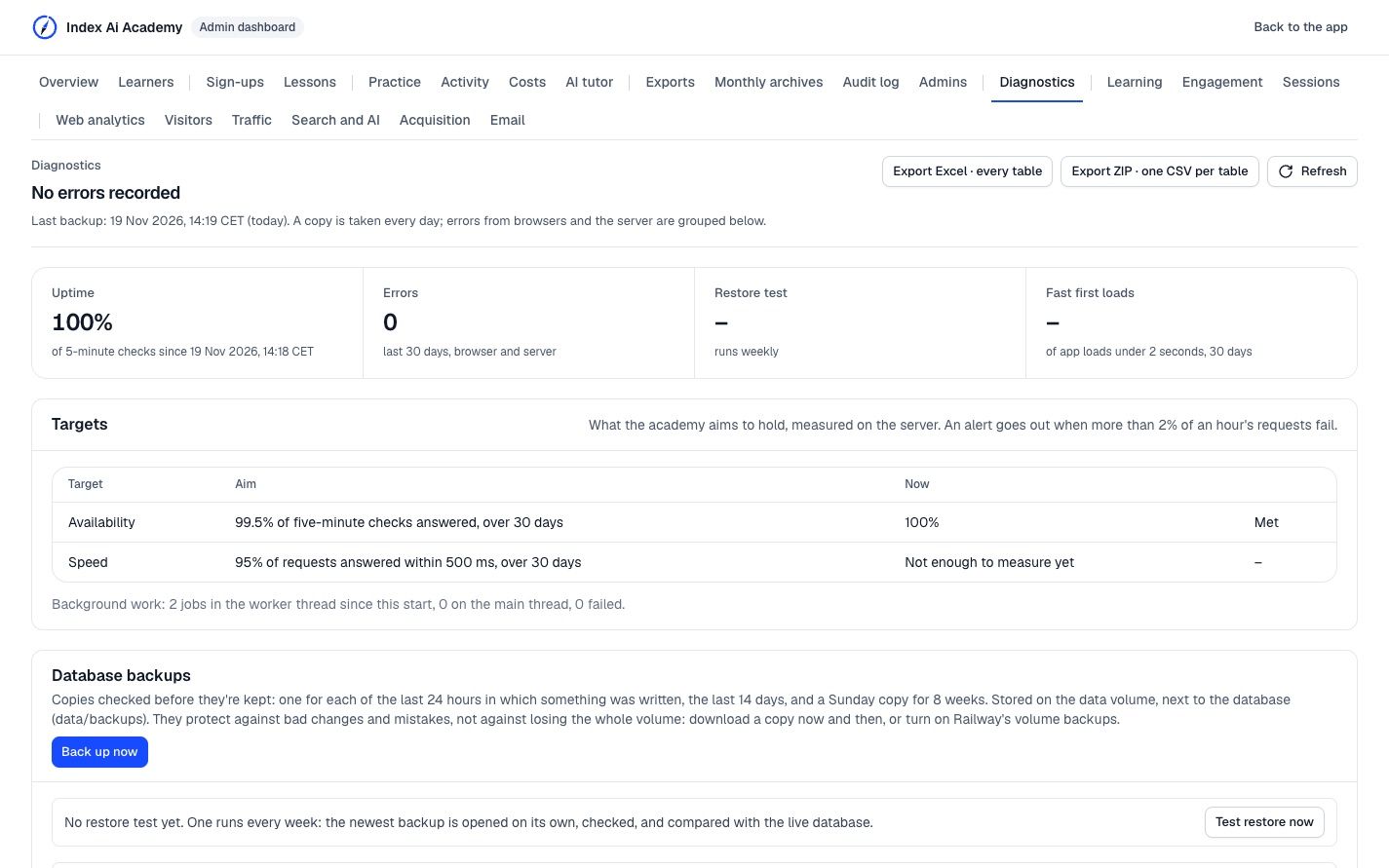
This administration report covers operational health and troubleshooting information. It gives the operator a view across the Academy while learner-facing pages focus on individual study.
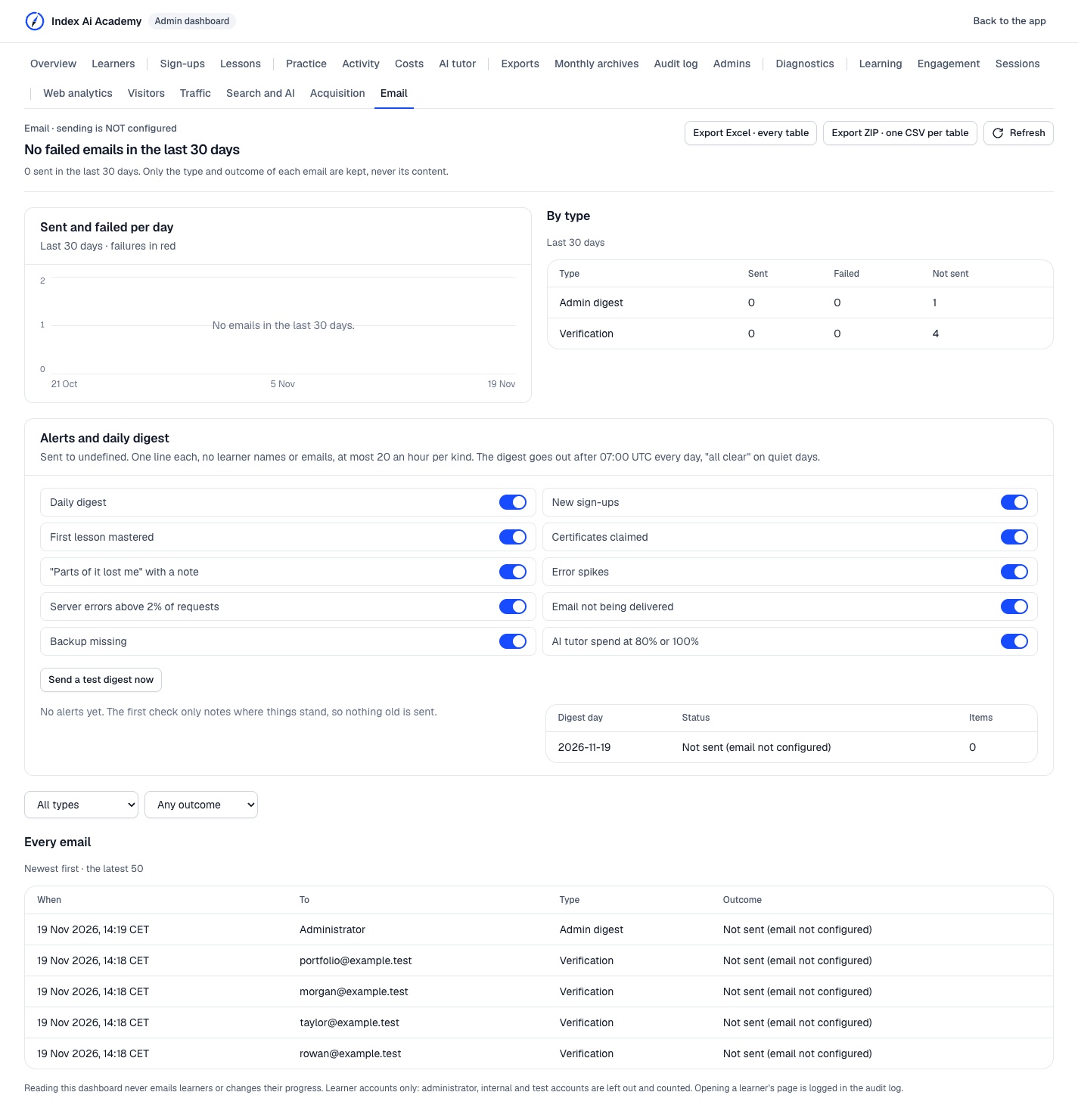
This administration report covers the status of communications sent by the platform. It gives the operator a view across the Academy while learner-facing pages focus on individual study. This full-page capture includes the material below the initial viewport.
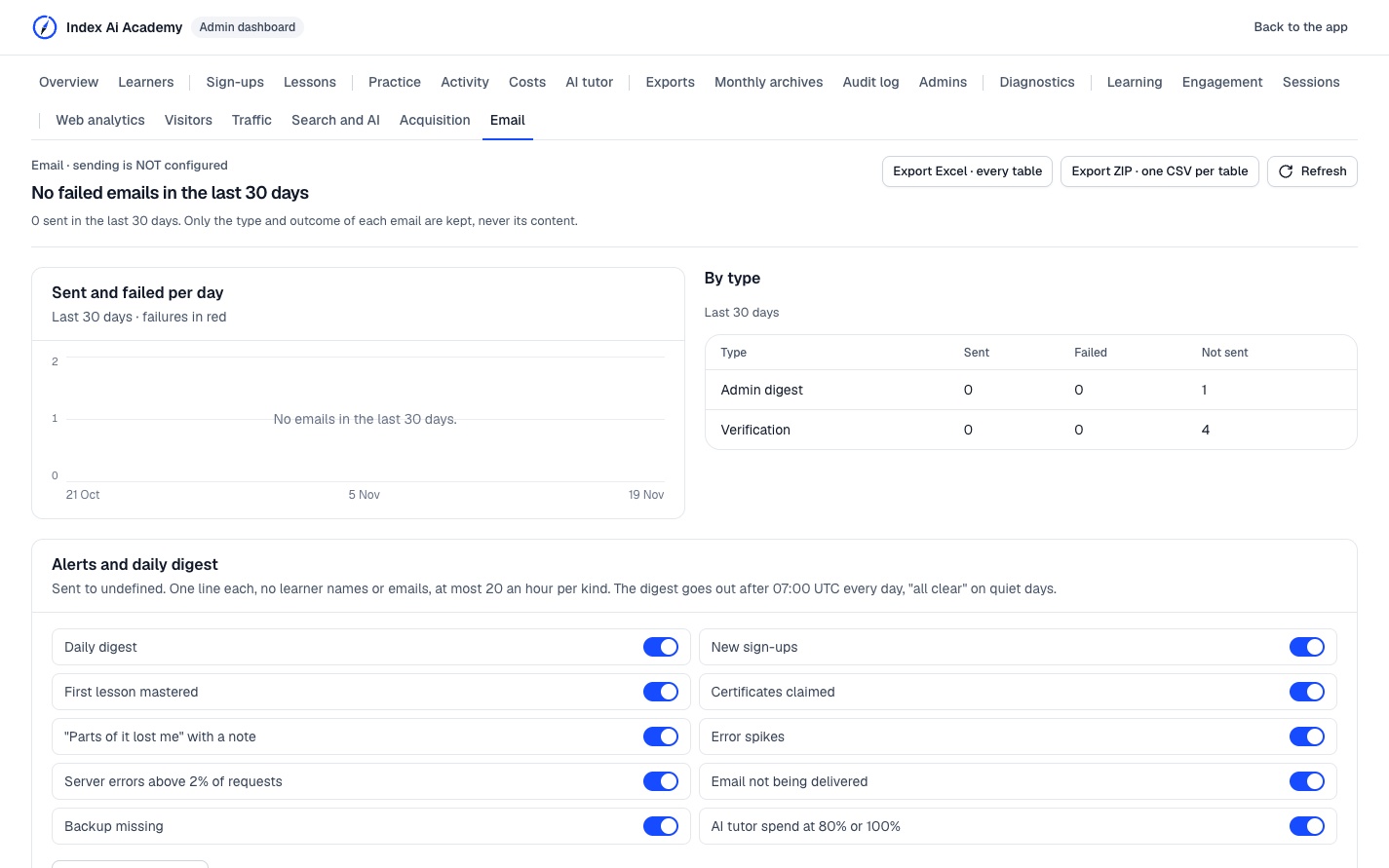
This administration report covers the status of communications sent by the platform. It gives the operator a view across the Academy while learner-facing pages focus on individual study.
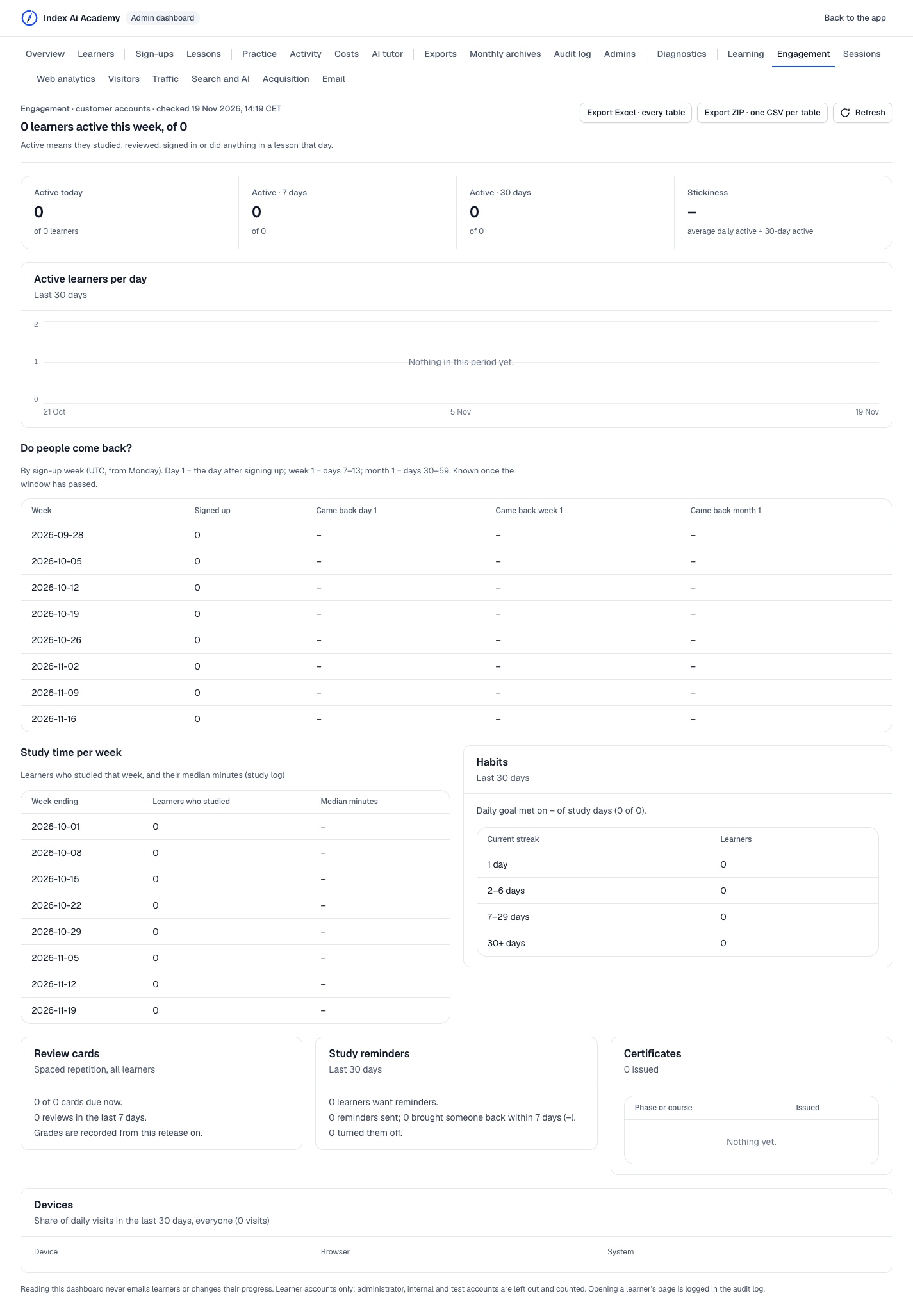
This administration report covers patterns of participation and return visits. It gives the operator a view across the Academy while learner-facing pages focus on individual study. This full-page capture includes the material below the initial viewport.
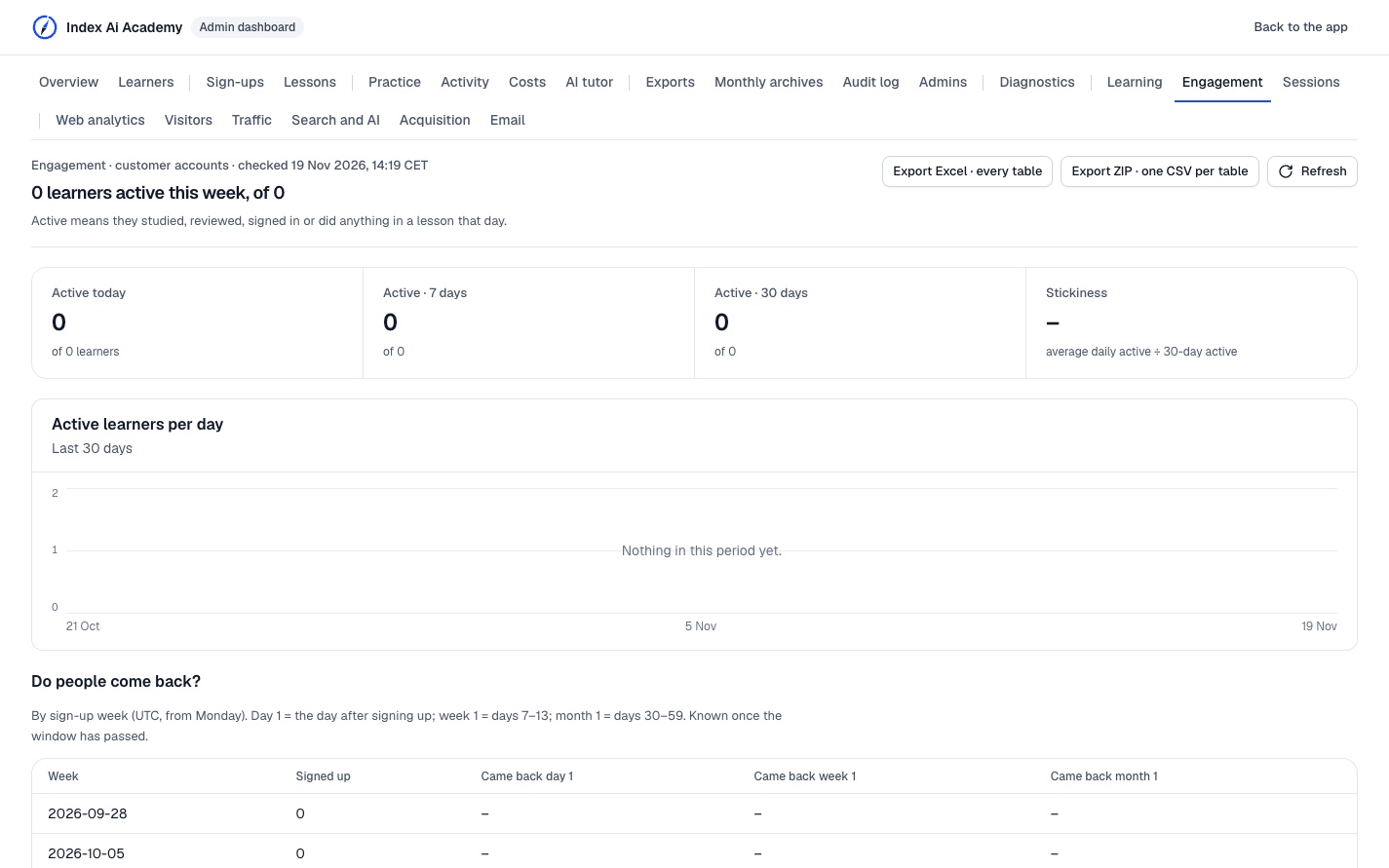
This administration report covers patterns of participation and return visits. It gives the operator a view across the Academy while learner-facing pages focus on individual study.
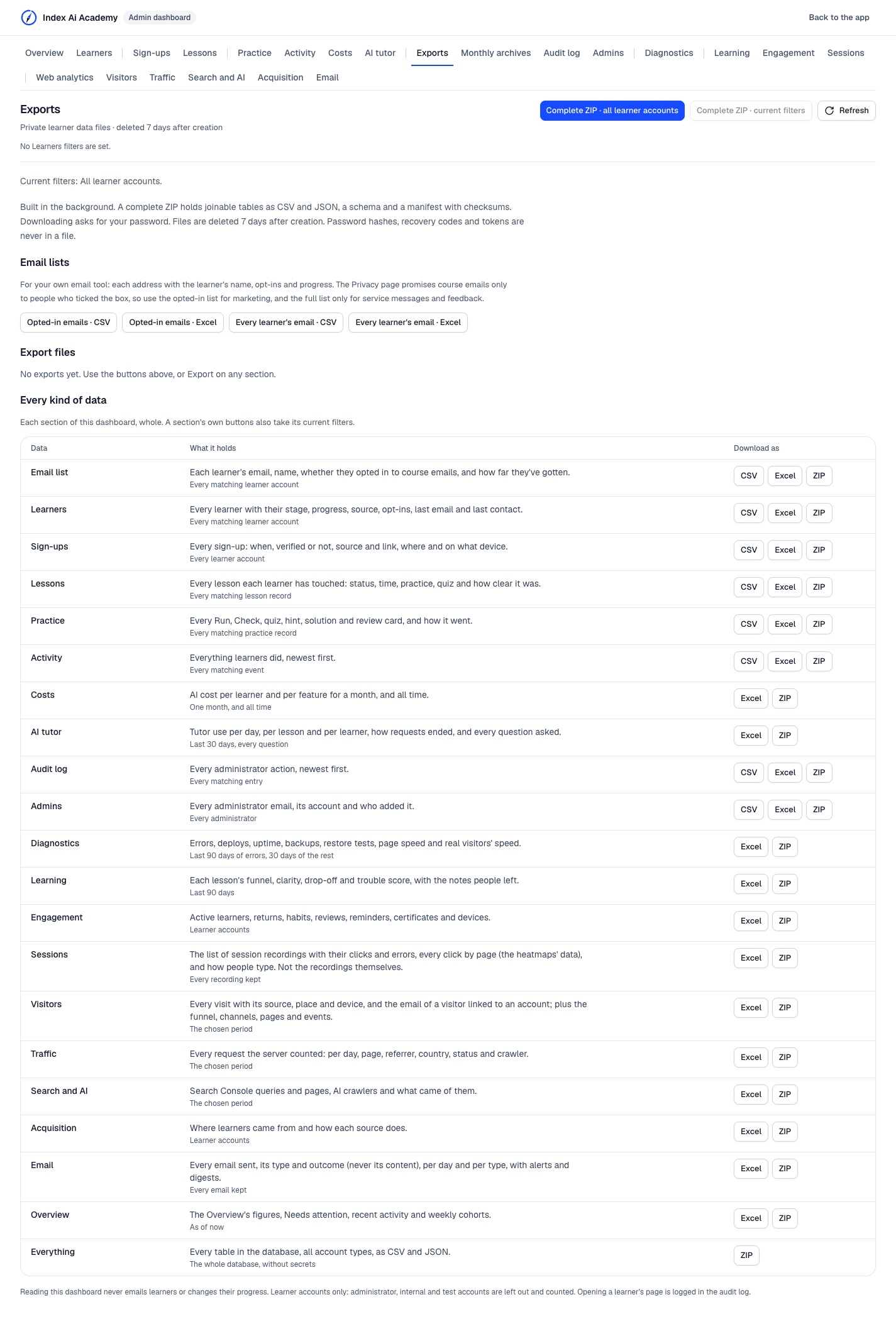
This administration report covers the data available for export. It gives the operator a view across the Academy while learner-facing pages focus on individual study. This full-page capture includes the material below the initial viewport.
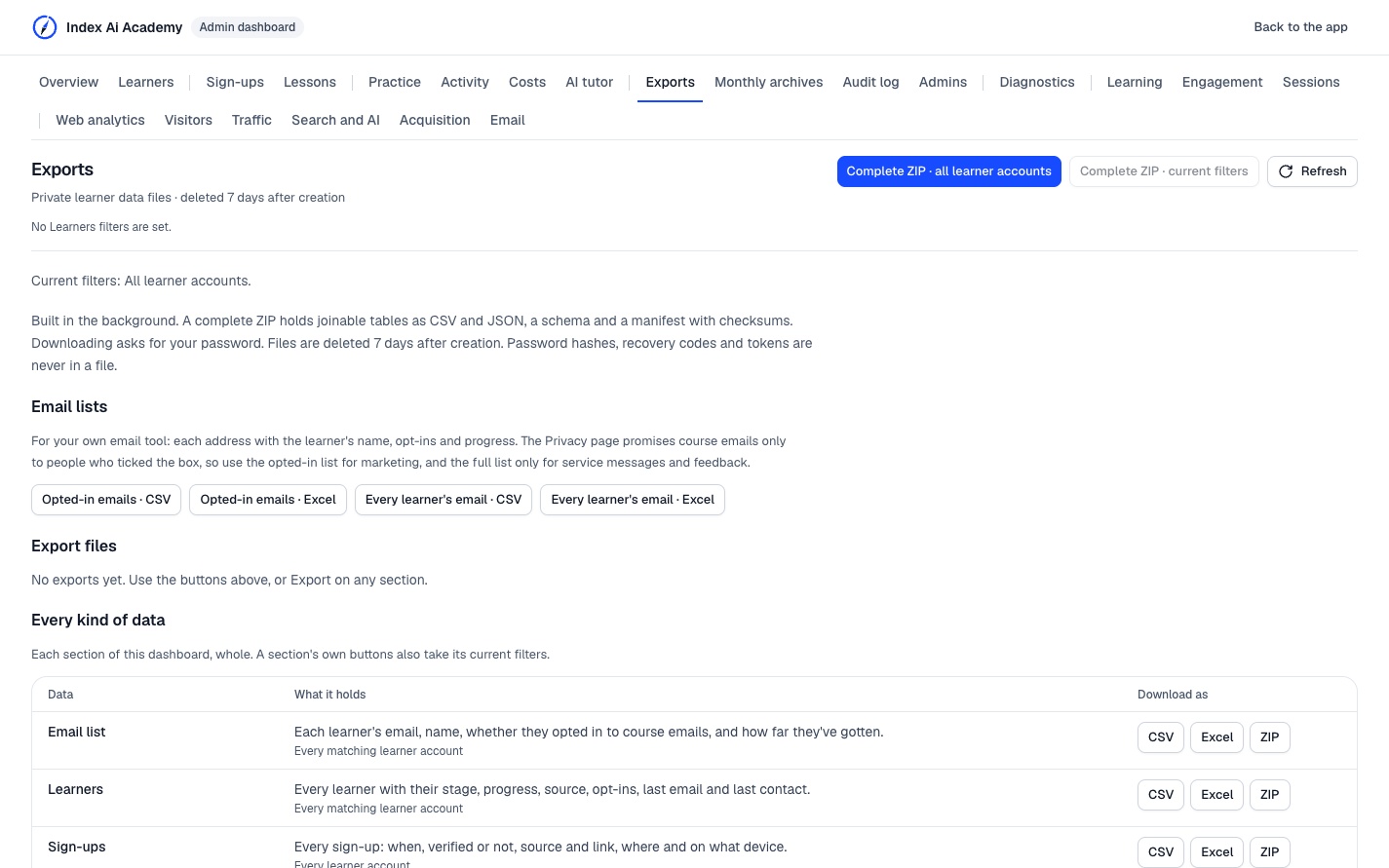
This administration report covers the data available for export. It gives the operator a view across the Academy while learner-facing pages focus on individual study.
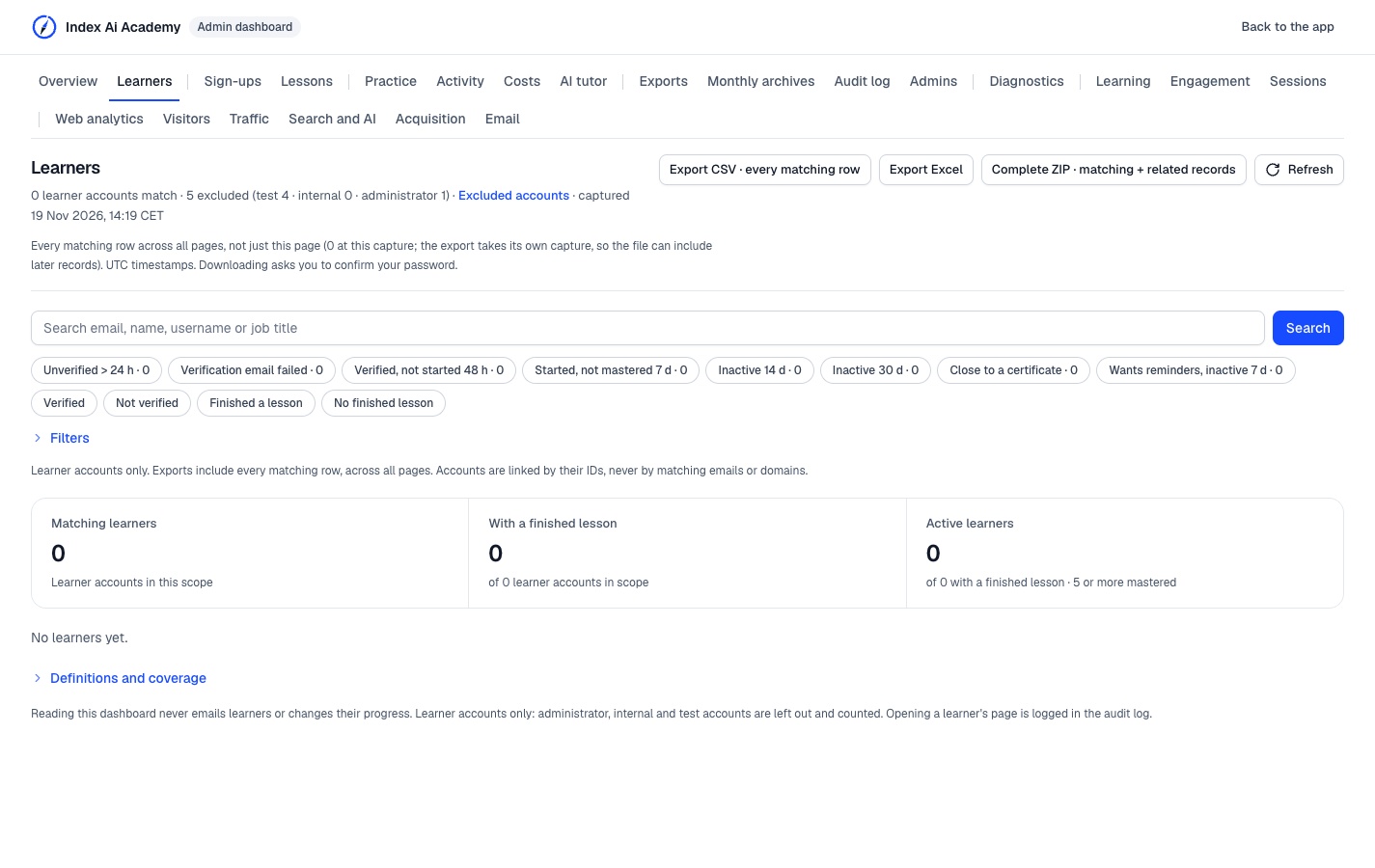
This administration report covers individual learner records and progress. It gives the operator a view across the Academy while learner-facing pages focus on individual study. This full-page capture includes the material below the initial viewport.
This administration report covers individual learner records and progress. It gives the operator a view across the Academy while learner-facing pages focus on individual study.
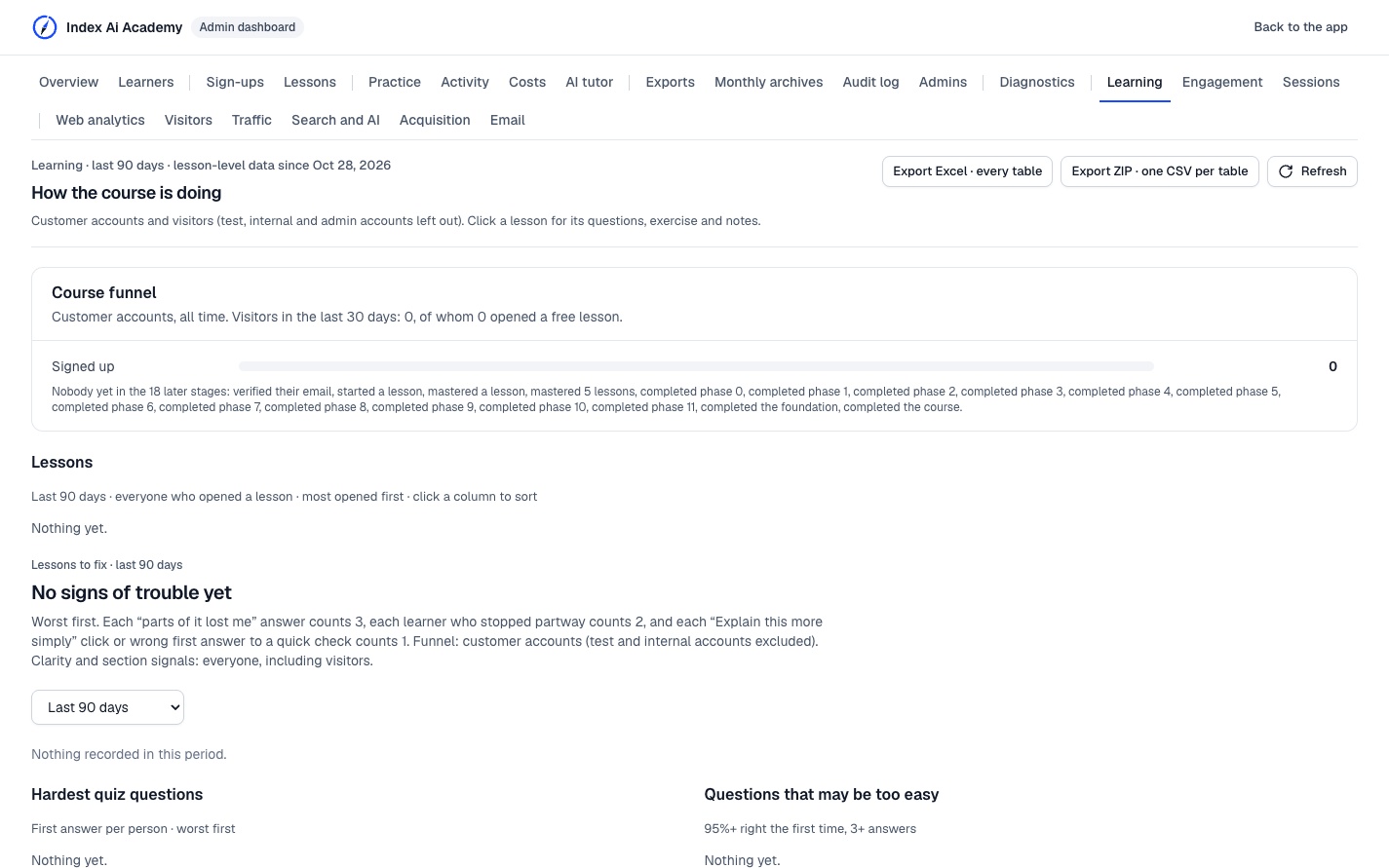
This administration report covers course progress across the learner population. It gives the operator a view across the Academy while learner-facing pages focus on individual study.
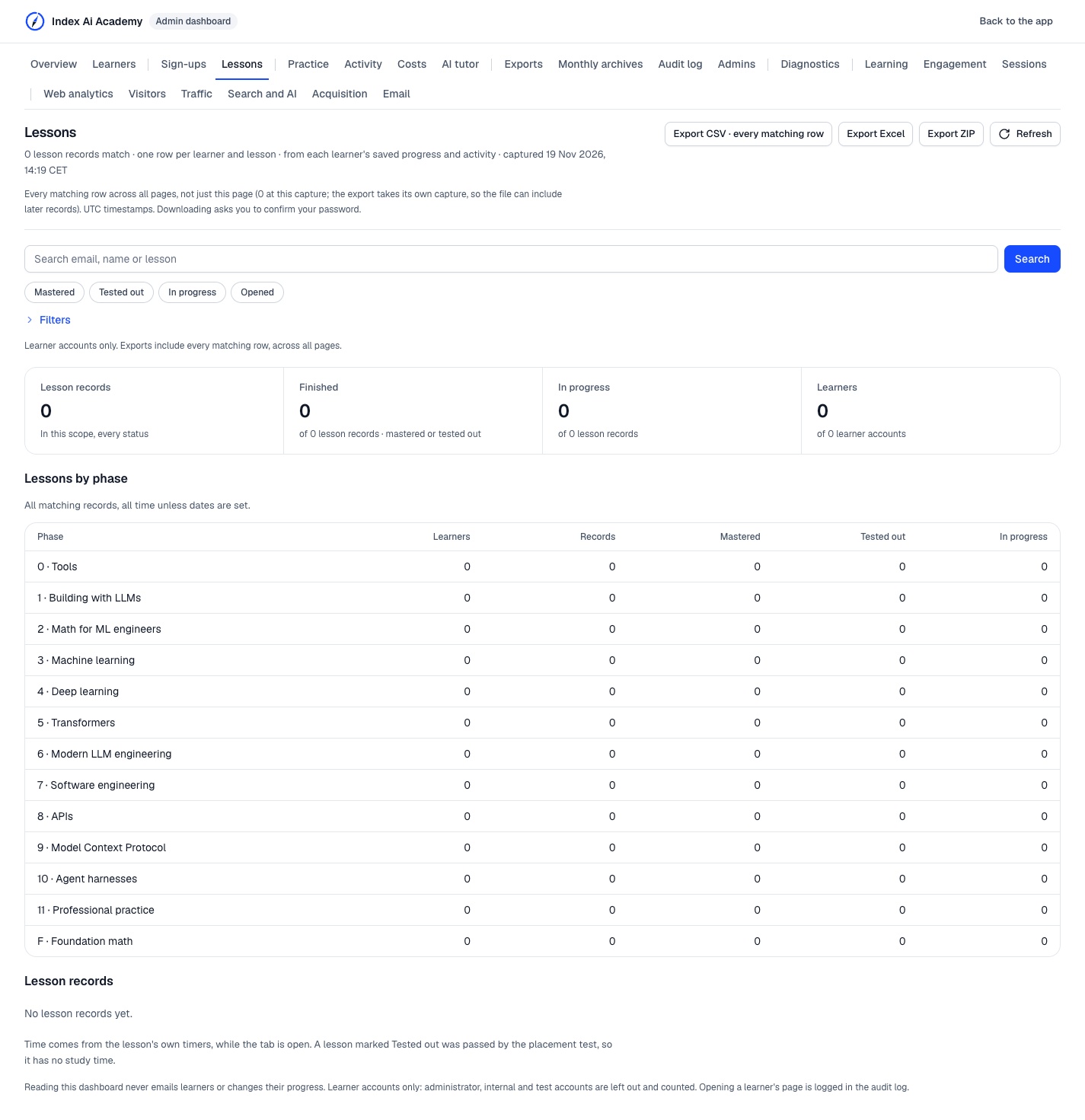
This administration report covers engagement with individual lessons. It gives the operator a view across the Academy while learner-facing pages focus on individual study. This full-page capture includes the material below the initial viewport.
This administration report covers engagement with individual lessons. It gives the operator a view across the Academy while learner-facing pages focus on individual study.
This administration report covers historical monthly reporting. It gives the operator a view across the Academy while learner-facing pages focus on individual study.
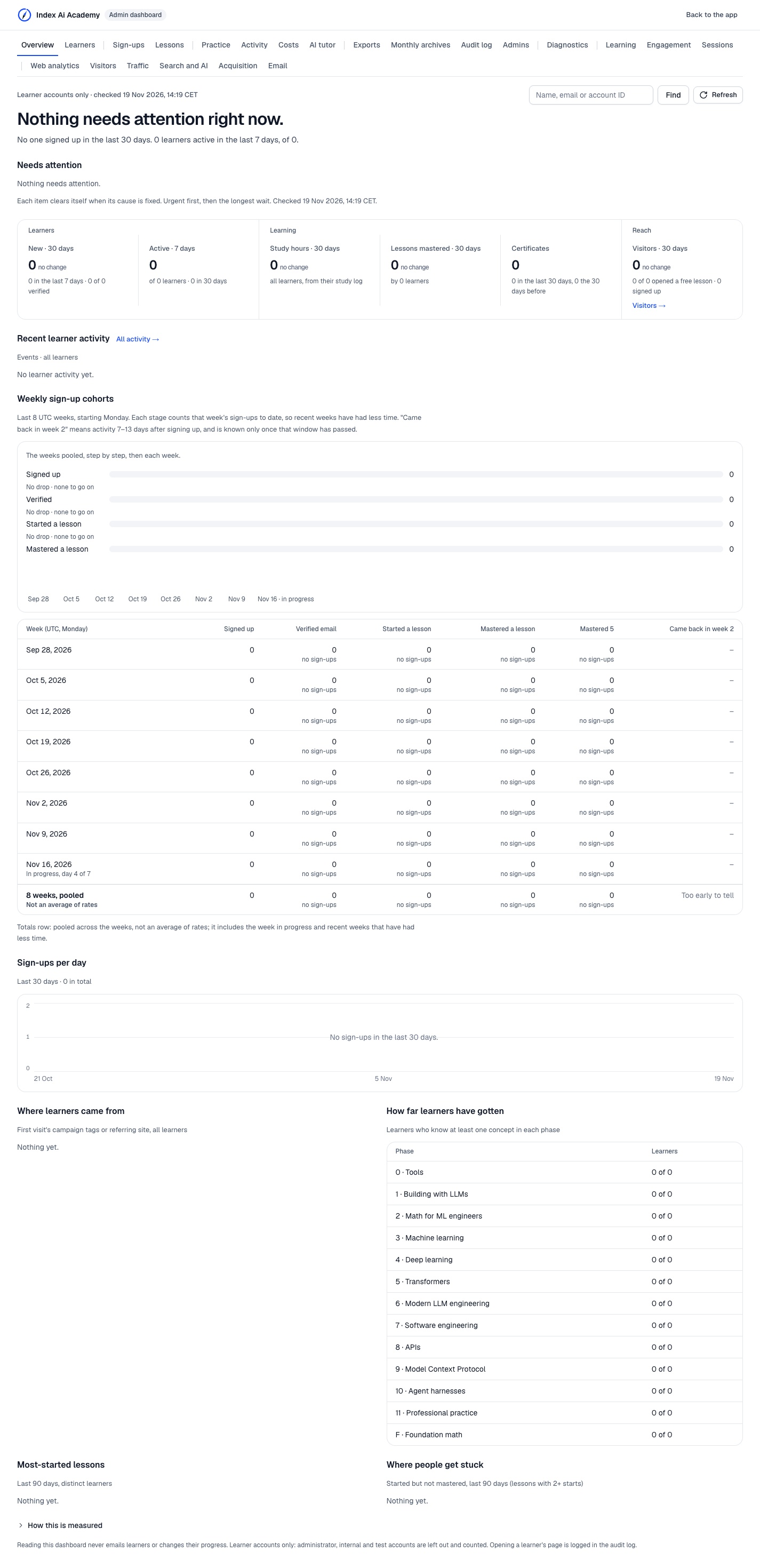
This administration report covers platform-wide activity and items requiring attention. It gives the operator a view across the Academy while learner-facing pages focus on individual study. This full-page capture includes the material below the initial viewport.
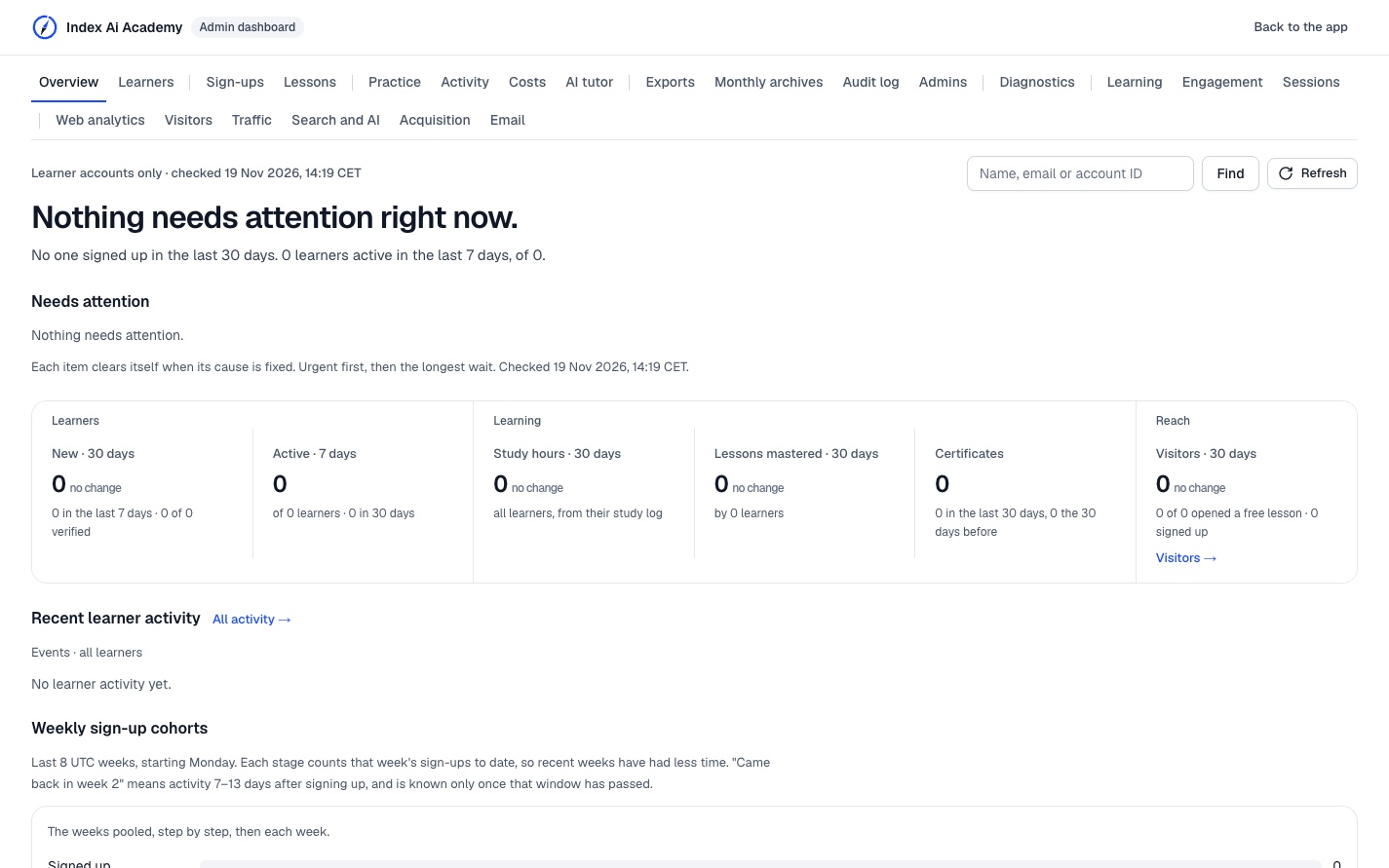
This administration report covers platform-wide activity and items requiring attention. It gives the operator a view across the Academy while learner-facing pages focus on individual study.
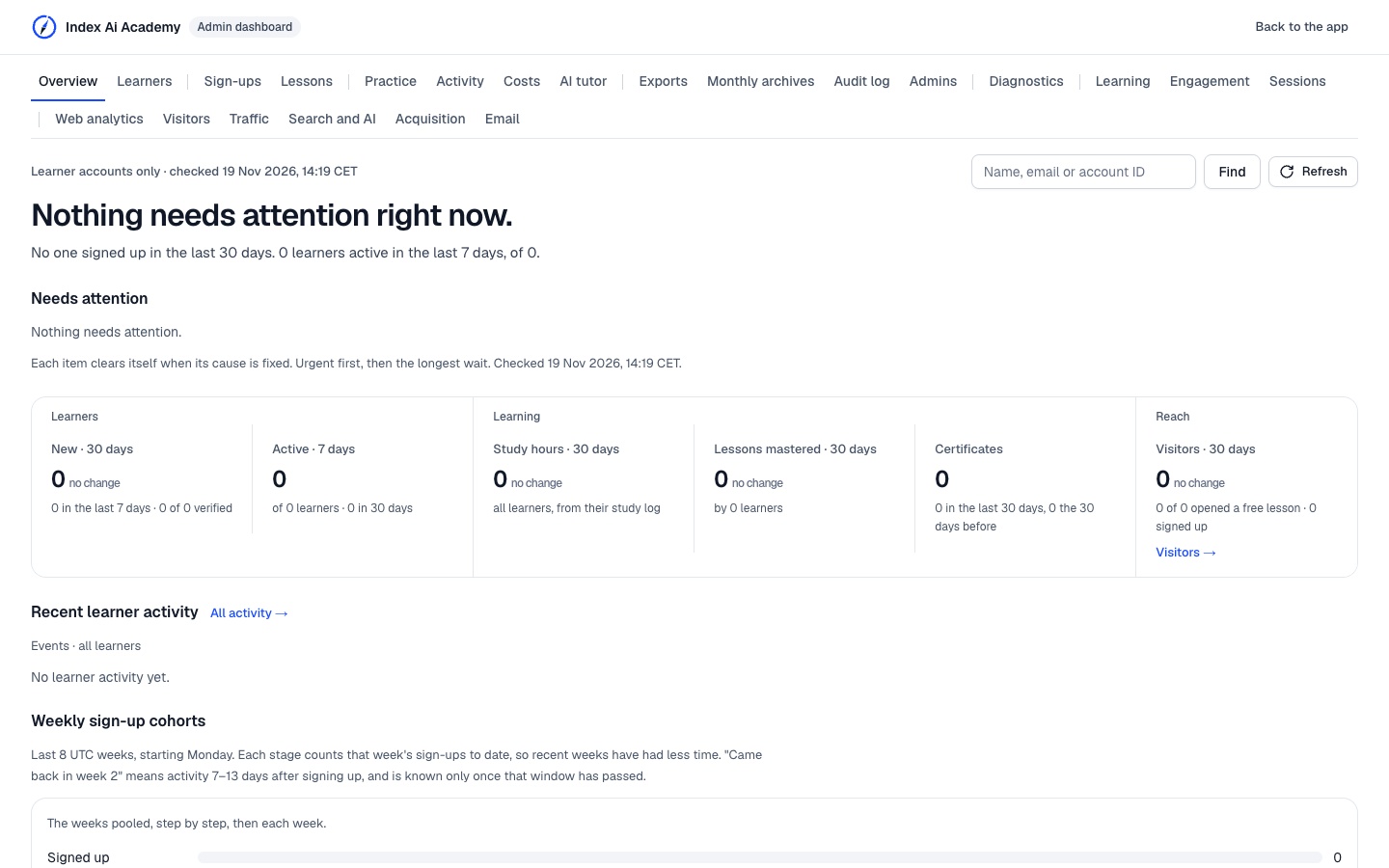
This administration report covers platform-wide activity and items requiring attention. It gives the operator a view across the Academy while learner-facing pages focus on individual study.
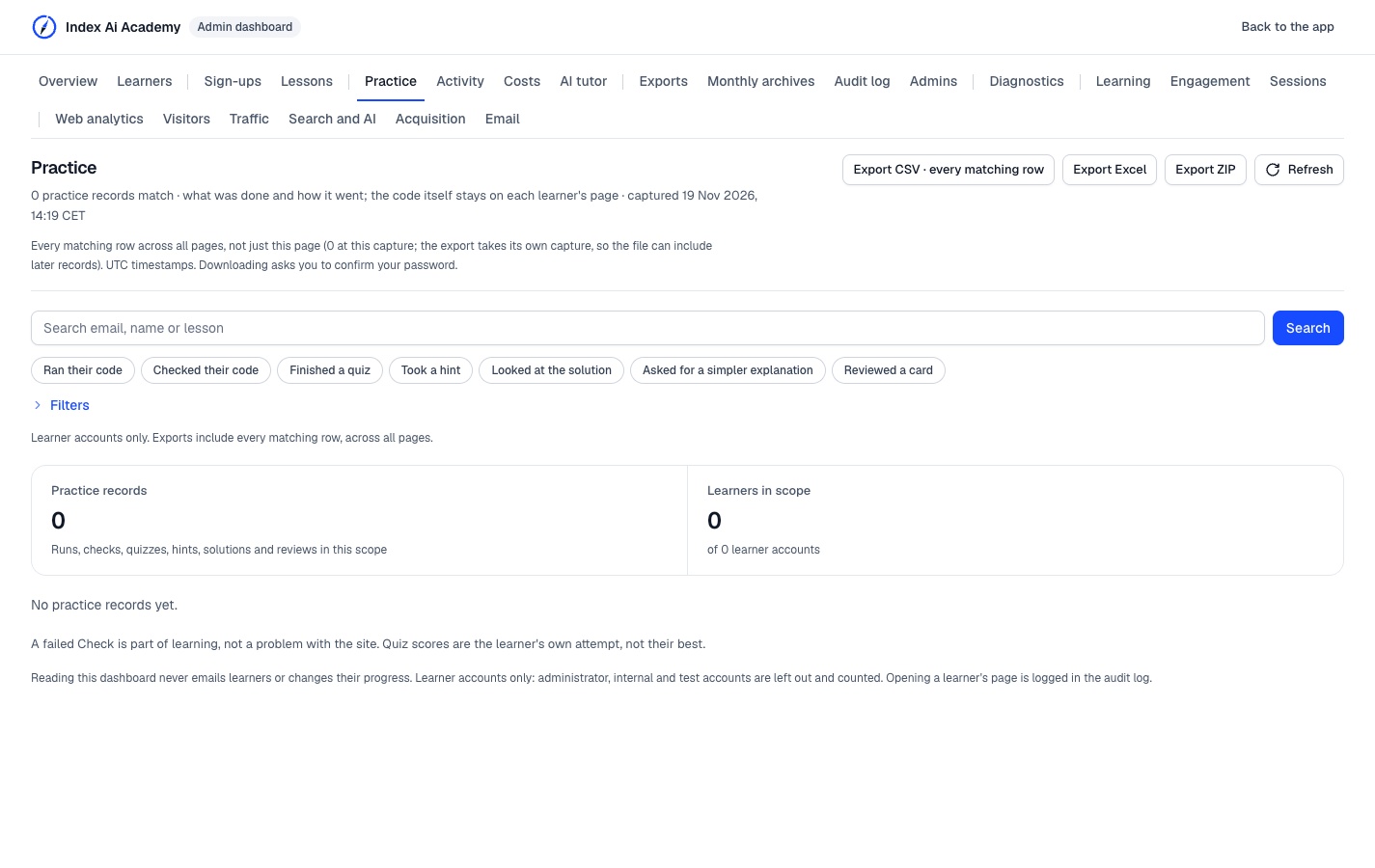
This administration report covers activity in hands-on exercises. It gives the operator a view across the Academy while learner-facing pages focus on individual study. This full-page capture includes the material below the initial viewport.
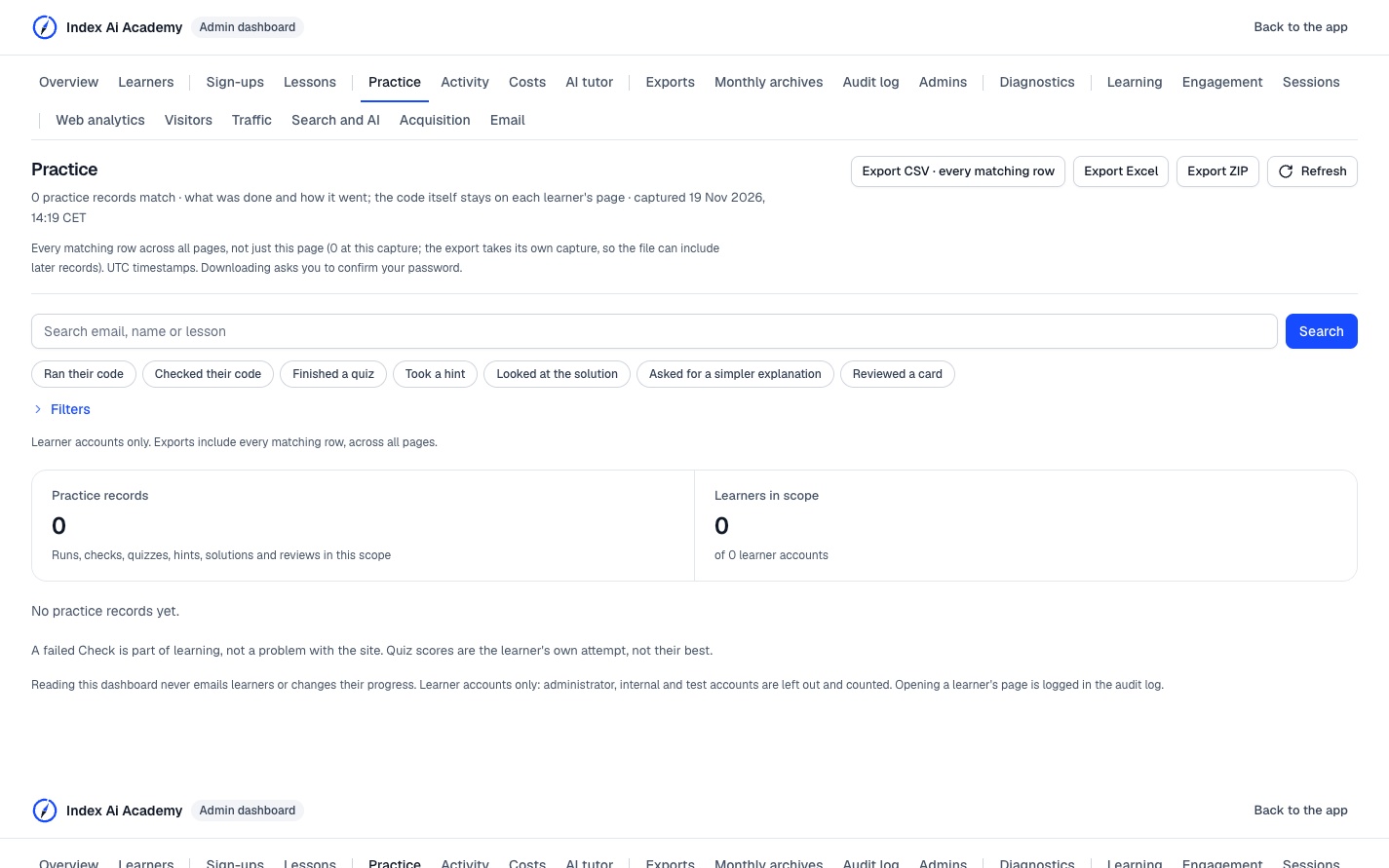
This administration report covers activity in hands-on exercises. It gives the operator a view across the Academy while learner-facing pages focus on individual study.
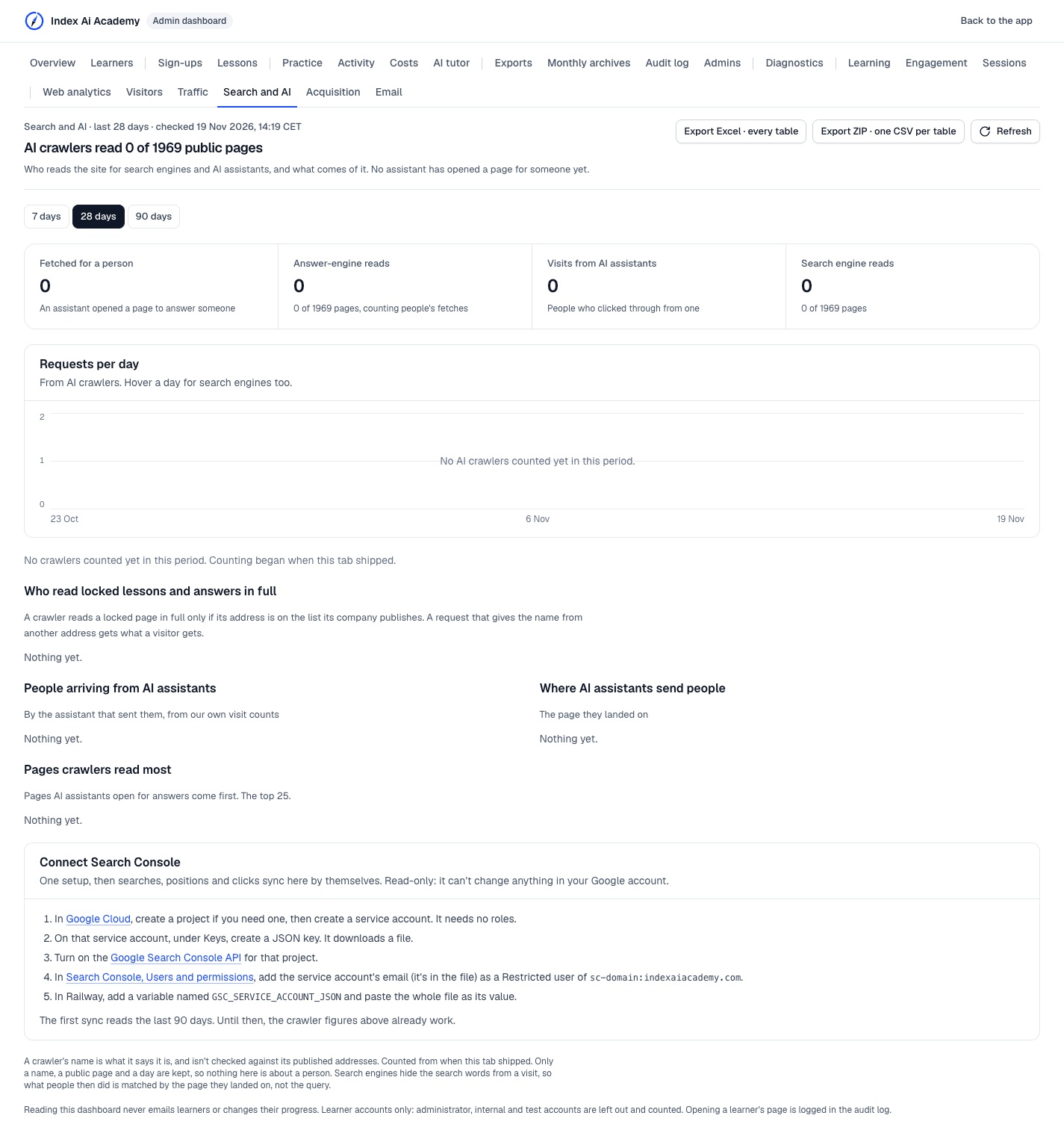
This administration report covers use of search and AI assistance. It gives the operator a view across the Academy while learner-facing pages focus on individual study. This full-page capture includes the material below the initial viewport.
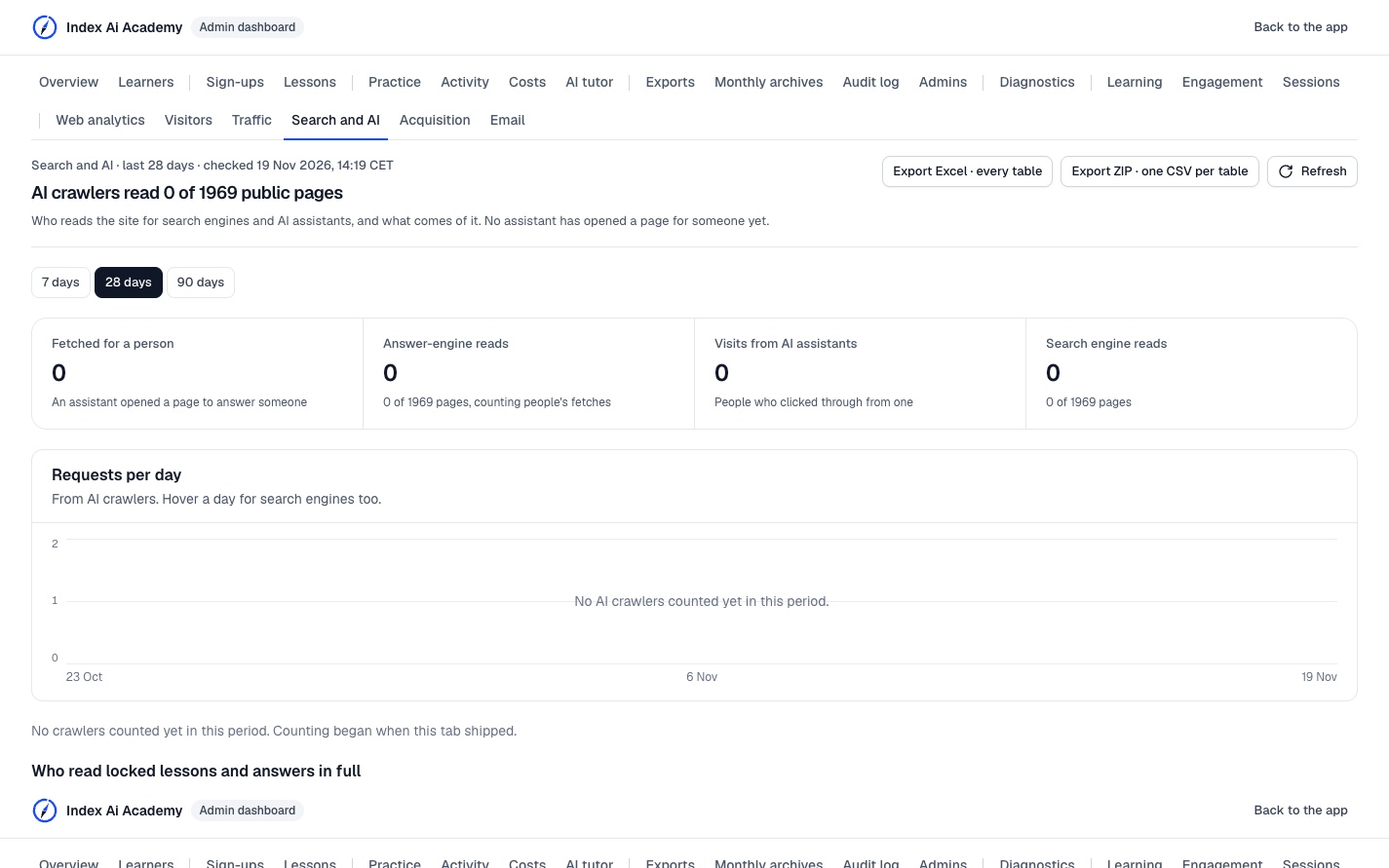
This administration report covers use of search and AI assistance. It gives the operator a view across the Academy while learner-facing pages focus on individual study.
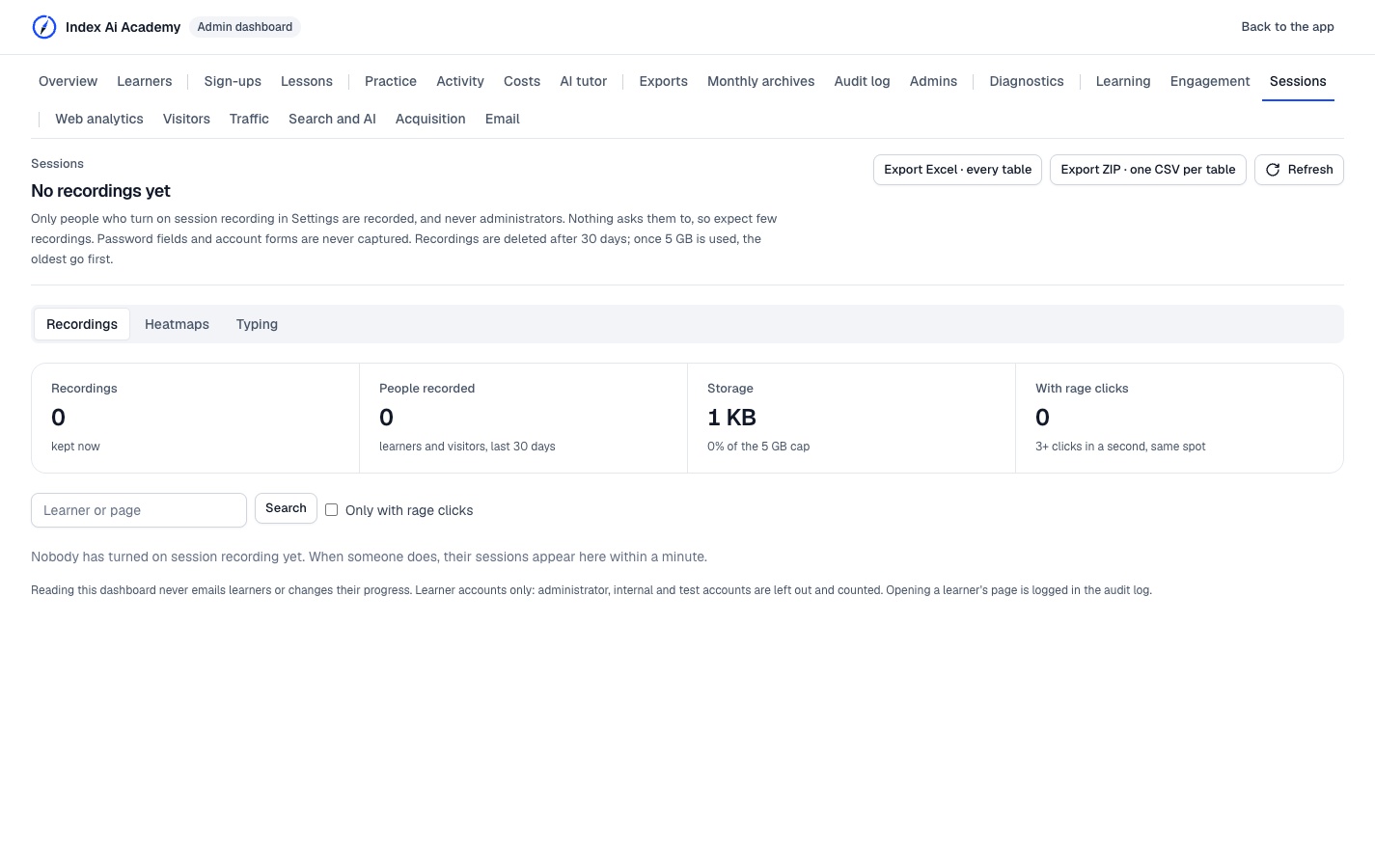
This administration report covers visits grouped into sessions. It gives the operator a view across the Academy while learner-facing pages focus on individual study. This full-page capture includes the material below the initial viewport.
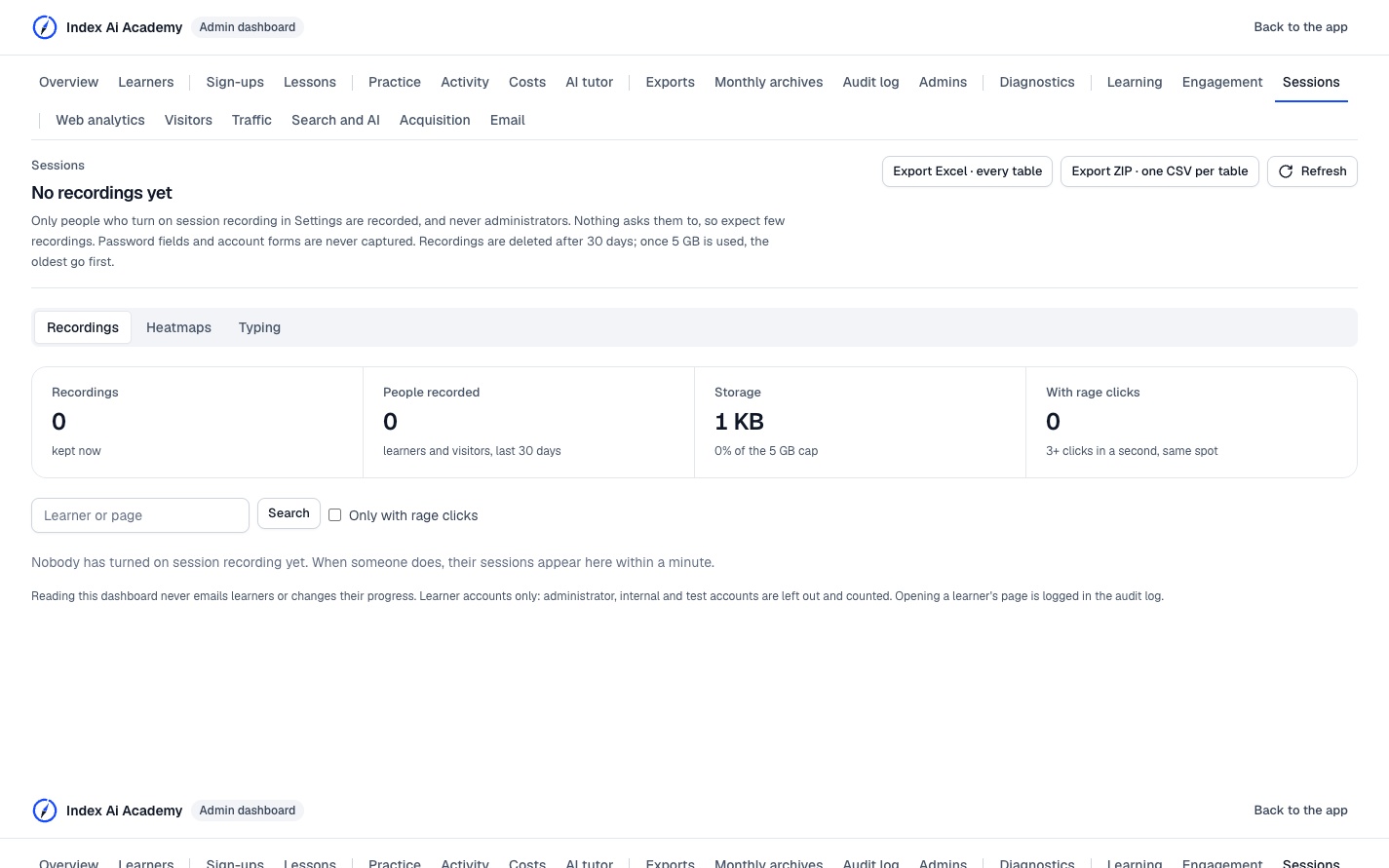
This administration report covers visits grouped into sessions. It gives the operator a view across the Academy while learner-facing pages focus on individual study.
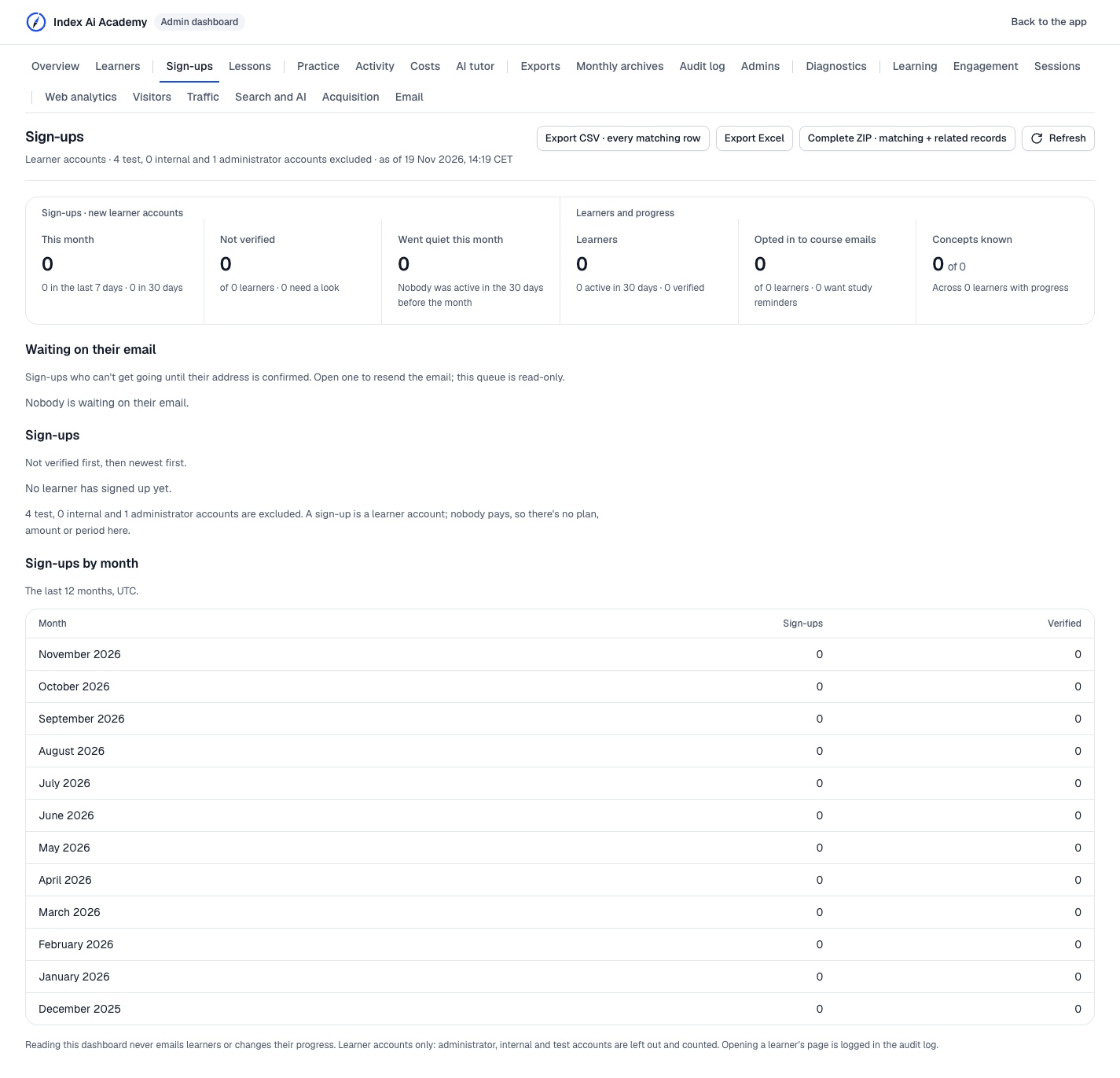
This administration report covers new account registrations. It gives the operator a view across the Academy while learner-facing pages focus on individual study. This full-page capture includes the material below the initial viewport.
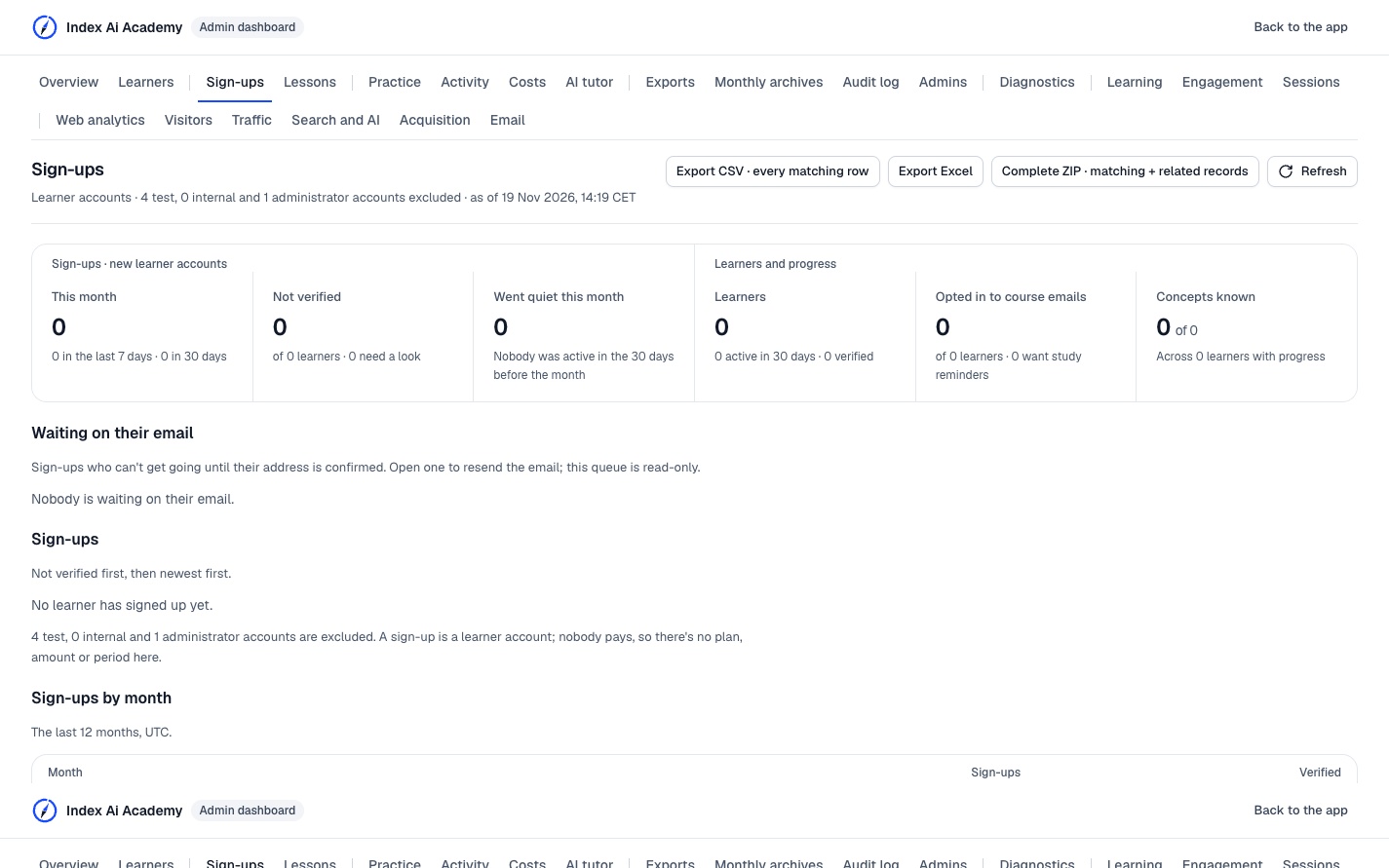
This administration report covers new account registrations. It gives the operator a view across the Academy while learner-facing pages focus on individual study.
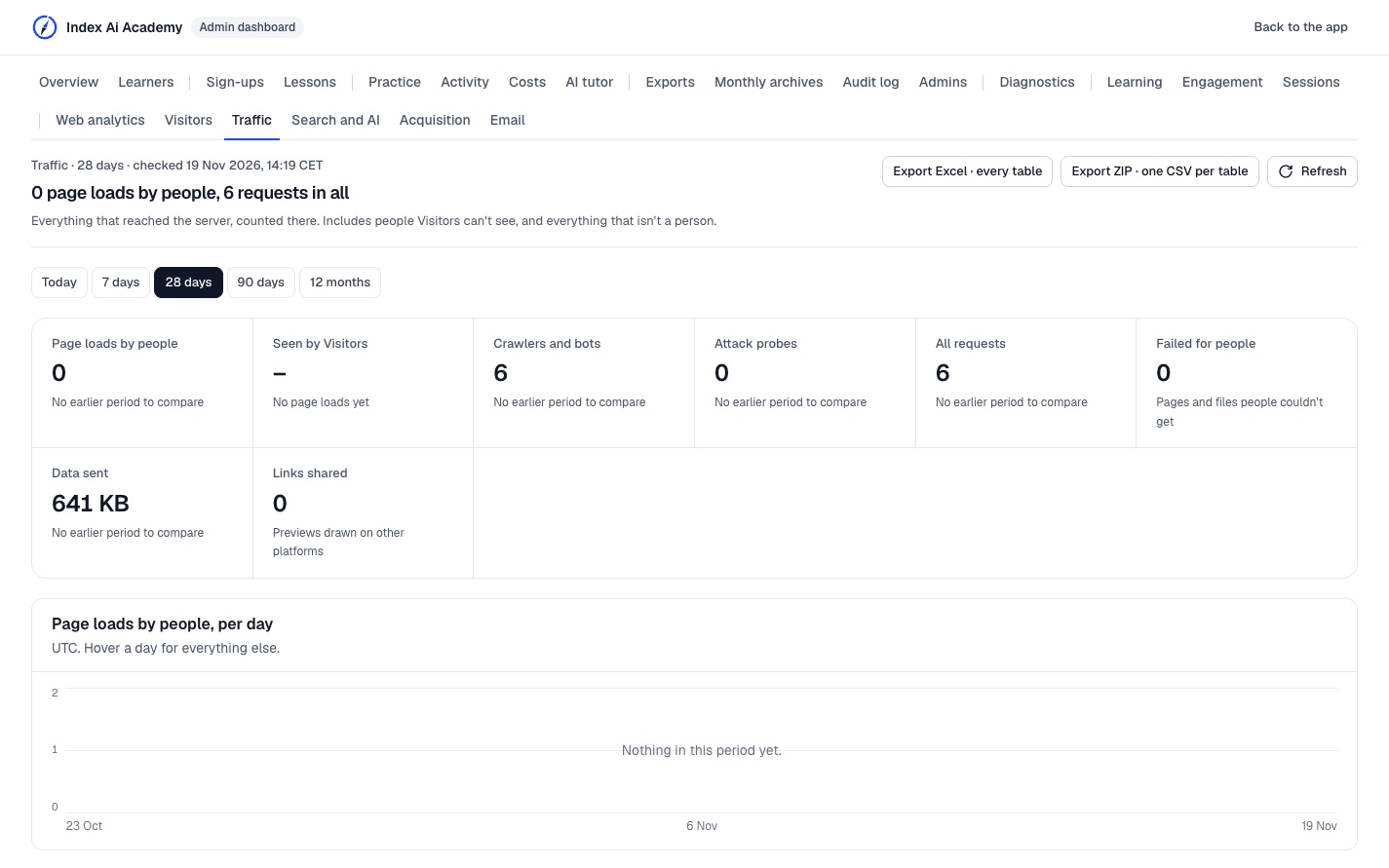
This administration report covers traffic reaching the learning platform. It gives the operator a view across the Academy while learner-facing pages focus on individual study.
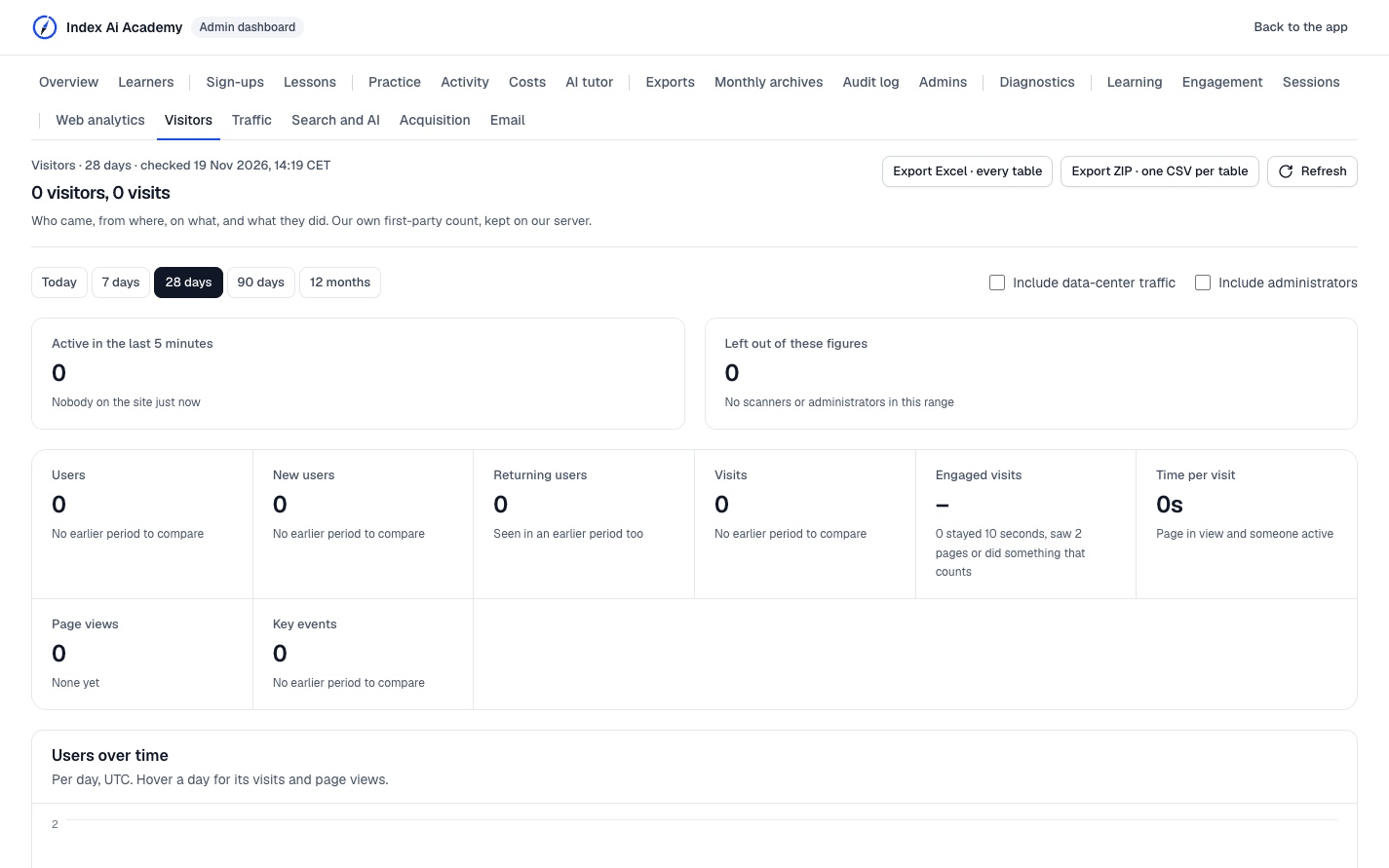
This administration report covers visitor activity. It gives the operator a view across the Academy while learner-facing pages focus on individual study.
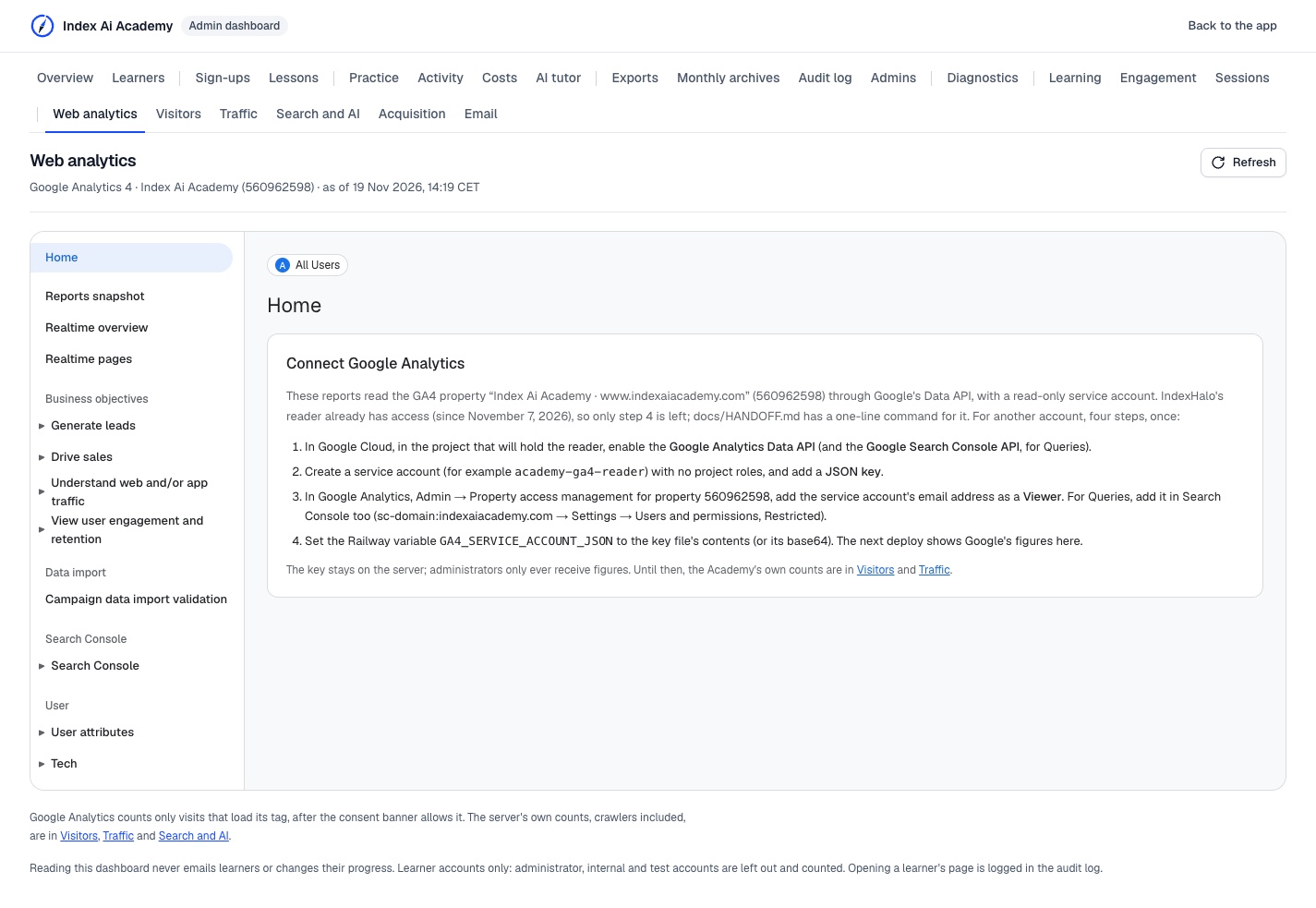
This administration report covers usage across the Academy website. It gives the operator a view across the Academy while learner-facing pages focus on individual study. This full-page capture includes the material below the initial viewport.
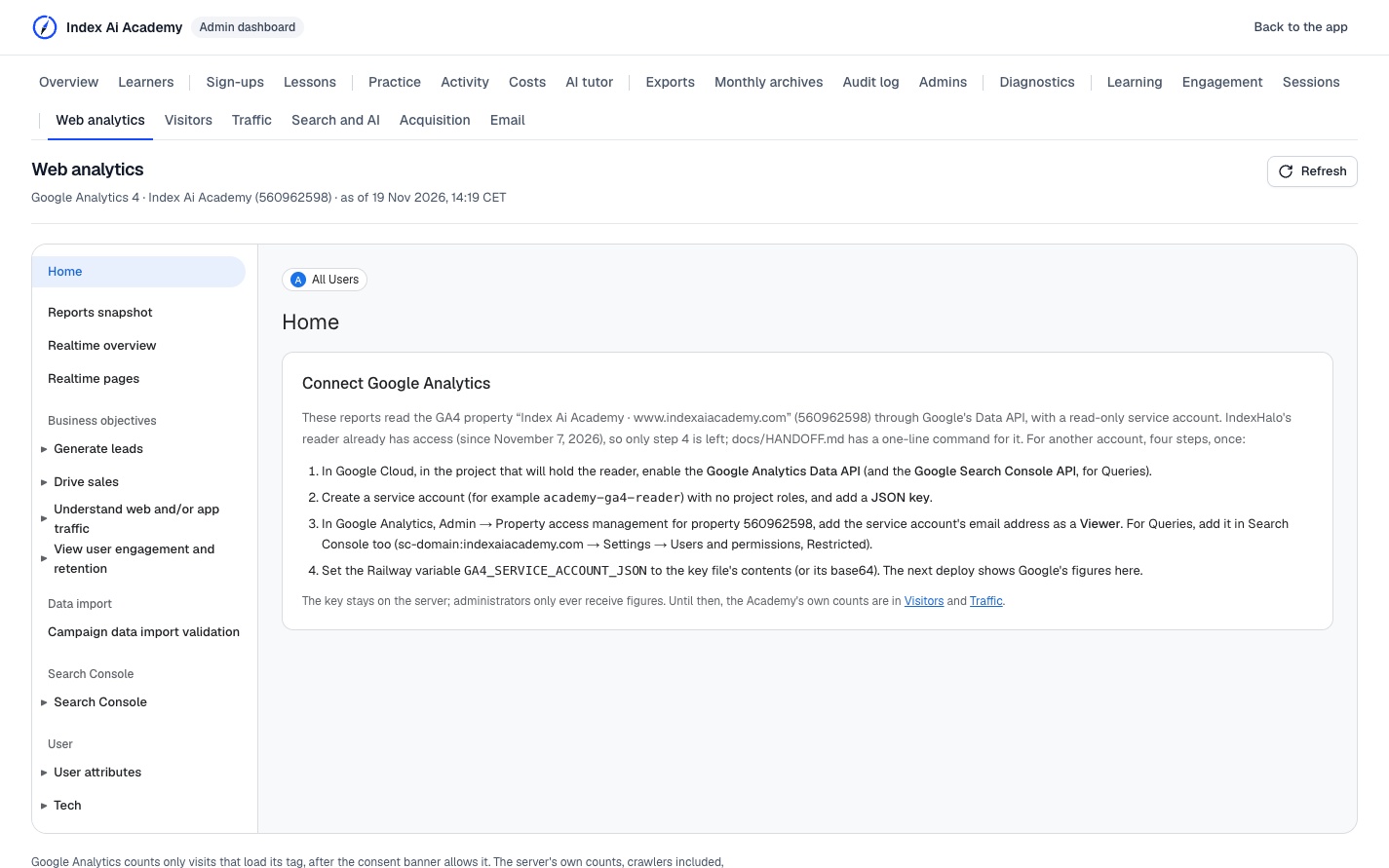
This administration report covers usage across the Academy website. It gives the operator a view across the Academy while learner-facing pages focus on individual study.
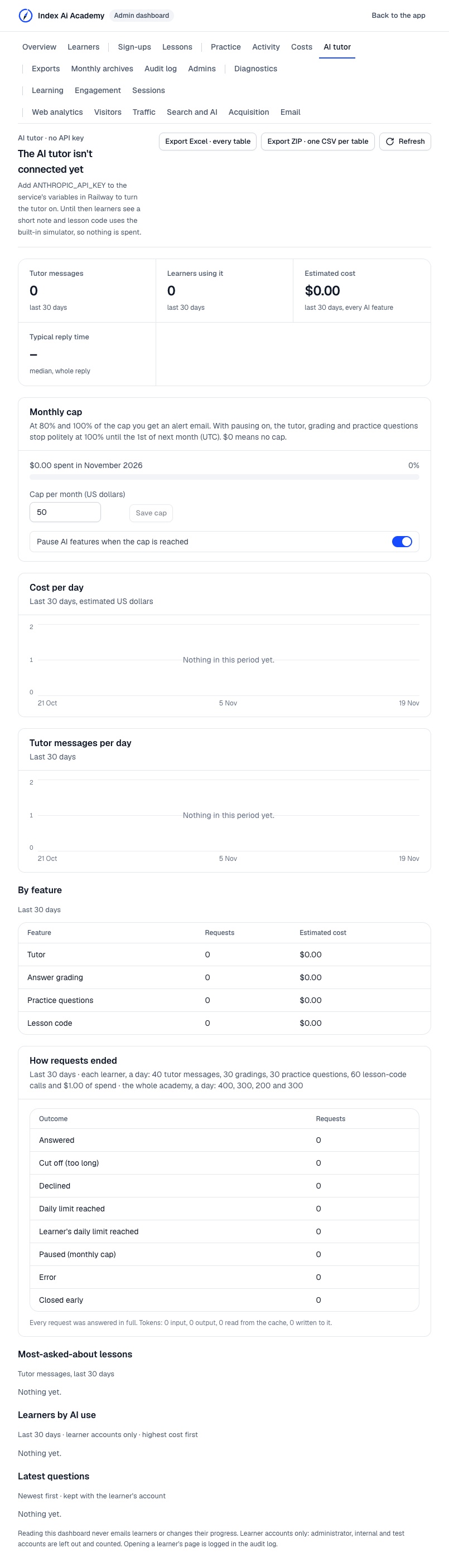
This administration report covers tutor usage and how learners interact with assistance. It gives the operator a view across the Academy while learner-facing pages focus on individual study. This full-page capture includes the material below the initial viewport.
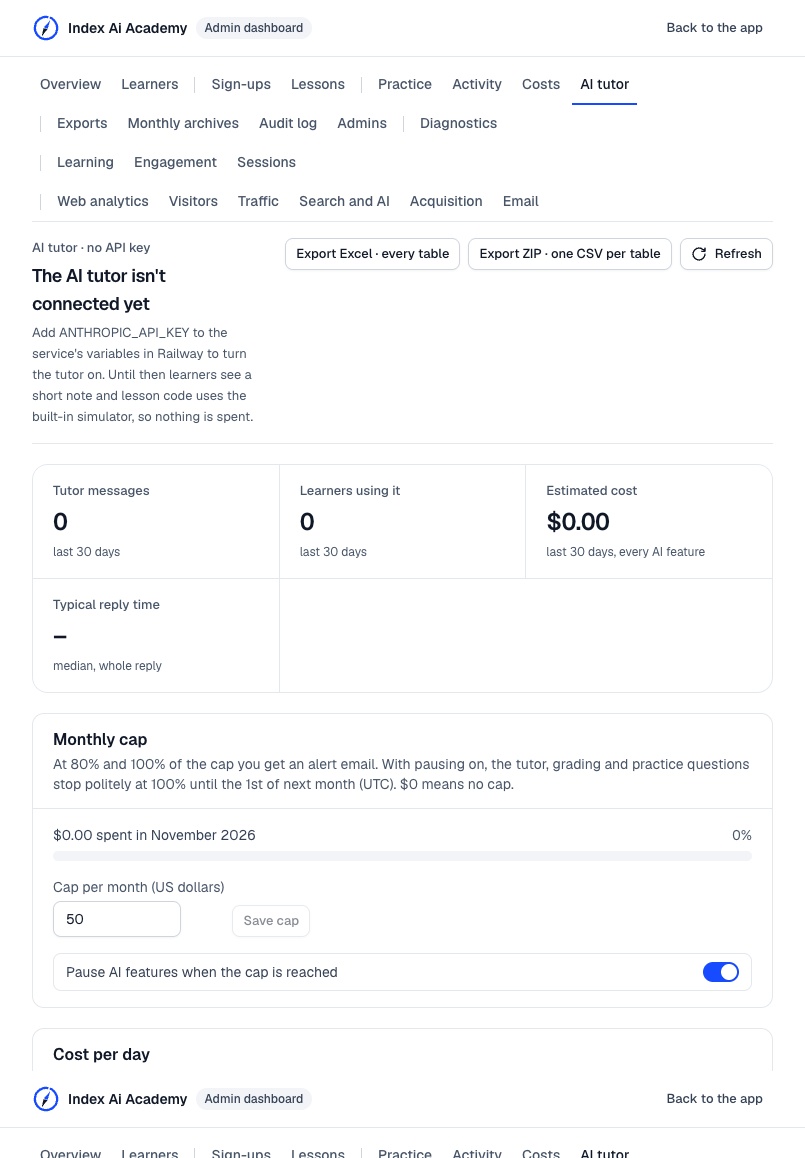
This administration report covers tutor usage and how learners interact with assistance. It gives the operator a view across the Academy while learner-facing pages focus on individual study.
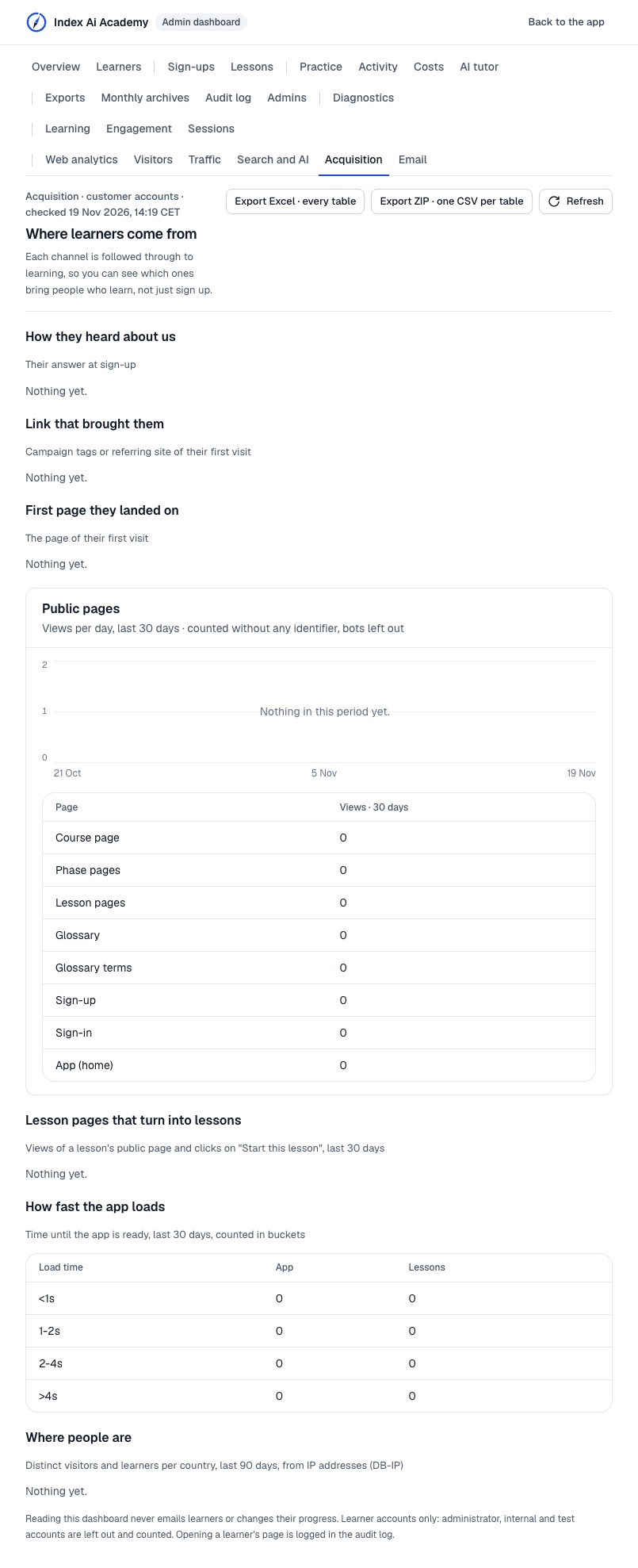
This administration report covers where visits and sign-ups originate. It gives the operator a view across the Academy while learner-facing pages focus on individual study. This full-page capture includes the material below the initial viewport.
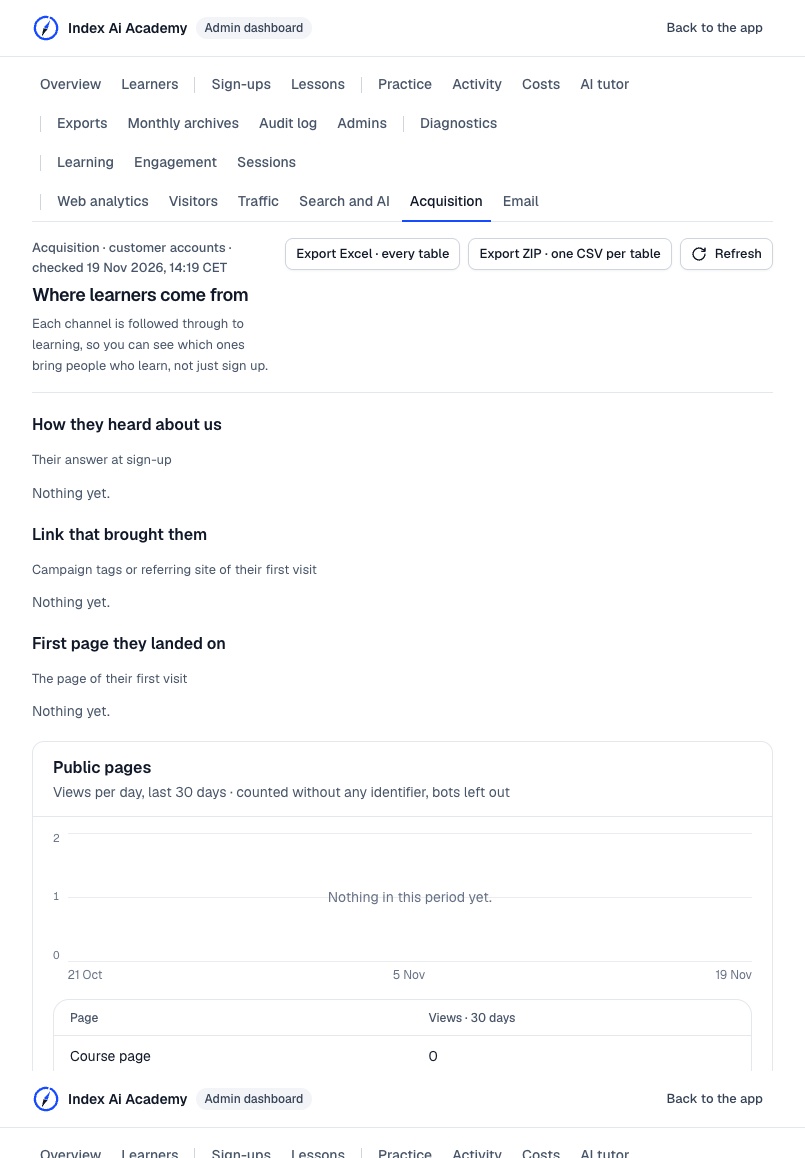
This administration report covers where visits and sign-ups originate. It gives the operator a view across the Academy while learner-facing pages focus on individual study.
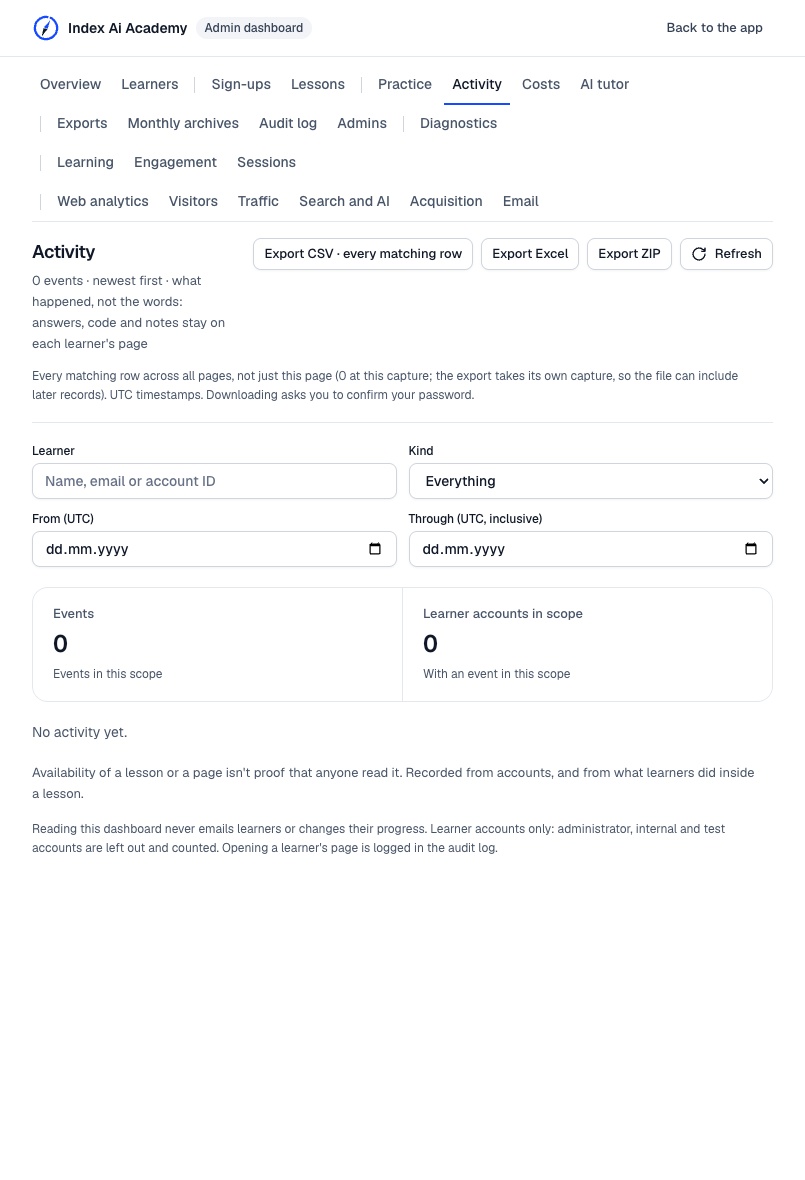
This administration report covers recent activity across the learning platform. It gives the operator a view across the Academy while learner-facing pages focus on individual study. This full-page capture includes the material below the initial viewport.
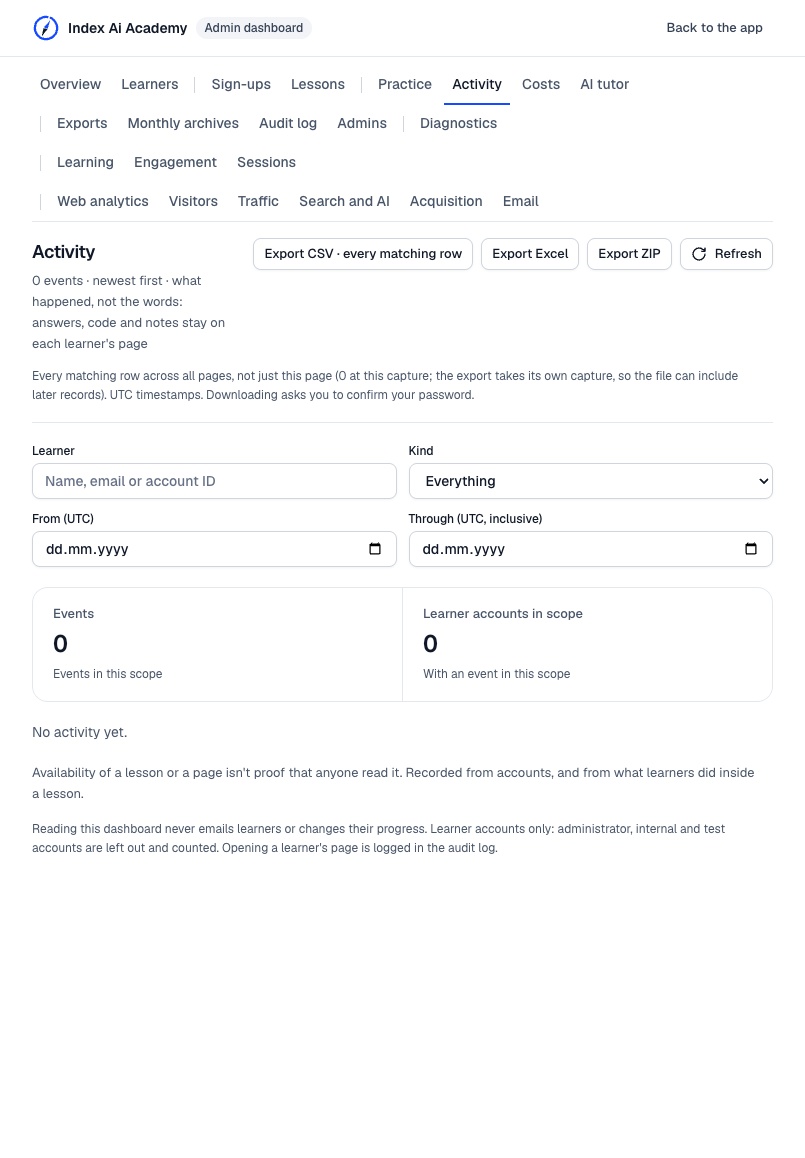
This administration report covers recent activity across the learning platform. It gives the operator a view across the Academy while learner-facing pages focus on individual study.
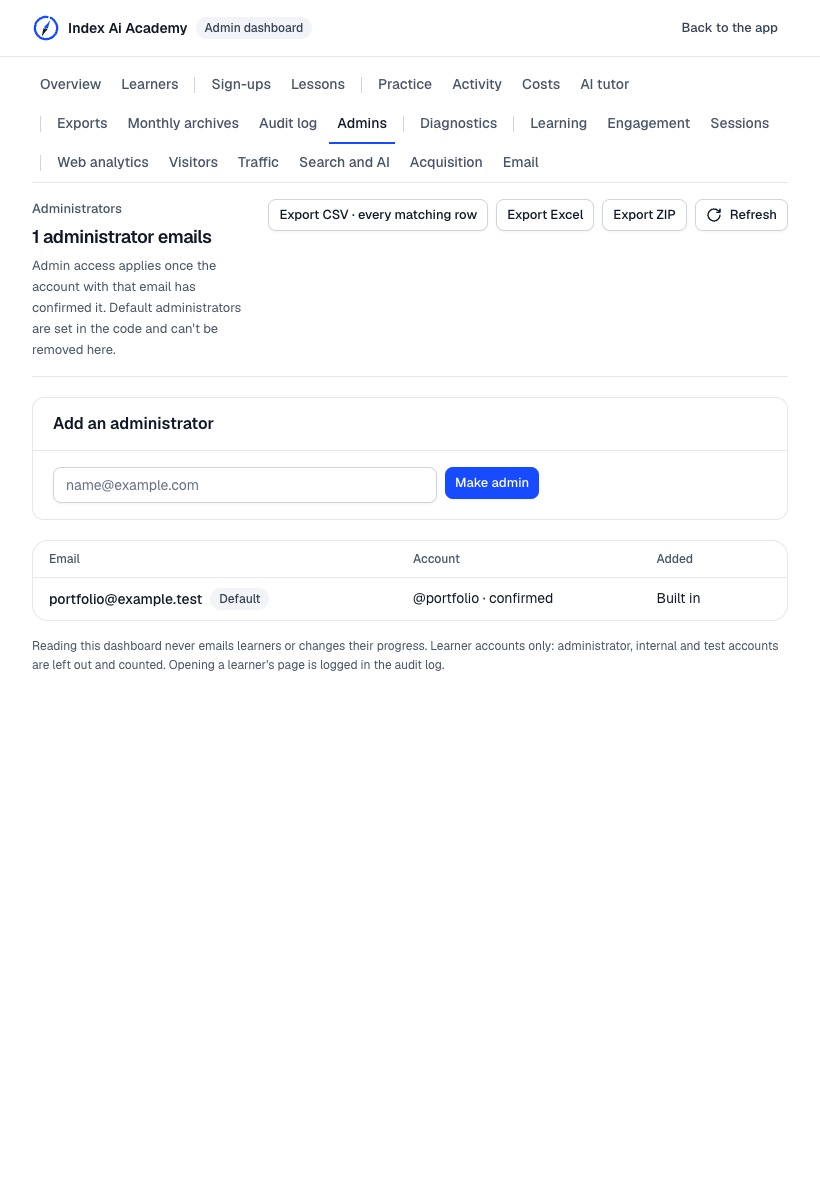
This administration report covers administrative roles and access. It gives the operator a view across the Academy while learner-facing pages focus on individual study.
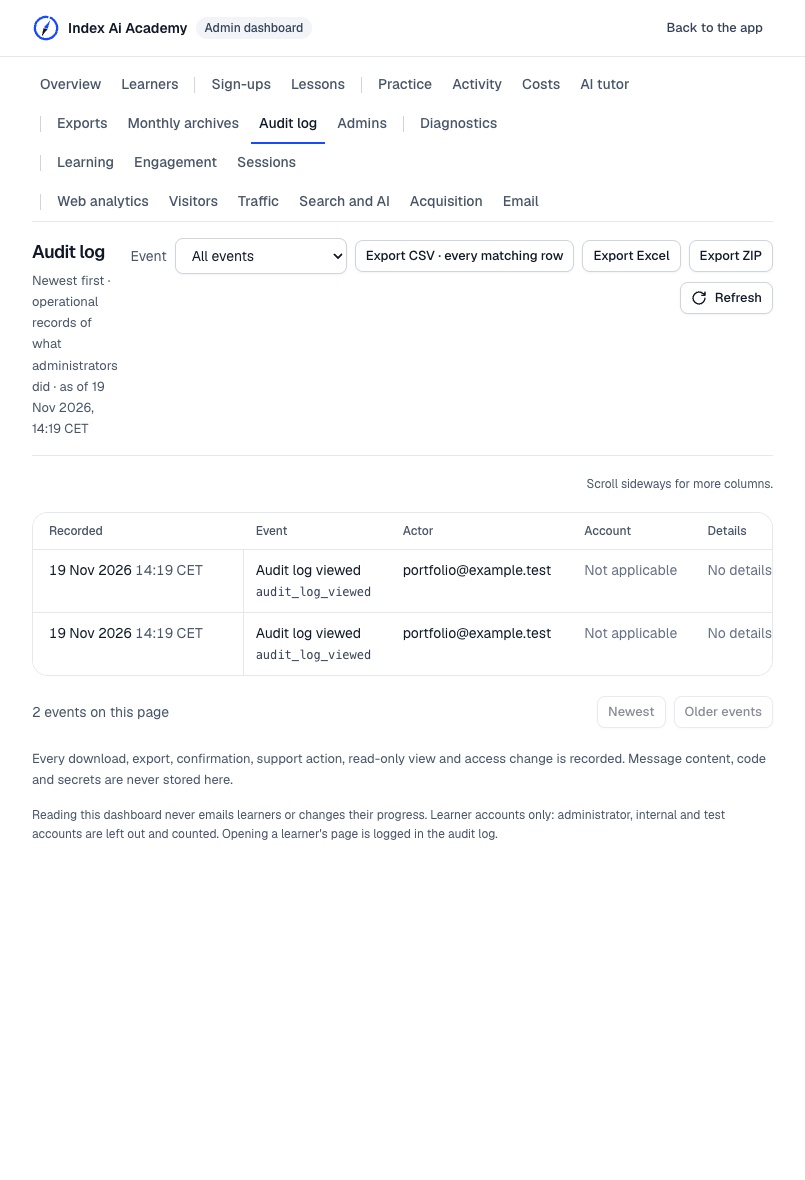
This administration report covers administrative actions and their history. It gives the operator a view across the Academy while learner-facing pages focus on individual study. This full-page capture includes the material below the initial viewport.
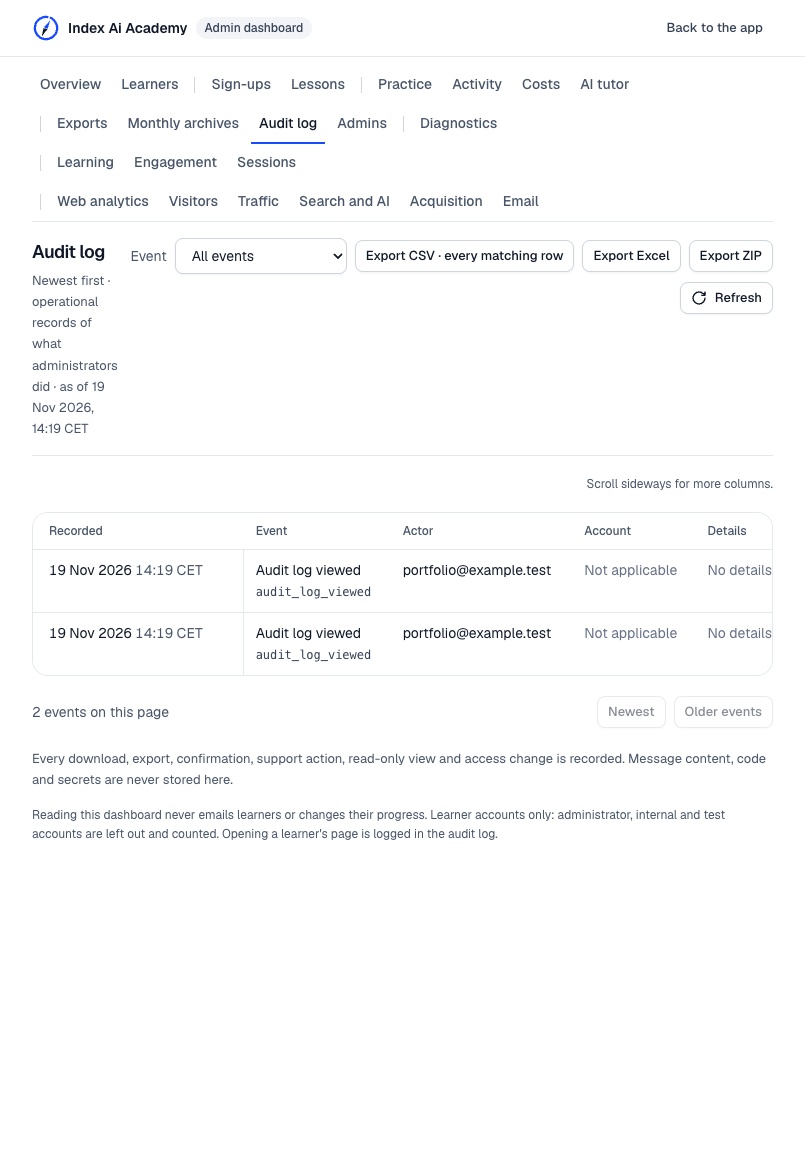
This administration report covers administrative actions and their history. It gives the operator a view across the Academy while learner-facing pages focus on individual study.
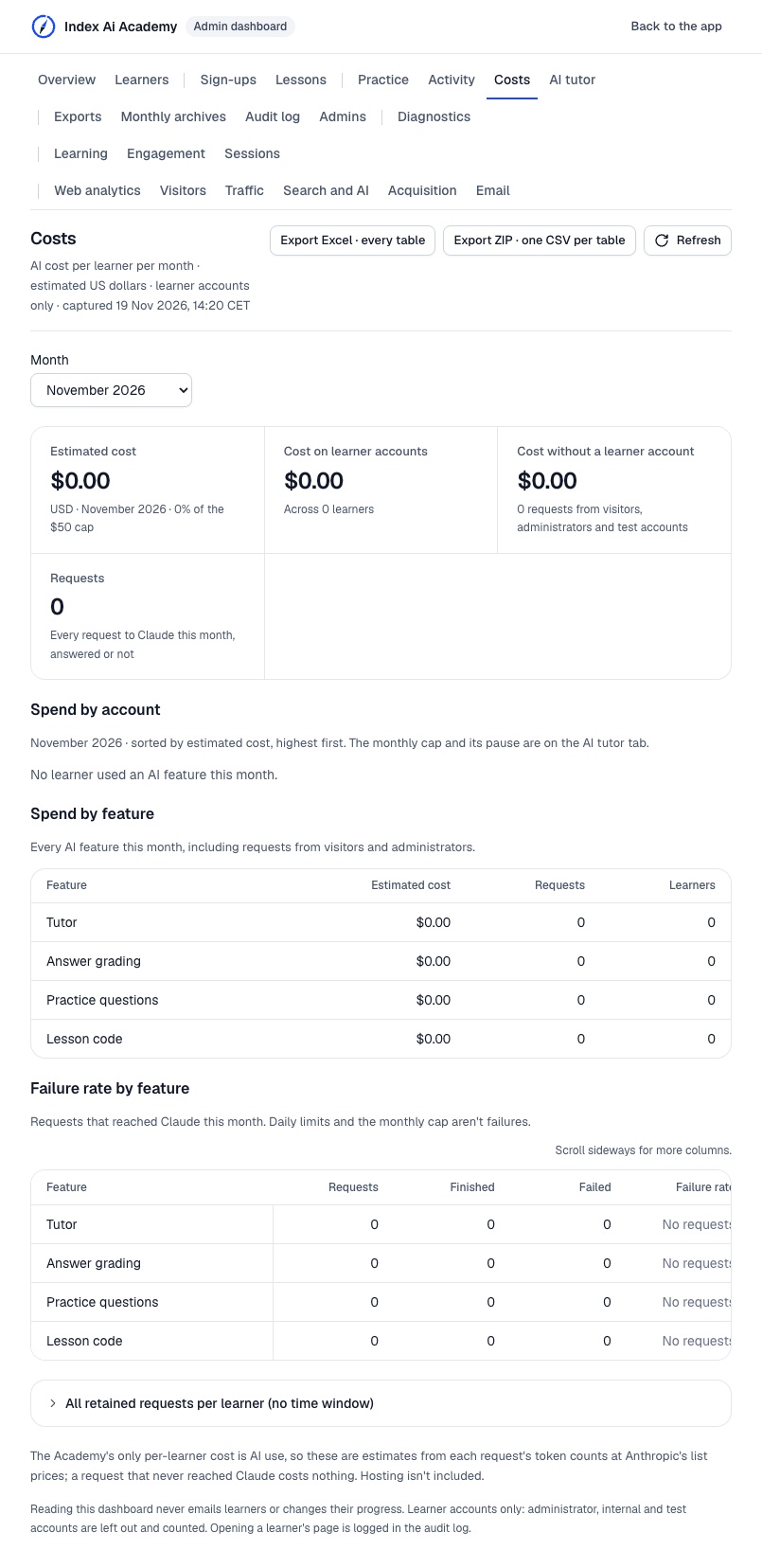
This administration report covers the cost of running learning services. It gives the operator a view across the Academy while learner-facing pages focus on individual study. This full-page capture includes the material below the initial viewport.
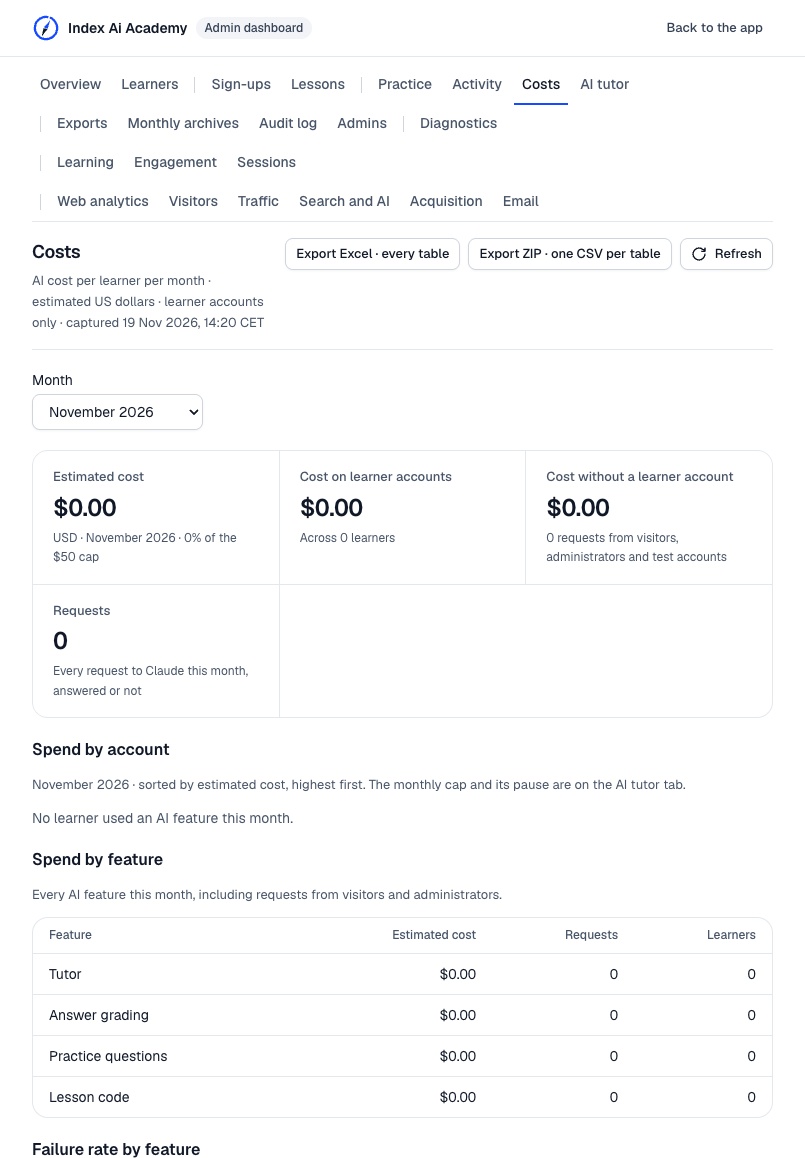
This administration report covers the cost of running learning services. It gives the operator a view across the Academy while learner-facing pages focus on individual study.
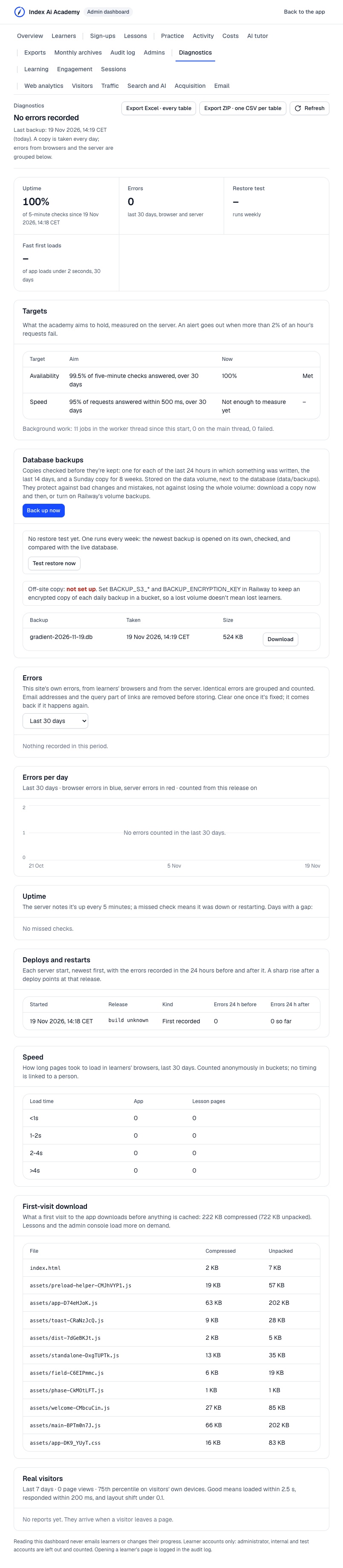
This administration report covers operational health and troubleshooting information. It gives the operator a view across the Academy while learner-facing pages focus on individual study. This full-page capture includes the material below the initial viewport.
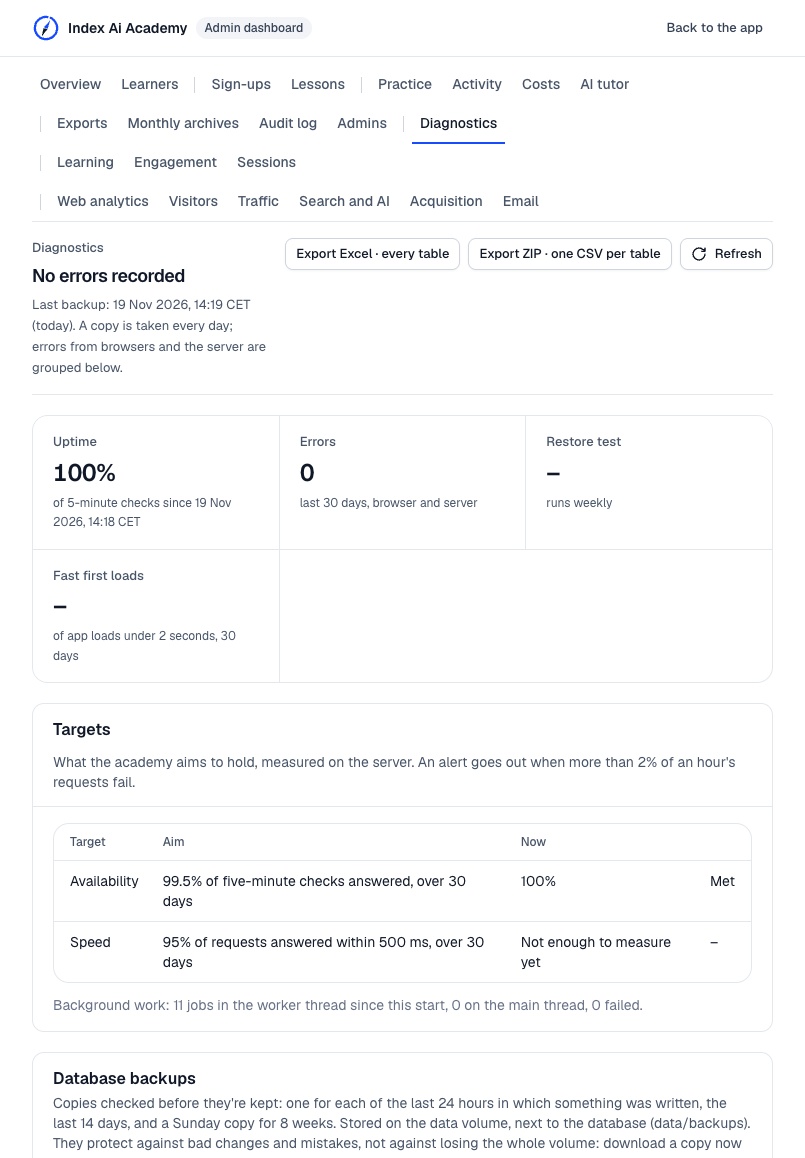
This administration report covers operational health and troubleshooting information. It gives the operator a view across the Academy while learner-facing pages focus on individual study.
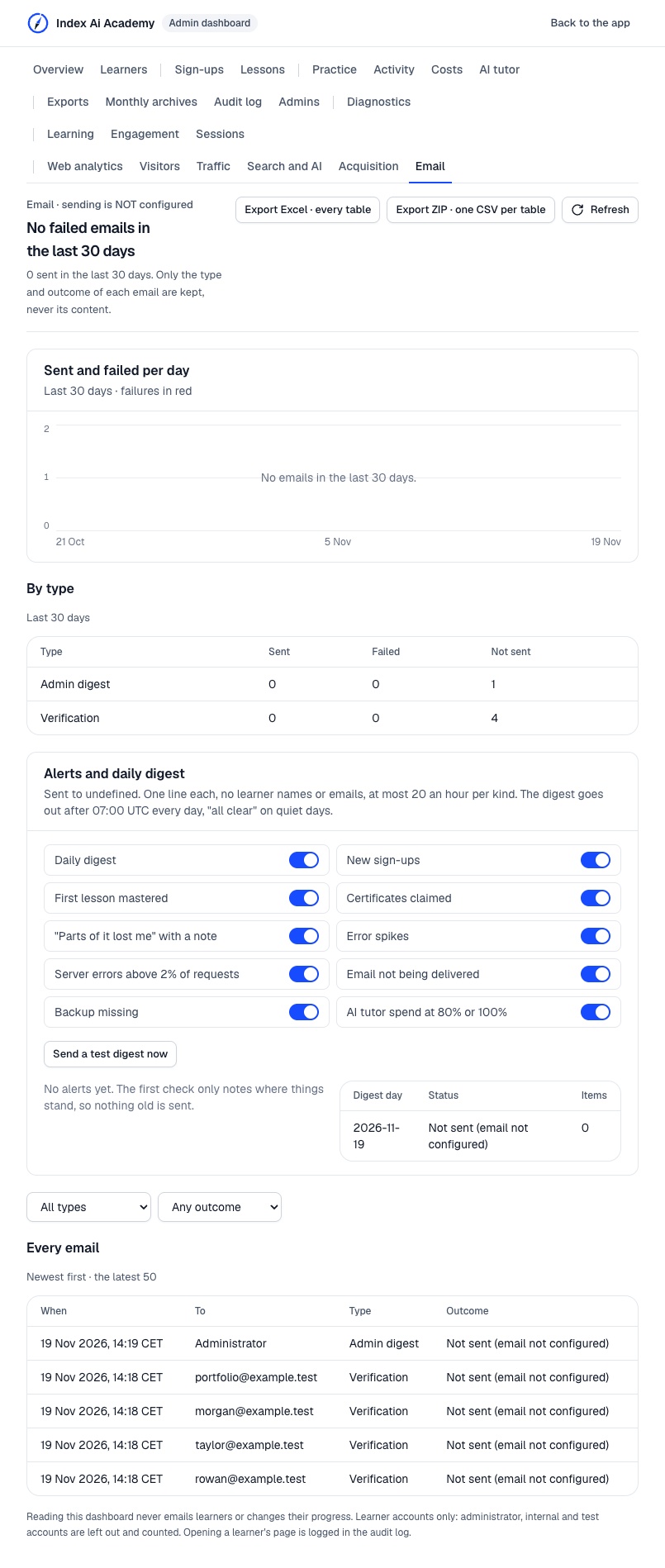
This administration report covers the status of communications sent by the platform. It gives the operator a view across the Academy while learner-facing pages focus on individual study. This full-page capture includes the material below the initial viewport.
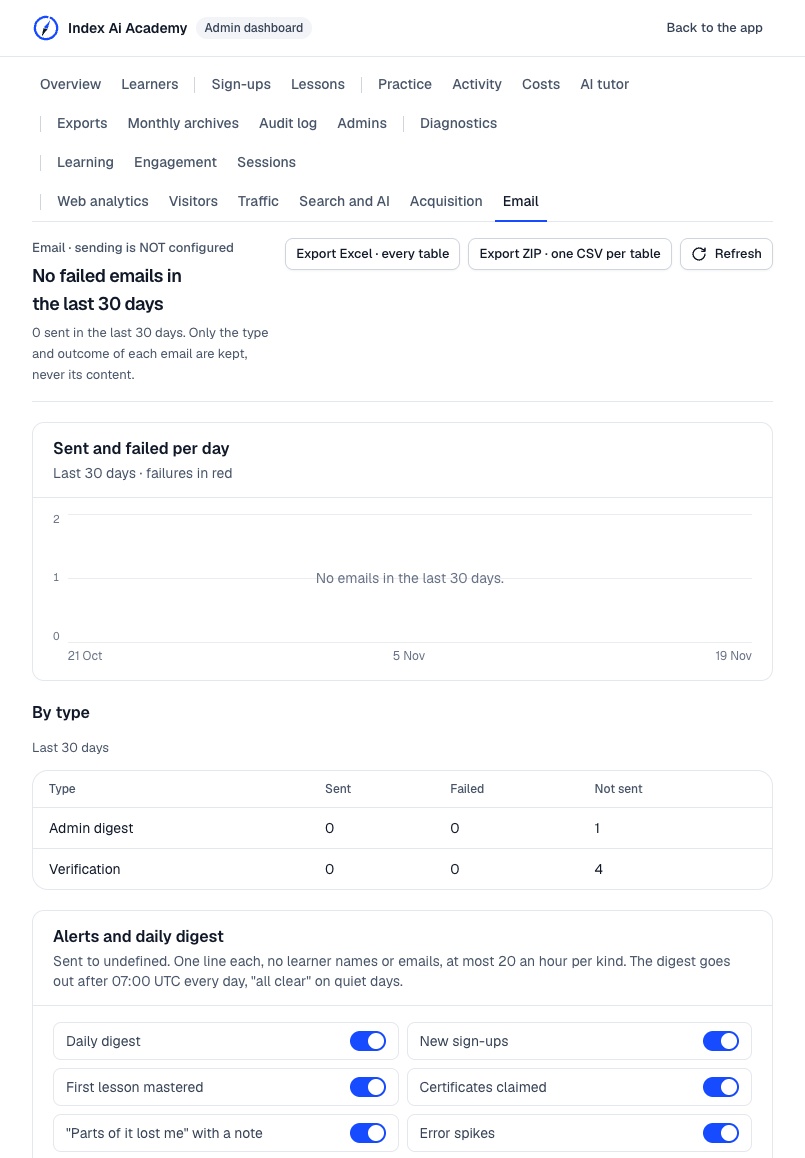
This administration report covers the status of communications sent by the platform. It gives the operator a view across the Academy while learner-facing pages focus on individual study.
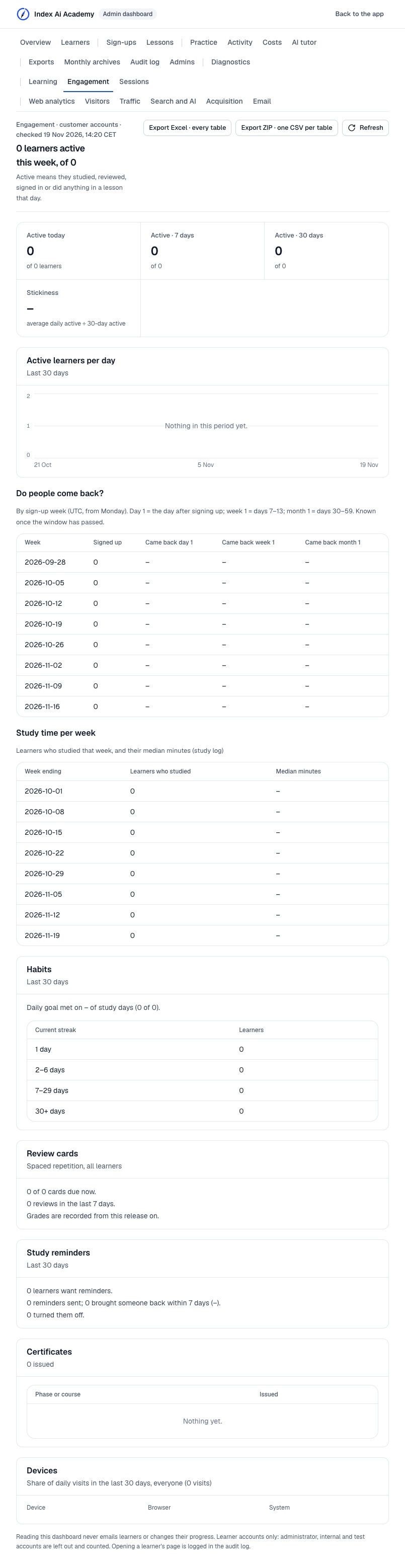
This administration report covers patterns of participation and return visits. It gives the operator a view across the Academy while learner-facing pages focus on individual study. This full-page capture includes the material below the initial viewport.
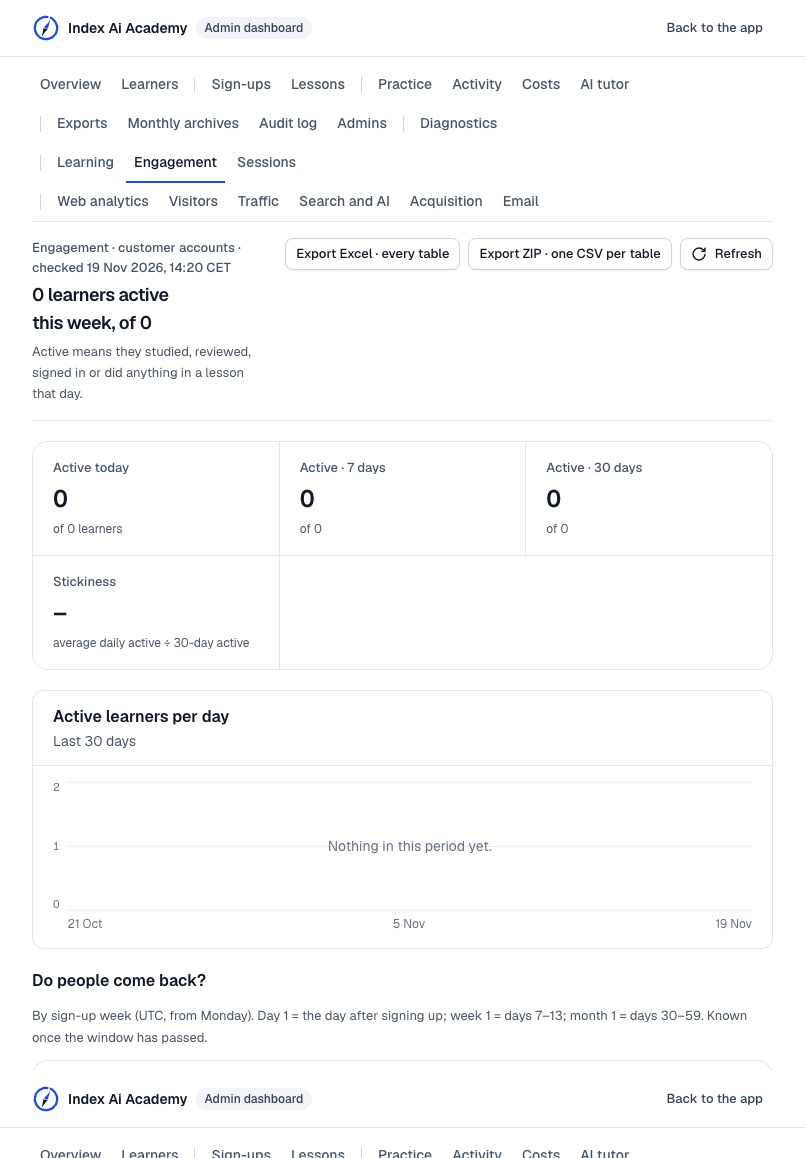
This administration report covers patterns of participation and return visits. It gives the operator a view across the Academy while learner-facing pages focus on individual study.
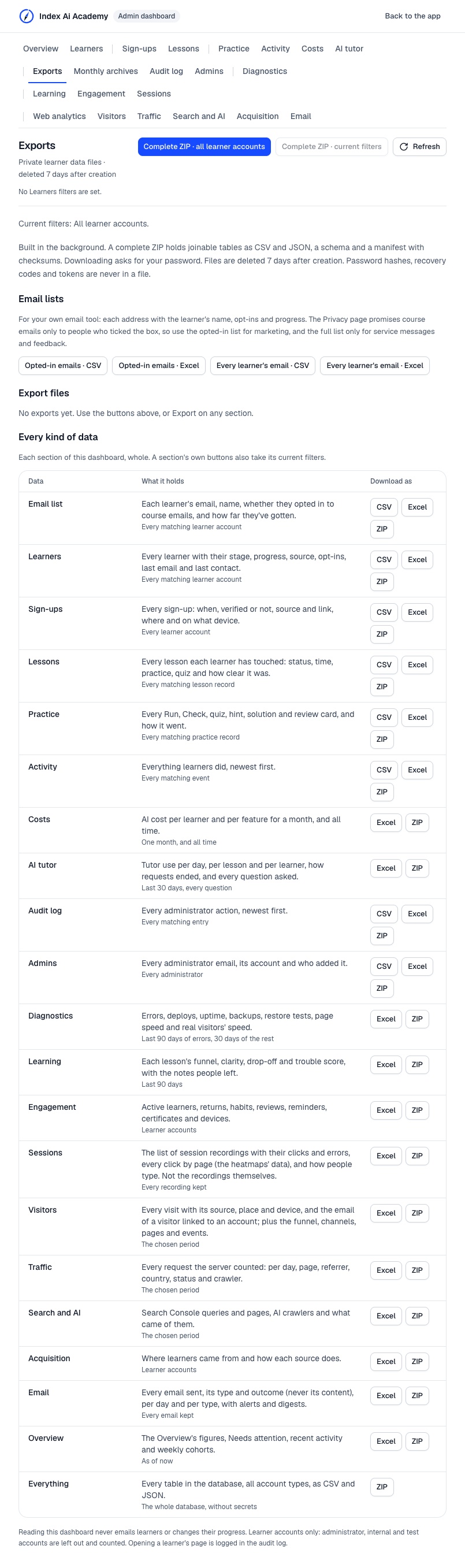
This administration report covers the data available for export. It gives the operator a view across the Academy while learner-facing pages focus on individual study. This full-page capture includes the material below the initial viewport.
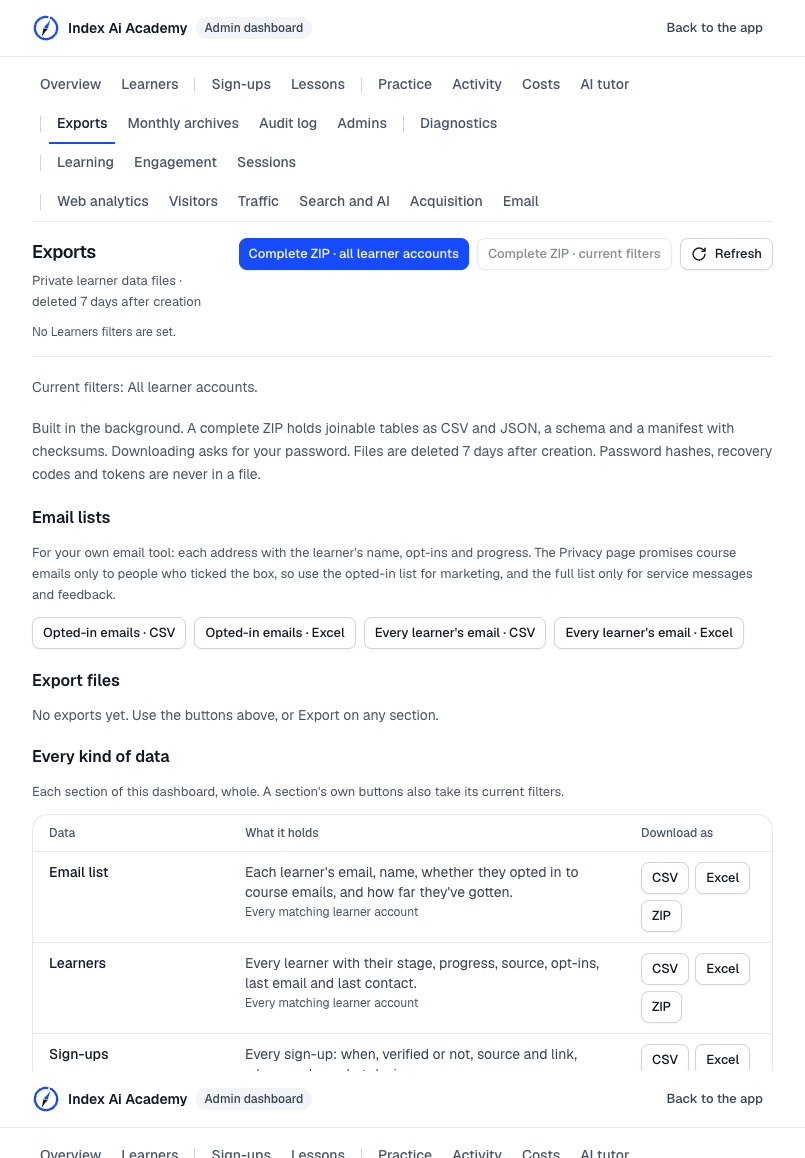
This administration report covers the data available for export. It gives the operator a view across the Academy while learner-facing pages focus on individual study.
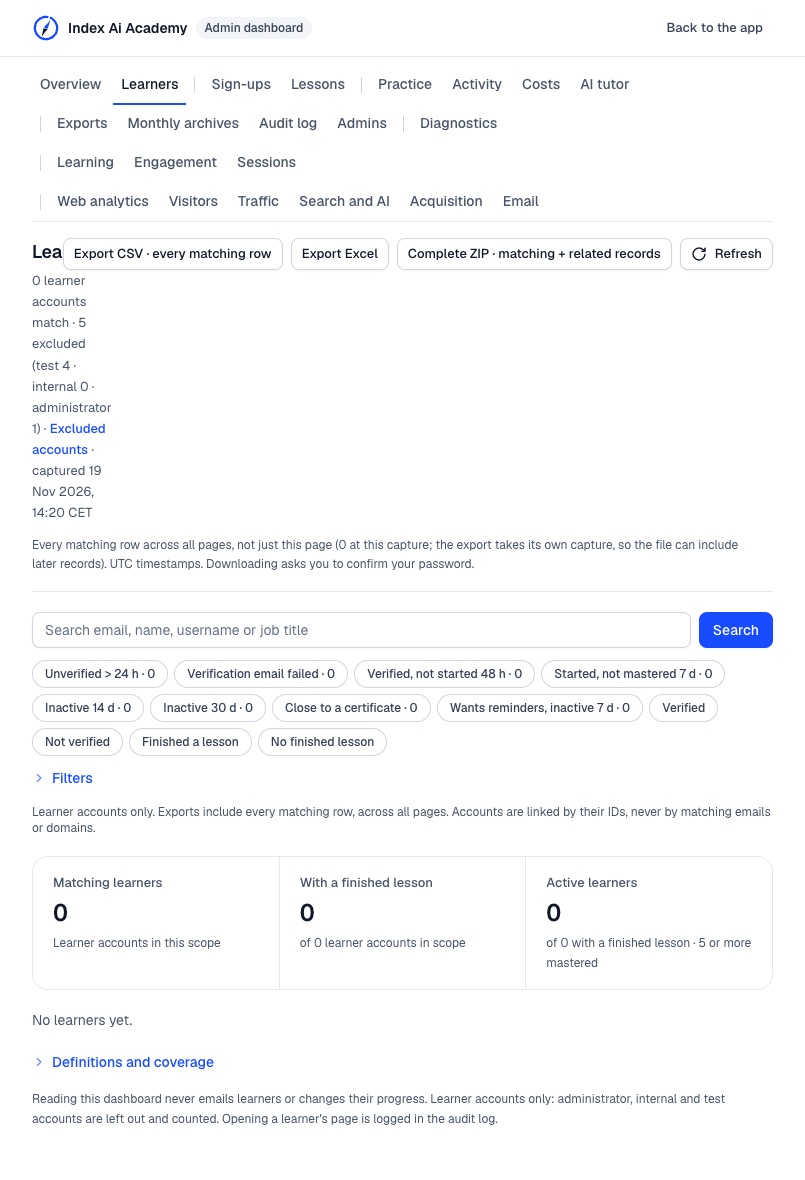
This administration report covers individual learner records and progress. It gives the operator a view across the Academy while learner-facing pages focus on individual study. This full-page capture includes the material below the initial viewport.
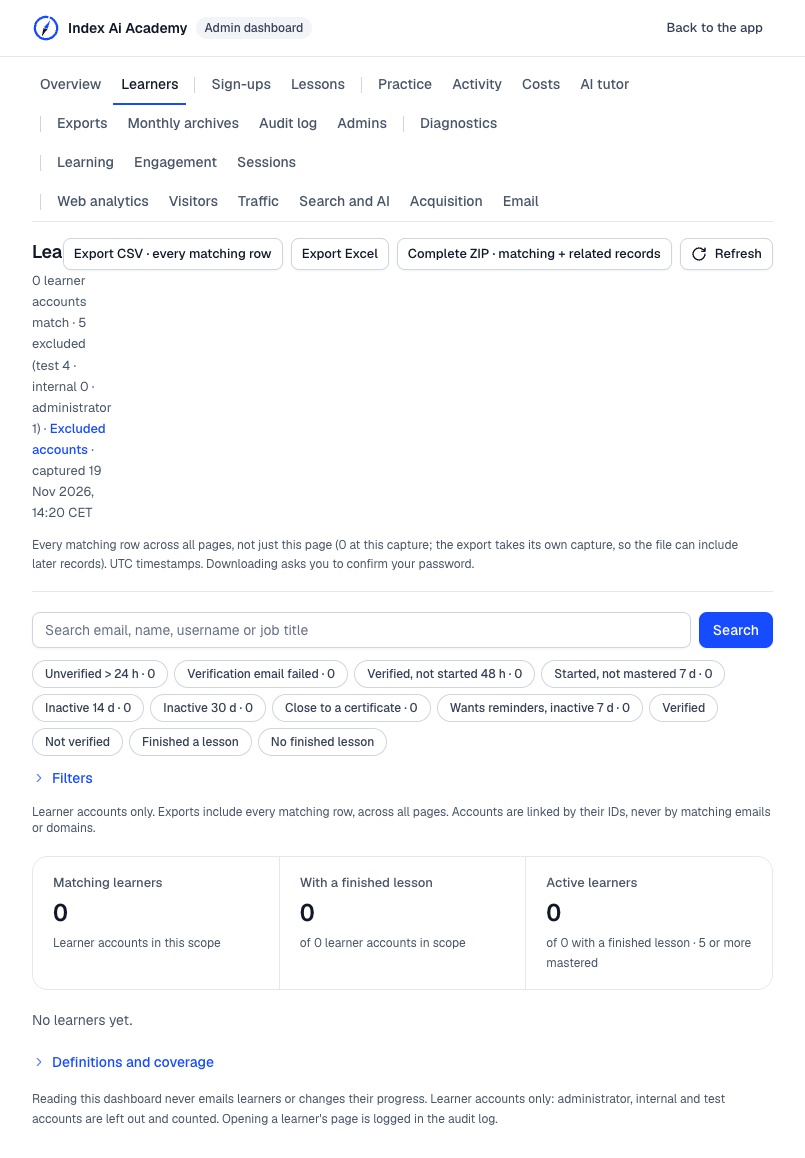
This administration report covers individual learner records and progress. It gives the operator a view across the Academy while learner-facing pages focus on individual study.
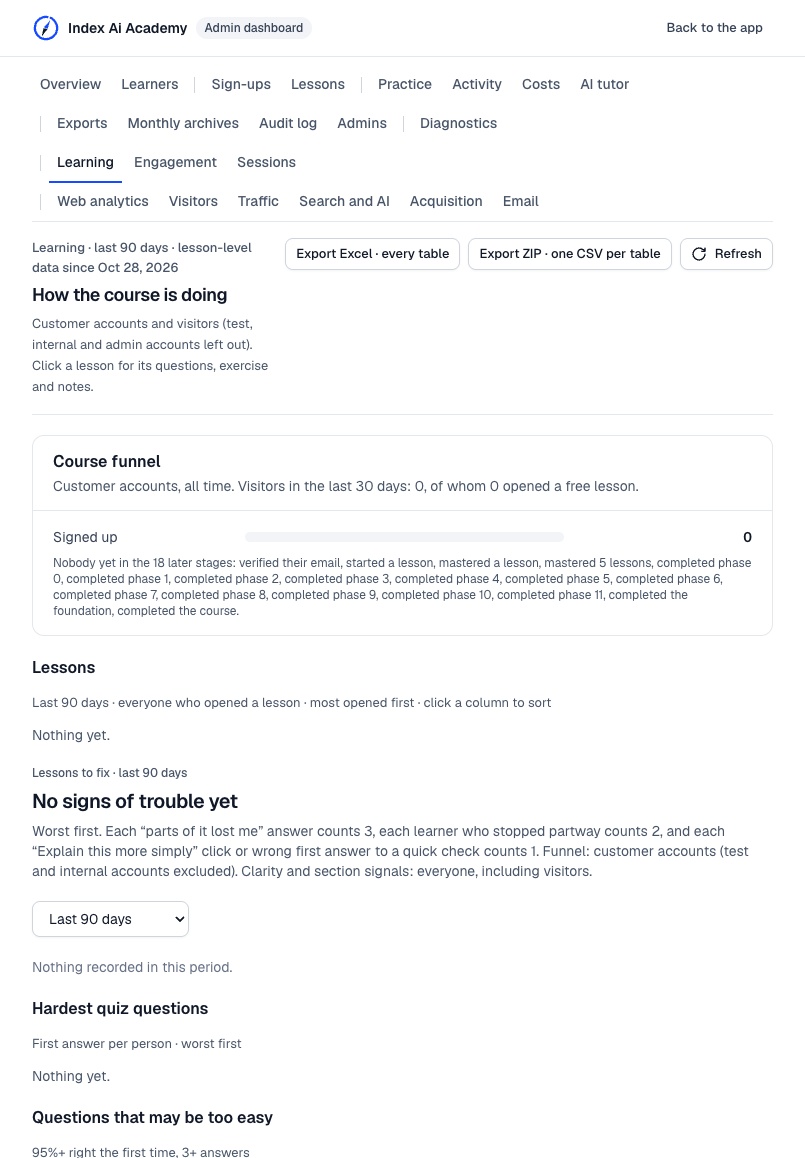
This administration report covers course progress across the learner population. It gives the operator a view across the Academy while learner-facing pages focus on individual study.
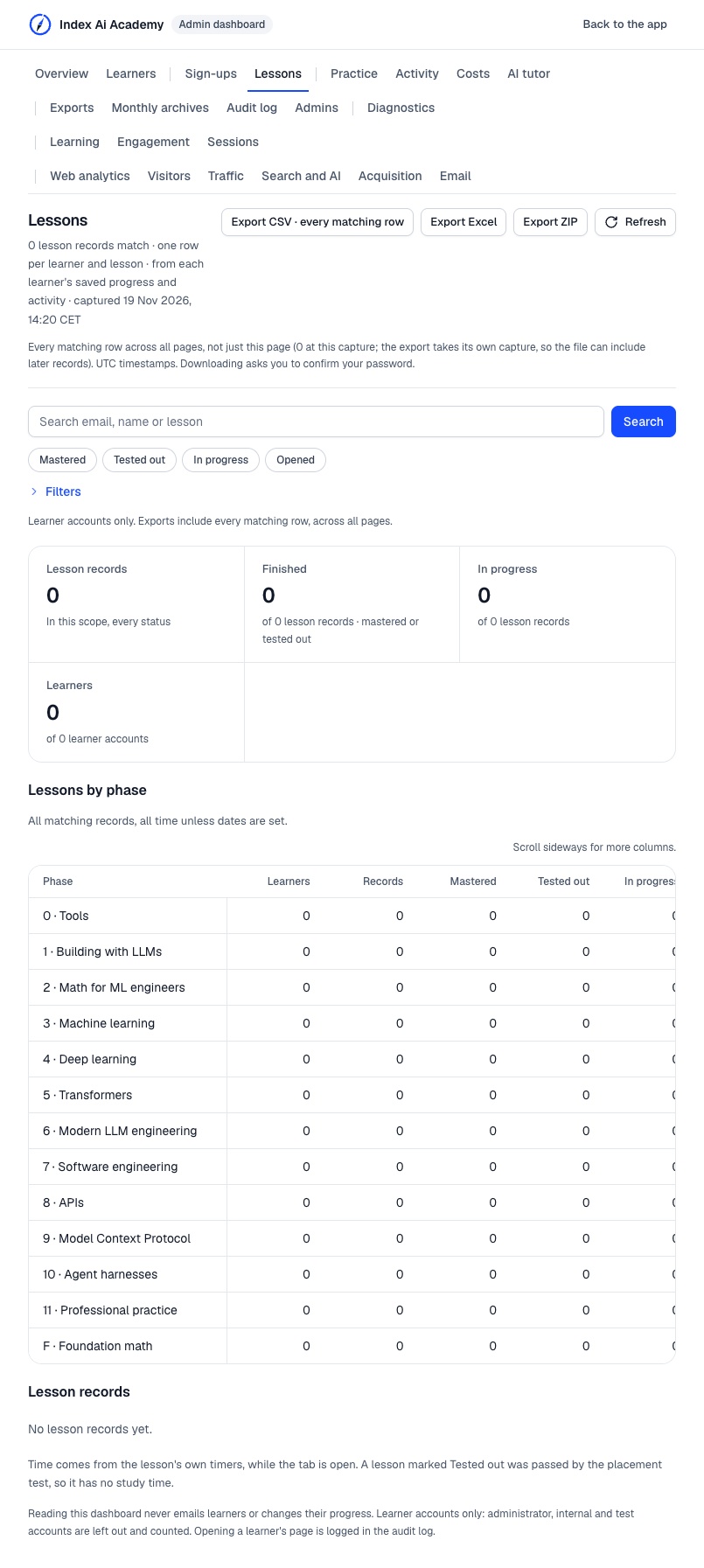
This administration report covers engagement with individual lessons. It gives the operator a view across the Academy while learner-facing pages focus on individual study. This full-page capture includes the material below the initial viewport.
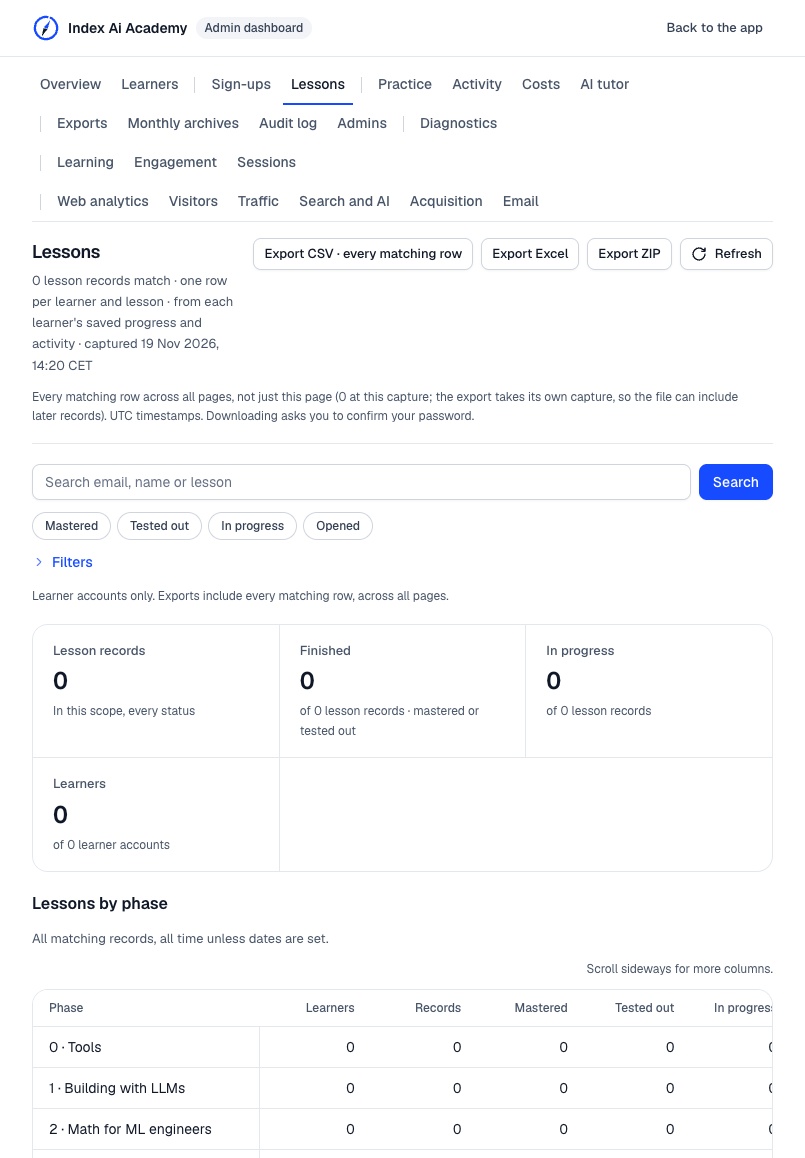
This administration report covers engagement with individual lessons. It gives the operator a view across the Academy while learner-facing pages focus on individual study.
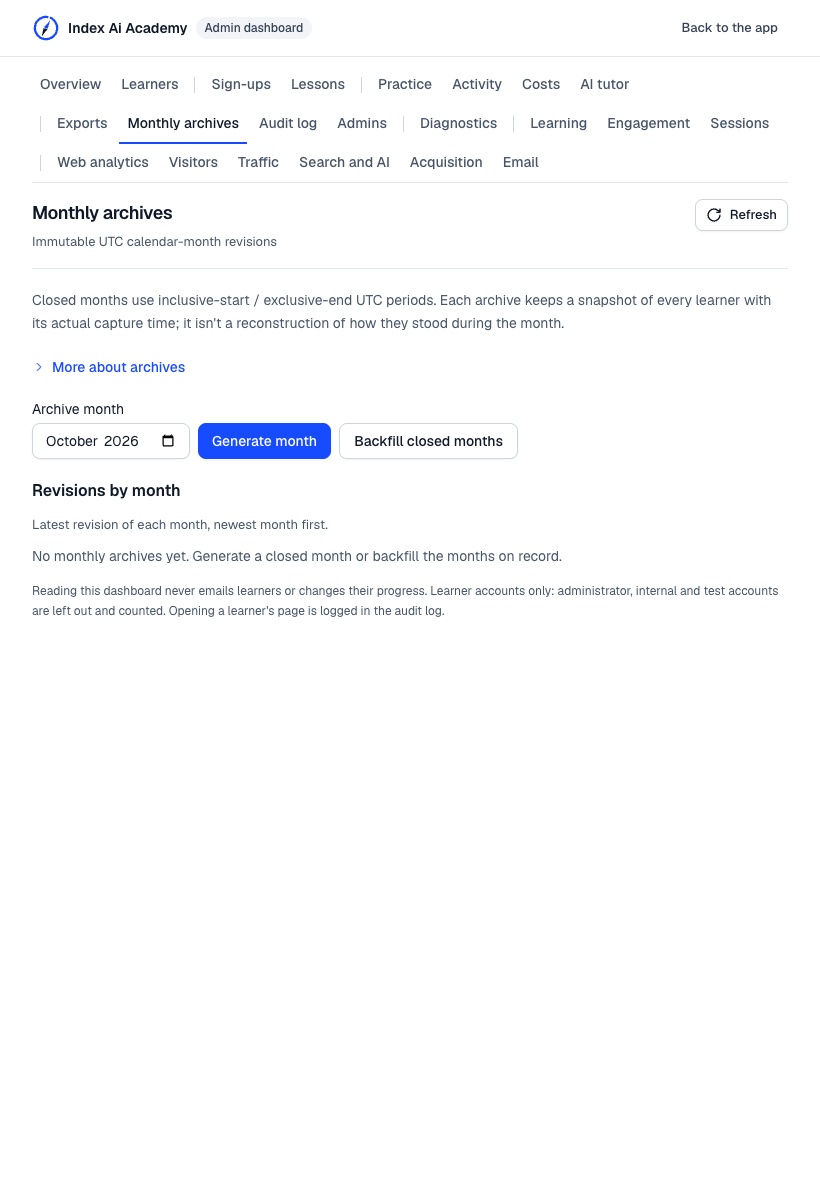
This administration report covers historical monthly reporting. It gives the operator a view across the Academy while learner-facing pages focus on individual study.
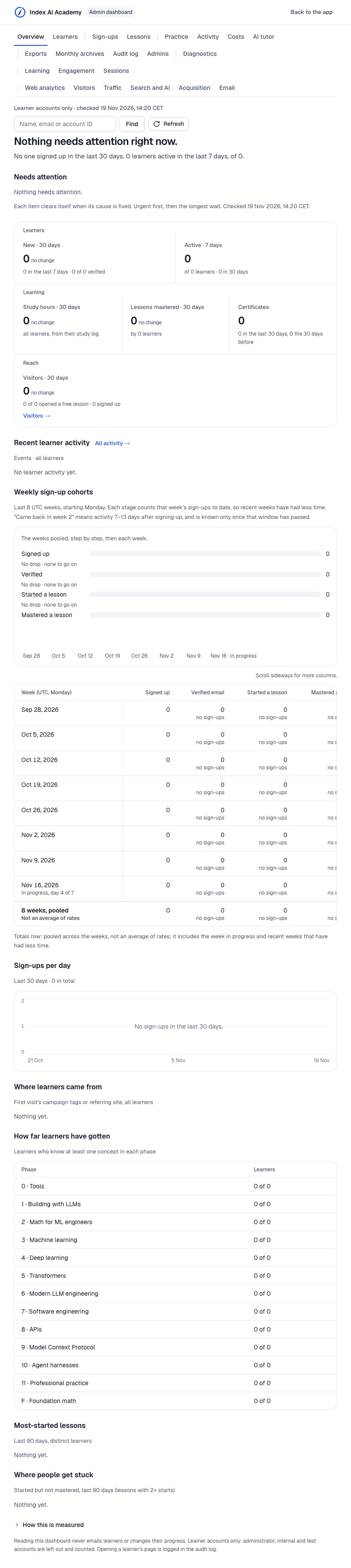
This administration report covers platform-wide activity and items requiring attention. It gives the operator a view across the Academy while learner-facing pages focus on individual study. This full-page capture includes the material below the initial viewport.
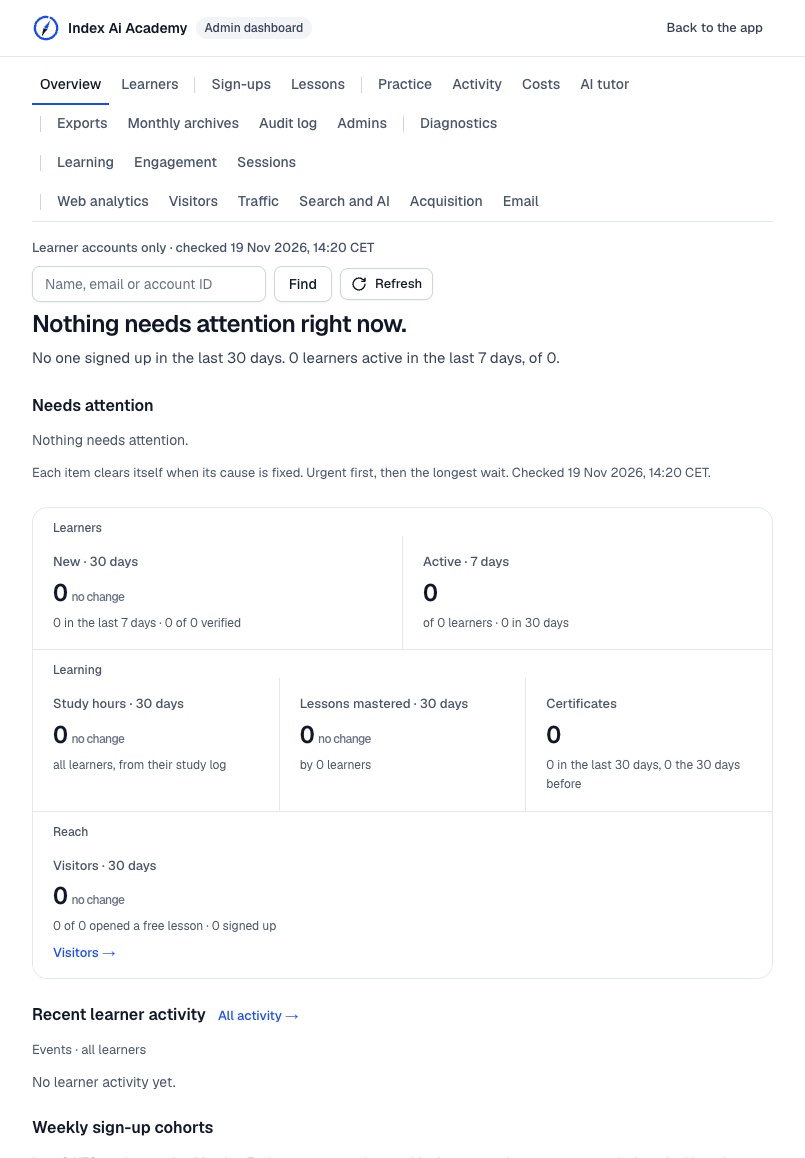
This administration report covers platform-wide activity and items requiring attention. It gives the operator a view across the Academy while learner-facing pages focus on individual study.
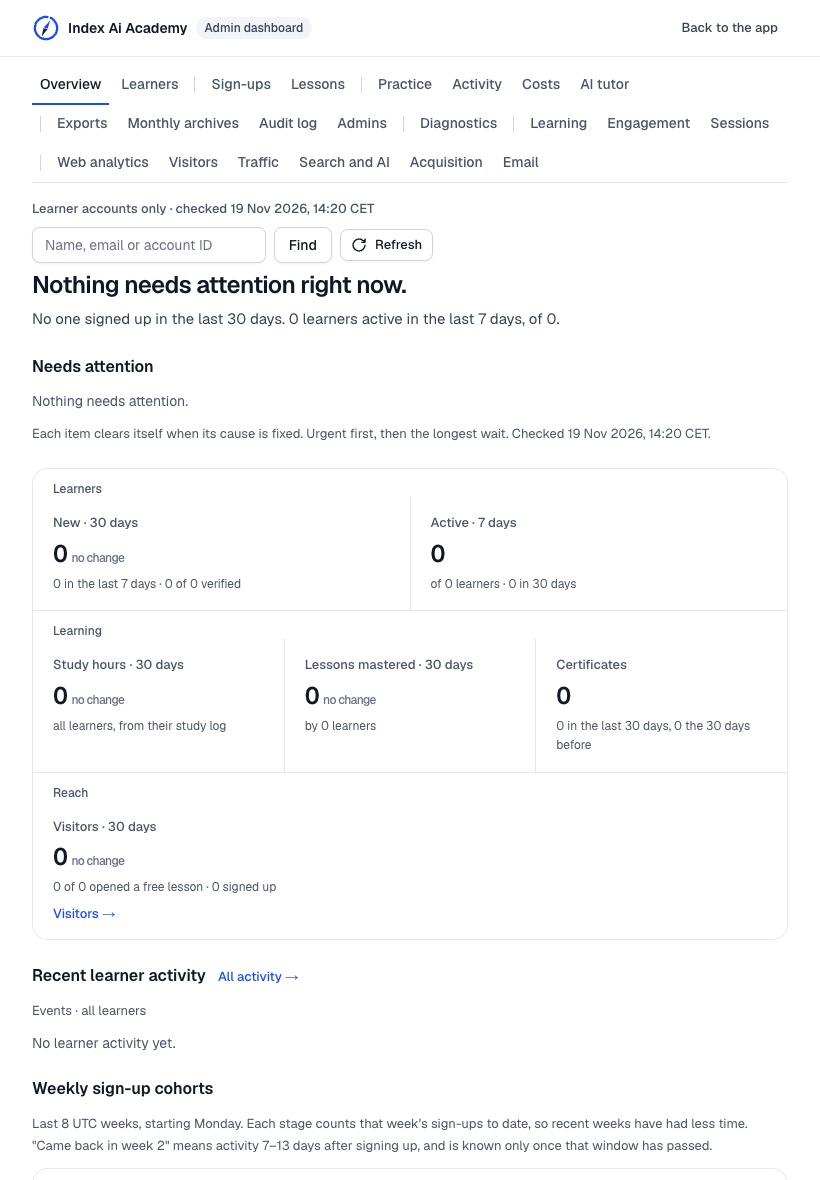
This administration report covers platform-wide activity and items requiring attention. It gives the operator a view across the Academy while learner-facing pages focus on individual study.
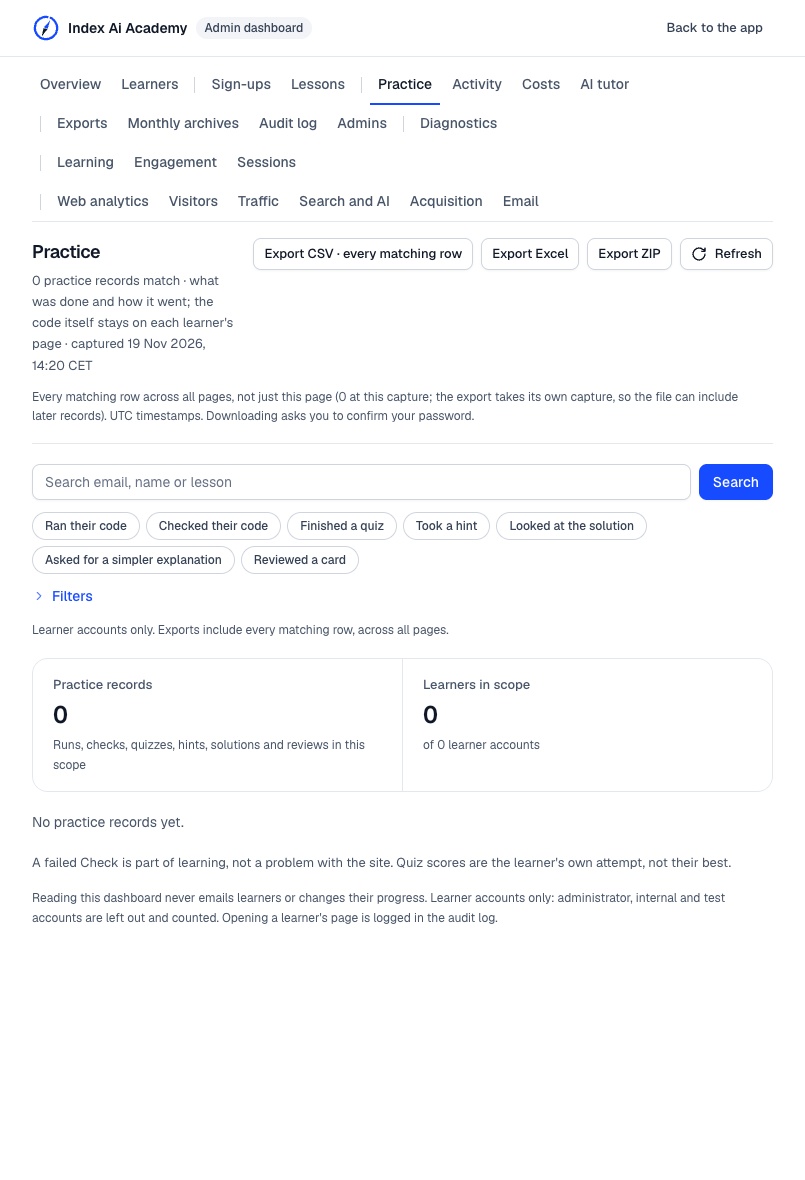
This administration report covers activity in hands-on exercises. It gives the operator a view across the Academy while learner-facing pages focus on individual study. This full-page capture includes the material below the initial viewport.
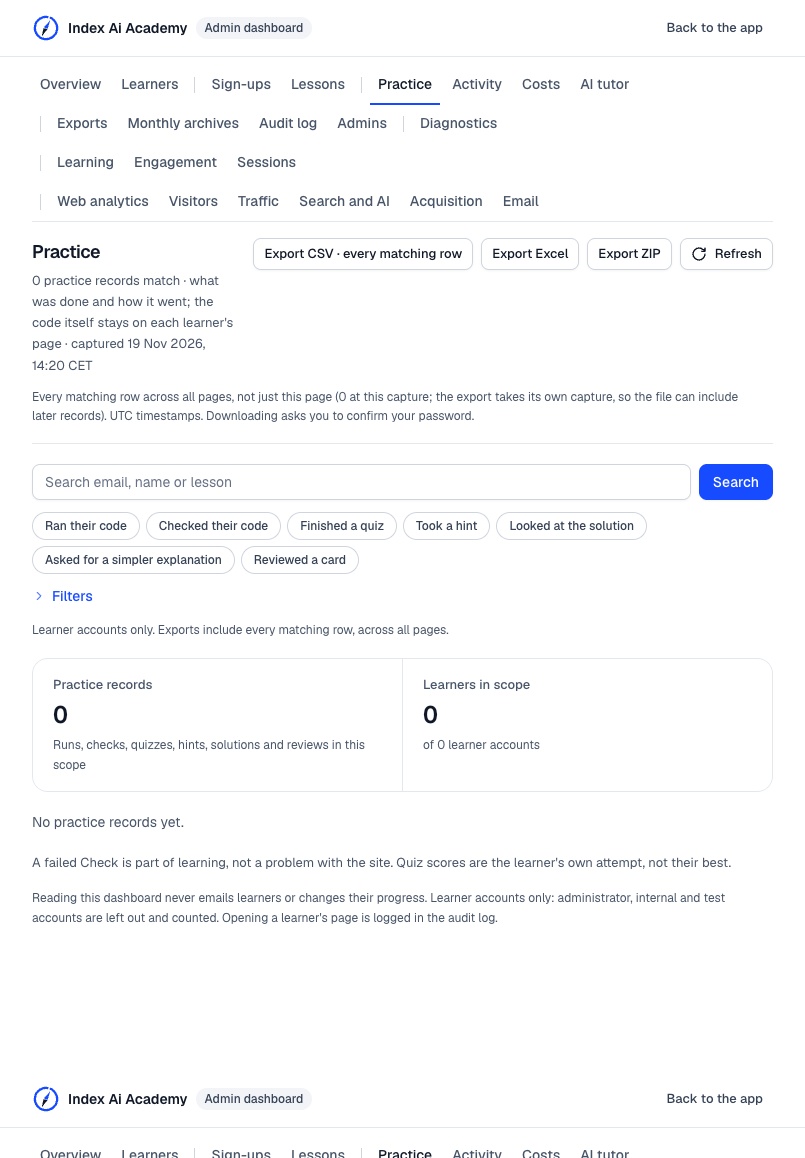
This administration report covers activity in hands-on exercises. It gives the operator a view across the Academy while learner-facing pages focus on individual study.
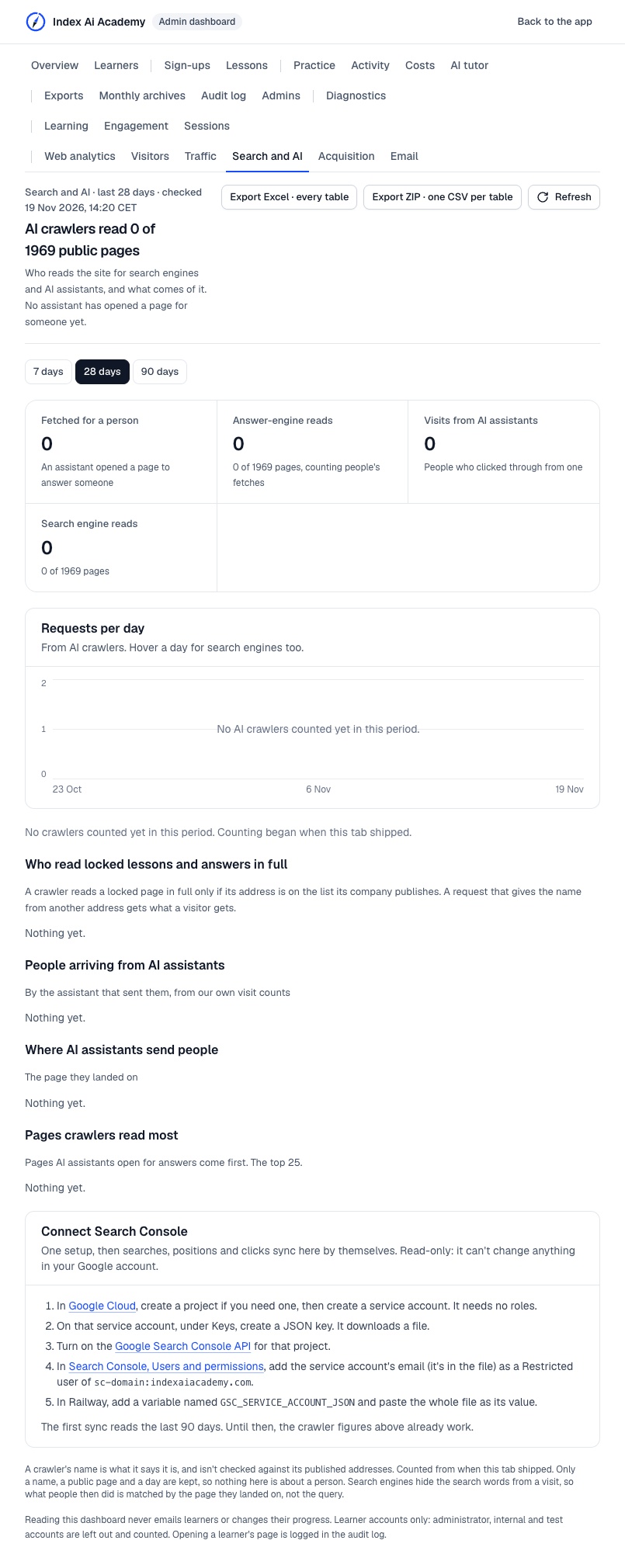
This administration report covers use of search and AI assistance. It gives the operator a view across the Academy while learner-facing pages focus on individual study. This full-page capture includes the material below the initial viewport.
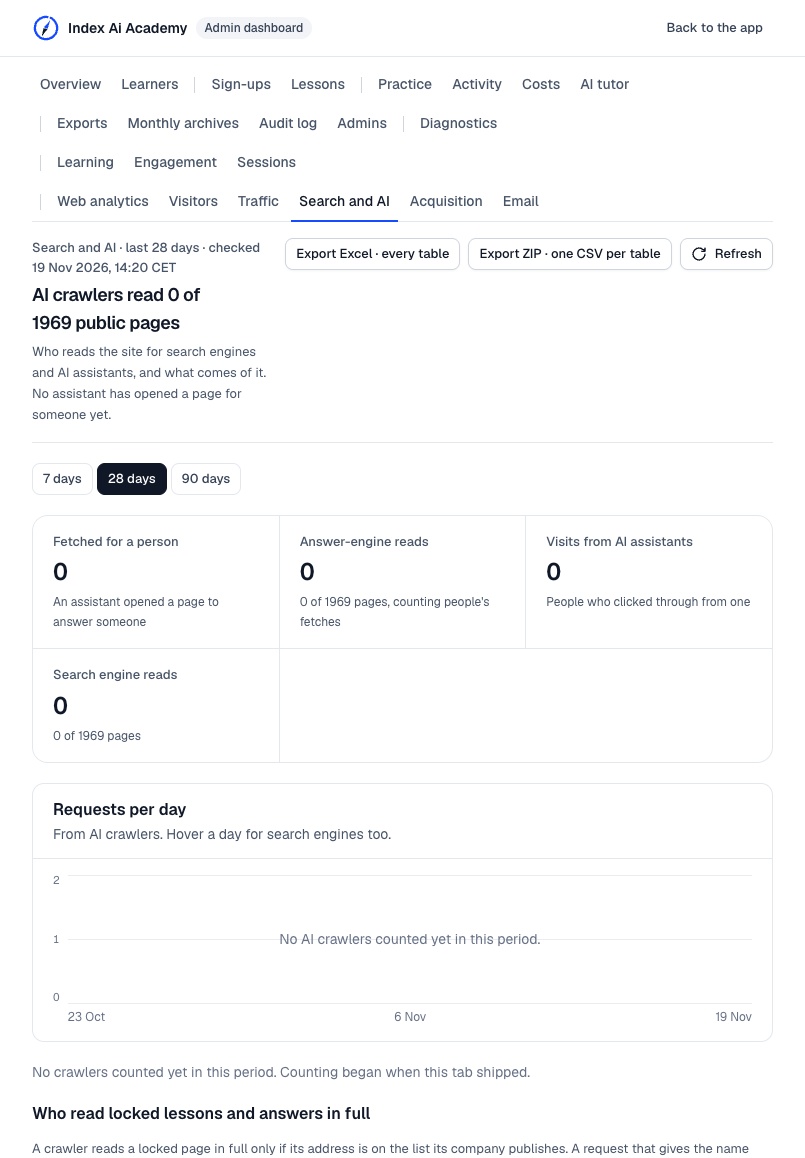
This administration report covers use of search and AI assistance. It gives the operator a view across the Academy while learner-facing pages focus on individual study.
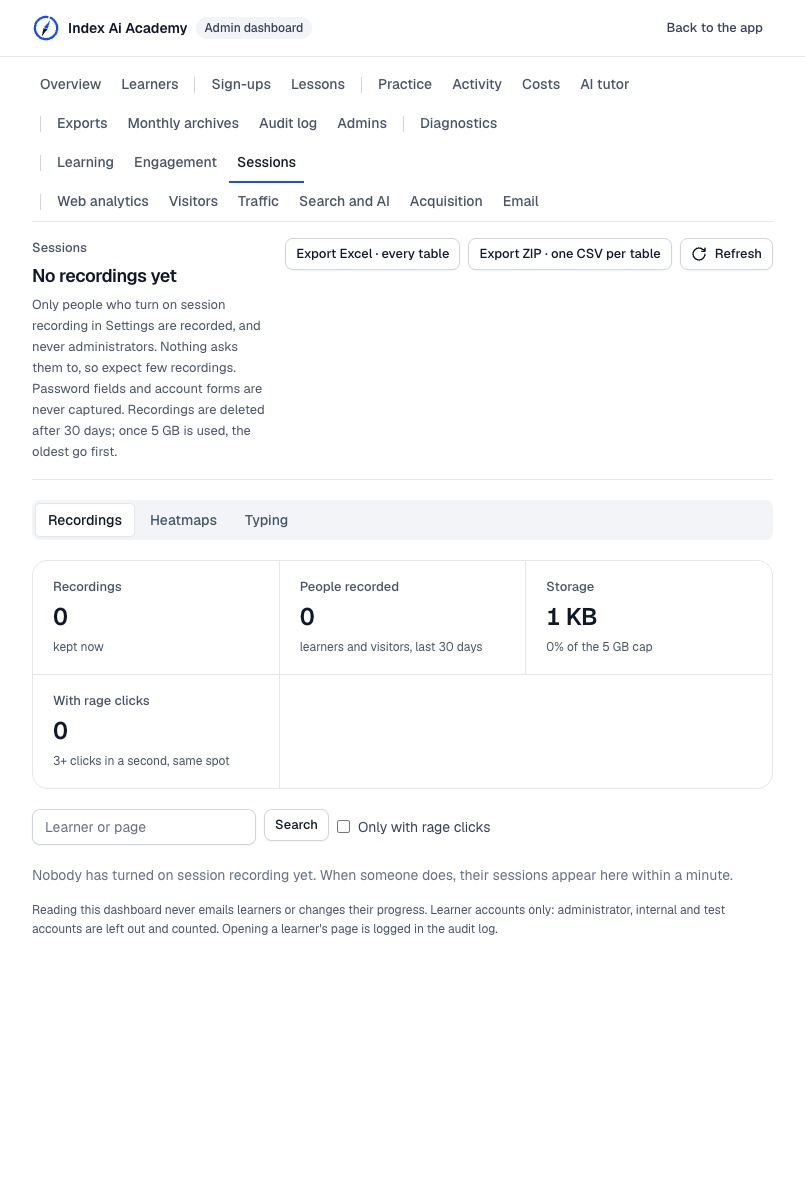
This administration report covers visits grouped into sessions. It gives the operator a view across the Academy while learner-facing pages focus on individual study. This full-page capture includes the material below the initial viewport.
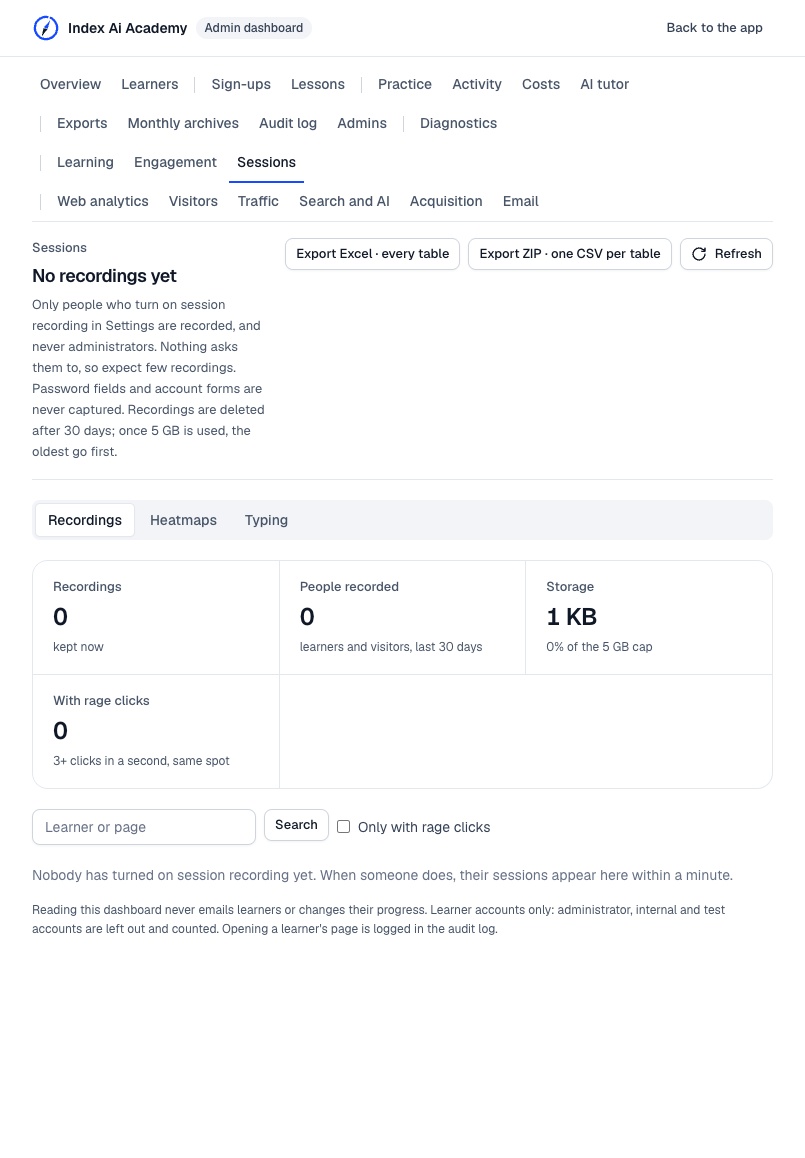
This administration report covers visits grouped into sessions. It gives the operator a view across the Academy while learner-facing pages focus on individual study.
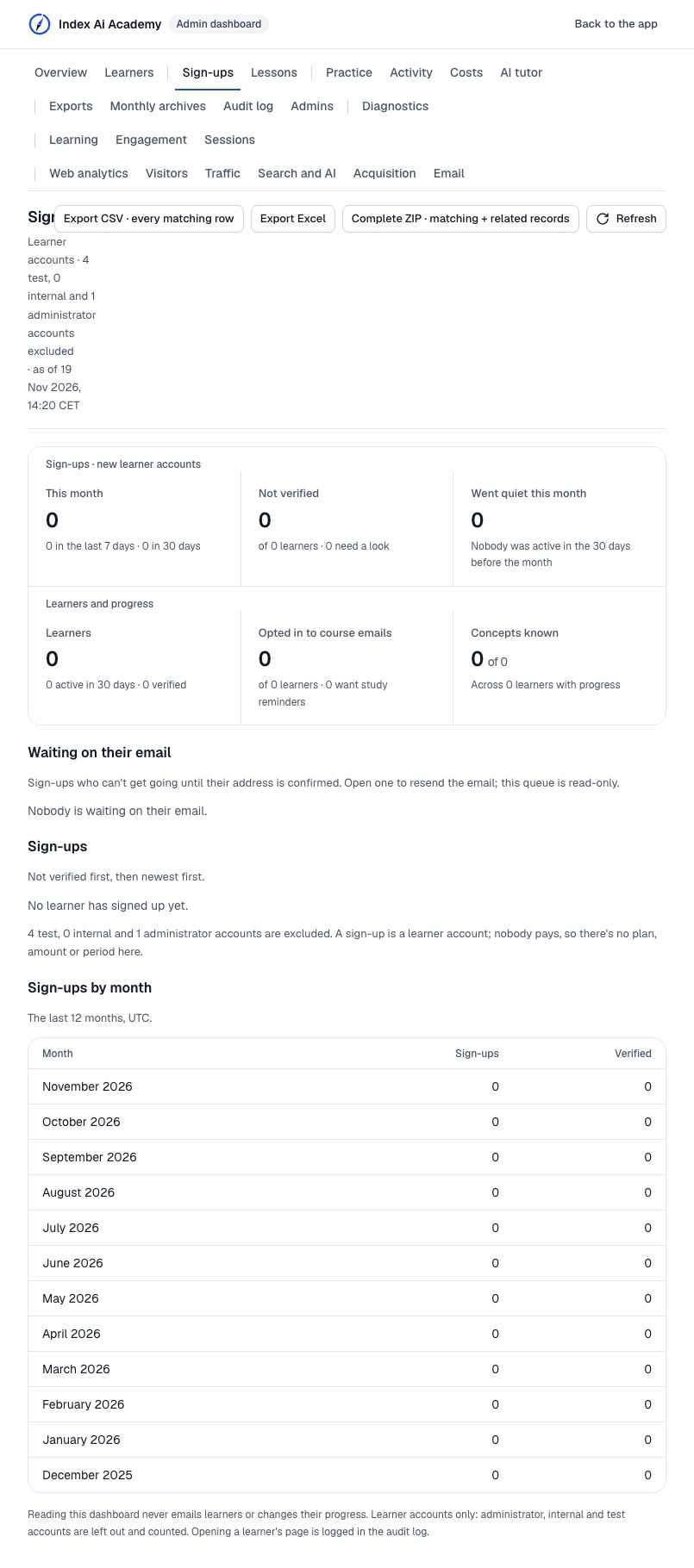
This administration report covers new account registrations. It gives the operator a view across the Academy while learner-facing pages focus on individual study. This full-page capture includes the material below the initial viewport.
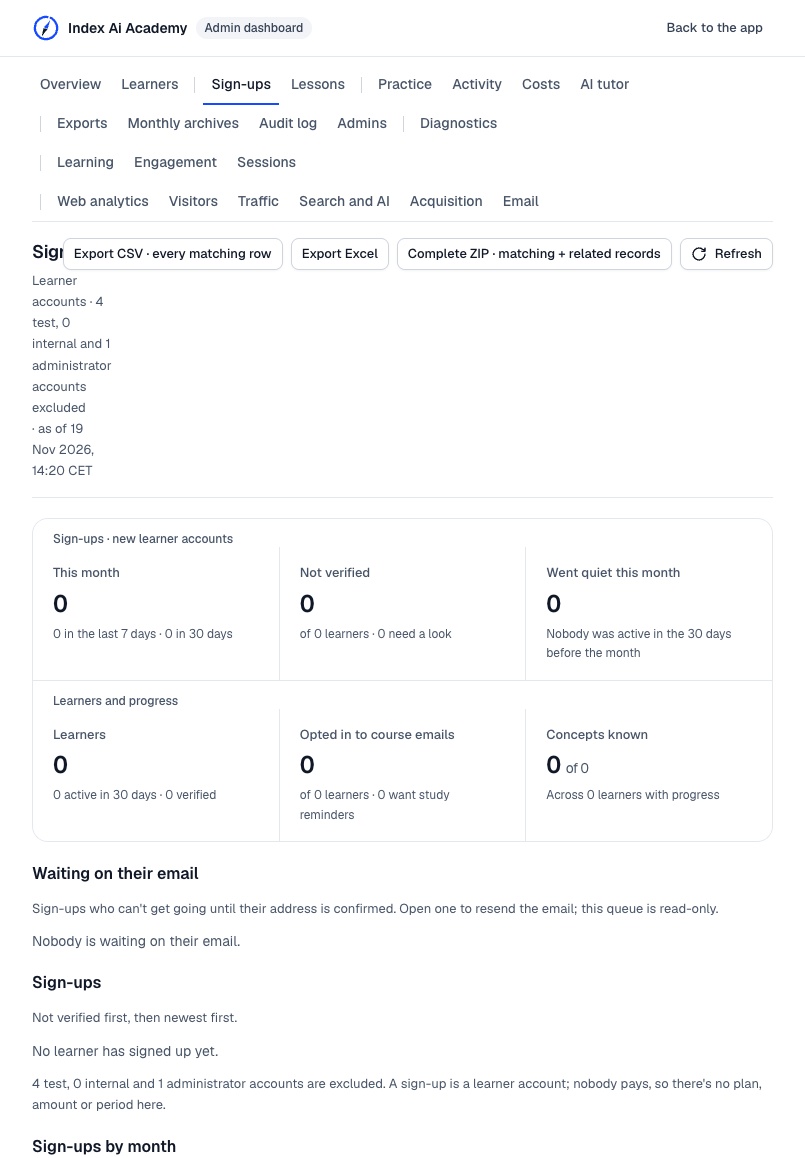
This administration report covers new account registrations. It gives the operator a view across the Academy while learner-facing pages focus on individual study.
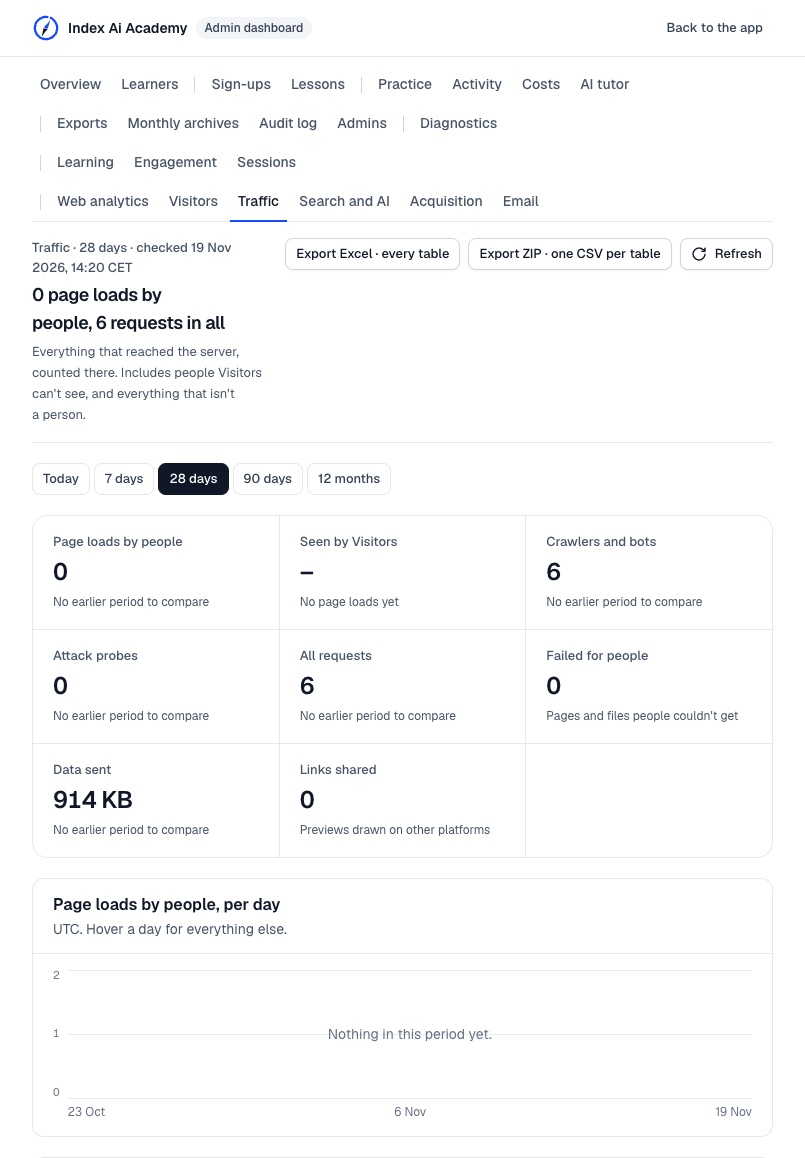
This administration report covers traffic reaching the learning platform. It gives the operator a view across the Academy while learner-facing pages focus on individual study.
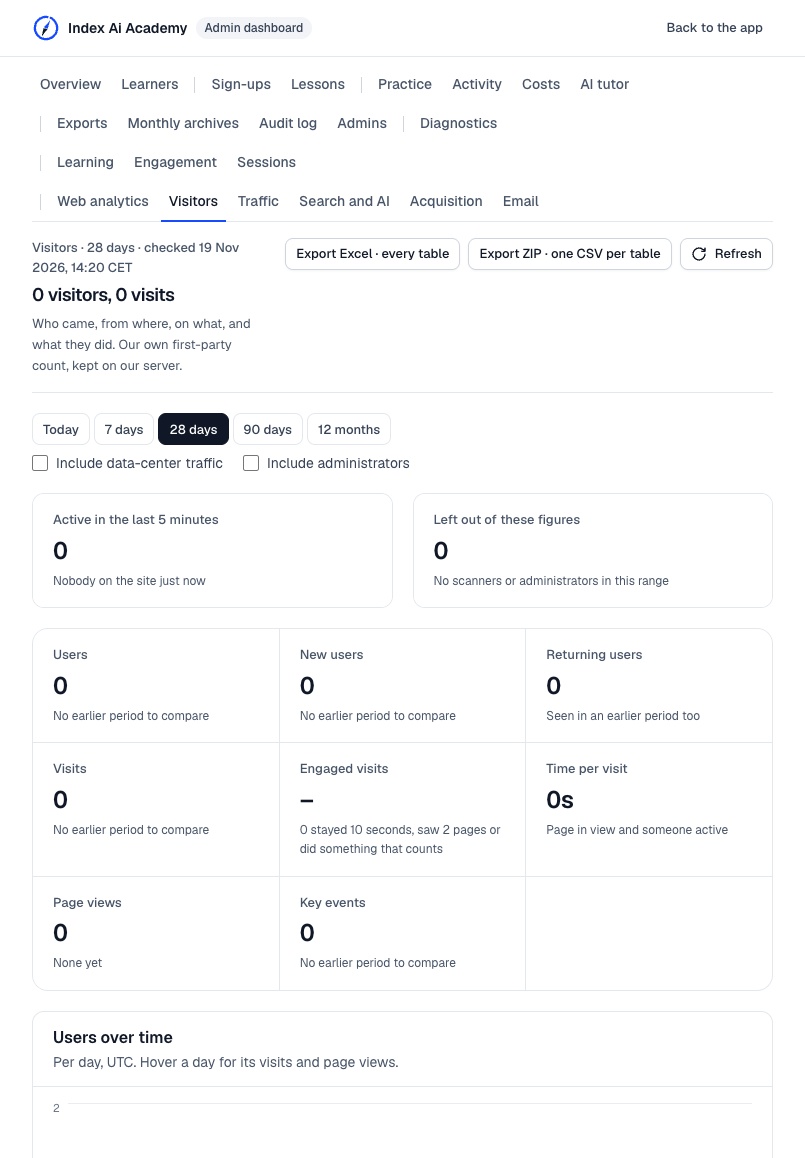
This administration report covers visitor activity. It gives the operator a view across the Academy while learner-facing pages focus on individual study.
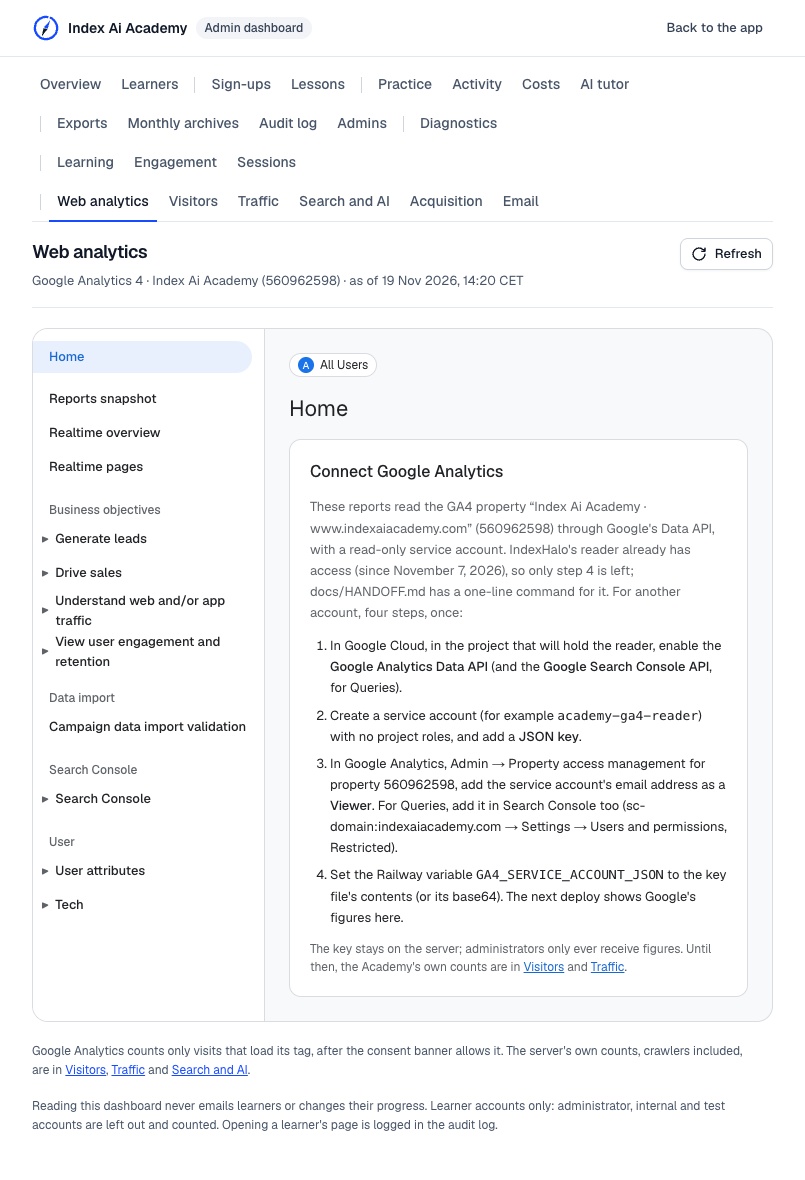
This administration report covers usage across the Academy website. It gives the operator a view across the Academy while learner-facing pages focus on individual study. This full-page capture includes the material below the initial viewport.
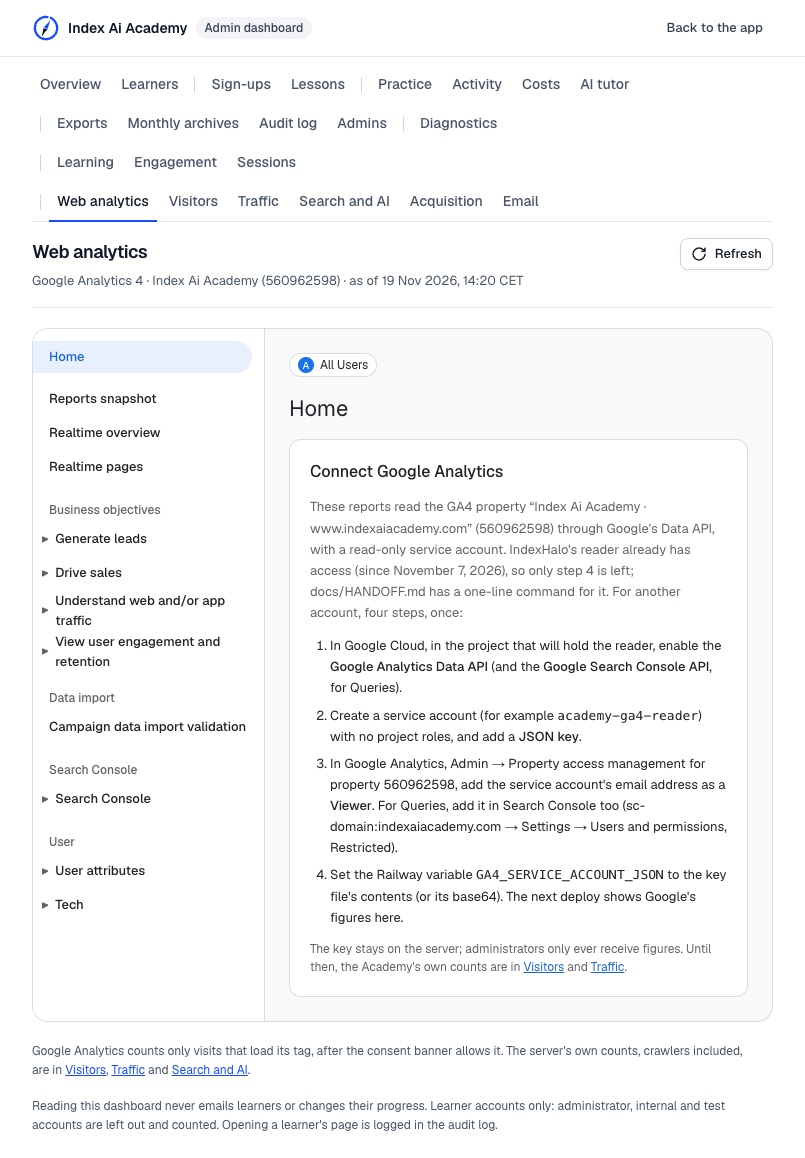
This administration report covers usage across the Academy website. It gives the operator a view across the Academy while learner-facing pages focus on individual study.

This administration report covers tutor usage and how learners interact with assistance. It gives the operator a view across the Academy while learner-facing pages focus on individual study. This full-page capture includes the material below the initial viewport.
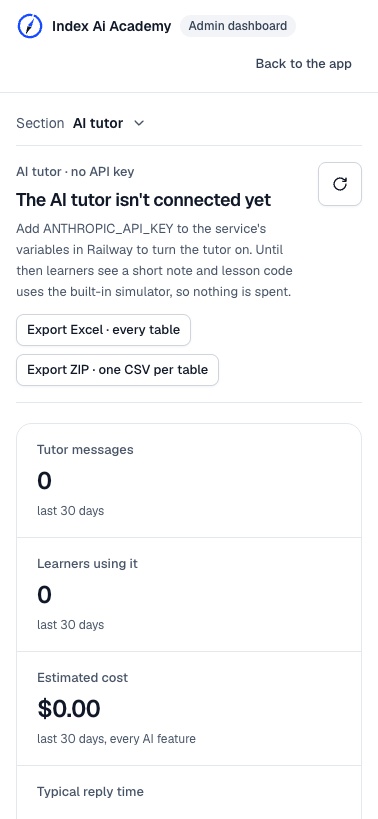
This administration report covers tutor usage and how learners interact with assistance. It gives the operator a view across the Academy while learner-facing pages focus on individual study.

This administration report covers where visits and sign-ups originate. It gives the operator a view across the Academy while learner-facing pages focus on individual study. This full-page capture includes the material below the initial viewport.
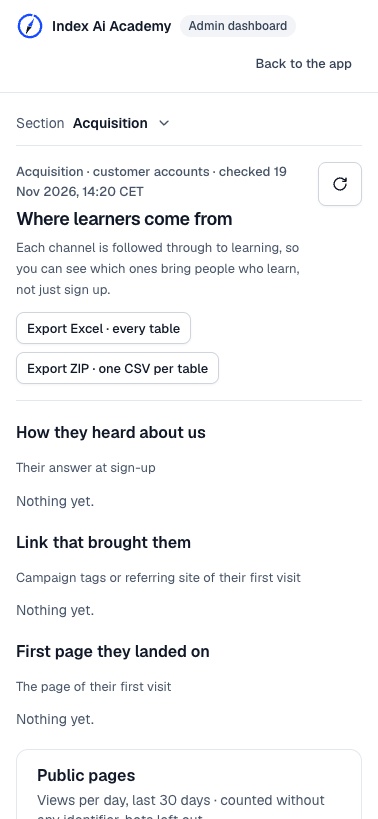
This administration report covers where visits and sign-ups originate. It gives the operator a view across the Academy while learner-facing pages focus on individual study.
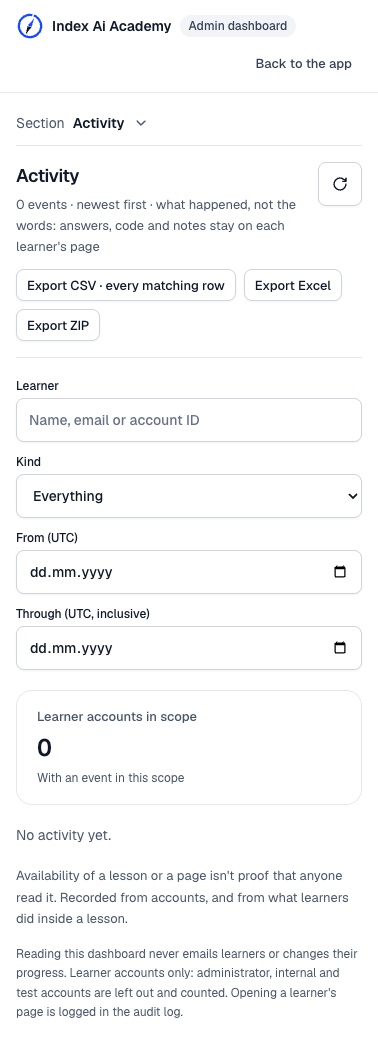
This administration report covers recent activity across the learning platform. It gives the operator a view across the Academy while learner-facing pages focus on individual study. This full-page capture includes the material below the initial viewport.
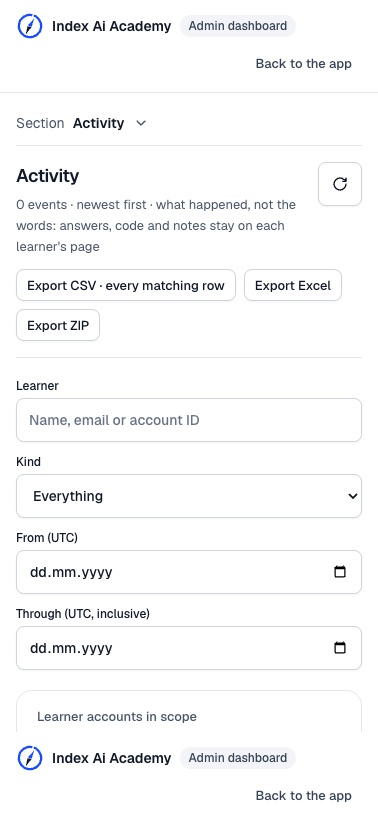
This administration report covers recent activity across the learning platform. It gives the operator a view across the Academy while learner-facing pages focus on individual study.
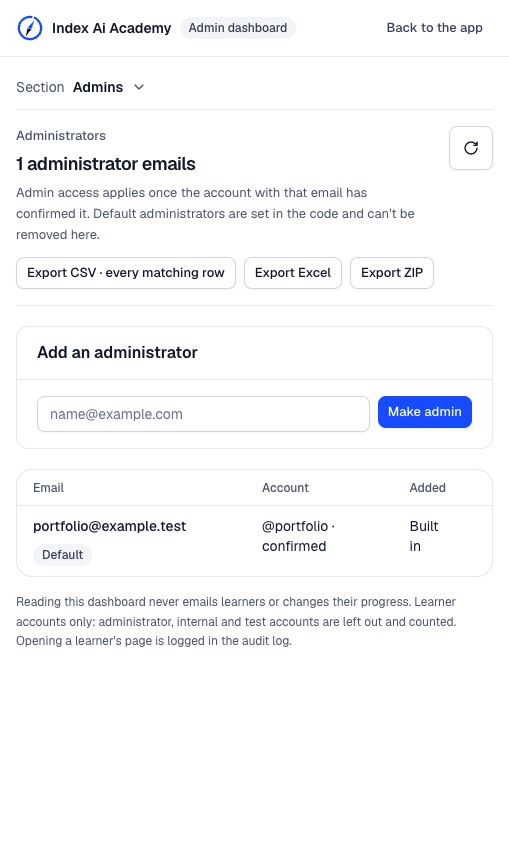
This administration report covers administrative roles and access. It gives the operator a view across the Academy while learner-facing pages focus on individual study. This full-page capture includes the material below the initial viewport.
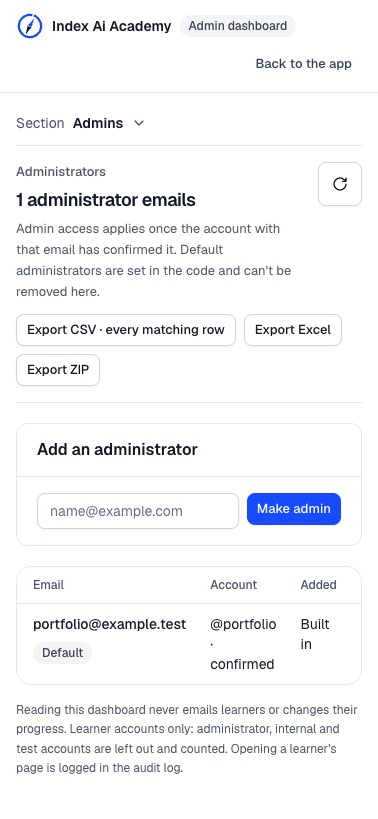
This administration report covers administrative roles and access. It gives the operator a view across the Academy while learner-facing pages focus on individual study.
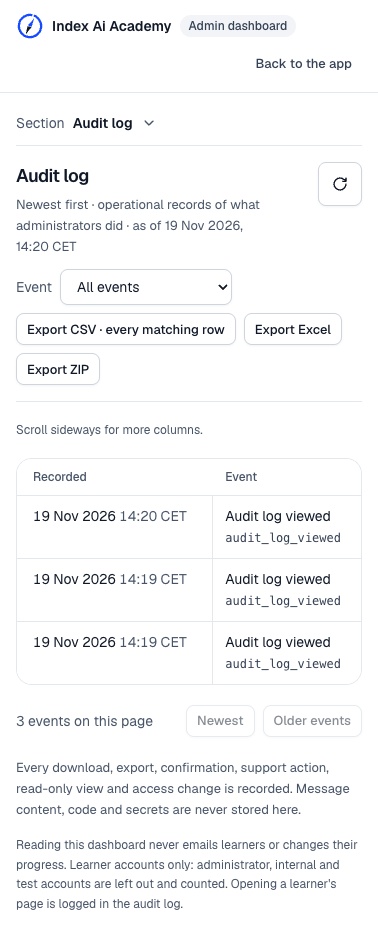
This administration report covers administrative actions and their history. It gives the operator a view across the Academy while learner-facing pages focus on individual study. This full-page capture includes the material below the initial viewport.
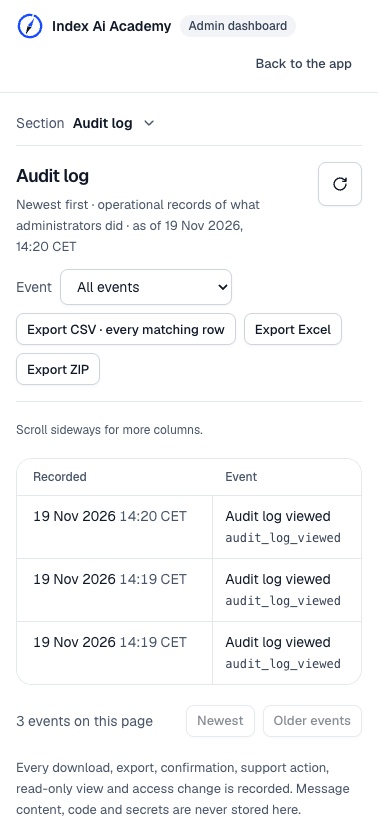
This administration report covers administrative actions and their history. It gives the operator a view across the Academy while learner-facing pages focus on individual study.

This administration report covers the cost of running learning services. It gives the operator a view across the Academy while learner-facing pages focus on individual study. This full-page capture includes the material below the initial viewport.
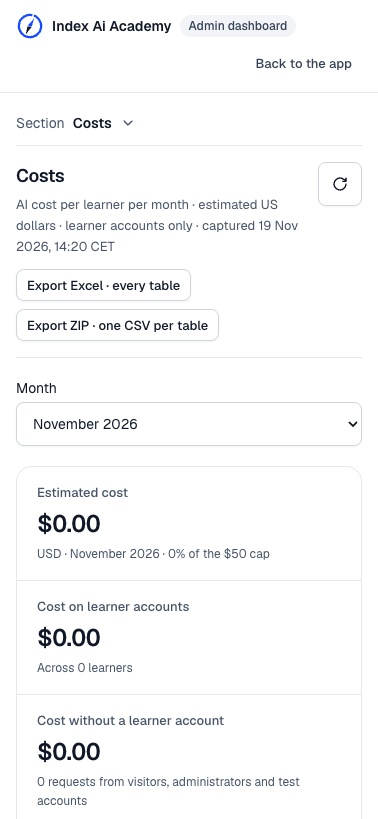
This administration report covers the cost of running learning services. It gives the operator a view across the Academy while learner-facing pages focus on individual study.
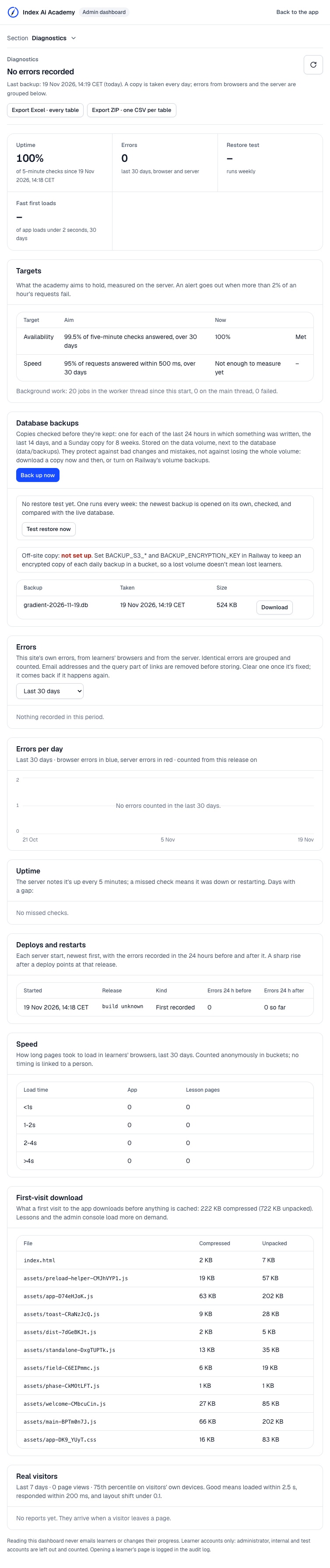
This administration report covers operational health and troubleshooting information. It gives the operator a view across the Academy while learner-facing pages focus on individual study. This full-page capture includes the material below the initial viewport.
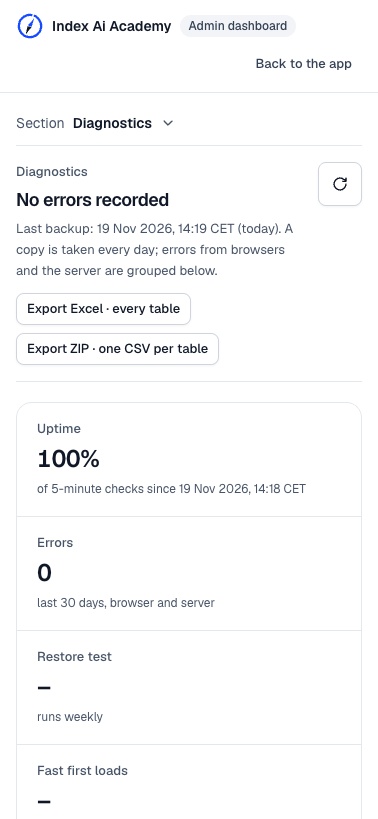
This administration report covers operational health and troubleshooting information. It gives the operator a view across the Academy while learner-facing pages focus on individual study.

This administration report covers the status of communications sent by the platform. It gives the operator a view across the Academy while learner-facing pages focus on individual study. This full-page capture includes the material below the initial viewport.
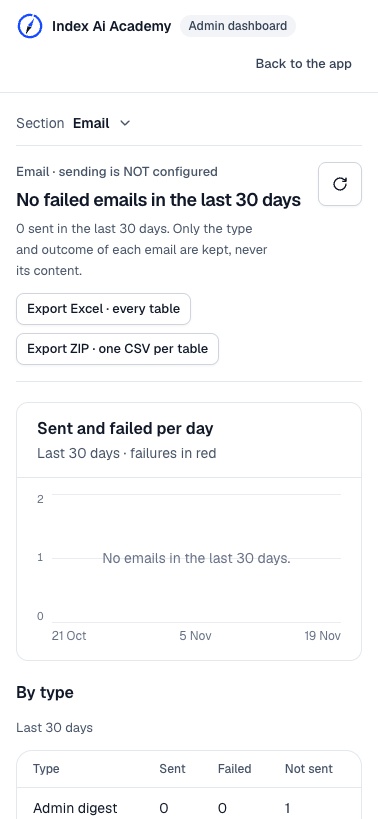
This administration report covers the status of communications sent by the platform. It gives the operator a view across the Academy while learner-facing pages focus on individual study.

This administration report covers patterns of participation and return visits. It gives the operator a view across the Academy while learner-facing pages focus on individual study. This full-page capture includes the material below the initial viewport.
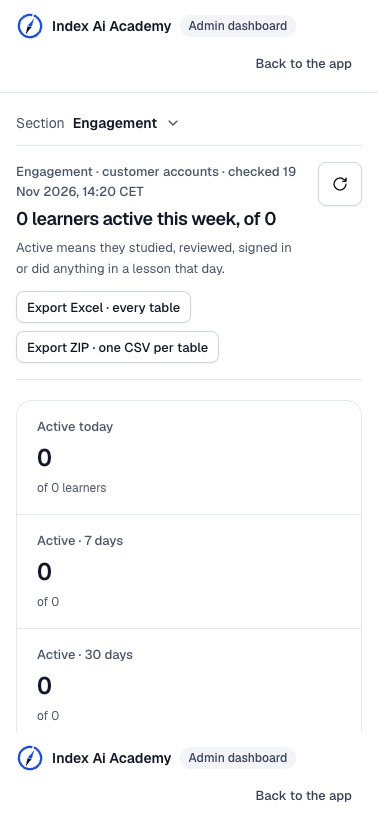
This administration report covers patterns of participation and return visits. It gives the operator a view across the Academy while learner-facing pages focus on individual study.

This administration report covers the data available for export. It gives the operator a view across the Academy while learner-facing pages focus on individual study. This full-page capture includes the material below the initial viewport.
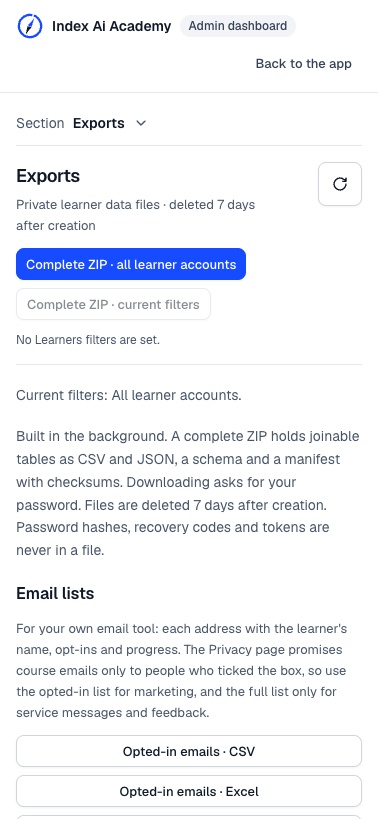
This administration report covers the data available for export. It gives the operator a view across the Academy while learner-facing pages focus on individual study.
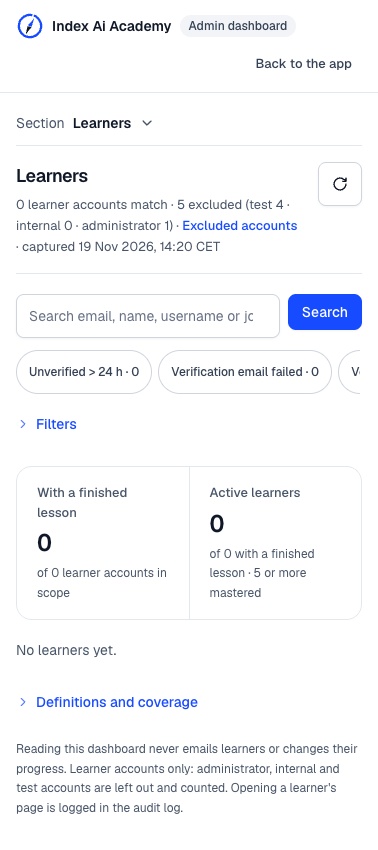
This administration report covers individual learner records and progress. It gives the operator a view across the Academy while learner-facing pages focus on individual study. This full-page capture includes the material below the initial viewport.
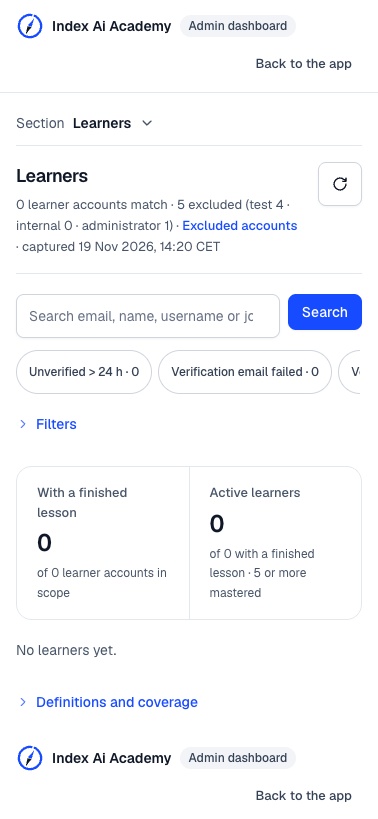
This administration report covers individual learner records and progress. It gives the operator a view across the Academy while learner-facing pages focus on individual study.
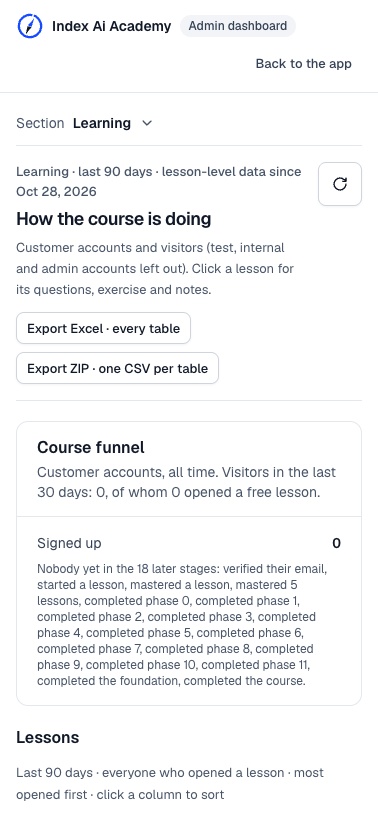
This administration report covers course progress across the learner population. It gives the operator a view across the Academy while learner-facing pages focus on individual study.
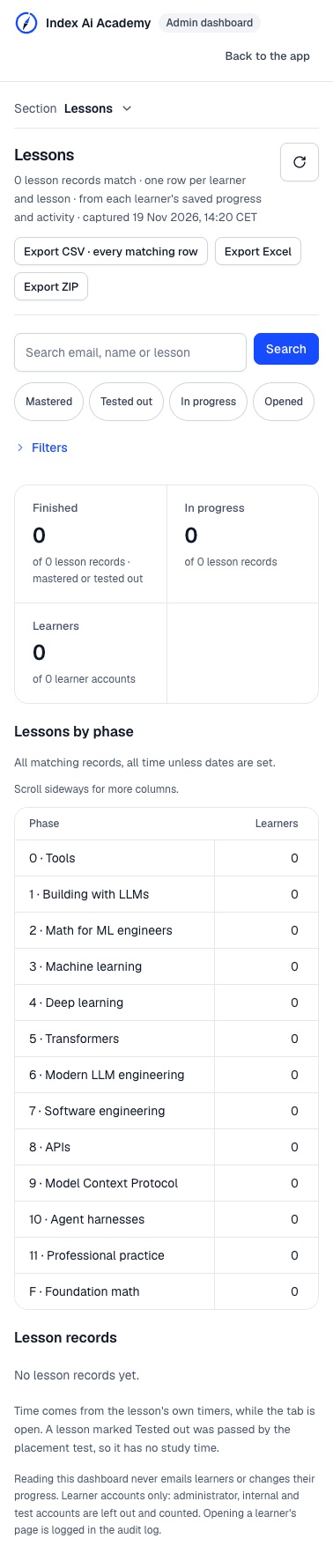
This administration report covers engagement with individual lessons. It gives the operator a view across the Academy while learner-facing pages focus on individual study. This full-page capture includes the material below the initial viewport.
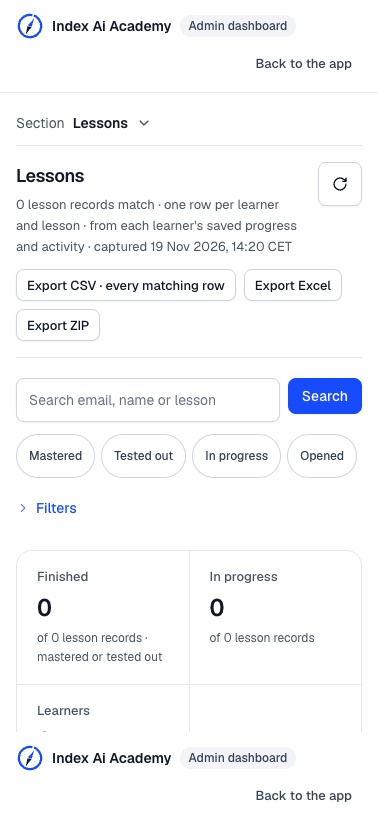
This administration report covers engagement with individual lessons. It gives the operator a view across the Academy while learner-facing pages focus on individual study.
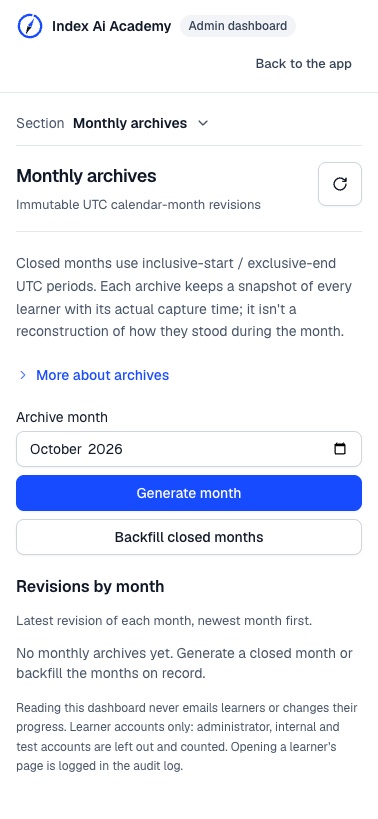
This administration report covers historical monthly reporting. It gives the operator a view across the Academy while learner-facing pages focus on individual study.

This administration report covers platform-wide activity and items requiring attention. It gives the operator a view across the Academy while learner-facing pages focus on individual study. This full-page capture includes the material below the initial viewport.
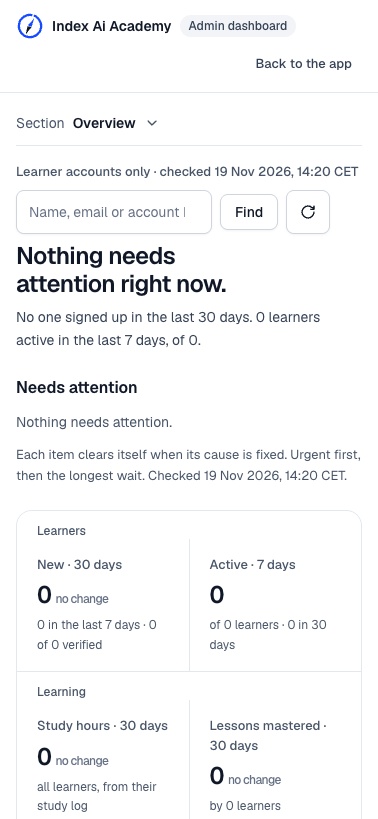
This administration report covers platform-wide activity and items requiring attention. It gives the operator a view across the Academy while learner-facing pages focus on individual study.
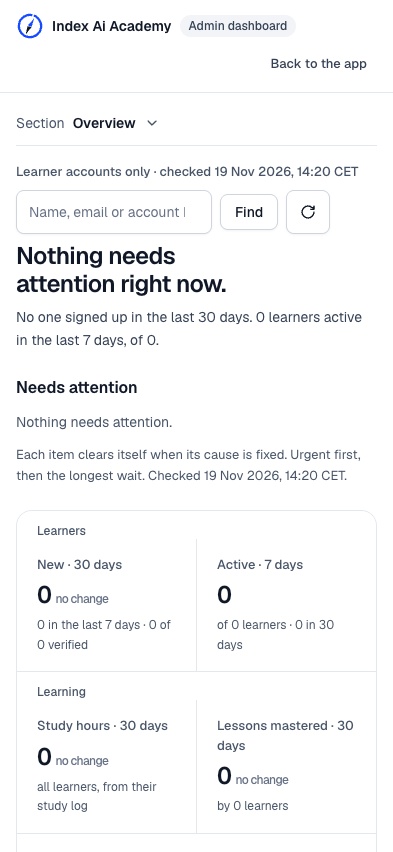
This administration report covers platform-wide activity and items requiring attention. It gives the operator a view across the Academy while learner-facing pages focus on individual study.
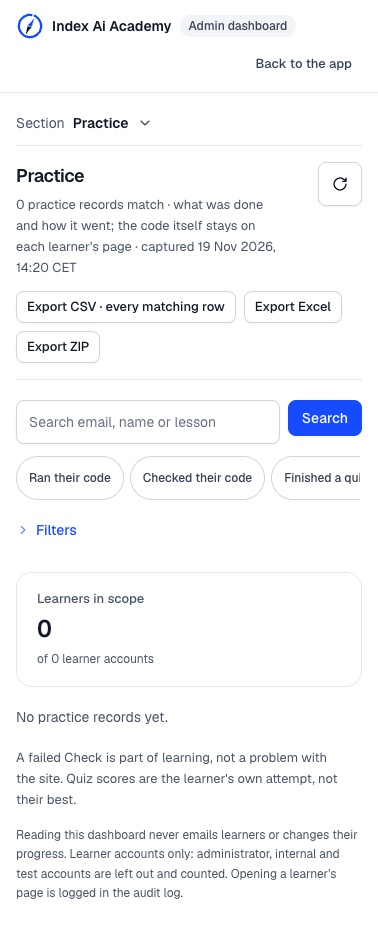
This administration report covers activity in hands-on exercises. It gives the operator a view across the Academy while learner-facing pages focus on individual study. This full-page capture includes the material below the initial viewport.
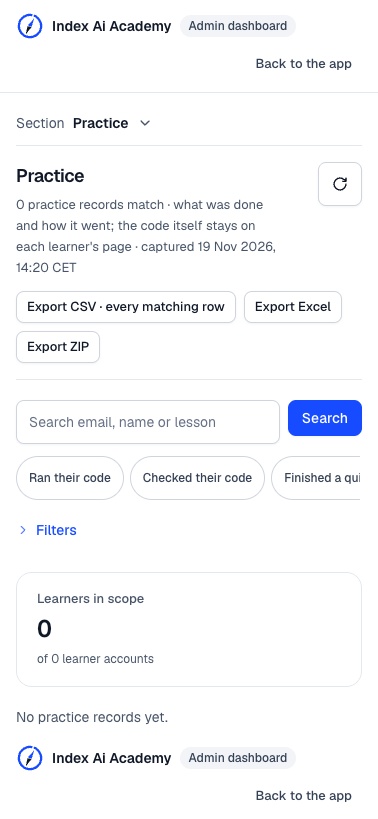
This administration report covers activity in hands-on exercises. It gives the operator a view across the Academy while learner-facing pages focus on individual study.

This administration report covers use of search and AI assistance. It gives the operator a view across the Academy while learner-facing pages focus on individual study. This full-page capture includes the material below the initial viewport.
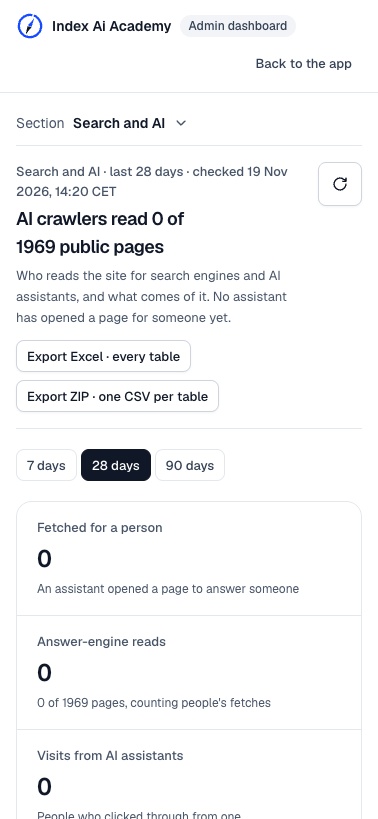
This administration report covers use of search and AI assistance. It gives the operator a view across the Academy while learner-facing pages focus on individual study.
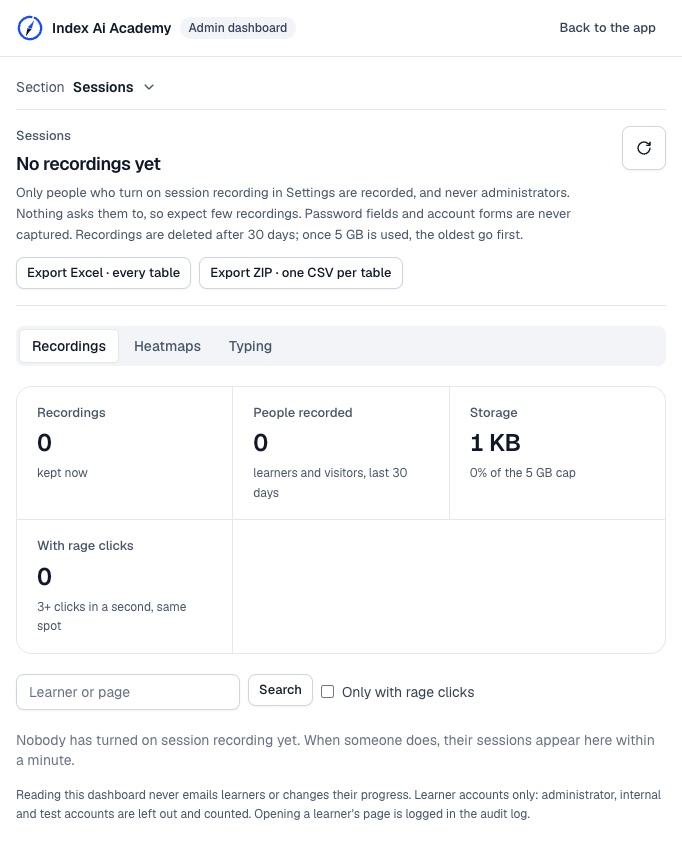
This administration report covers visits grouped into sessions. It gives the operator a view across the Academy while learner-facing pages focus on individual study. This full-page capture includes the material below the initial viewport.
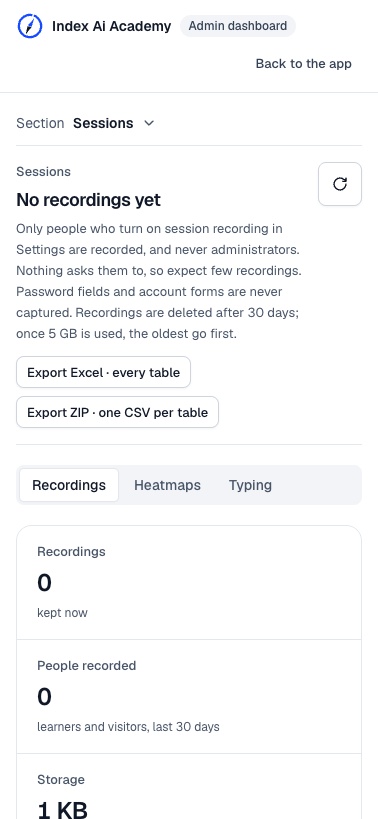
This administration report covers visits grouped into sessions. It gives the operator a view across the Academy while learner-facing pages focus on individual study.

This administration report covers new account registrations. It gives the operator a view across the Academy while learner-facing pages focus on individual study. This full-page capture includes the material below the initial viewport.
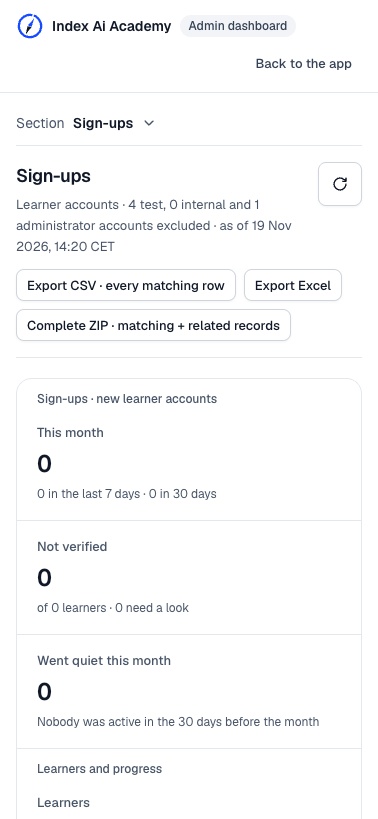
This administration report covers new account registrations. It gives the operator a view across the Academy while learner-facing pages focus on individual study.
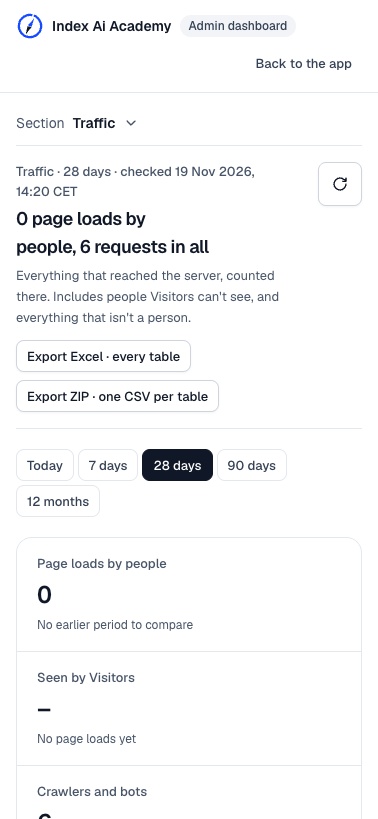
This administration report covers traffic reaching the learning platform. It gives the operator a view across the Academy while learner-facing pages focus on individual study.
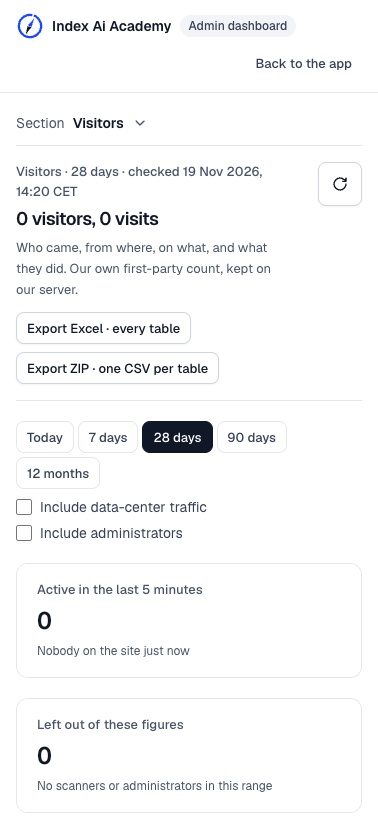
This administration report covers visitor activity. It gives the operator a view across the Academy while learner-facing pages focus on individual study.
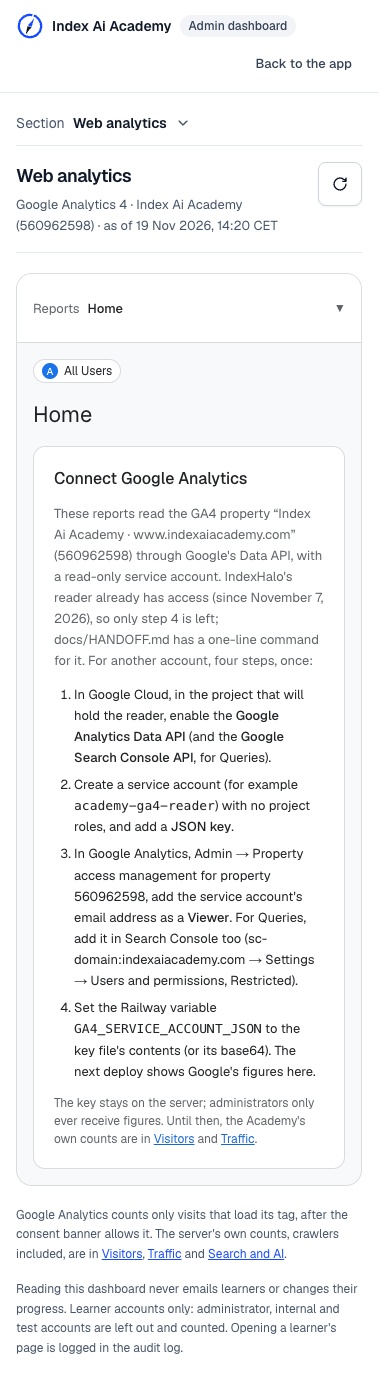
This administration report covers usage across the Academy website. It gives the operator a view across the Academy while learner-facing pages focus on individual study. This full-page capture includes the material below the initial viewport.
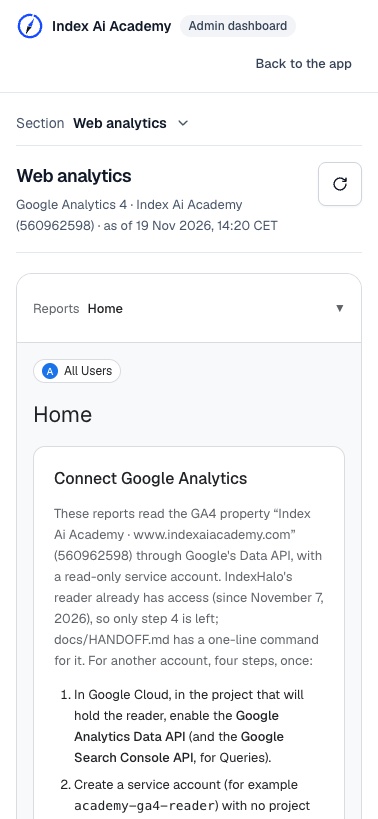
This administration report covers usage across the Academy website. It gives the operator a view across the Academy while learner-facing pages focus on individual study.
Baby AI 4
Name a small model, choose training examples and follow its development in a notebook.
Name a small model, choose training examples and follow its development in a notebook.
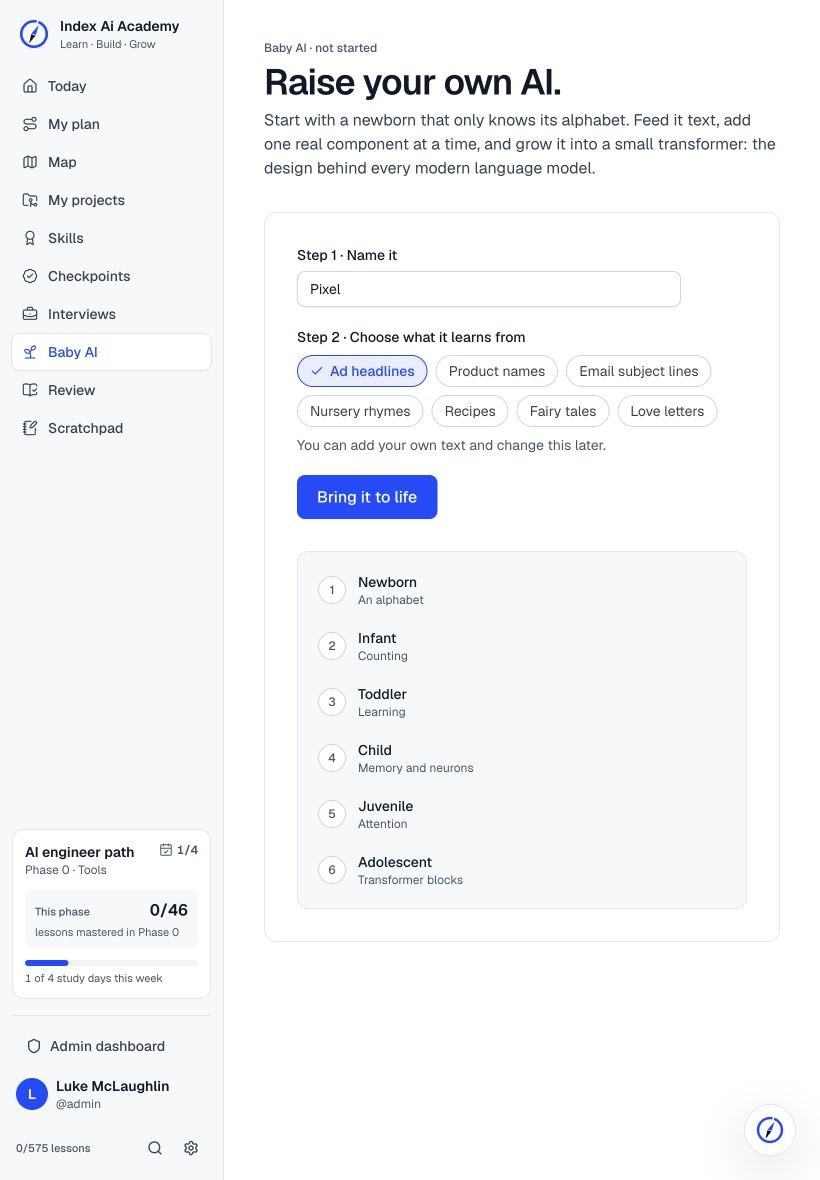
Name a small model, choose training examples and follow its development in a notebook.
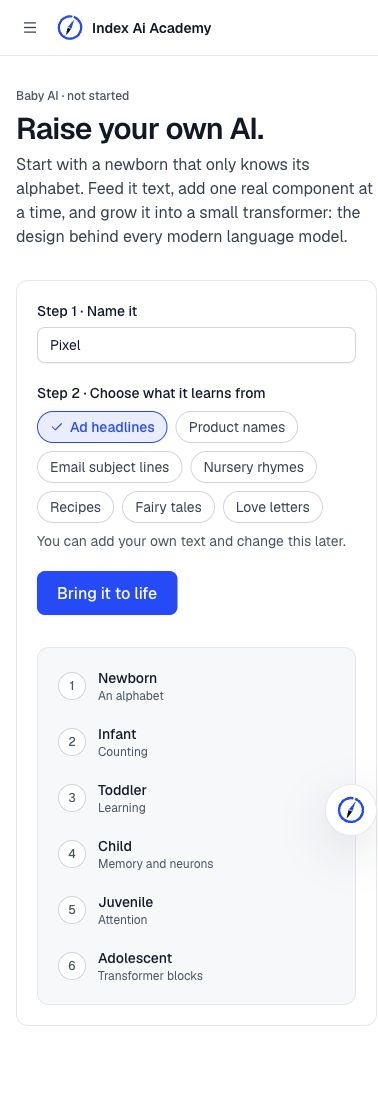
Name a small model, choose training examples and follow its development in a notebook. This full-page capture includes the material below the initial viewport.
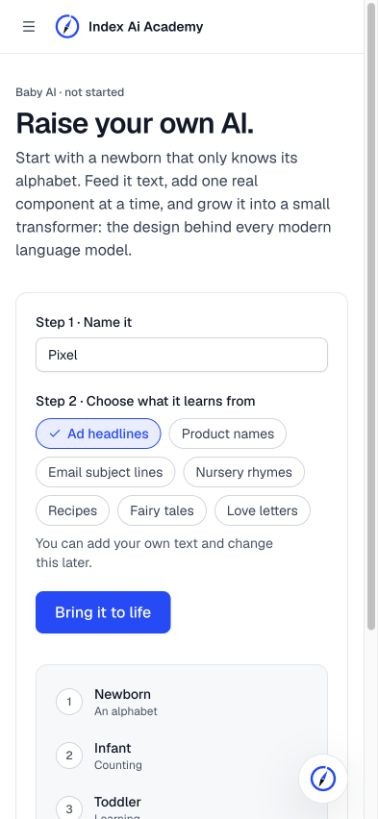
Name a small model, choose training examples and follow its development in a notebook.
Checkpoints 48
Check readiness for the next curriculum phase and inspect the assessment requirements.
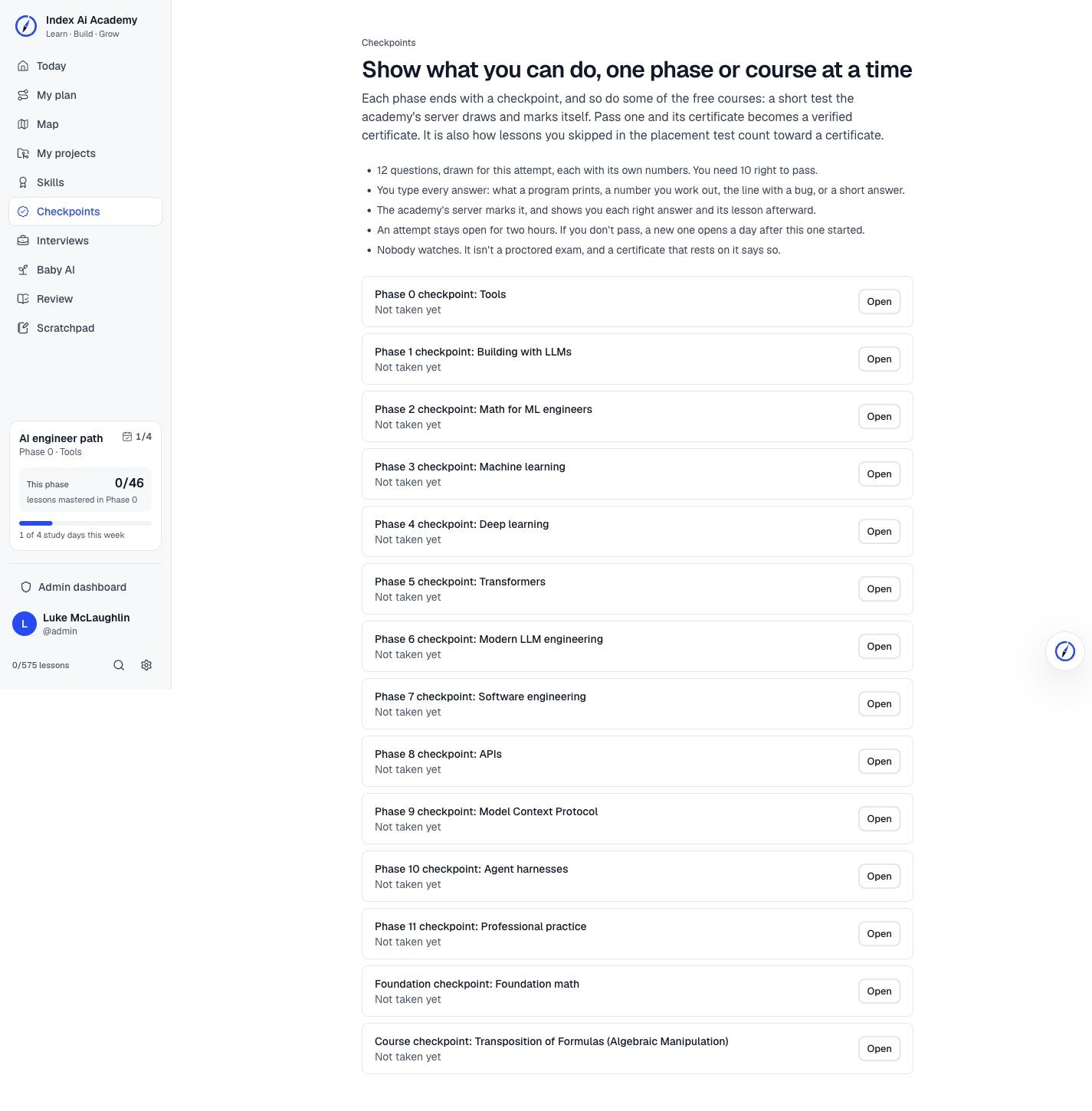
Check readiness for the next curriculum phase and inspect the assessment requirements. This full-page capture includes the material below the initial viewport.
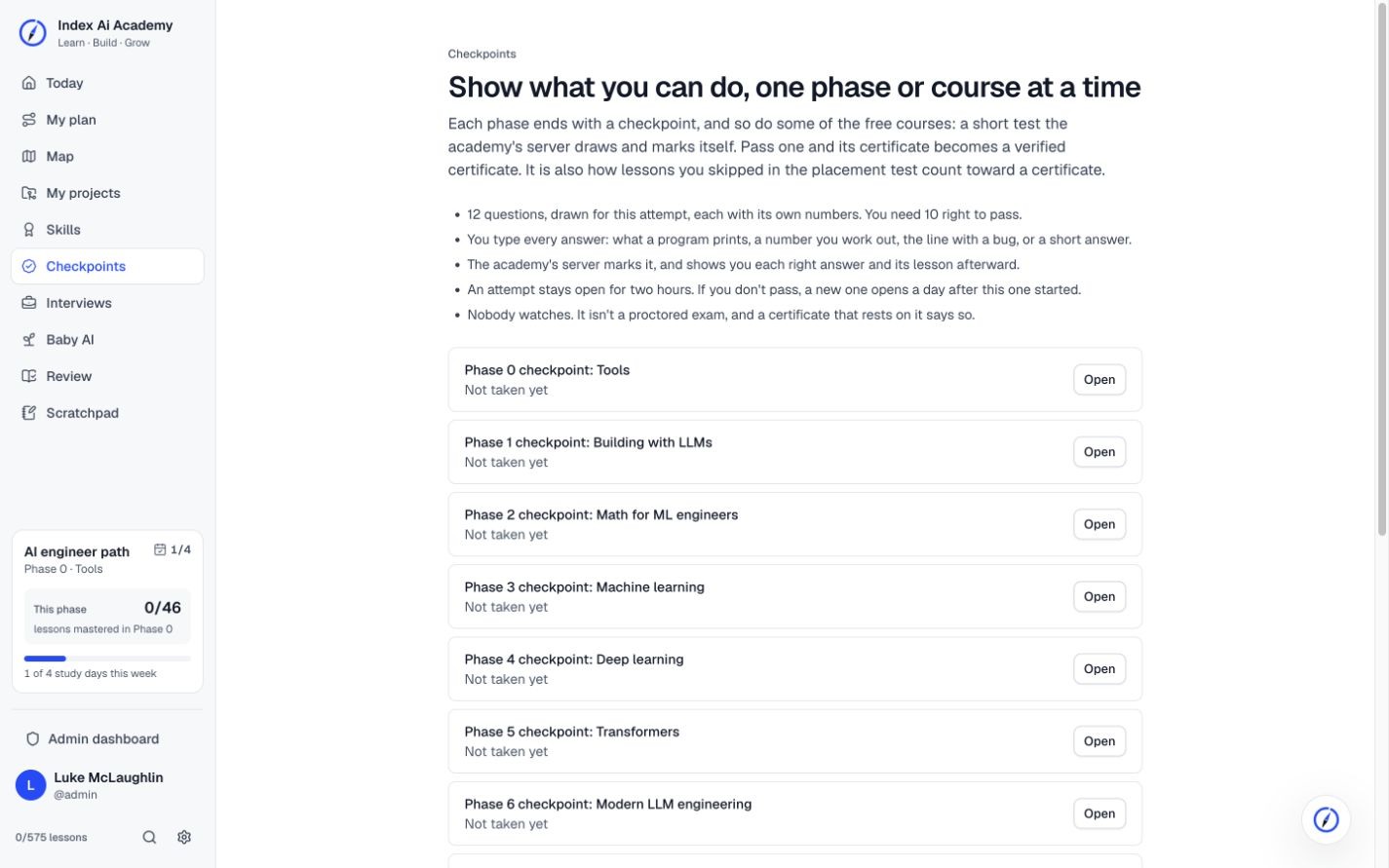
Check readiness for the next curriculum phase and inspect the assessment requirements.
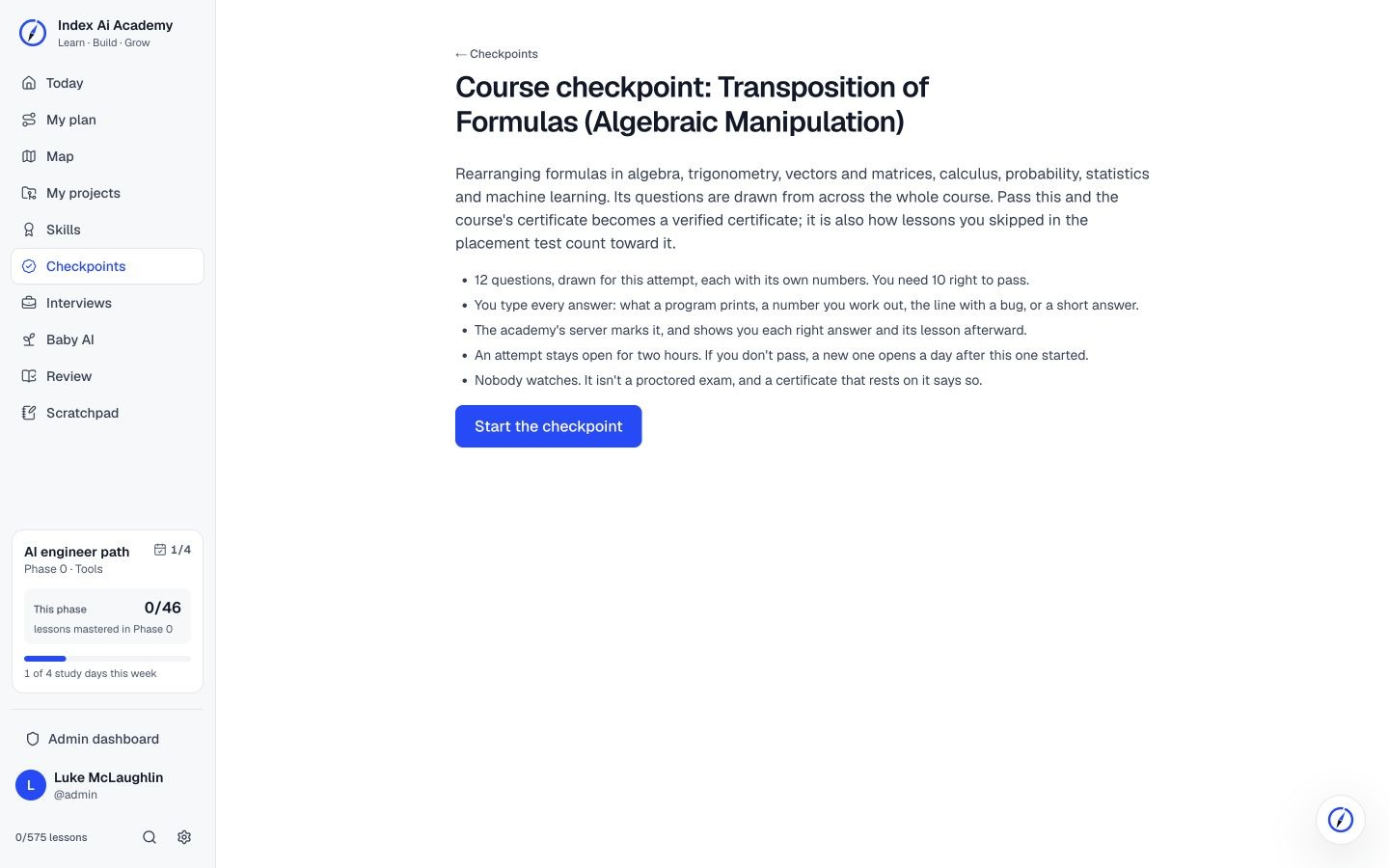
This assessment brief sets out the checkpoint for Transposition of Formulas (Algebraic Manipulation). Learners use the brief to understand what they will need to demonstrate at this stage of the course.
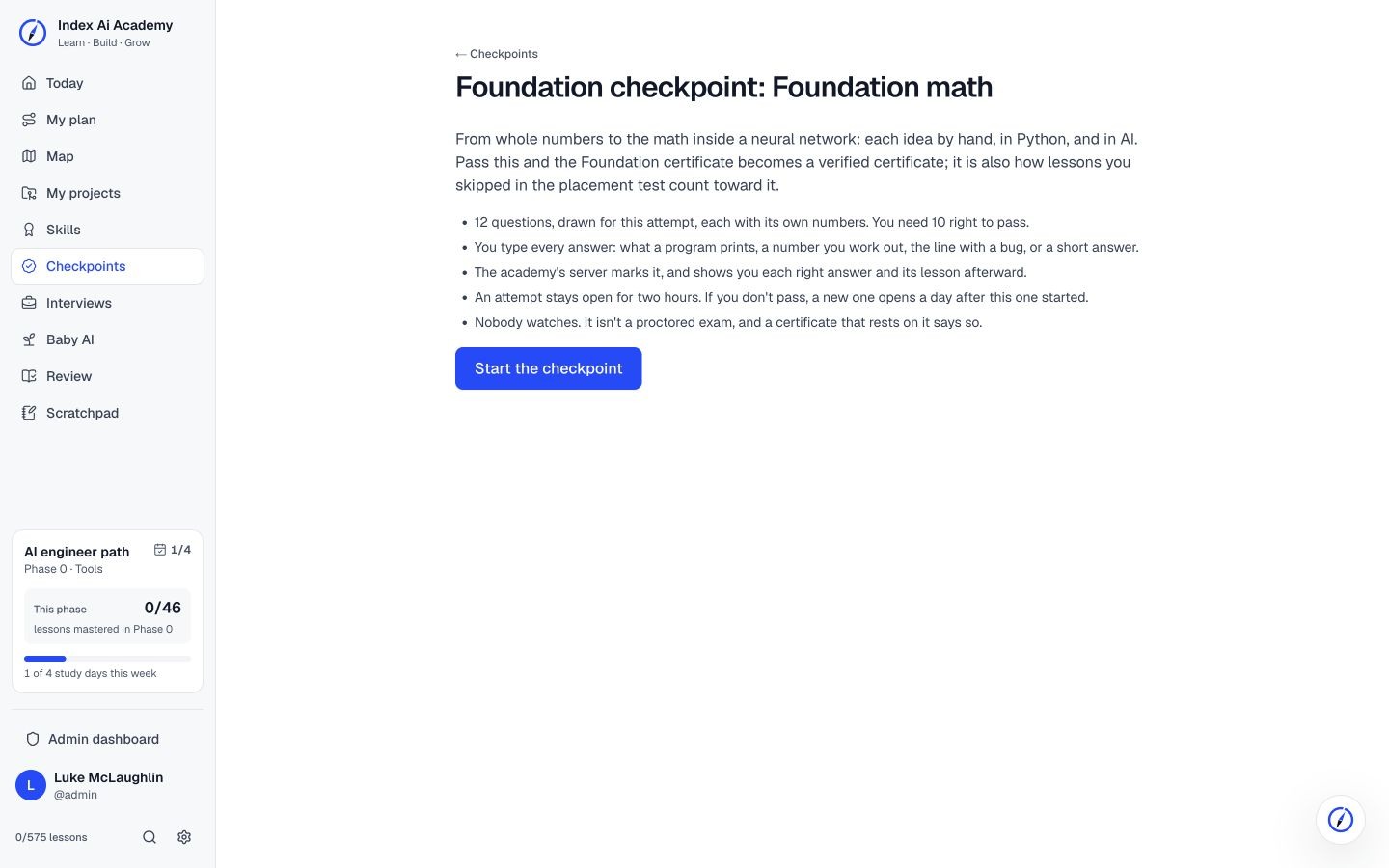
This assessment brief sets out the checkpoint for Foundation math. Learners use the brief to understand what they will need to demonstrate at this stage of the course.
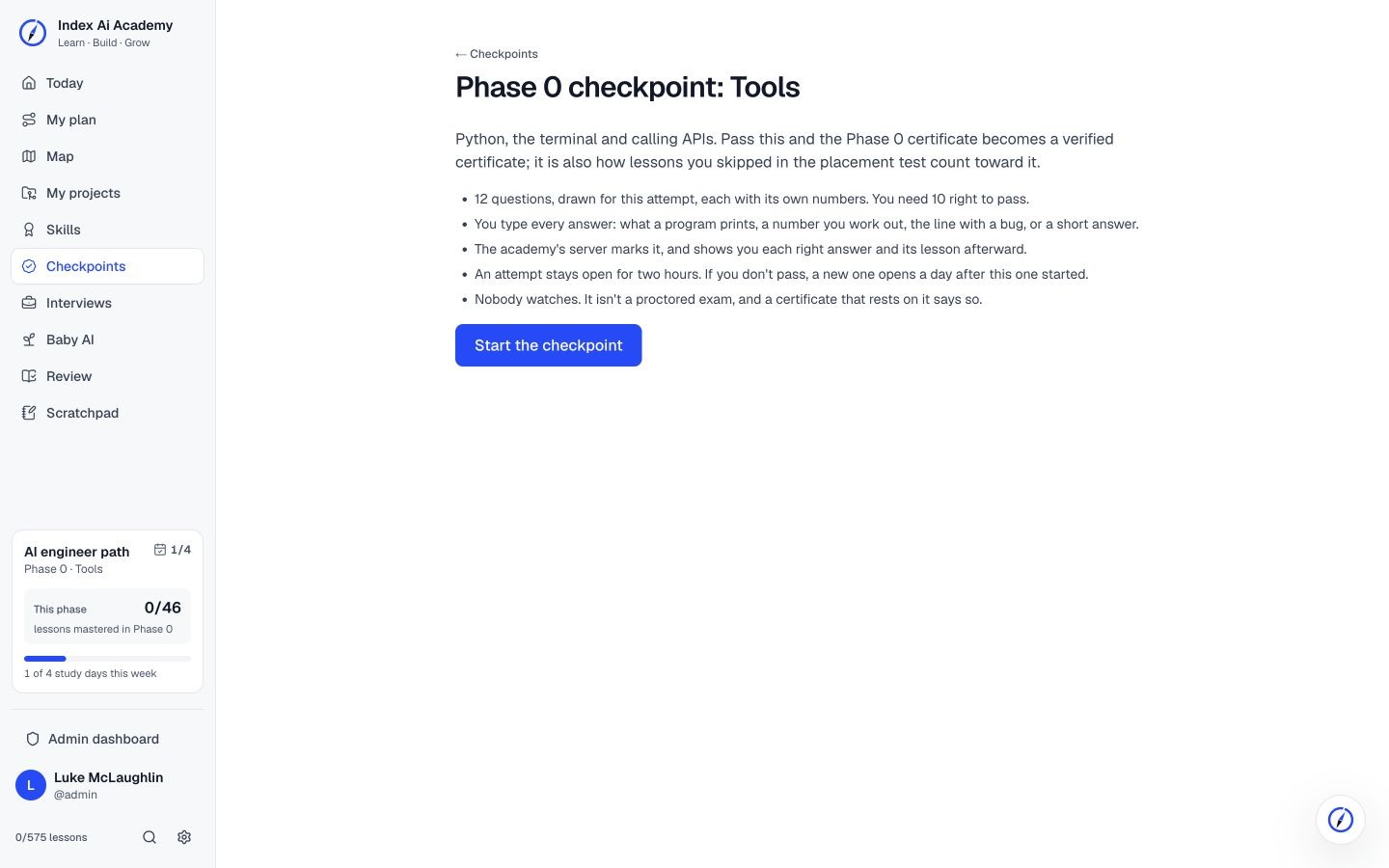
This assessment brief sets out the checkpoint for Tools. Learners use the brief to understand what they will need to demonstrate at this stage of the course.
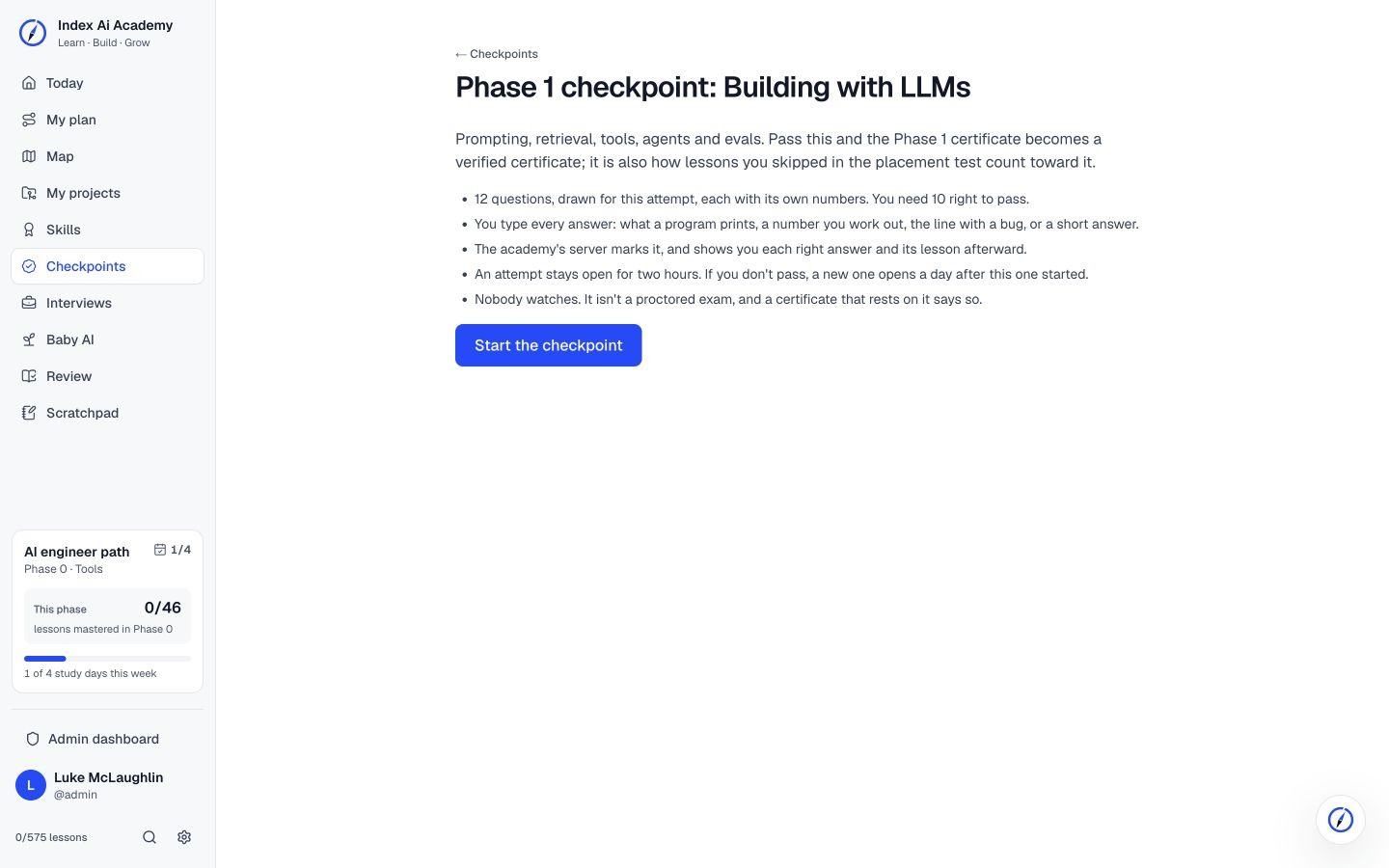
This assessment brief sets out the checkpoint for Building with LLMs. Learners use the brief to understand what they will need to demonstrate at this stage of the course.
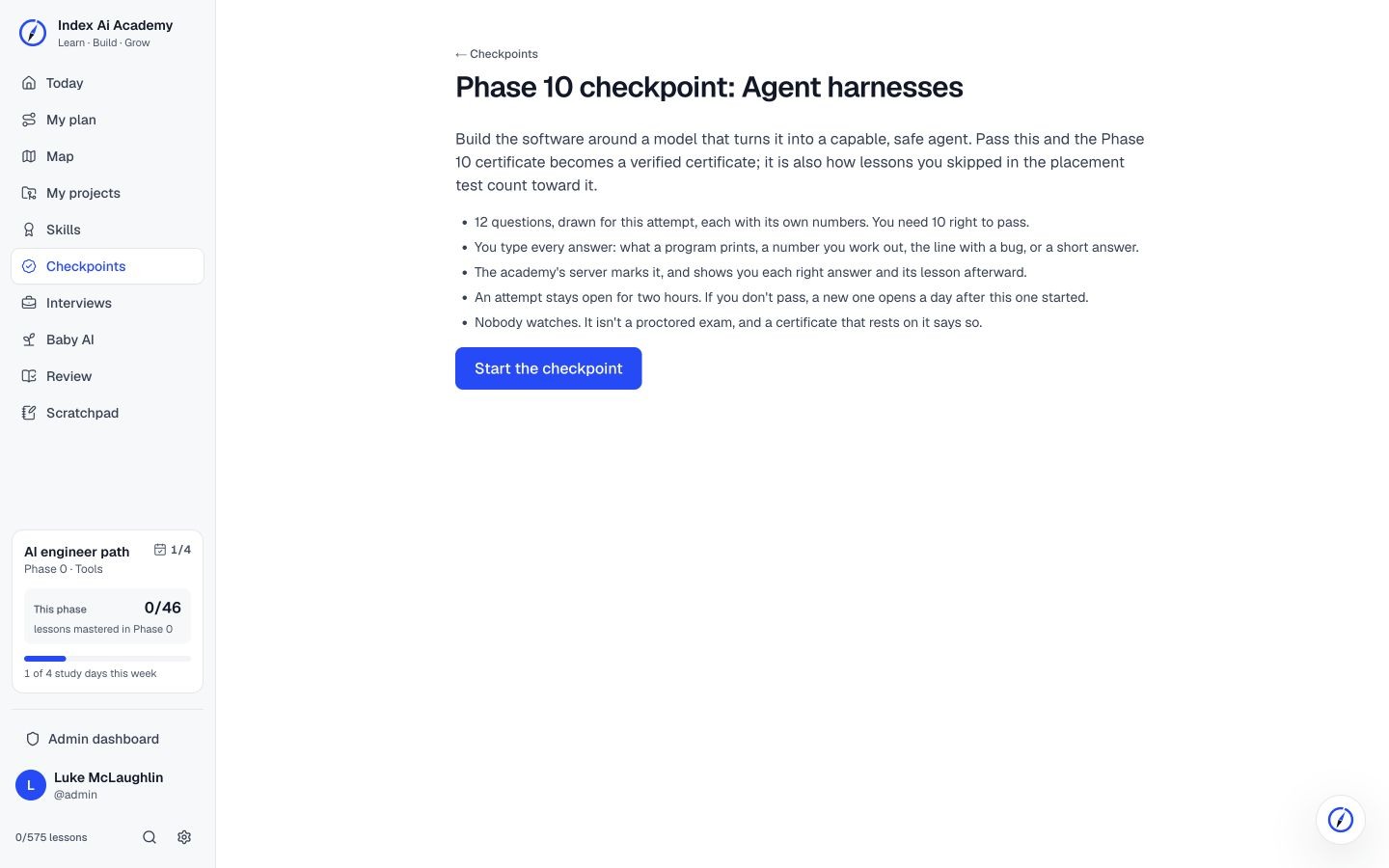
This assessment brief sets out the checkpoint for Agent harnesses. Learners use the brief to understand what they will need to demonstrate at this stage of the course.
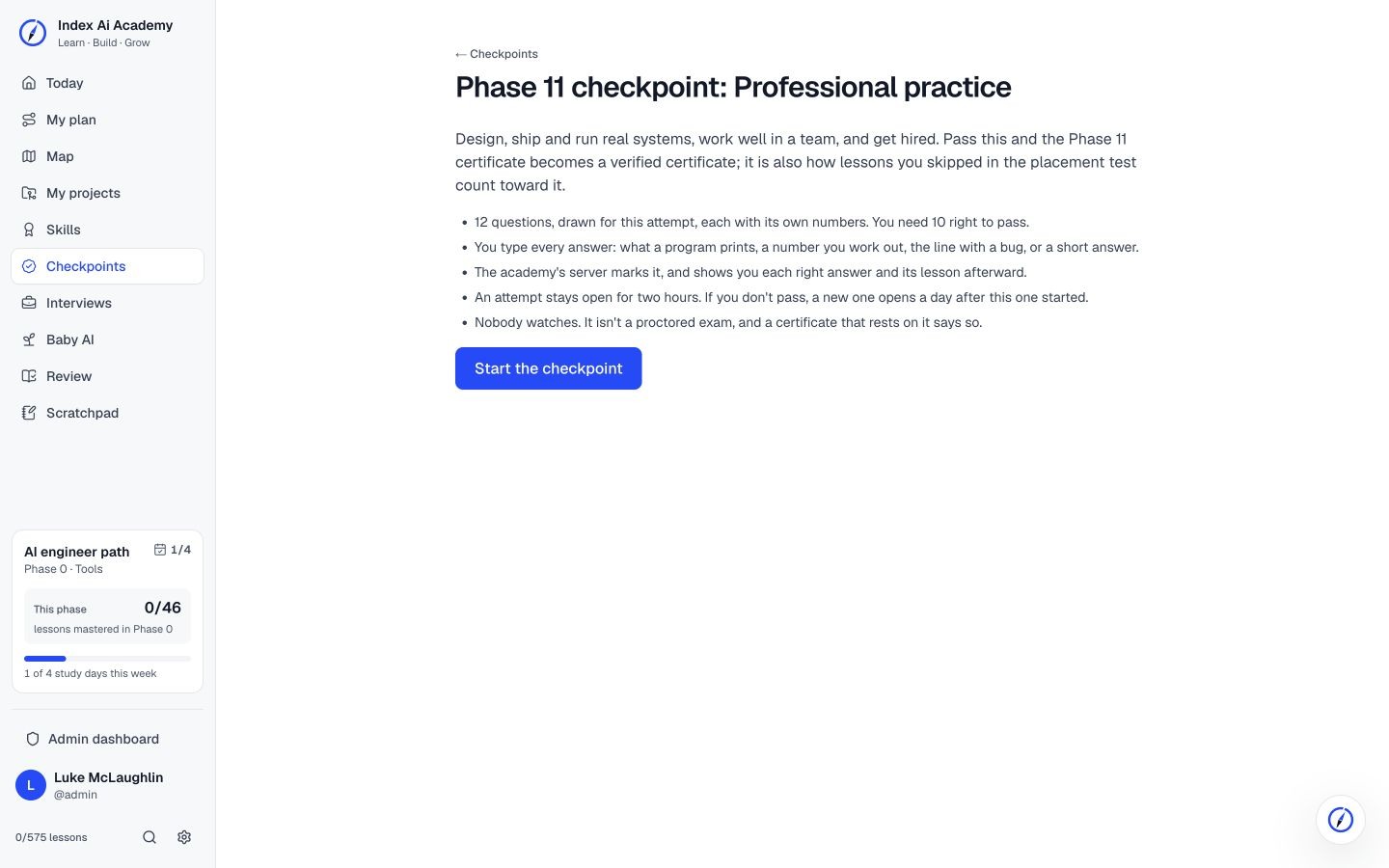
This assessment brief sets out the checkpoint for Professional practice. Learners use the brief to understand what they will need to demonstrate at this stage of the course.
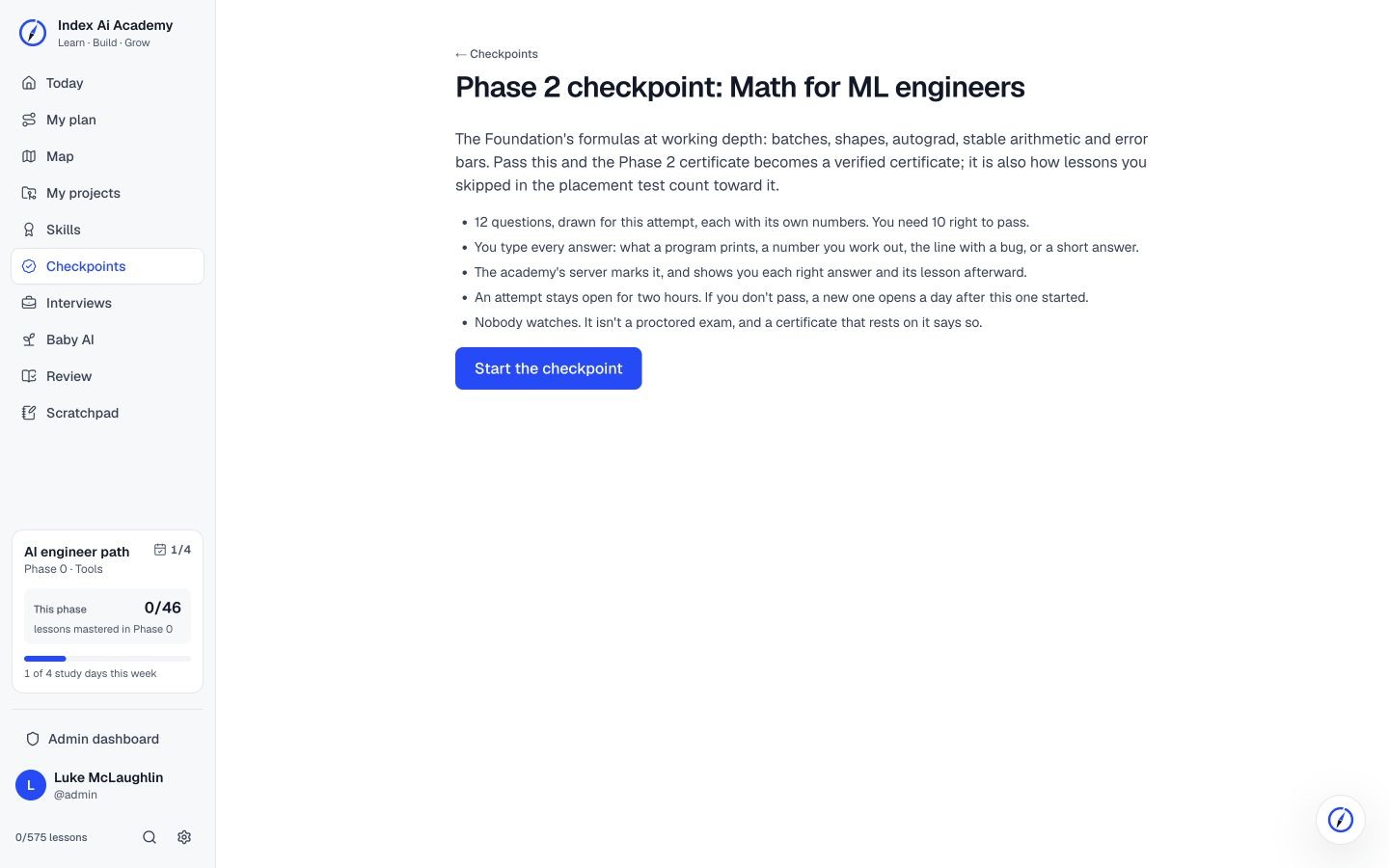
This assessment brief sets out the checkpoint for Math for ML engineers. Learners use the brief to understand what they will need to demonstrate at this stage of the course.
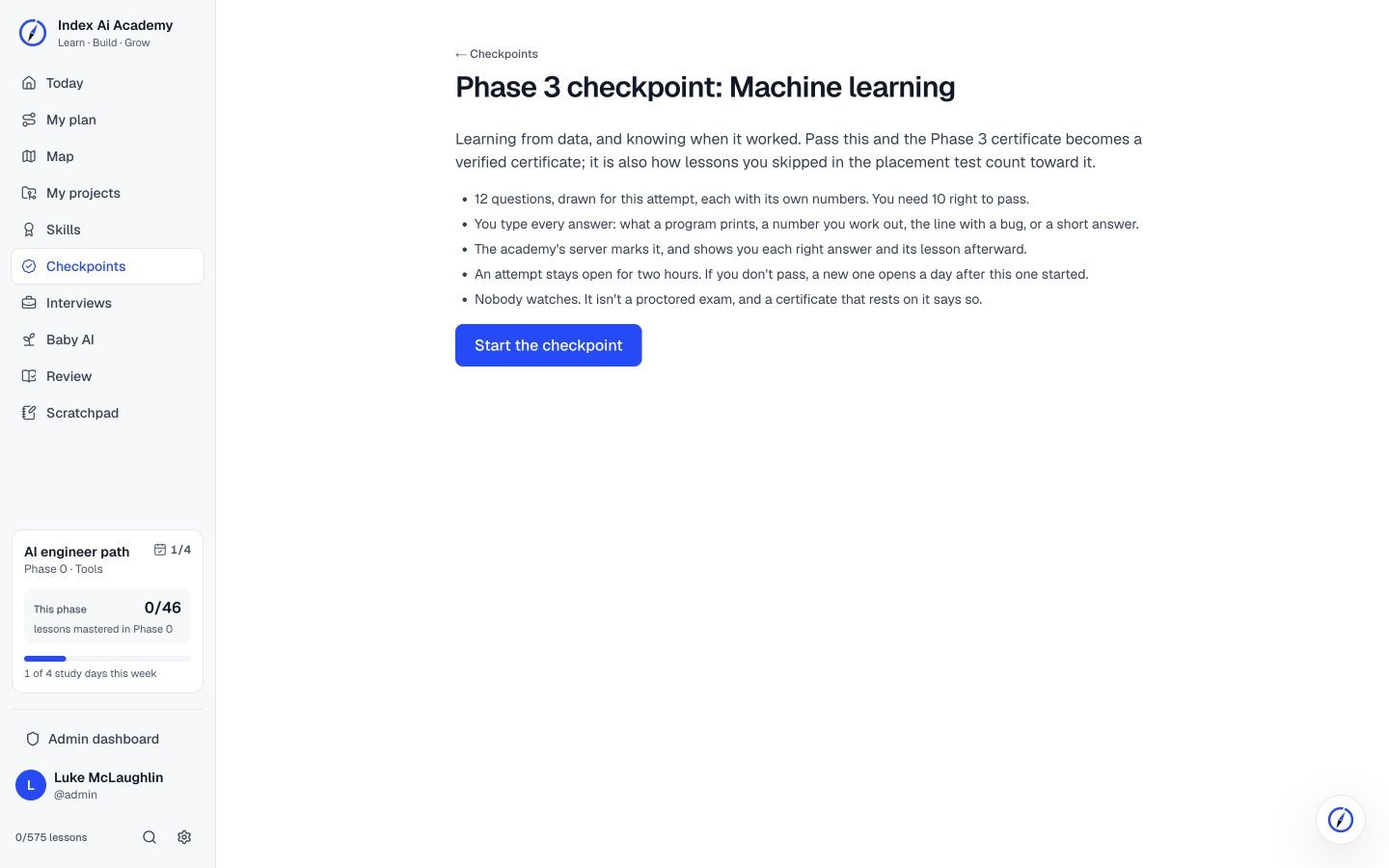
This assessment brief sets out the checkpoint for Machine learning. Learners use the brief to understand what they will need to demonstrate at this stage of the course.
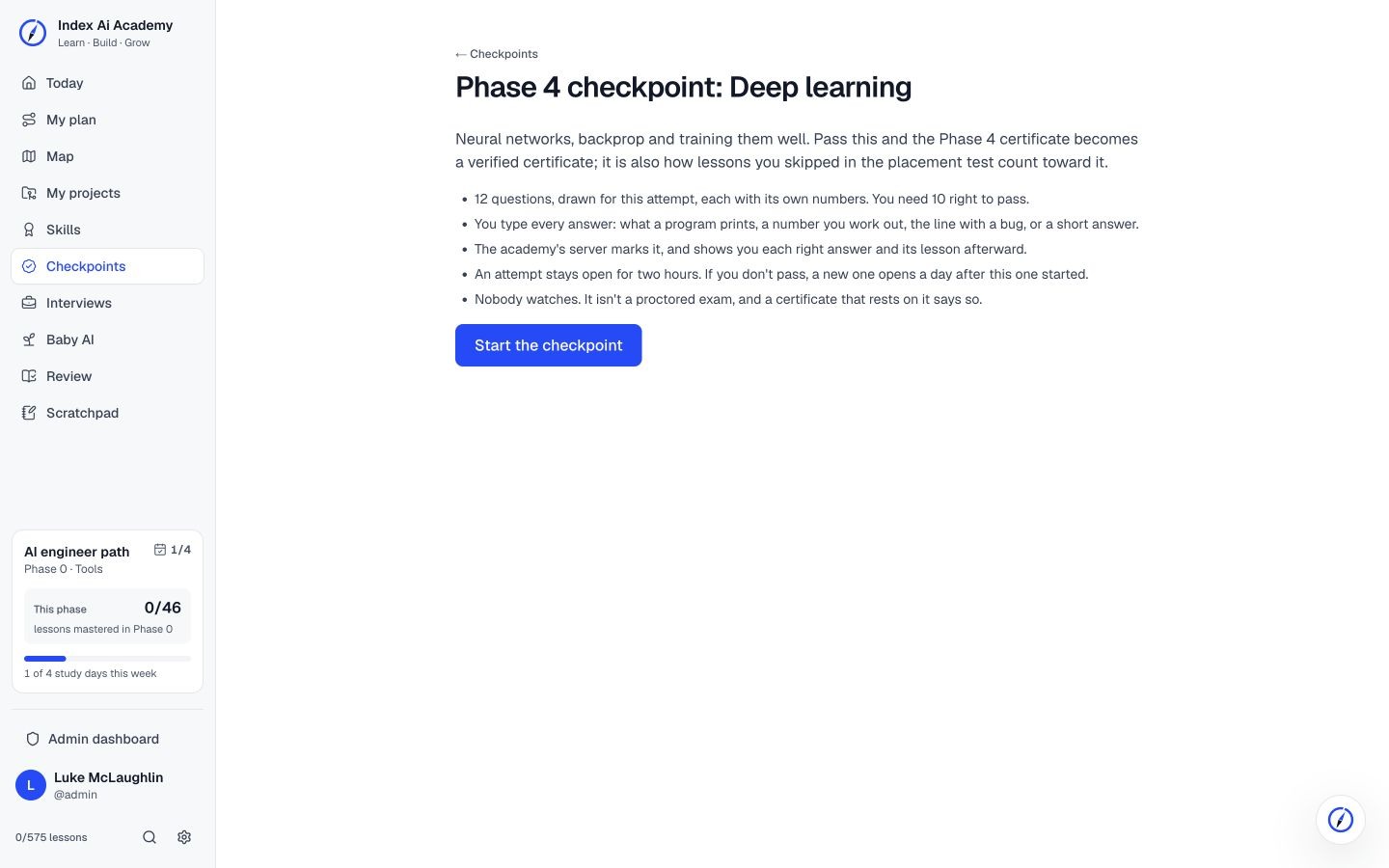
This assessment brief sets out the checkpoint for Deep learning. Learners use the brief to understand what they will need to demonstrate at this stage of the course.
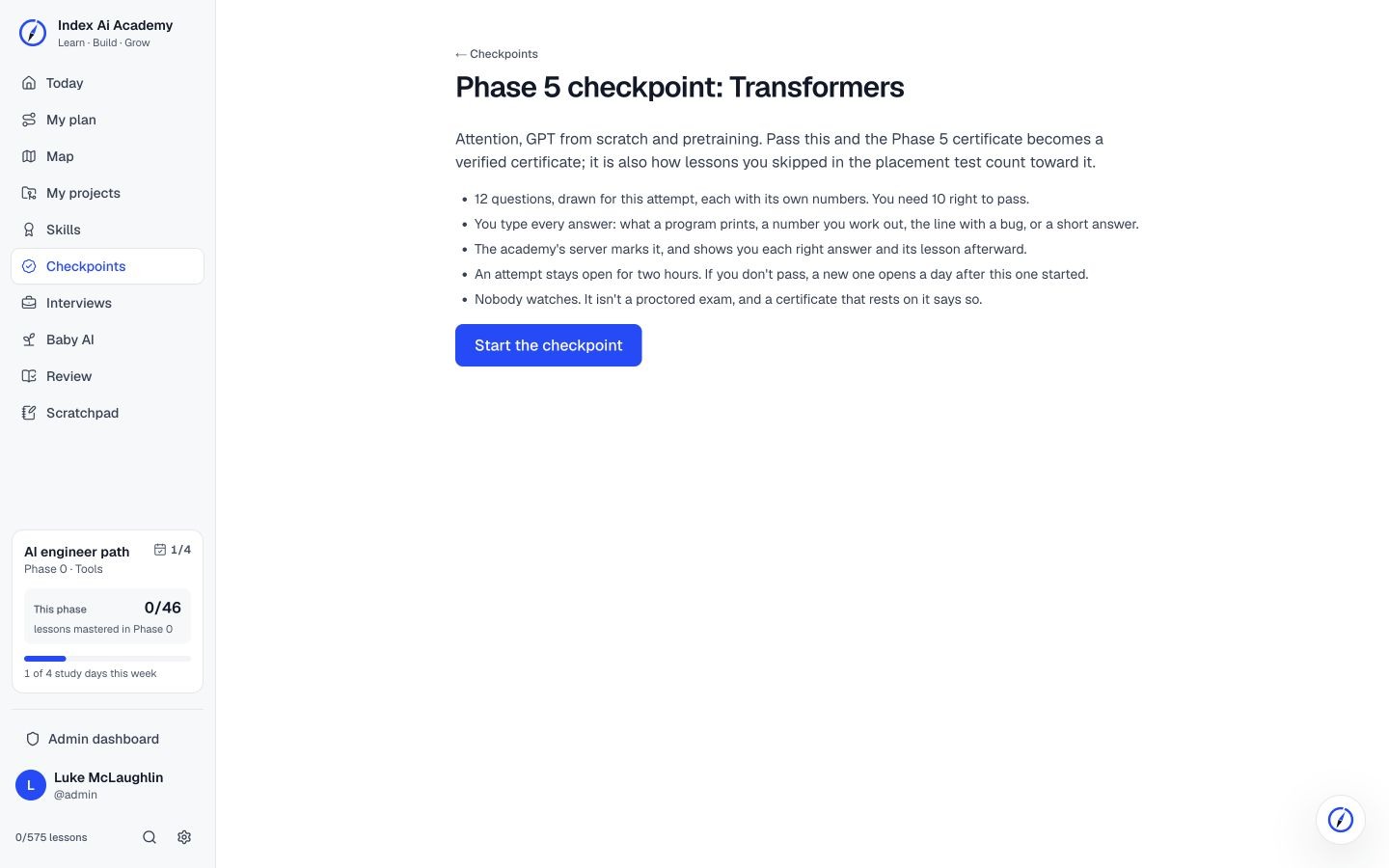
This assessment brief sets out the checkpoint for Transformers. Learners use the brief to understand what they will need to demonstrate at this stage of the course.
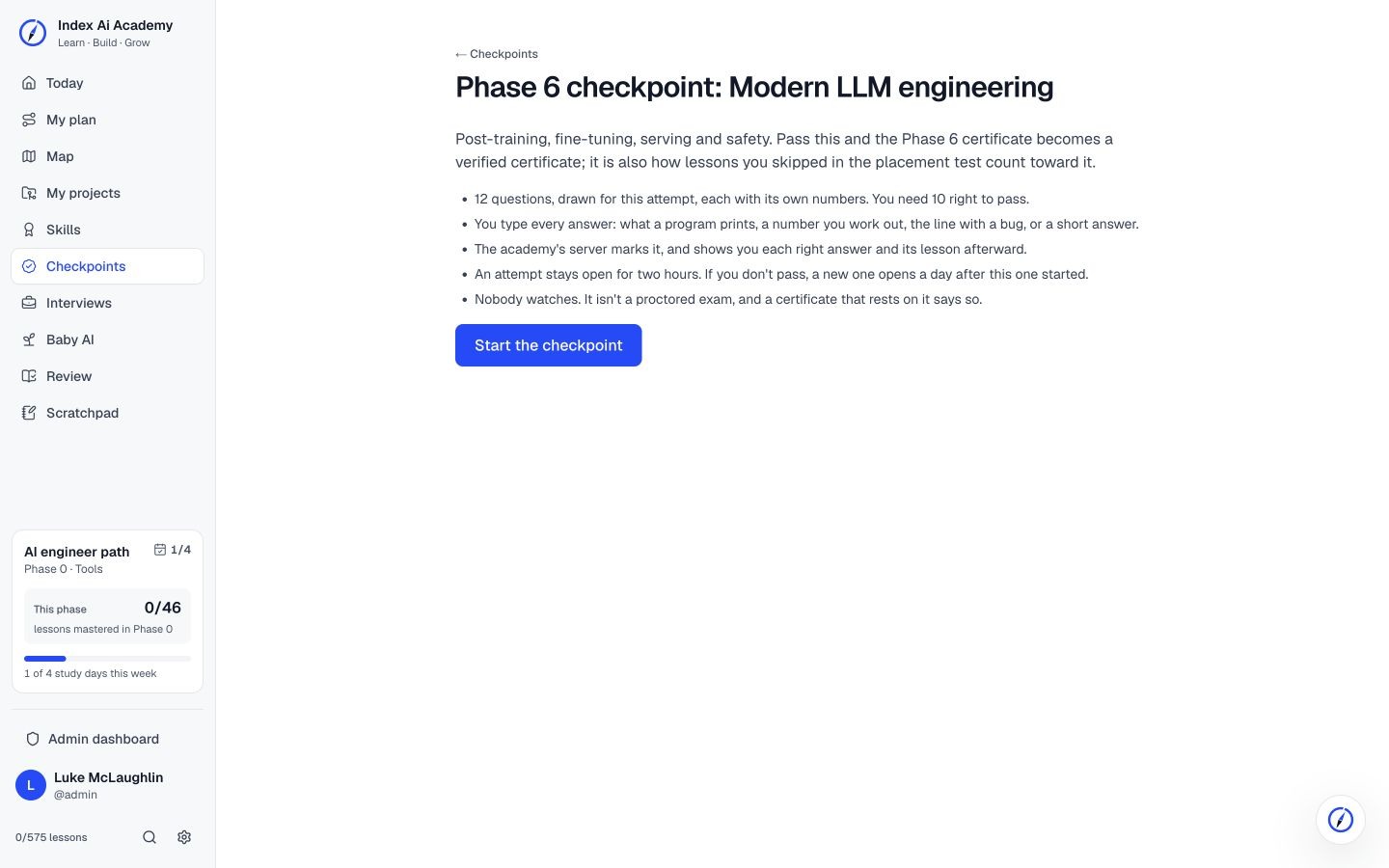
This assessment brief sets out the checkpoint for Modern LLM engineering. Learners use the brief to understand what they will need to demonstrate at this stage of the course.
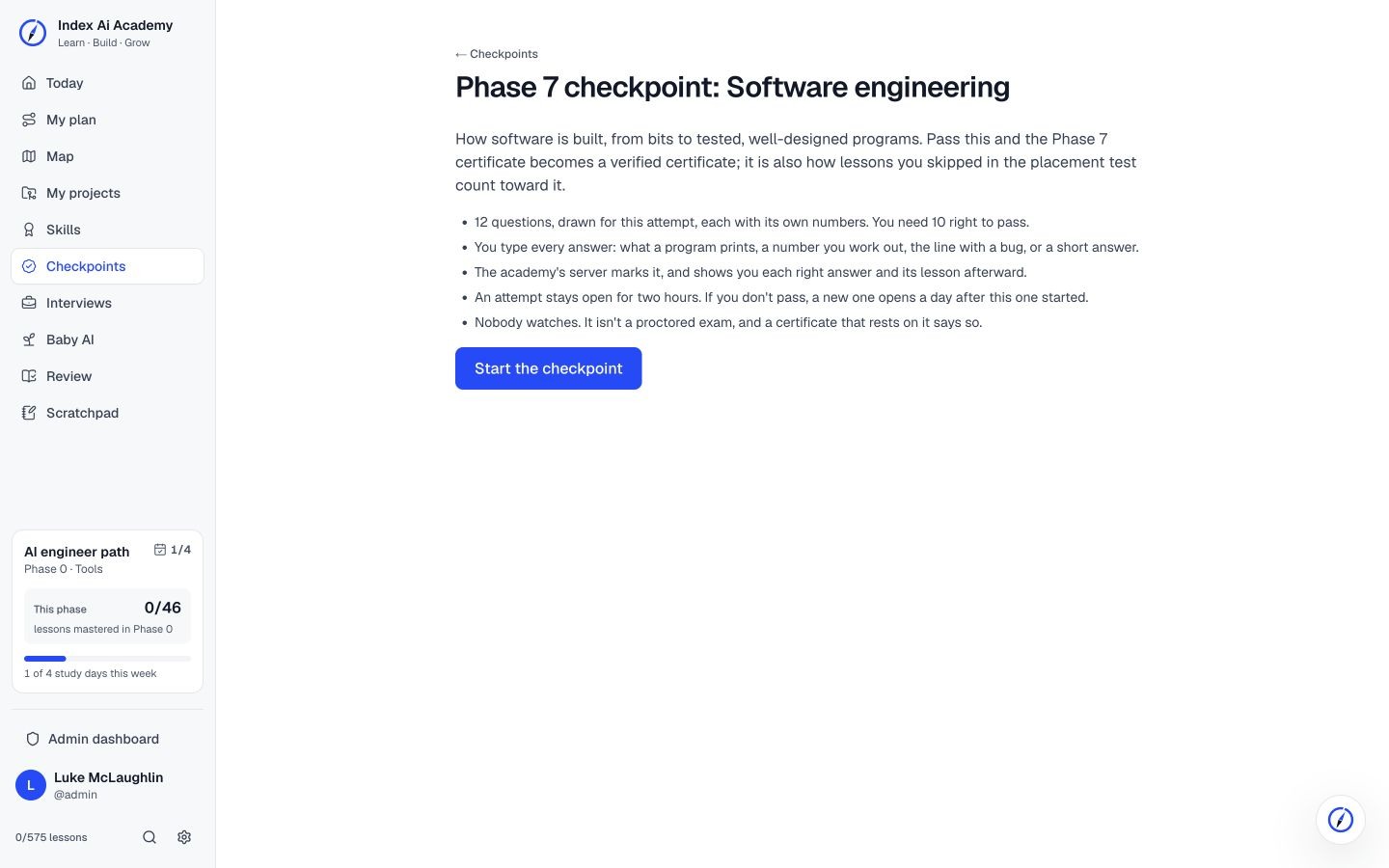
This assessment brief sets out the checkpoint for Software engineering. Learners use the brief to understand what they will need to demonstrate at this stage of the course.
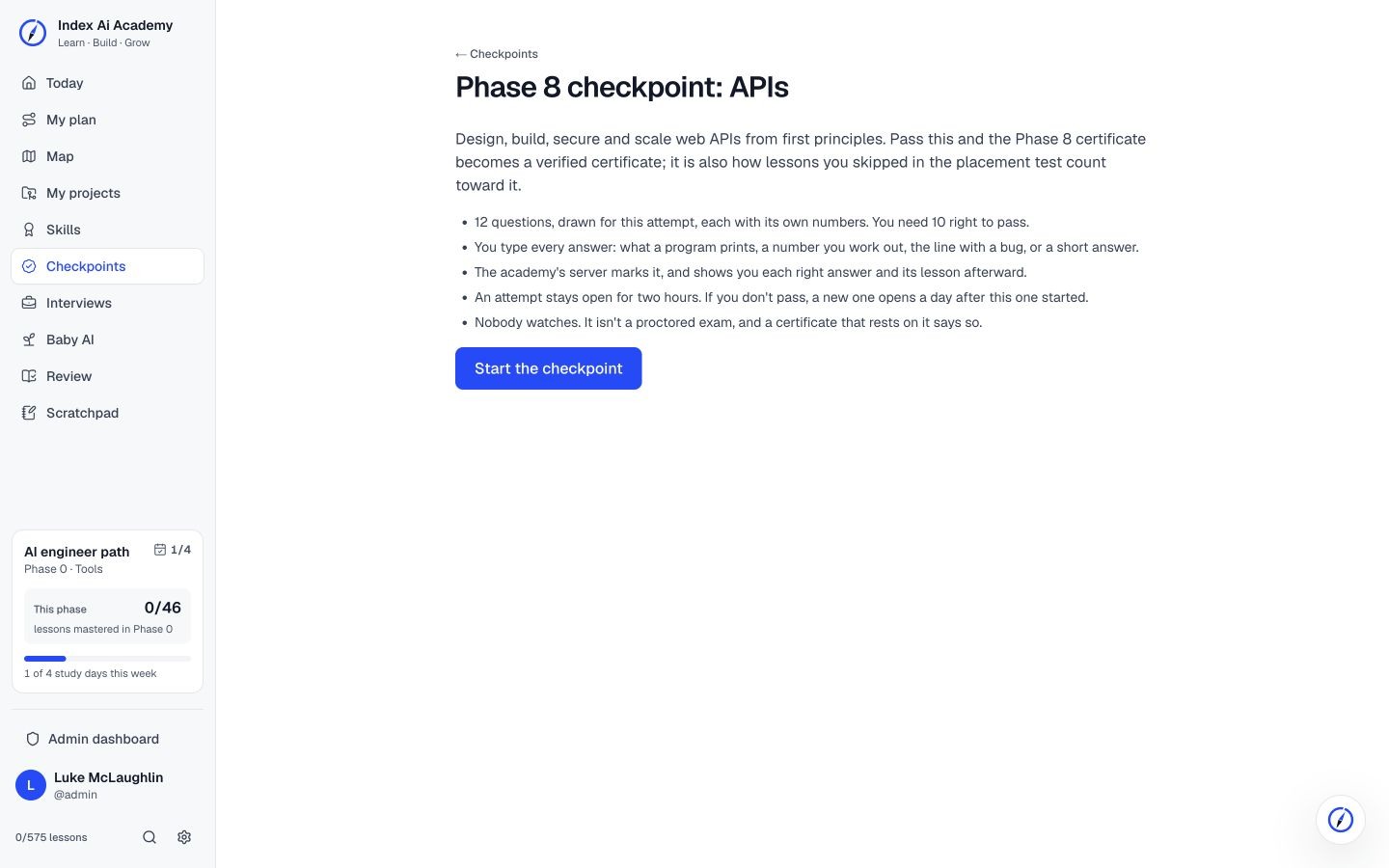
This assessment brief sets out the checkpoint for APIs. Learners use the brief to understand what they will need to demonstrate at this stage of the course.
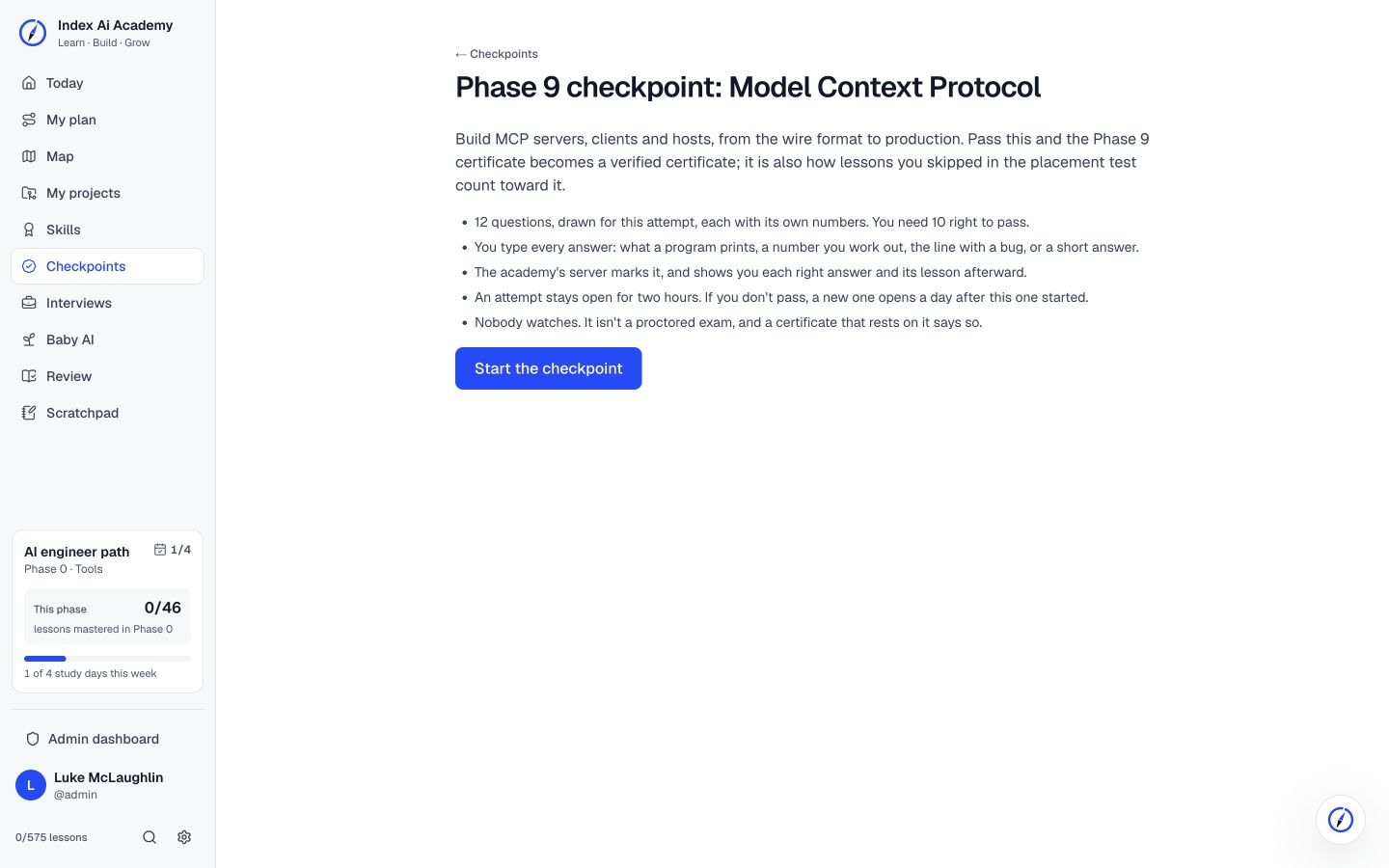
This assessment brief sets out the checkpoint for Model Context Protocol. Learners use the brief to understand what they will need to demonstrate at this stage of the course.
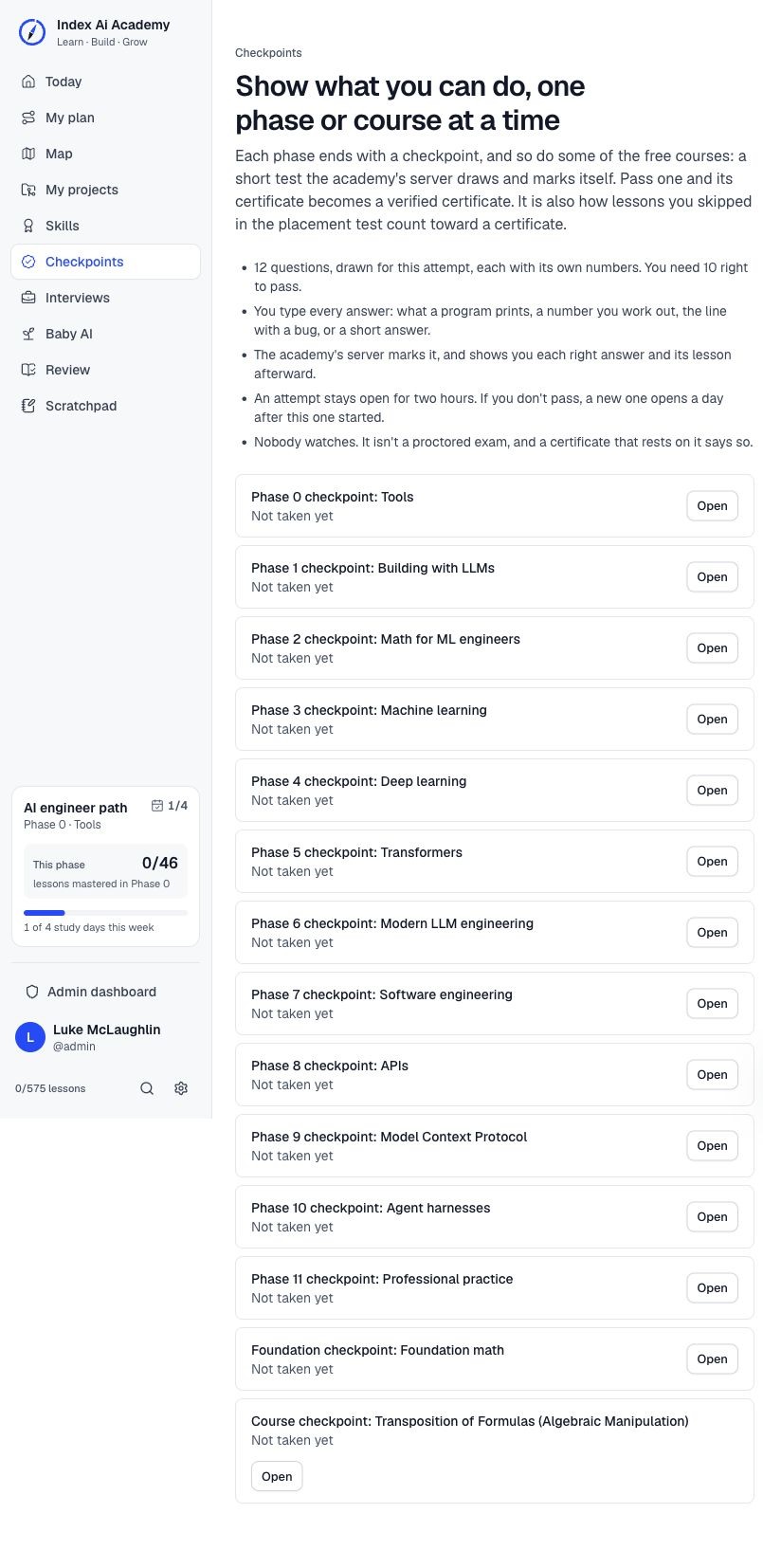
Check readiness for the next curriculum phase and inspect the assessment requirements. This full-page capture includes the material below the initial viewport.
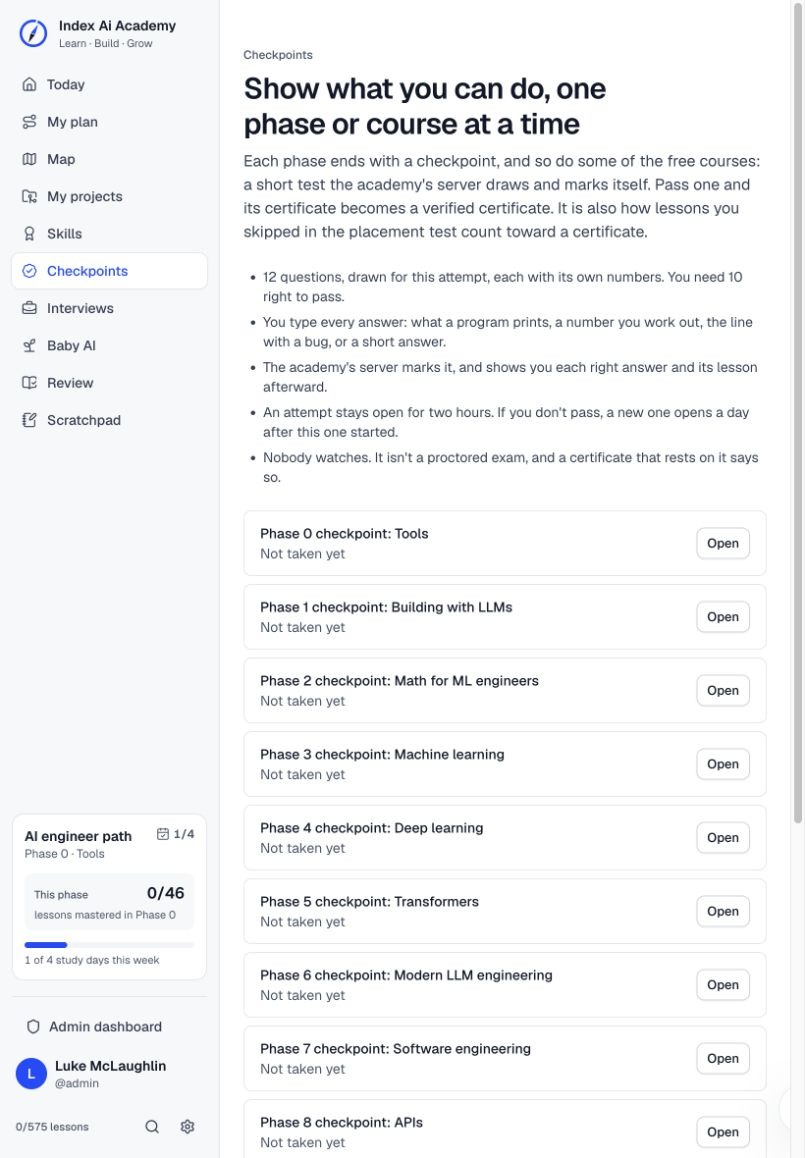
Check readiness for the next curriculum phase and inspect the assessment requirements.
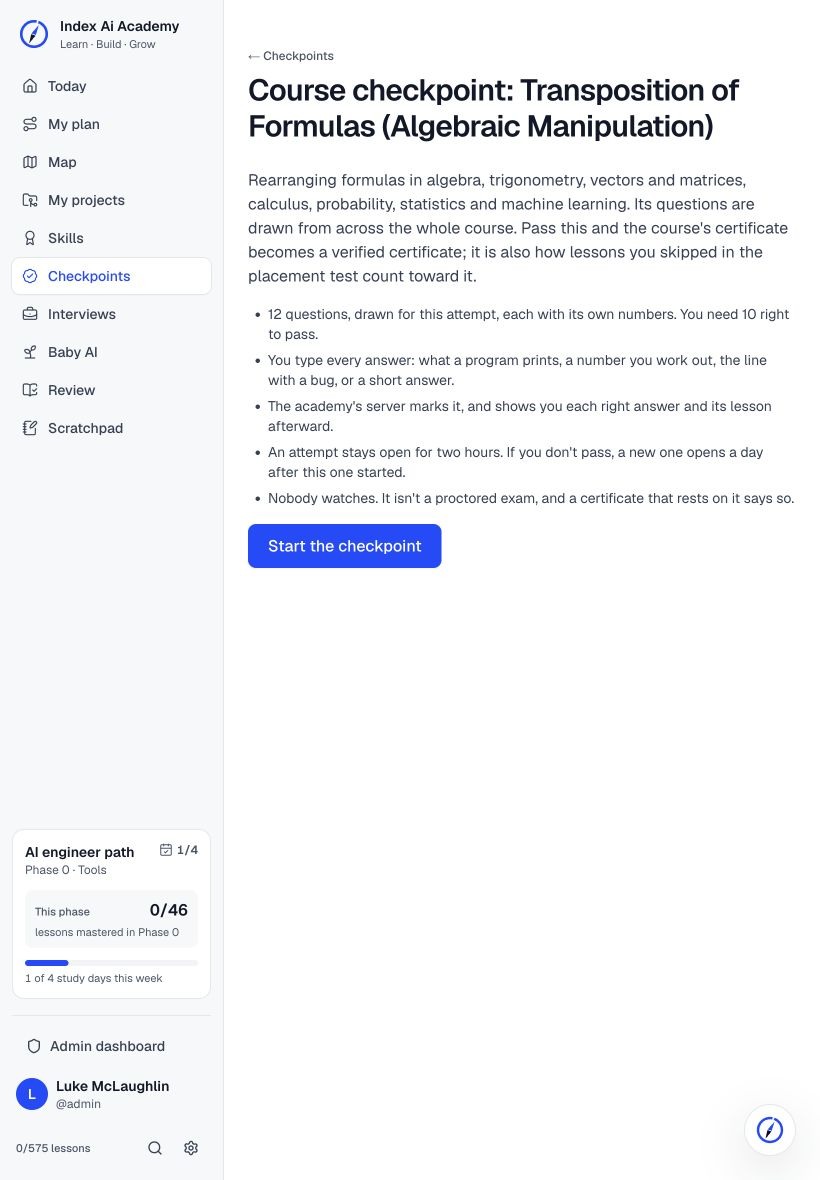
This assessment brief sets out the checkpoint for Transposition of Formulas (Algebraic Manipulation). Learners use the brief to understand what they will need to demonstrate at this stage of the course.
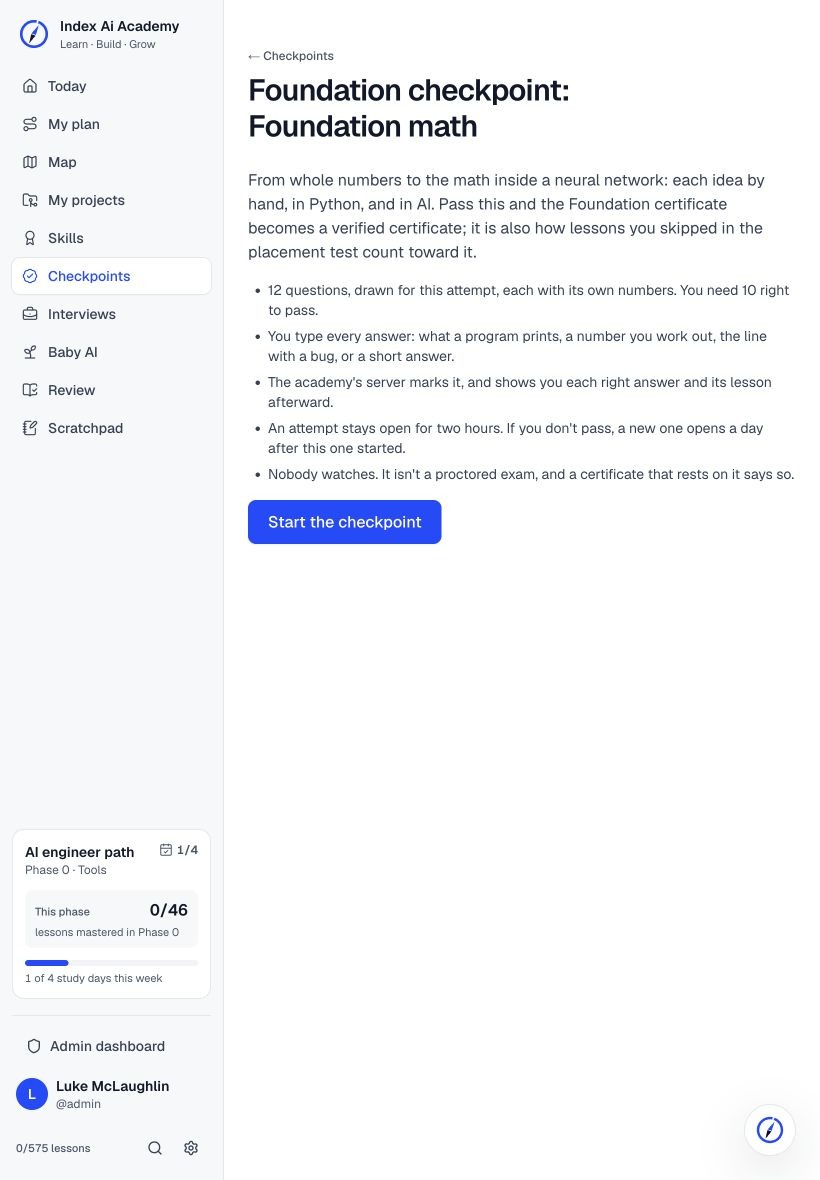
This assessment brief sets out the checkpoint for Foundation math. Learners use the brief to understand what they will need to demonstrate at this stage of the course.
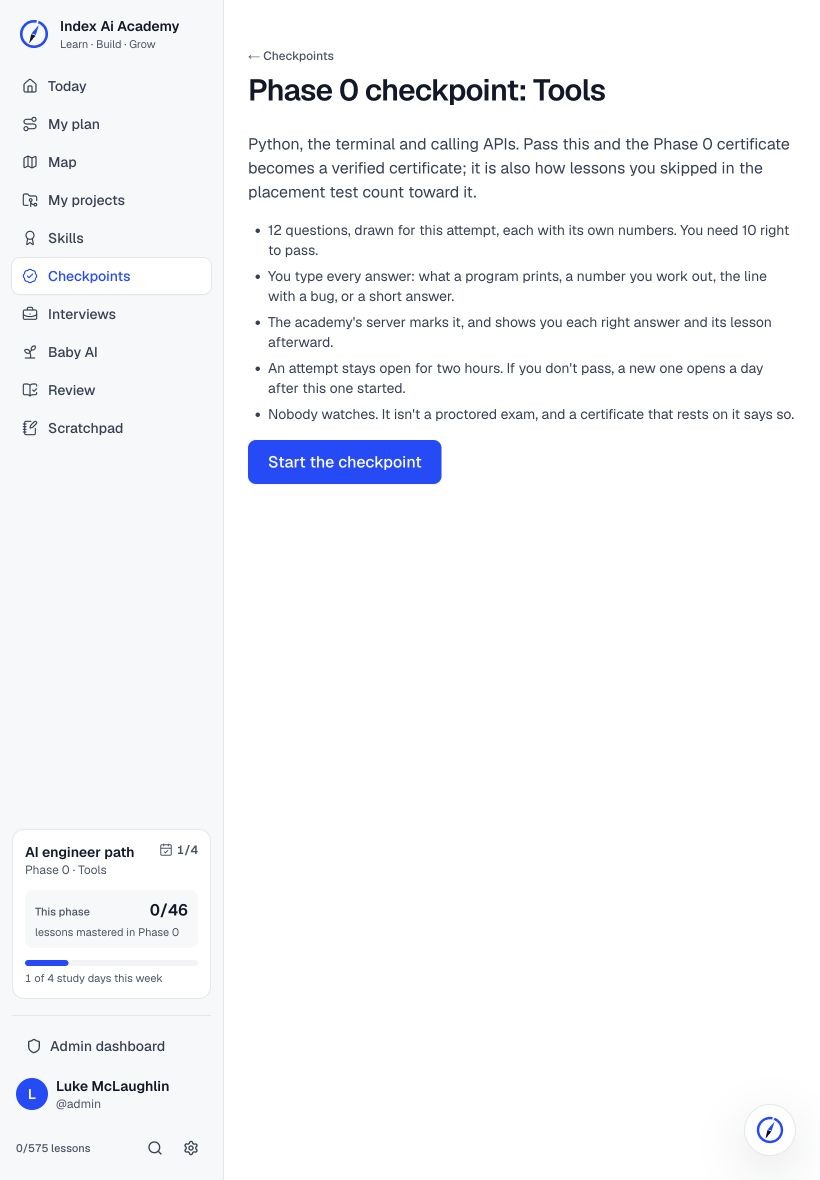
This assessment brief sets out the checkpoint for Tools. Learners use the brief to understand what they will need to demonstrate at this stage of the course.
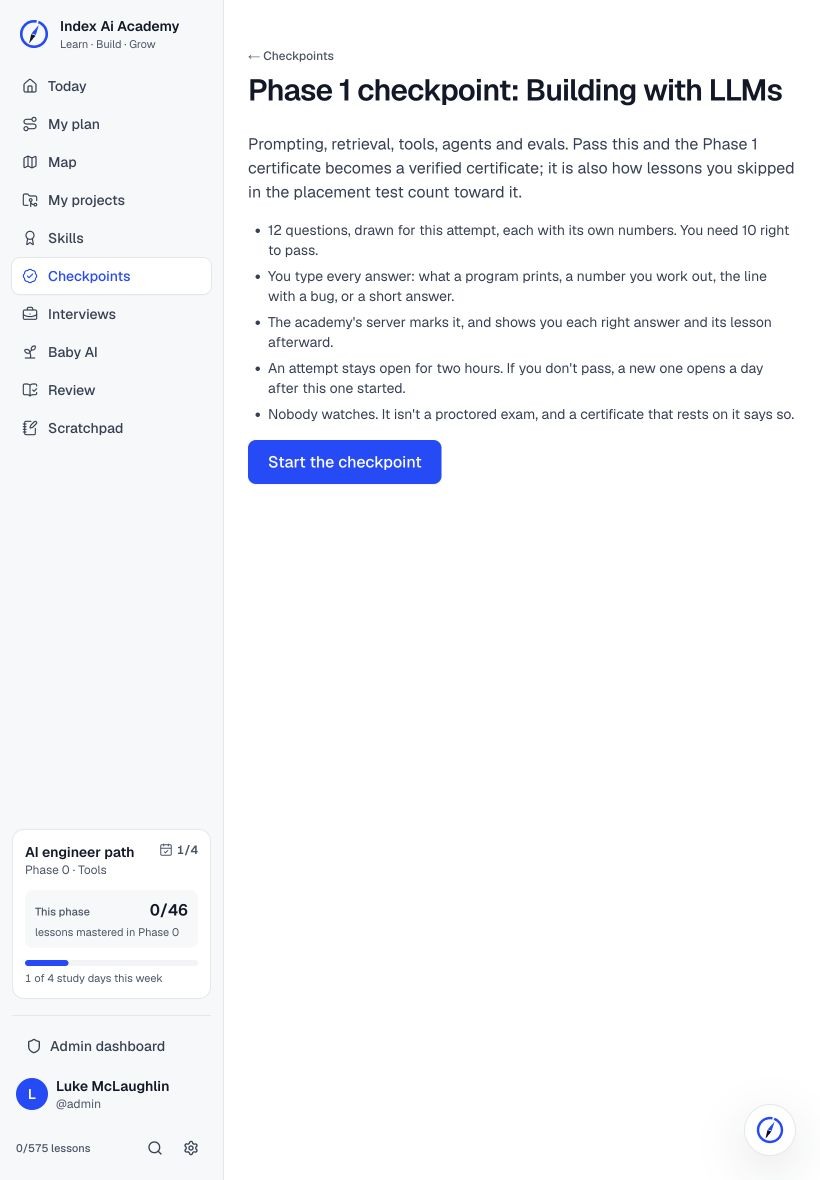
This assessment brief sets out the checkpoint for Building with LLMs. Learners use the brief to understand what they will need to demonstrate at this stage of the course.
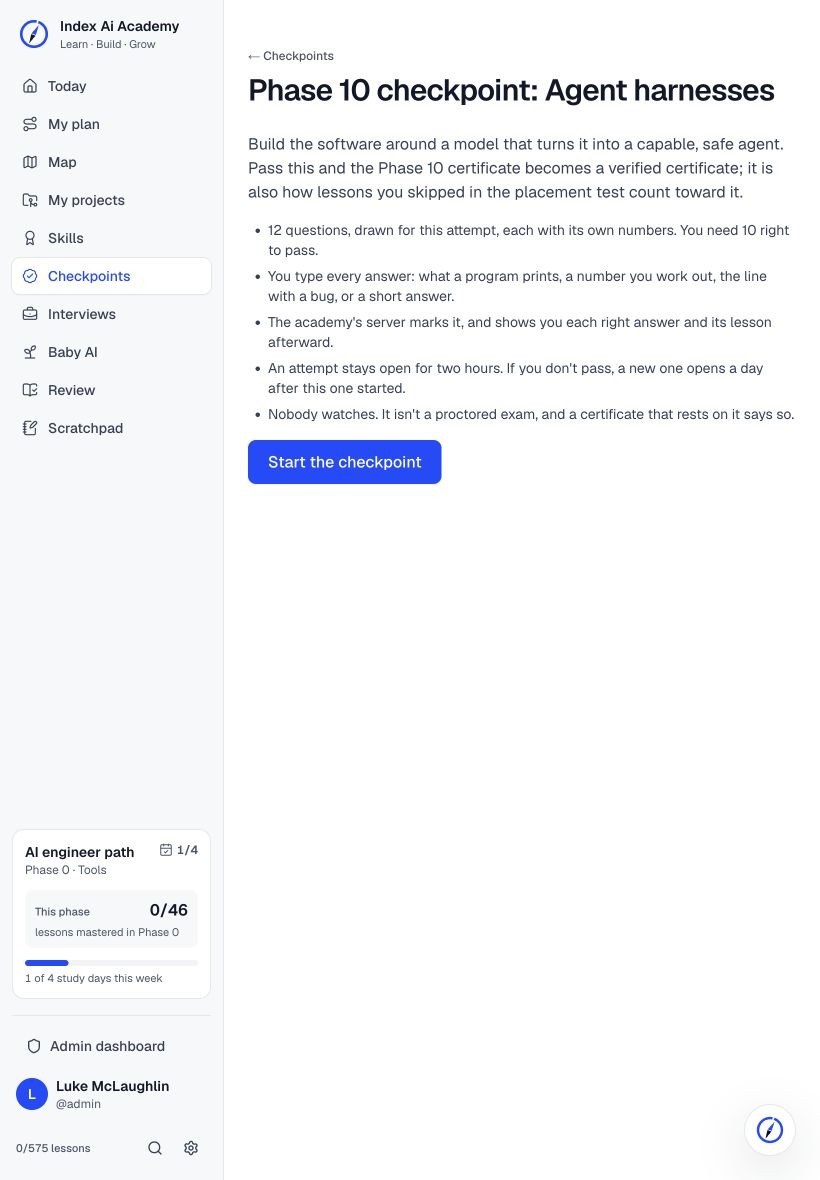
This assessment brief sets out the checkpoint for Agent harnesses. Learners use the brief to understand what they will need to demonstrate at this stage of the course.
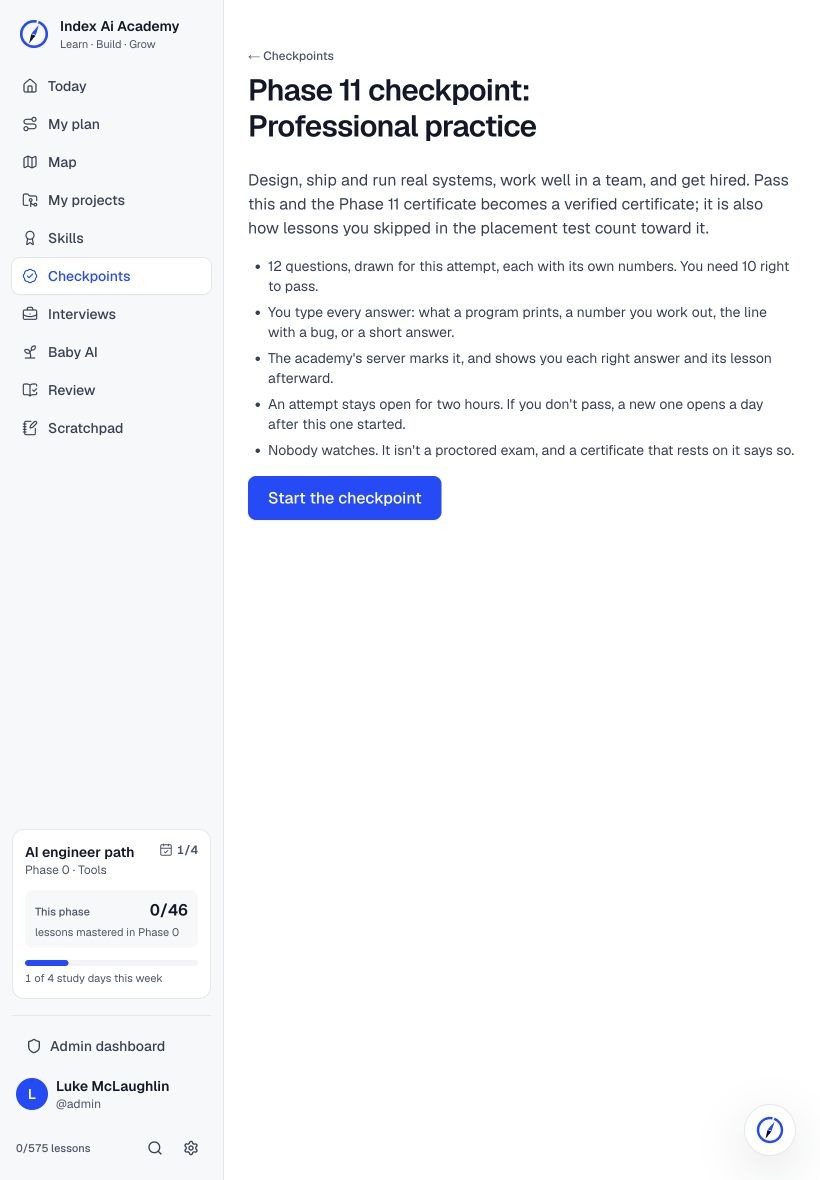
This assessment brief sets out the checkpoint for Professional practice. Learners use the brief to understand what they will need to demonstrate at this stage of the course.
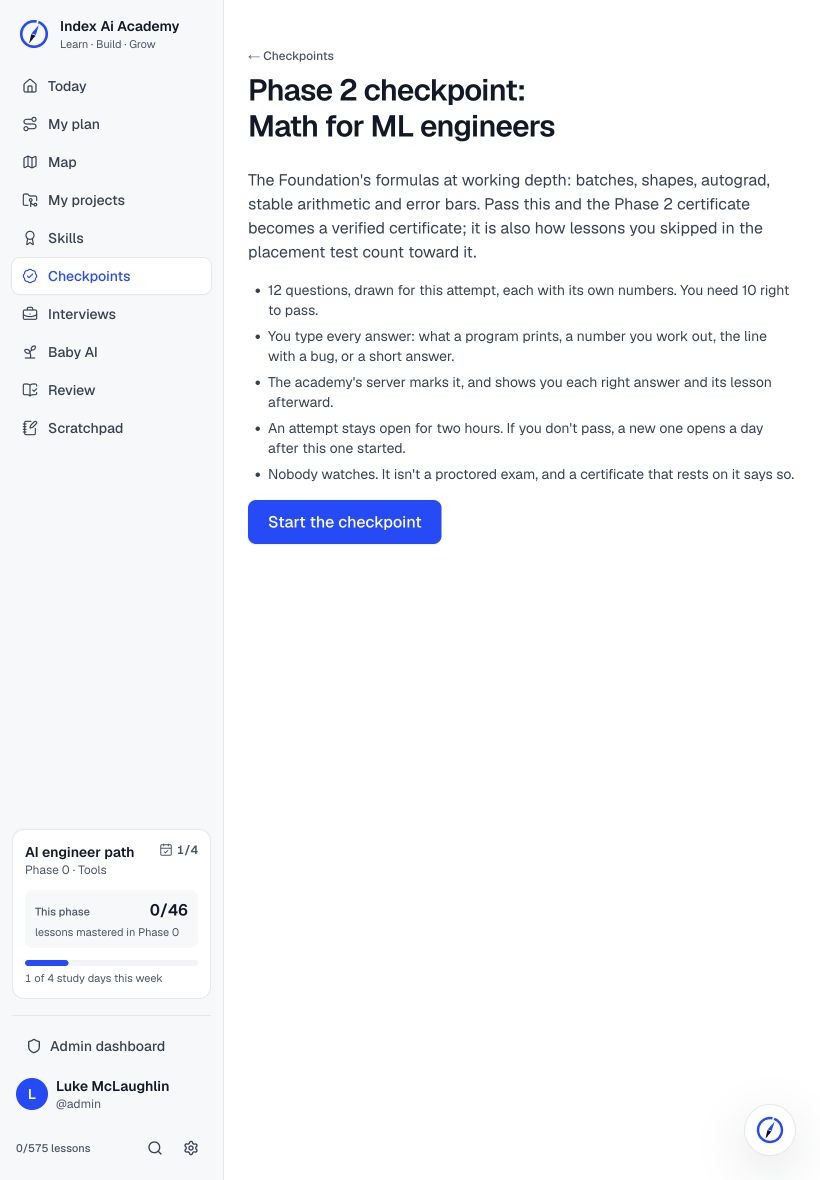
This assessment brief sets out the checkpoint for Math for ML engineers. Learners use the brief to understand what they will need to demonstrate at this stage of the course.
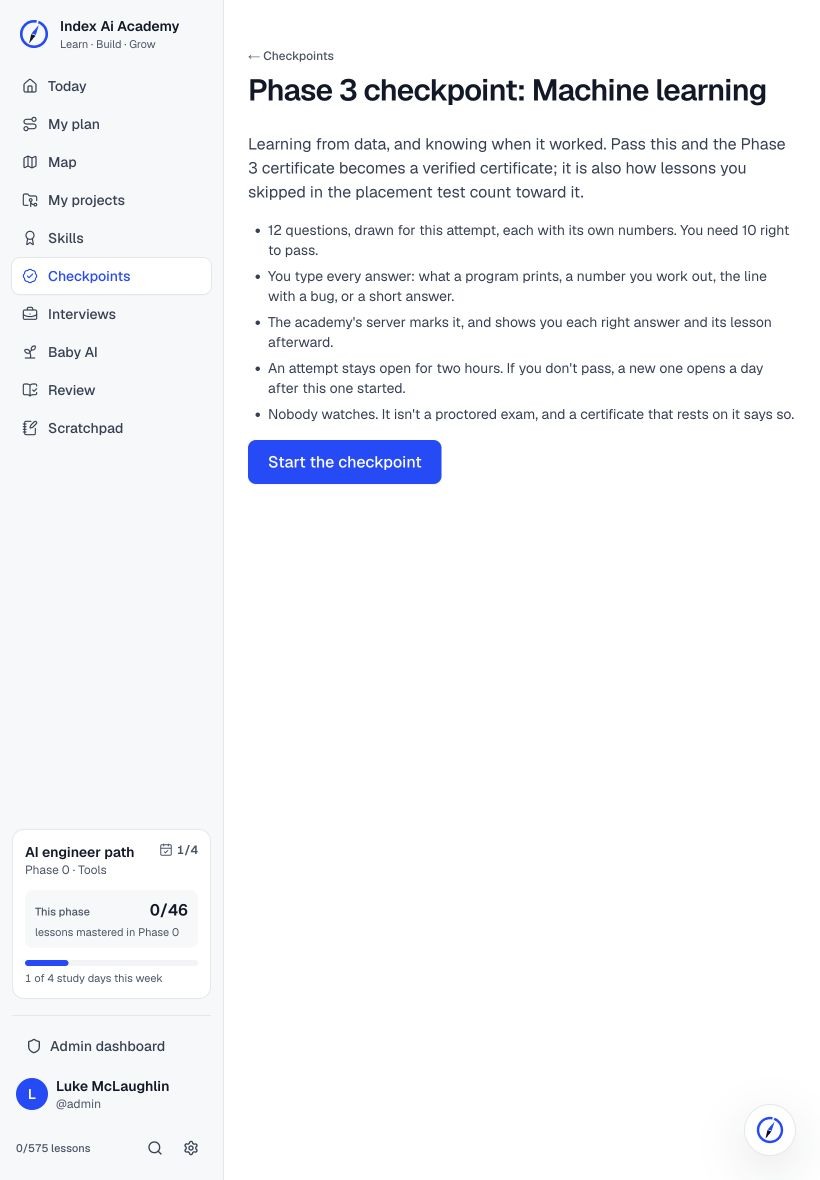
This assessment brief sets out the checkpoint for Machine learning. Learners use the brief to understand what they will need to demonstrate at this stage of the course.
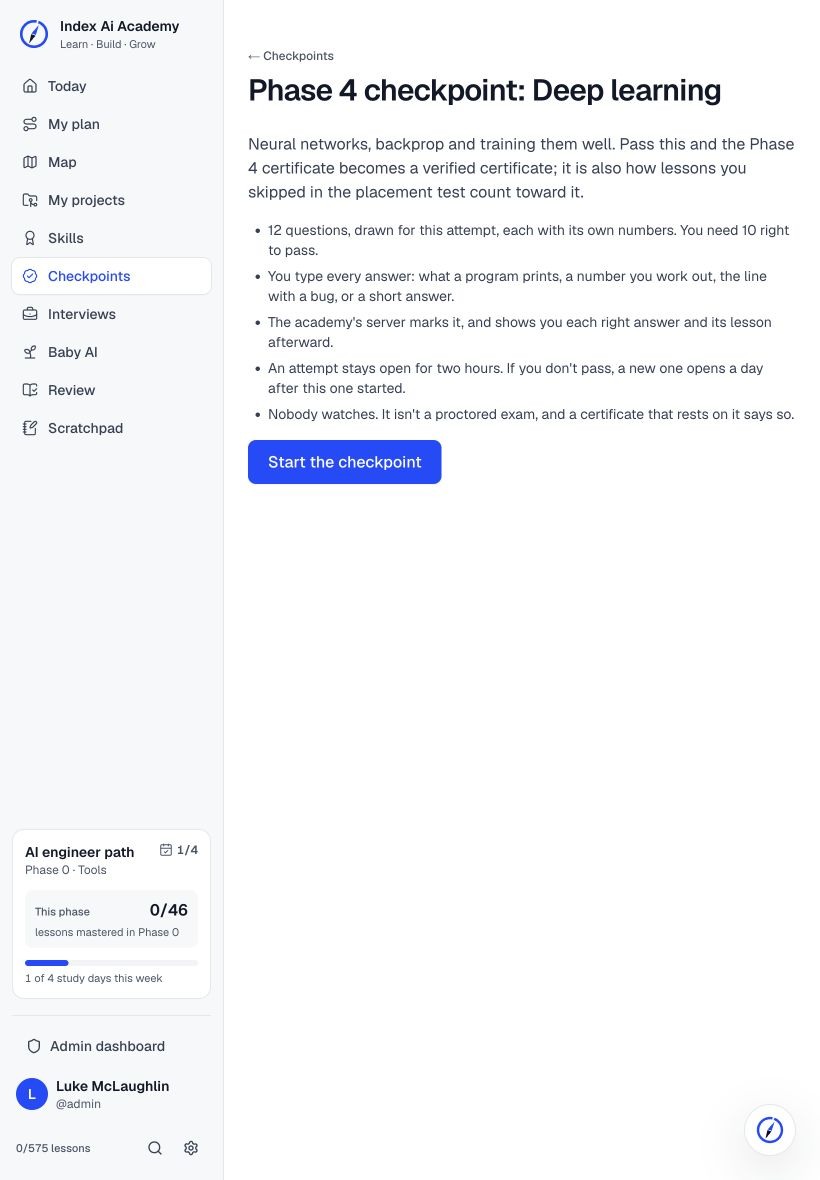
This assessment brief sets out the checkpoint for Deep learning. Learners use the brief to understand what they will need to demonstrate at this stage of the course.
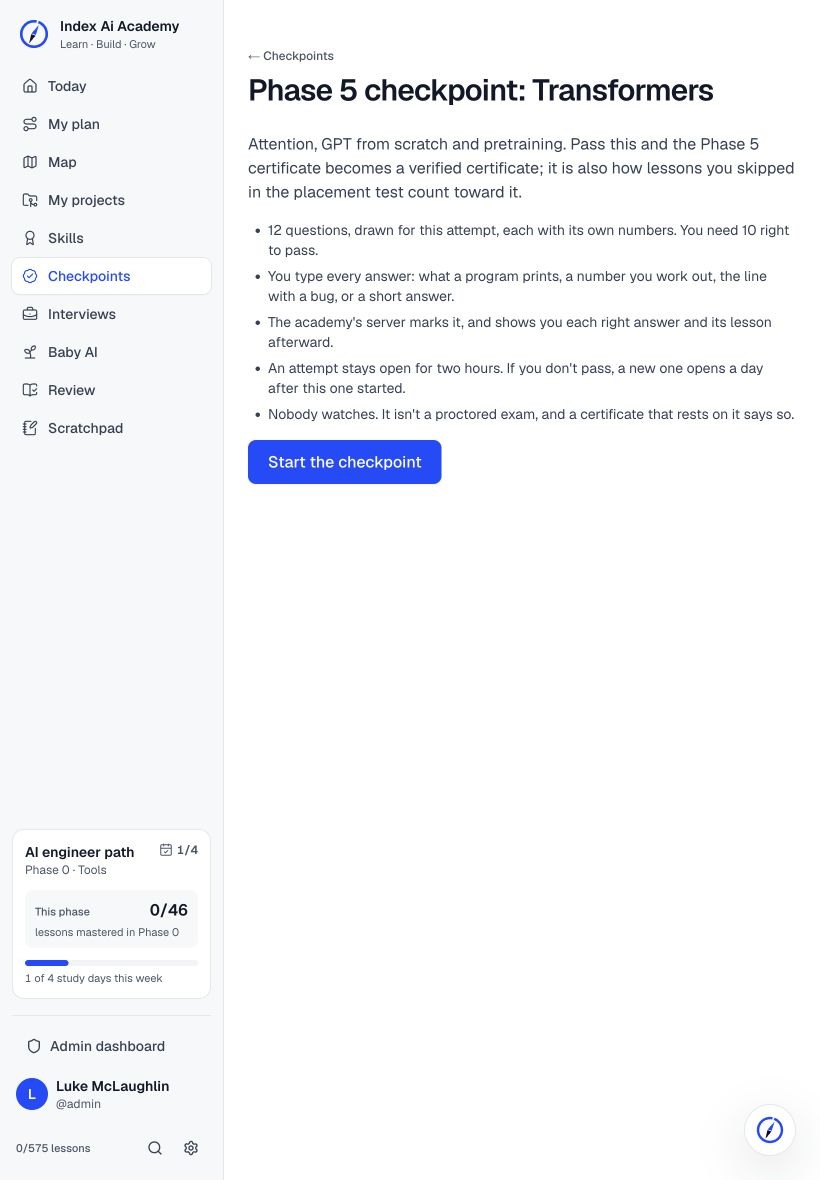
This assessment brief sets out the checkpoint for Transformers. Learners use the brief to understand what they will need to demonstrate at this stage of the course.
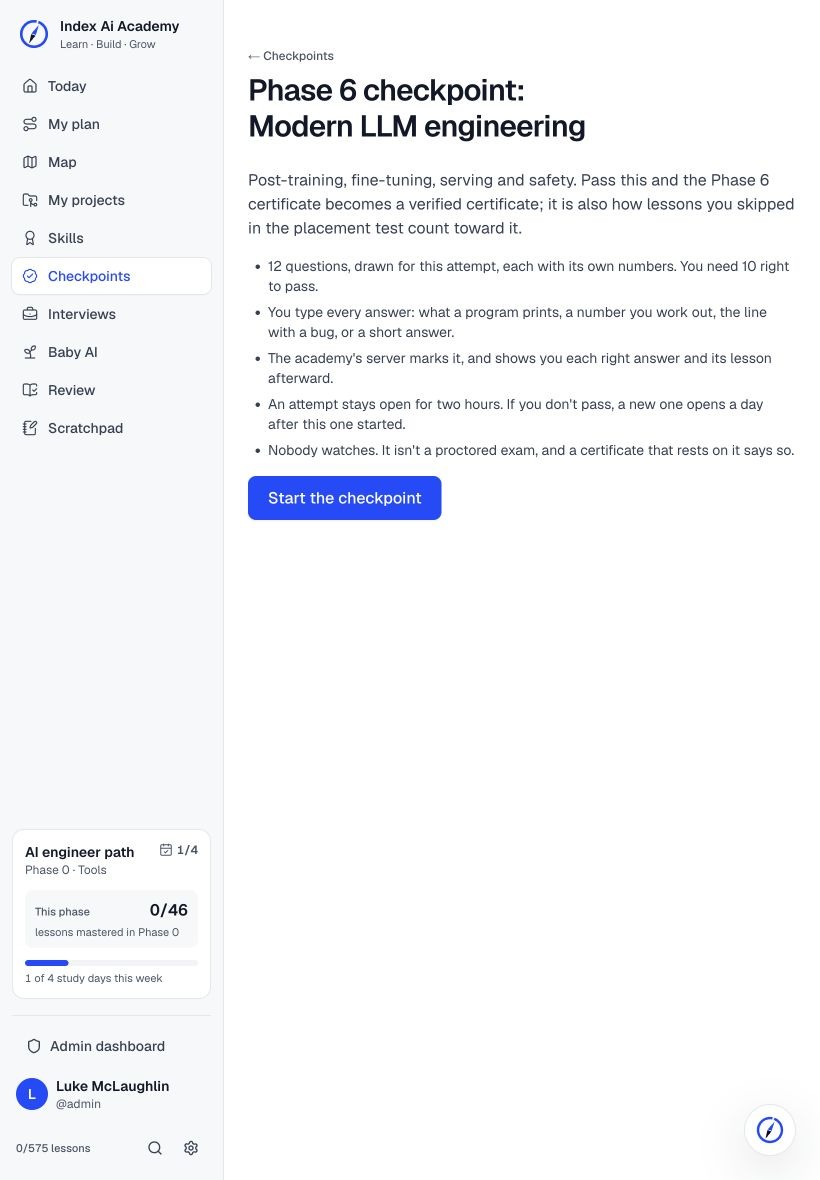
This assessment brief sets out the checkpoint for Modern LLM engineering. Learners use the brief to understand what they will need to demonstrate at this stage of the course.
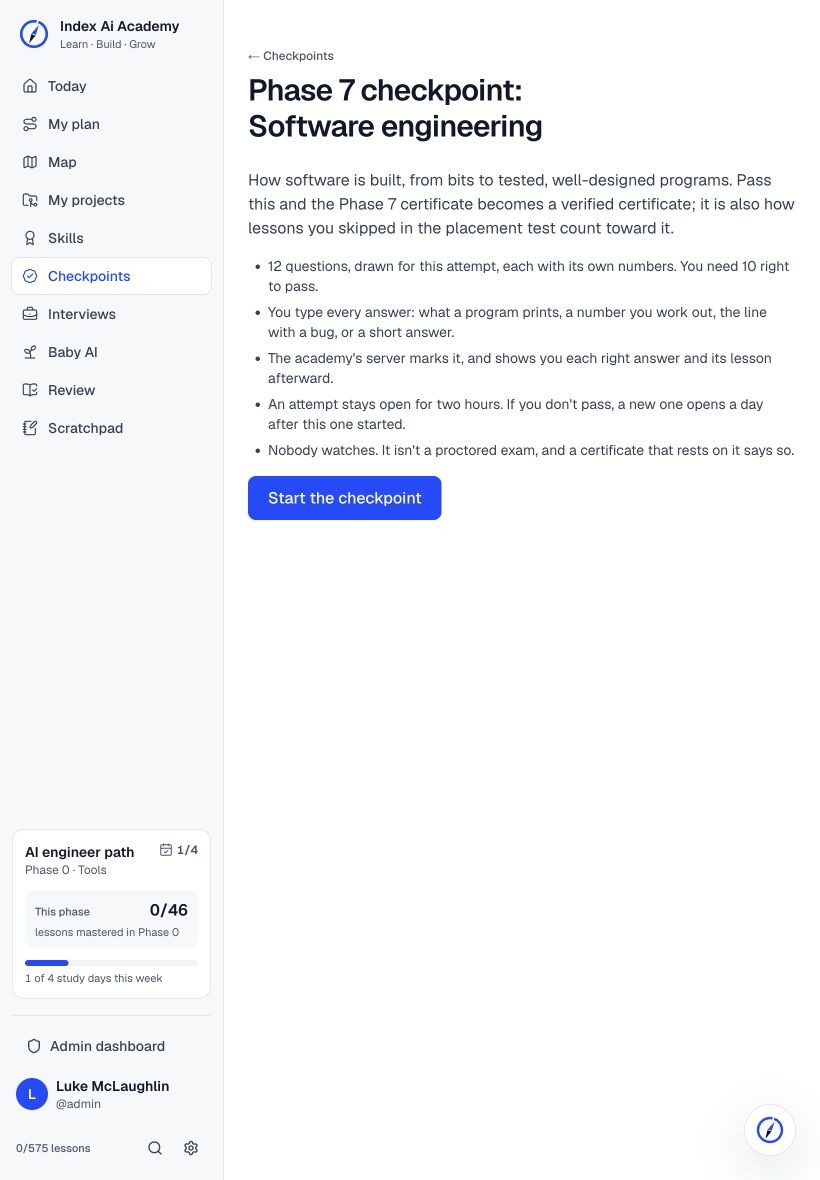
This assessment brief sets out the checkpoint for Software engineering. Learners use the brief to understand what they will need to demonstrate at this stage of the course.
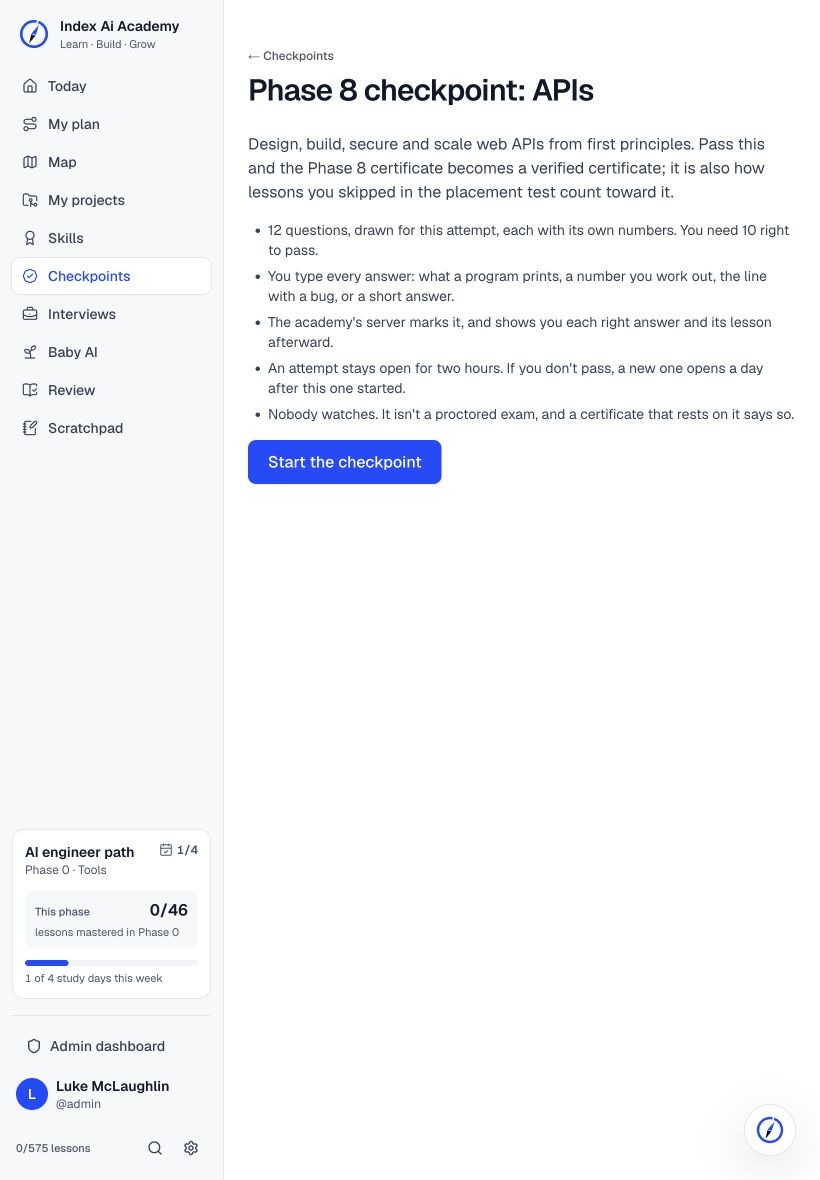
This assessment brief sets out the checkpoint for APIs. Learners use the brief to understand what they will need to demonstrate at this stage of the course.
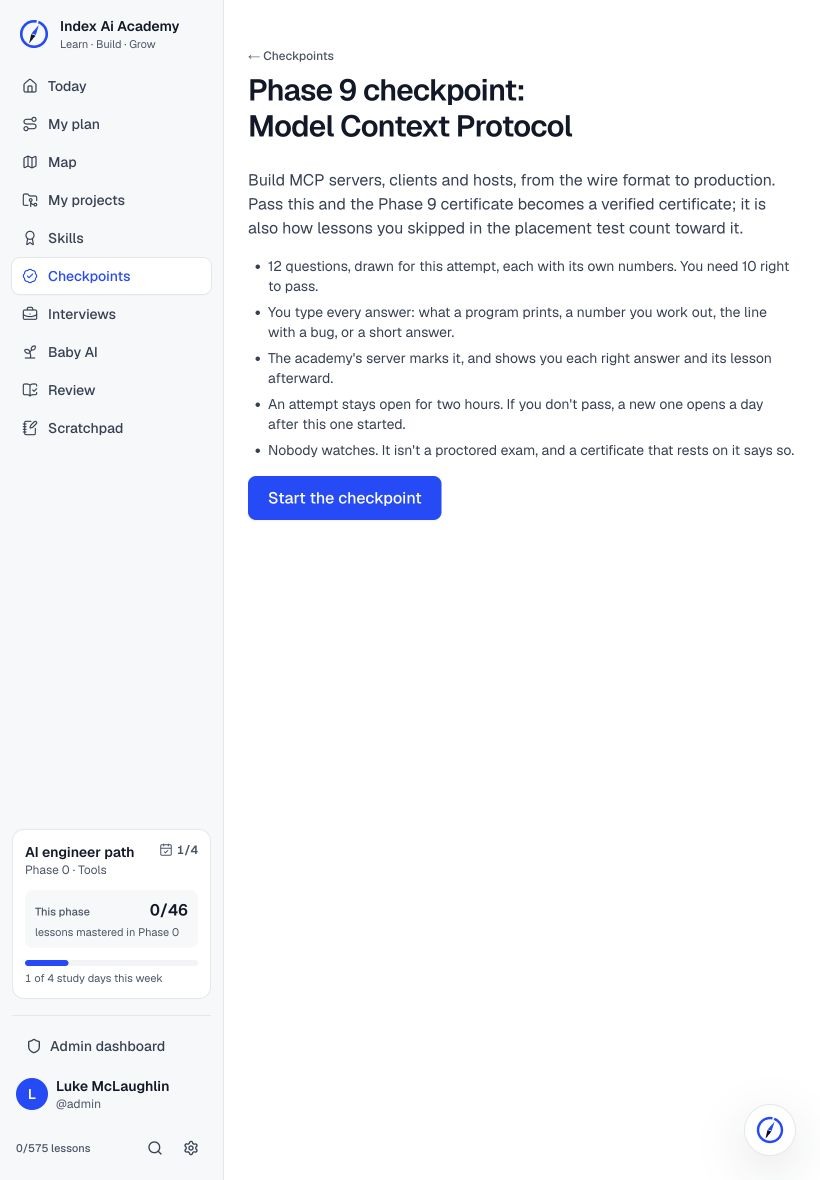
This assessment brief sets out the checkpoint for Model Context Protocol. Learners use the brief to understand what they will need to demonstrate at this stage of the course.

Check readiness for the next curriculum phase and inspect the assessment requirements. This full-page capture includes the material below the initial viewport.
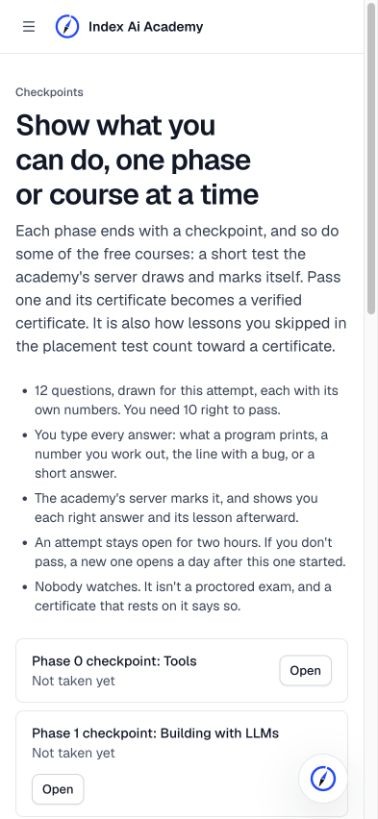
Check readiness for the next curriculum phase and inspect the assessment requirements.
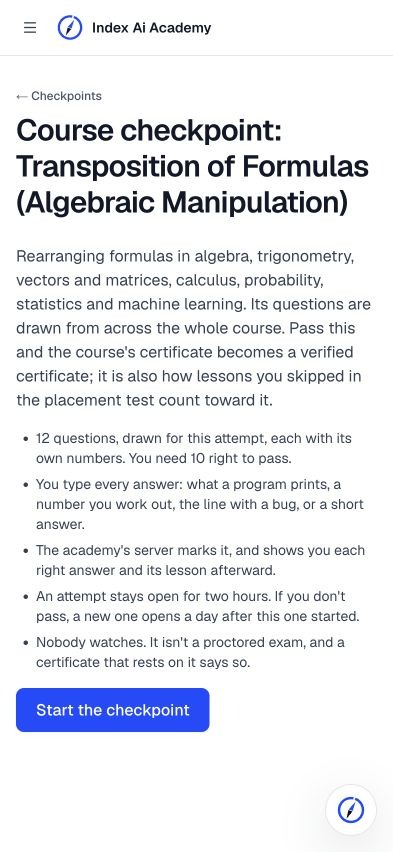
This assessment brief sets out the checkpoint for Transposition of Formulas (Algebraic Manipulation). Learners use the brief to understand what they will need to demonstrate at this stage of the course.
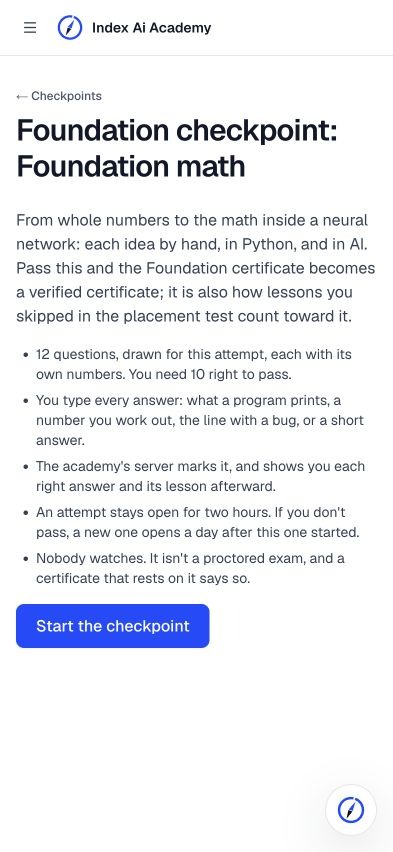
This assessment brief sets out the checkpoint for Foundation math. Learners use the brief to understand what they will need to demonstrate at this stage of the course.
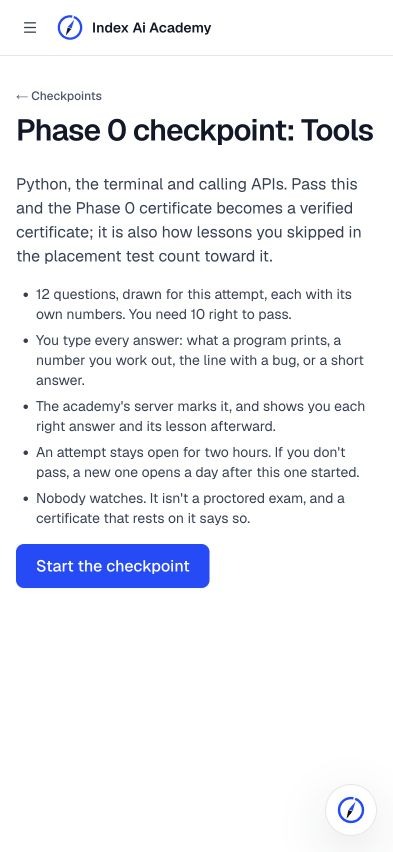
This assessment brief sets out the checkpoint for Tools. Learners use the brief to understand what they will need to demonstrate at this stage of the course.
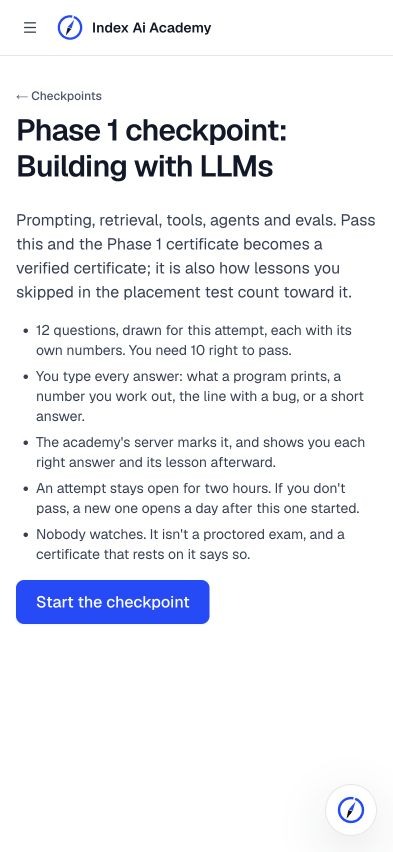
This assessment brief sets out the checkpoint for Building with LLMs. Learners use the brief to understand what they will need to demonstrate at this stage of the course.
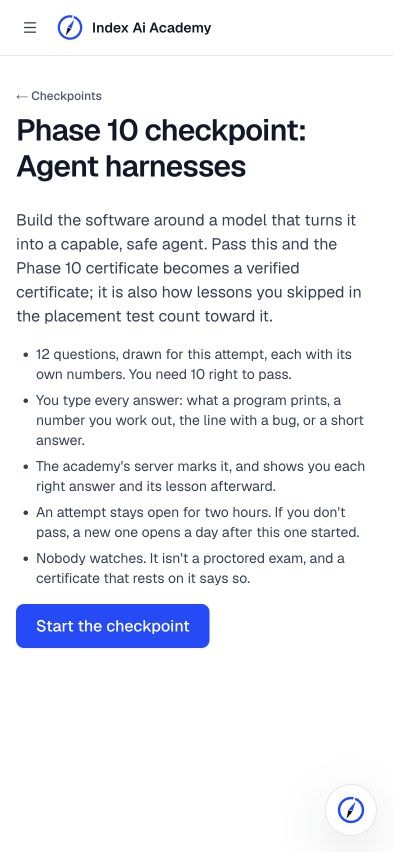
This assessment brief sets out the checkpoint for Agent harnesses. Learners use the brief to understand what they will need to demonstrate at this stage of the course.
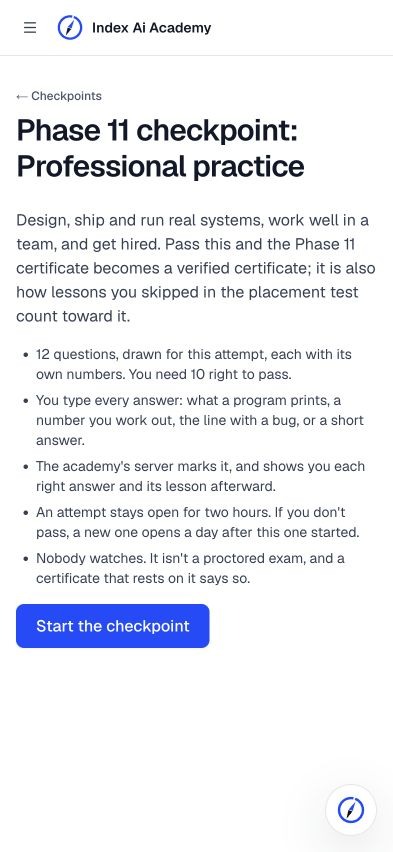
This assessment brief sets out the checkpoint for Professional practice. Learners use the brief to understand what they will need to demonstrate at this stage of the course.
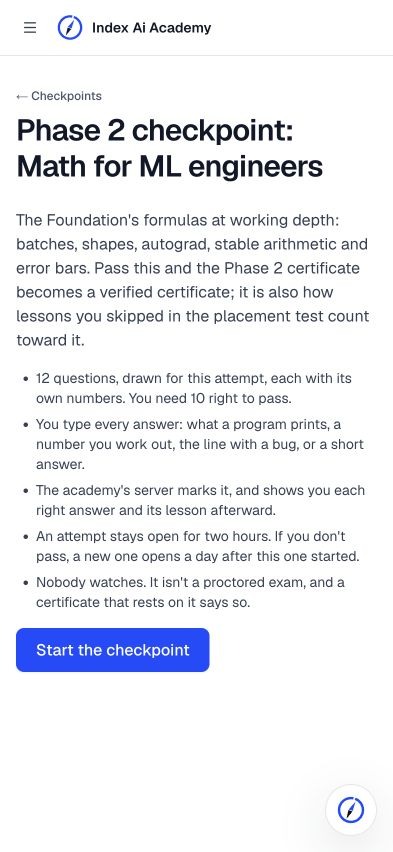
This assessment brief sets out the checkpoint for Math for ML engineers. Learners use the brief to understand what they will need to demonstrate at this stage of the course.
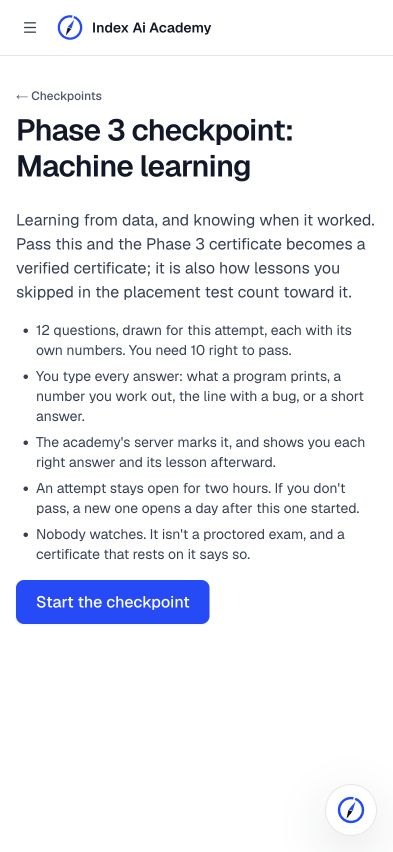
This assessment brief sets out the checkpoint for Machine learning. Learners use the brief to understand what they will need to demonstrate at this stage of the course.
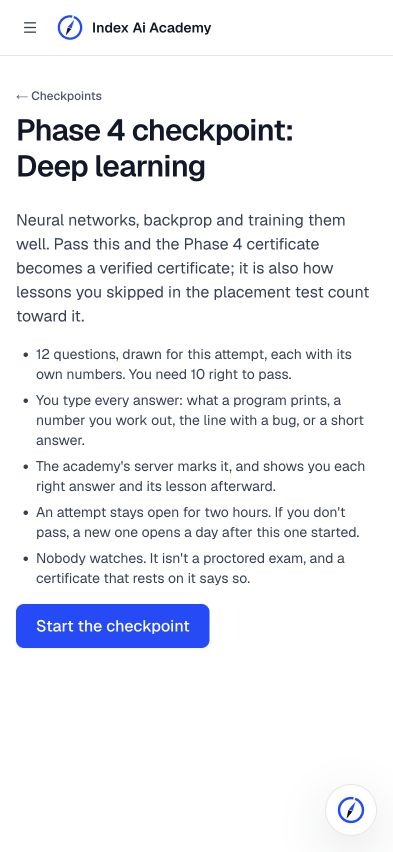
This assessment brief sets out the checkpoint for Deep learning. Learners use the brief to understand what they will need to demonstrate at this stage of the course.
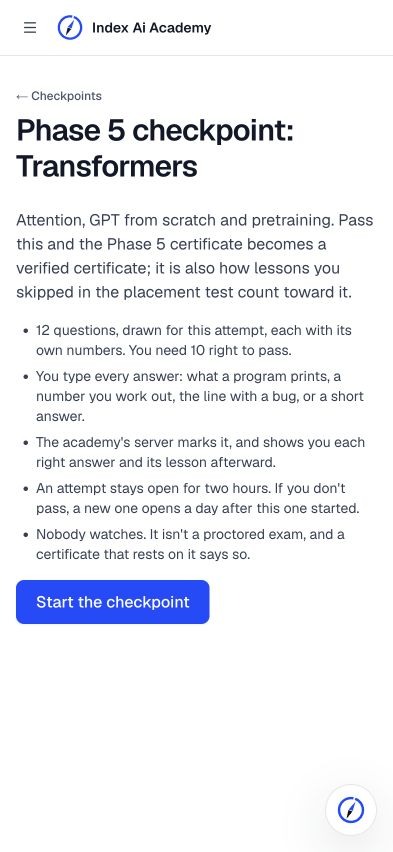
This assessment brief sets out the checkpoint for Transformers. Learners use the brief to understand what they will need to demonstrate at this stage of the course.
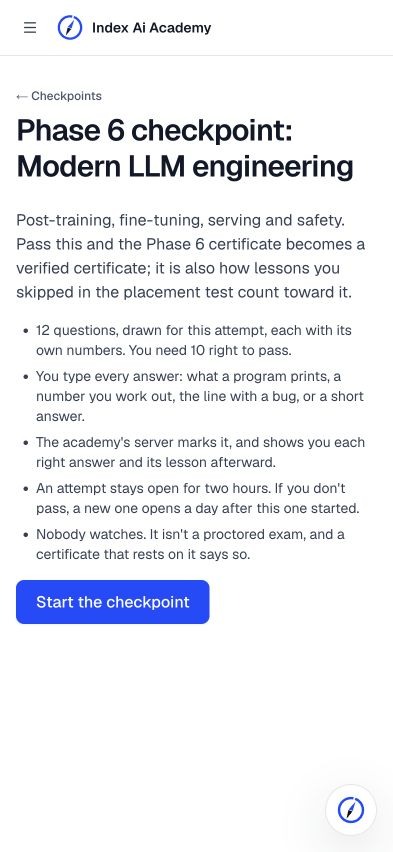
This assessment brief sets out the checkpoint for Modern LLM engineering. Learners use the brief to understand what they will need to demonstrate at this stage of the course.
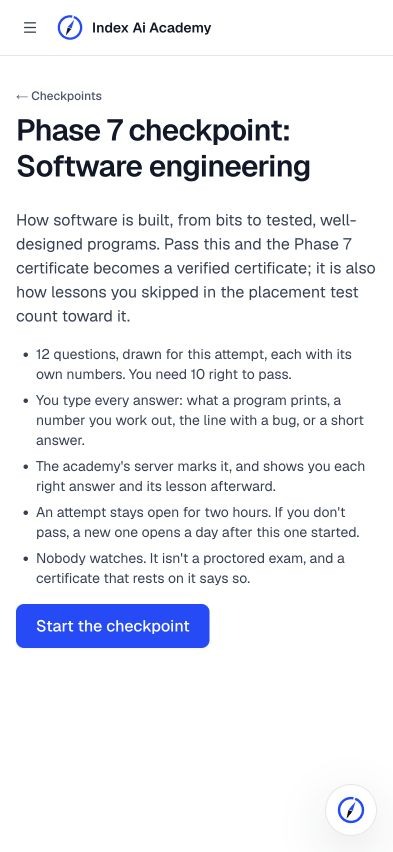
This assessment brief sets out the checkpoint for Software engineering. Learners use the brief to understand what they will need to demonstrate at this stage of the course.
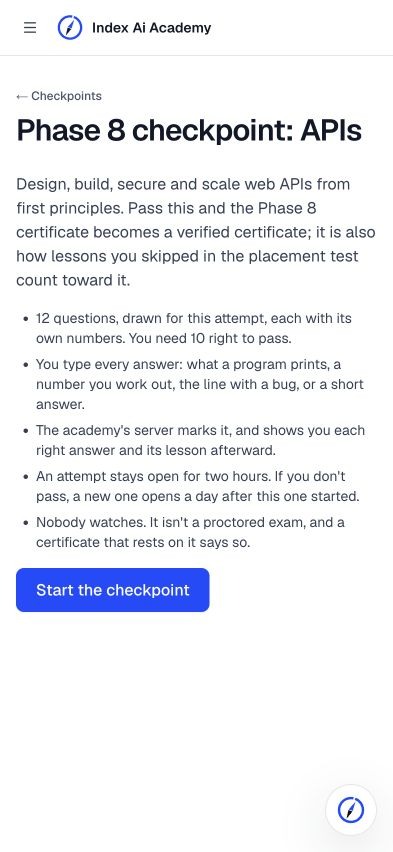
This assessment brief sets out the checkpoint for APIs. Learners use the brief to understand what they will need to demonstrate at this stage of the course.
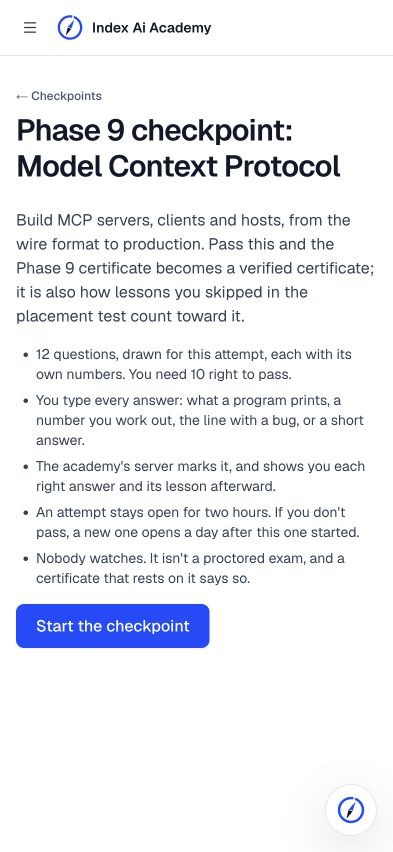
This assessment brief sets out the checkpoint for Model Context Protocol. Learners use the brief to understand what they will need to demonstrate at this stage of the course.
Halo guide 12
Open the contextual guide from the learning workspace to get help with the next step.
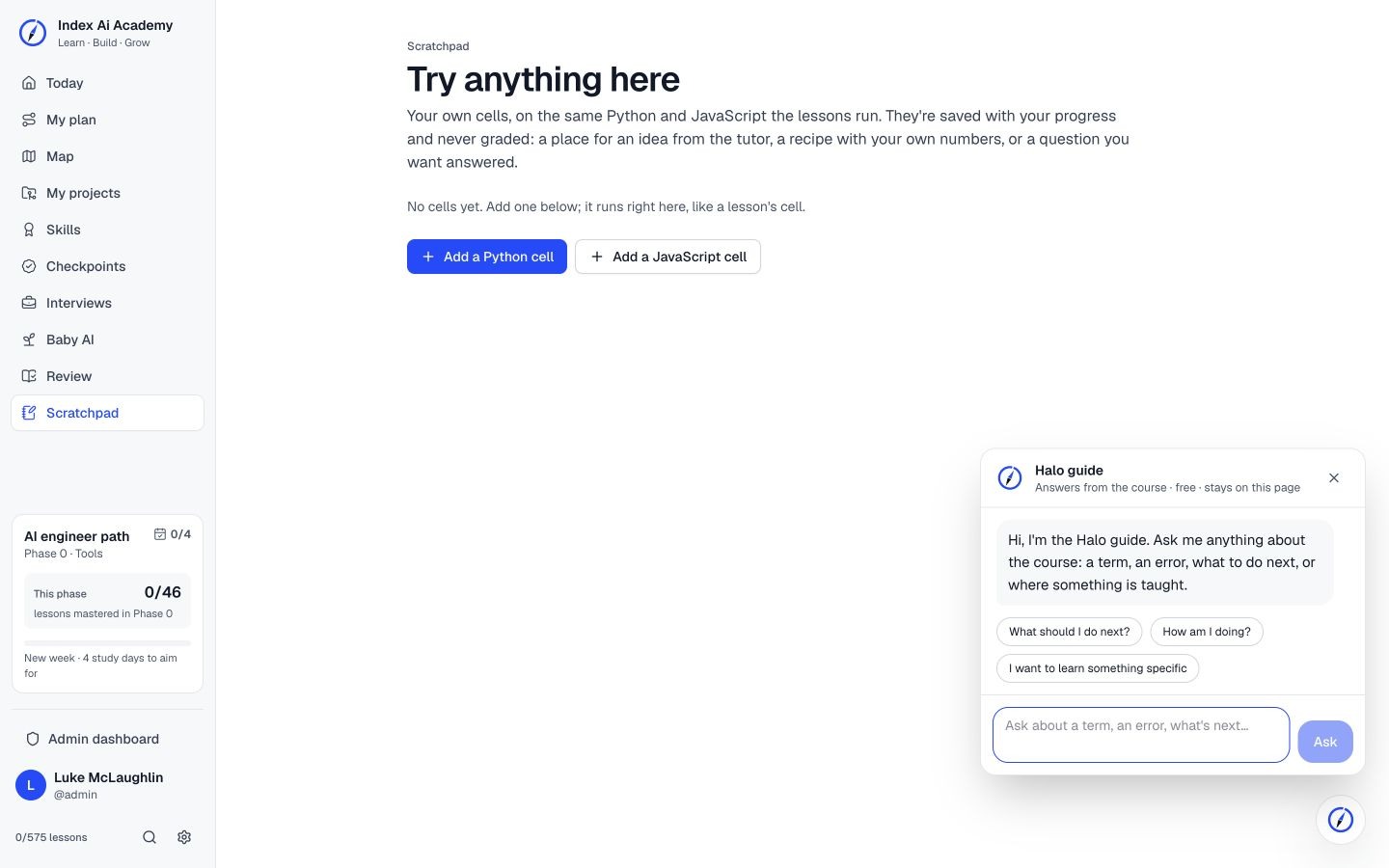
Halo opens alongside the course. A learner can ask about Python, read the explanation and follow a course link while keeping their place in the lesson.
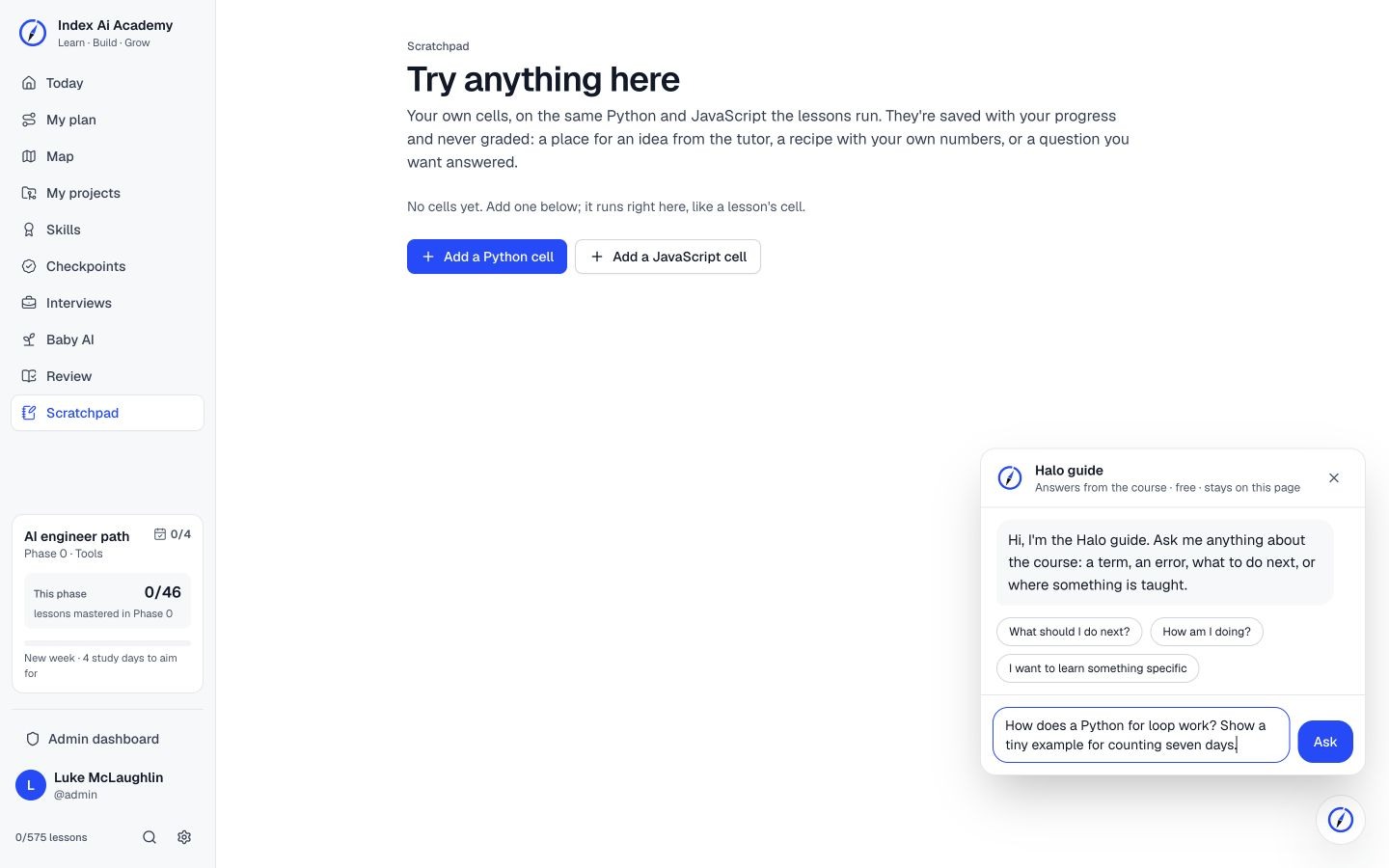
Halo opens alongside the course. A learner can ask about Python, read the explanation and follow a course link while keeping their place in the lesson.
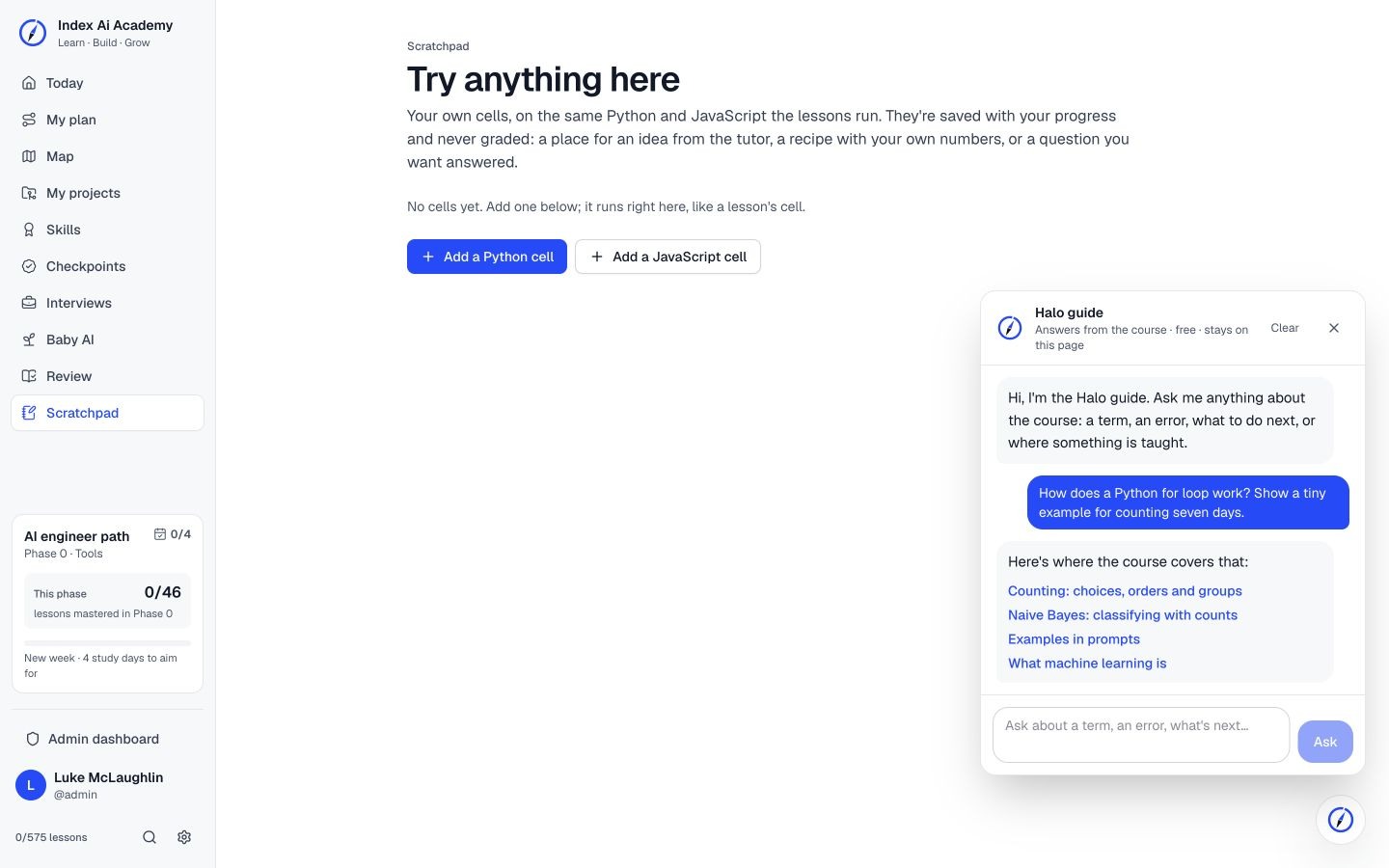
Halo opens alongside the course. A learner can ask about Python, read the explanation and follow a course link while keeping their place in the lesson.
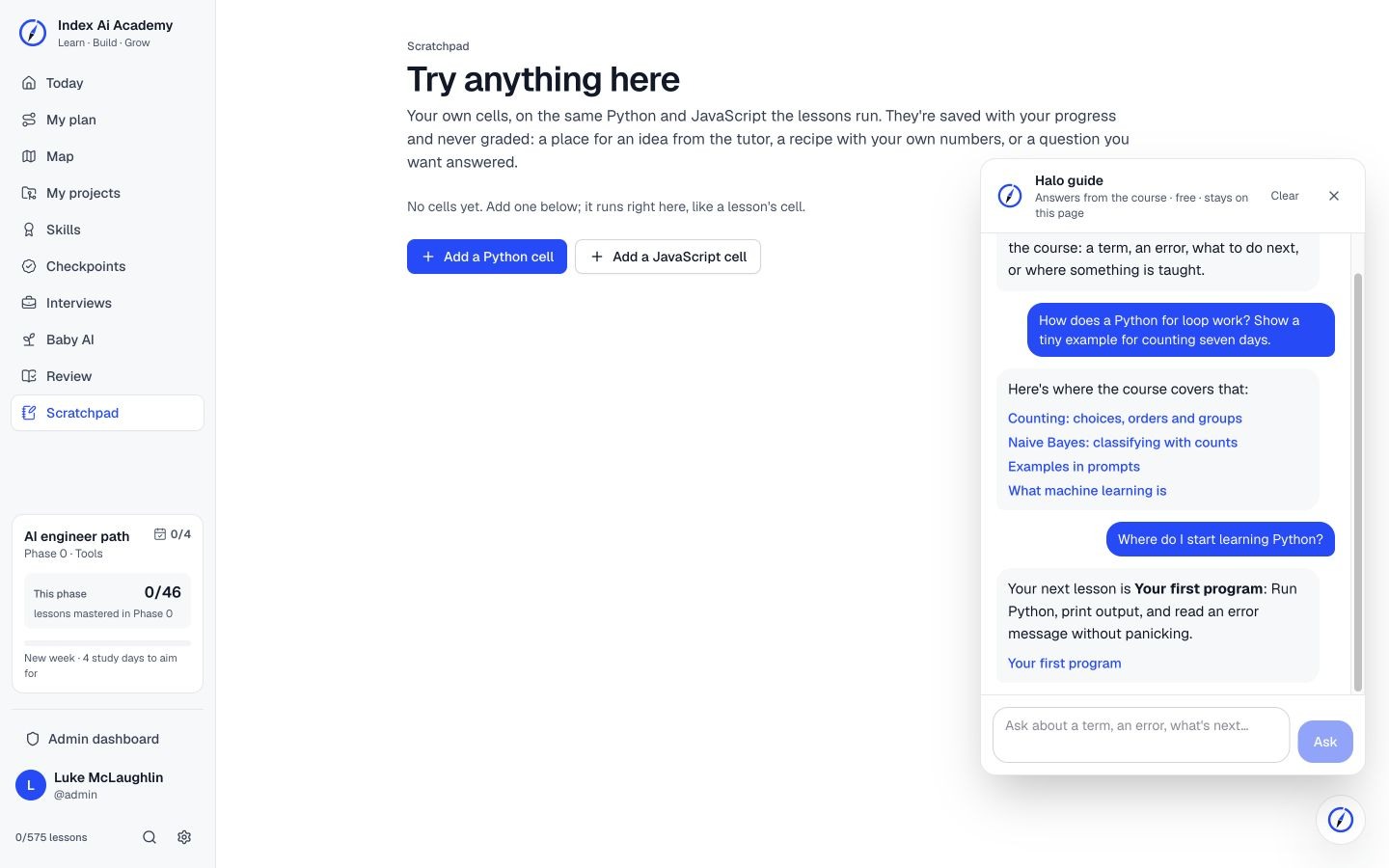
Halo opens alongside the course. A learner can ask about Python, read the explanation and follow a course link while keeping their place in the lesson.
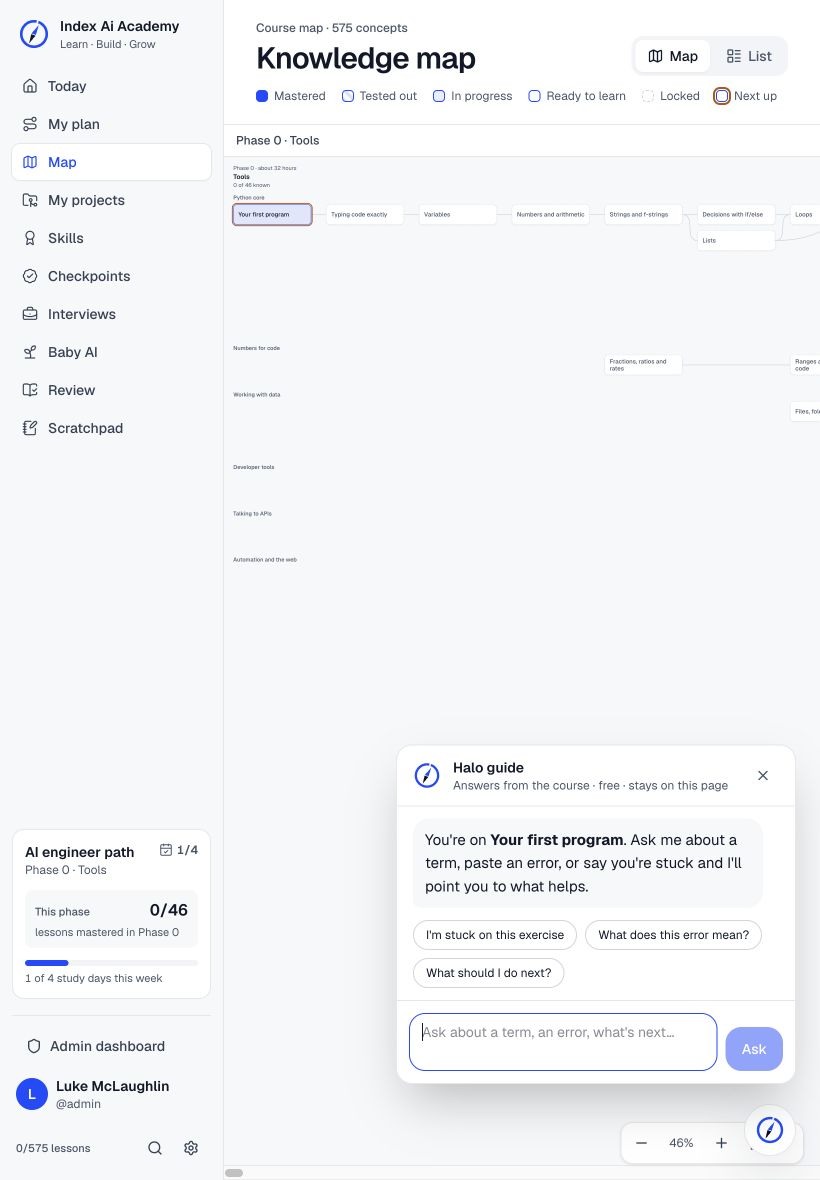
Halo opens alongside the course. A learner can ask about Python, read the explanation and follow a course link while keeping their place in the lesson.
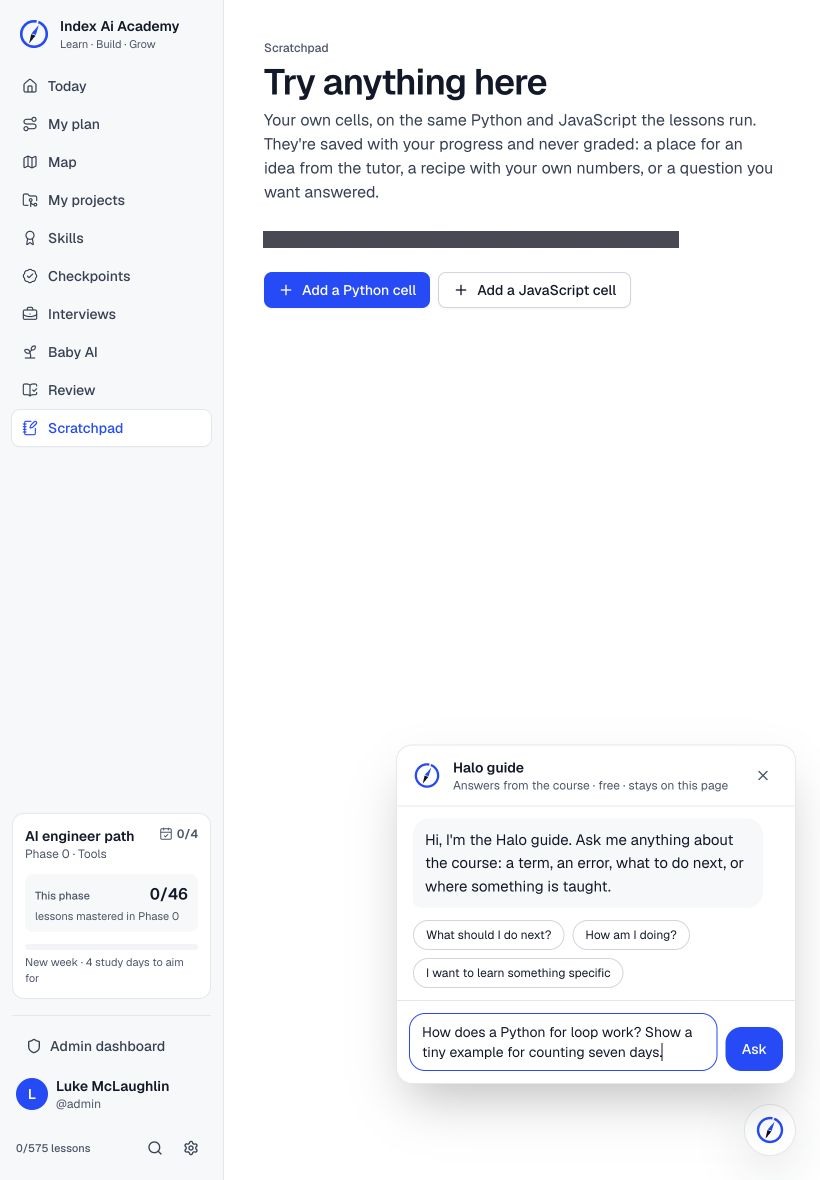
Halo opens alongside the course. A learner can ask about Python, read the explanation and follow a course link while keeping their place in the lesson.
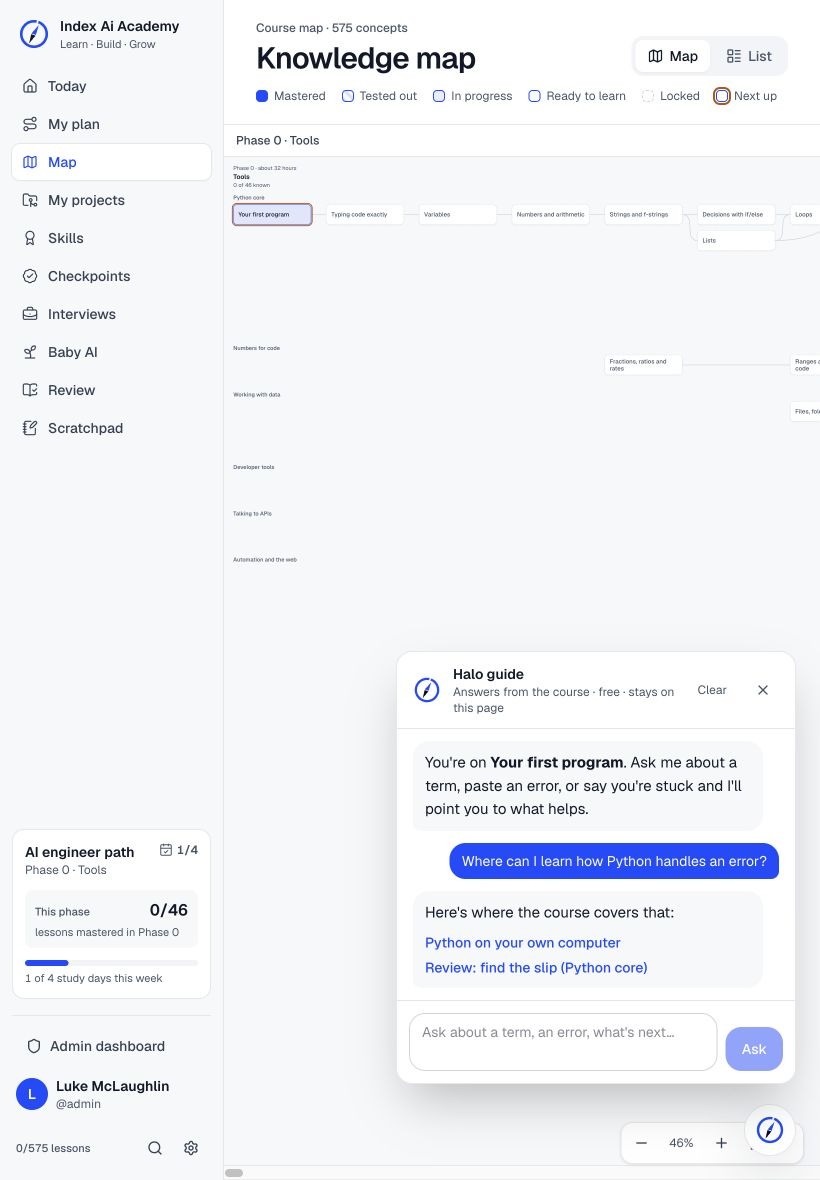
Halo opens alongside the course. A learner can ask about Python, read the explanation and follow a course link while keeping their place in the lesson.
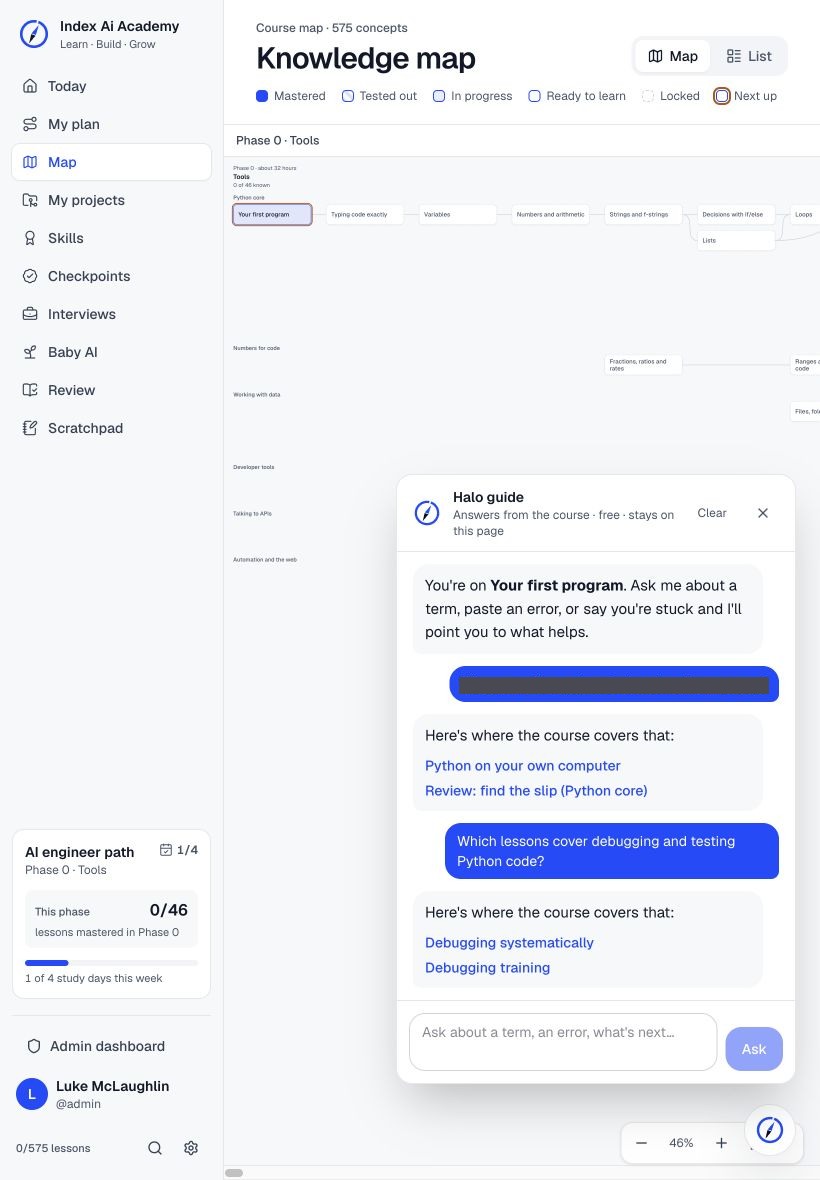
Halo opens alongside the course. A learner can ask about Python, read the explanation and follow a course link while keeping their place in the lesson.
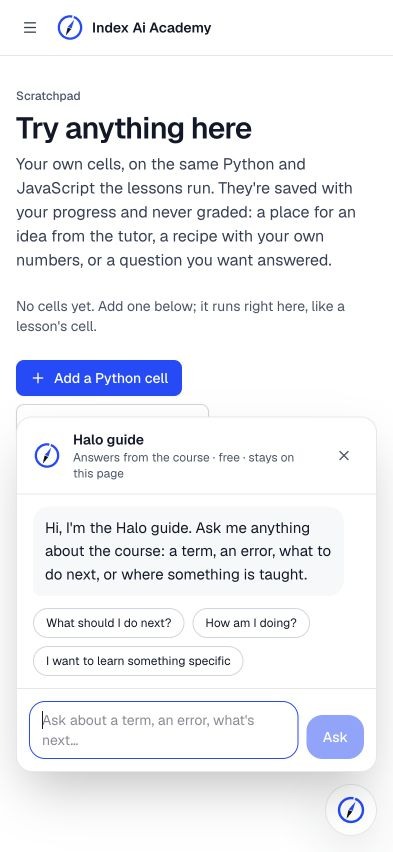
Halo opens alongside the course. A learner can ask about Python, read the explanation and follow a course link while keeping their place in the lesson.
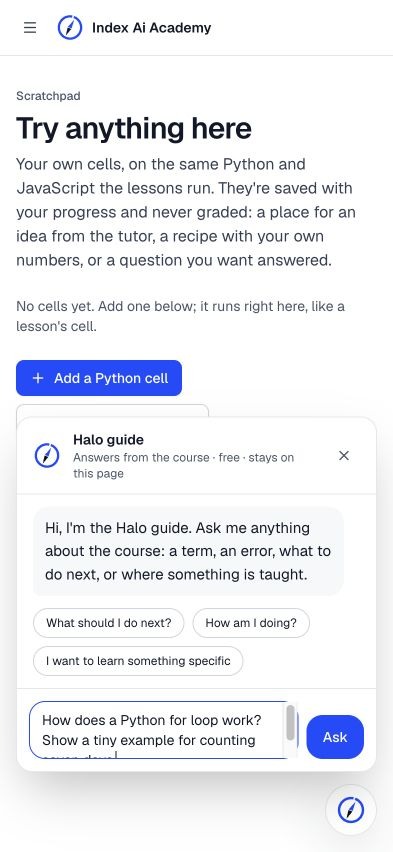
Halo opens alongside the course. A learner can ask about Python, read the explanation and follow a course link while keeping their place in the lesson.
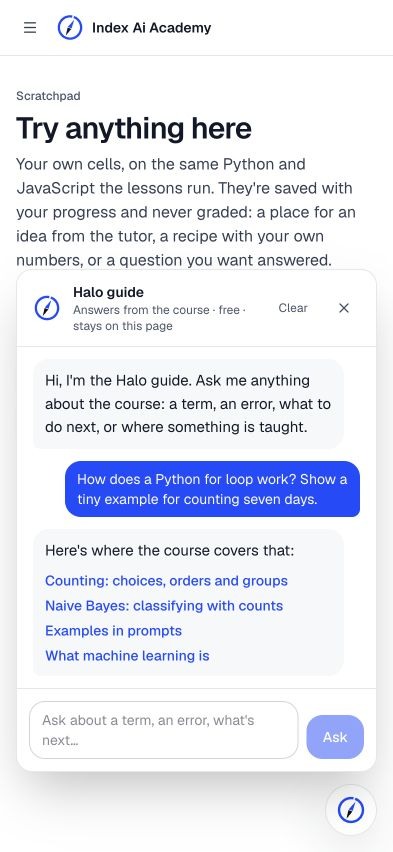
Halo opens alongside the course. A learner can ask about Python, read the explanation and follow a course link while keeping their place in the lesson.
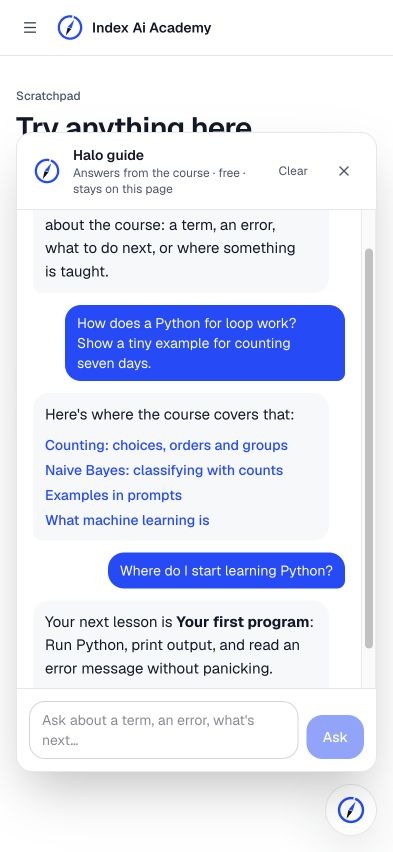
Halo opens alongside the course. A learner can ask about Python, read the explanation and follow a course link while keeping their place in the lesson.
Interviews 48
Choose a practice format and work through a role-focused interview session.
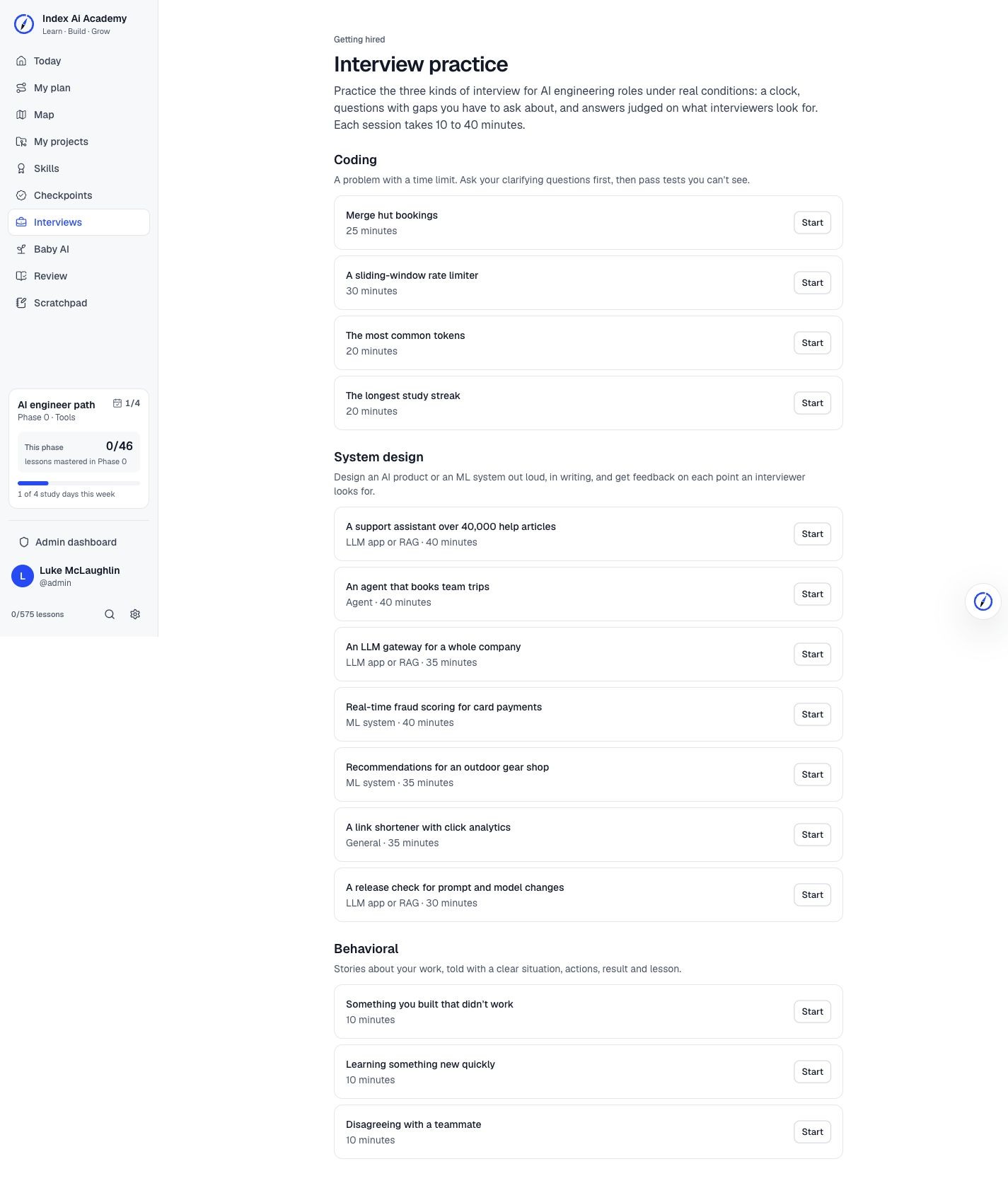
Choose a practice format and work through a role-focused interview session. This full-page capture includes the material below the initial viewport.
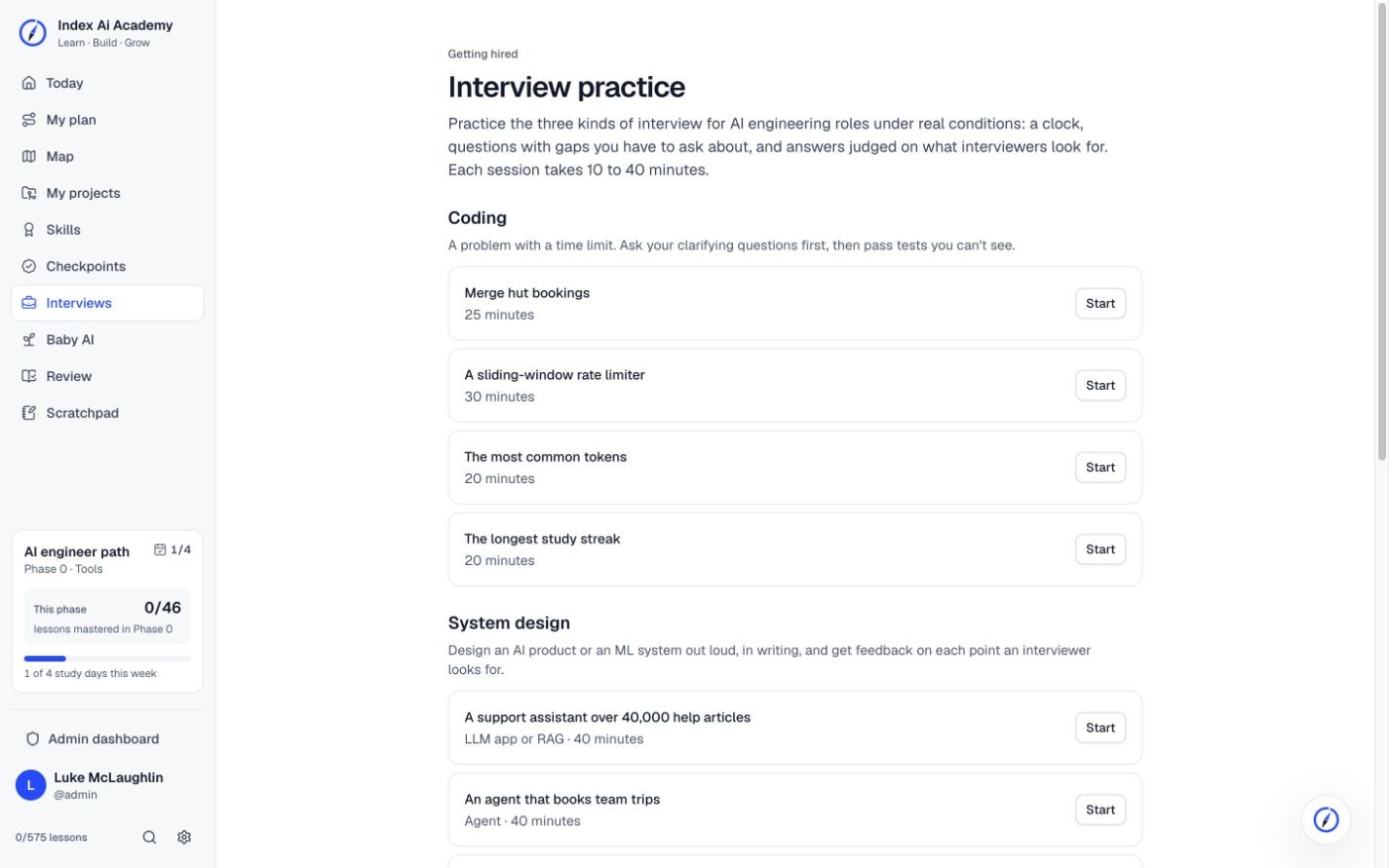
Choose a practice format and work through a role-focused interview session.
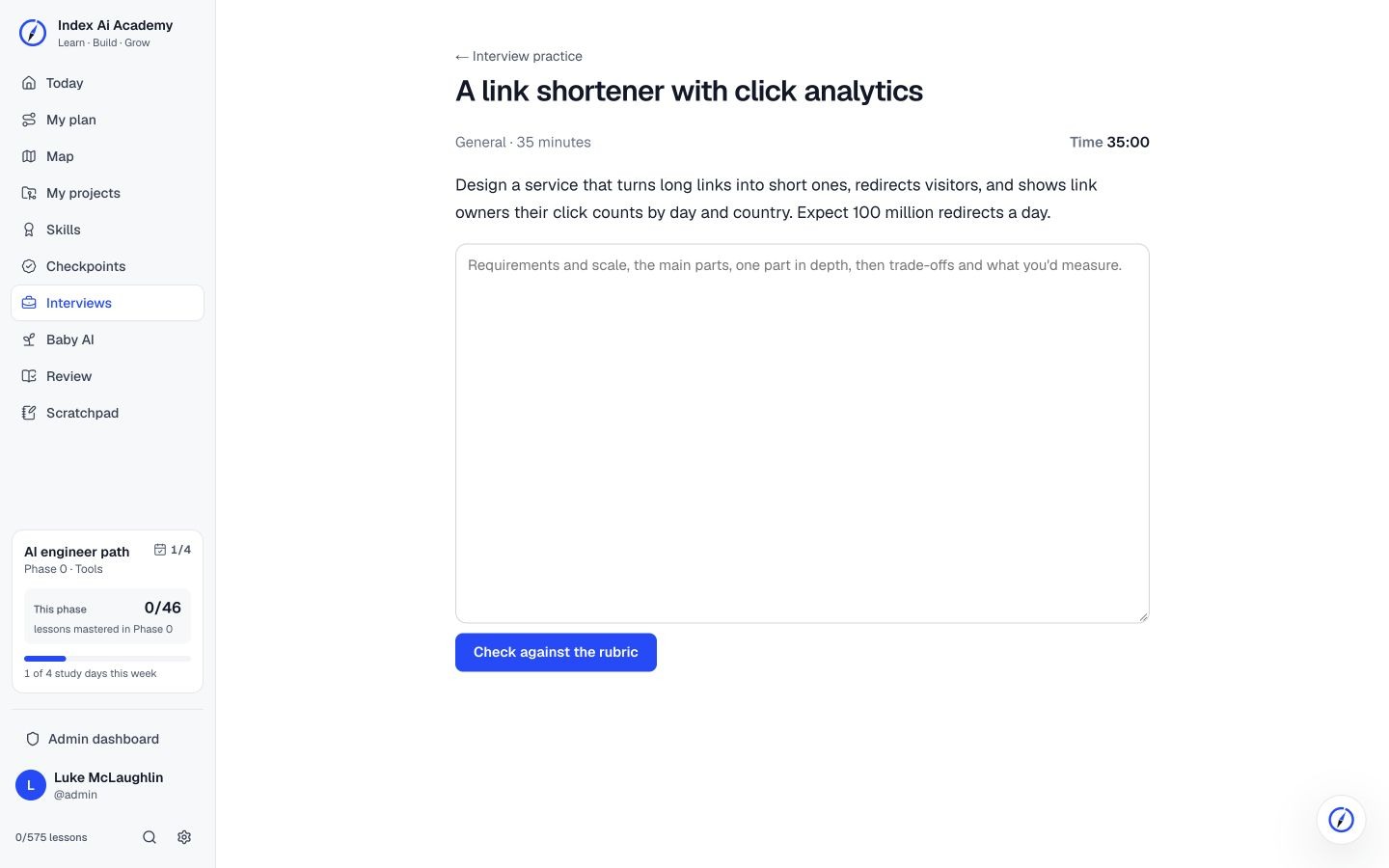
“A link shortener with click analytics” is a practice interview brief. The learner can open the scenario, work through a response and practise explaining their decisions.
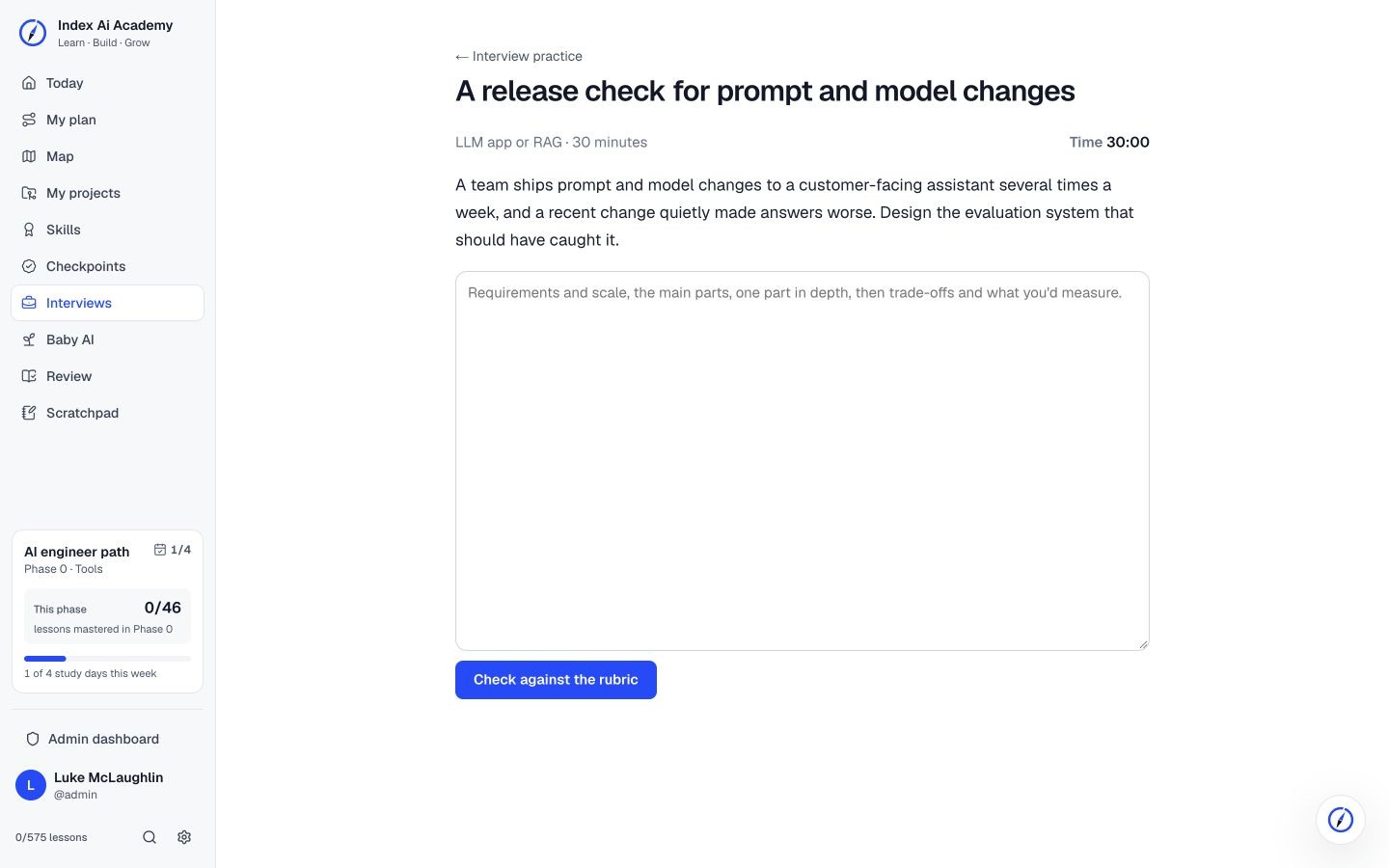
“A release check for prompt and model changes” is a practice interview brief. The learner can open the scenario, work through a response and practise explaining their decisions.
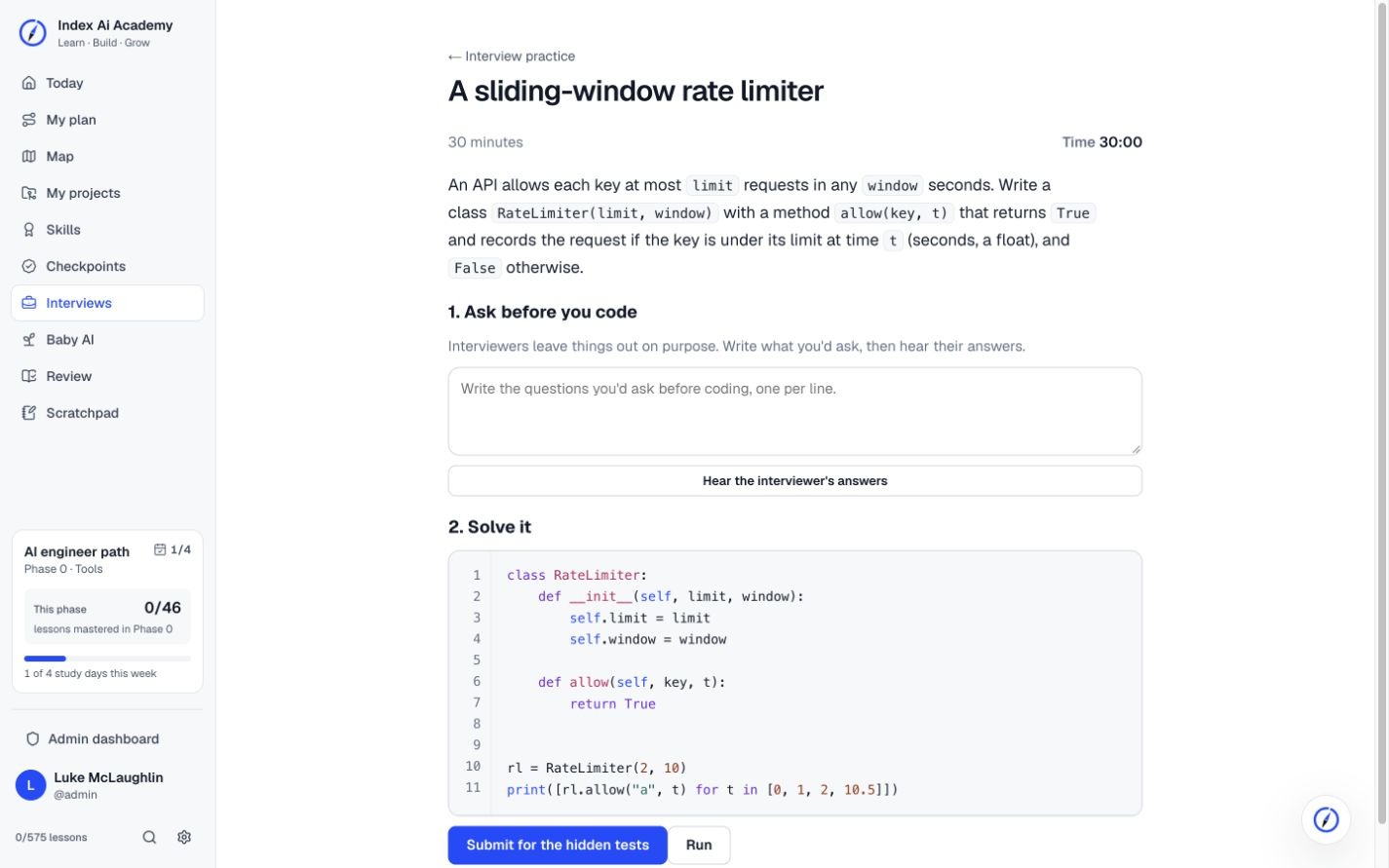
“A sliding-window rate limiter” is a practice interview brief. The learner can open the scenario, work through a response and practise explaining their decisions.
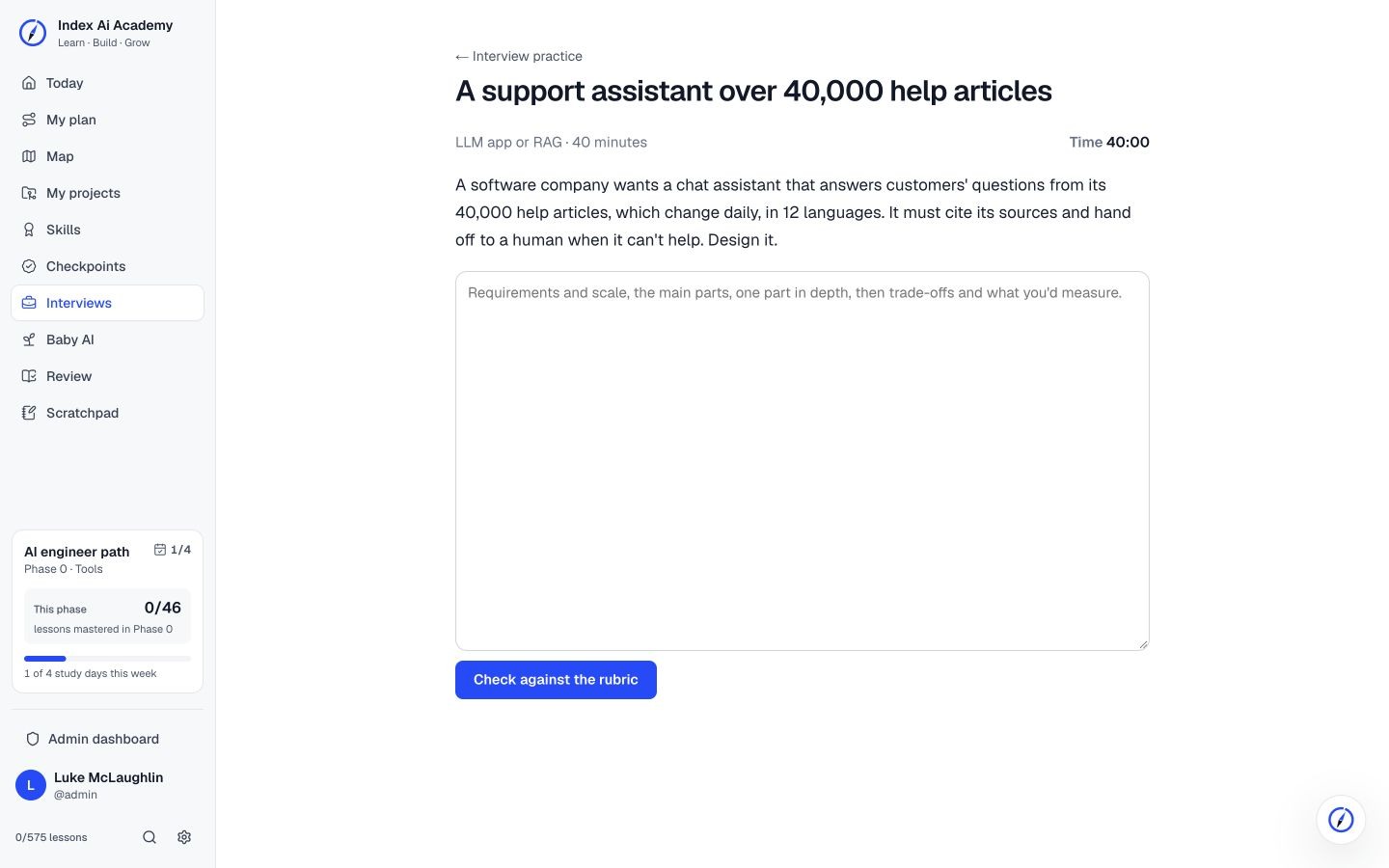
“A support assistant over 40,000 help articles” is a practice interview brief. The learner can open the scenario, work through a response and practise explaining their decisions.
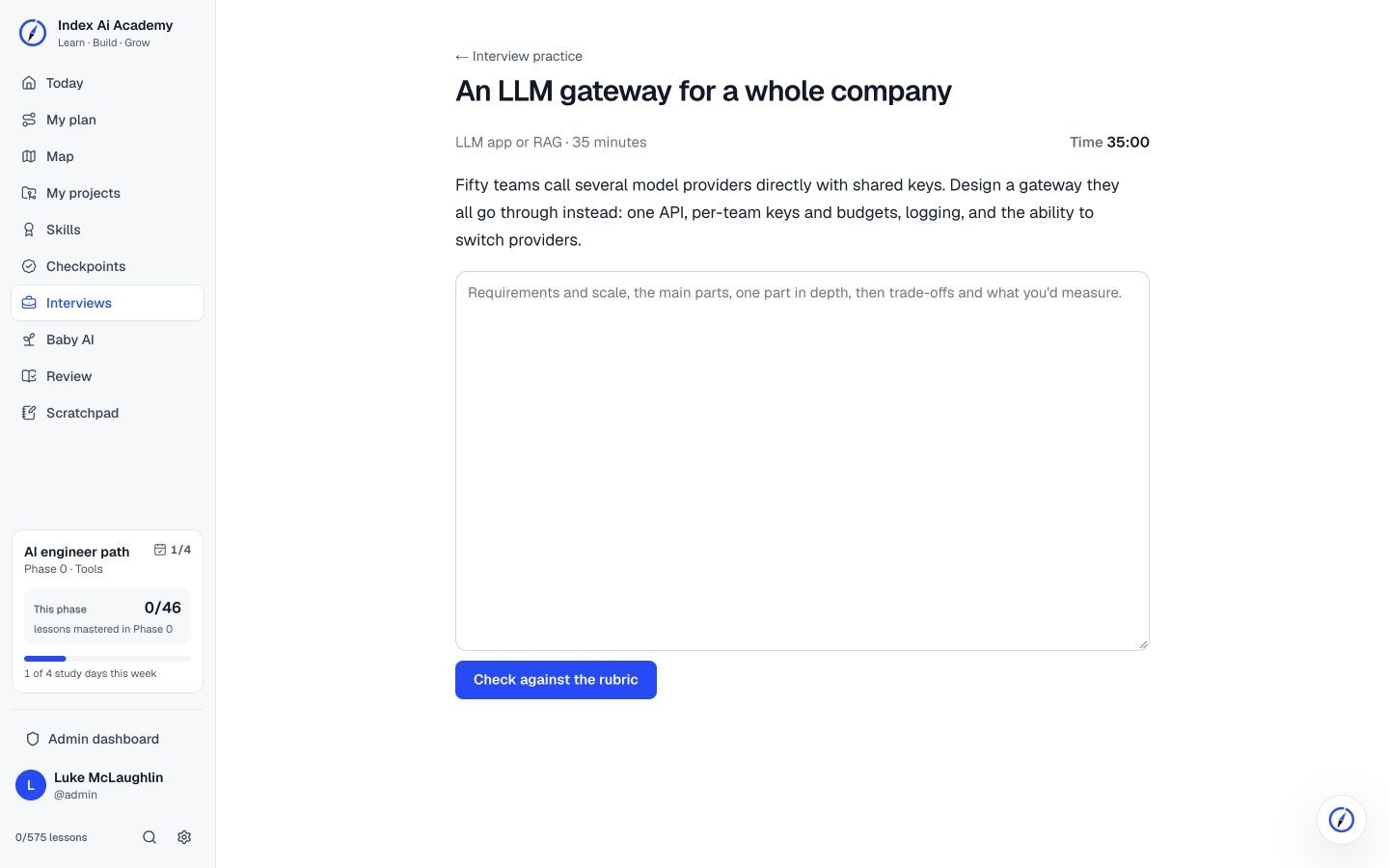
“An LLM gateway for a whole company” is a practice interview brief. The learner can open the scenario, work through a response and practise explaining their decisions.
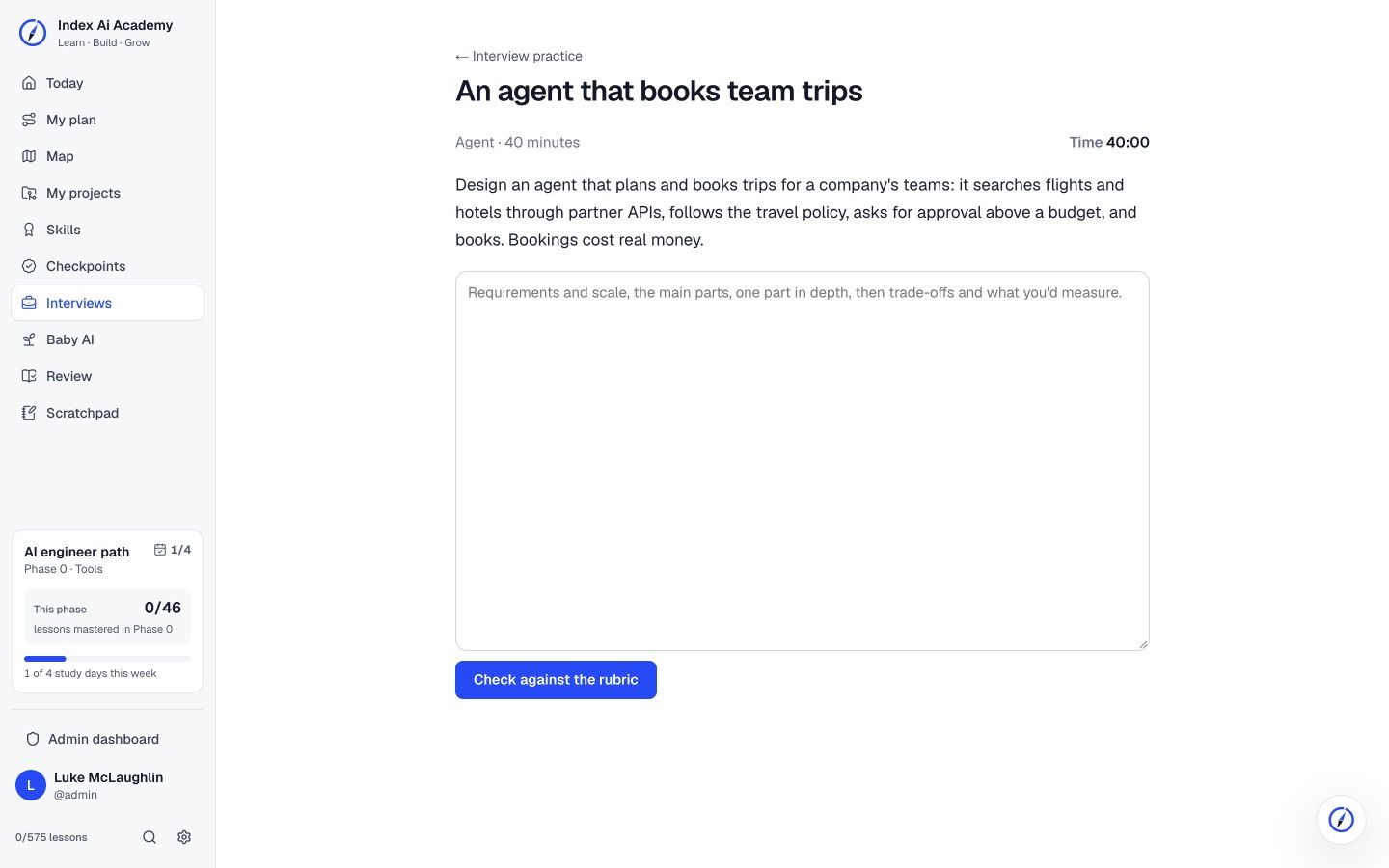
“An agent that books team trips” is a practice interview brief. The learner can open the scenario, work through a response and practise explaining their decisions.
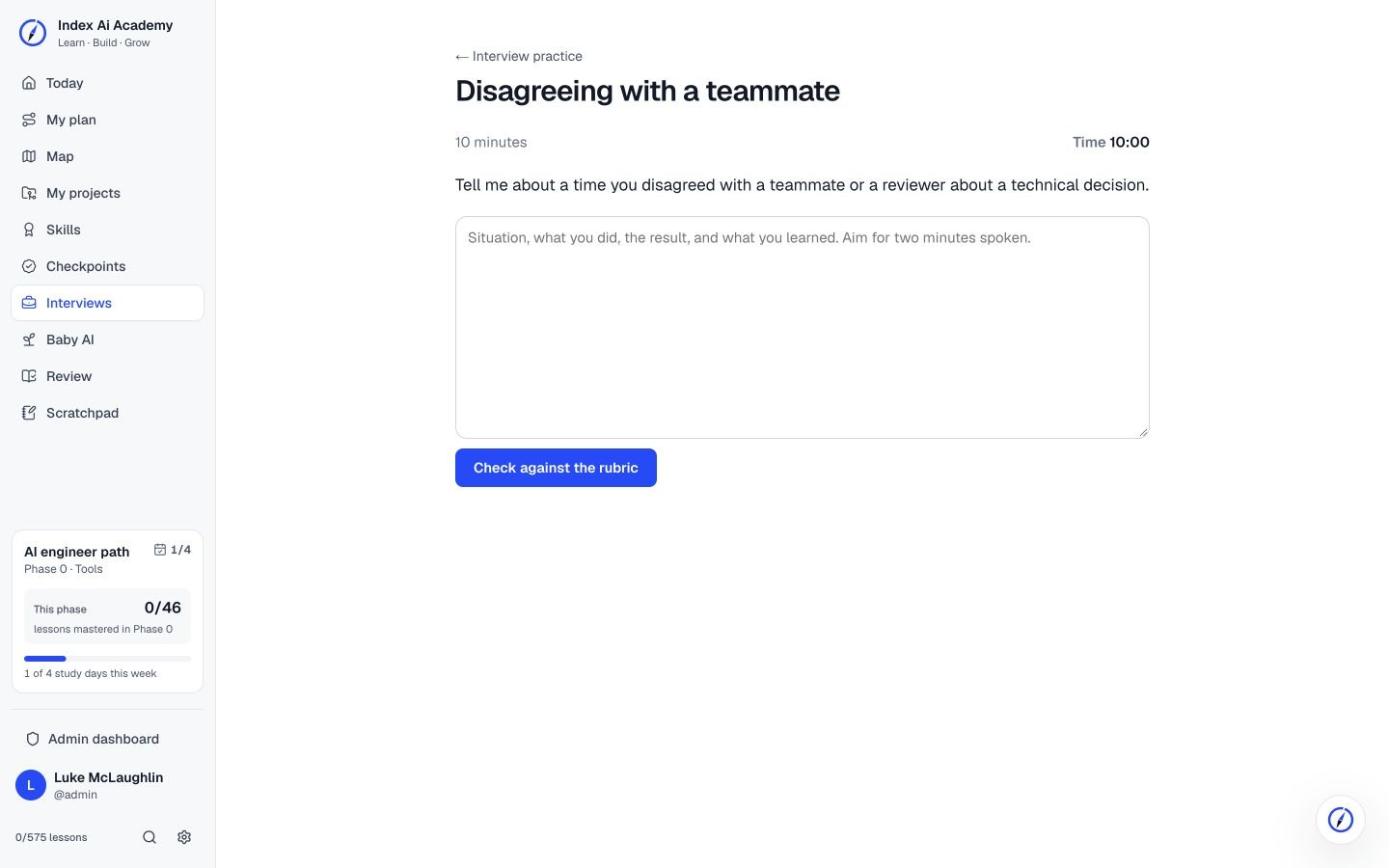
“Disagreeing with a teammate” is a practice interview brief. The learner can open the scenario, work through a response and practise explaining their decisions.
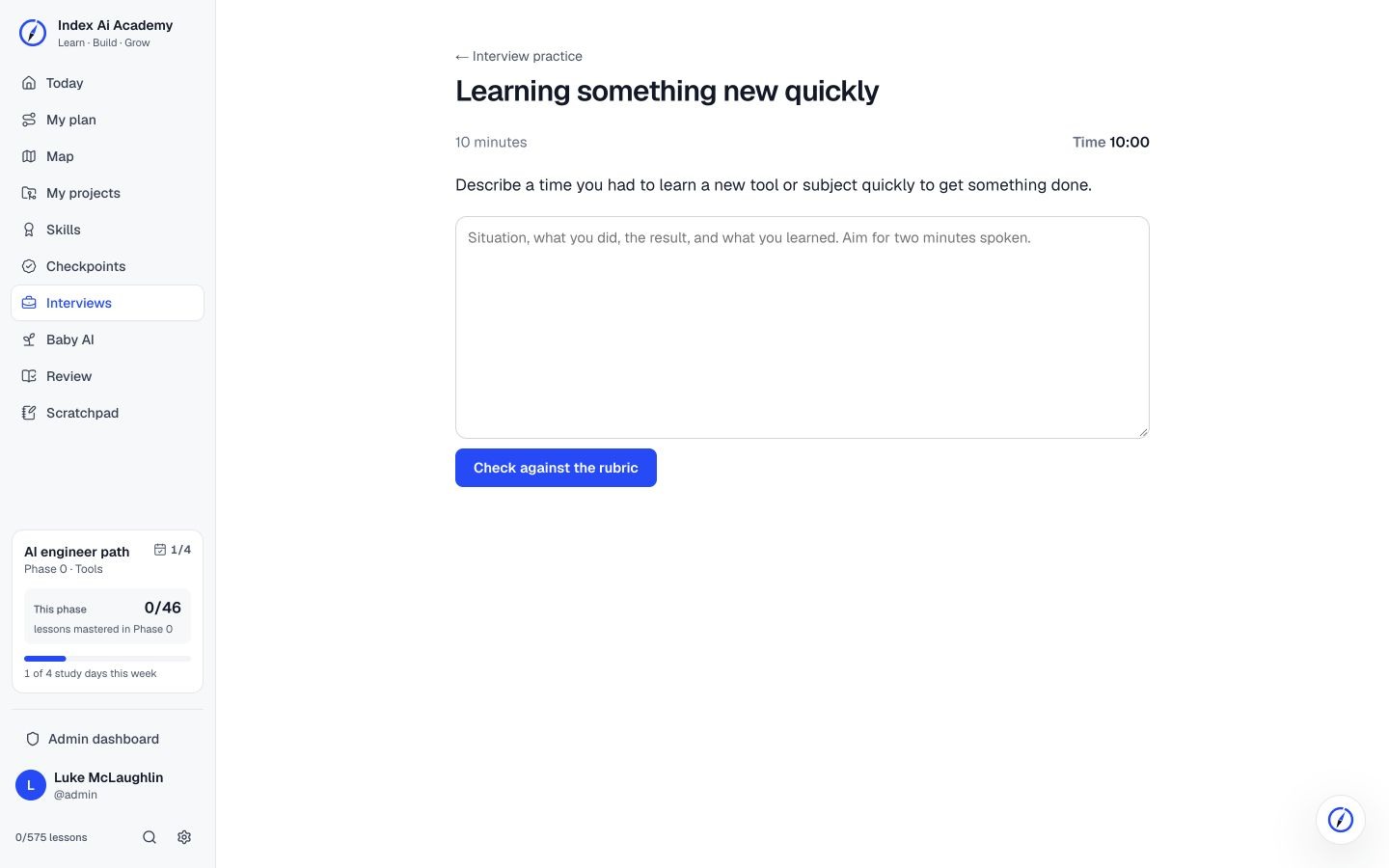
“Learning something new quickly” is a practice interview brief. The learner can open the scenario, work through a response and practise explaining their decisions.
“Merge hut bookings” is a practice interview brief. The learner can open the scenario, work through a response and practise explaining their decisions.
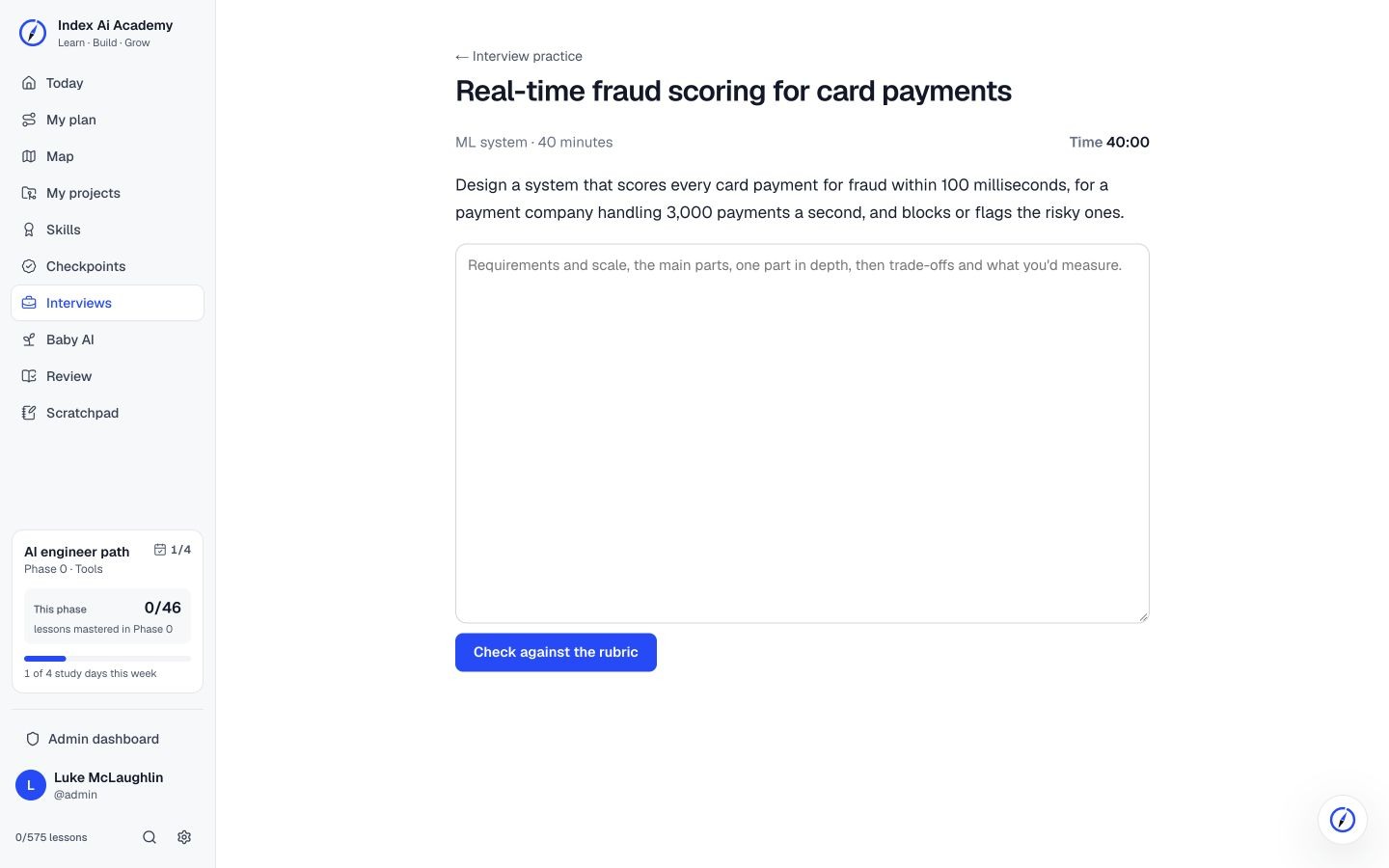
“Real-time fraud scoring for card payments” is a practice interview brief. The learner can open the scenario, work through a response and practise explaining their decisions.
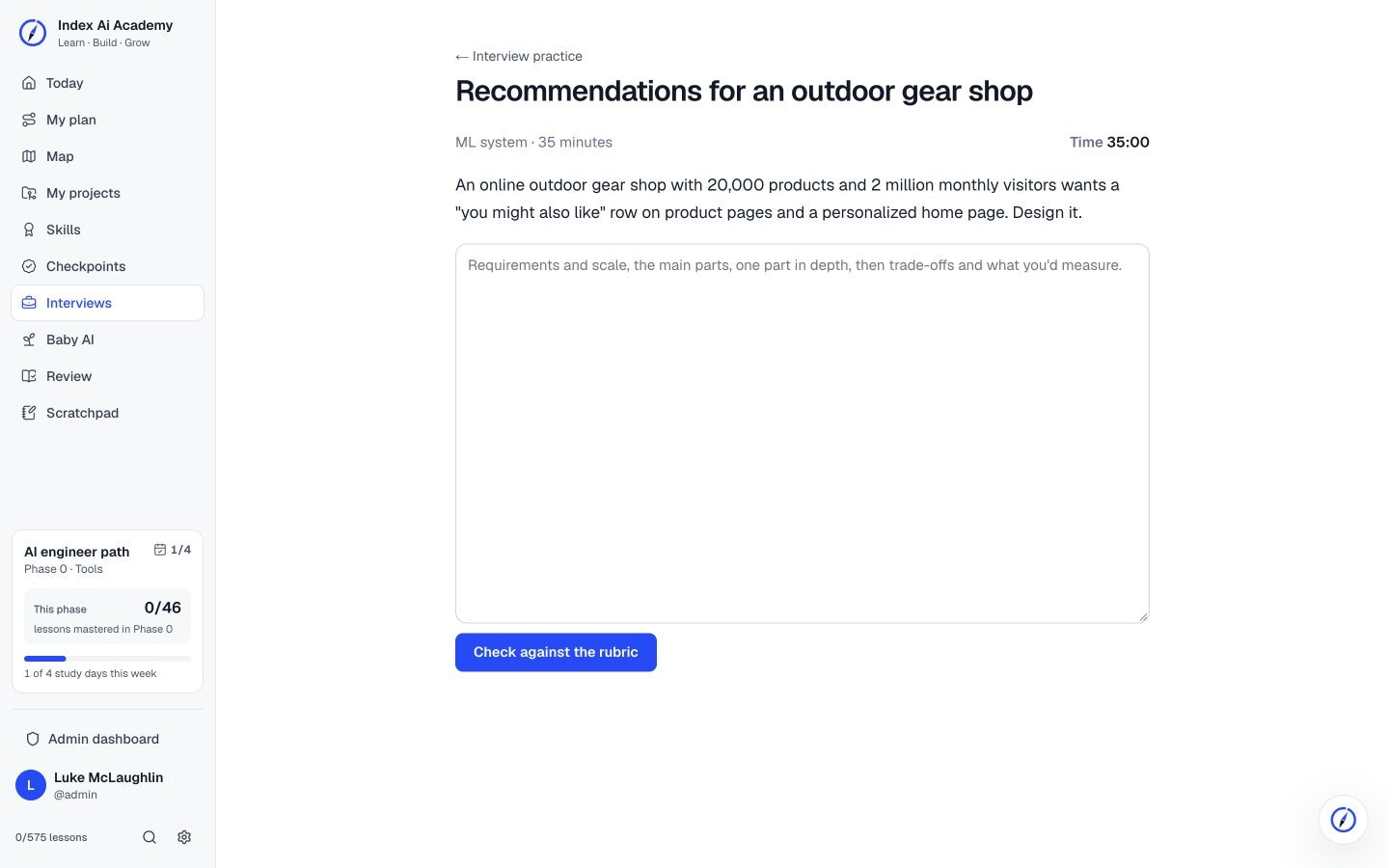
“Recommendations for an outdoor gear shop” is a practice interview brief. The learner can open the scenario, work through a response and practise explaining their decisions.
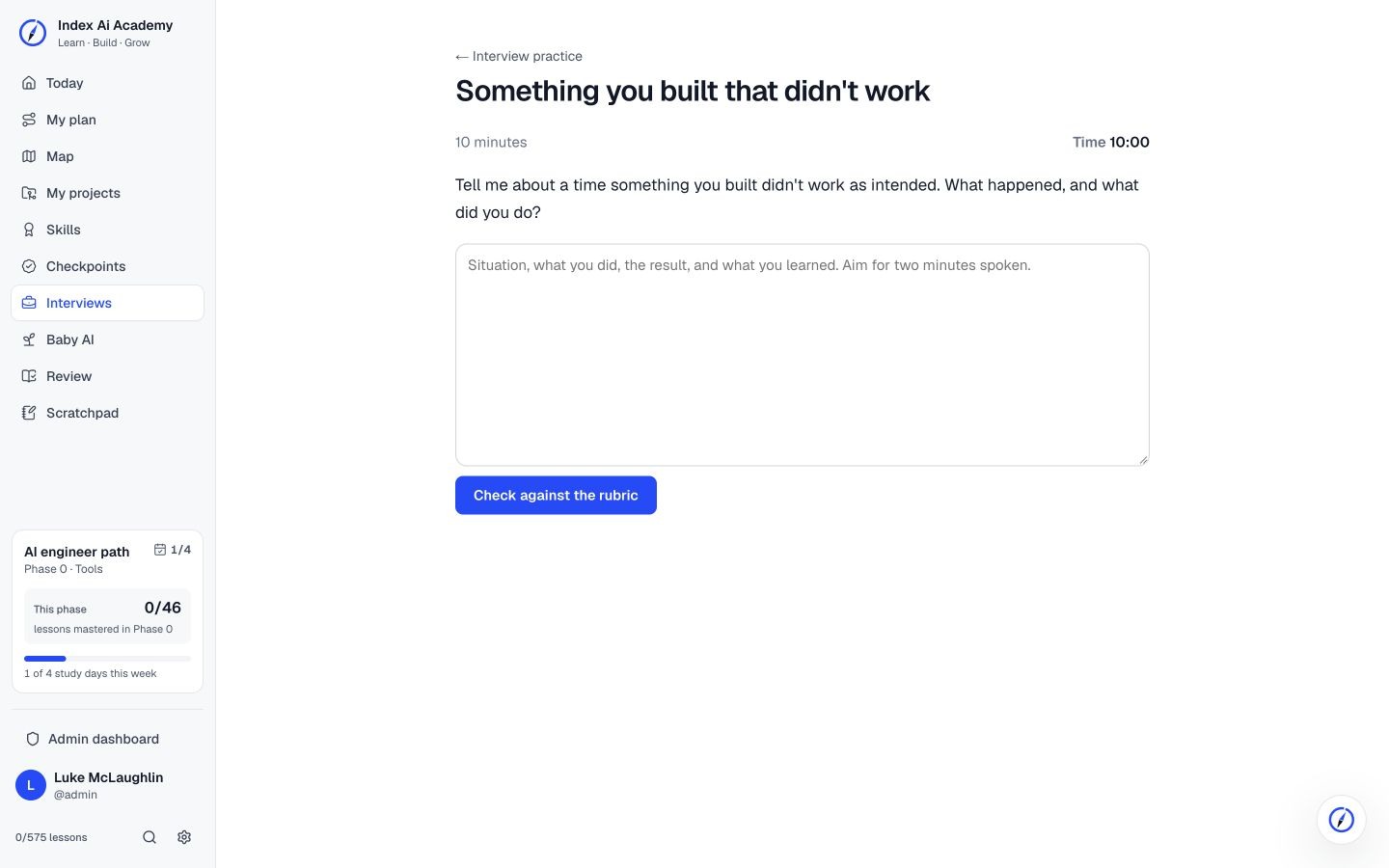
“Something you built that didn't work” is a practice interview brief. The learner can open the scenario, work through a response and practise explaining their decisions.
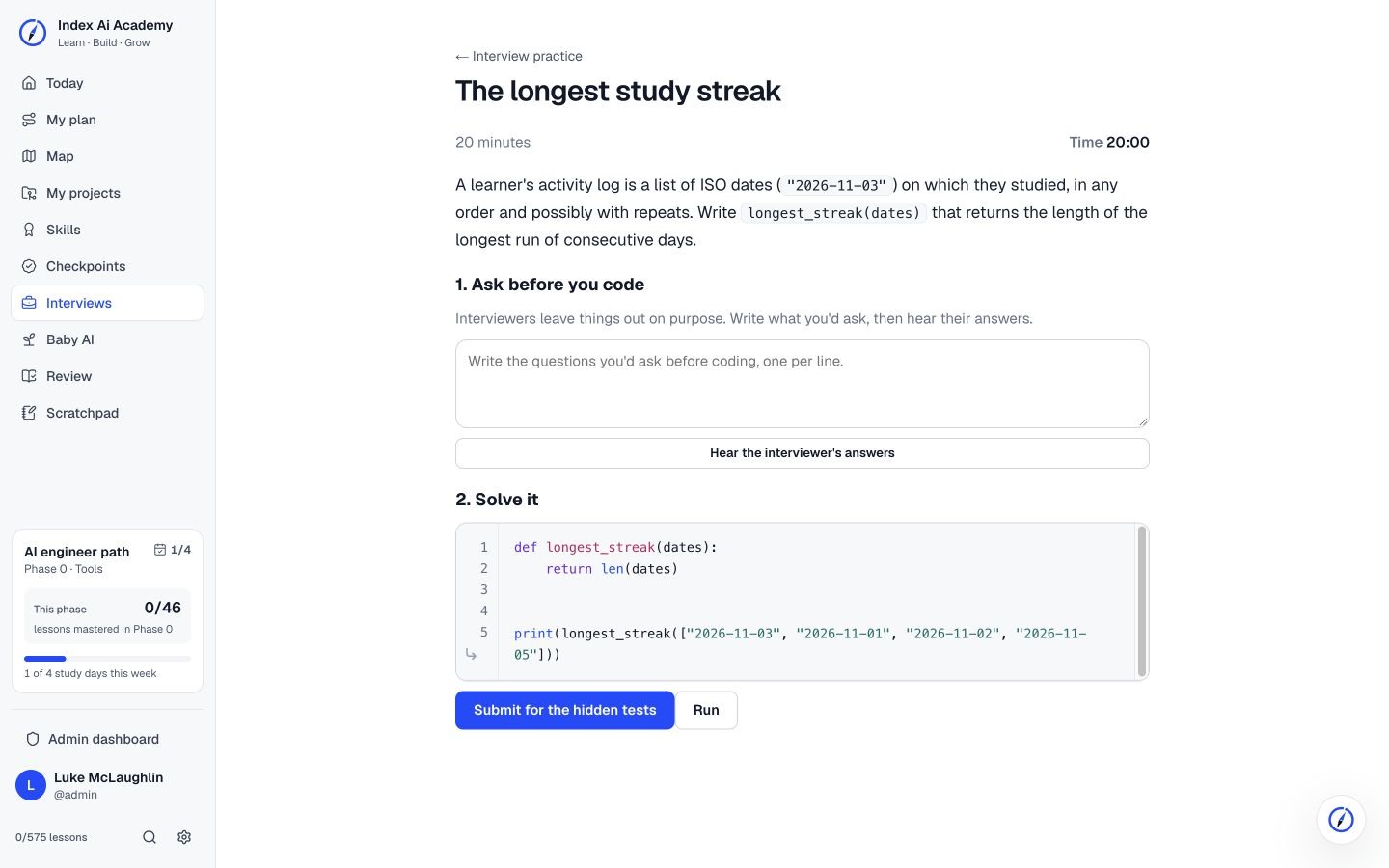
“The longest study streak” is a practice interview brief. The learner can open the scenario, work through a response and practise explaining their decisions.
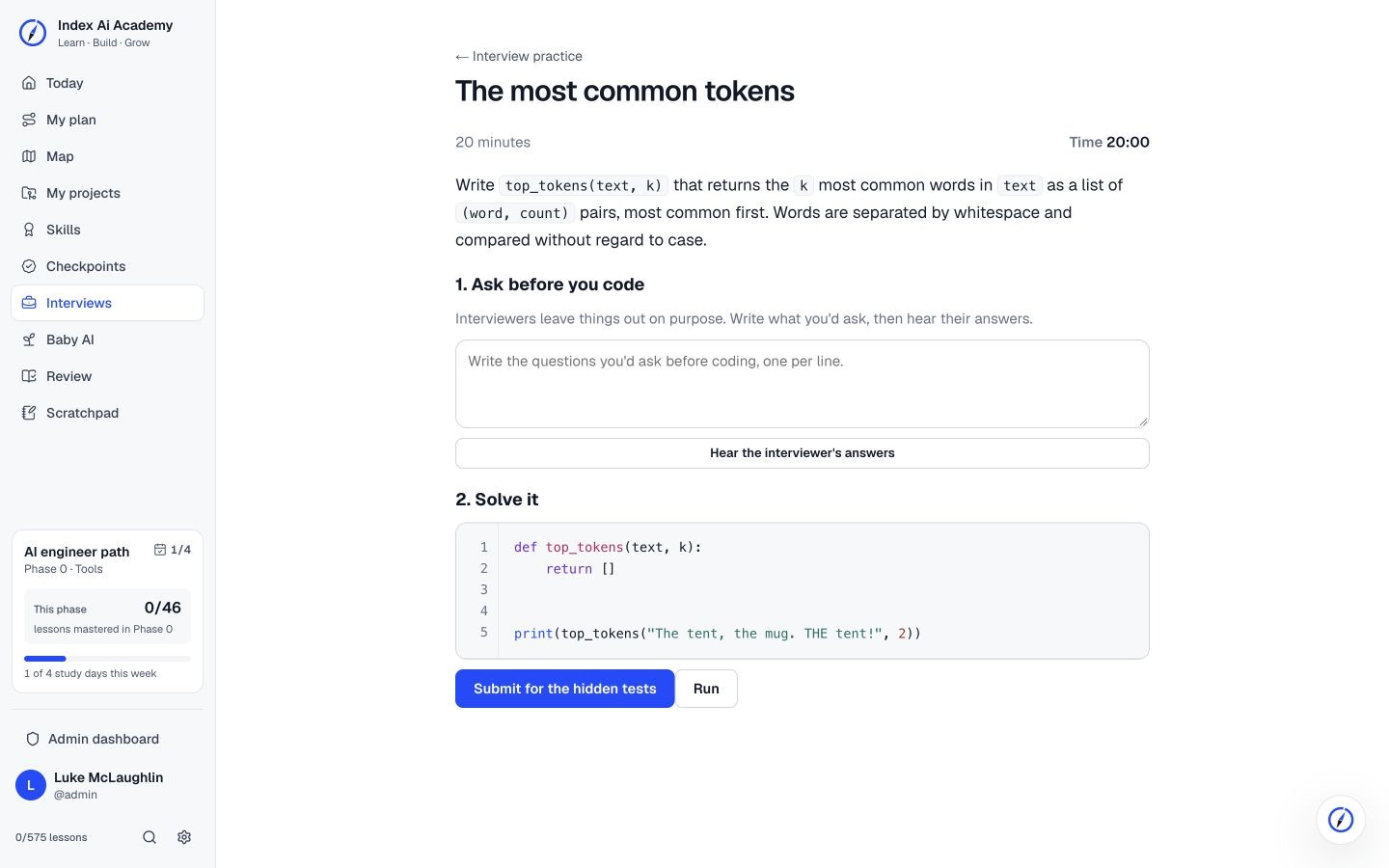
“The most common tokens” is a practice interview brief. The learner can open the scenario, work through a response and practise explaining their decisions.
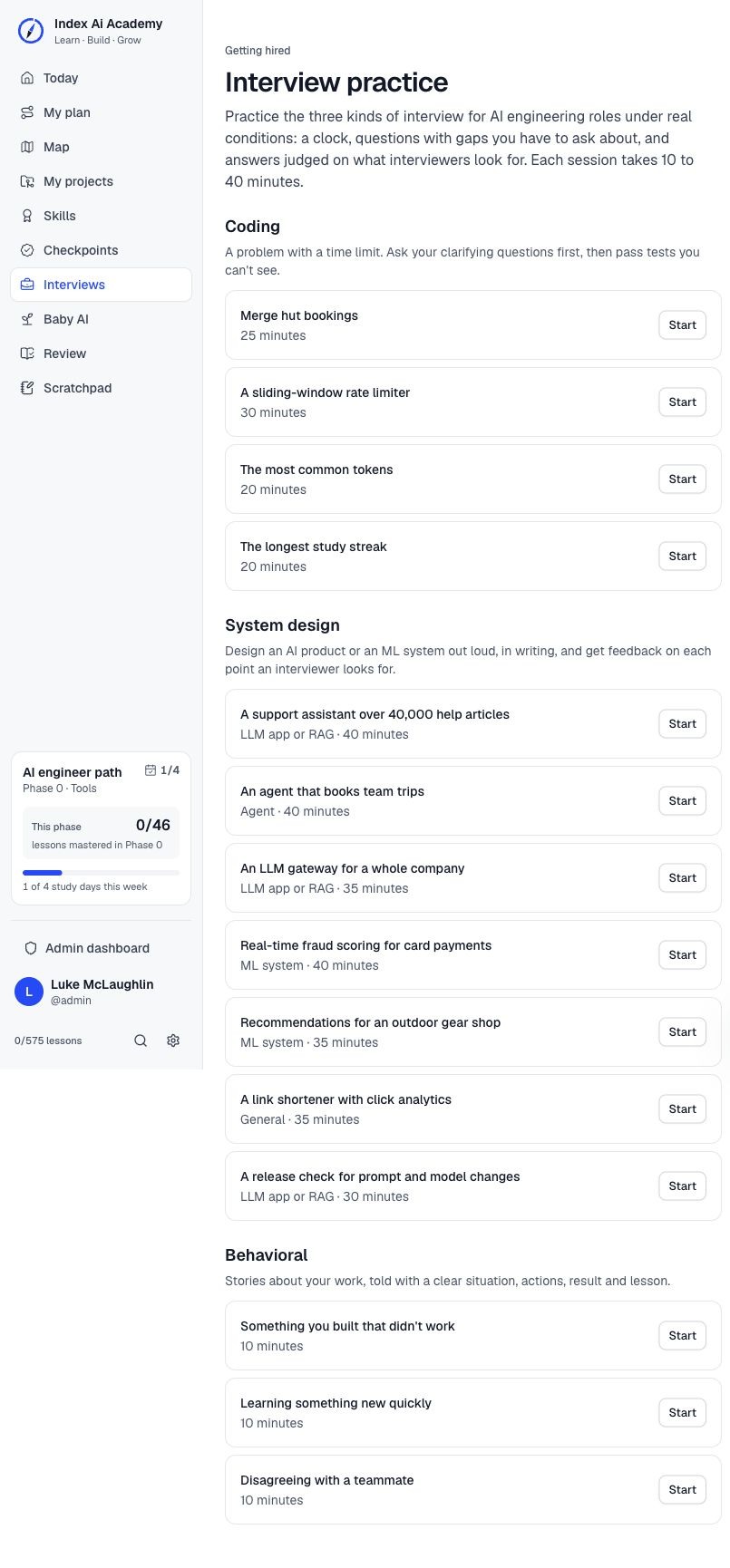
Choose a practice format and work through a role-focused interview session. This full-page capture includes the material below the initial viewport.
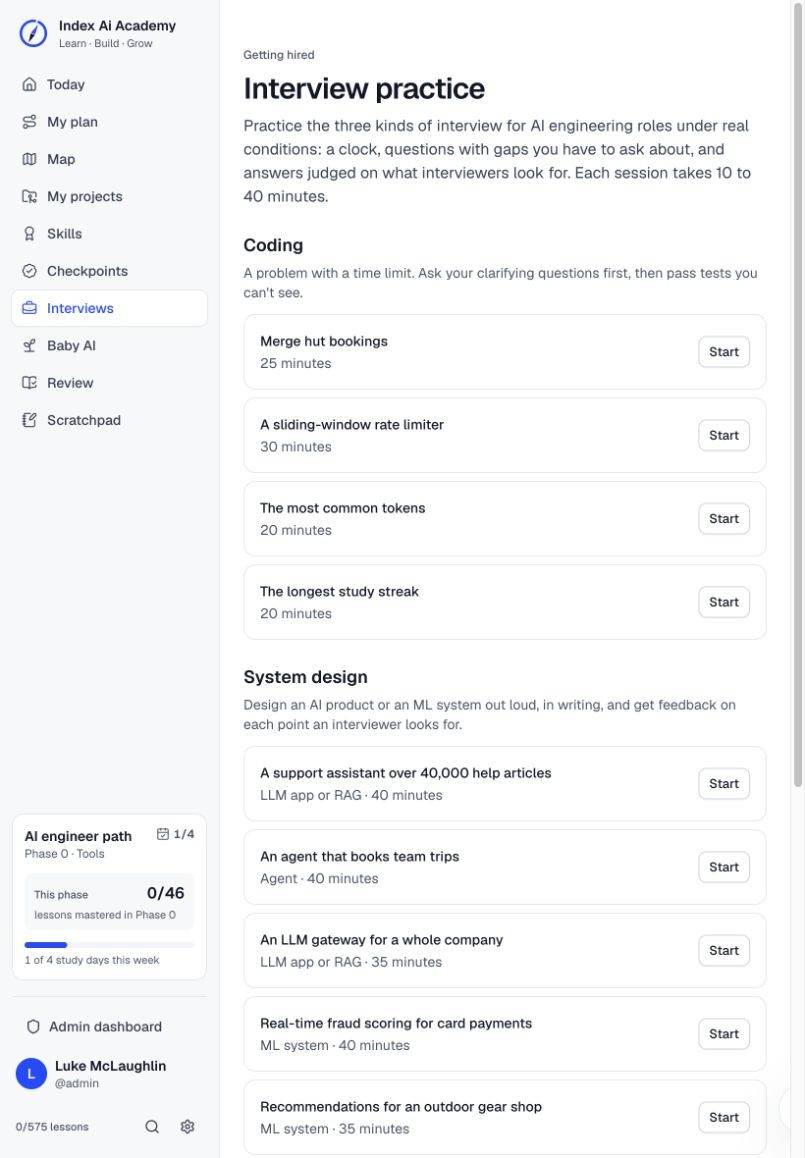
Choose a practice format and work through a role-focused interview session.
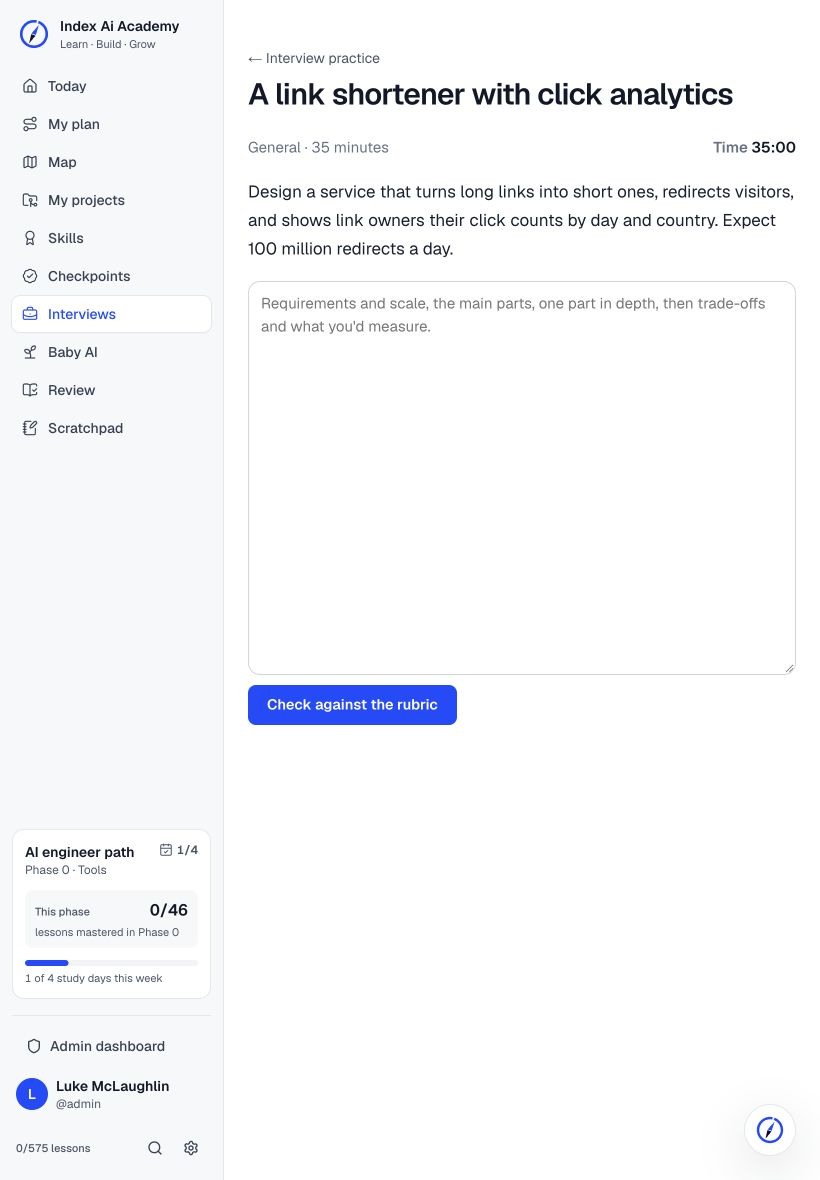
“A link shortener with click analytics” is a practice interview brief. The learner can open the scenario, work through a response and practise explaining their decisions.
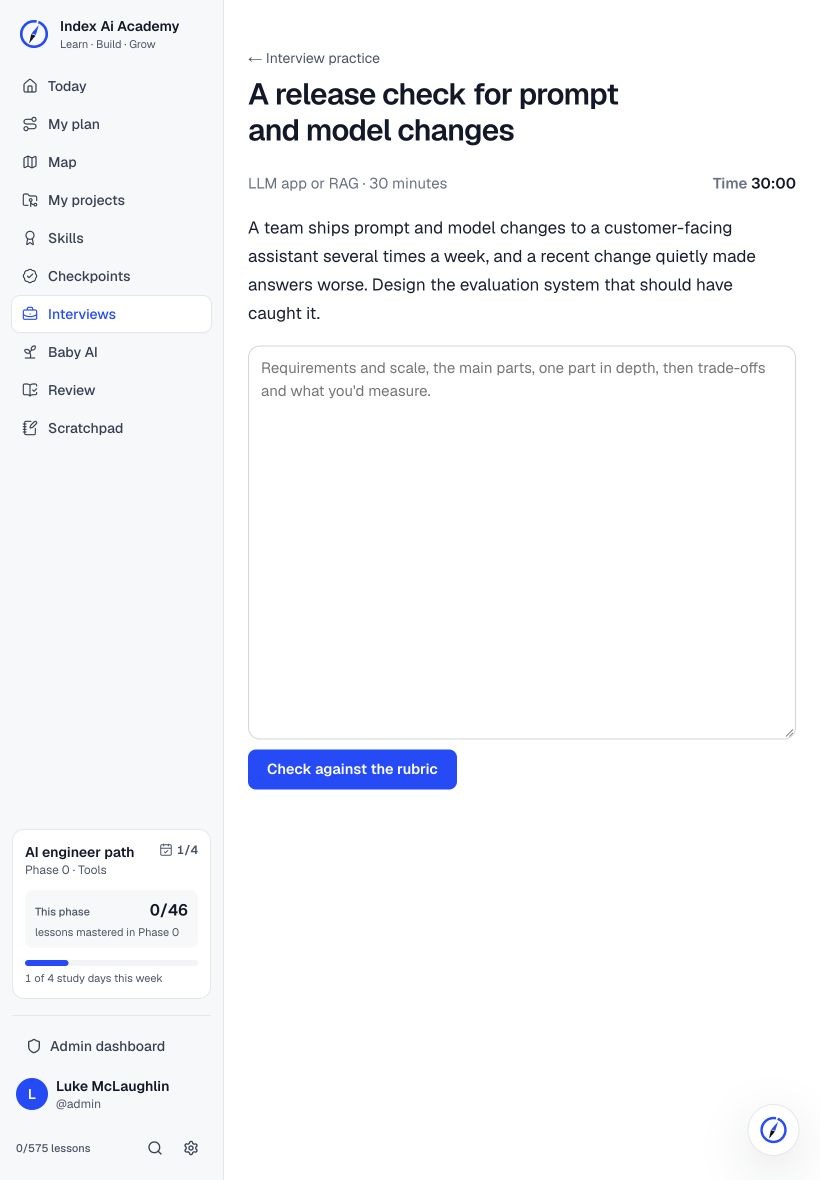
“A release check for prompt and model changes” is a practice interview brief. The learner can open the scenario, work through a response and practise explaining their decisions.
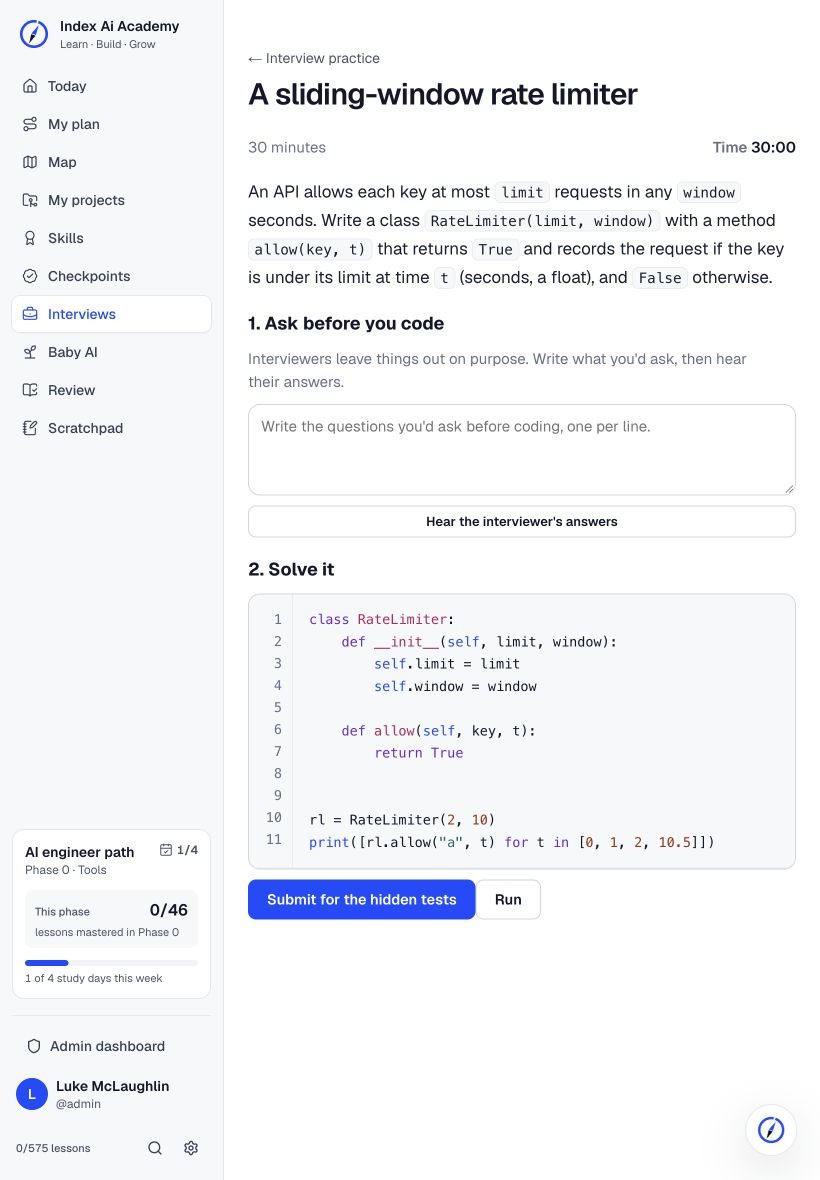
“A sliding-window rate limiter” is a practice interview brief. The learner can open the scenario, work through a response and practise explaining their decisions.
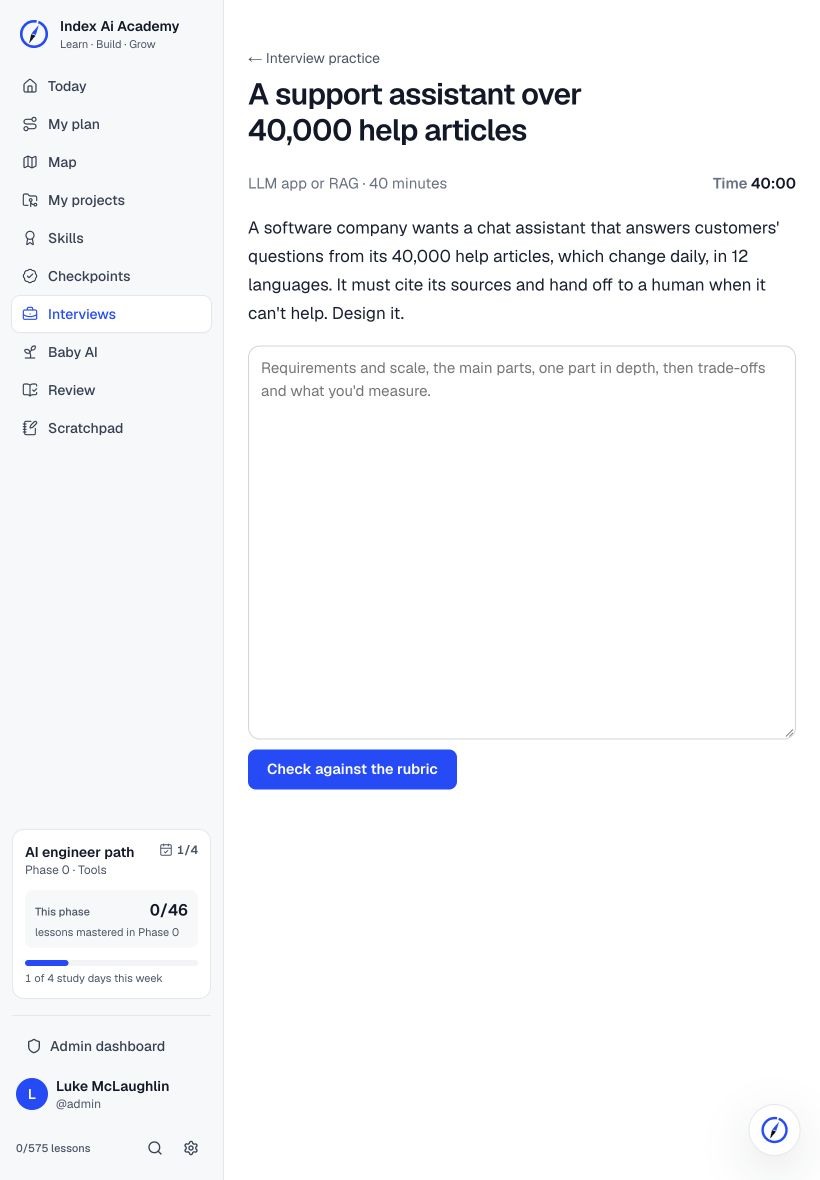
“A support assistant over 40,000 help articles” is a practice interview brief. The learner can open the scenario, work through a response and practise explaining their decisions.
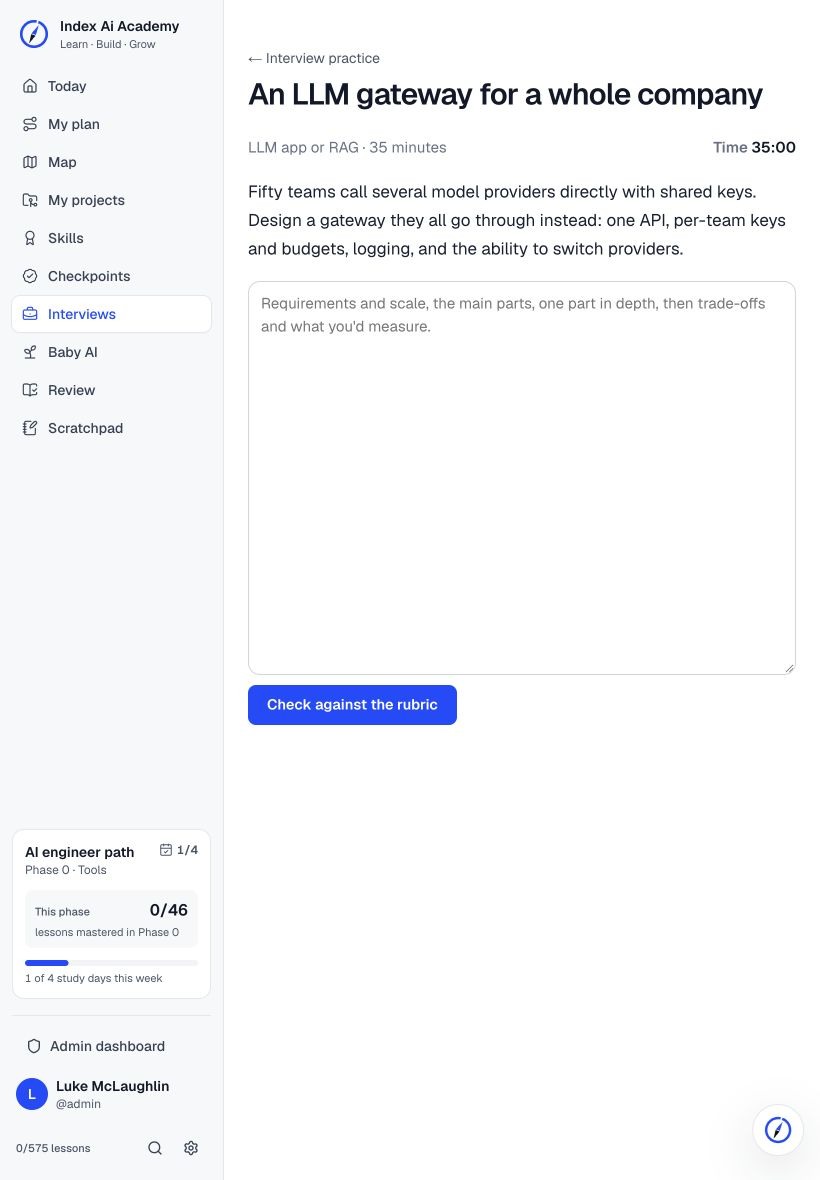
“An LLM gateway for a whole company” is a practice interview brief. The learner can open the scenario, work through a response and practise explaining their decisions.
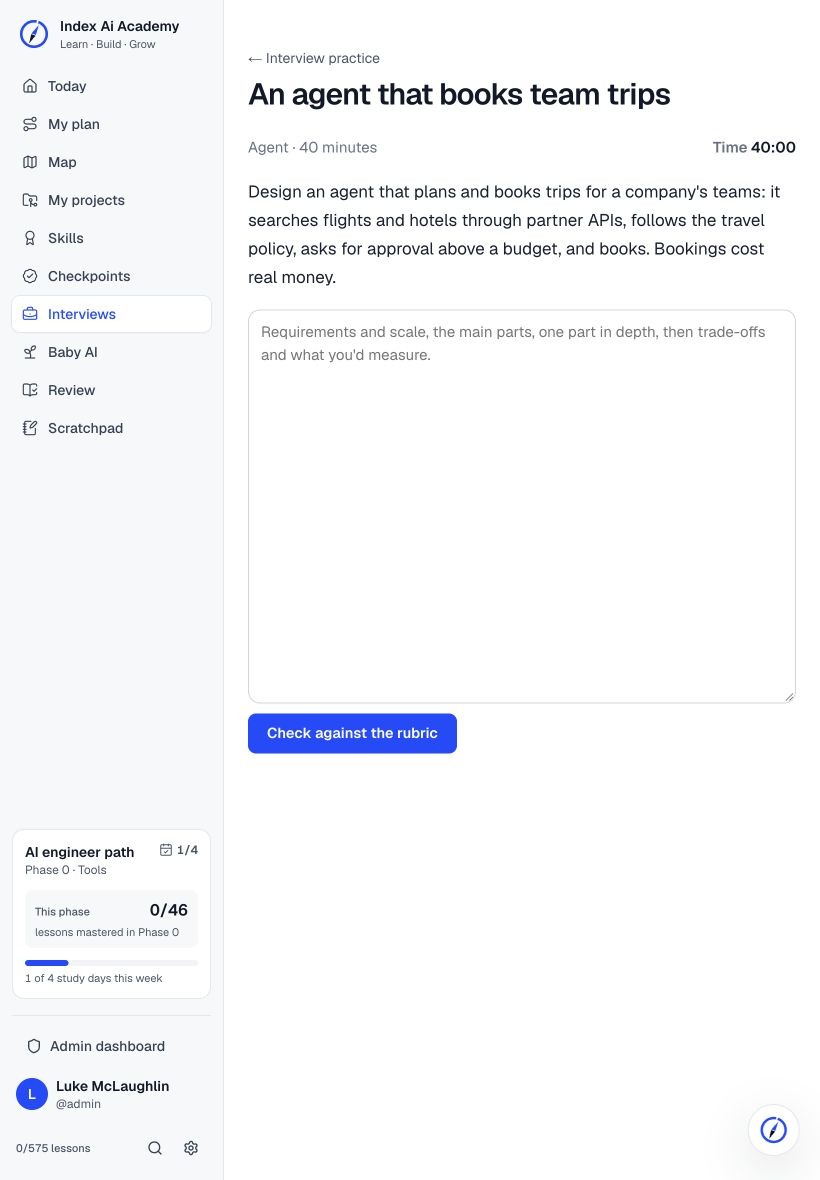
“An agent that books team trips” is a practice interview brief. The learner can open the scenario, work through a response and practise explaining their decisions.
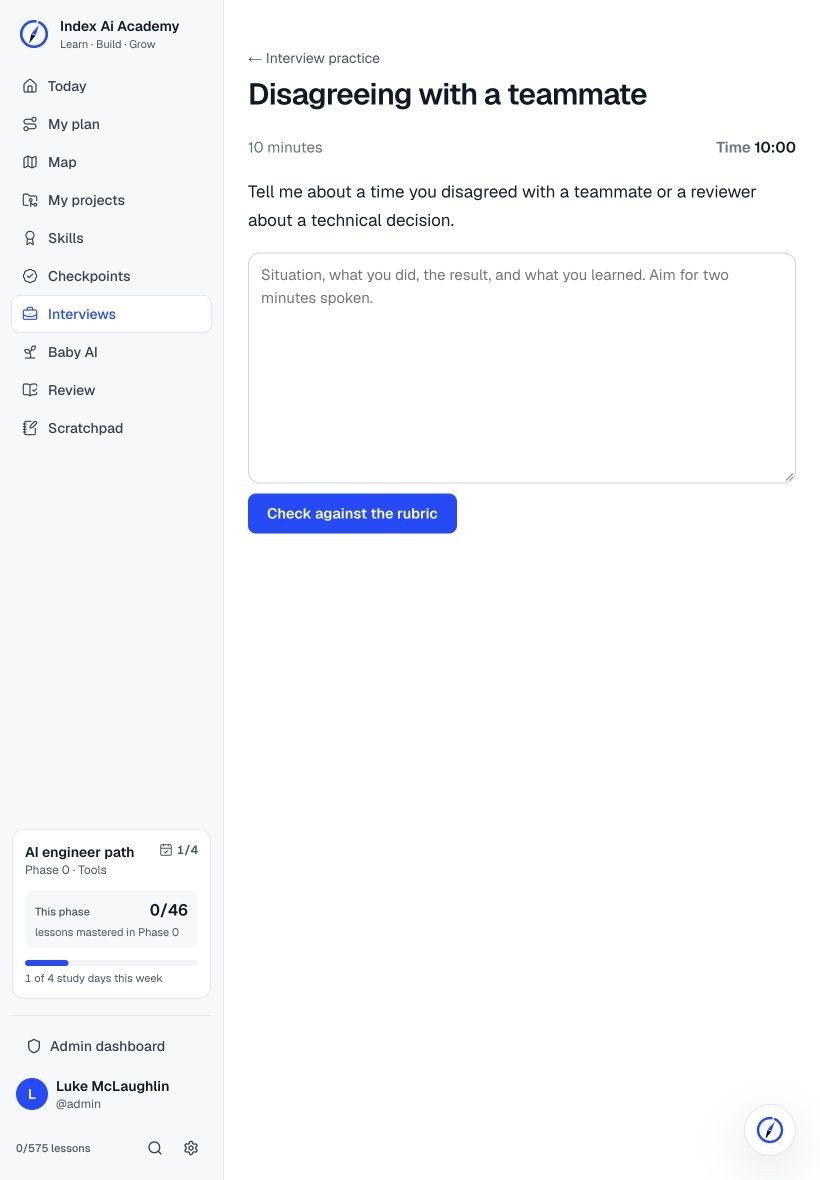
“Disagreeing with a teammate” is a practice interview brief. The learner can open the scenario, work through a response and practise explaining their decisions.
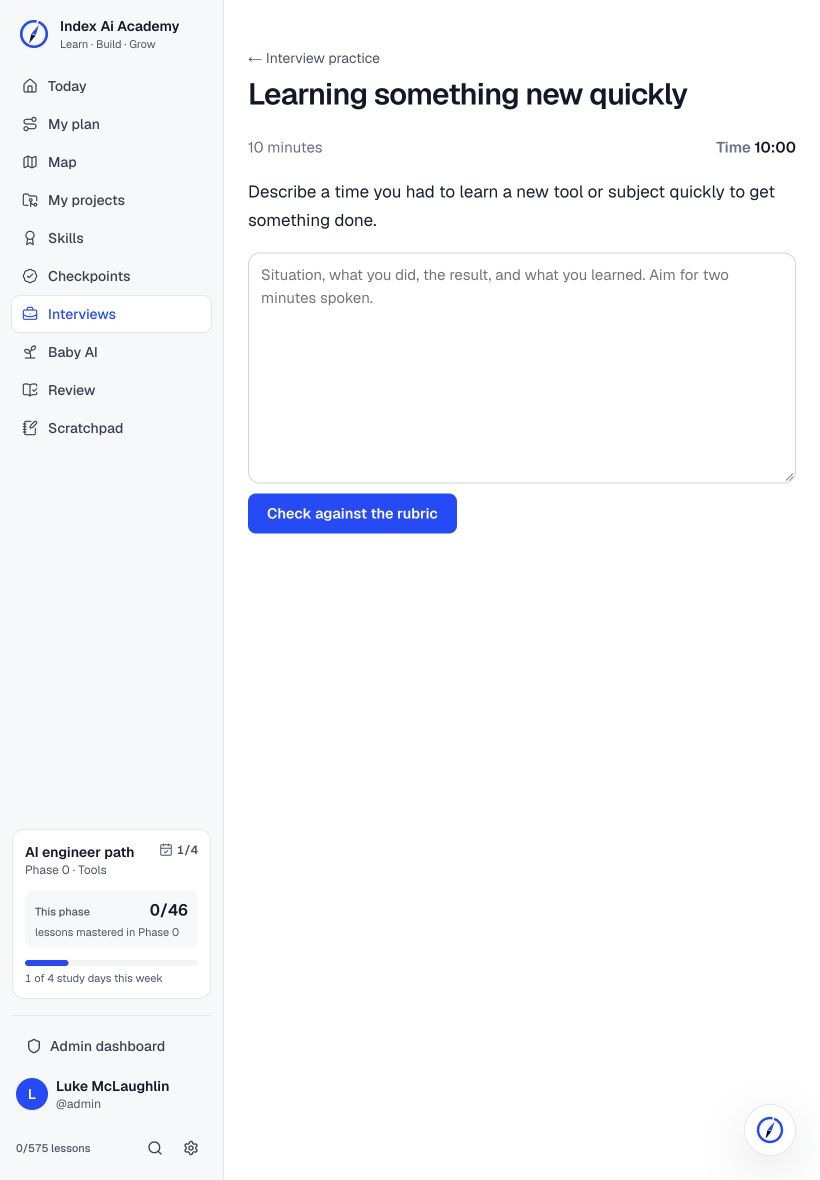
“Learning something new quickly” is a practice interview brief. The learner can open the scenario, work through a response and practise explaining their decisions.
“Merge hut bookings” is a practice interview brief. The learner can open the scenario, work through a response and practise explaining their decisions.
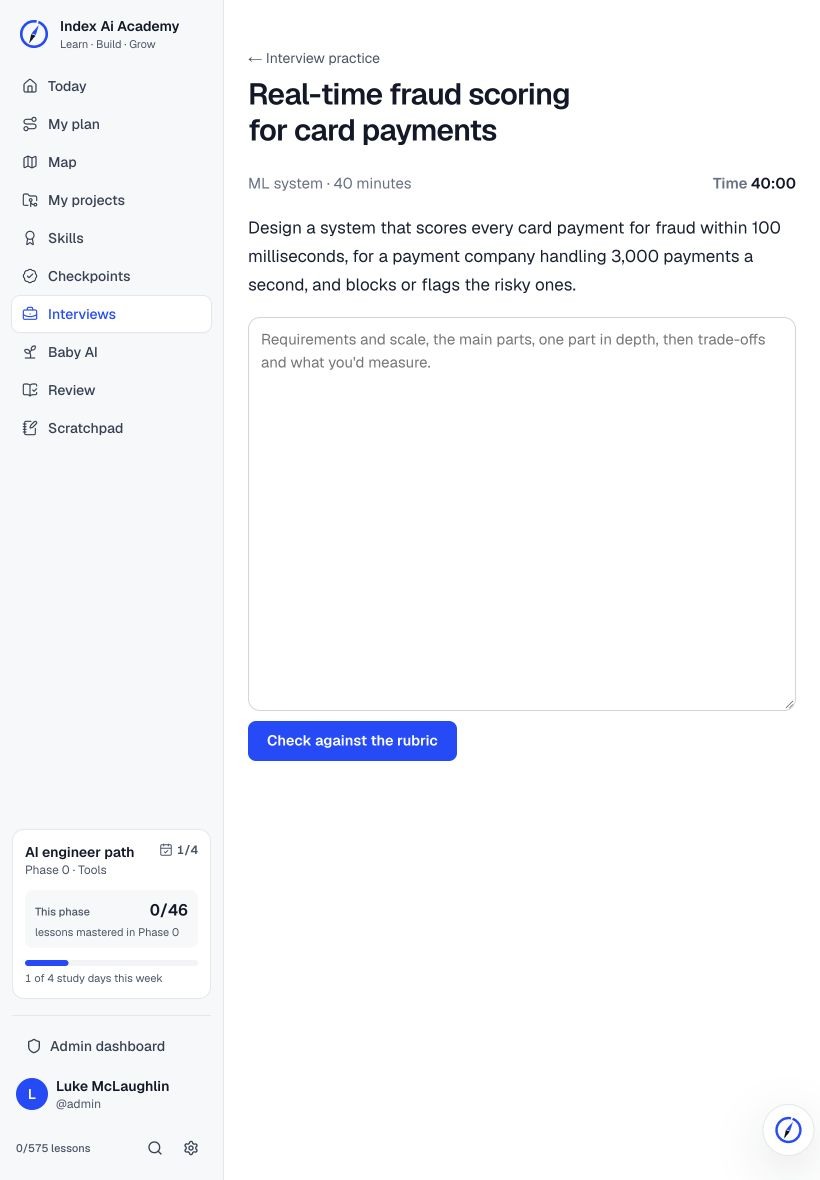
“Real-time fraud scoring for card payments” is a practice interview brief. The learner can open the scenario, work through a response and practise explaining their decisions.
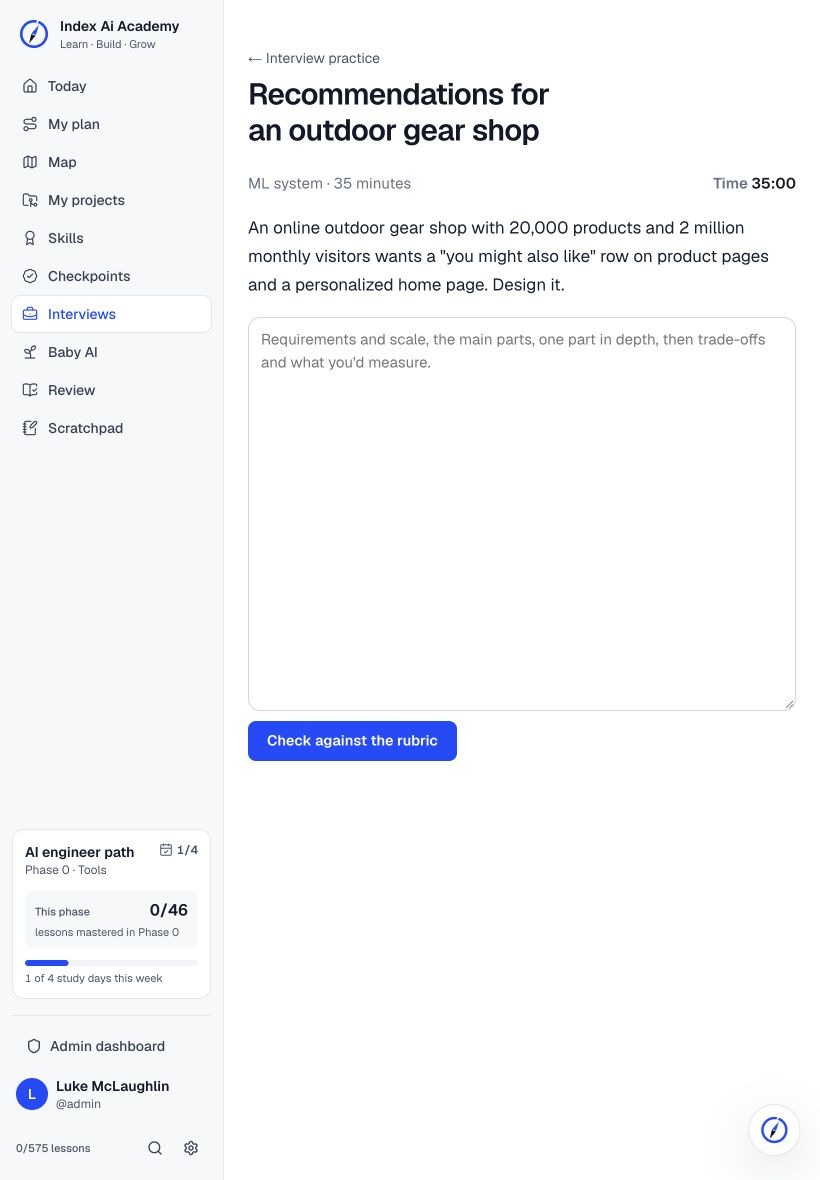
“Recommendations for an outdoor gear shop” is a practice interview brief. The learner can open the scenario, work through a response and practise explaining their decisions.
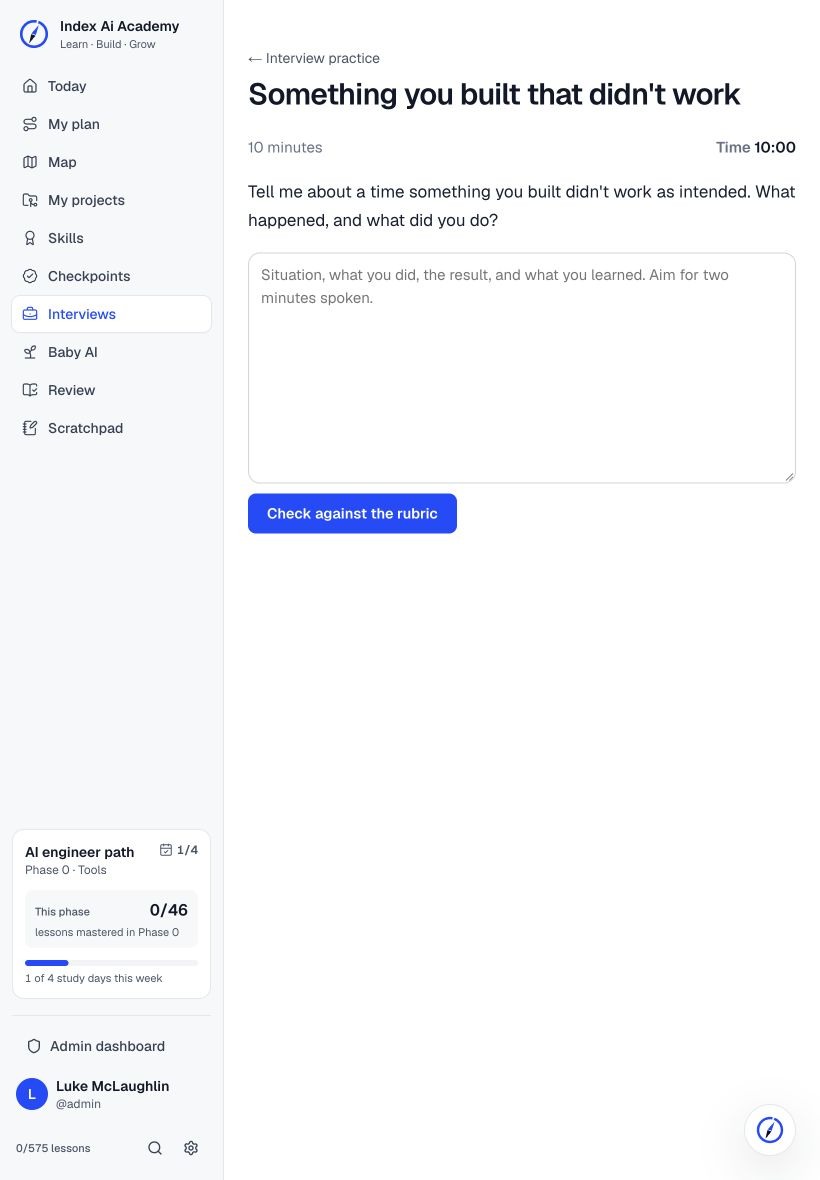
“Something you built that didn't work” is a practice interview brief. The learner can open the scenario, work through a response and practise explaining their decisions.
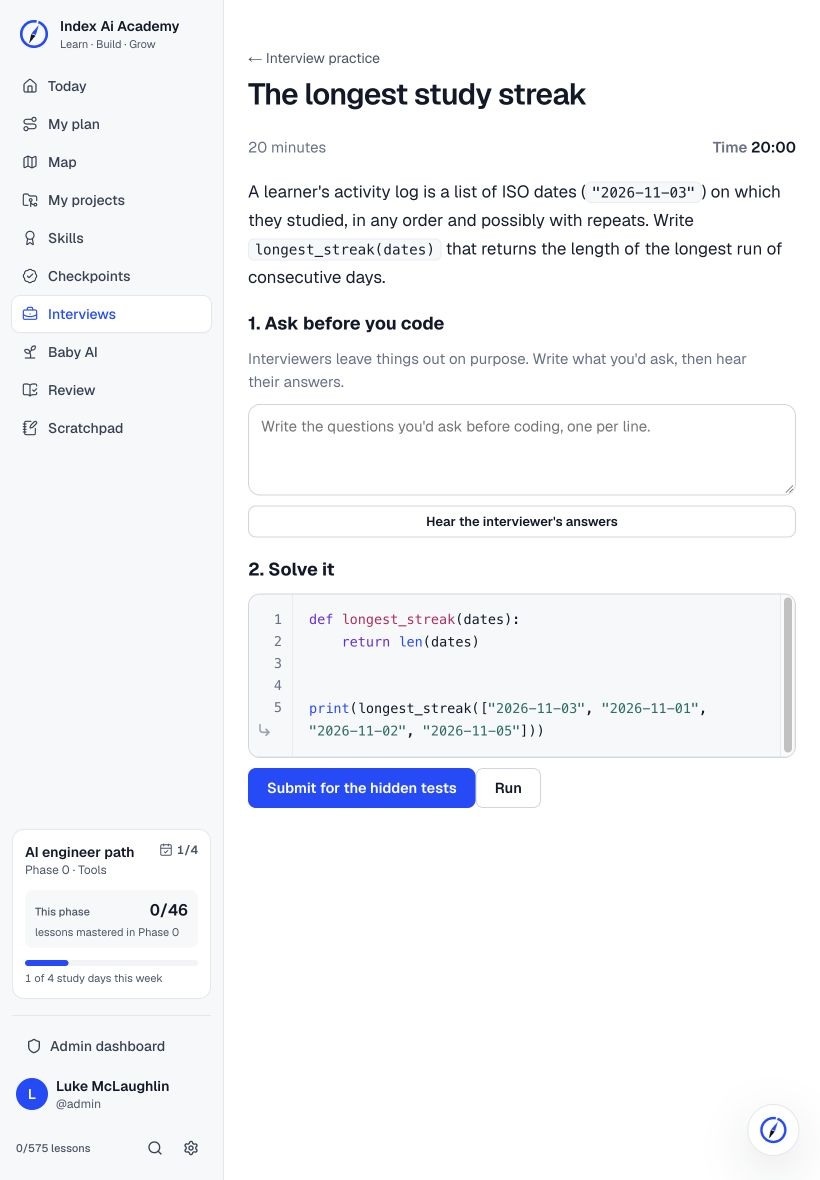
“The longest study streak” is a practice interview brief. The learner can open the scenario, work through a response and practise explaining their decisions.
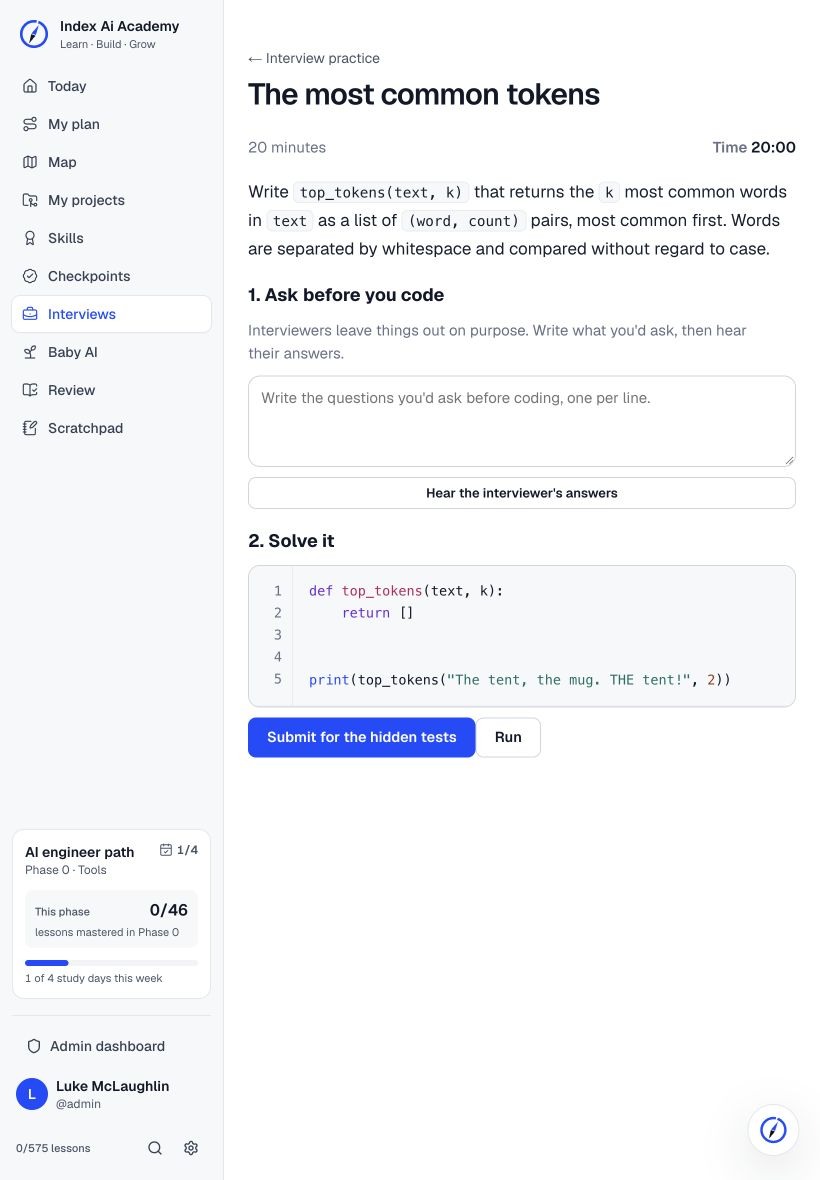
“The most common tokens” is a practice interview brief. The learner can open the scenario, work through a response and practise explaining their decisions.

Choose a practice format and work through a role-focused interview session. This full-page capture includes the material below the initial viewport.
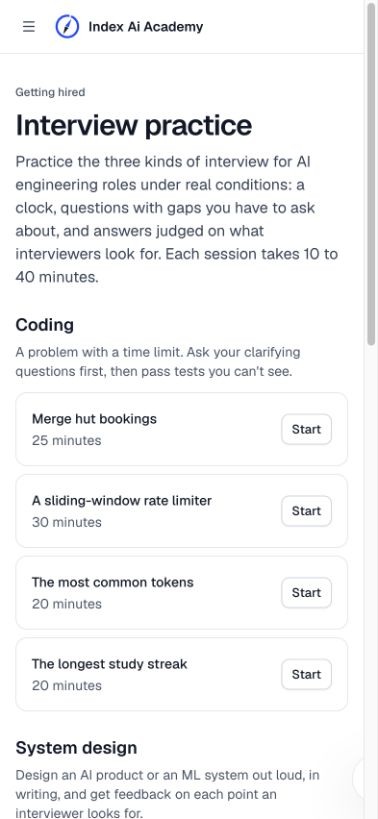
Choose a practice format and work through a role-focused interview session.
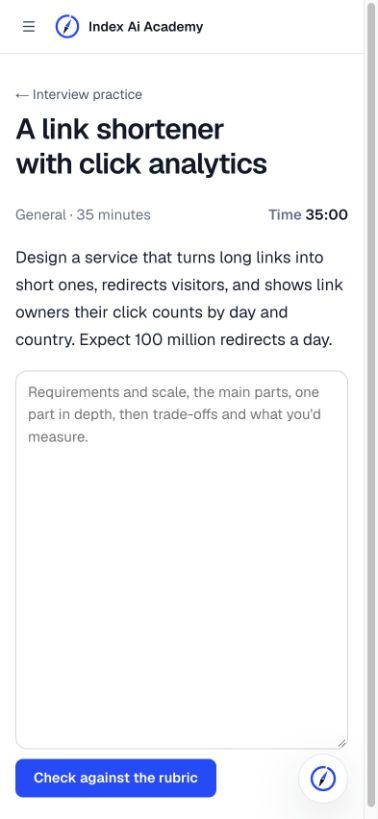
“A link shortener with click analytics” is a practice interview brief. The learner can open the scenario, work through a response and practise explaining their decisions.
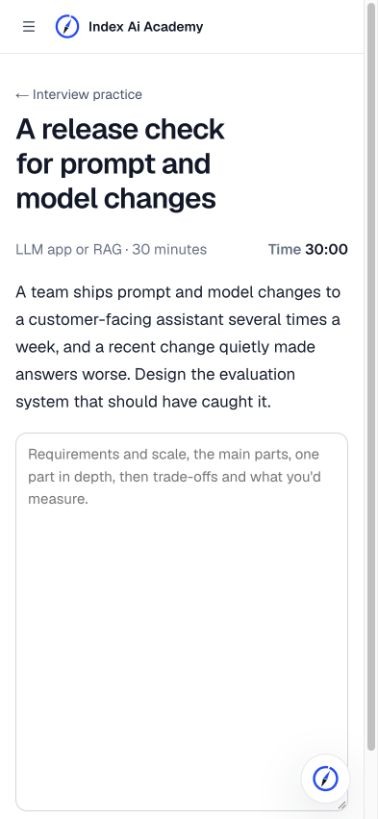
“A release check for prompt and model changes” is a practice interview brief. The learner can open the scenario, work through a response and practise explaining their decisions.
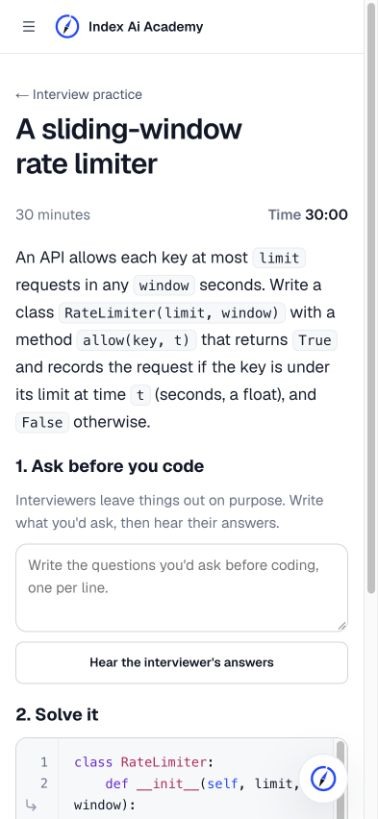
“A sliding-window rate limiter” is a practice interview brief. The learner can open the scenario, work through a response and practise explaining their decisions.
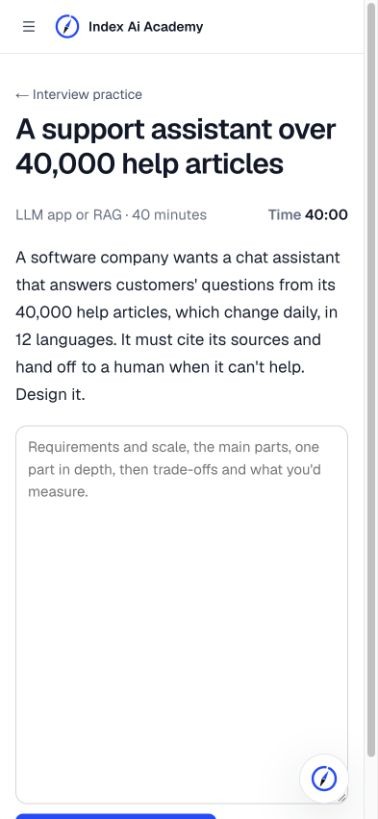
“A support assistant over 40,000 help articles” is a practice interview brief. The learner can open the scenario, work through a response and practise explaining their decisions.
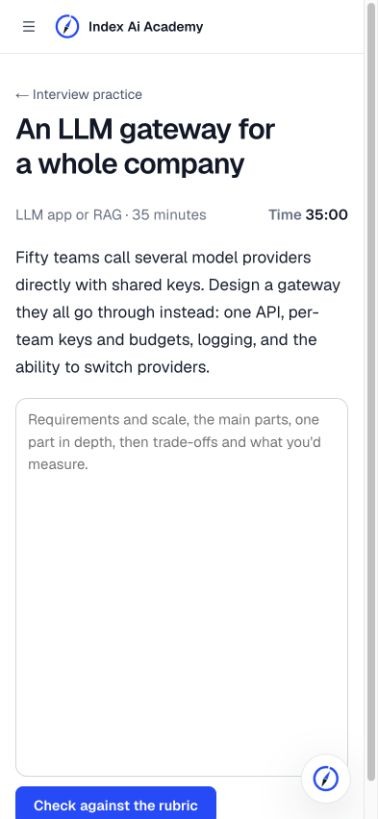
“An LLM gateway for a whole company” is a practice interview brief. The learner can open the scenario, work through a response and practise explaining their decisions.
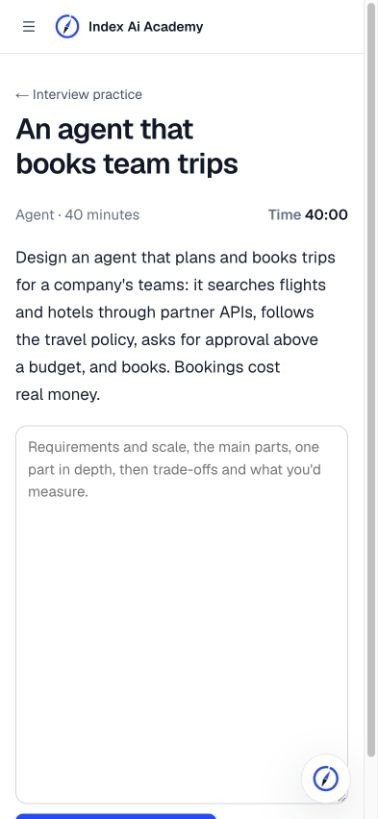
“An agent that books team trips” is a practice interview brief. The learner can open the scenario, work through a response and practise explaining their decisions.
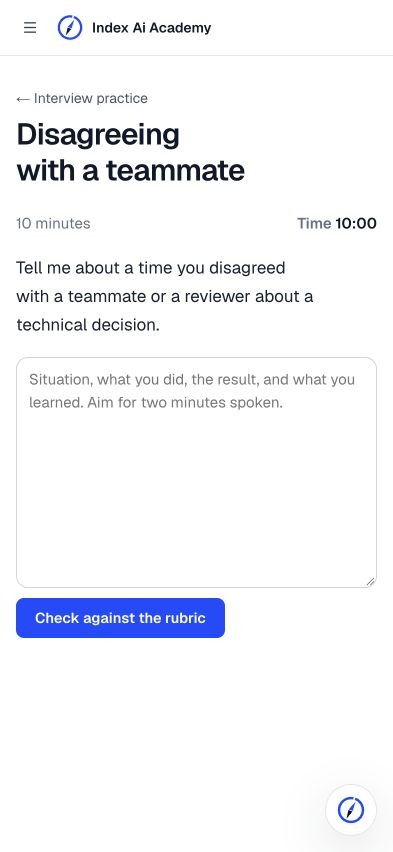
“Disagreeing with a teammate” is a practice interview brief. The learner can open the scenario, work through a response and practise explaining their decisions.
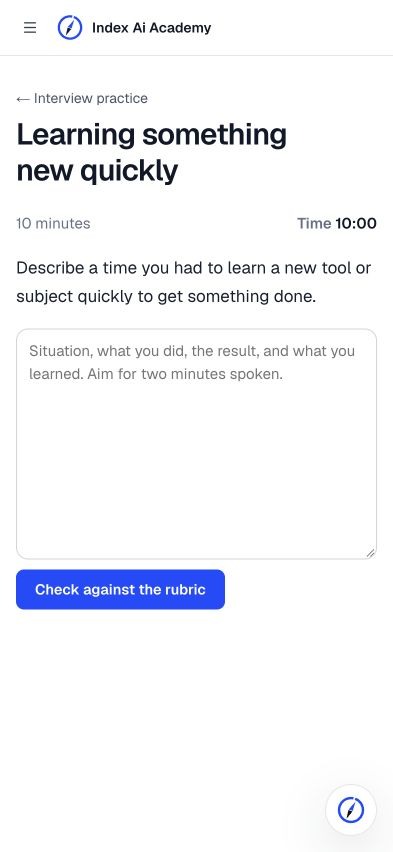
“Learning something new quickly” is a practice interview brief. The learner can open the scenario, work through a response and practise explaining their decisions.
“Merge hut bookings” is a practice interview brief. The learner can open the scenario, work through a response and practise explaining their decisions.
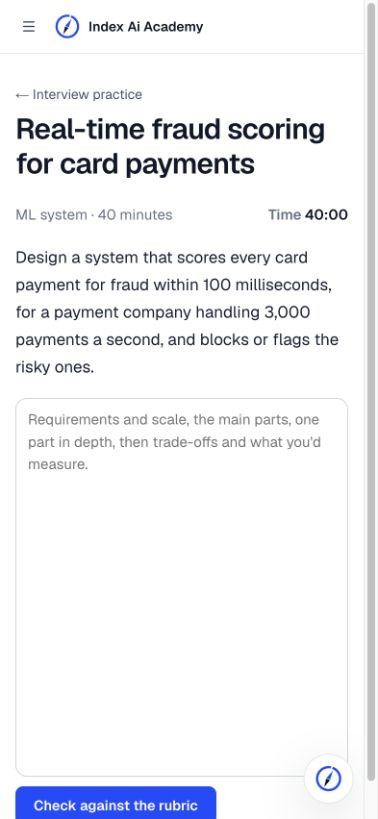
“Real-time fraud scoring for card payments” is a practice interview brief. The learner can open the scenario, work through a response and practise explaining their decisions.
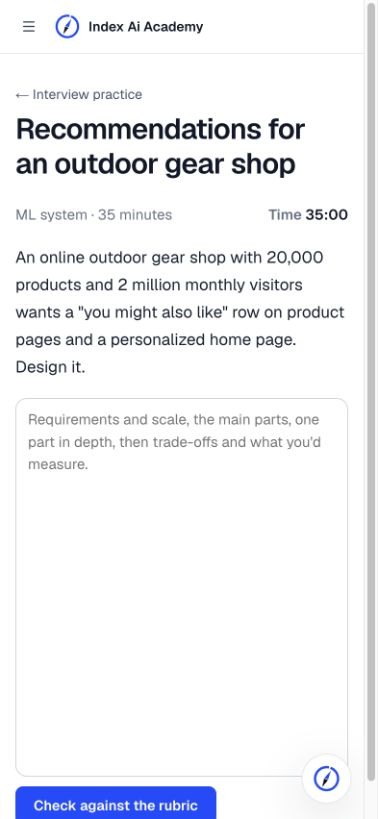
“Recommendations for an outdoor gear shop” is a practice interview brief. The learner can open the scenario, work through a response and practise explaining their decisions.
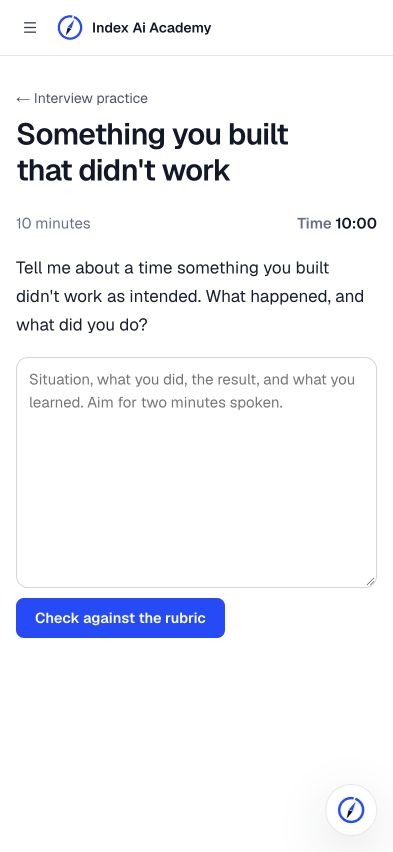
“Something you built that didn't work” is a practice interview brief. The learner can open the scenario, work through a response and practise explaining their decisions.
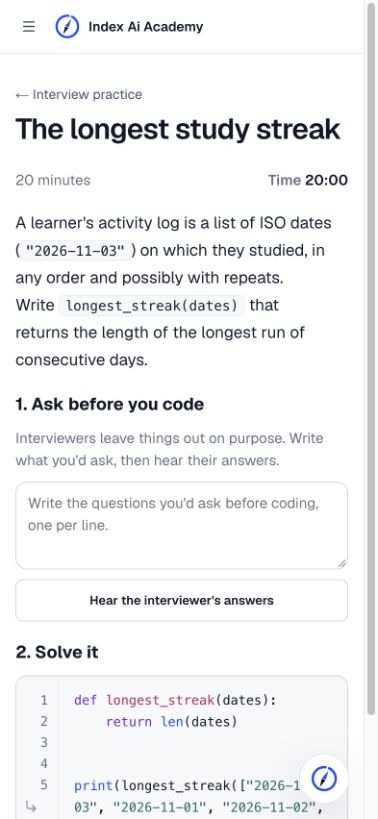
“The longest study streak” is a practice interview brief. The learner can open the scenario, work through a response and practise explaining their decisions.
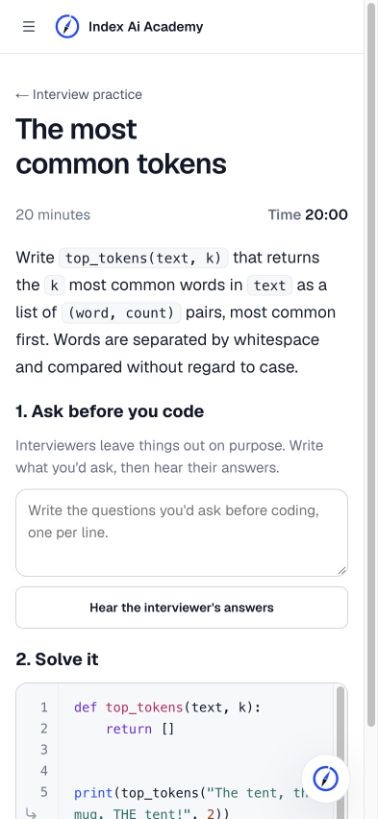
“The most common tokens” is a practice interview brief. The learner can open the scenario, work through a response and practise explaining their decisions.
Lessons 26
Follow Your first program from the explanation into a runnable exercise, step-through inspection and quiz.
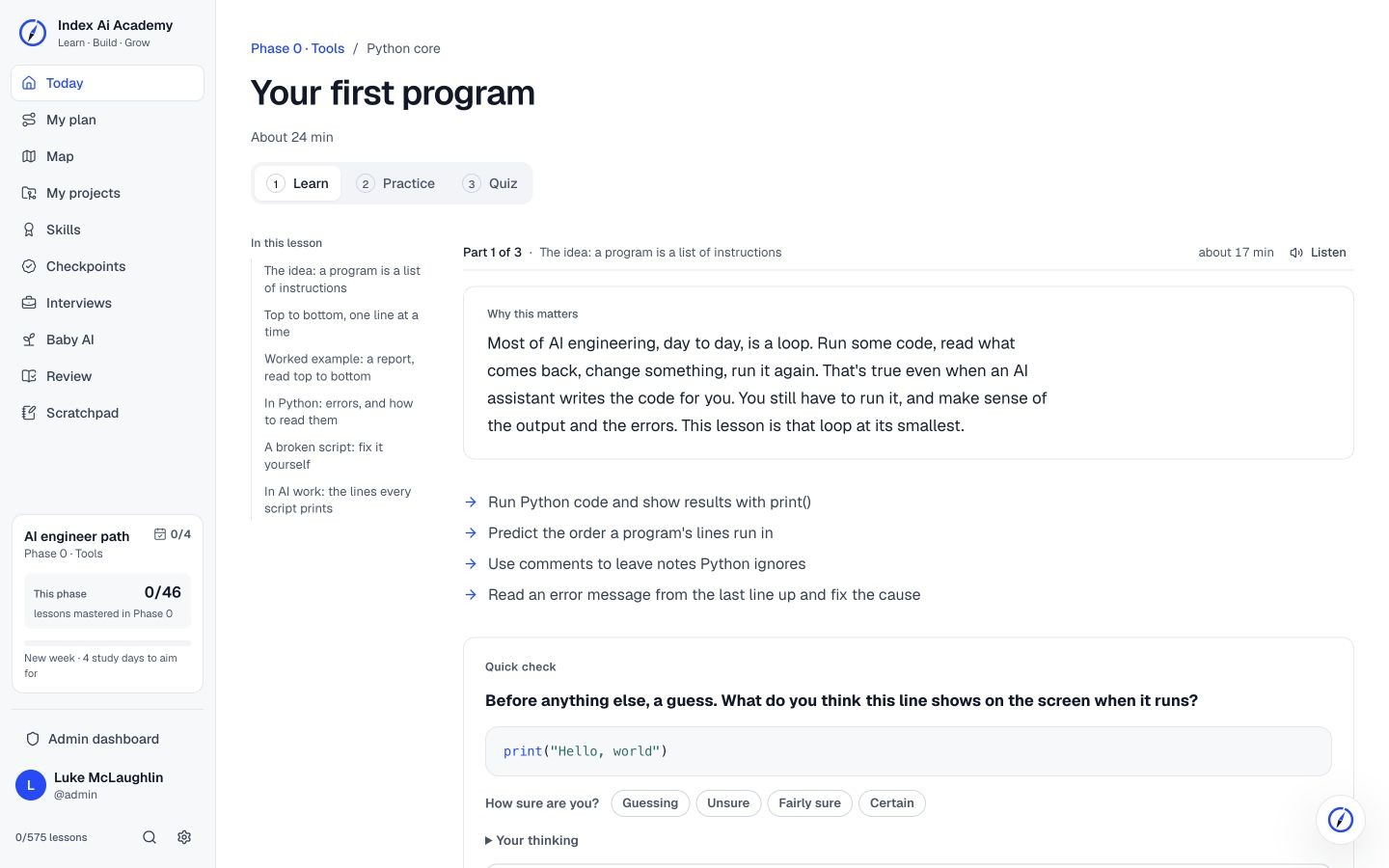
The opening Python lesson introduces a program as a list of instructions. Learn, Practice and Quiz take the learner from reading code to running it and checking their understanding.
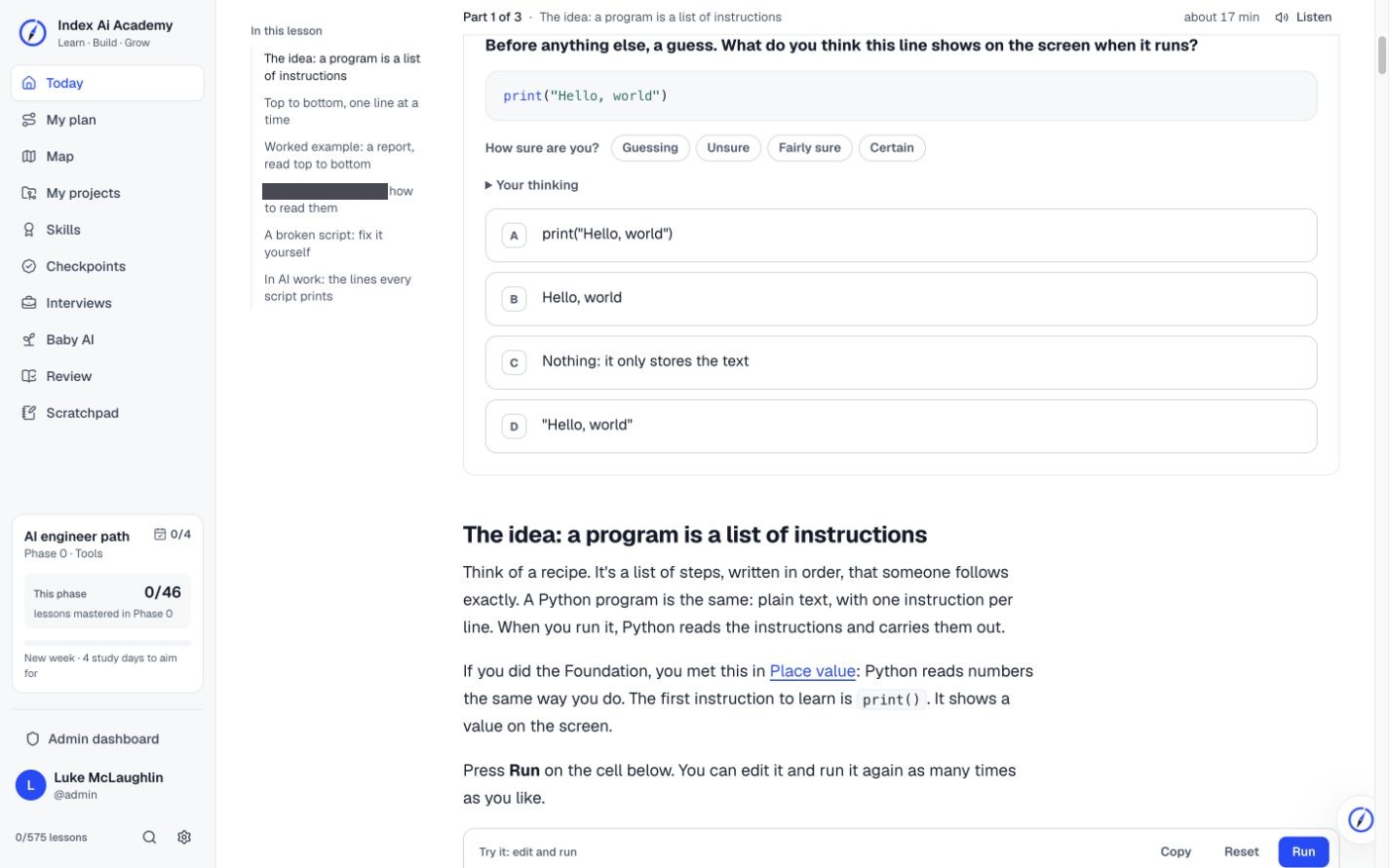
In “Your first program”, this section covers the idea - a program is a list of instructions. It builds the reading skills the learner will use in the runnable exercise and quiz.
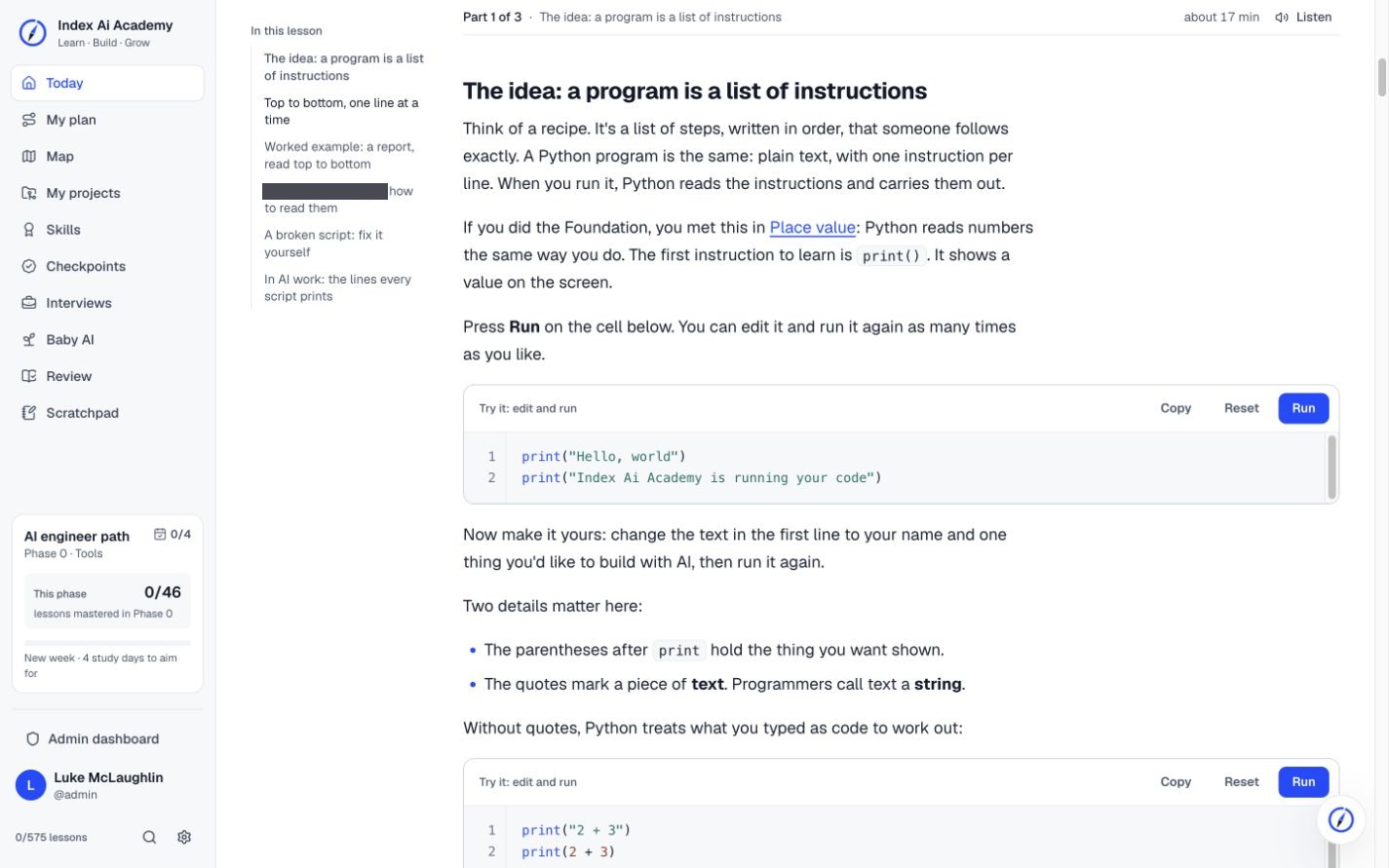
In “Your first program”, this section covers top to bottom, one line at a time. It builds the reading skills the learner will use in the runnable exercise and quiz.
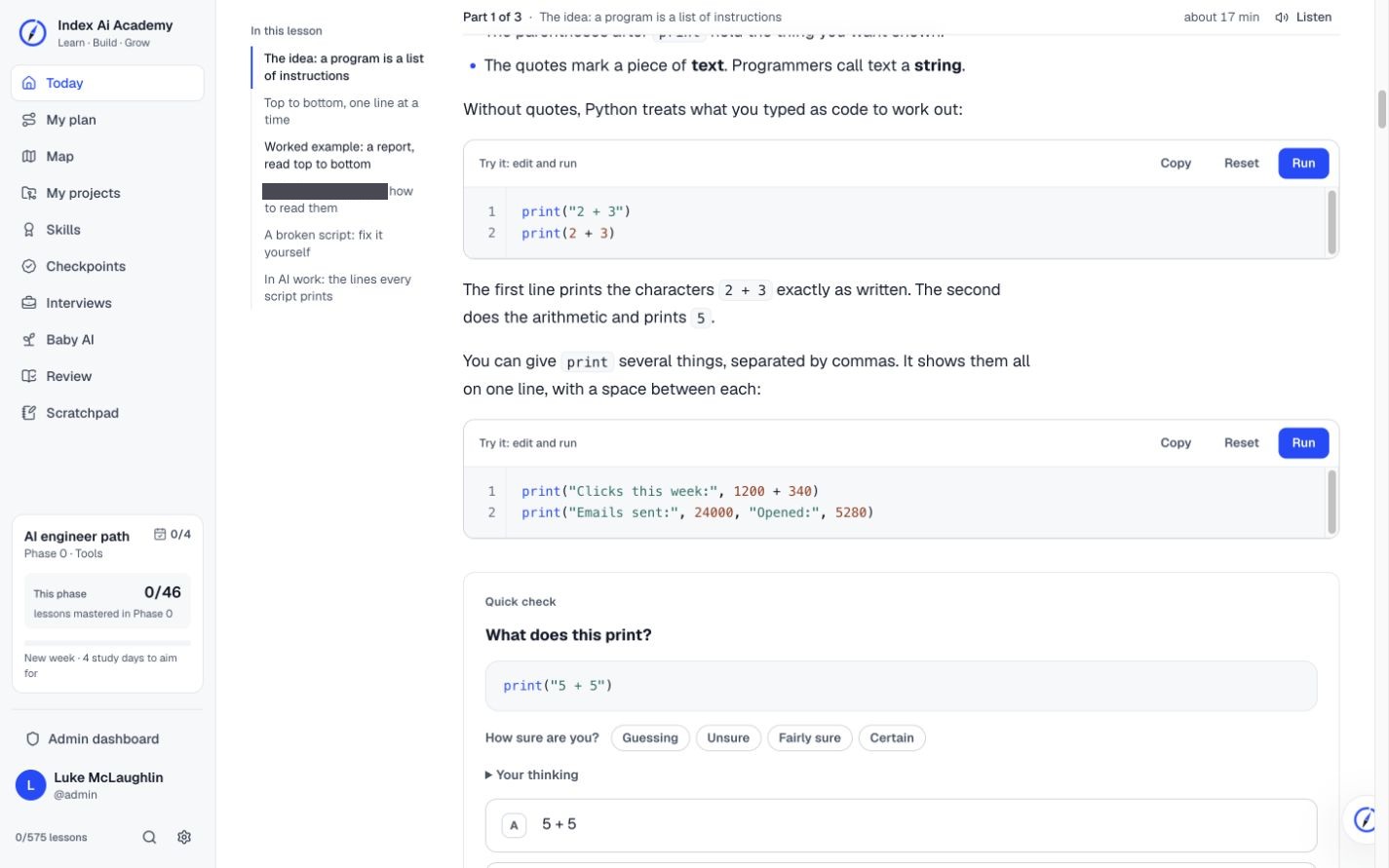
In “Your first program”, this section covers worked example - a report, read top to bottom. It builds the reading skills the learner will use in the runnable exercise and quiz.
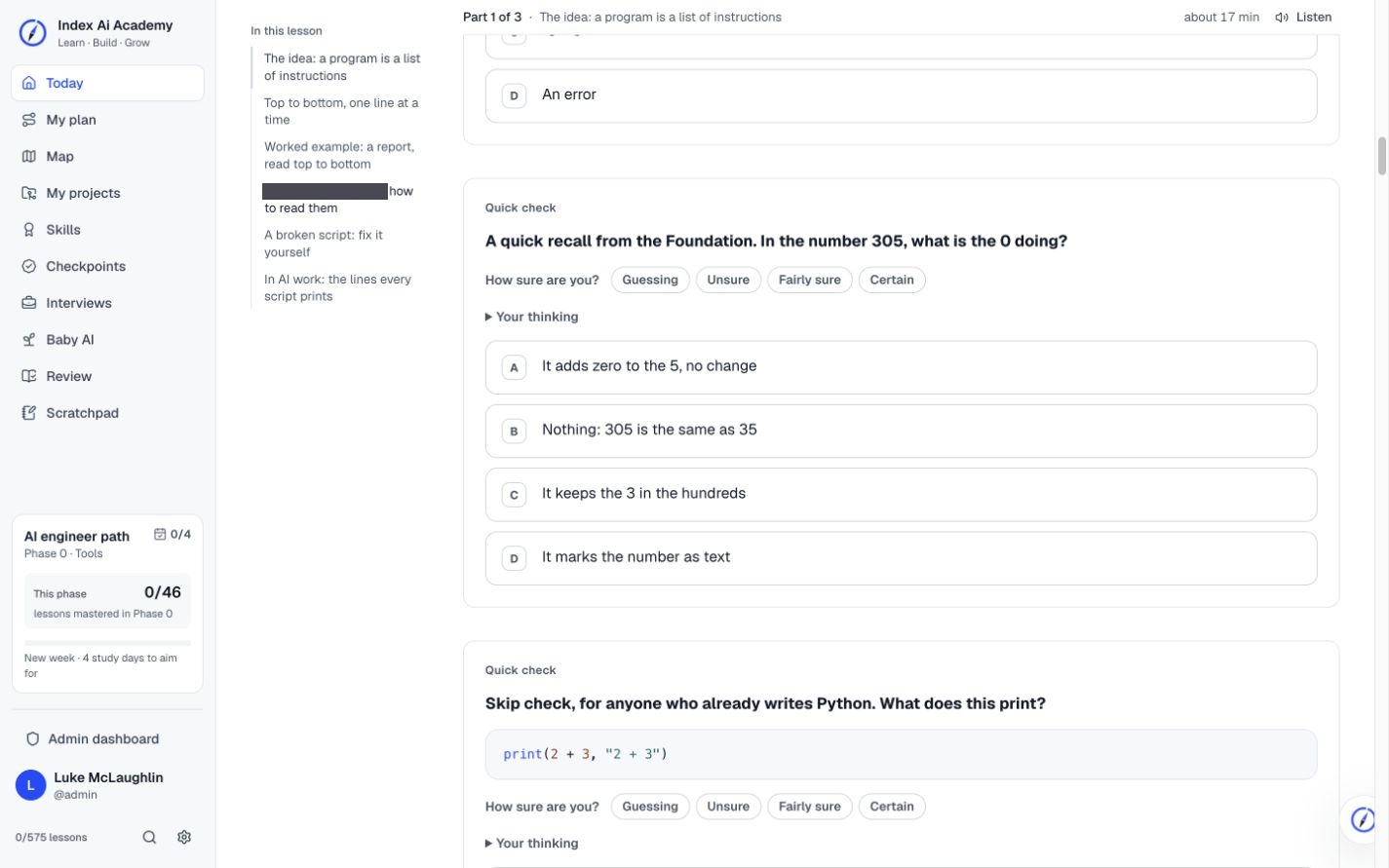
In “Your first program”, this section covers in python - errors, and how to read them. It builds the reading skills the learner will use in the runnable exercise and quiz.
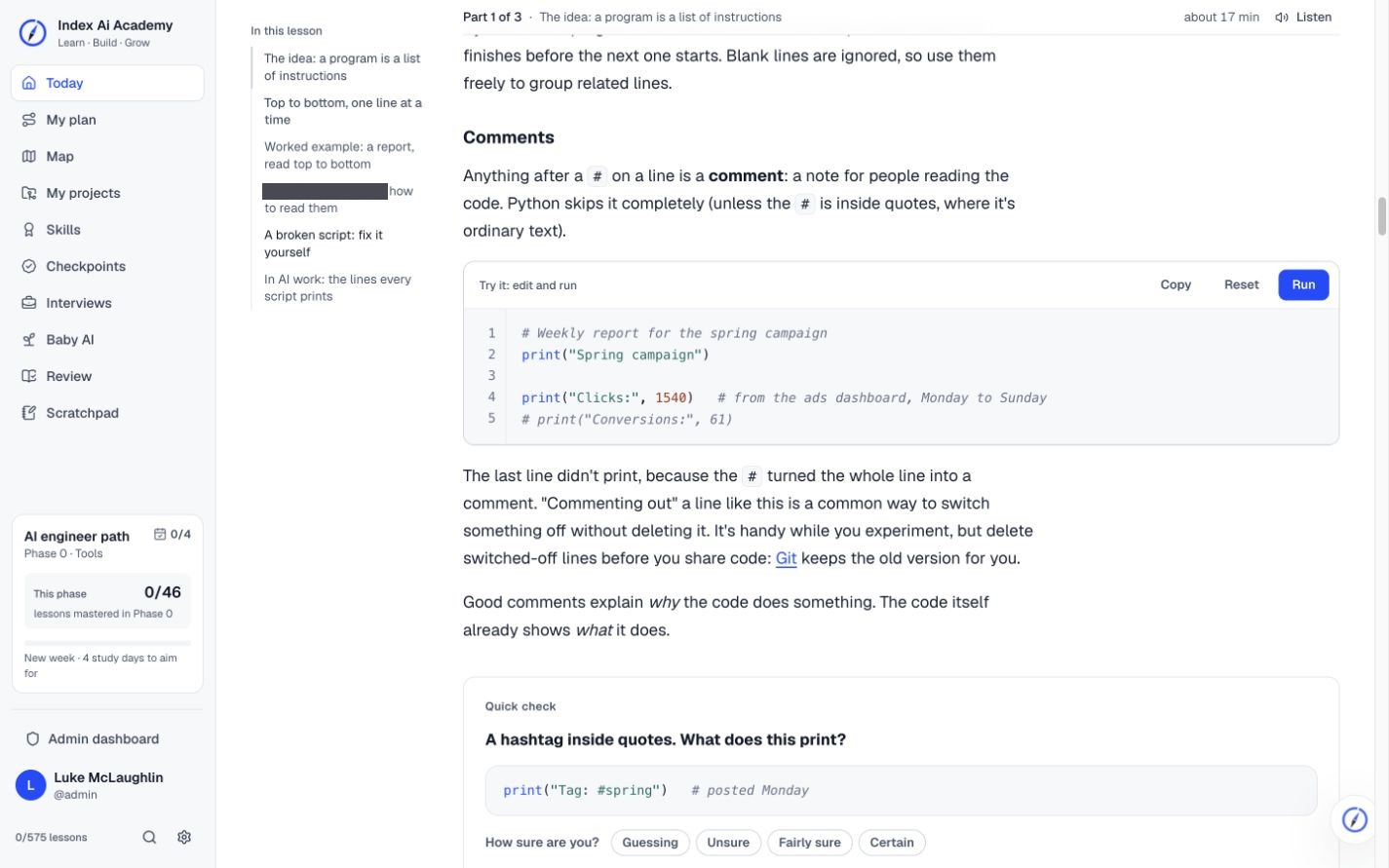
In “Your first program”, this section covers a broken script - fix it yourself. It builds the reading skills the learner will use in the runnable exercise and quiz.
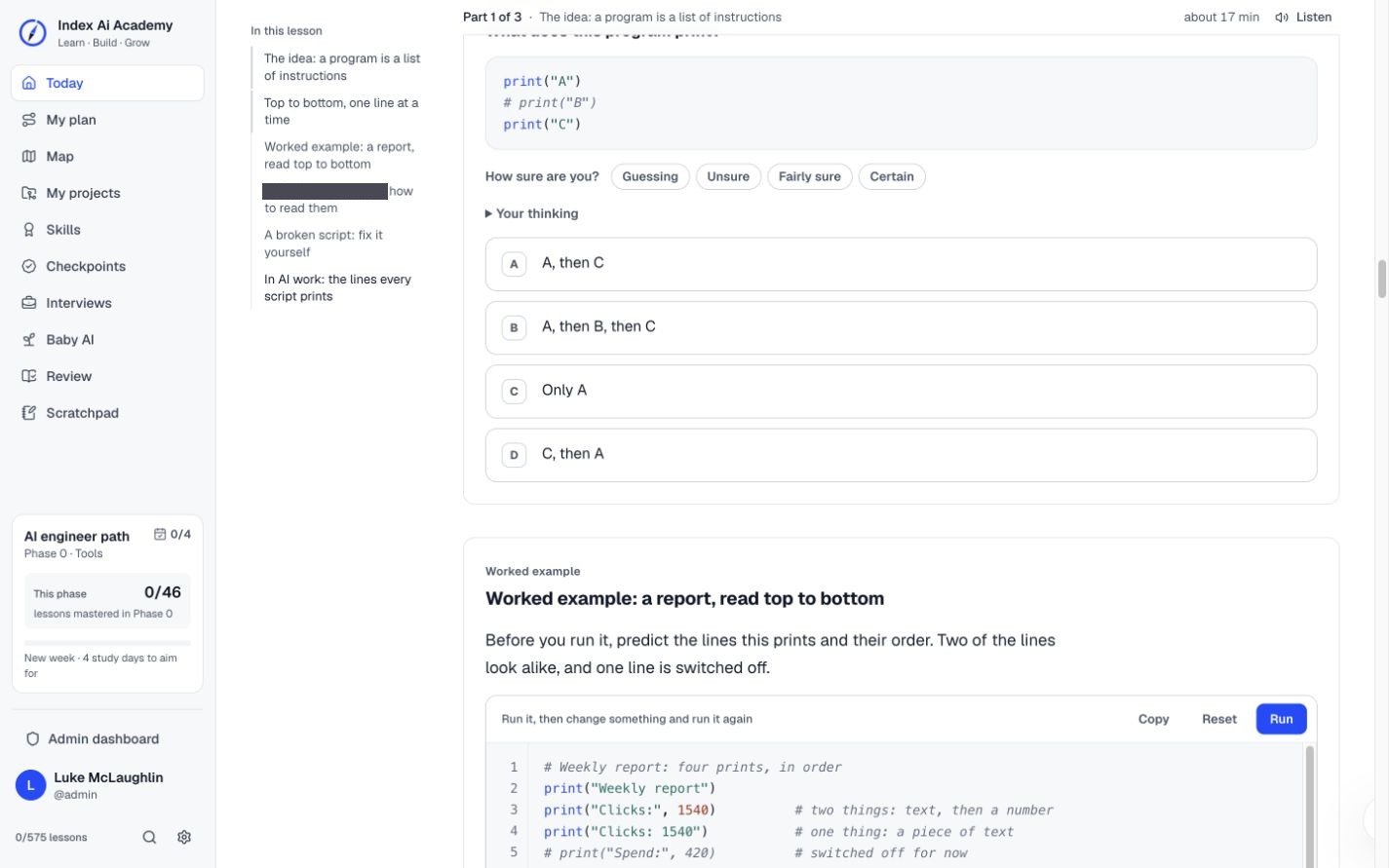
In “Your first program”, this section covers in ai work - the lines every script prints. It builds the reading skills the learner will use in the runnable exercise and quiz.
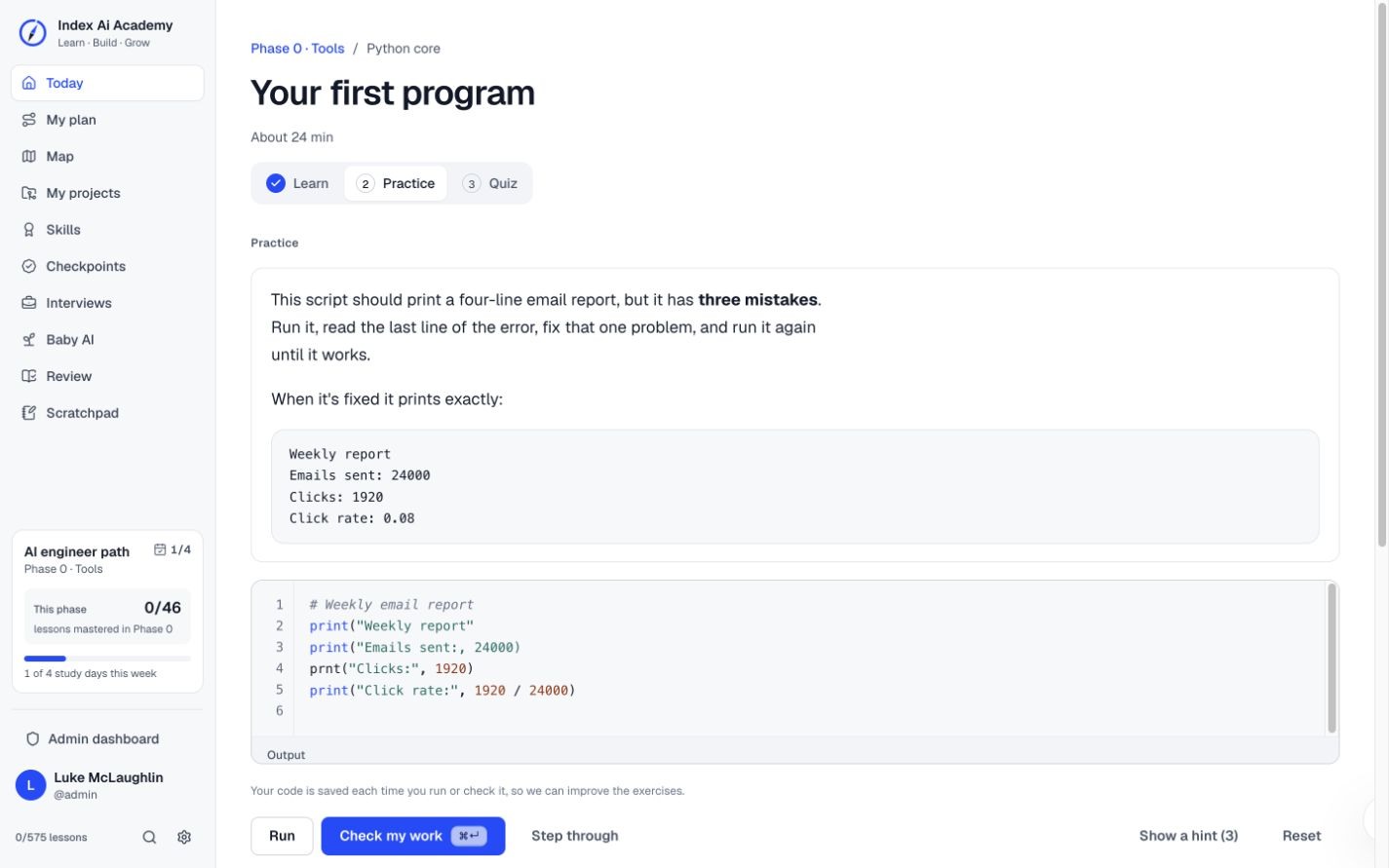
The practice editor puts the exercise beside its execution controls. A learner can try an answer, run the example and use feedback to decide what to change.
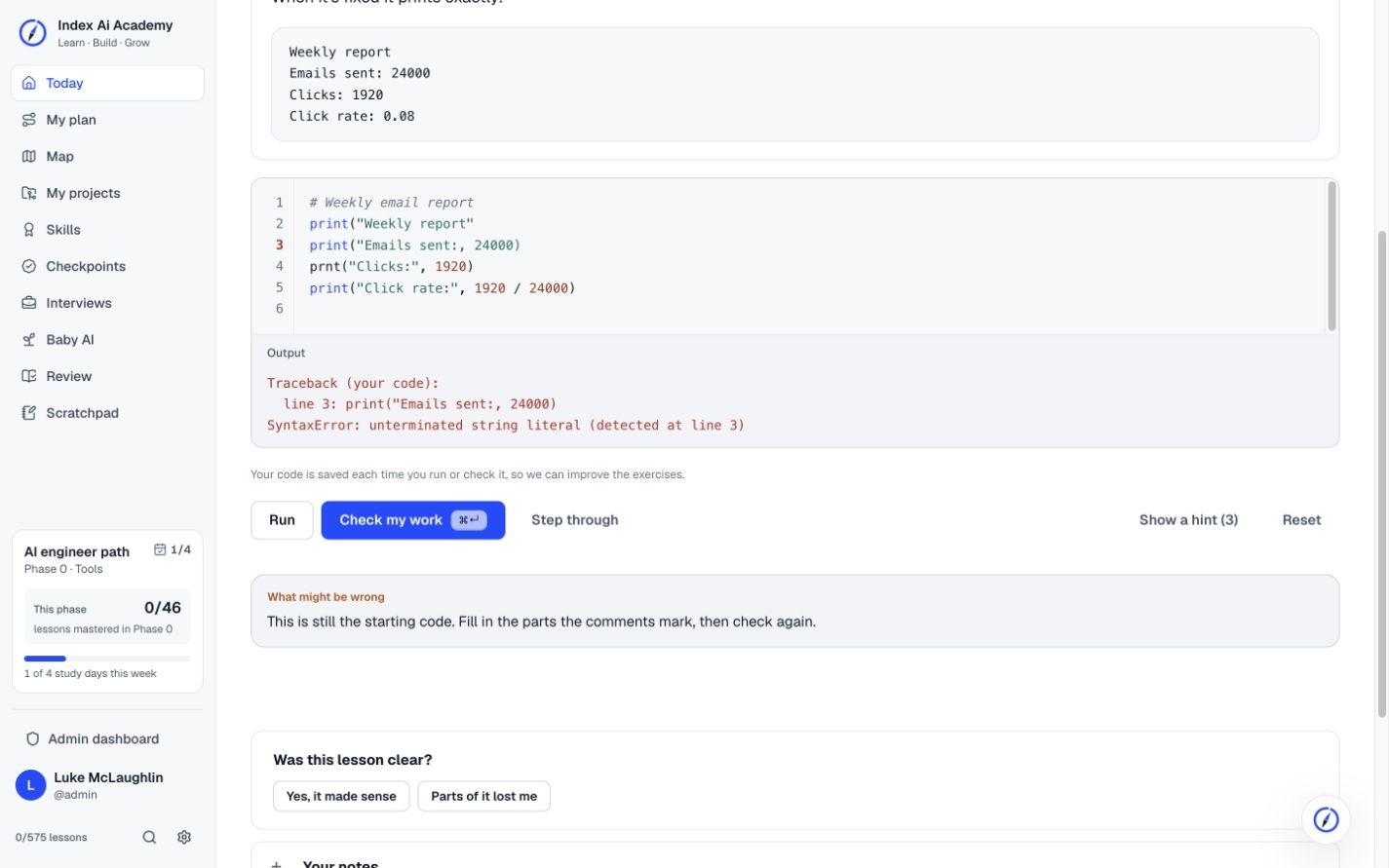
The practice editor puts the exercise beside its execution controls. A learner can try an answer, run the example and use feedback to decide what to change.
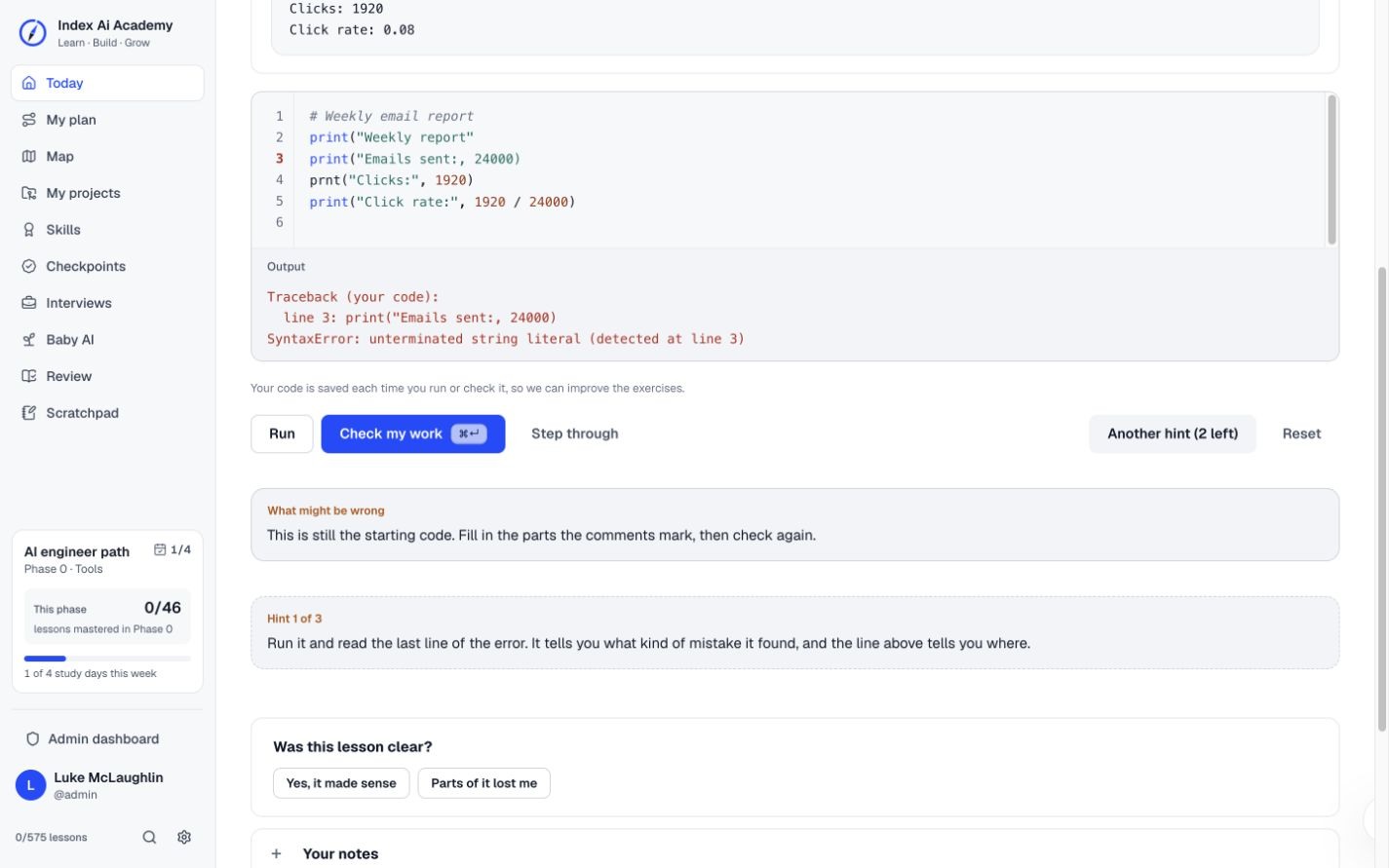
The practice editor puts the exercise beside its execution controls. A learner can try an answer, run the example and use feedback to decide what to change.
The practice view pauses Python execution so the learner can inspect the current line and variable values before advancing.
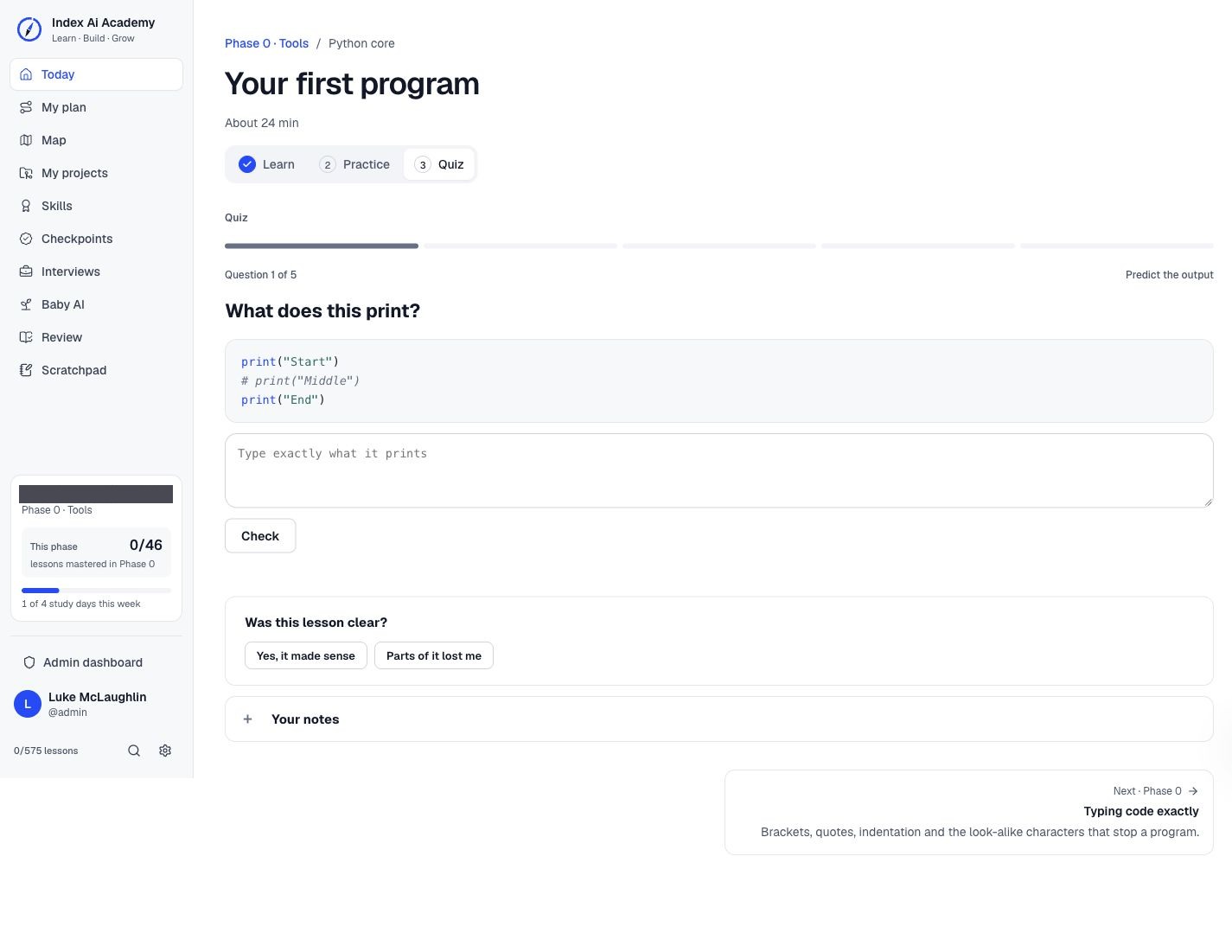
The lesson ends with a knowledge check. The learner answers questions about the material introduced in Learn and exercised in Practice. This full-page capture includes the material below the initial viewport.
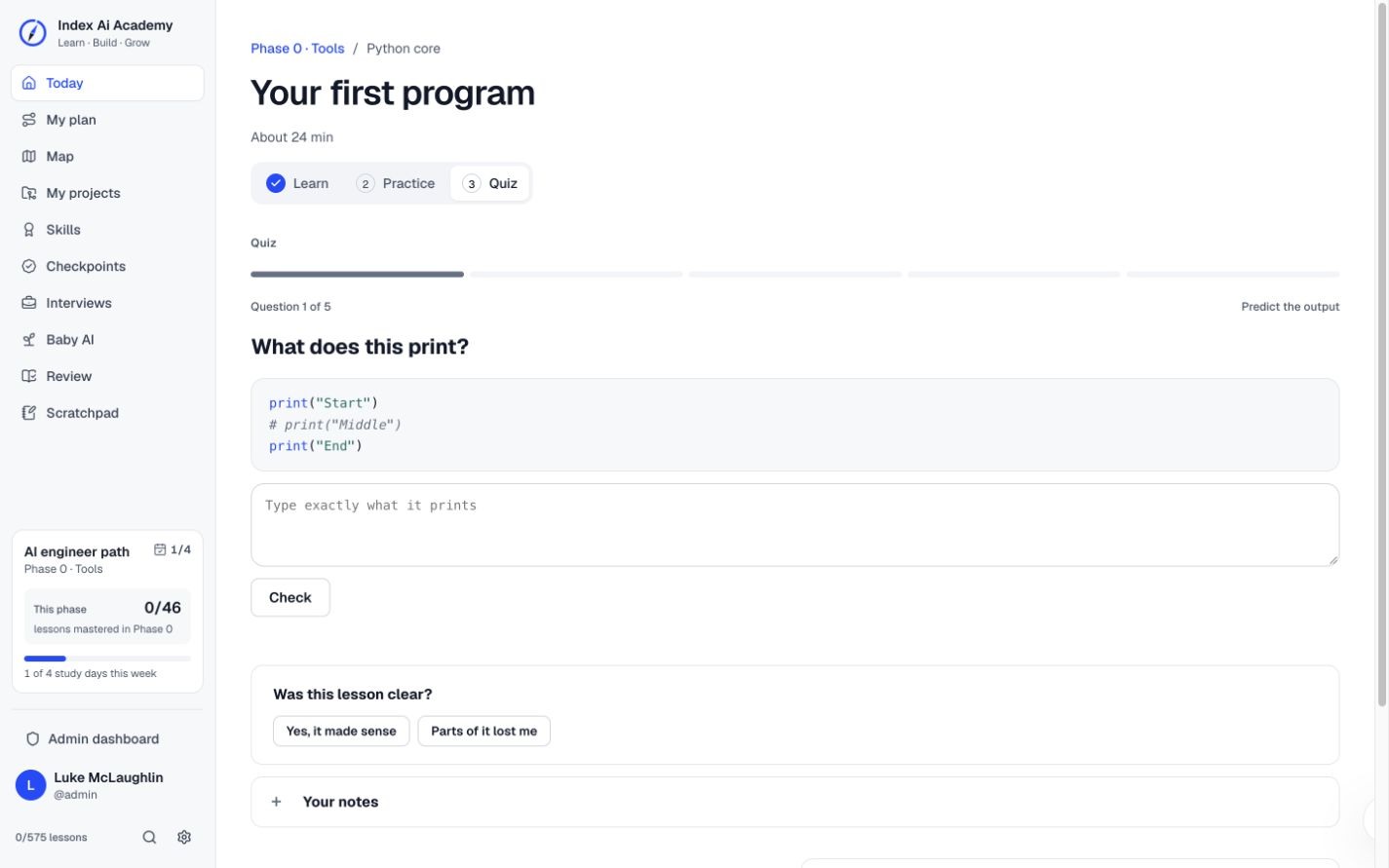
The lesson ends with a knowledge check. The learner answers questions about the material introduced in Learn and exercised in Practice.
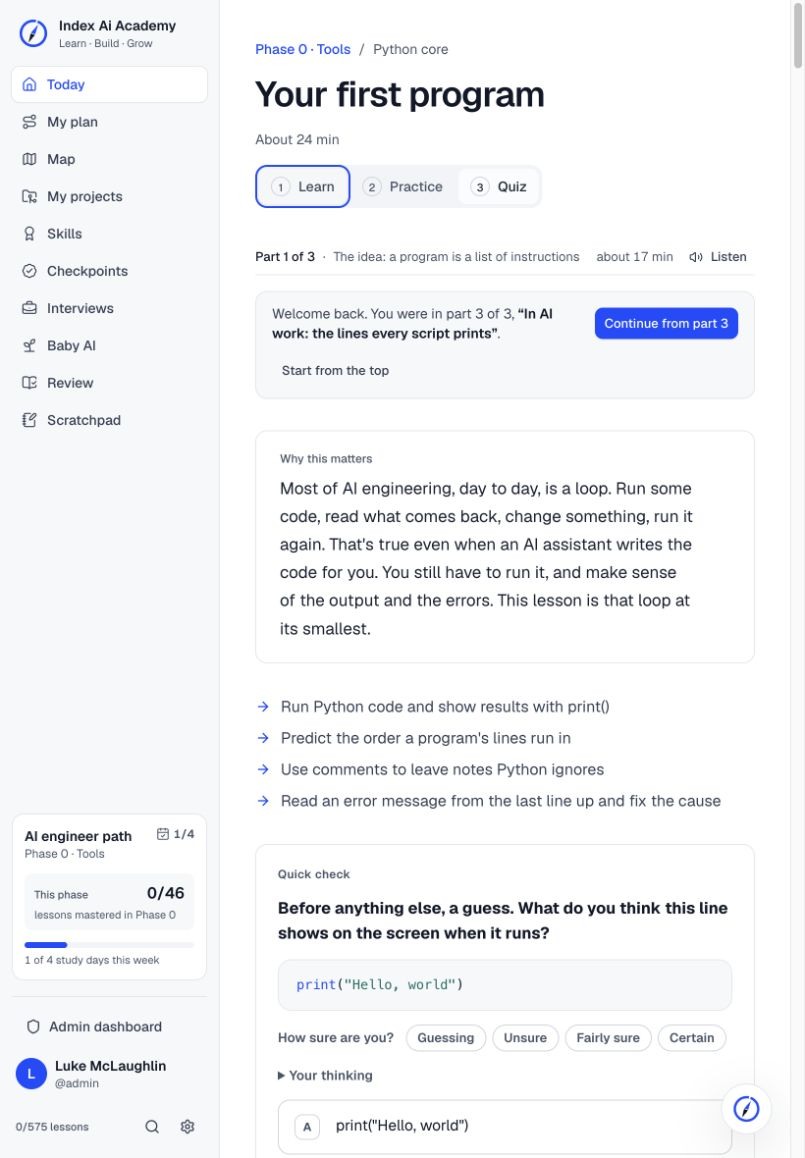
The opening Python lesson introduces a program as a list of instructions. Learn, Practice and Quiz take the learner from reading code to running it and checking their understanding.
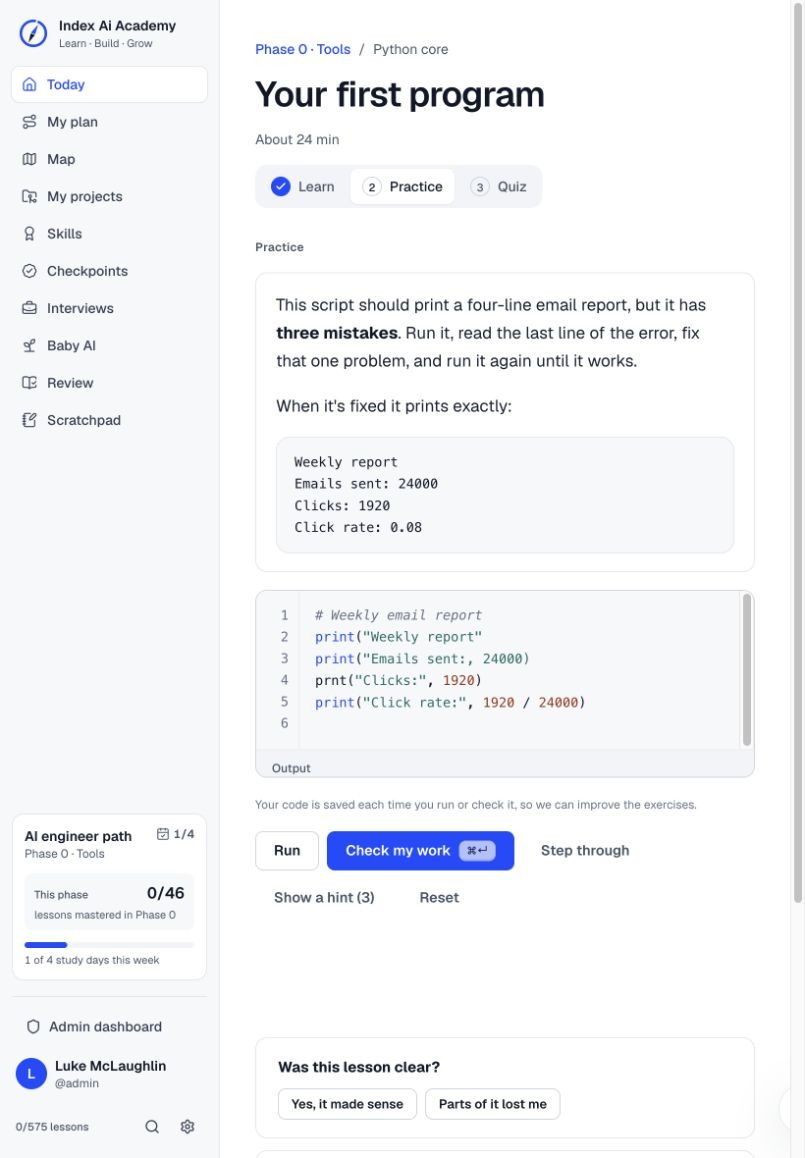
The practice editor puts the exercise beside its execution controls. A learner can try an answer, run the example and use feedback to decide what to change.
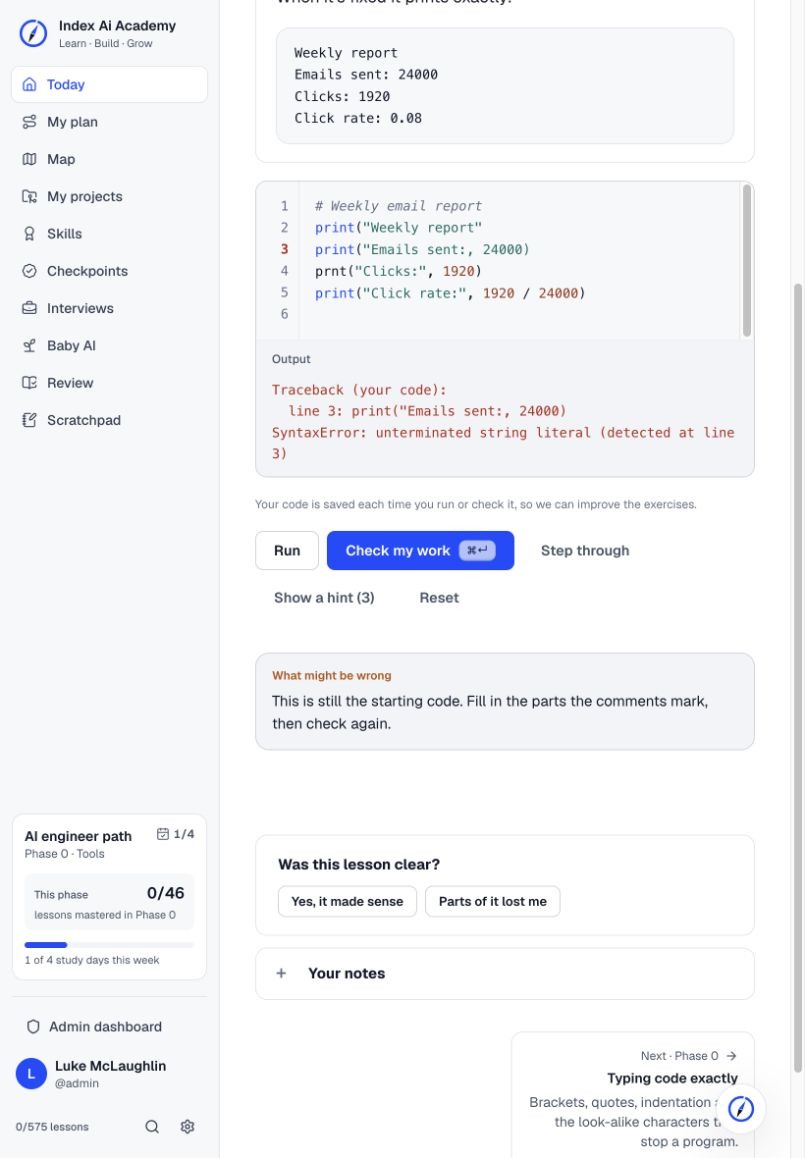
The practice editor puts the exercise beside its execution controls. A learner can try an answer, run the example and use feedback to decide what to change.
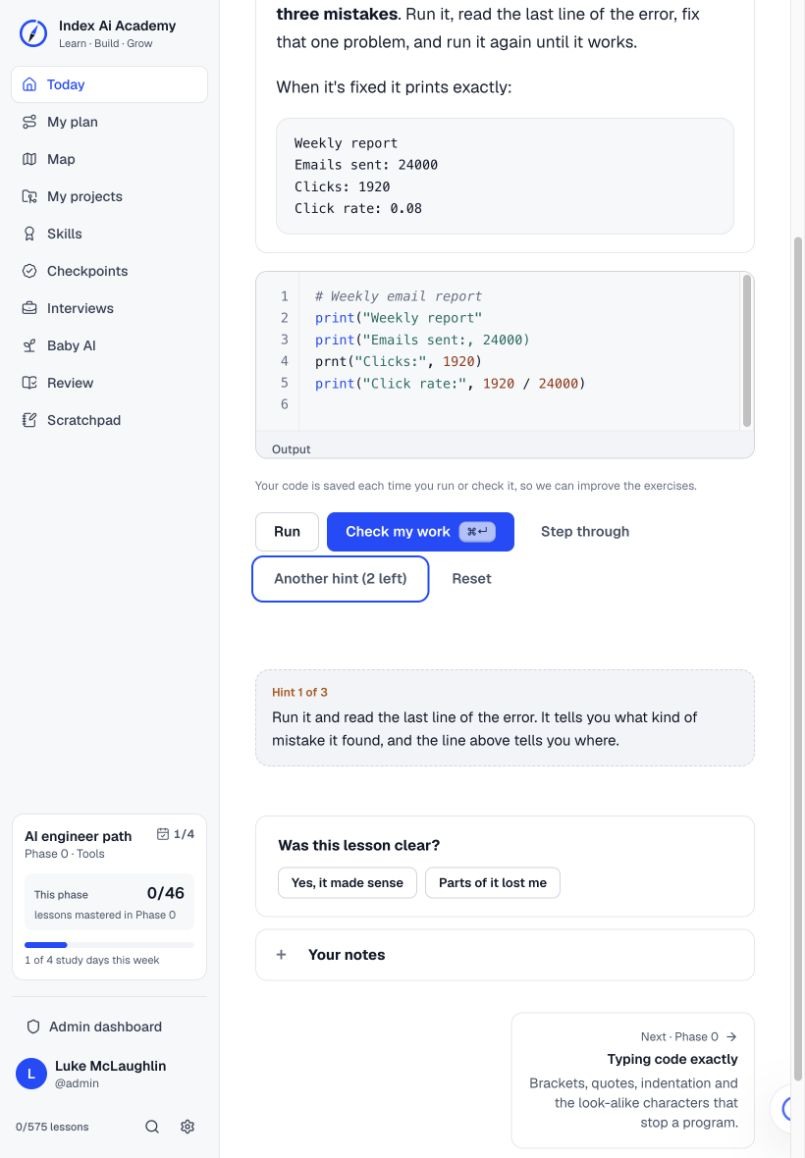
The practice editor puts the exercise beside its execution controls. A learner can try an answer, run the example and use feedback to decide what to change.
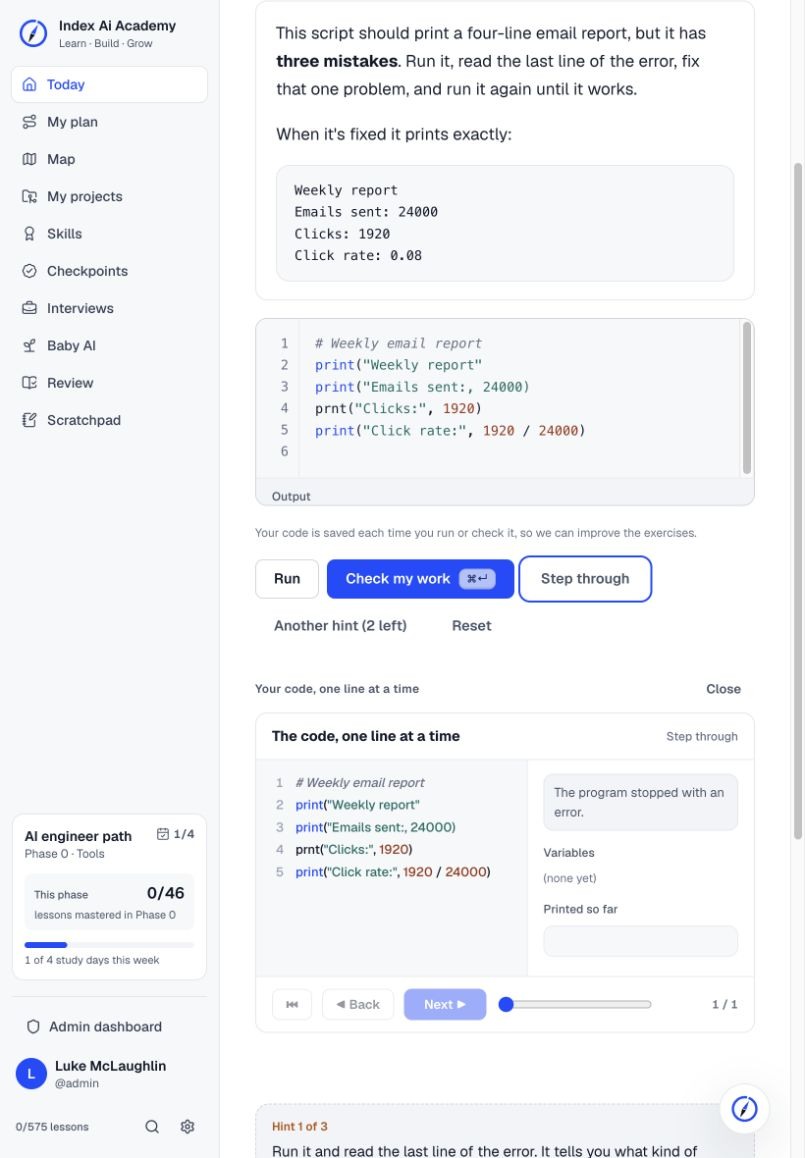
The practice view pauses Python execution so the learner can inspect the current line and variable values before advancing.
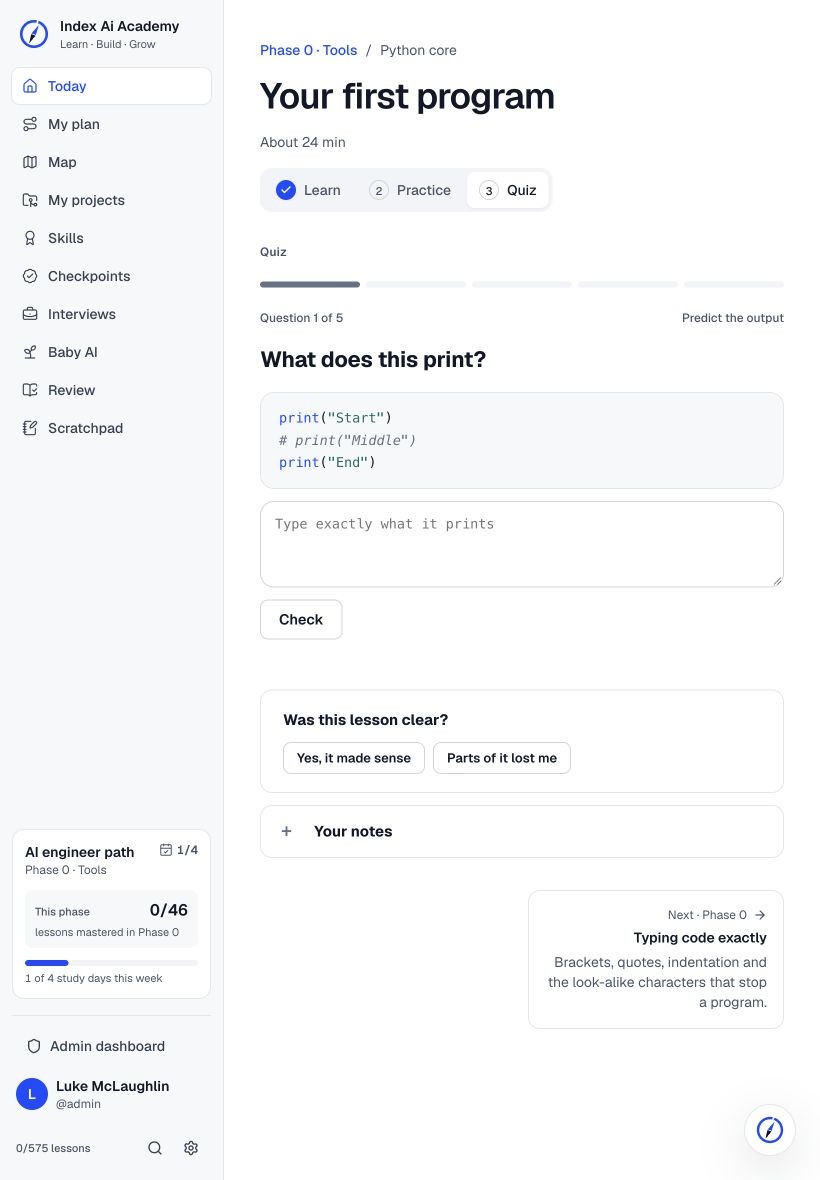
The lesson ends with a knowledge check. The learner answers questions about the material introduced in Learn and exercised in Practice.
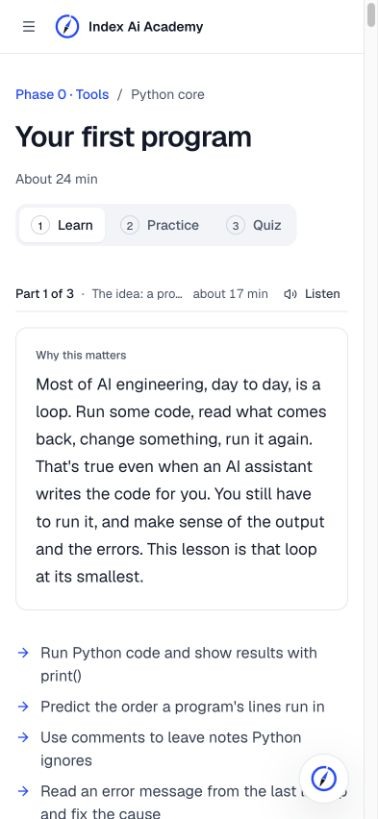
The opening Python lesson introduces a program as a list of instructions. Learn, Practice and Quiz take the learner from reading code to running it and checking their understanding.
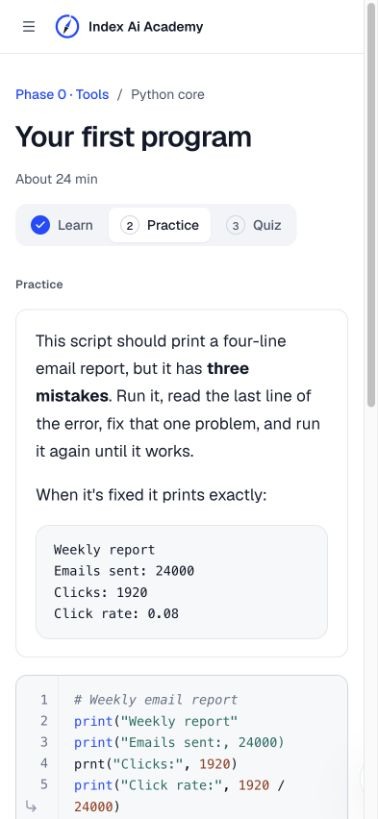
The practice editor puts the exercise beside its execution controls. A learner can try an answer, run the example and use feedback to decide what to change.
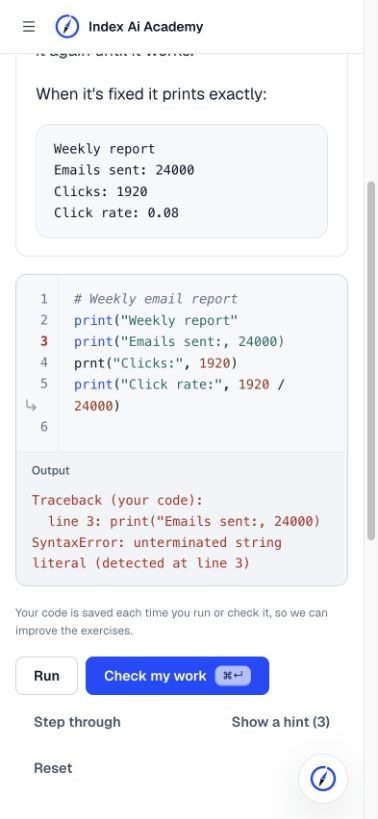
The practice editor puts the exercise beside its execution controls. A learner can try an answer, run the example and use feedback to decide what to change.
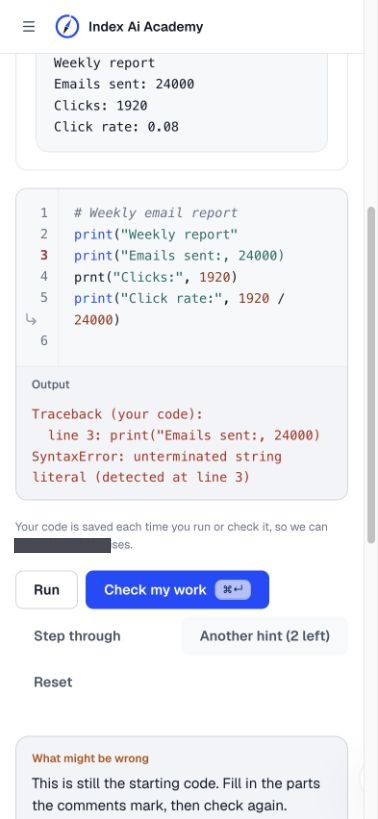
The practice editor puts the exercise beside its execution controls. A learner can try an answer, run the example and use feedback to decide what to change.
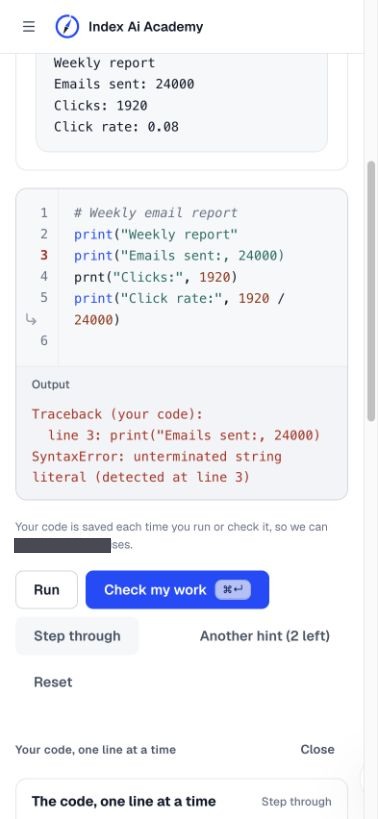
The practice view pauses Python execution so the learner can inspect the current line and variable values before advancing.
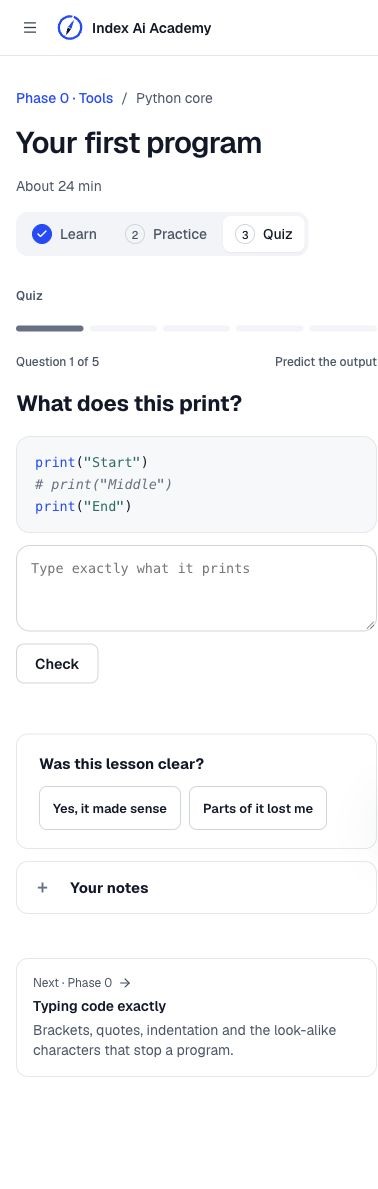
The lesson ends with a knowledge check. The learner answers questions about the material introduced in Learn and exercised in Practice. This full-page capture includes the material below the initial viewport.
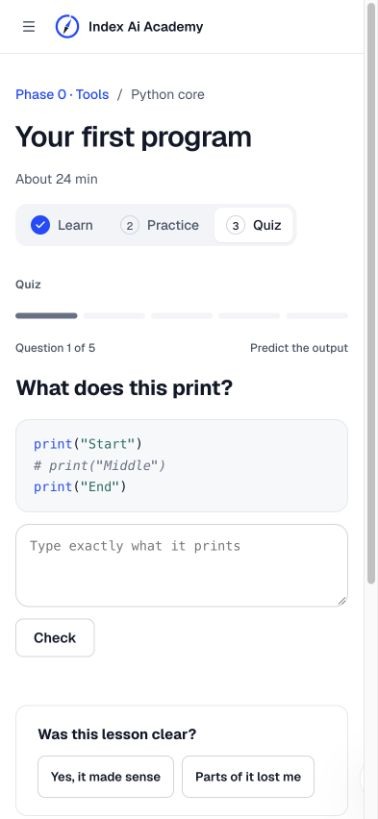
The lesson ends with a knowledge check. The learner answers questions about the material introduced in Learn and exercised in Practice.
Map 48
Trace prerequisites and select a concept to see where it sits in the curriculum.
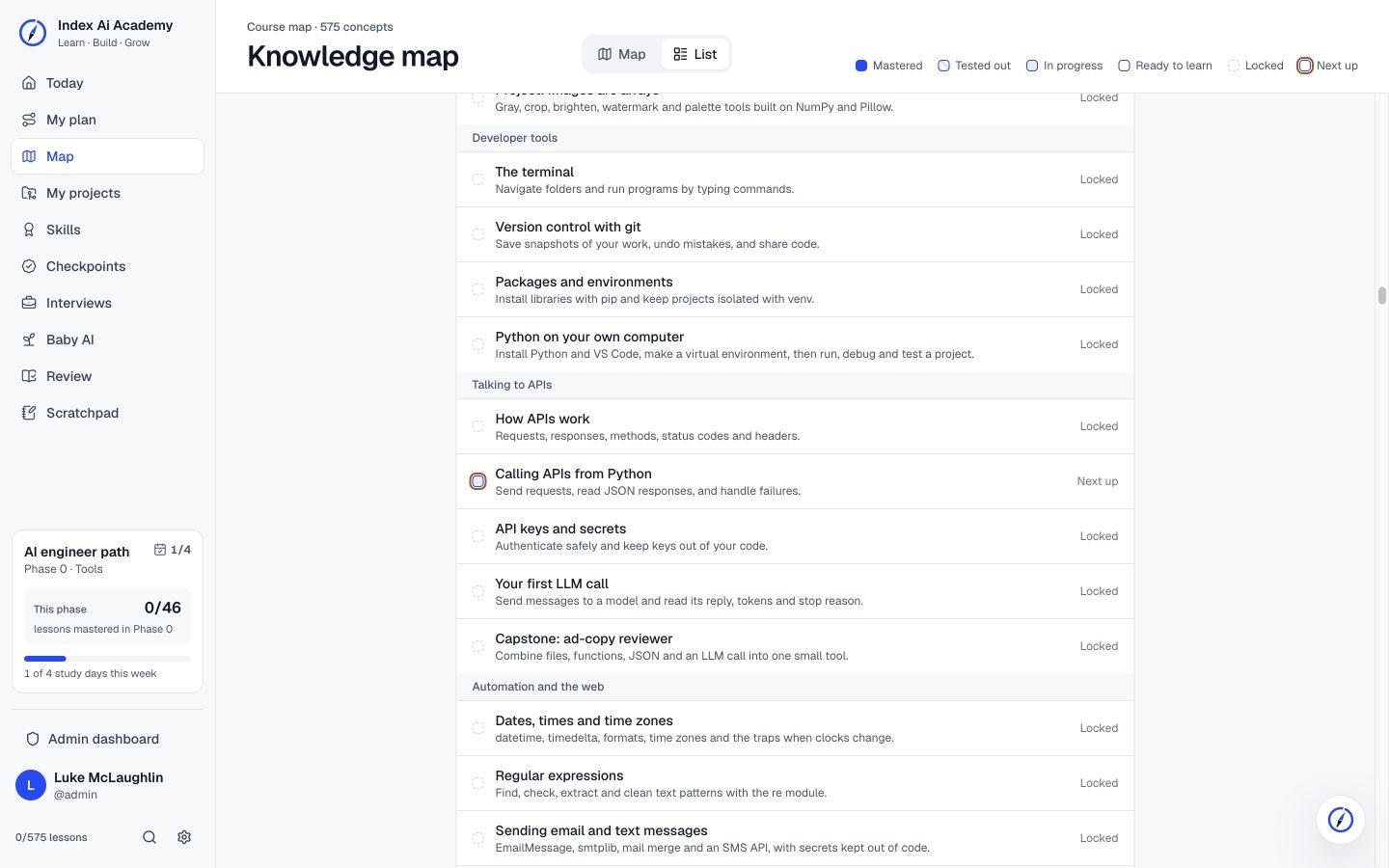
Trace prerequisites and select a concept to see where it sits in the curriculum.
The learner can locate a concept and inspect its place in the curriculum before opening a lesson. This is useful when returning to a prerequisite during a project.
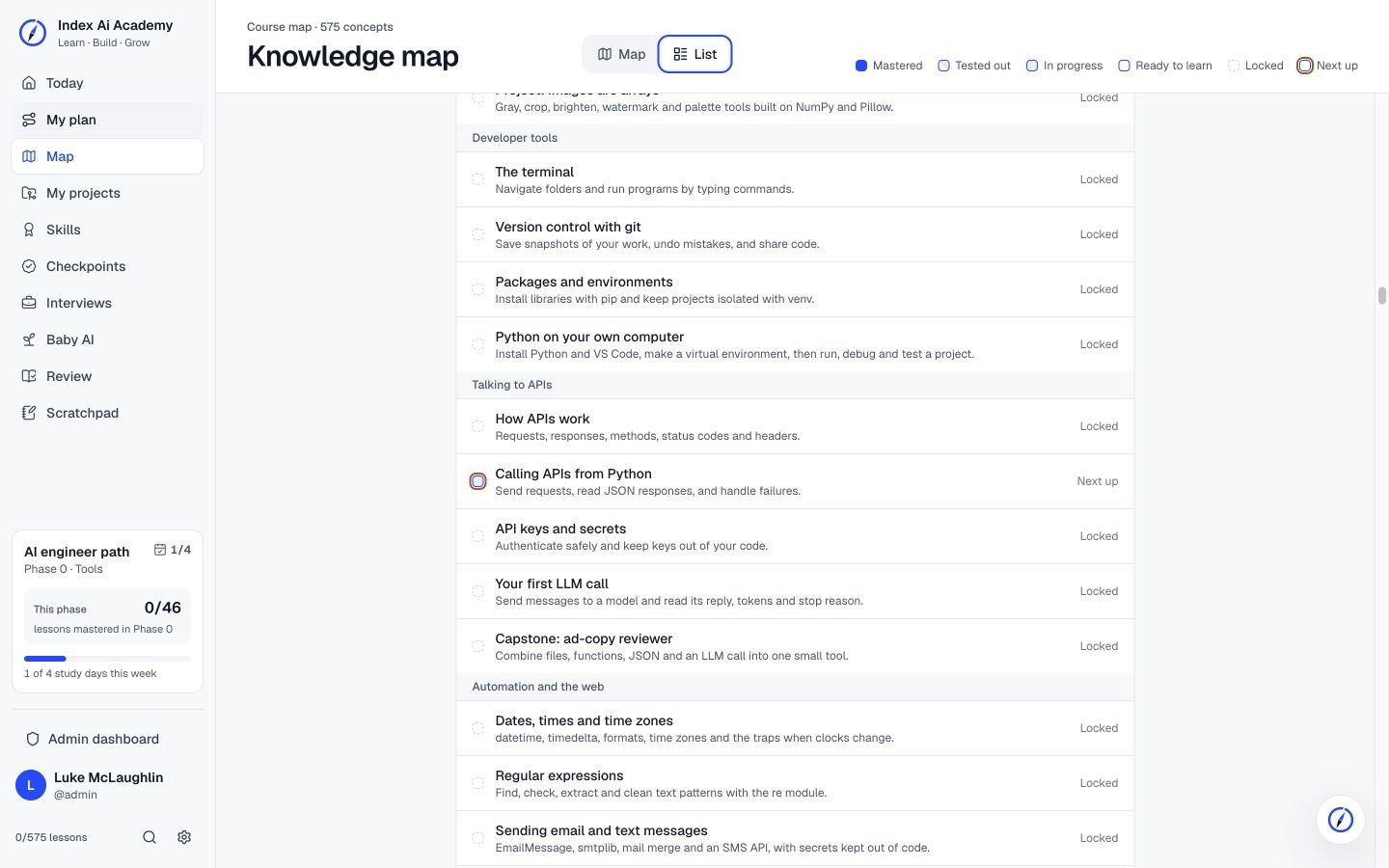
The learner can locate a concept and inspect its place in the curriculum before opening a lesson. This is useful when returning to a prerequisite during a project.
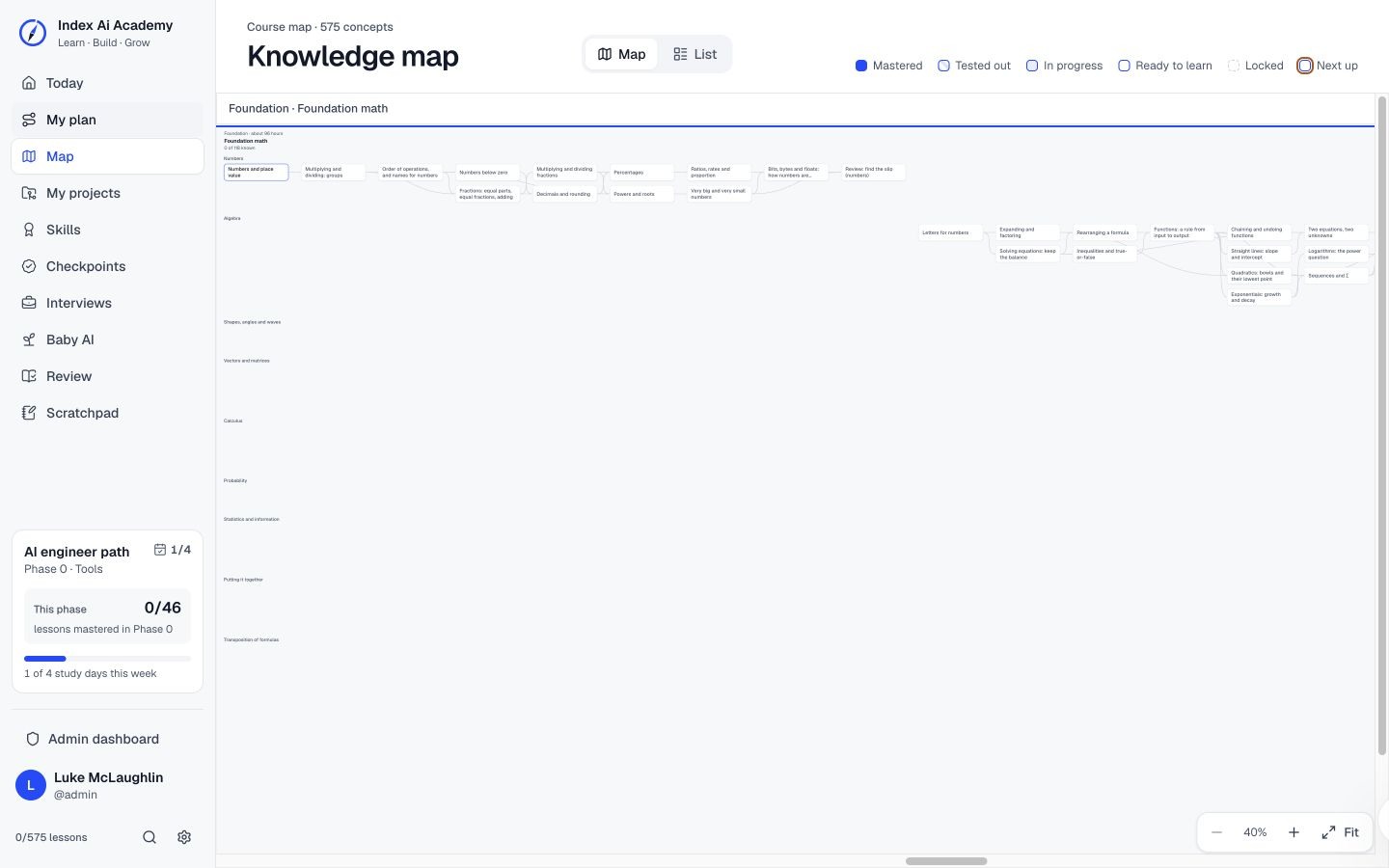
The map focuses on Foundation math. A learner can inspect its concepts and prerequisites to see how this part of the course fits into their study route.
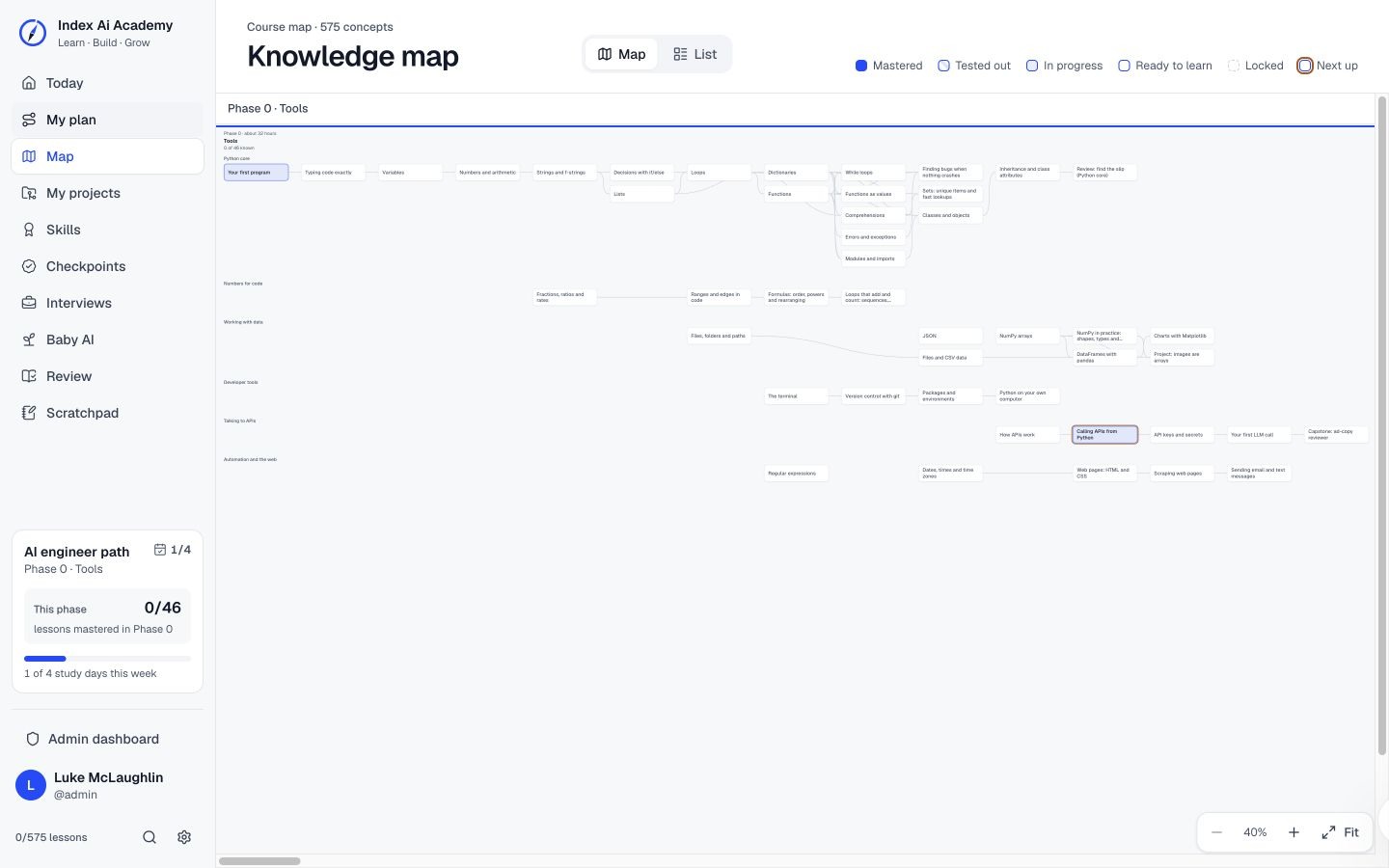
The map focuses on Tools. A learner can inspect its concepts and prerequisites to see how this part of the course fits into their study route.
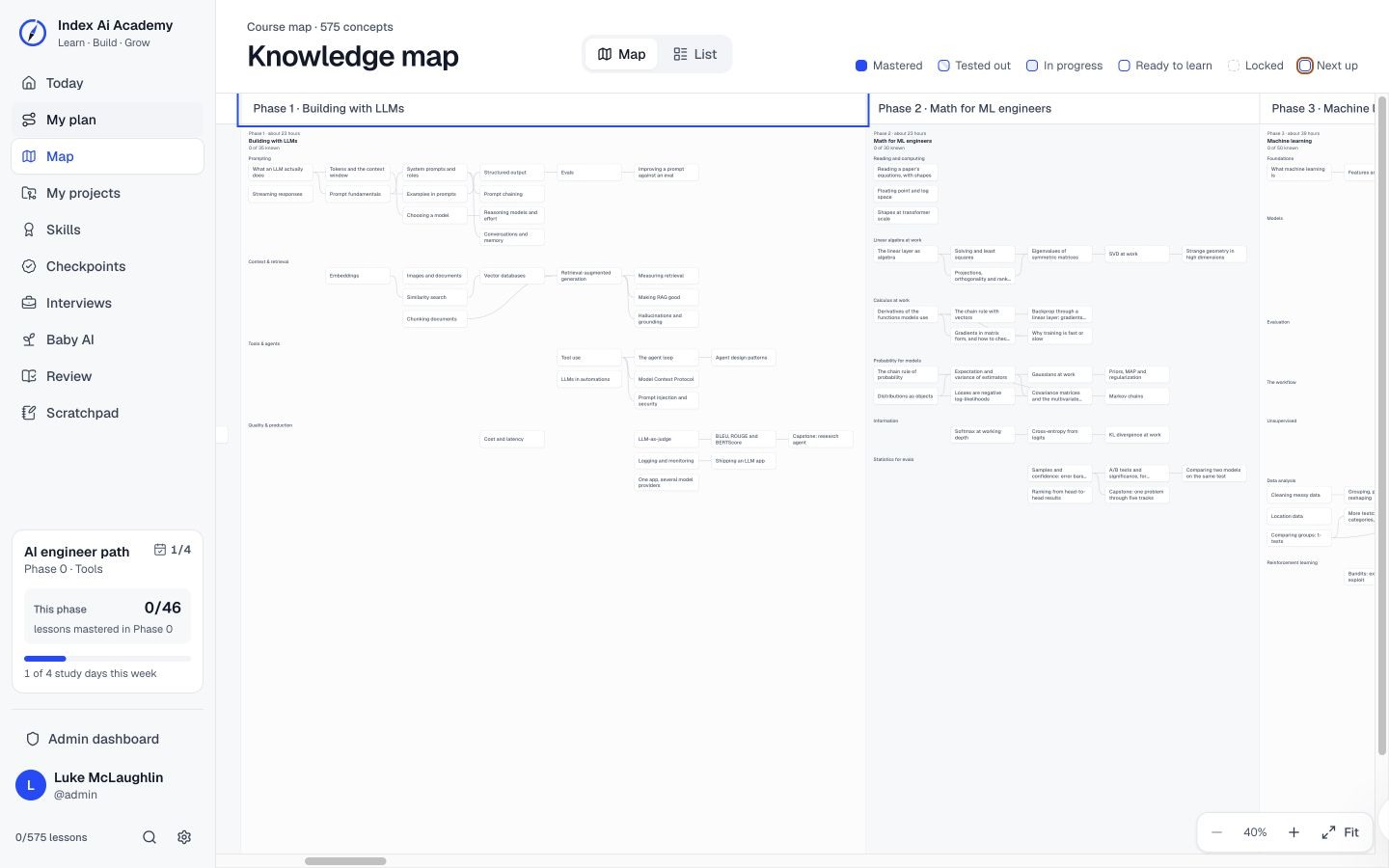
The map focuses on Building with LLMs. A learner can inspect its concepts and prerequisites to see how this part of the course fits into their study route.
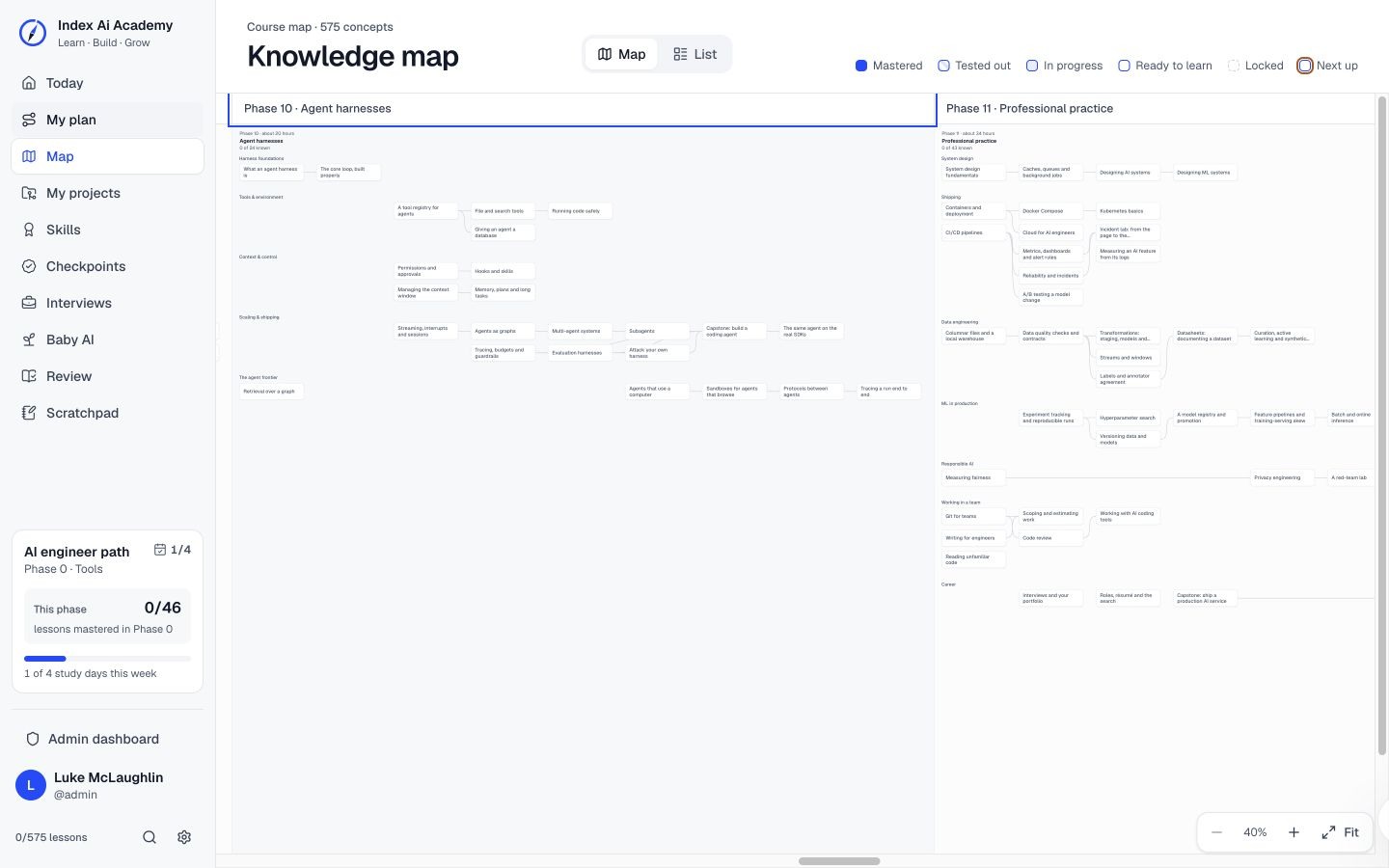
The map focuses on Agent harnesses. A learner can inspect its concepts and prerequisites to see how this part of the course fits into their study route.
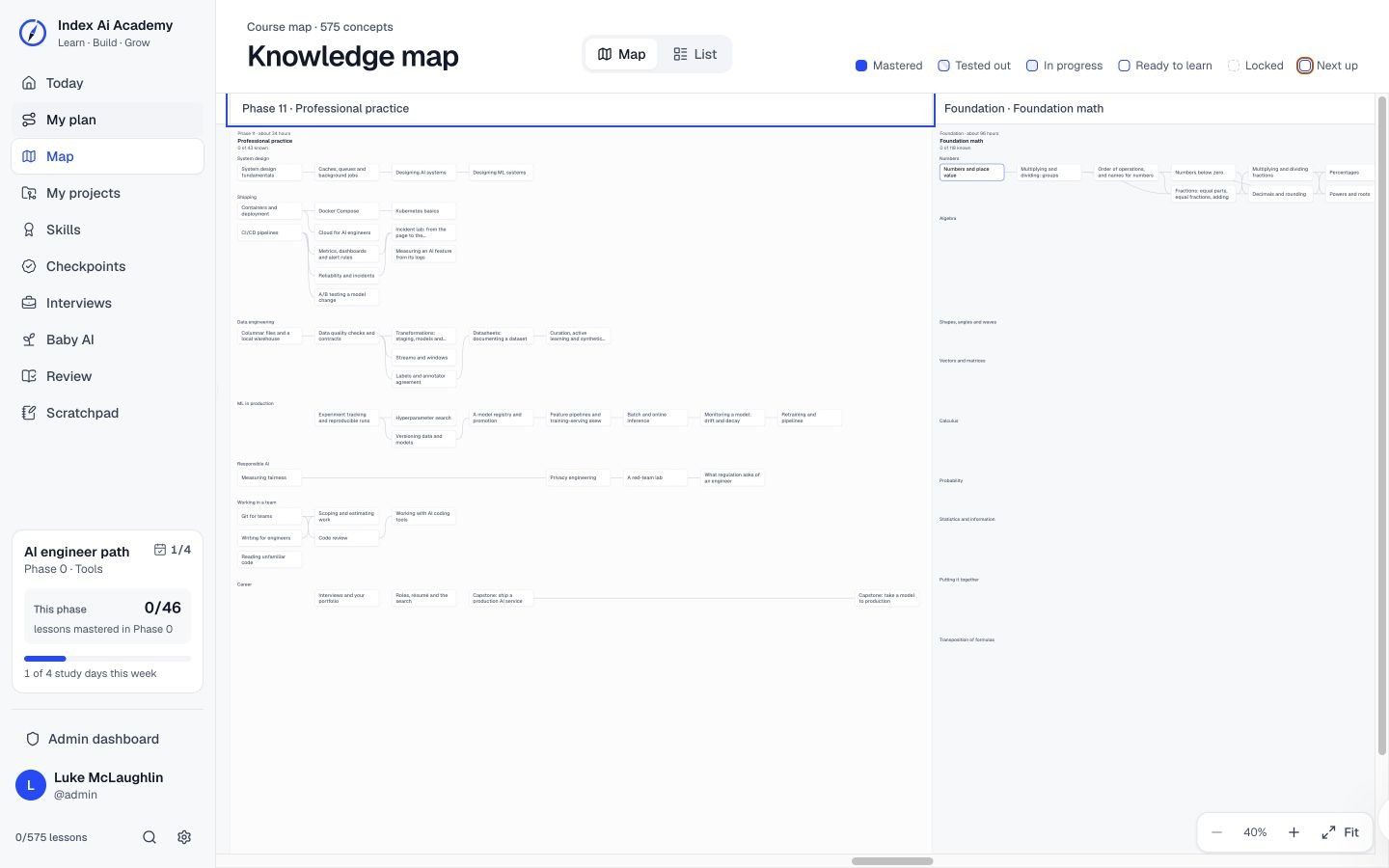
The map focuses on Professional practice. A learner can inspect its concepts and prerequisites to see how this part of the course fits into their study route.
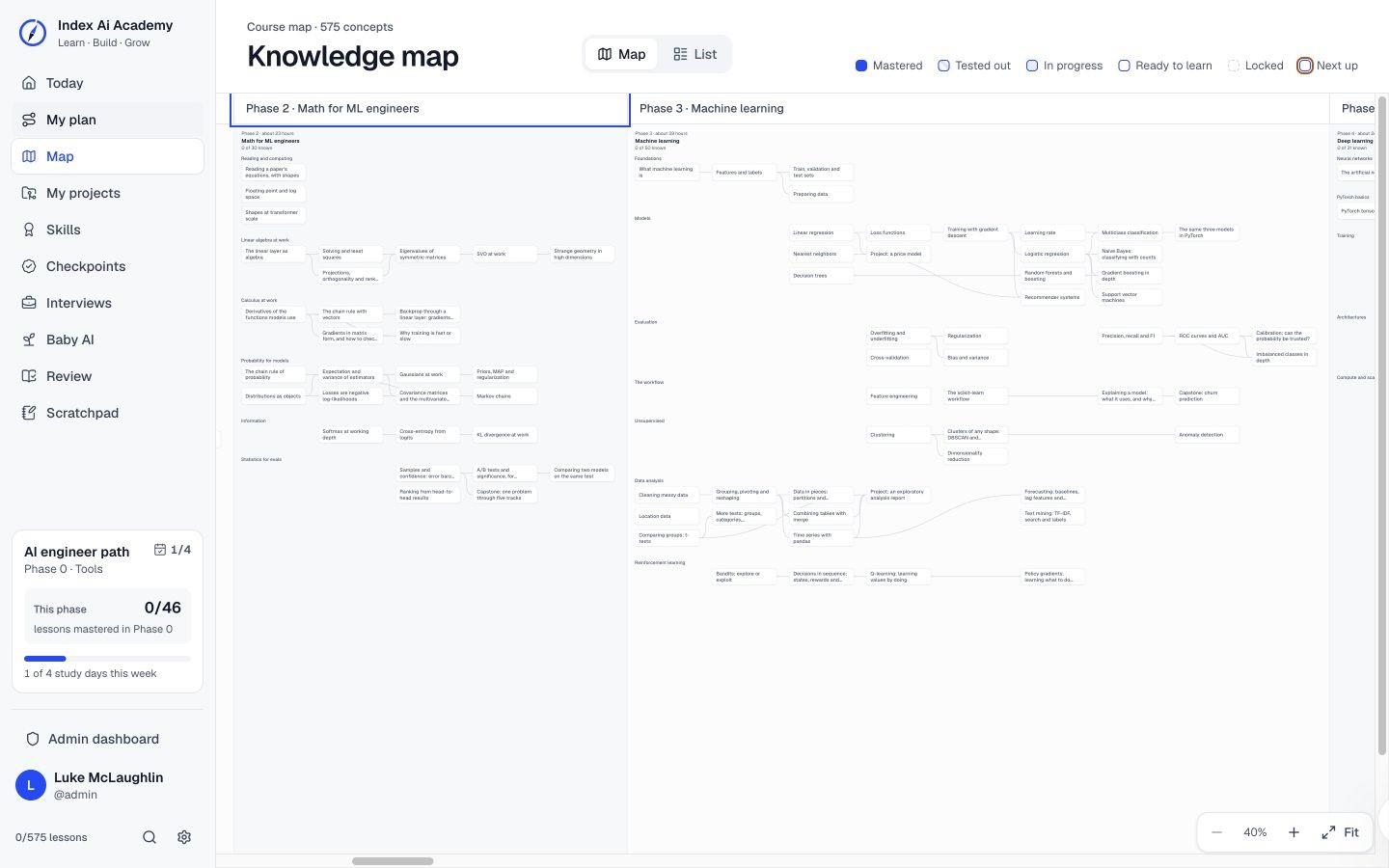
The map focuses on Math for ML engineers. A learner can inspect its concepts and prerequisites to see how this part of the course fits into their study route.
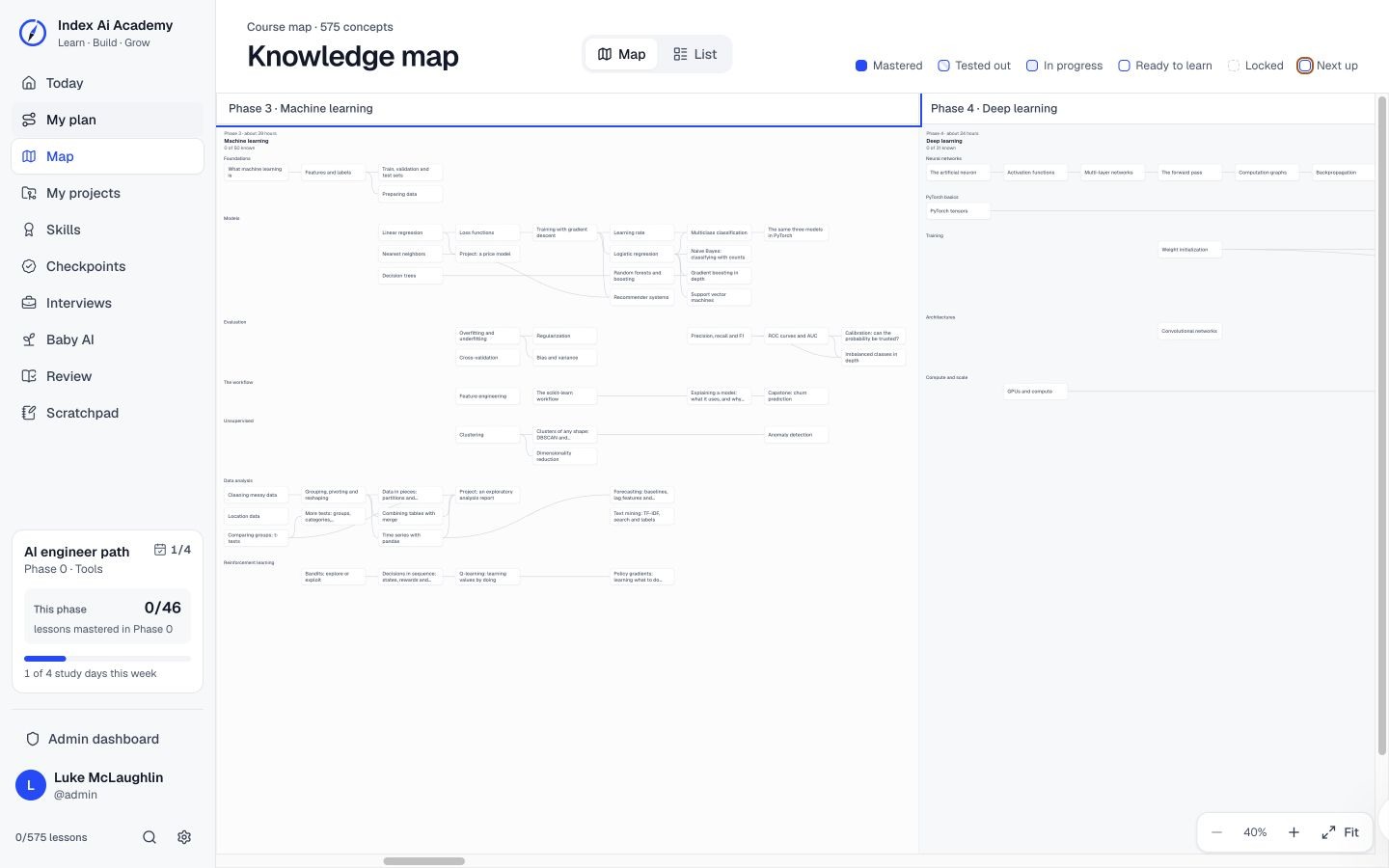
The map focuses on Machine learning. A learner can inspect its concepts and prerequisites to see how this part of the course fits into their study route.
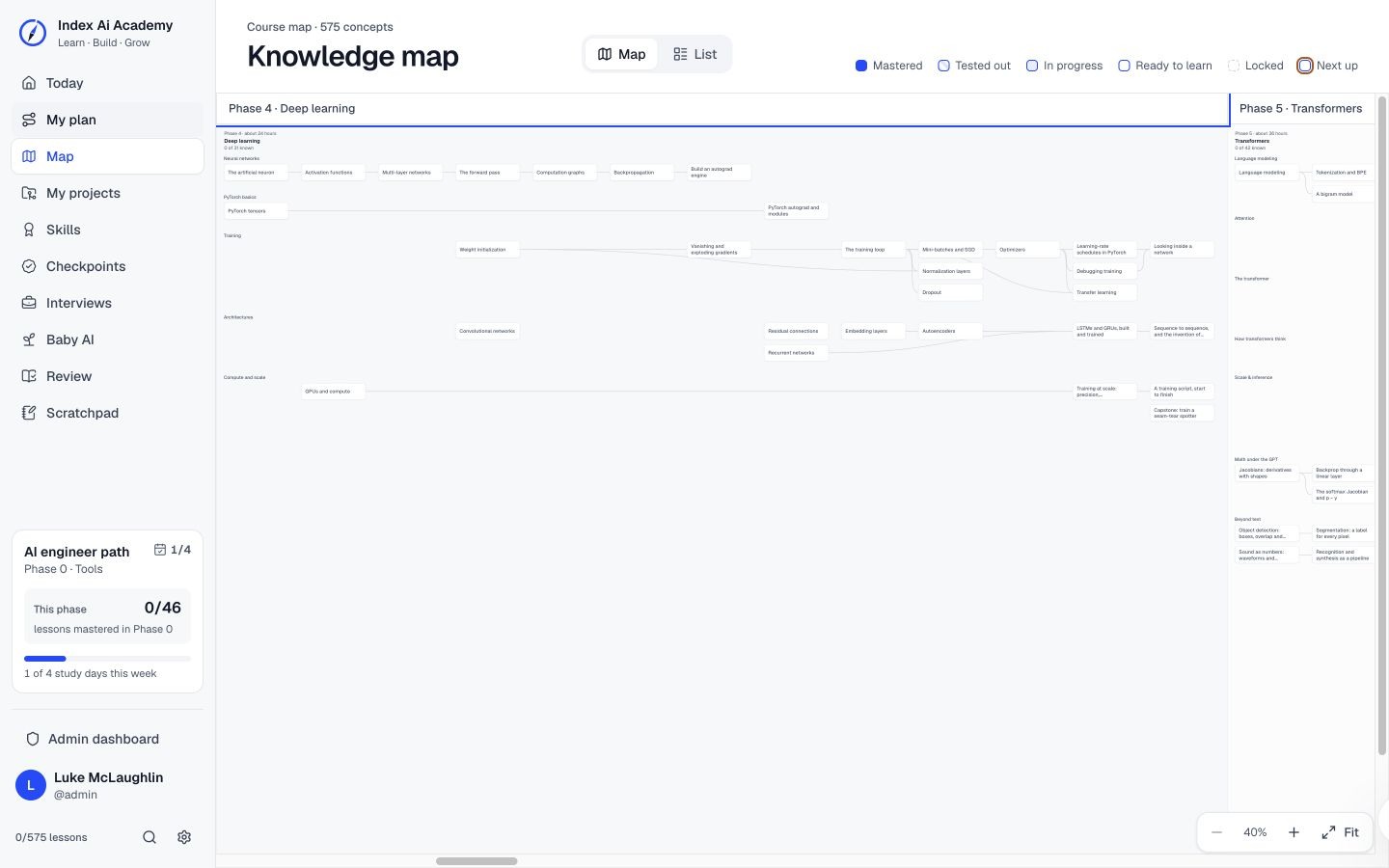
The map focuses on Deep learning. A learner can inspect its concepts and prerequisites to see how this part of the course fits into their study route.
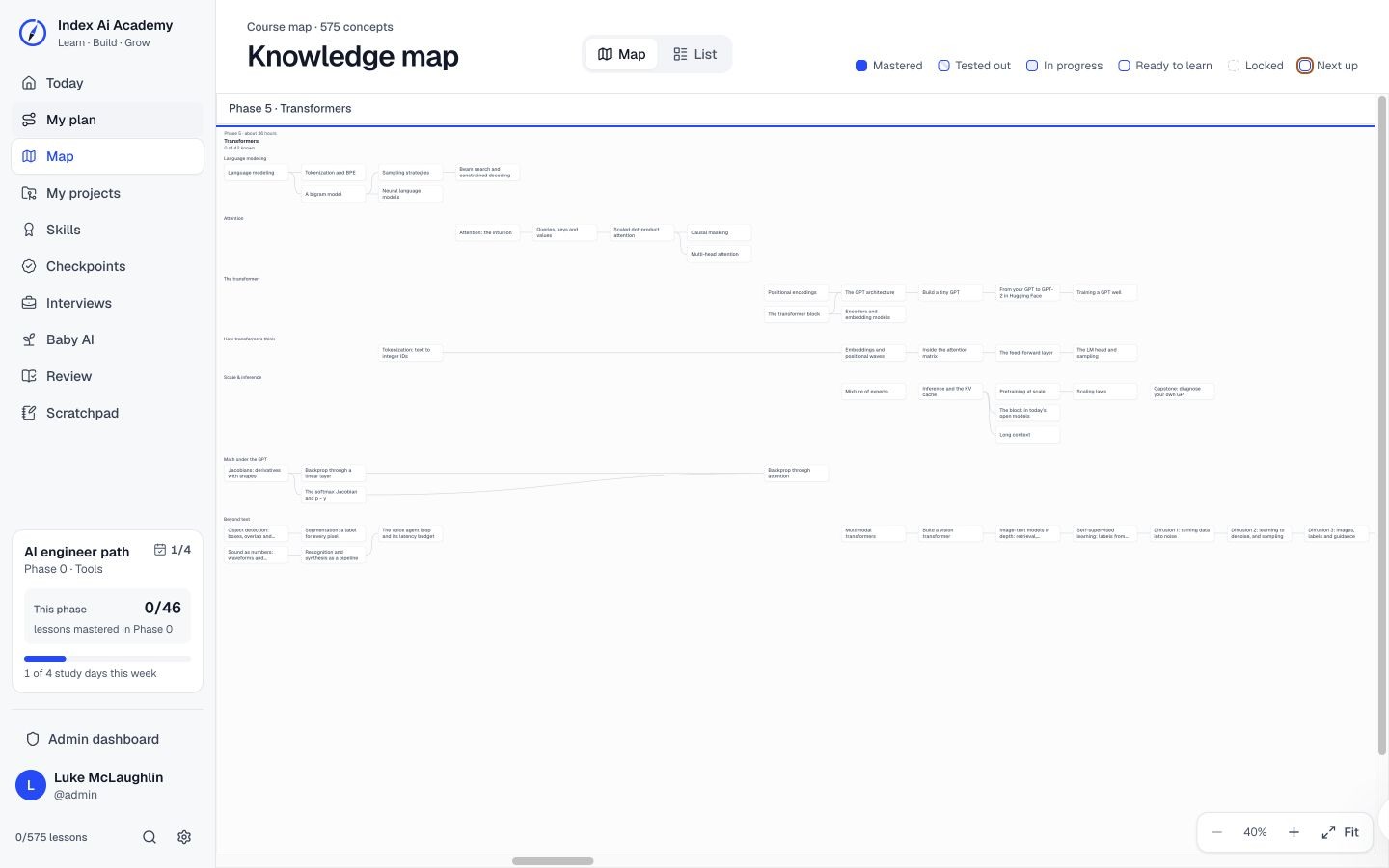
The map focuses on Transformers. A learner can inspect its concepts and prerequisites to see how this part of the course fits into their study route.
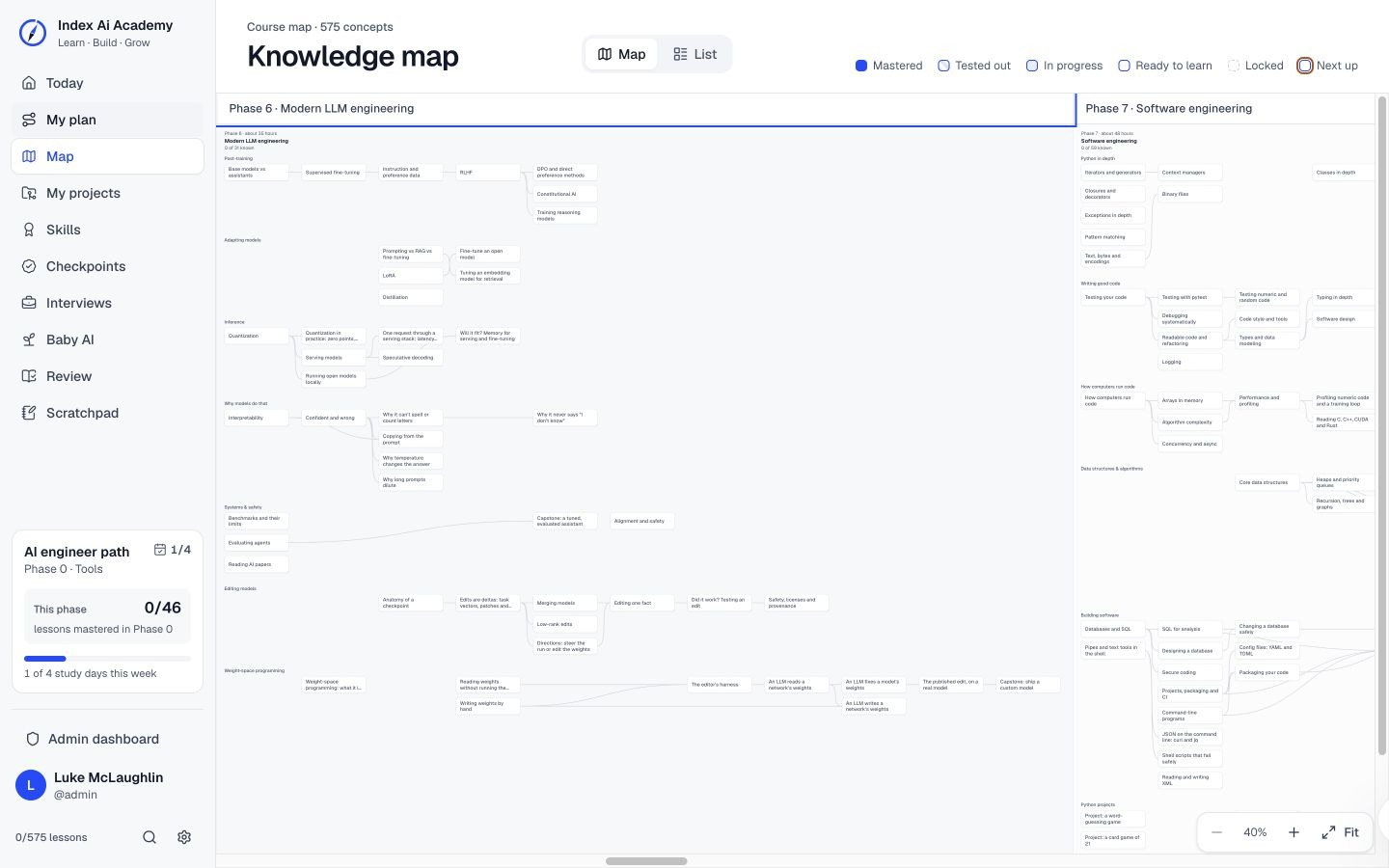
The map focuses on Modern LLM engineering. A learner can inspect its concepts and prerequisites to see how this part of the course fits into their study route.
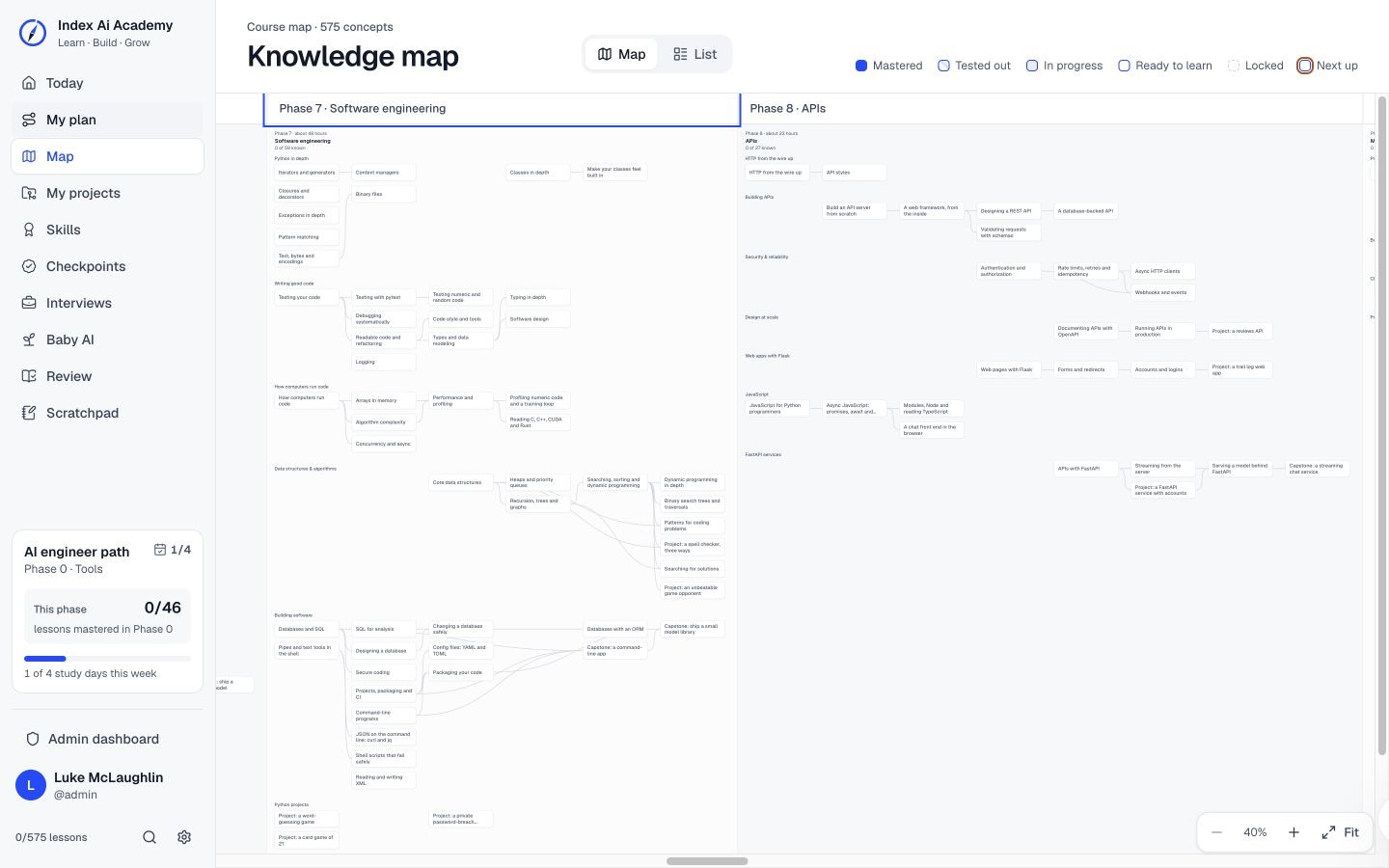
The map focuses on Software engineering. A learner can inspect its concepts and prerequisites to see how this part of the course fits into their study route.
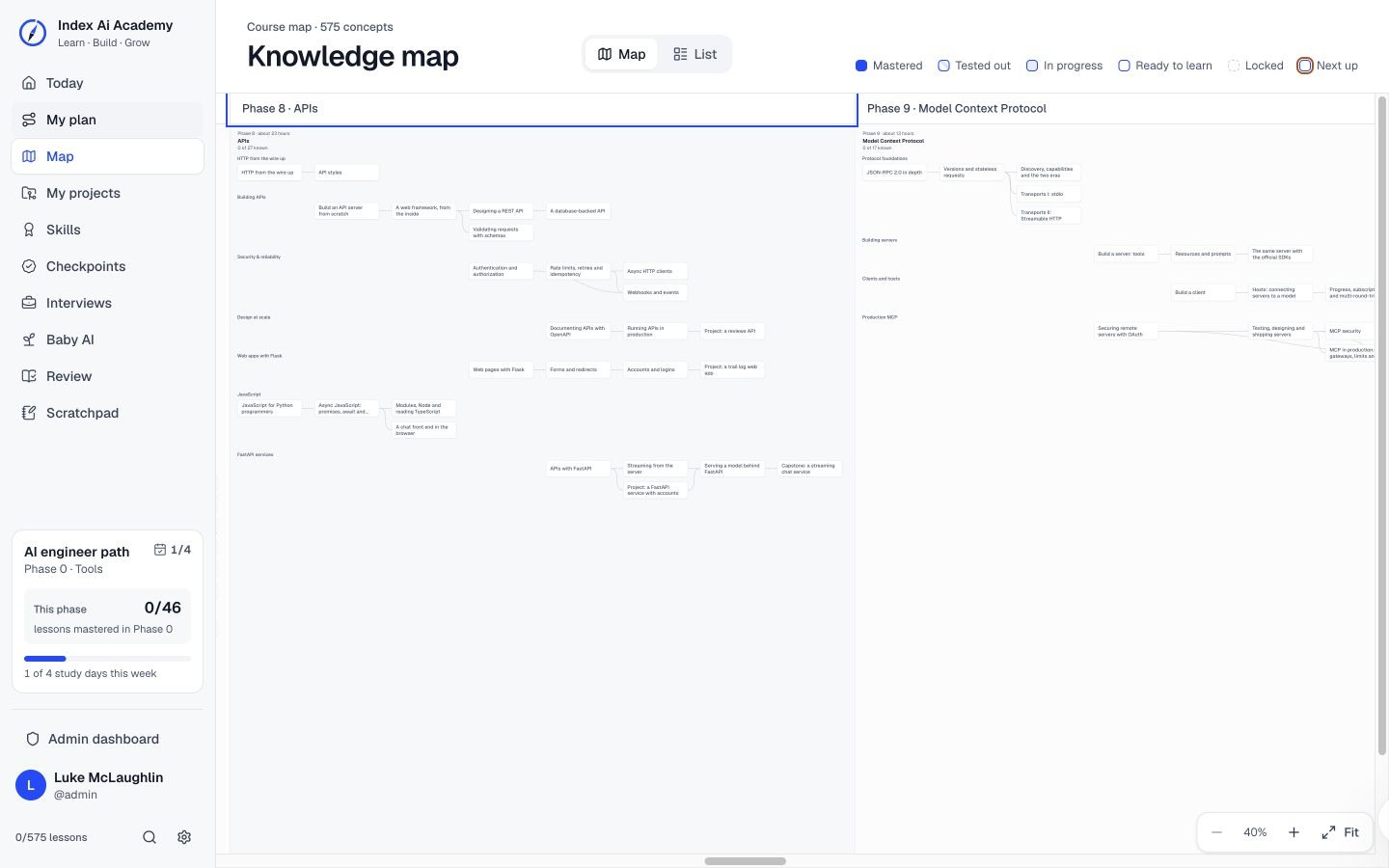
The map focuses on APIs. A learner can inspect its concepts and prerequisites to see how this part of the course fits into their study route.
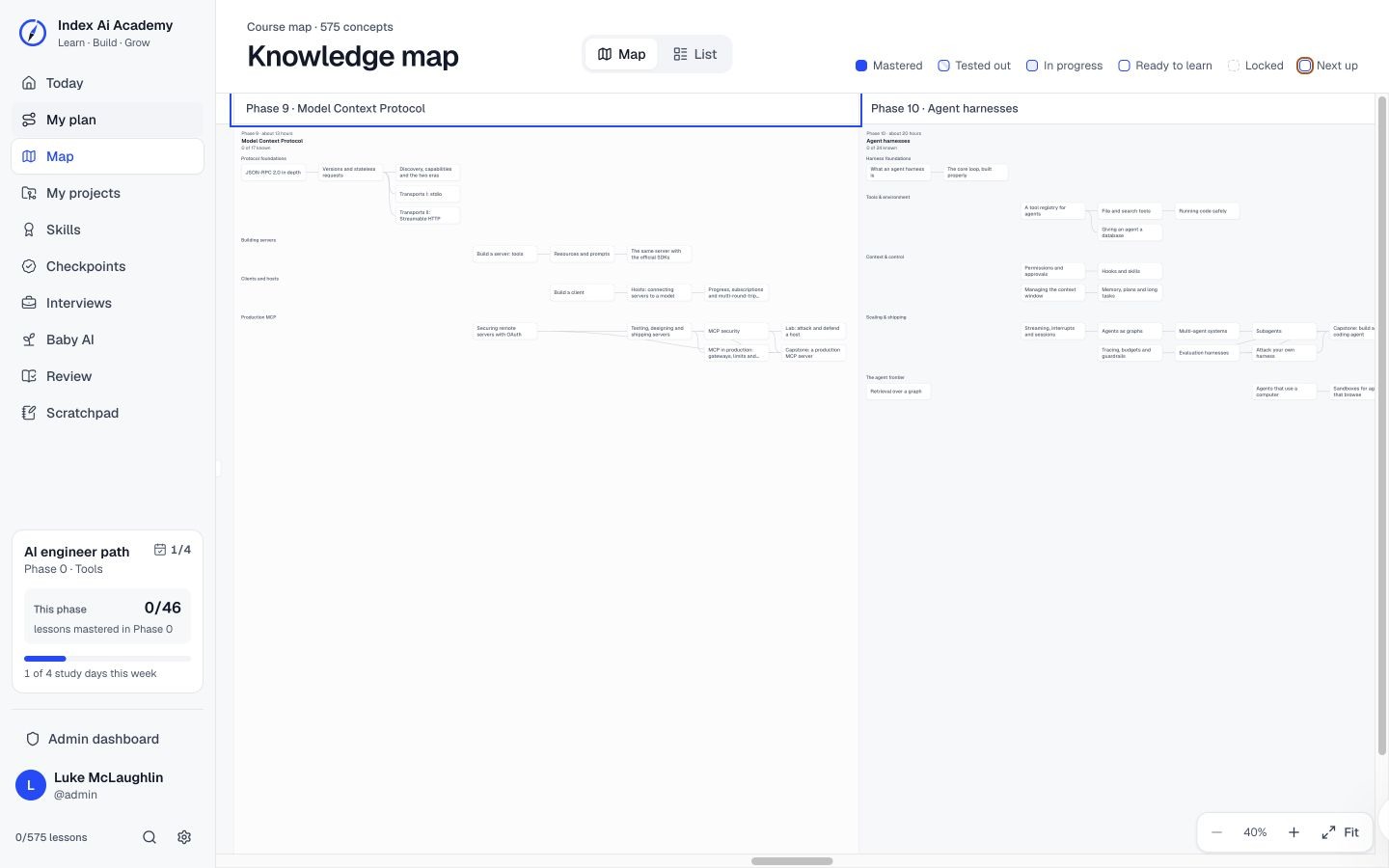
The map focuses on Model Context Protocol. A learner can inspect its concepts and prerequisites to see how this part of the course fits into their study route.
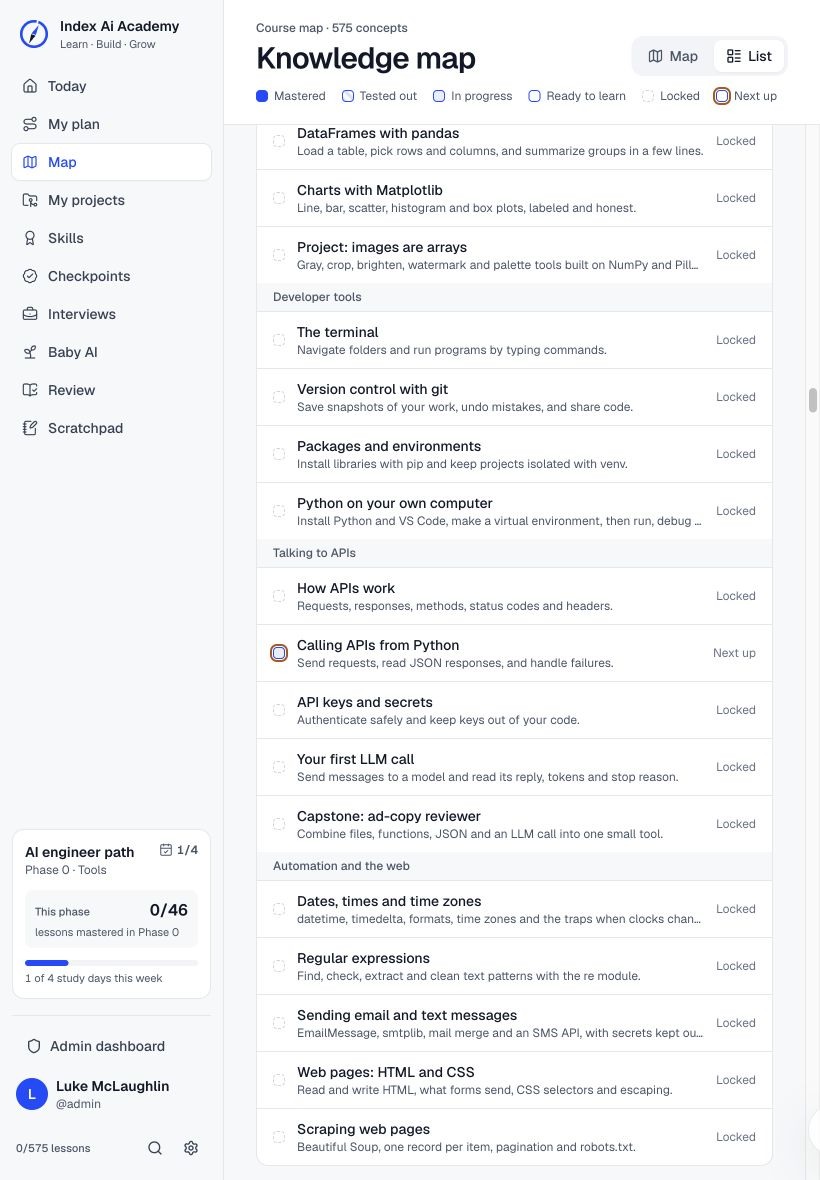
Trace prerequisites and select a concept to see where it sits in the curriculum.
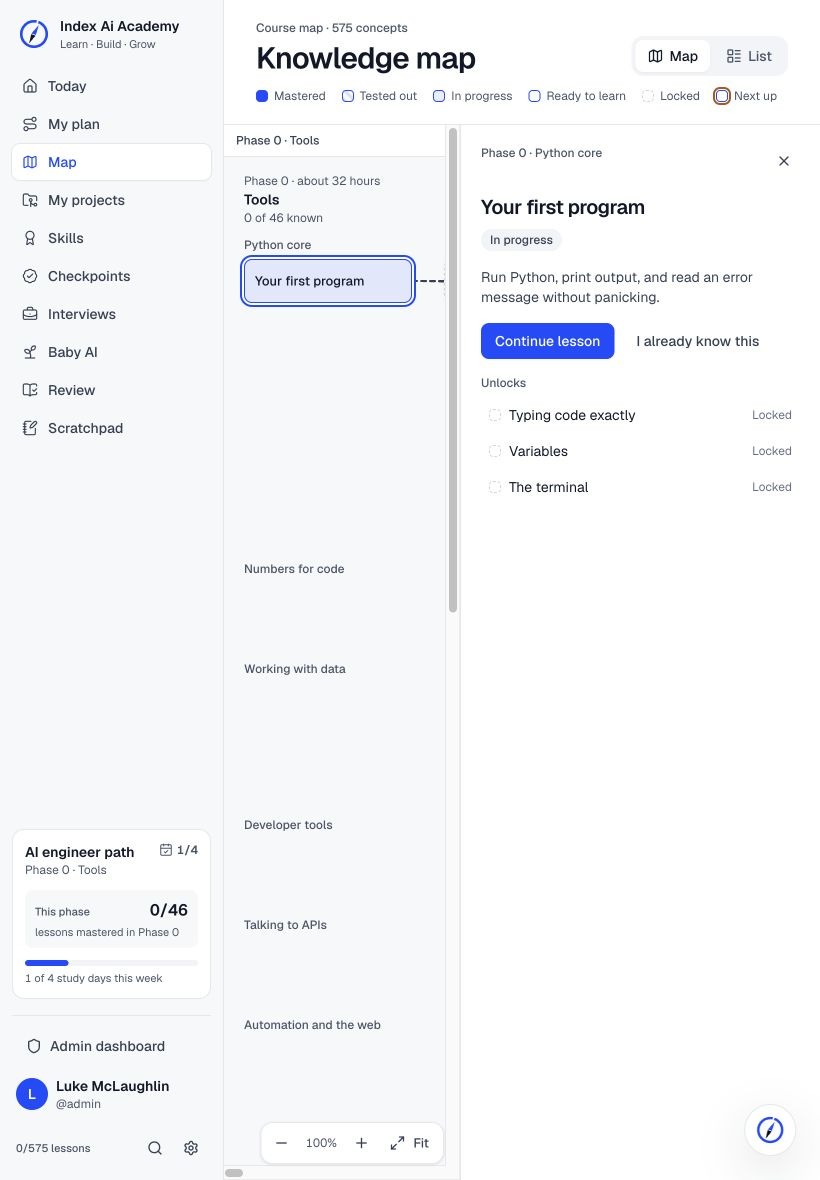
The learner can locate a concept and inspect its place in the curriculum before opening a lesson. This is useful when returning to a prerequisite during a project.
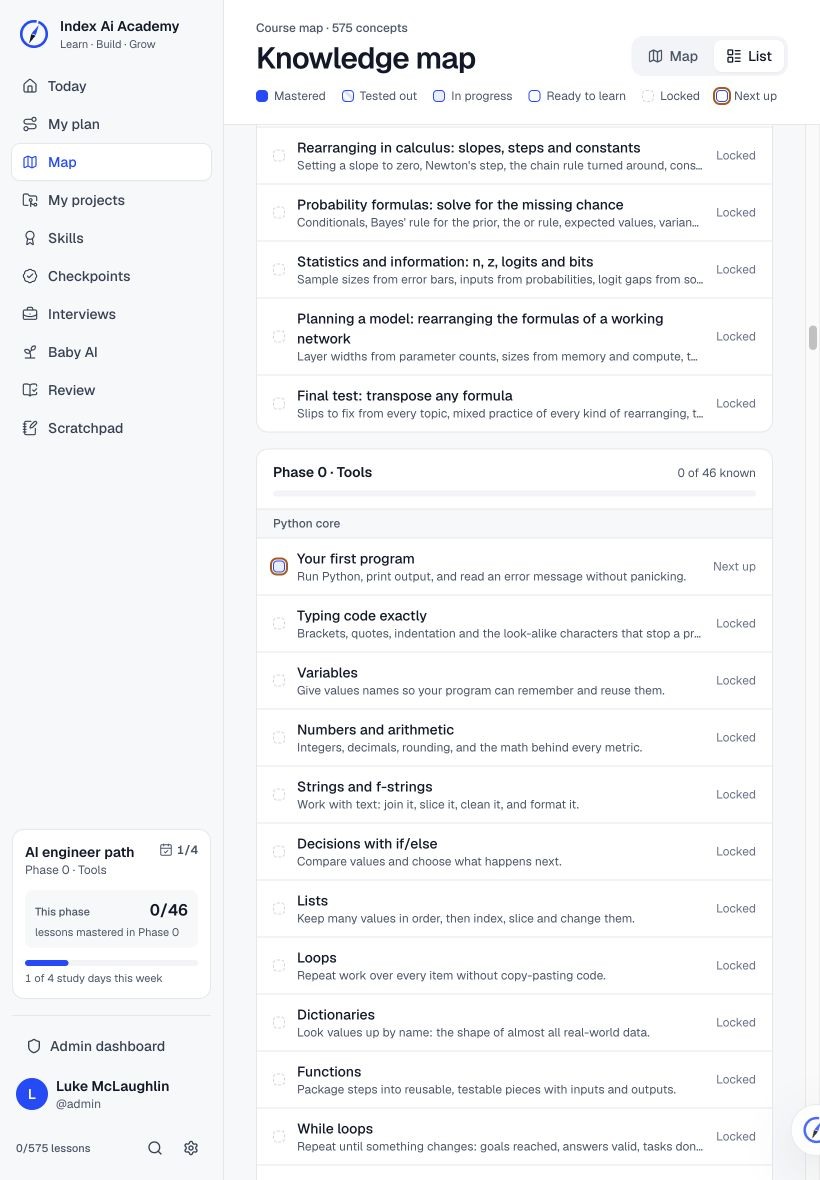
The learner can locate a concept and inspect its place in the curriculum before opening a lesson. This is useful when returning to a prerequisite during a project.
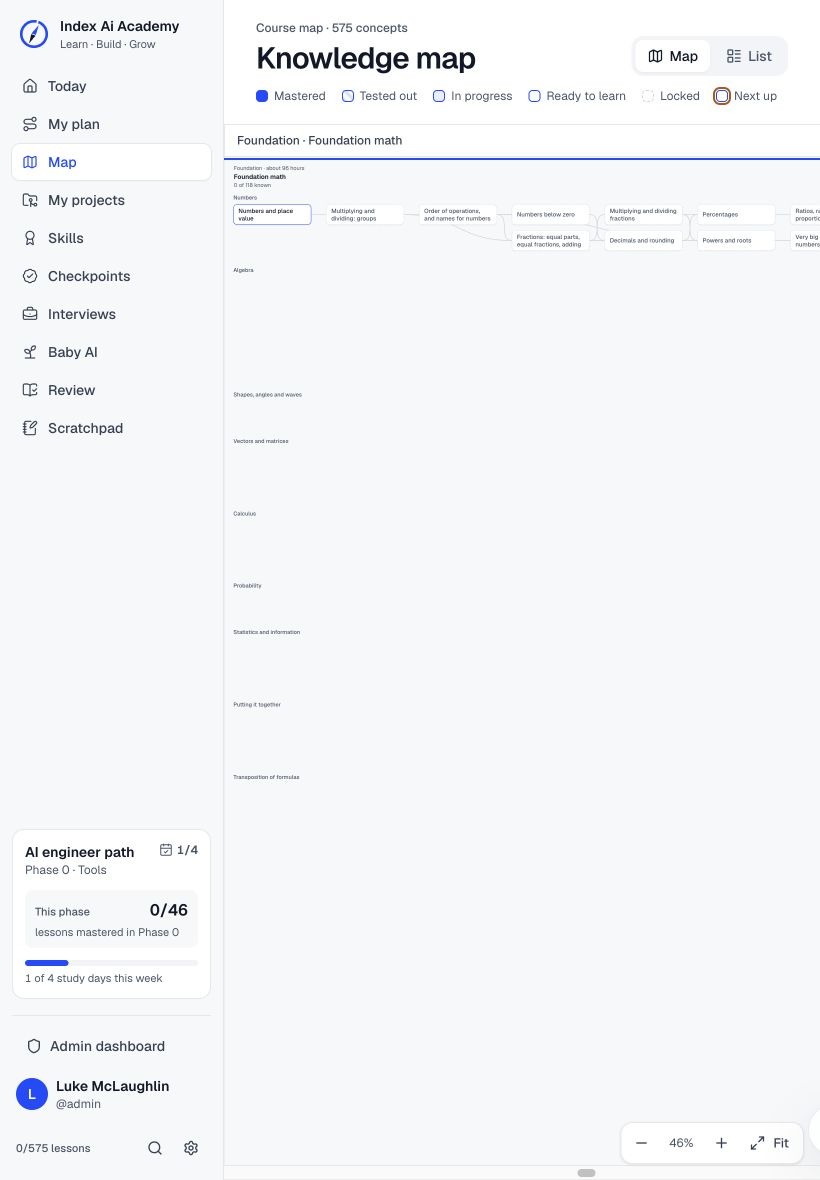
The map focuses on Foundation math. A learner can inspect its concepts and prerequisites to see how this part of the course fits into their study route.
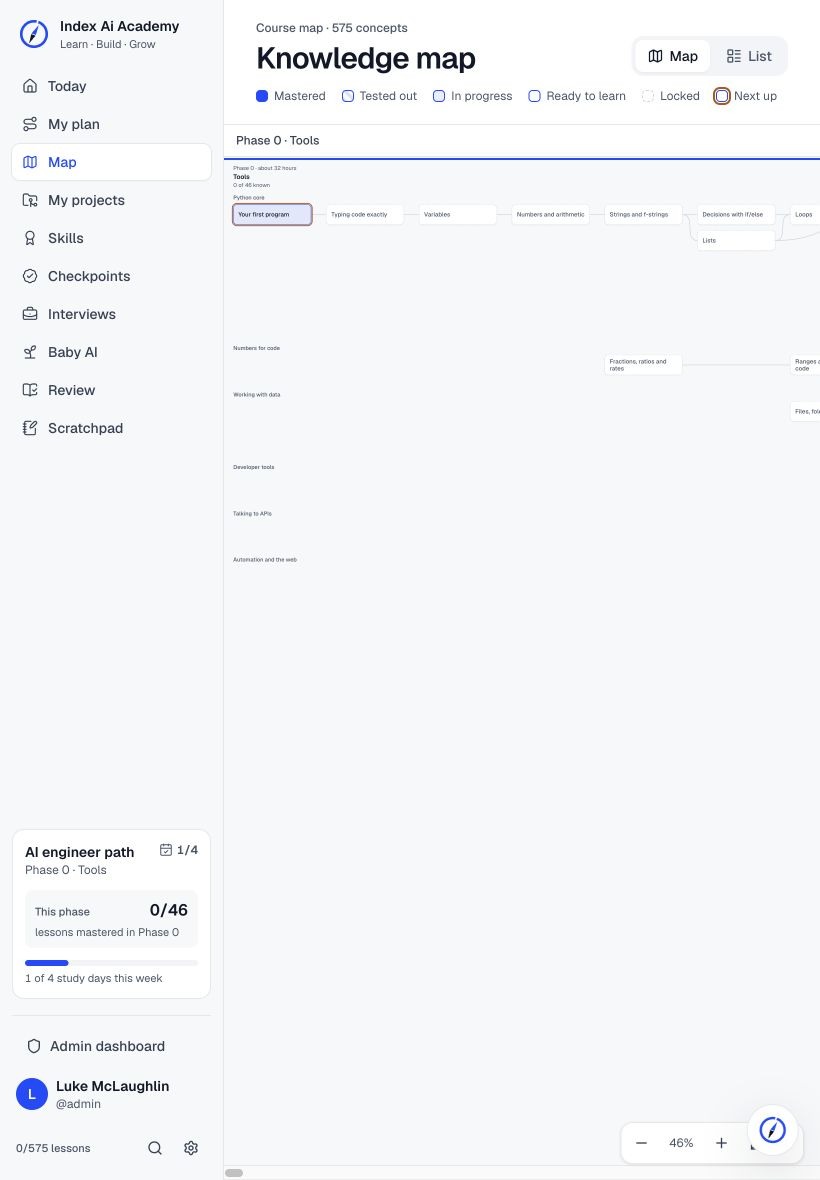
The map focuses on Tools. A learner can inspect its concepts and prerequisites to see how this part of the course fits into their study route.
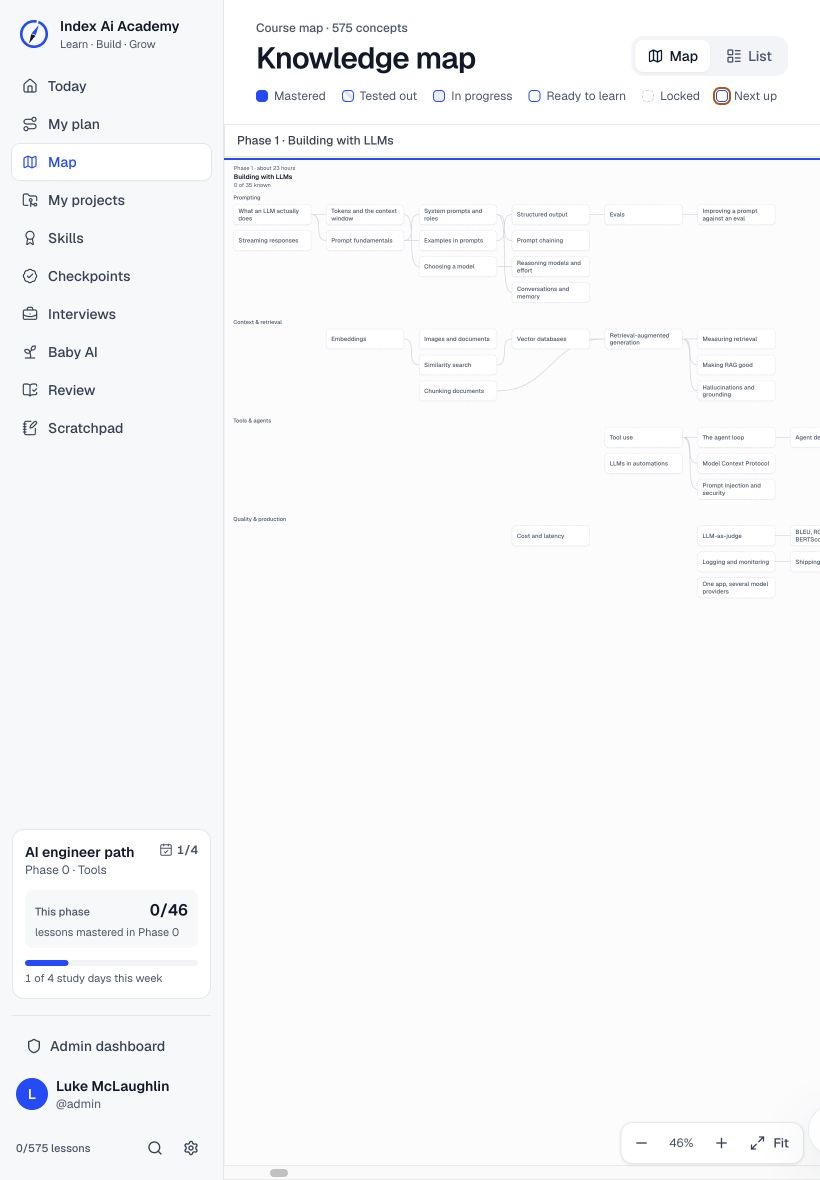
The map focuses on Building with LLMs. A learner can inspect its concepts and prerequisites to see how this part of the course fits into their study route.
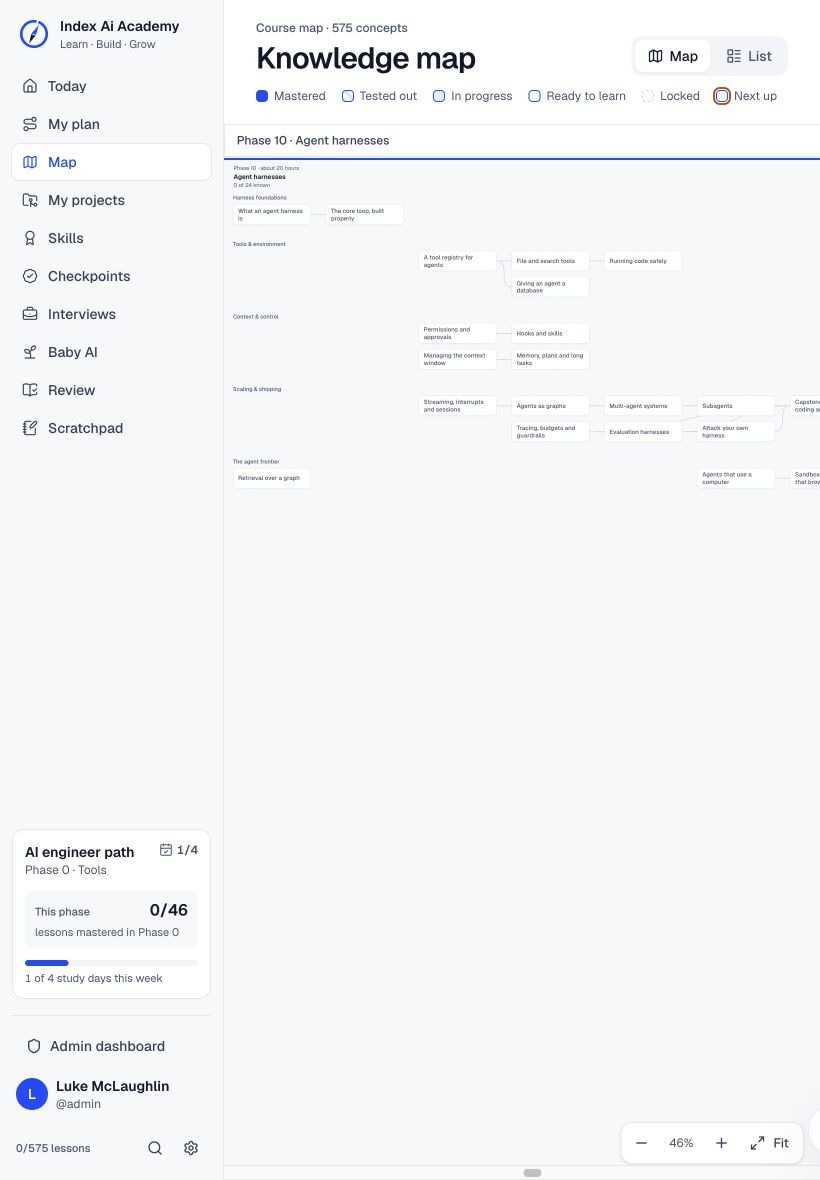
The map focuses on Agent harnesses. A learner can inspect its concepts and prerequisites to see how this part of the course fits into their study route.
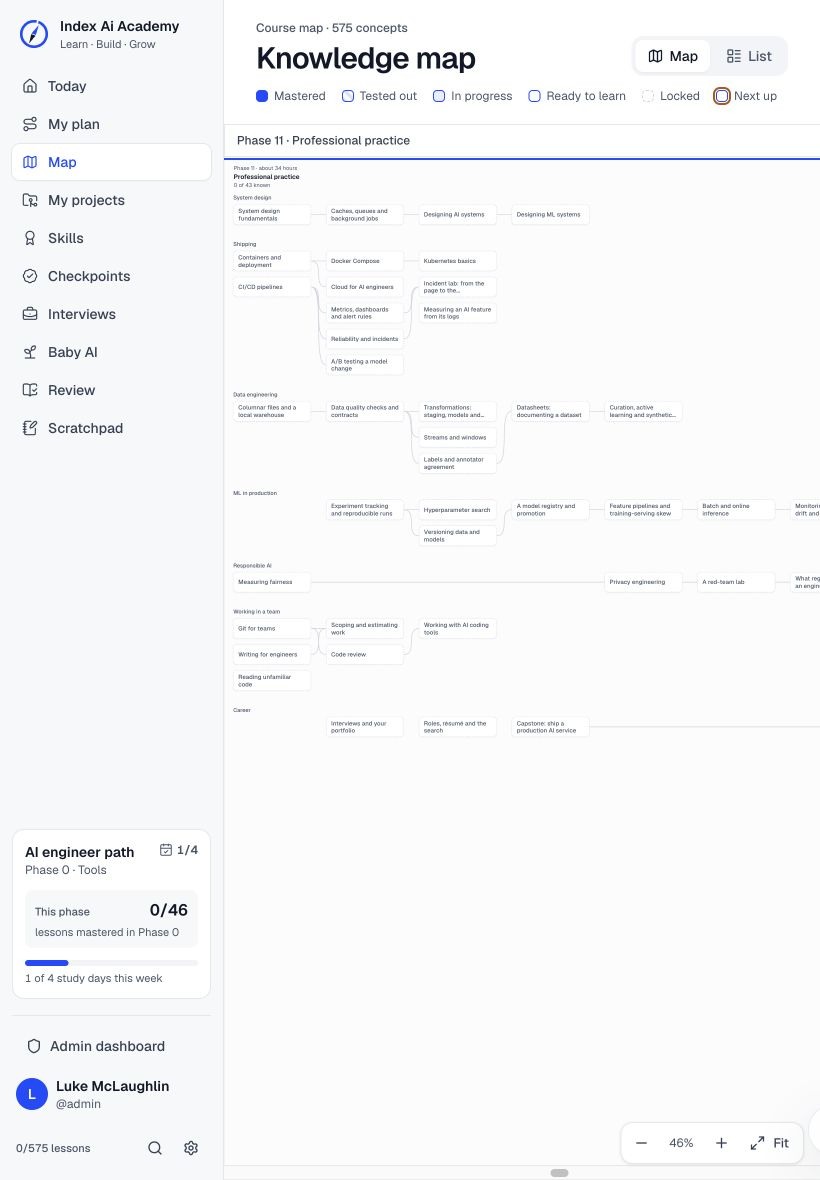
The map focuses on Professional practice. A learner can inspect its concepts and prerequisites to see how this part of the course fits into their study route.
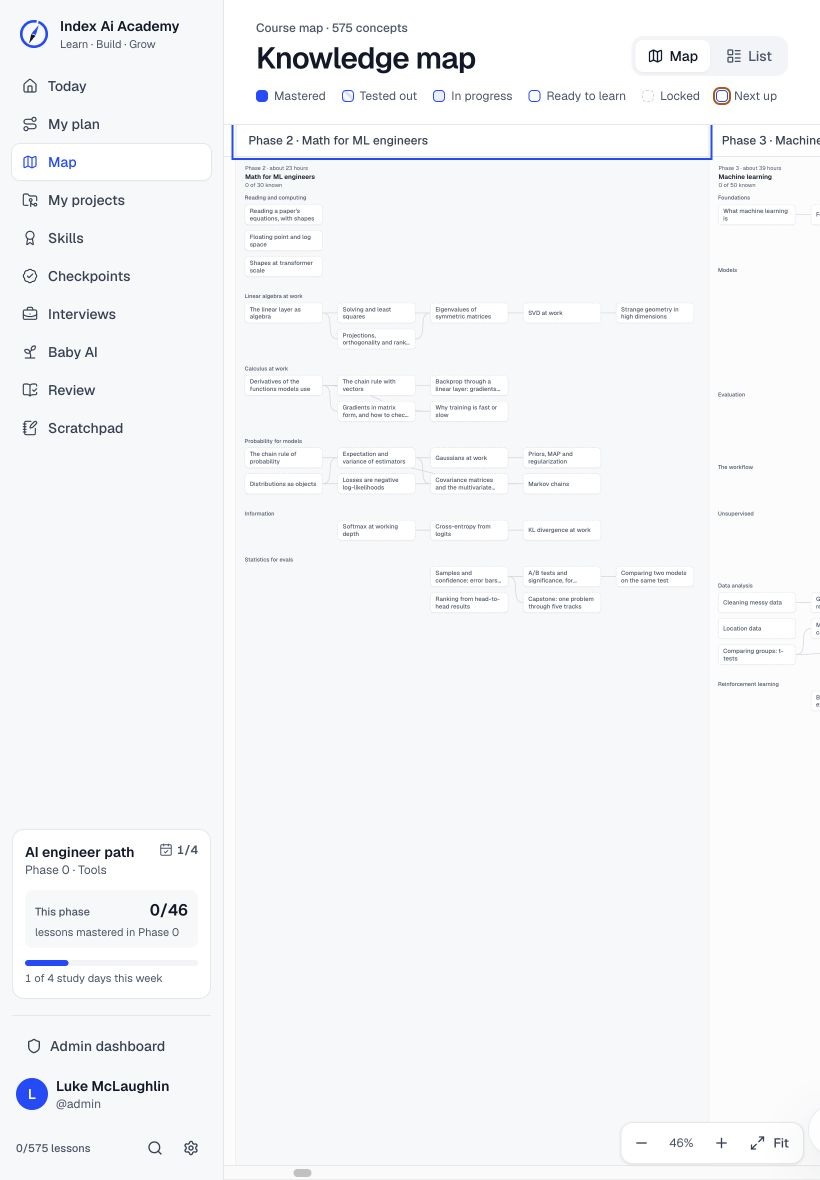
The map focuses on Math for ML engineers. A learner can inspect its concepts and prerequisites to see how this part of the course fits into their study route.
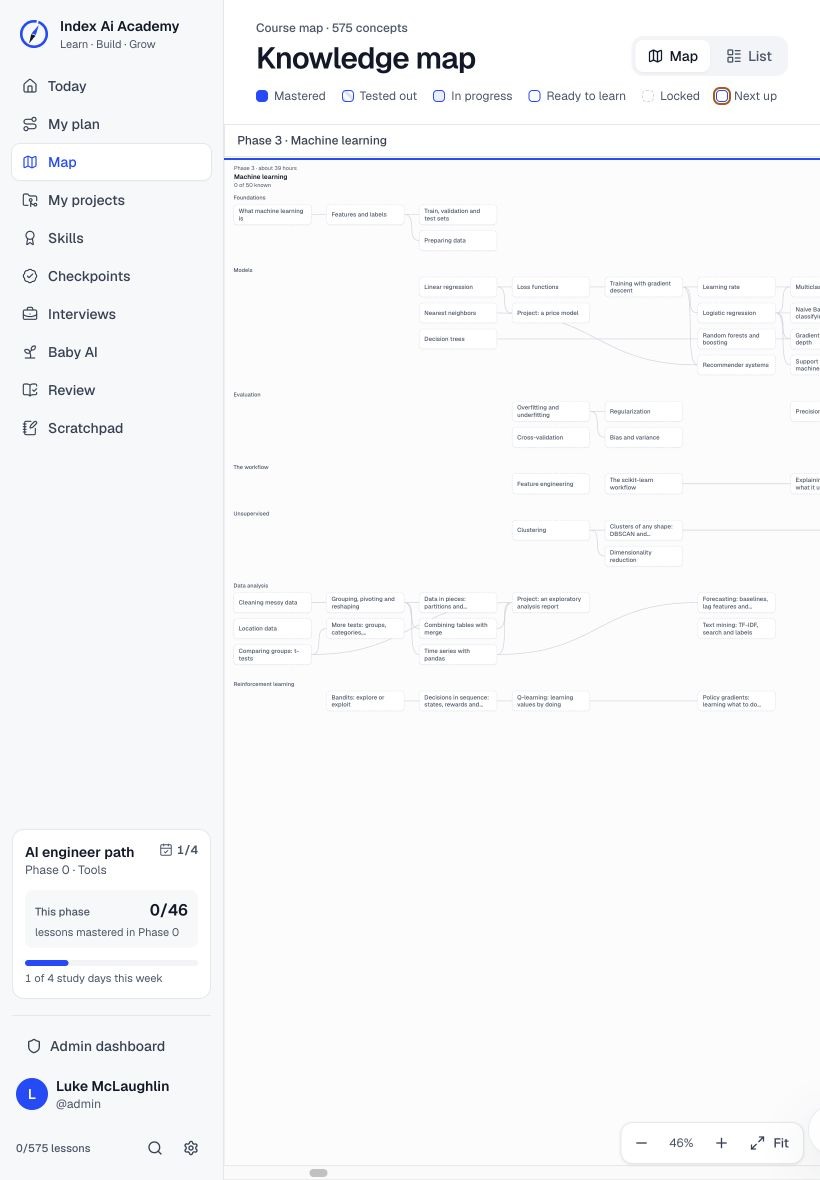
The map focuses on Machine learning. A learner can inspect its concepts and prerequisites to see how this part of the course fits into their study route.
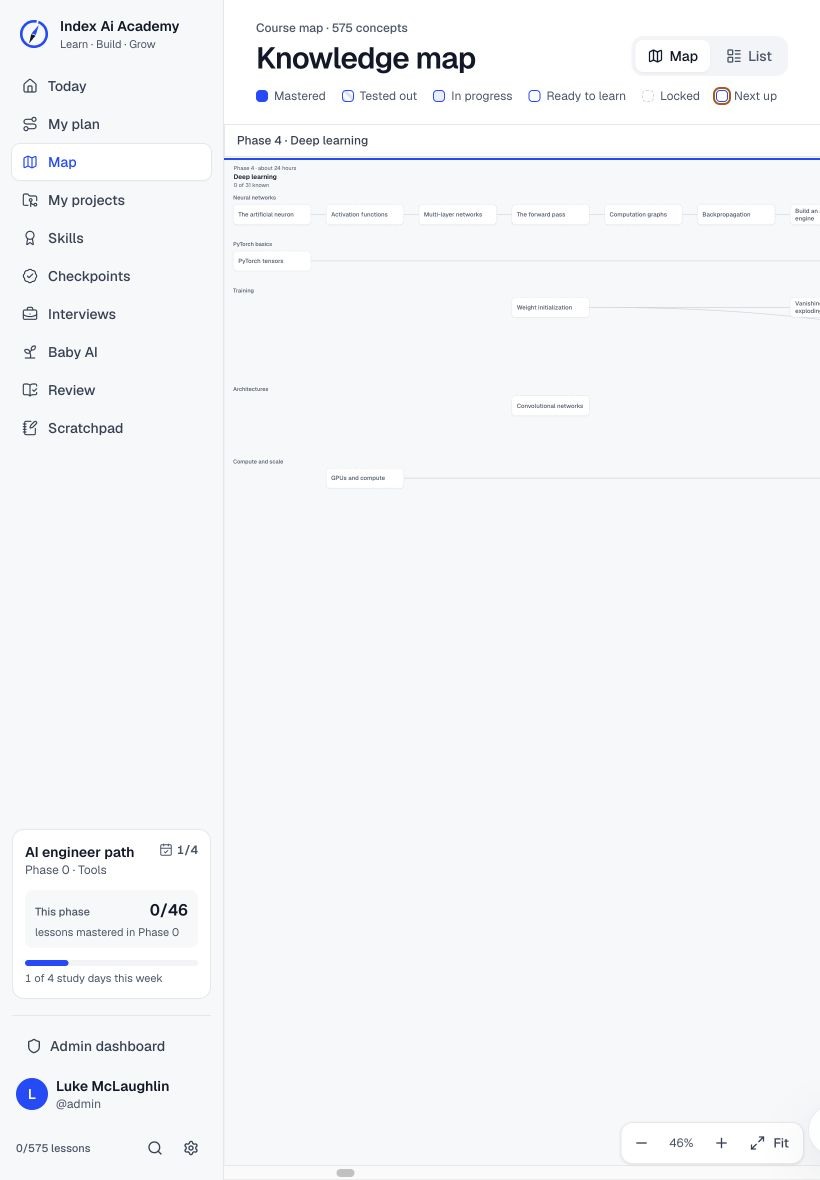
The map focuses on Deep learning. A learner can inspect its concepts and prerequisites to see how this part of the course fits into their study route.
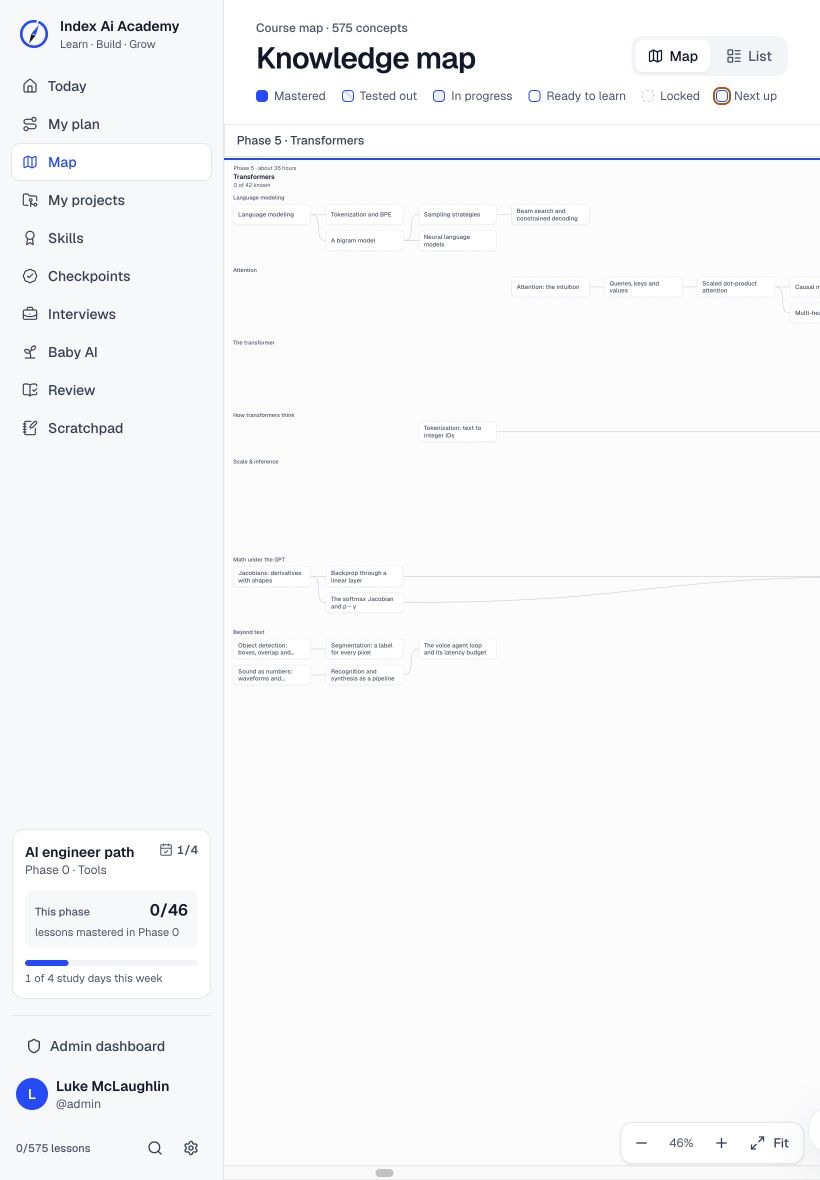
The map focuses on Transformers. A learner can inspect its concepts and prerequisites to see how this part of the course fits into their study route.
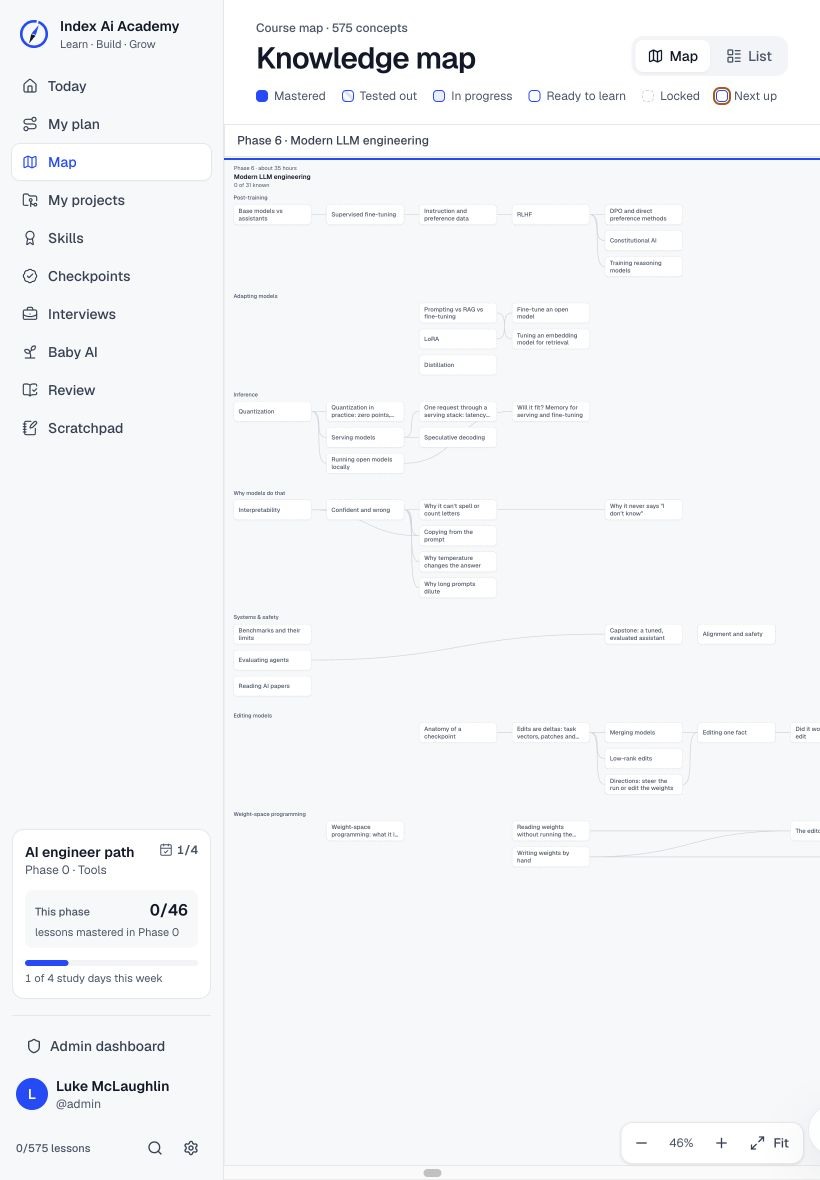
The map focuses on Modern LLM engineering. A learner can inspect its concepts and prerequisites to see how this part of the course fits into their study route.
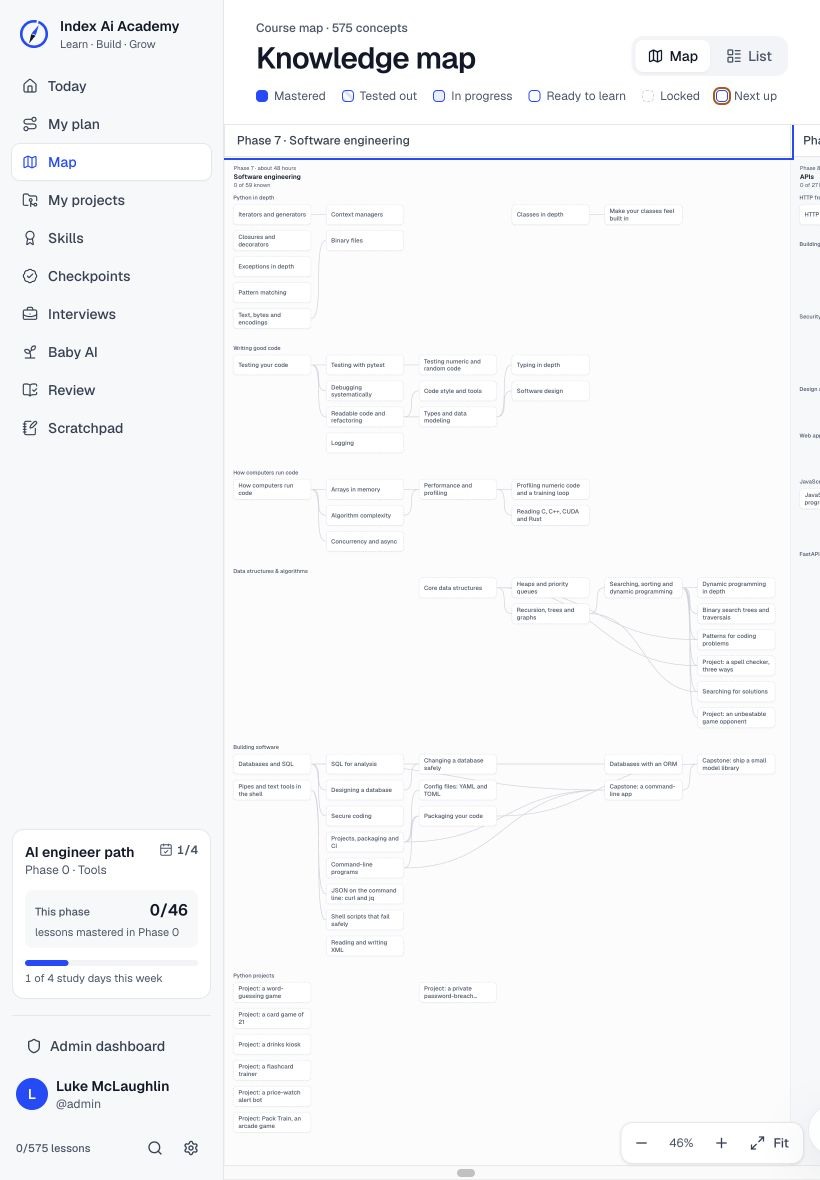
The map focuses on Software engineering. A learner can inspect its concepts and prerequisites to see how this part of the course fits into their study route.
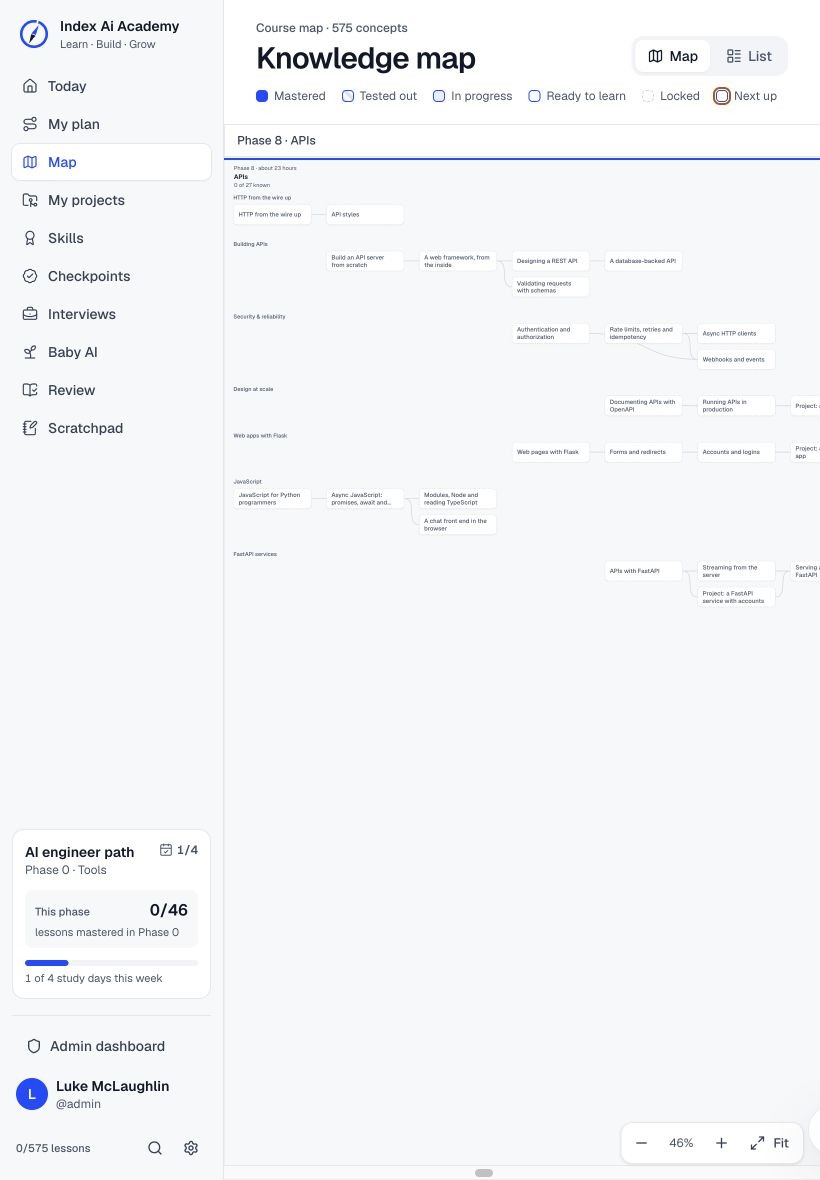
The map focuses on APIs. A learner can inspect its concepts and prerequisites to see how this part of the course fits into their study route.
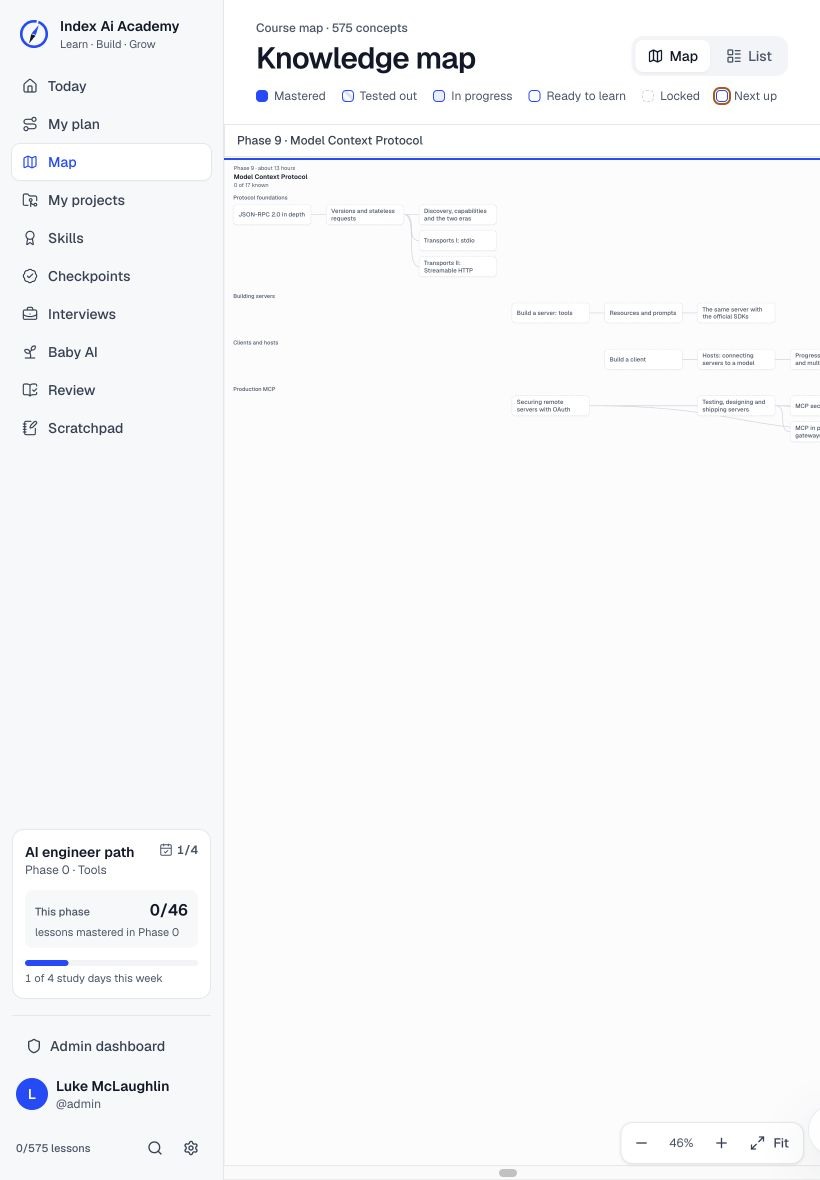
The map focuses on Model Context Protocol. A learner can inspect its concepts and prerequisites to see how this part of the course fits into their study route.
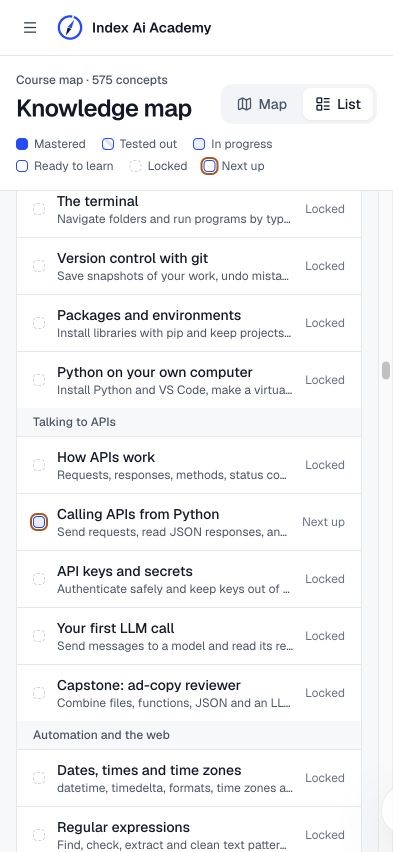
Trace prerequisites and select a concept to see where it sits in the curriculum.
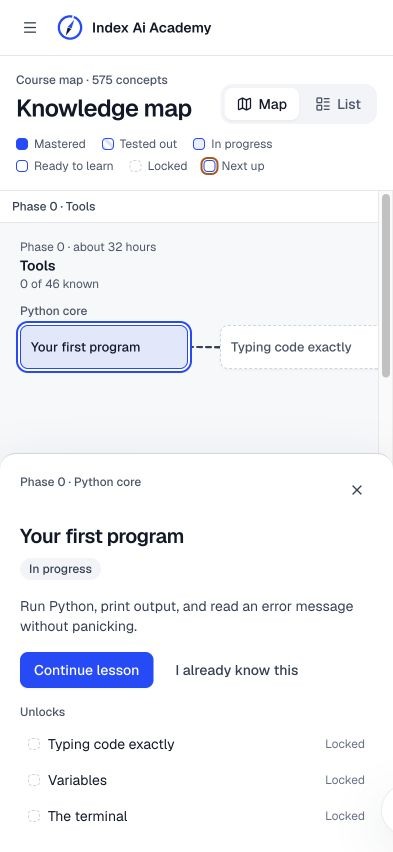
The learner can locate a concept and inspect its place in the curriculum before opening a lesson. This is useful when returning to a prerequisite during a project.
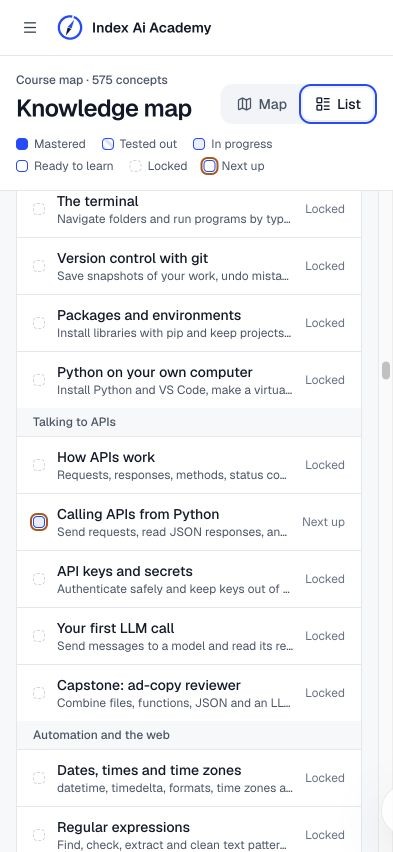
The learner can locate a concept and inspect its place in the curriculum before opening a lesson. This is useful when returning to a prerequisite during a project.
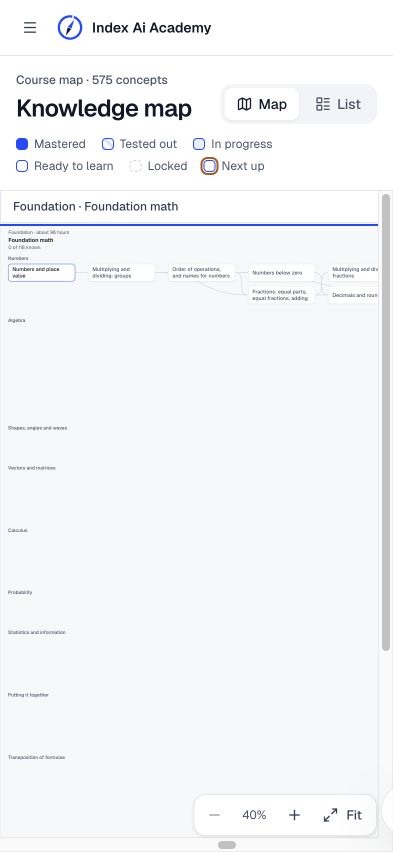
The map focuses on Foundation math. A learner can inspect its concepts and prerequisites to see how this part of the course fits into their study route.
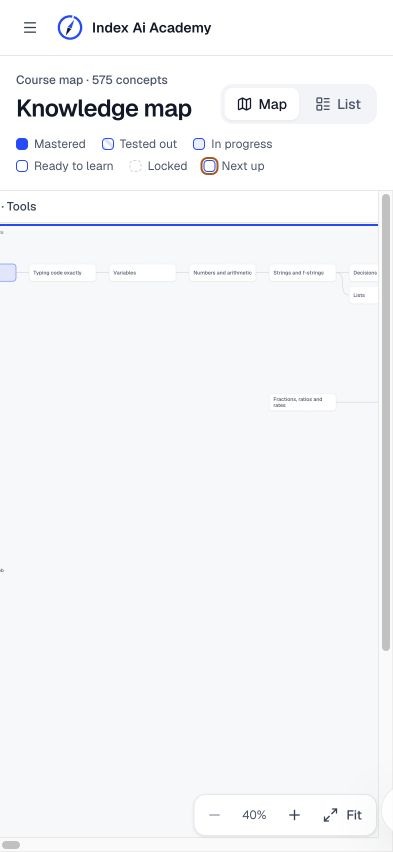
The map focuses on Tools. A learner can inspect its concepts and prerequisites to see how this part of the course fits into their study route.
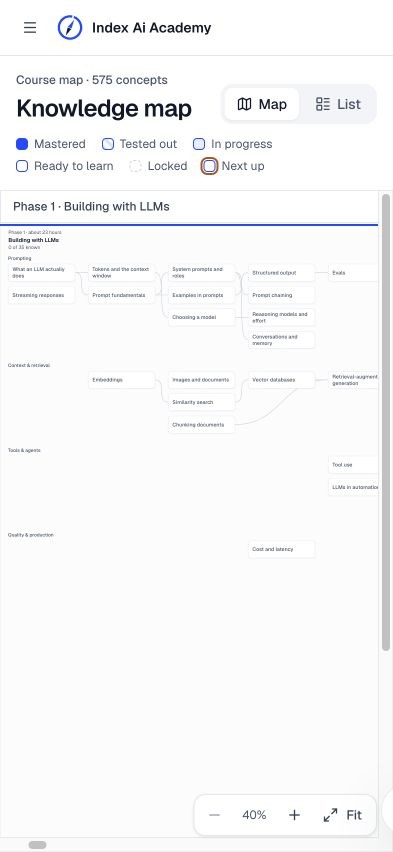
The map focuses on Building with LLMs. A learner can inspect its concepts and prerequisites to see how this part of the course fits into their study route.
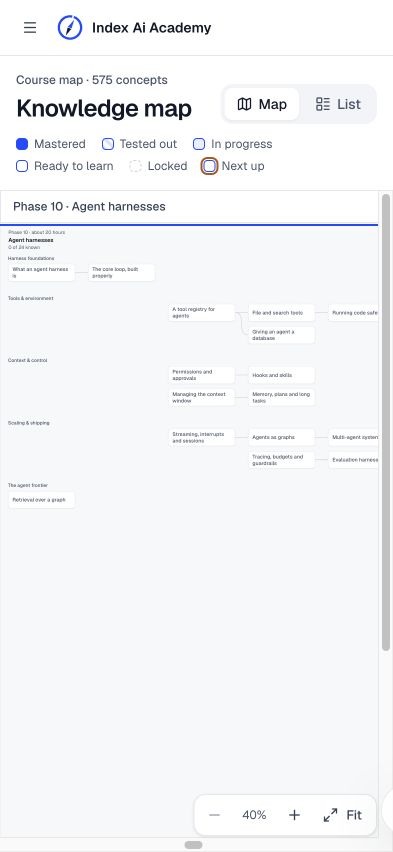
The map focuses on Agent harnesses. A learner can inspect its concepts and prerequisites to see how this part of the course fits into their study route.
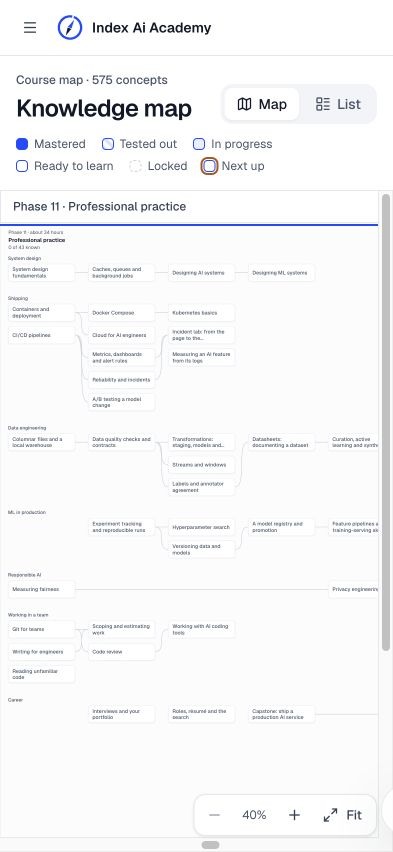
The map focuses on Professional practice. A learner can inspect its concepts and prerequisites to see how this part of the course fits into their study route.
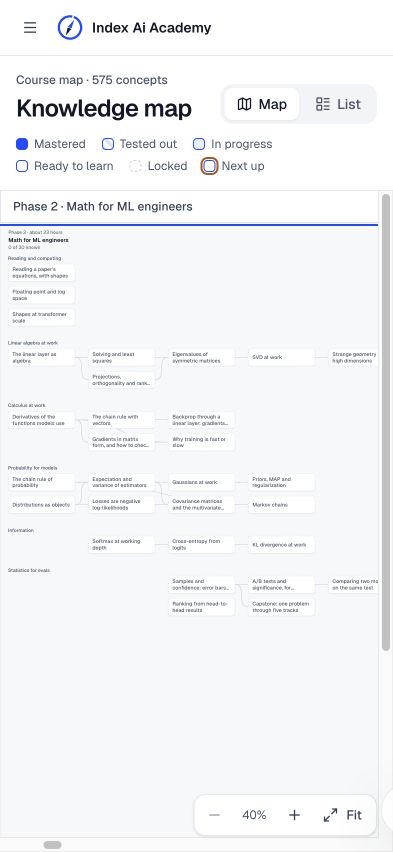
The map focuses on Math for ML engineers. A learner can inspect its concepts and prerequisites to see how this part of the course fits into their study route.
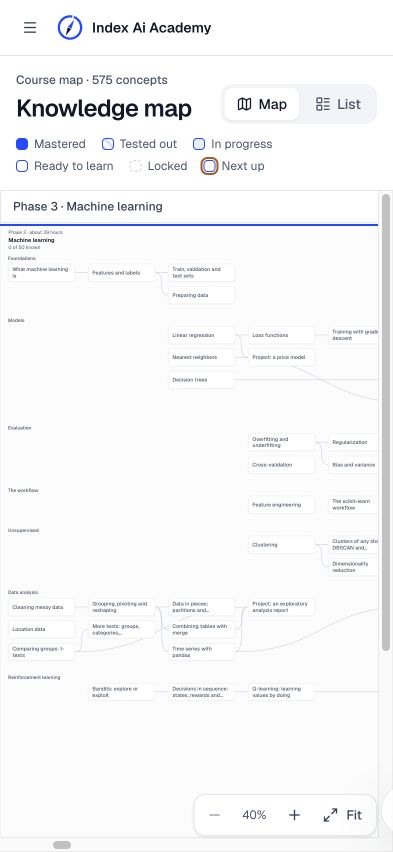
The map focuses on Machine learning. A learner can inspect its concepts and prerequisites to see how this part of the course fits into their study route.
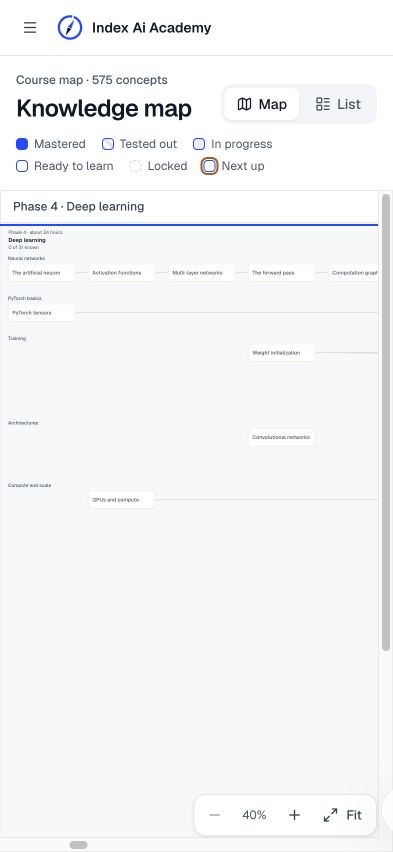
The map focuses on Deep learning. A learner can inspect its concepts and prerequisites to see how this part of the course fits into their study route.
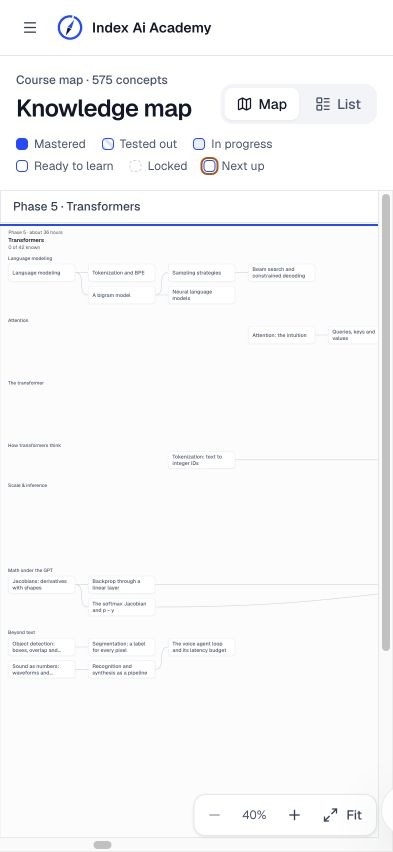
The map focuses on Transformers. A learner can inspect its concepts and prerequisites to see how this part of the course fits into their study route.
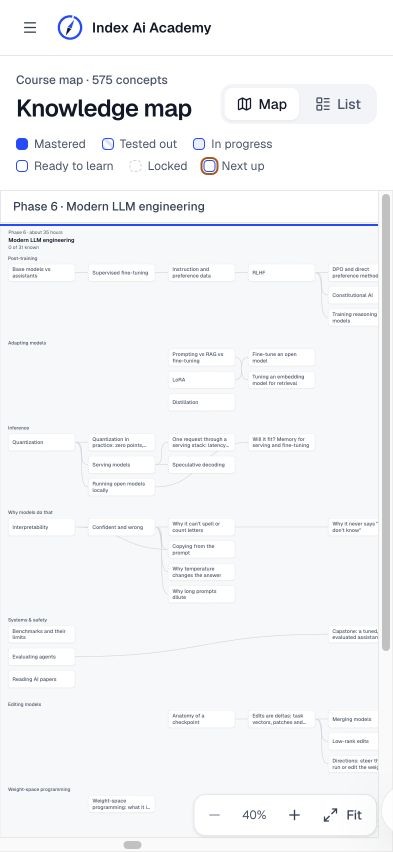
The map focuses on Modern LLM engineering. A learner can inspect its concepts and prerequisites to see how this part of the course fits into their study route.
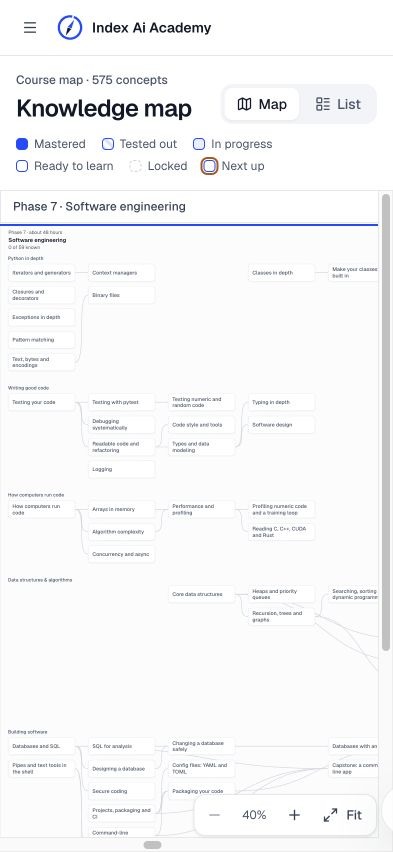
The map focuses on Software engineering. A learner can inspect its concepts and prerequisites to see how this part of the course fits into their study route.
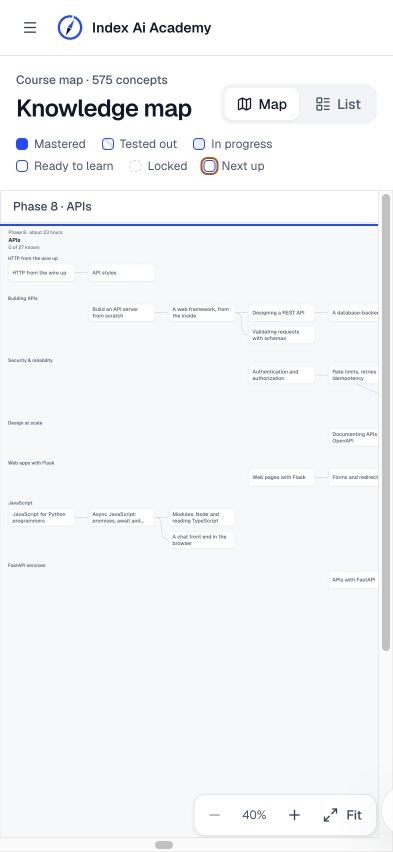
The map focuses on APIs. A learner can inspect its concepts and prerequisites to see how this part of the course fits into their study route.
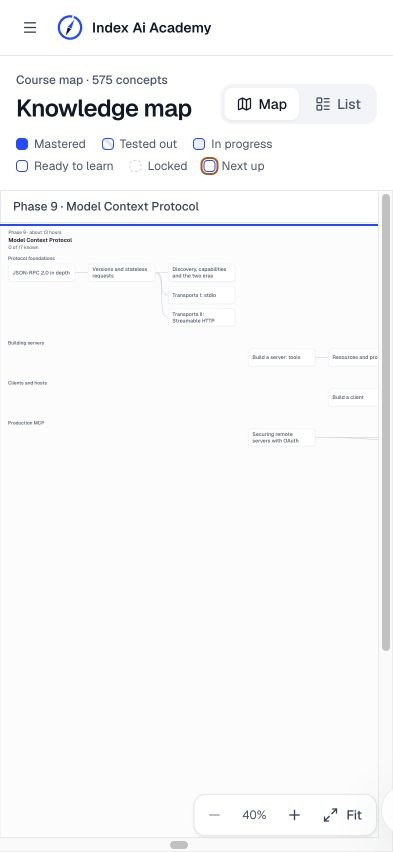
The map focuses on Model Context Protocol. A learner can inspect its concepts and prerequisites to see how this part of the course fits into their study route.
My plan 12
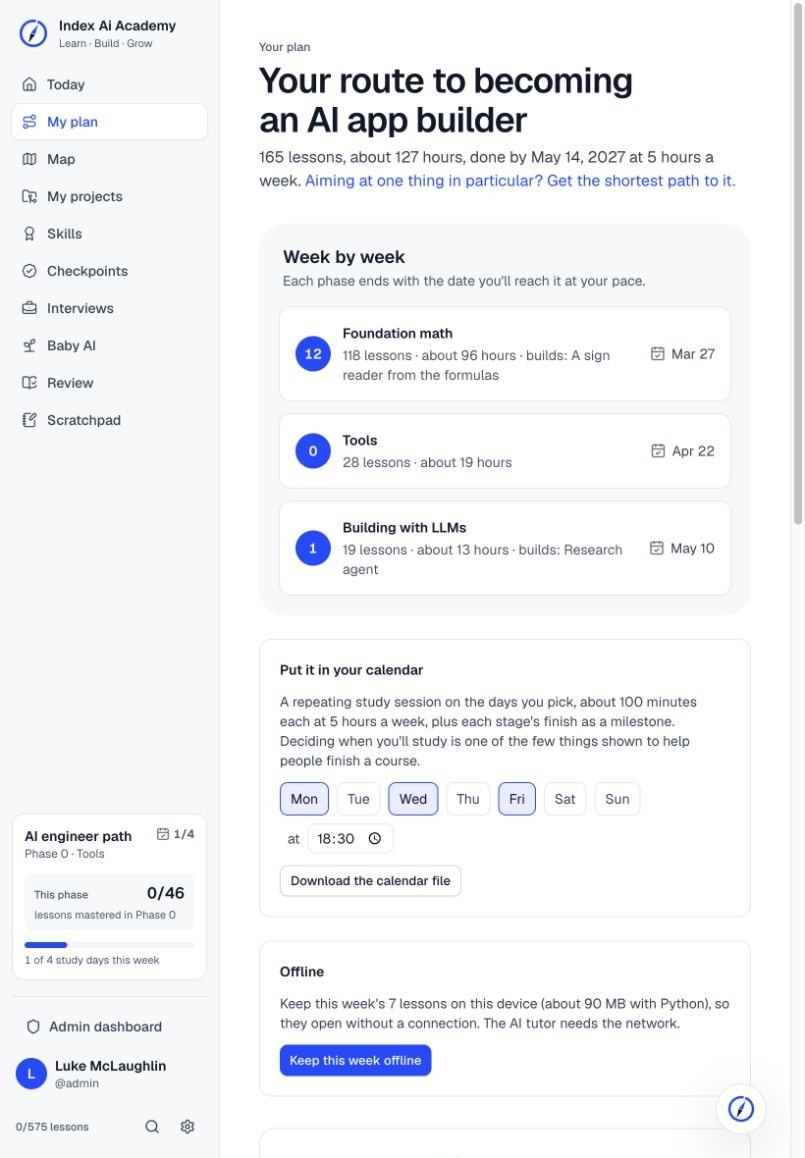
Set a learning goal and weekly study time, then inspect the resulting route and milestones.
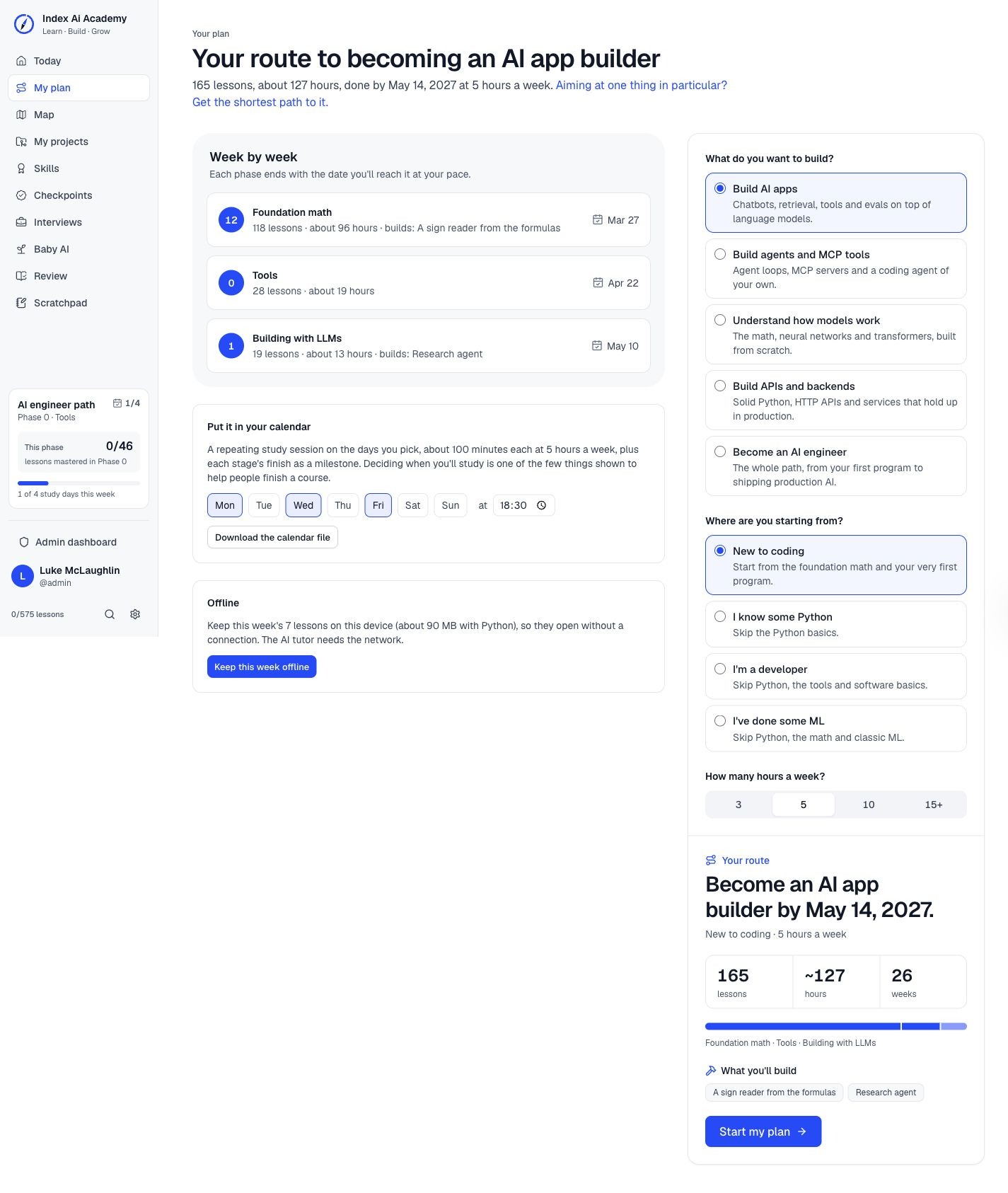
Set a learning goal and weekly study time, then inspect the resulting route and milestones. This full-page capture includes the material below the initial viewport.
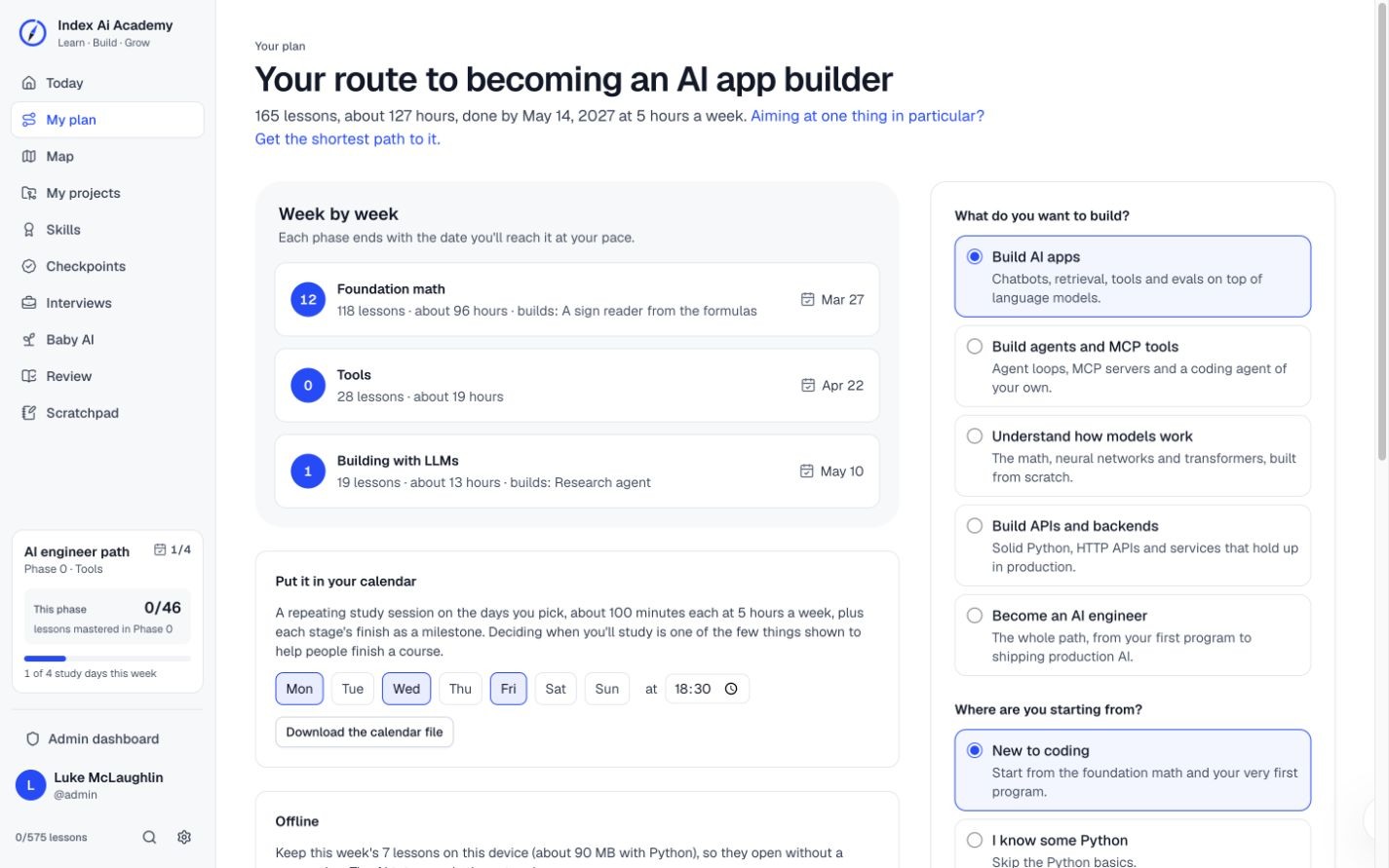
Set a learning goal and weekly study time, then inspect the resulting route and milestones.
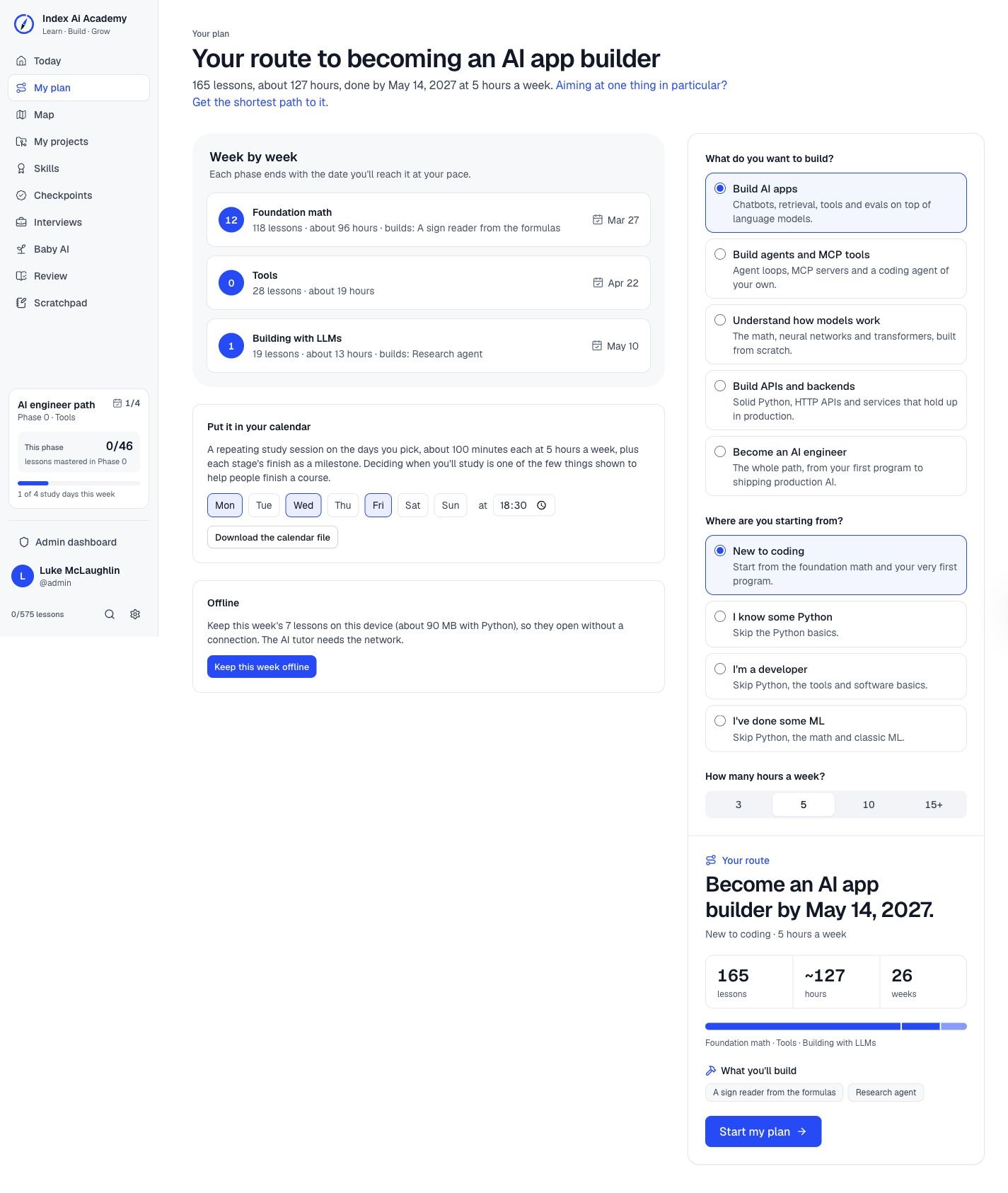
The planner connects the learner’s goal and available study time to a sequence of lessons. The route makes the remaining work visible before they commit to it. This full-page capture includes the material below the initial viewport.
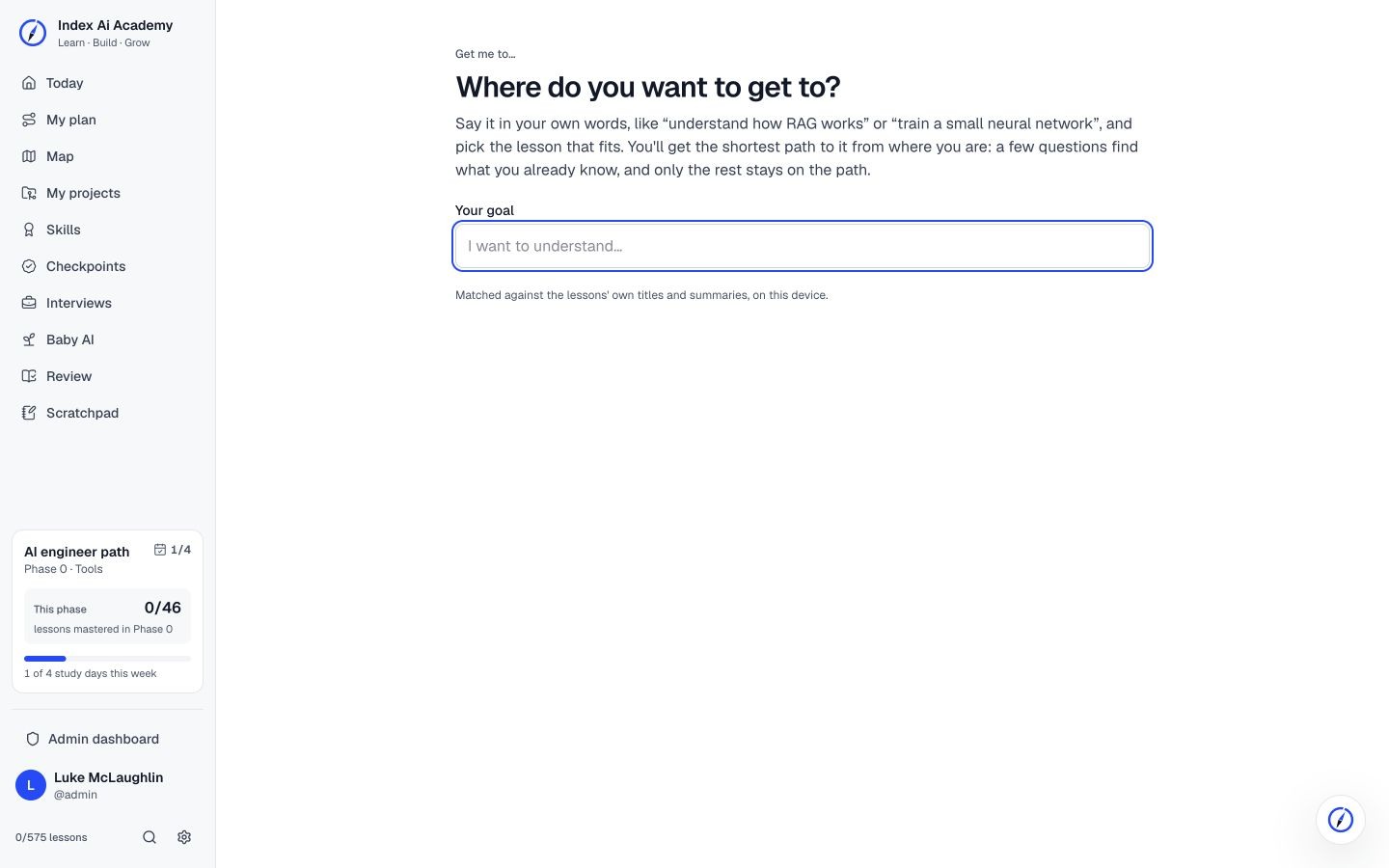
The planner connects the learner’s goal and available study time to a sequence of lessons. The route makes the remaining work visible before they commit to it.
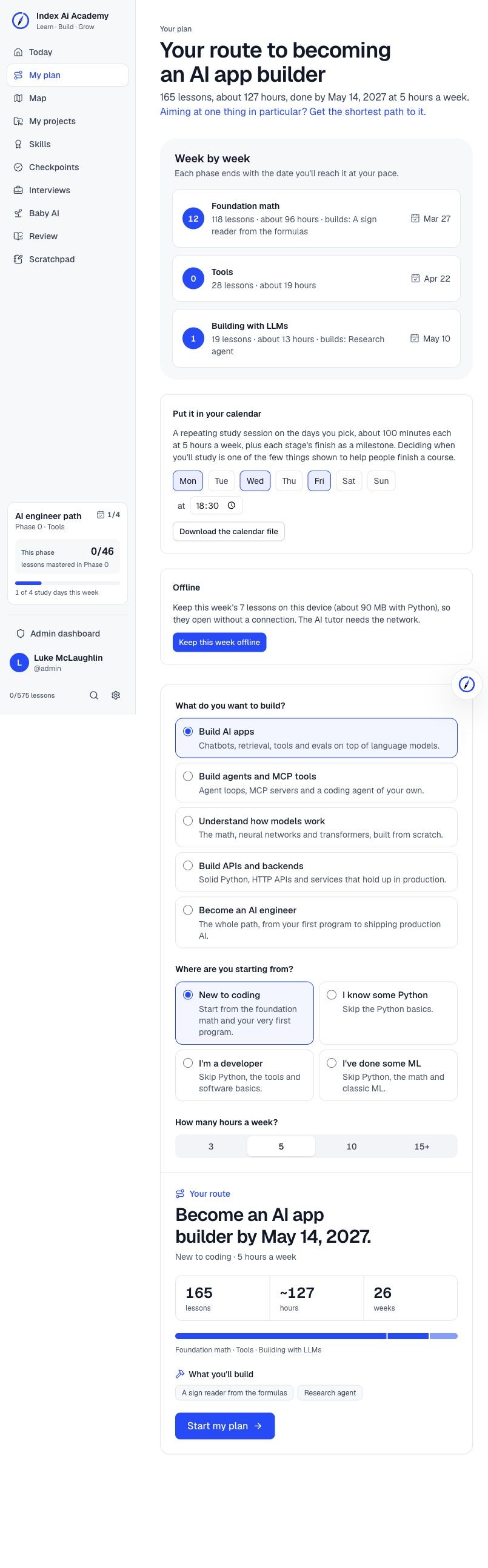
Set a learning goal and weekly study time, then inspect the resulting route and milestones. This full-page capture includes the material below the initial viewport.
Set a learning goal and weekly study time, then inspect the resulting route and milestones.
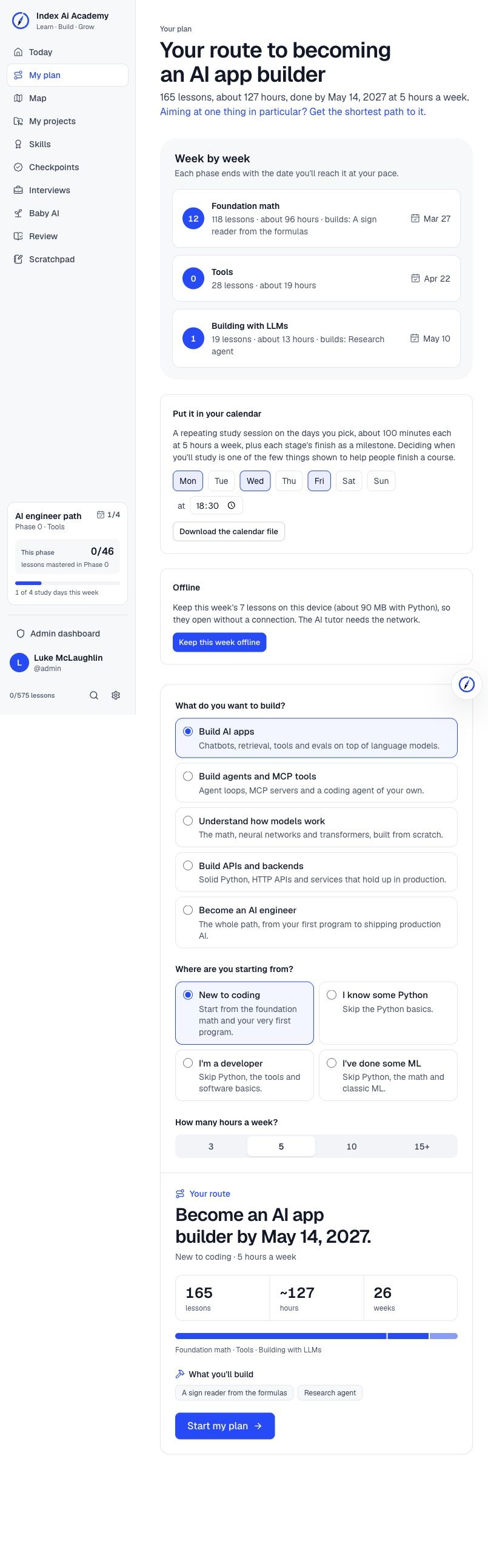
The planner connects the learner’s goal and available study time to a sequence of lessons. The route makes the remaining work visible before they commit to it. This full-page capture includes the material below the initial viewport.
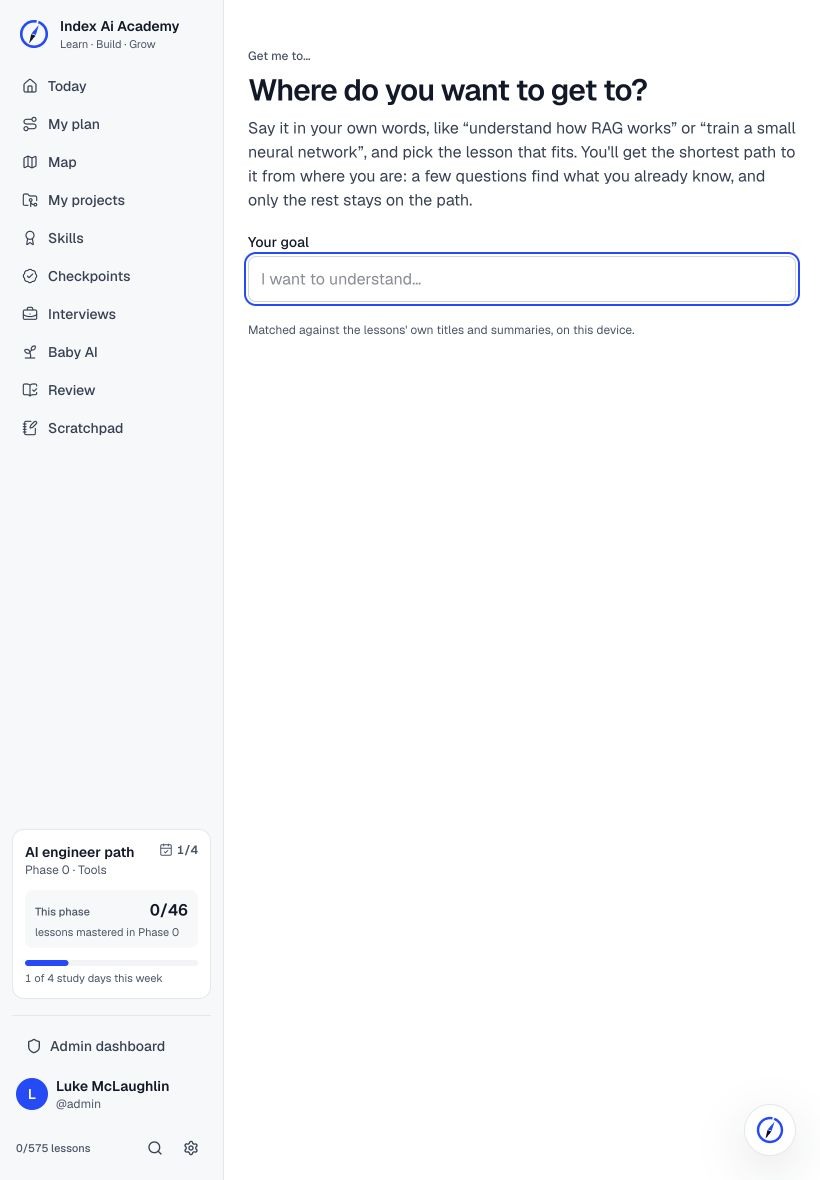
The planner connects the learner’s goal and available study time to a sequence of lessons. The route makes the remaining work visible before they commit to it.

Set a learning goal and weekly study time, then inspect the resulting route and milestones. This full-page capture includes the material below the initial viewport.
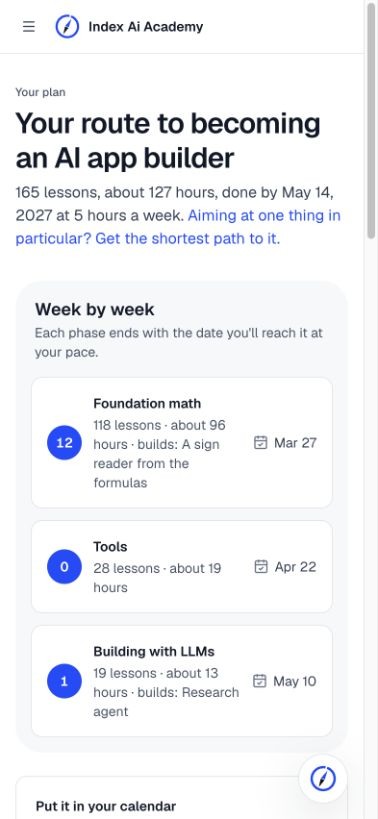
Set a learning goal and weekly study time, then inspect the resulting route and milestones.

The planner connects the learner’s goal and available study time to a sequence of lessons. The route makes the remaining work visible before they commit to it. This full-page capture includes the material below the initial viewport.
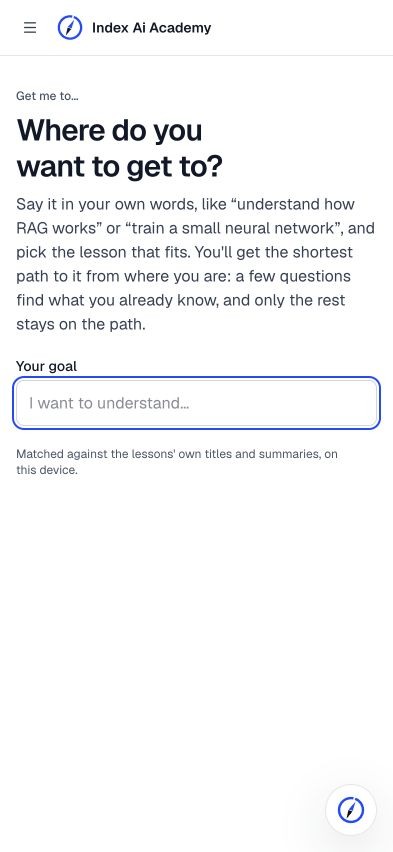
The planner connects the learner’s goal and available study time to a sequence of lessons. The route makes the remaining work visible before they commit to it.
My projects 11
Move from project requirements into the campaign dashboard workspace and its files and test controls.
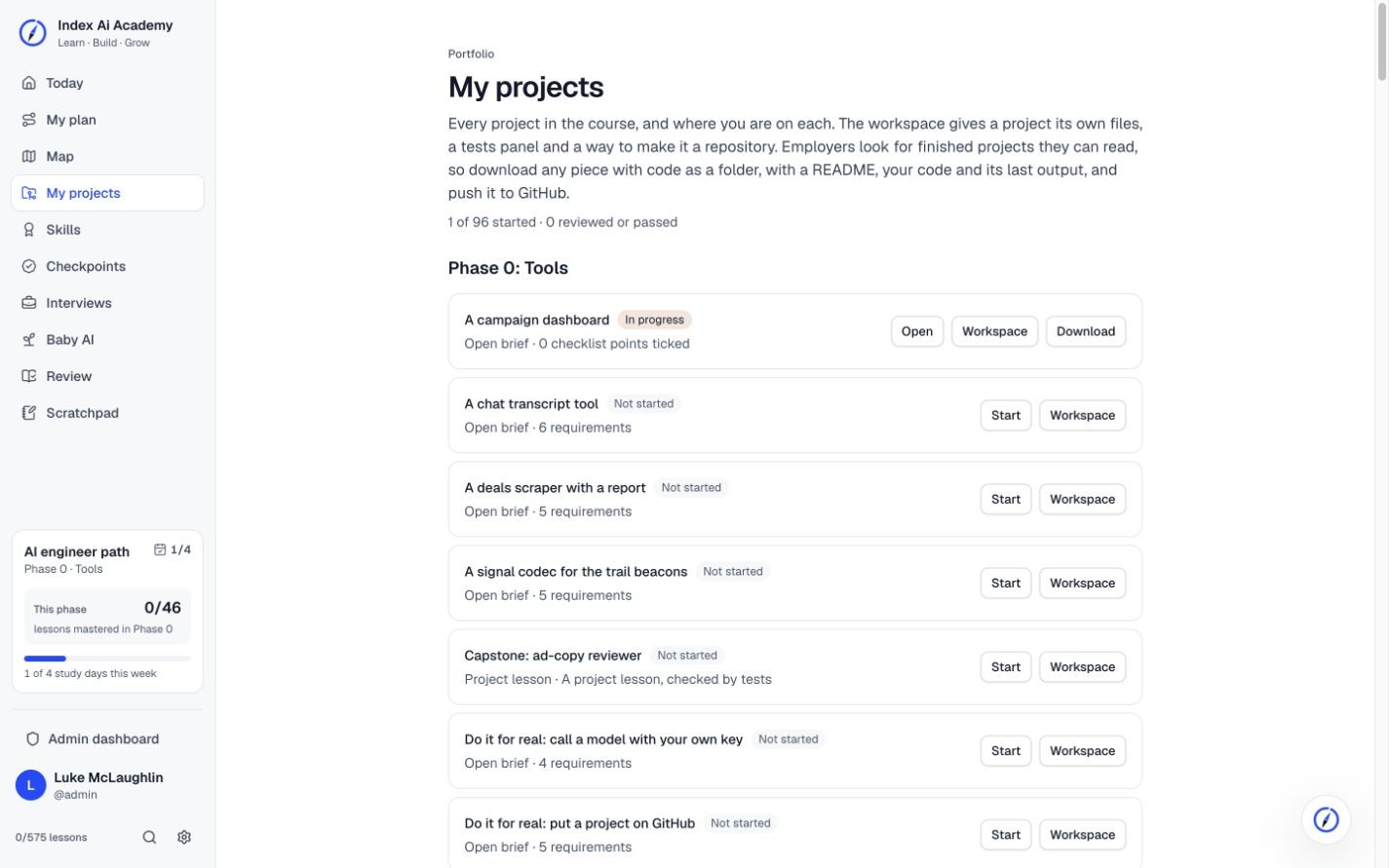
Move from project requirements into the campaign dashboard workspace and its files and test controls.
The campaign dashboard puts main.py beside the project file list. The learner can edit the API request, run the script and inspect its output in the same workspace.
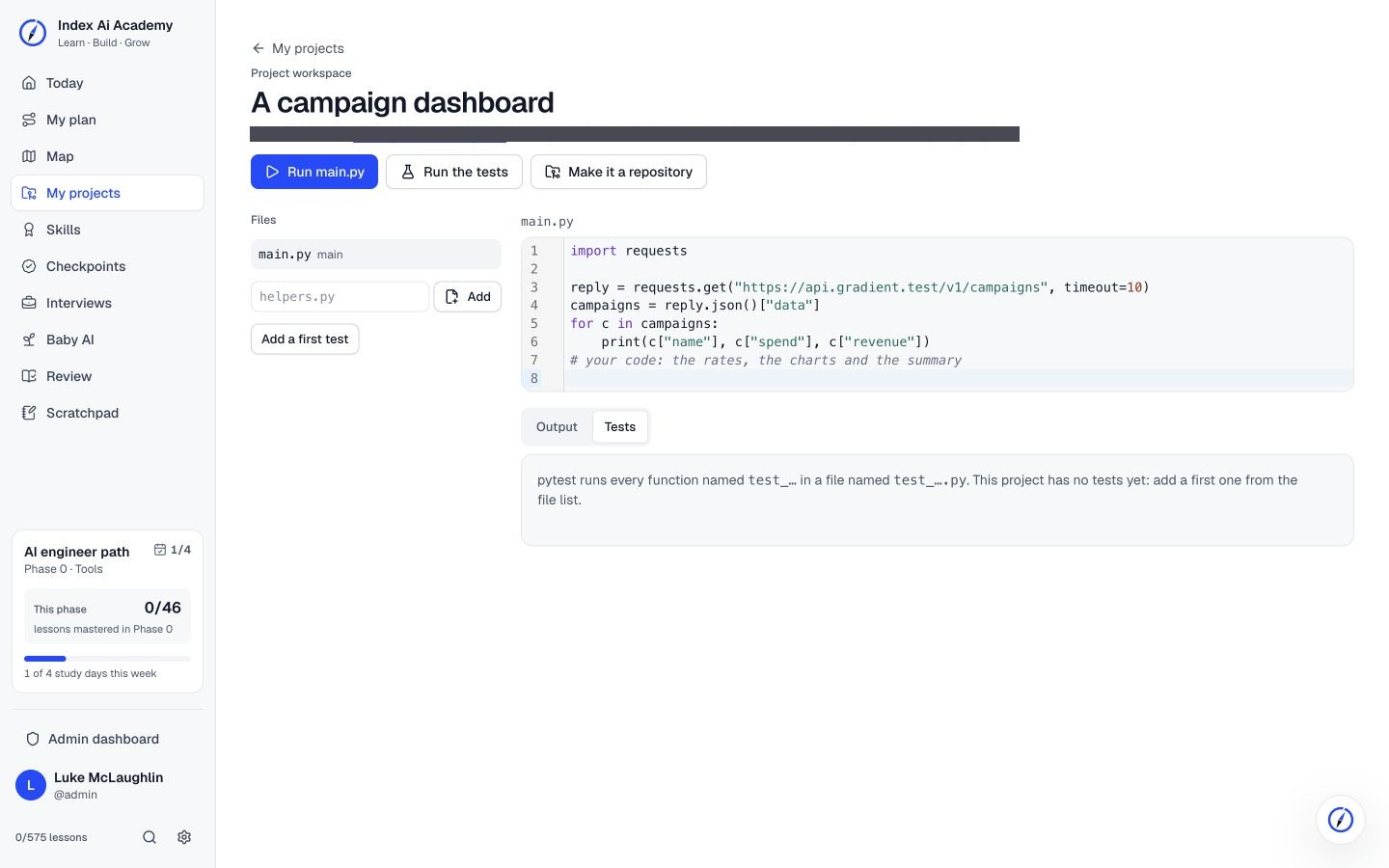
The project’s test panel separates running the program from checking its behaviour. A learner can add a first test and rerun it as the implementation changes.

Move from project requirements into the campaign dashboard workspace and its files and test controls. This full-page capture includes the material below the initial viewport.
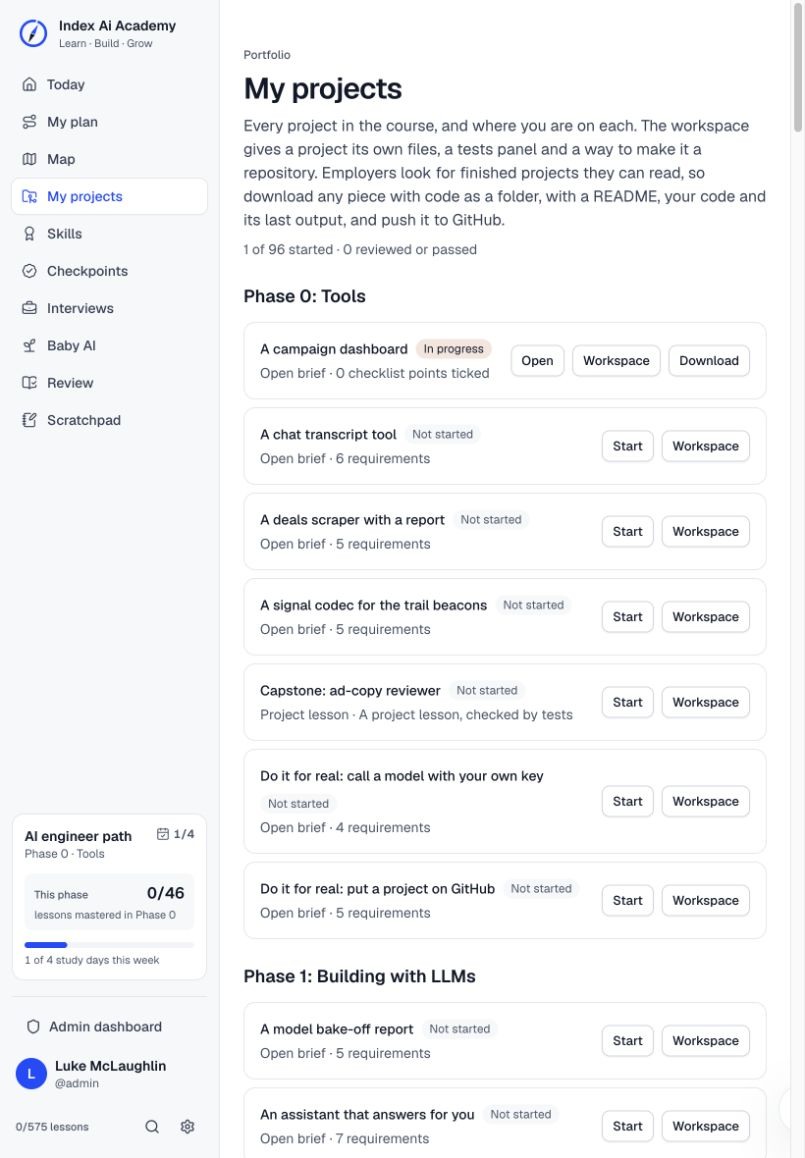
Move from project requirements into the campaign dashboard workspace and its files and test controls.
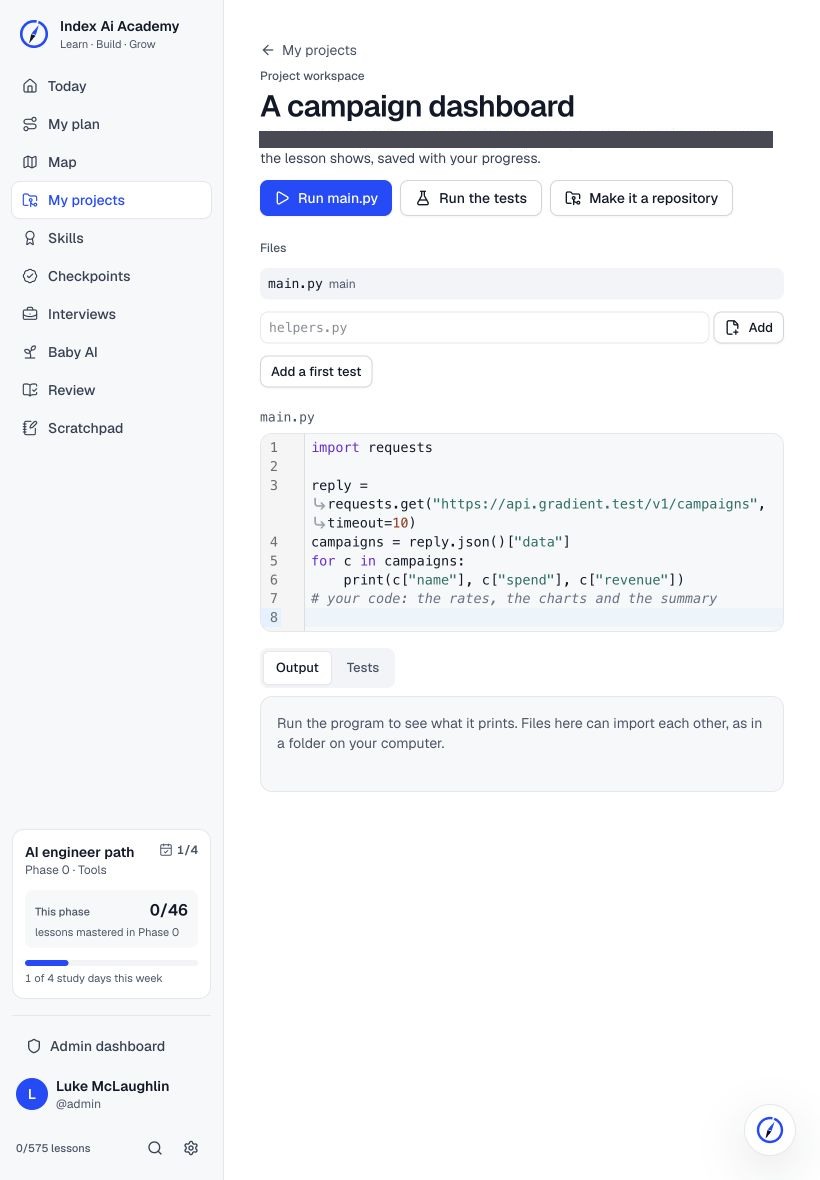
The campaign dashboard puts main.py beside the project file list. The learner can edit the API request, run the script and inspect its output in the same workspace.
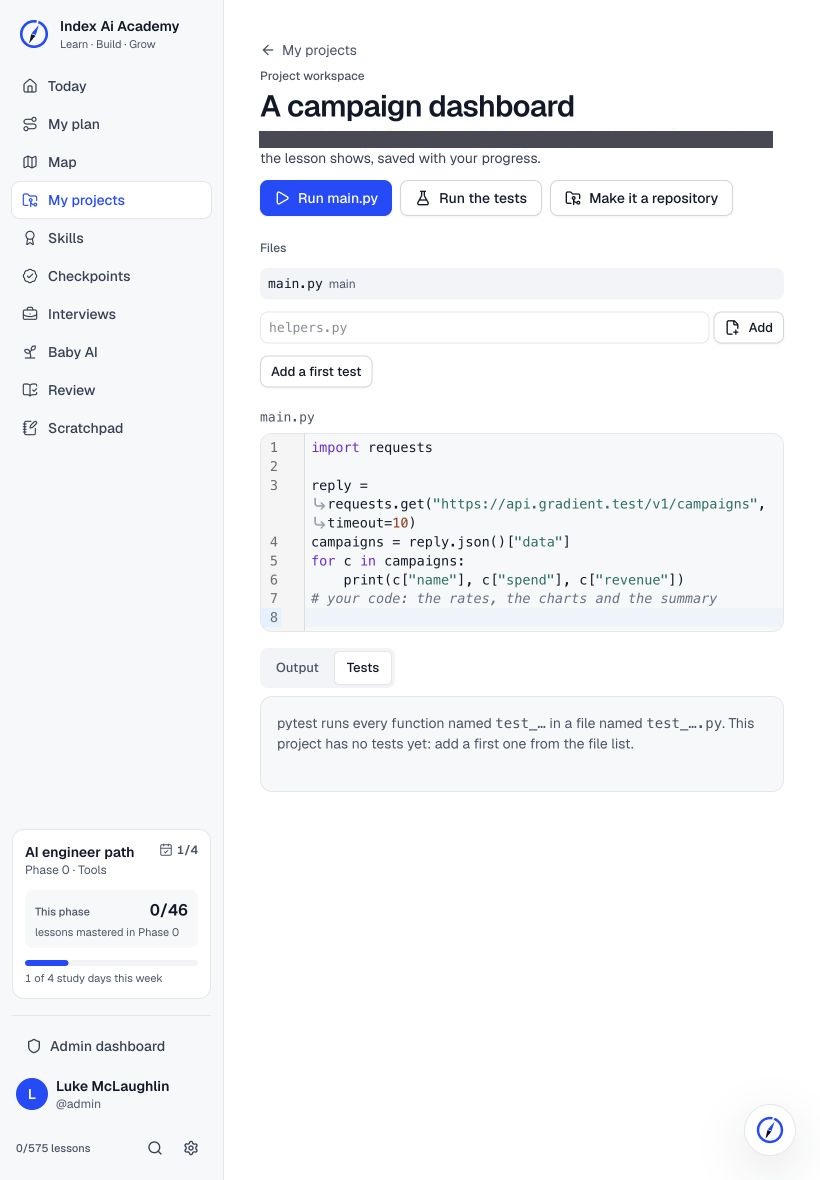
The project’s test panel separates running the program from checking its behaviour. A learner can add a first test and rerun it as the implementation changes.

Move from project requirements into the campaign dashboard workspace and its files and test controls. This full-page capture includes the material below the initial viewport.
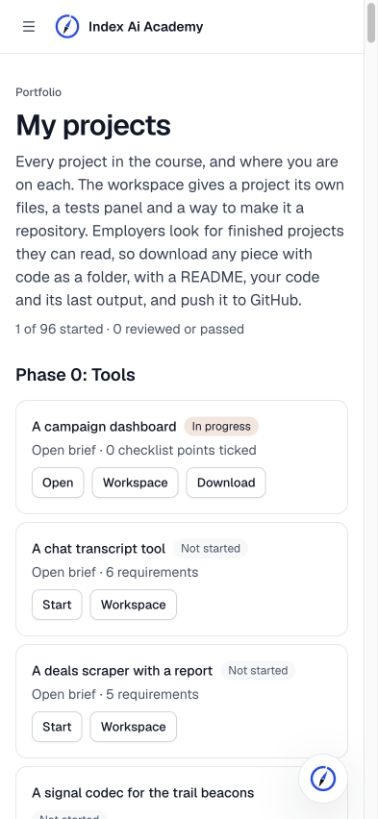
Move from project requirements into the campaign dashboard workspace and its files and test controls.
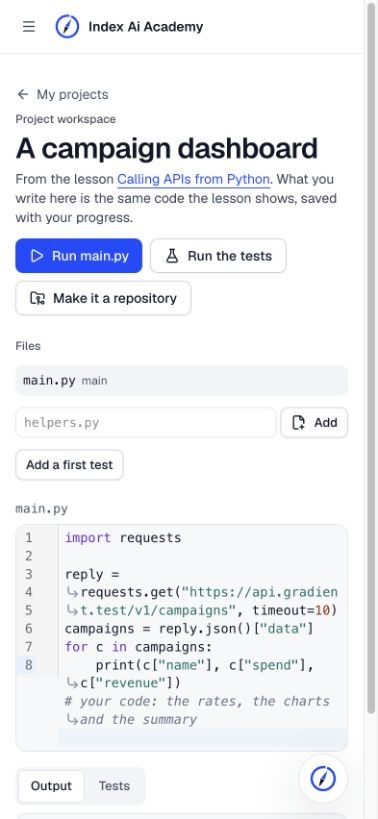
The campaign dashboard puts main.py beside the project file list. The learner can edit the API request, run the script and inspect its output in the same workspace.
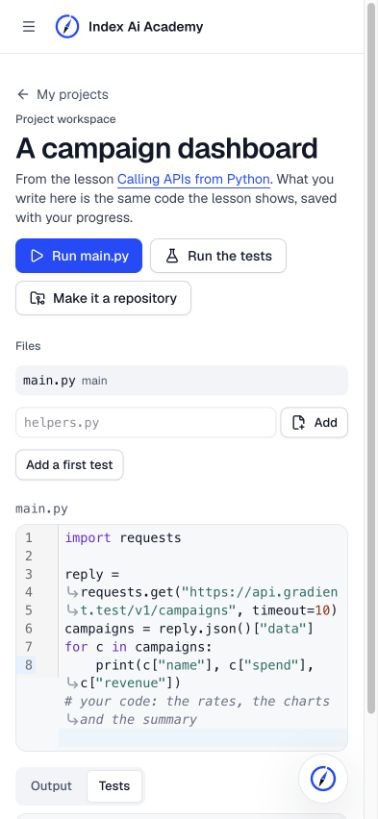
The project’s test panel separates running the program from checking its behaviour. A learner can add a first test and rerun it as the implementation changes.
Navigation 10
See how users move between workspaces, find commands and reopen frequently used views.
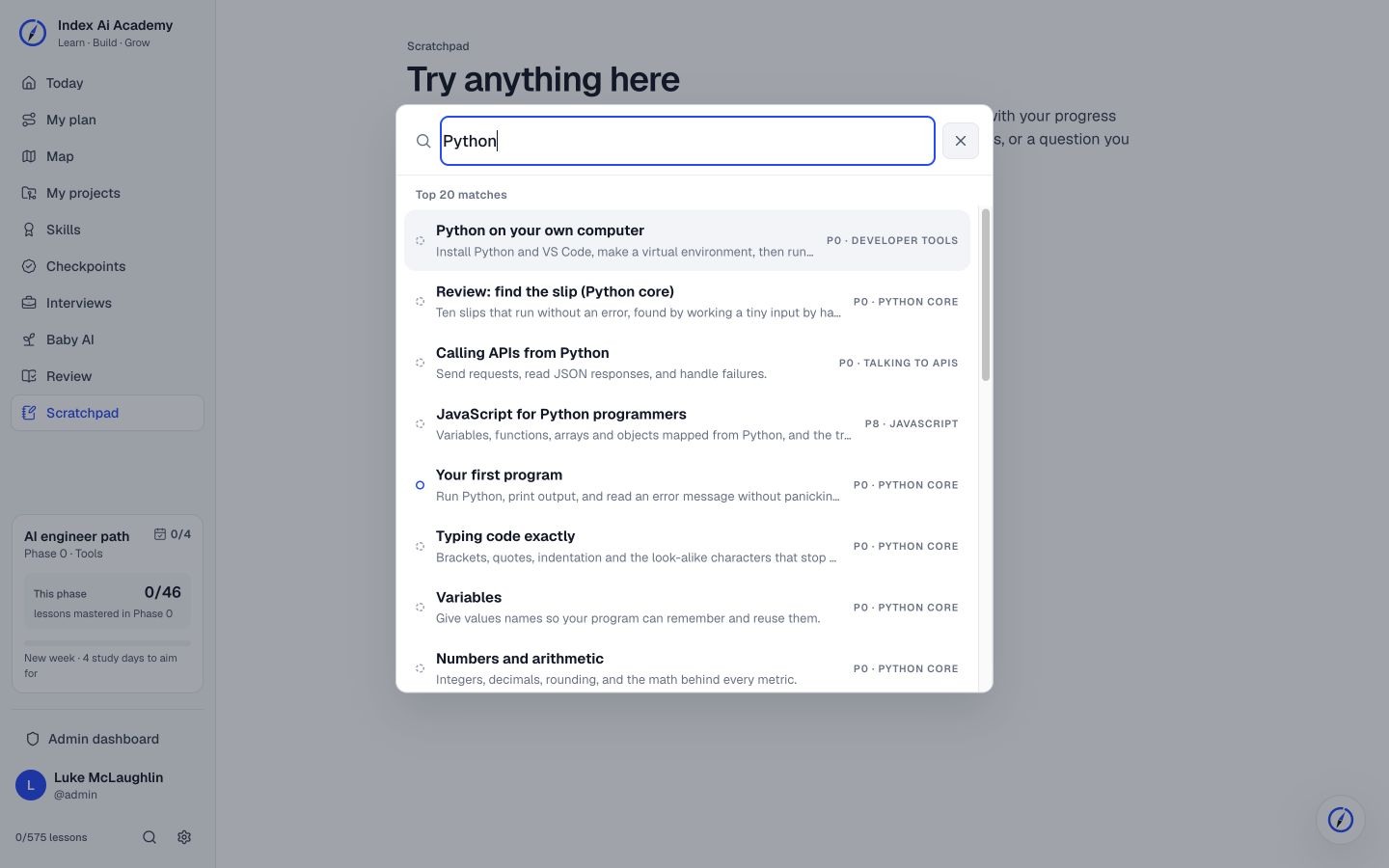
The learner can locate a concept and inspect its place in the curriculum before opening a lesson. This is useful when returning to a prerequisite during a project.
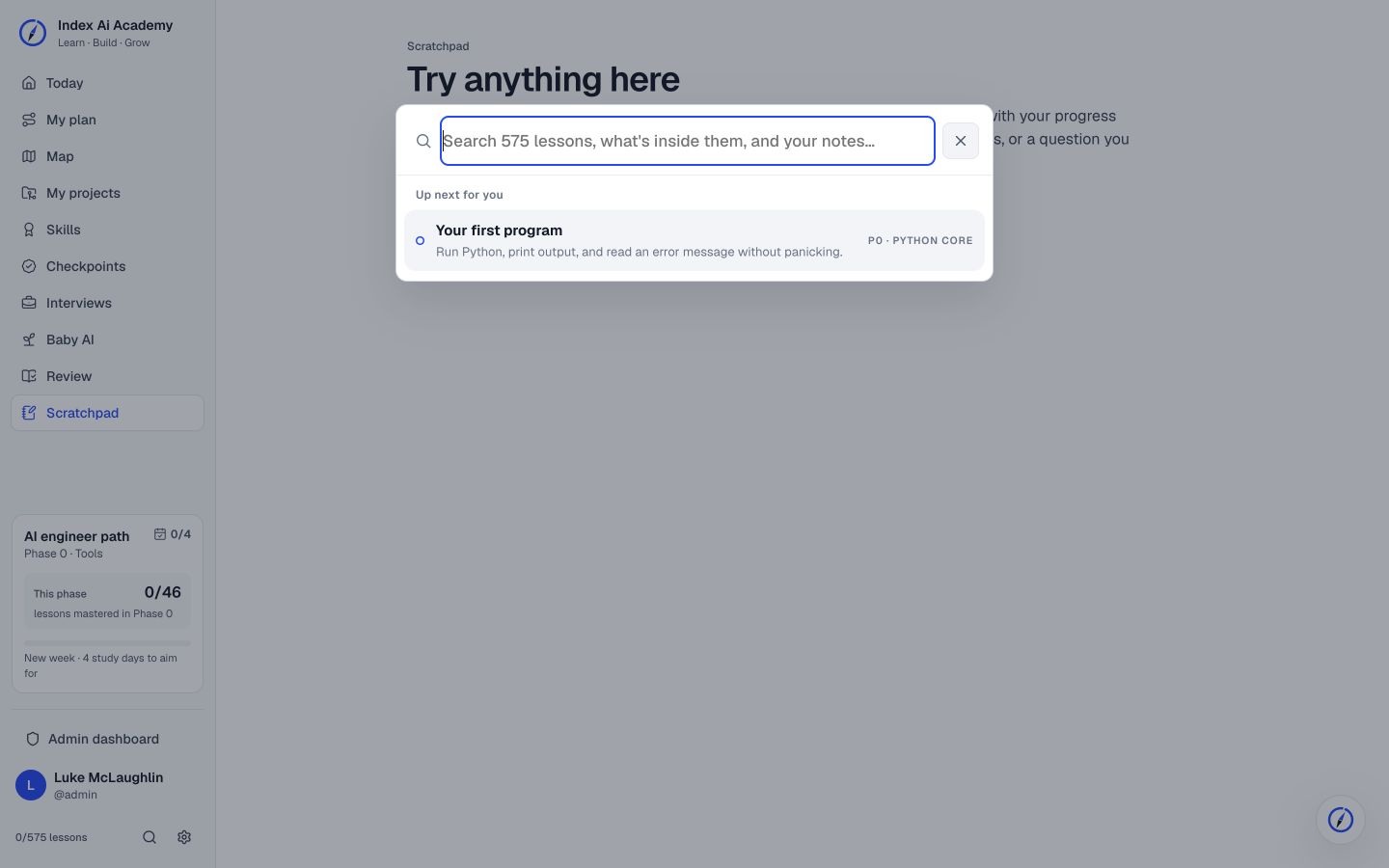
The learner can locate a concept and inspect its place in the curriculum before opening a lesson. This is useful when returning to a prerequisite during a project.
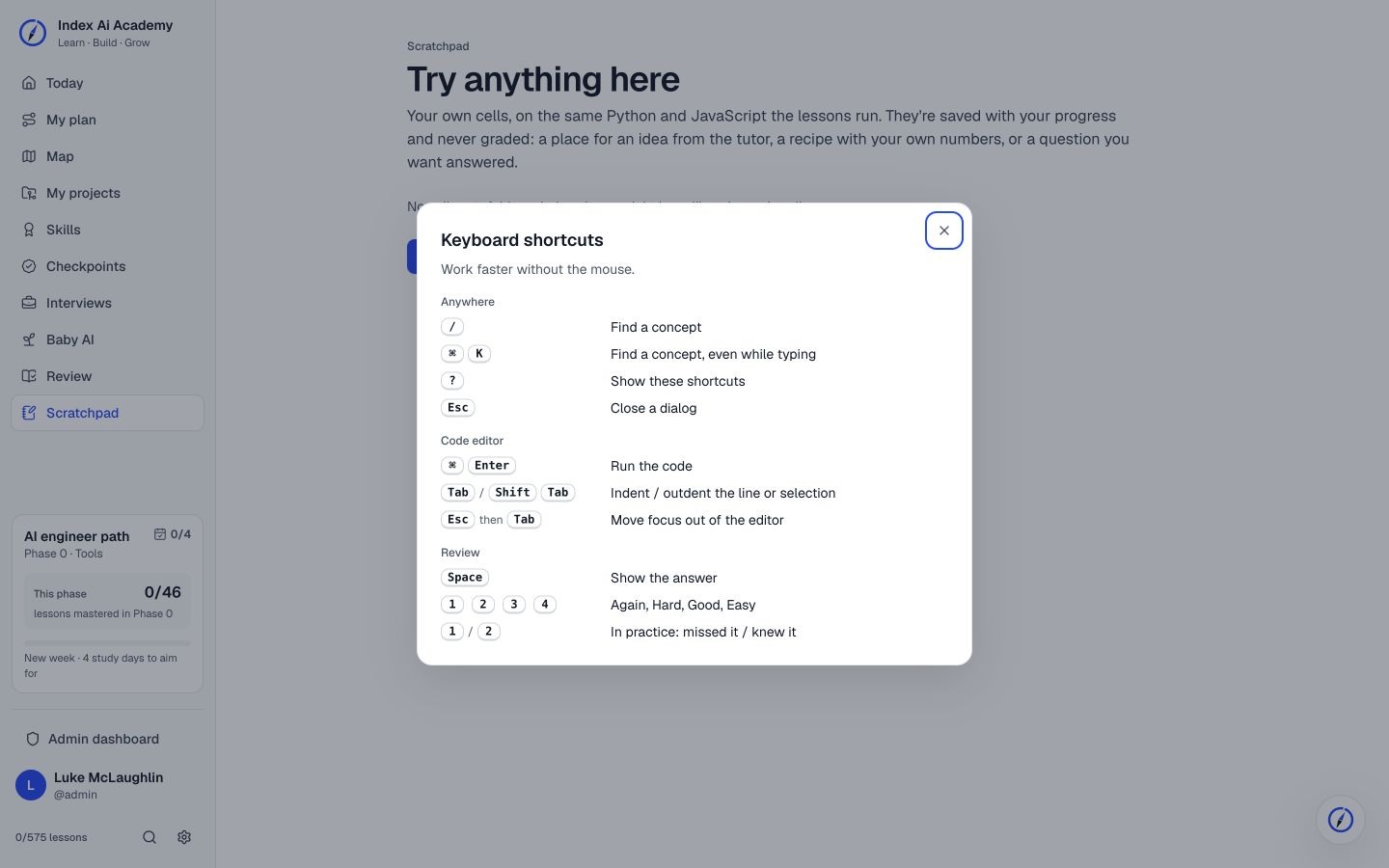
The command reference makes frequently used actions accessible from the keyboard while the user is working.
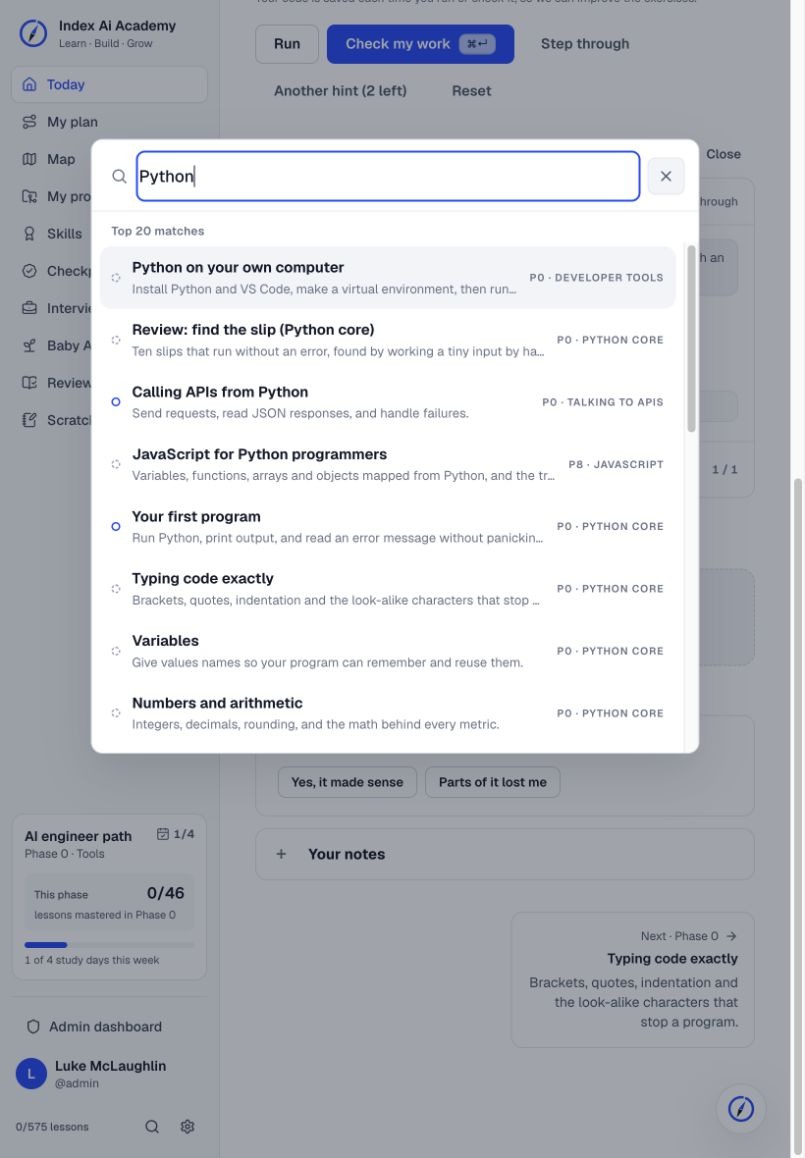
The learner can locate a concept and inspect its place in the curriculum before opening a lesson. This is useful when returning to a prerequisite during a project.
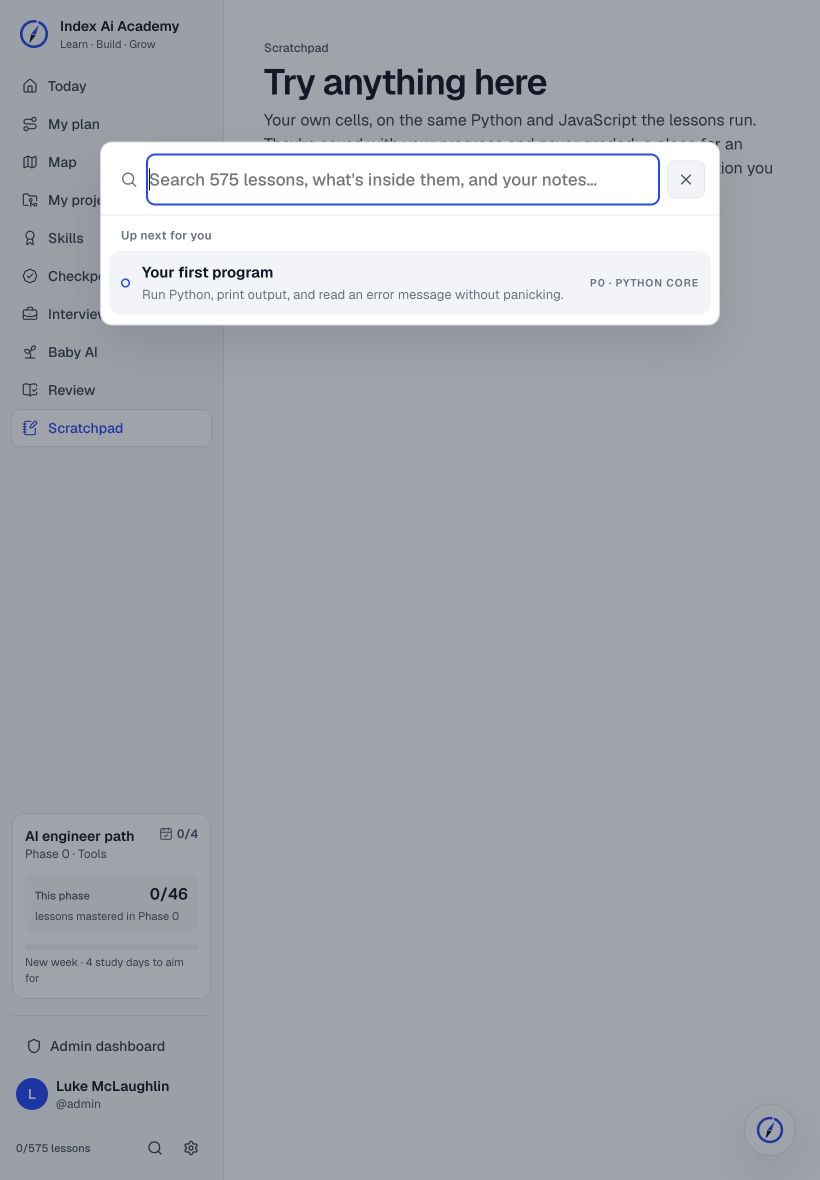
The learner can locate a concept and inspect its place in the curriculum before opening a lesson. This is useful when returning to a prerequisite during a project.
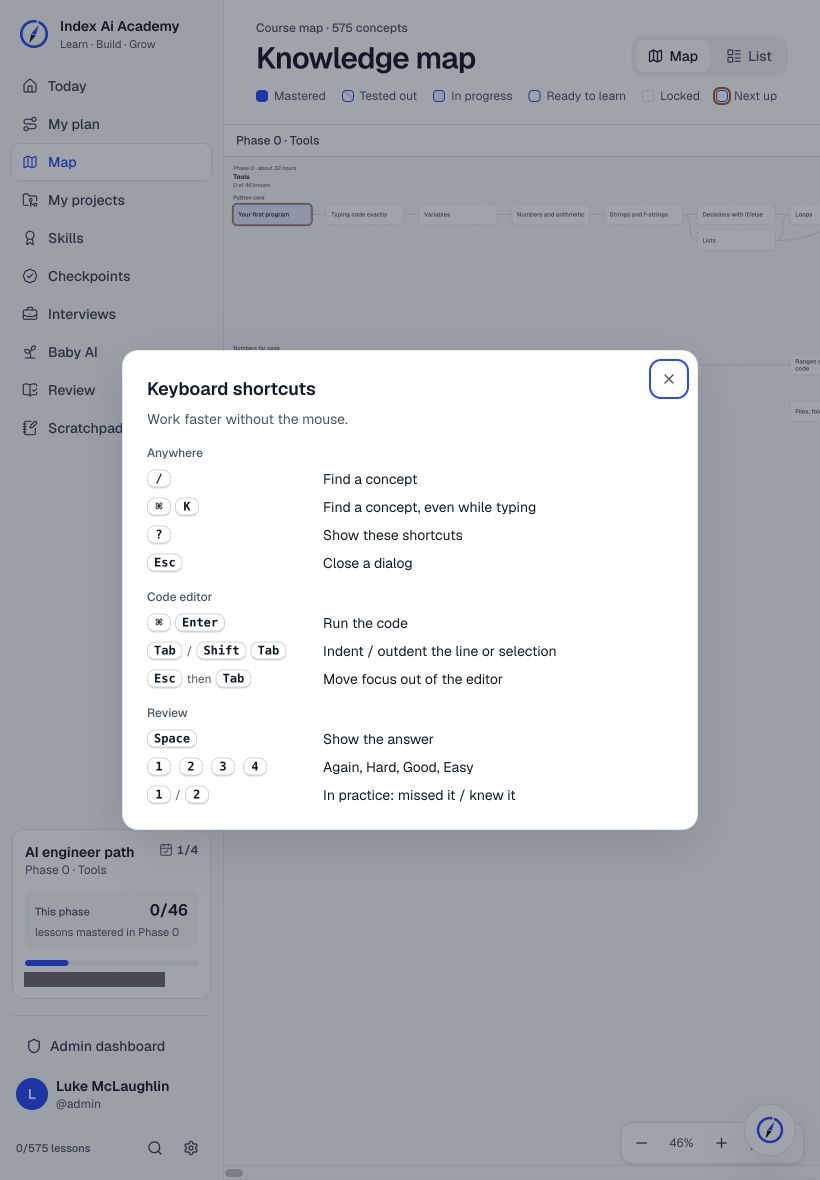
The command reference makes frequently used actions accessible from the keyboard while the user is working.
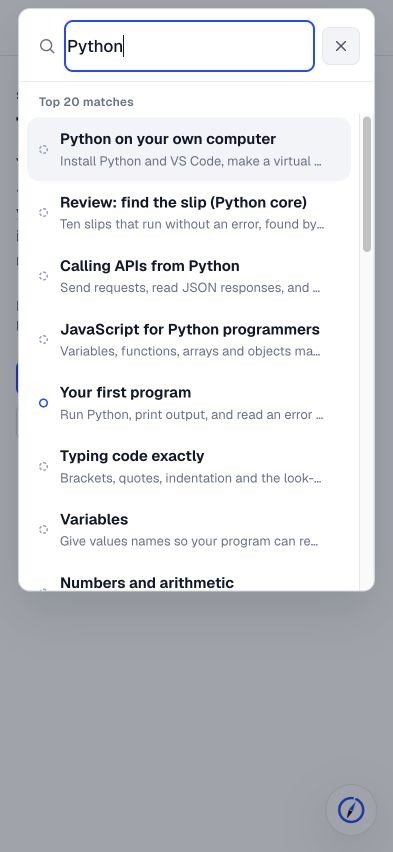
The learner can locate a concept and inspect its place in the curriculum before opening a lesson. This is useful when returning to a prerequisite during a project.
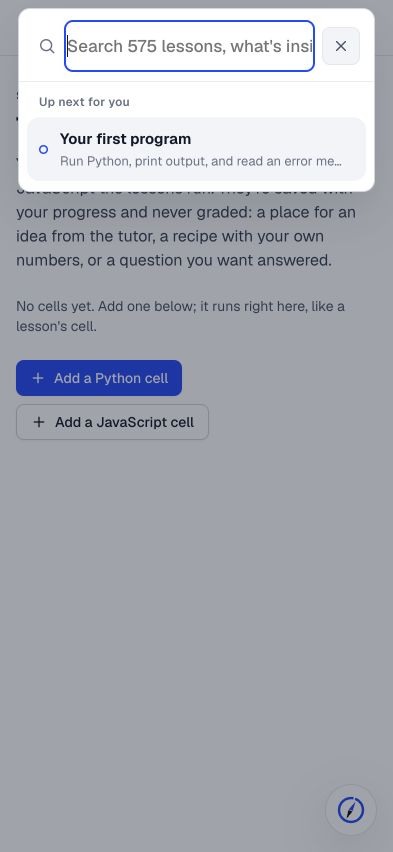
The learner can locate a concept and inspect its place in the curriculum before opening a lesson. This is useful when returning to a prerequisite during a project.
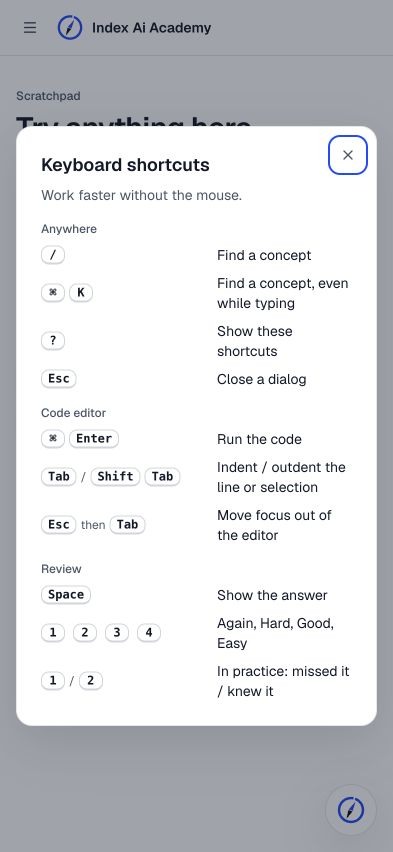
The command reference makes frequently used actions accessible from the keyboard while the user is working.
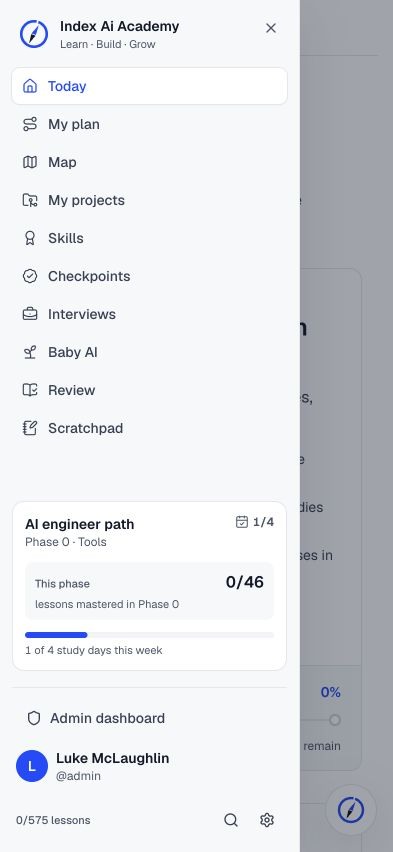
The menu gathers navigation choices into a compact view, keeping them reachable while the main workspace stays in focus.
Placement test 6
Establish a starting point by checking familiarity and answering questions about prerequisite concepts.
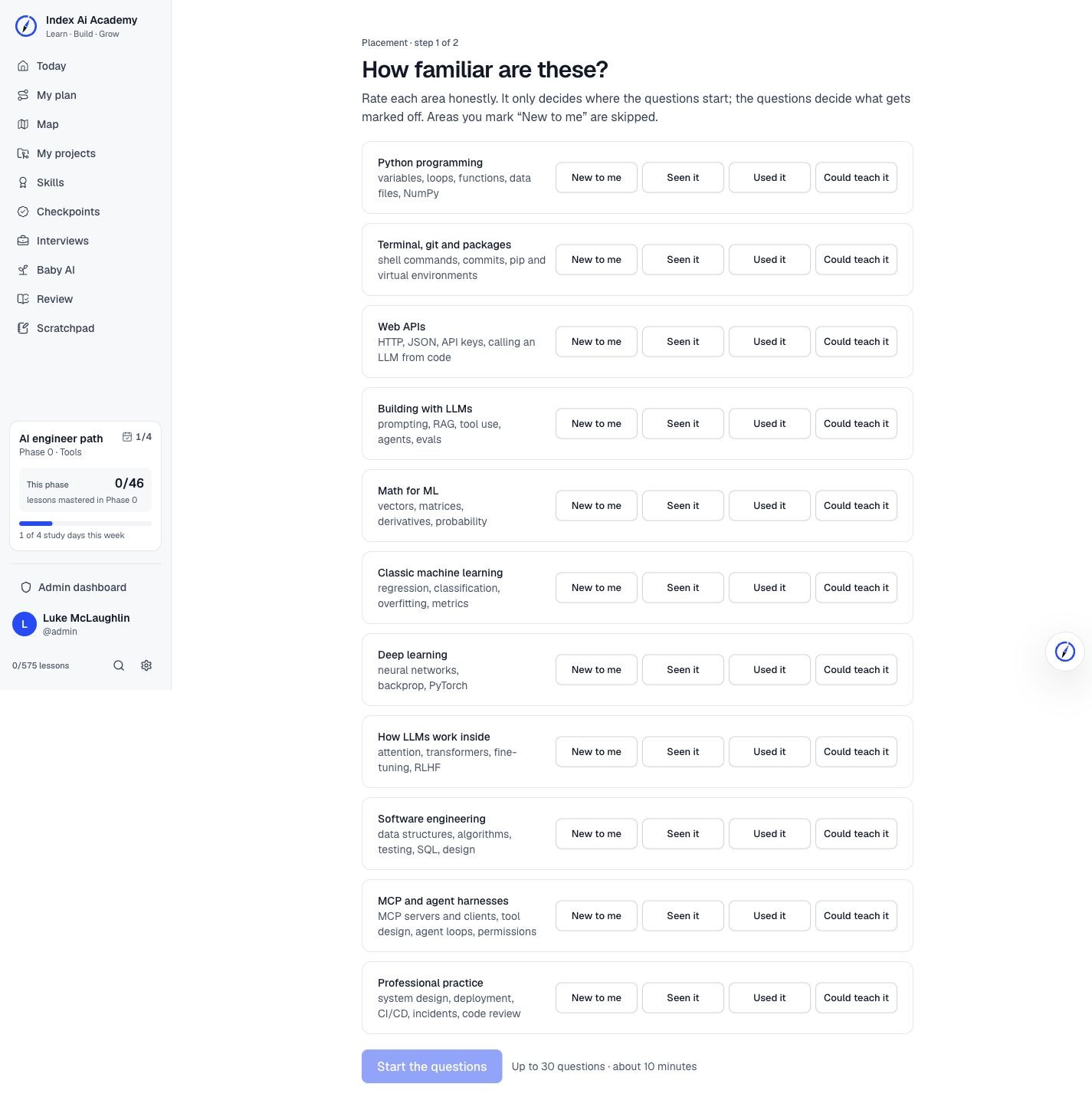
Establish a starting point by checking familiarity and answering questions about prerequisite concepts. This full-page capture includes the material below the initial viewport.
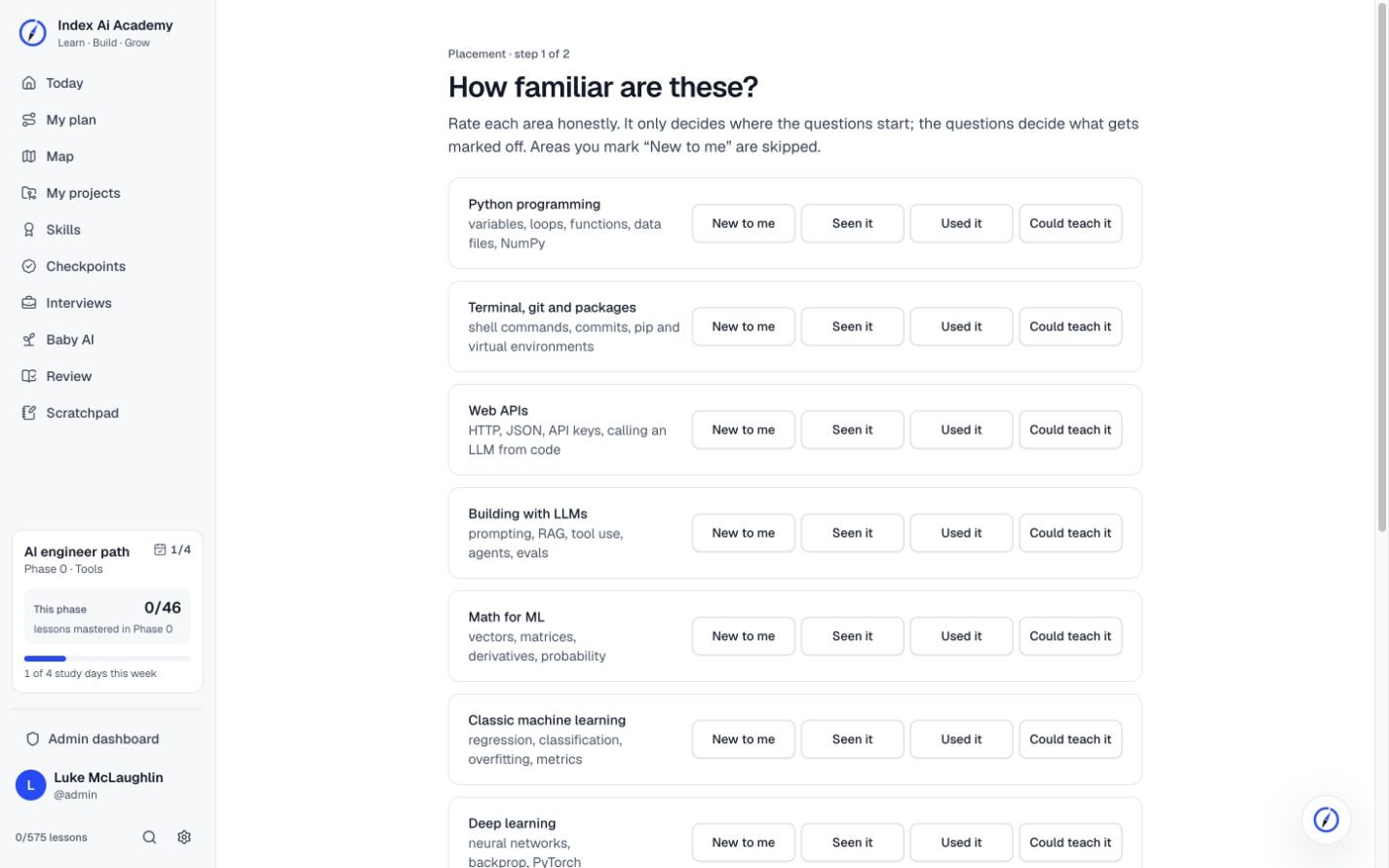
Establish a starting point by checking familiarity and answering questions about prerequisite concepts.
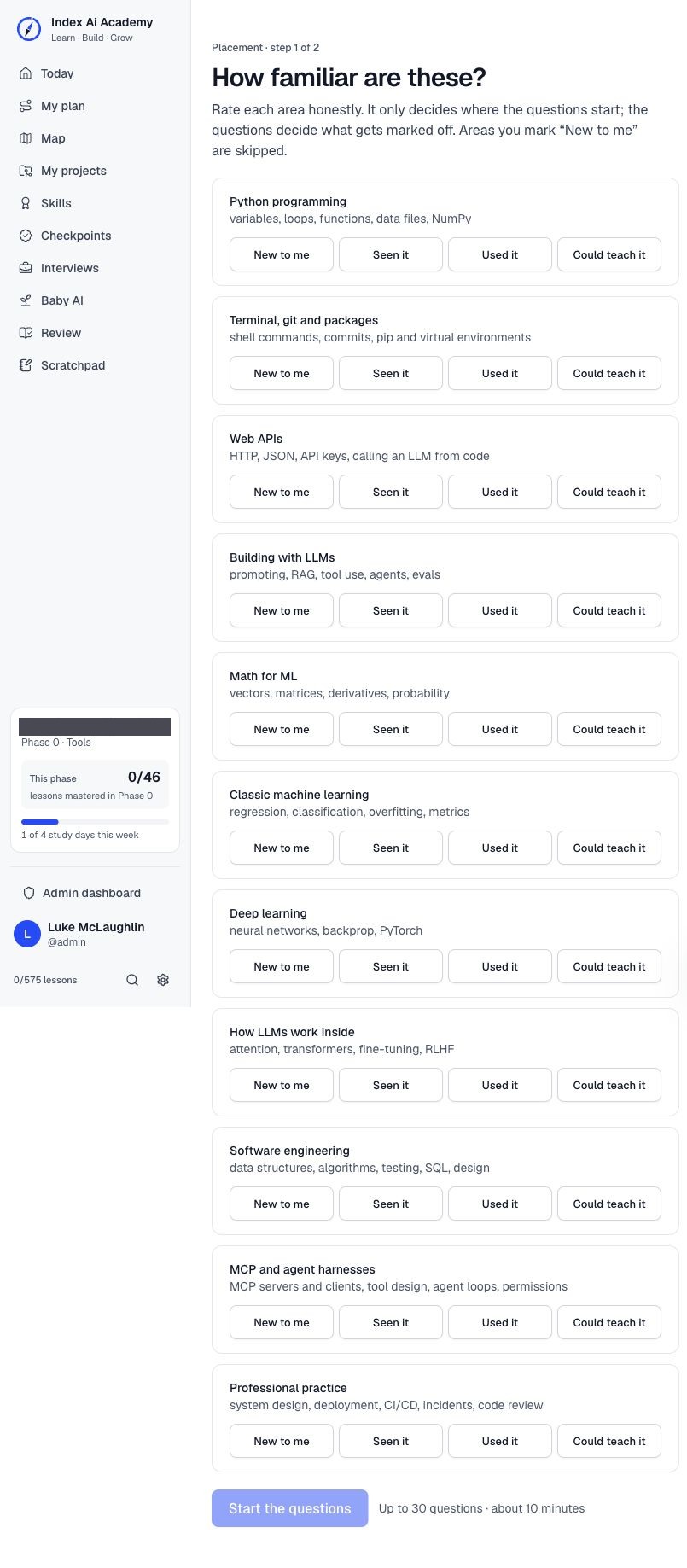
Establish a starting point by checking familiarity and answering questions about prerequisite concepts. This full-page capture includes the material below the initial viewport.
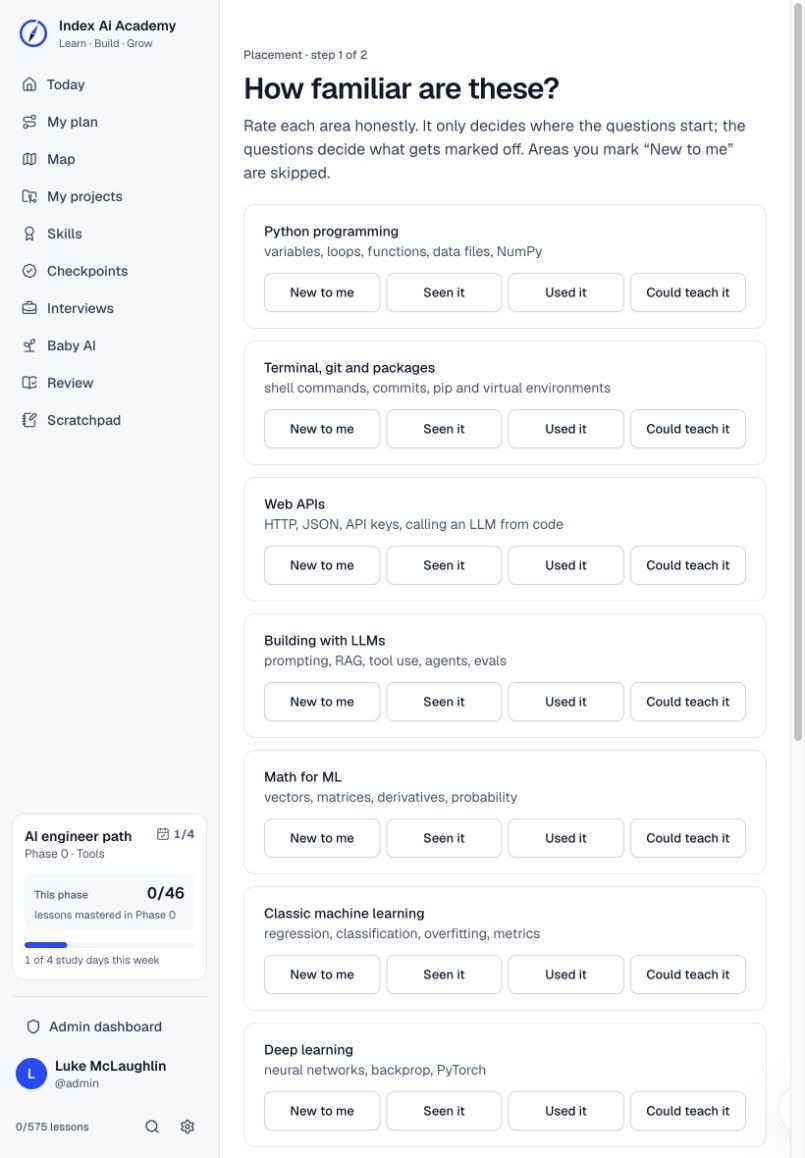
Establish a starting point by checking familiarity and answering questions about prerequisite concepts.

Establish a starting point by checking familiarity and answering questions about prerequisite concepts. This full-page capture includes the material below the initial viewport.
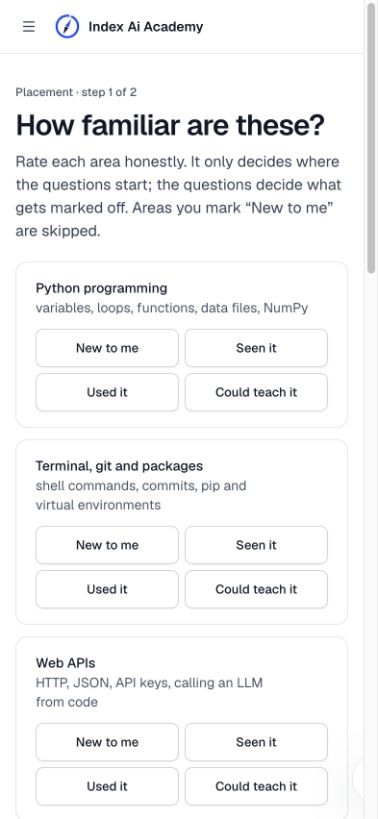
Establish a starting point by checking familiarity and answering questions about prerequisite concepts.
Review 3
Return to concepts due for recall and use the result to guide subsequent practice.
Return to concepts due for recall and use the result to guide subsequent practice.
Return to concepts due for recall and use the result to guide subsequent practice.
Return to concepts due for recall and use the result to guide subsequent practice.
Scratchpad 3
Try an idea in a separate coding space while working through the curriculum.
Try an idea in a separate coding space while working through the curriculum.
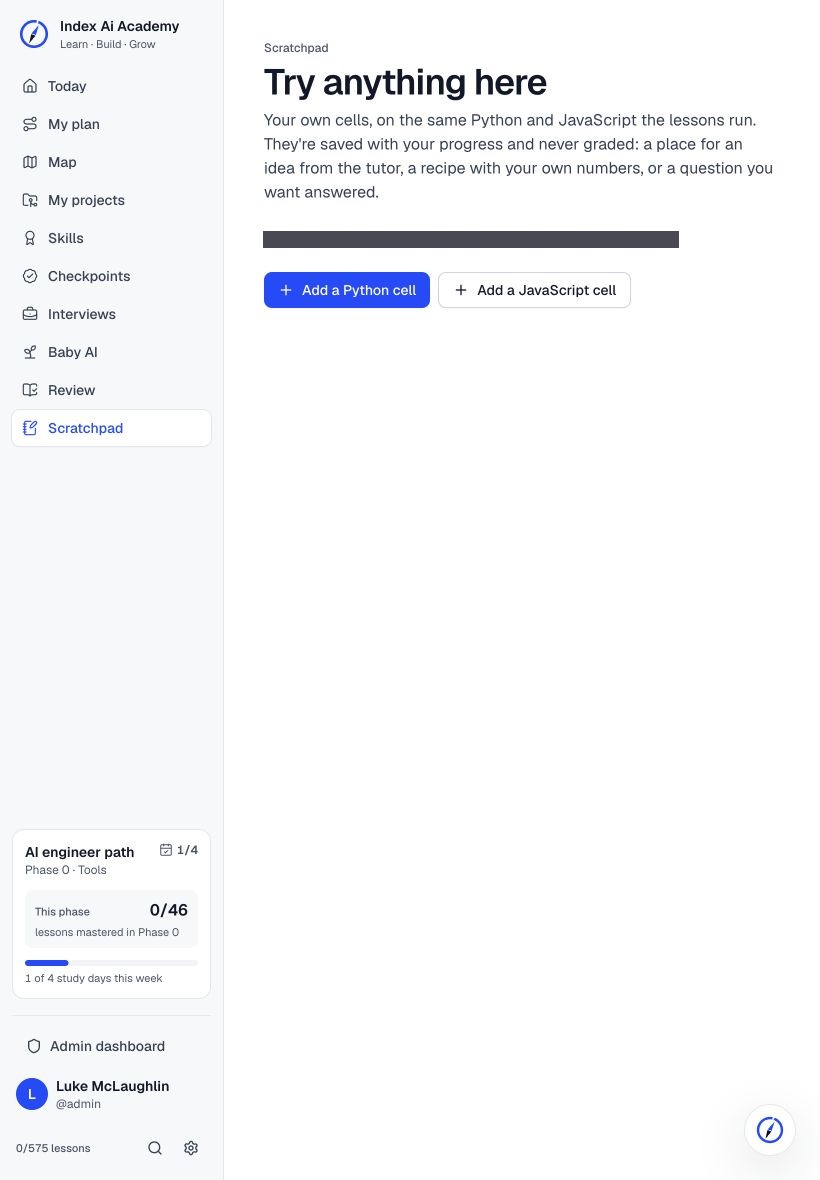
Try an idea in a separate coding space while working through the curriculum.
Try an idea in a separate coding space while working through the curriculum.
Settings 6
Explore the preferences and configuration panels available in this edition.
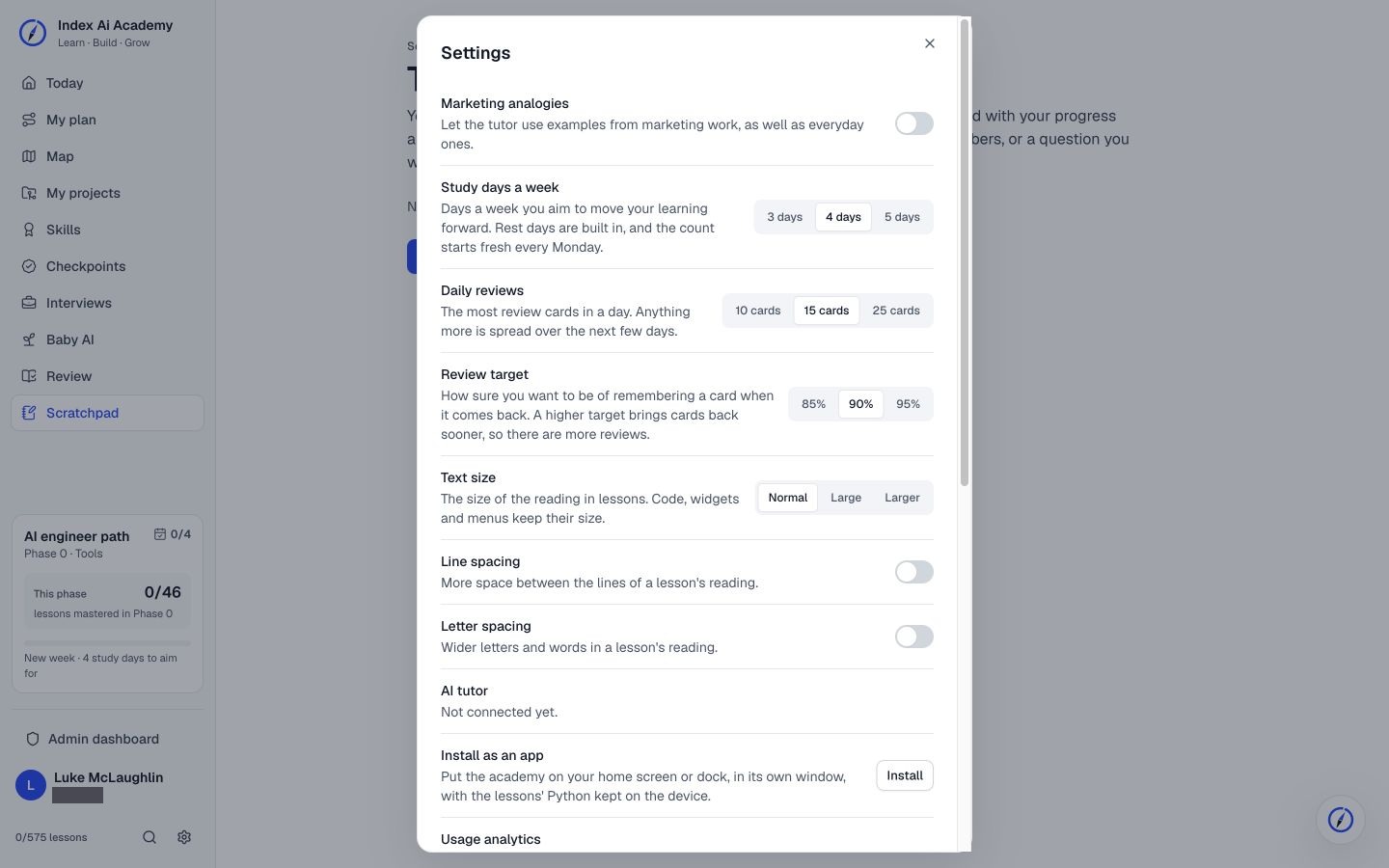
The settings view covers Preferences. Learners can adjust the way the Academy presents their course and study sessions.
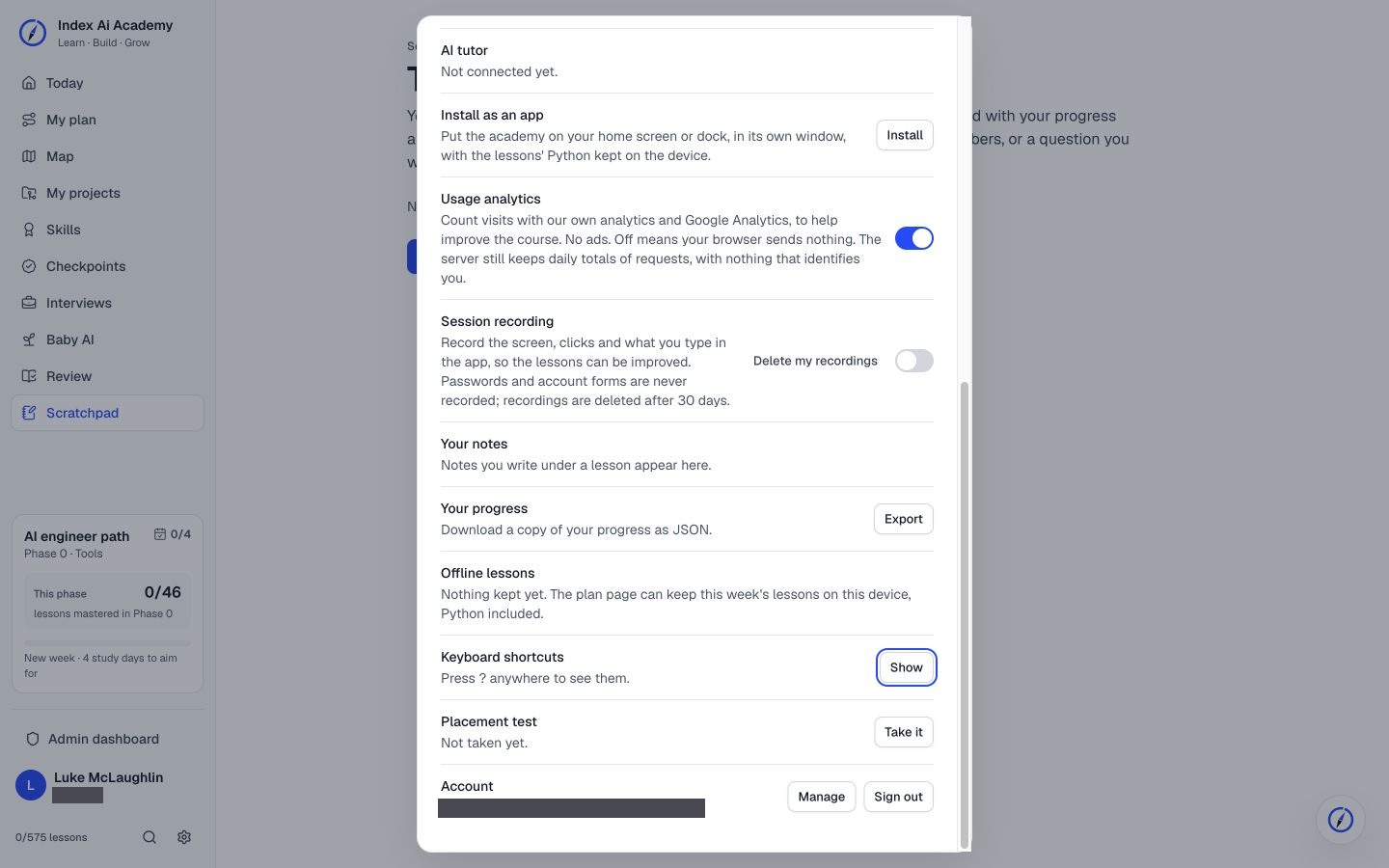
The settings view covers Lower preferences. Learners can adjust the way the Academy presents their course and study sessions.
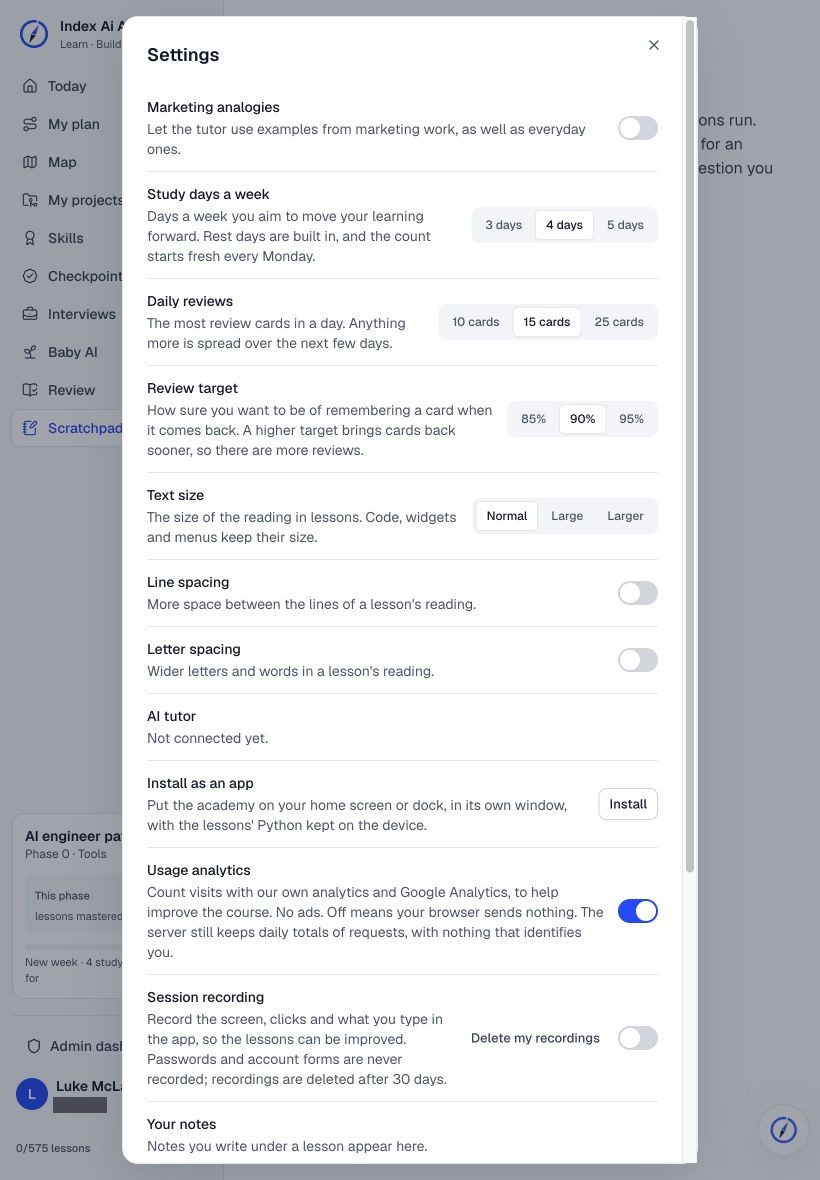
The settings view covers Preferences. Learners can adjust the way the Academy presents their course and study sessions.
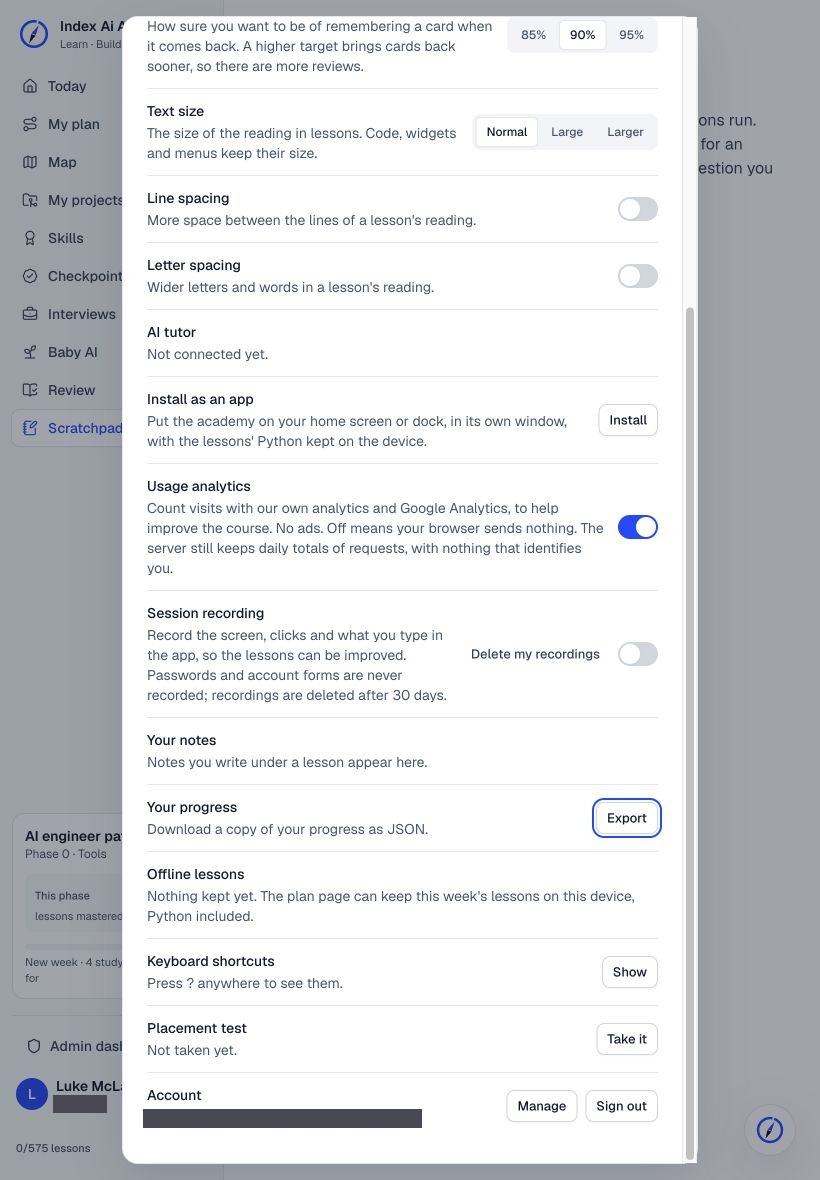
The settings view covers Lower preferences. Learners can adjust the way the Academy presents their course and study sessions.
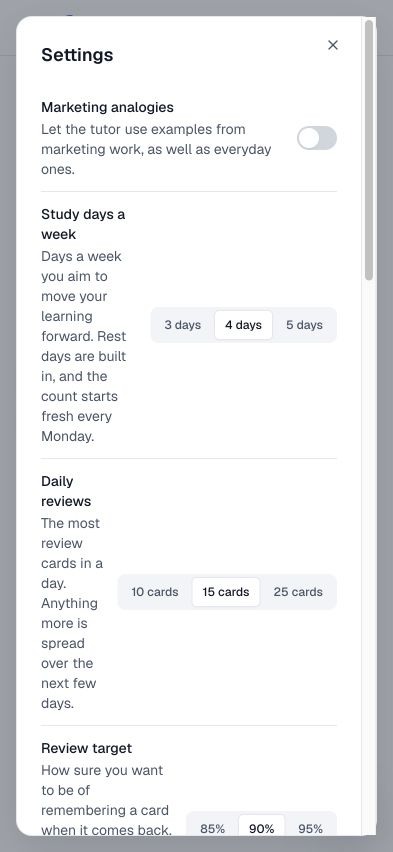
The settings view covers Preferences. Learners can adjust the way the Academy presents their course and study sessions.
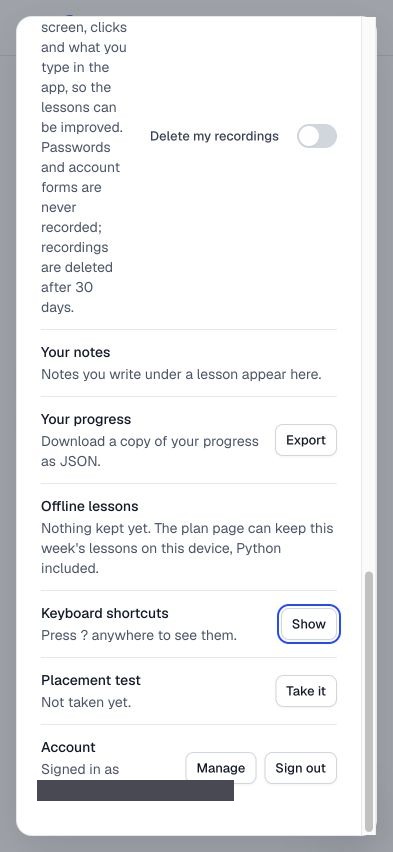
The settings view covers Lower preferences. Learners can adjust the way the Academy presents their course and study sessions.
Skills 4
Inspect progress across the skills developed by lessons, projects and assessments.
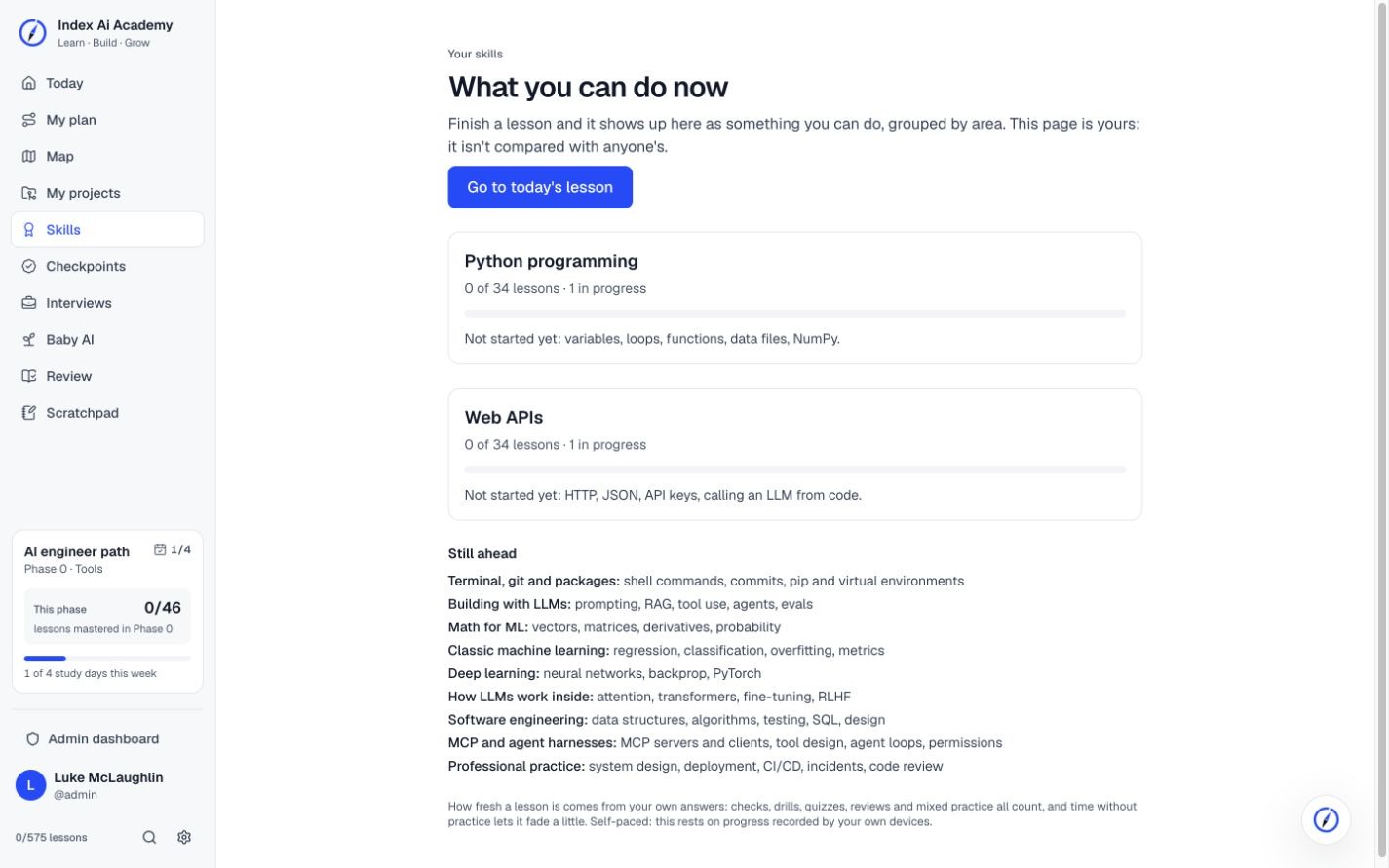
Inspect progress across the skills developed by lessons, projects and assessments.
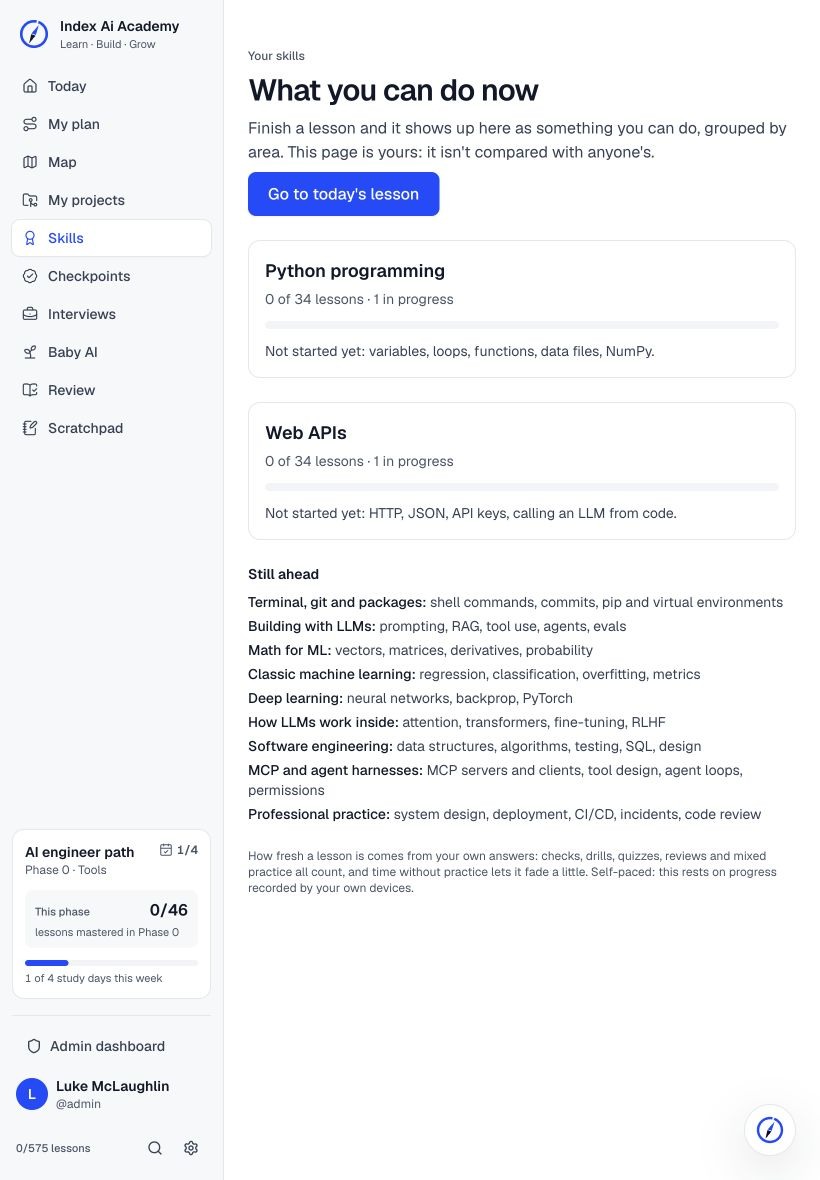
Inspect progress across the skills developed by lessons, projects and assessments.
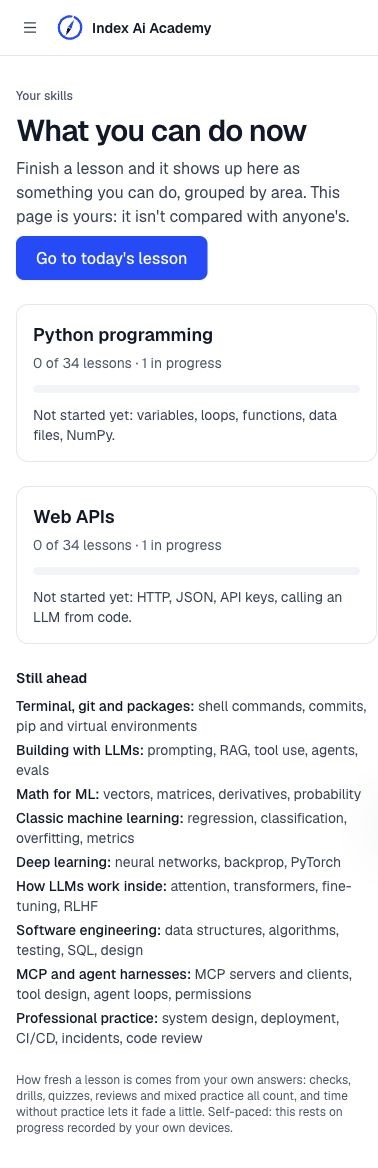
Inspect progress across the skills developed by lessons, projects and assessments. This full-page capture includes the material below the initial viewport.
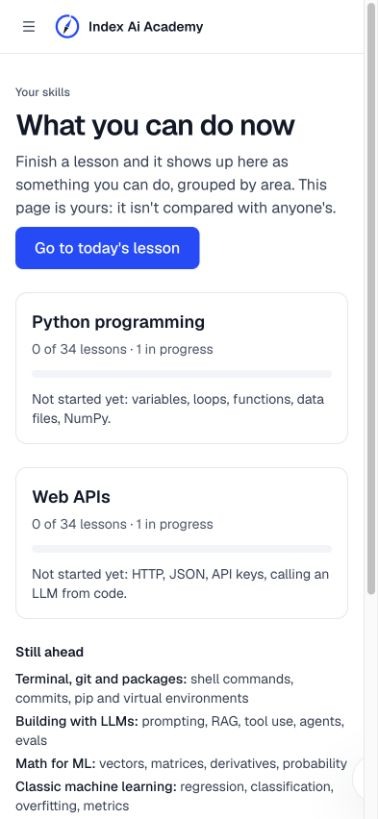
Inspect progress across the skills developed by lessons, projects and assessments.
Today 18
Resume the current lesson and inspect the study plan, phase progress and work due next.
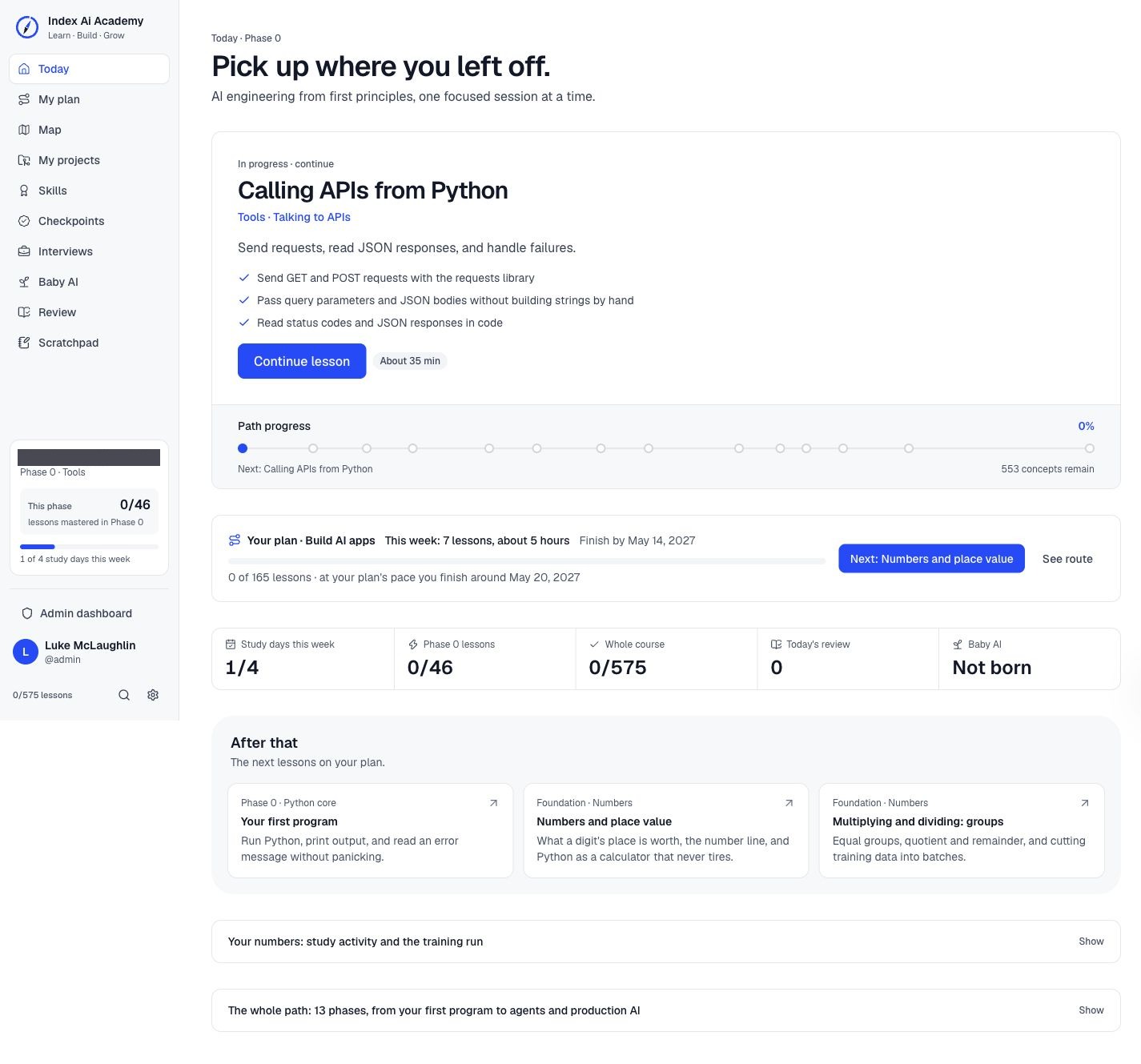
Today opens on Calling APIs from Python. The learner can resume that lesson, check this week’s study plan and see how far they have progressed through the current phase. This full-page capture includes the material below the initial viewport.
Today opens on Calling APIs from Python. The learner can resume that lesson, check this week’s study plan and see how far they have progressed through the current phase.
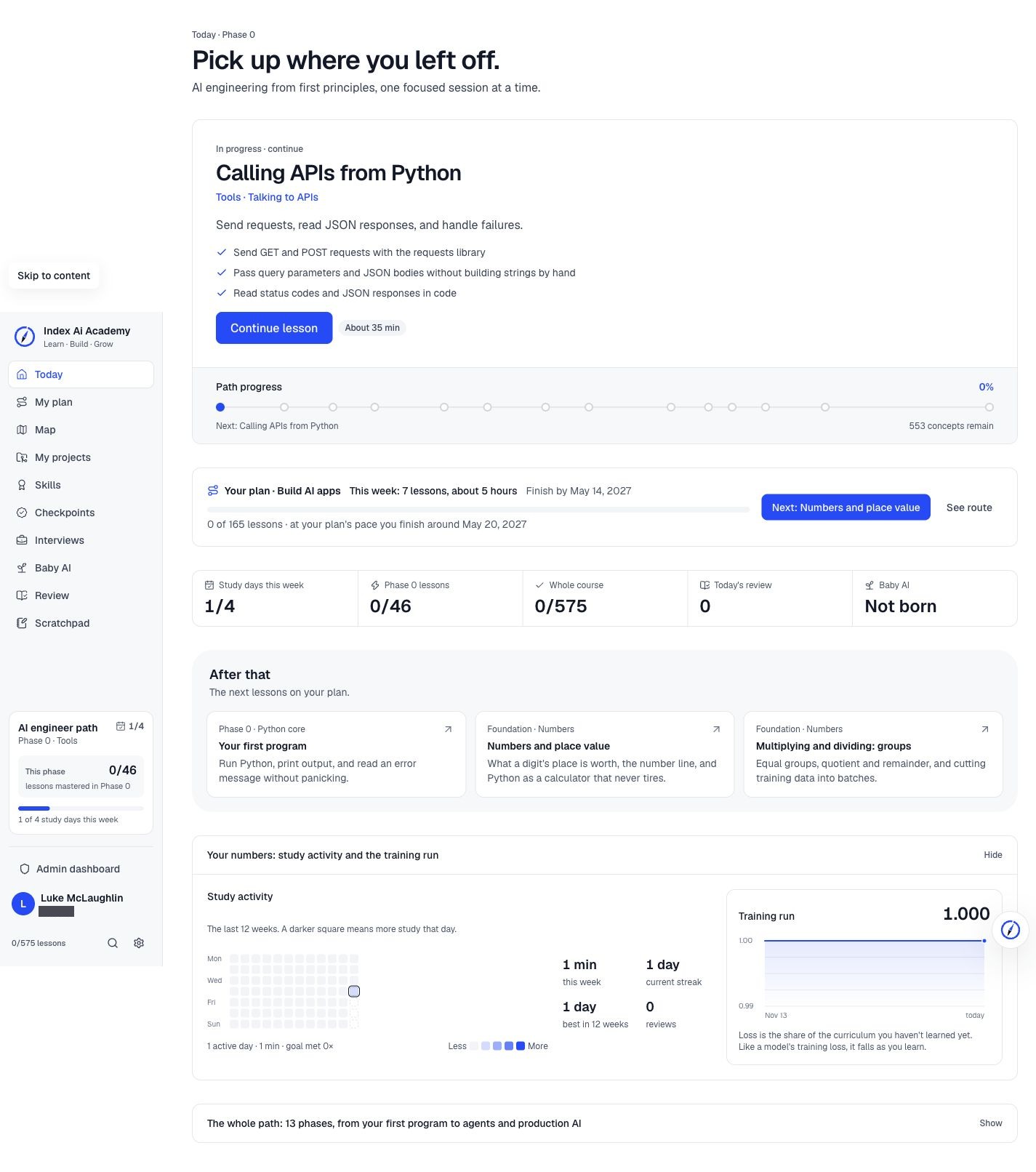
The dashboard expands beyond the current lesson to show the learner’s progress over time. This helps them choose where to resume their study session. This full-page capture includes the material below the initial viewport.
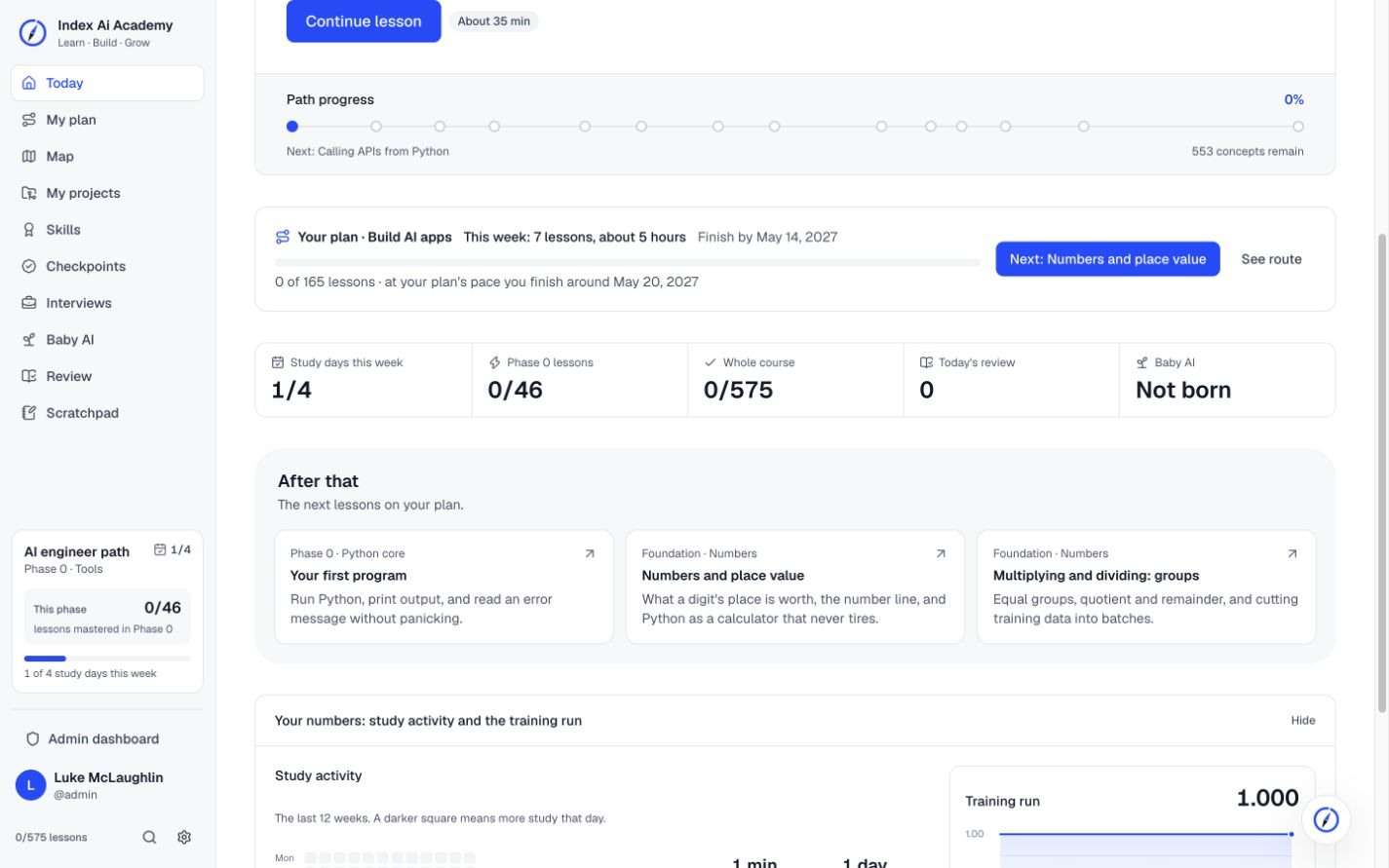
The dashboard expands beyond the current lesson to show the learner’s progress over time. This helps them choose where to resume their study session.
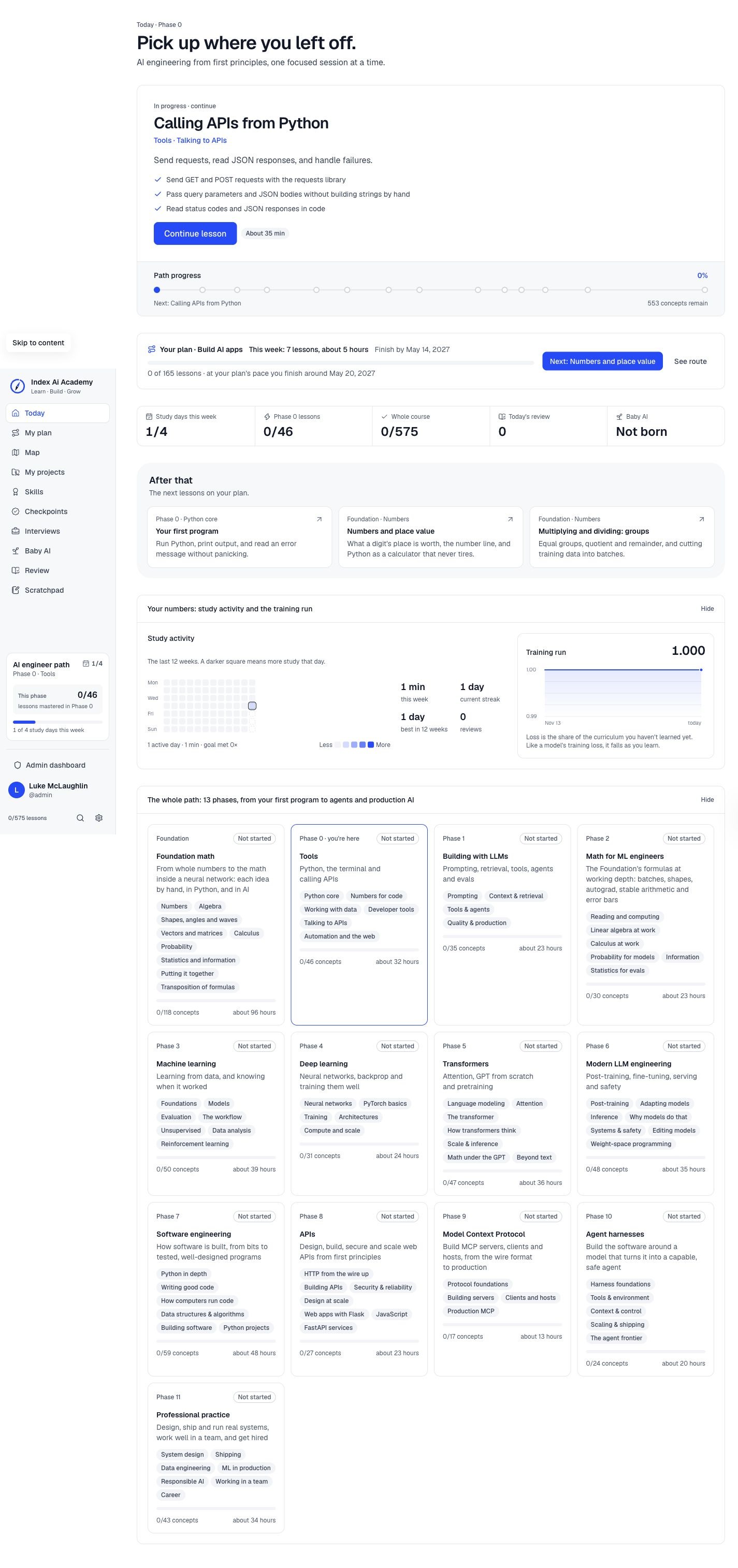
The dashboard expands beyond the current lesson to show the learner’s progress over time. This helps them choose where to resume their study session. This full-page capture includes the material below the initial viewport.
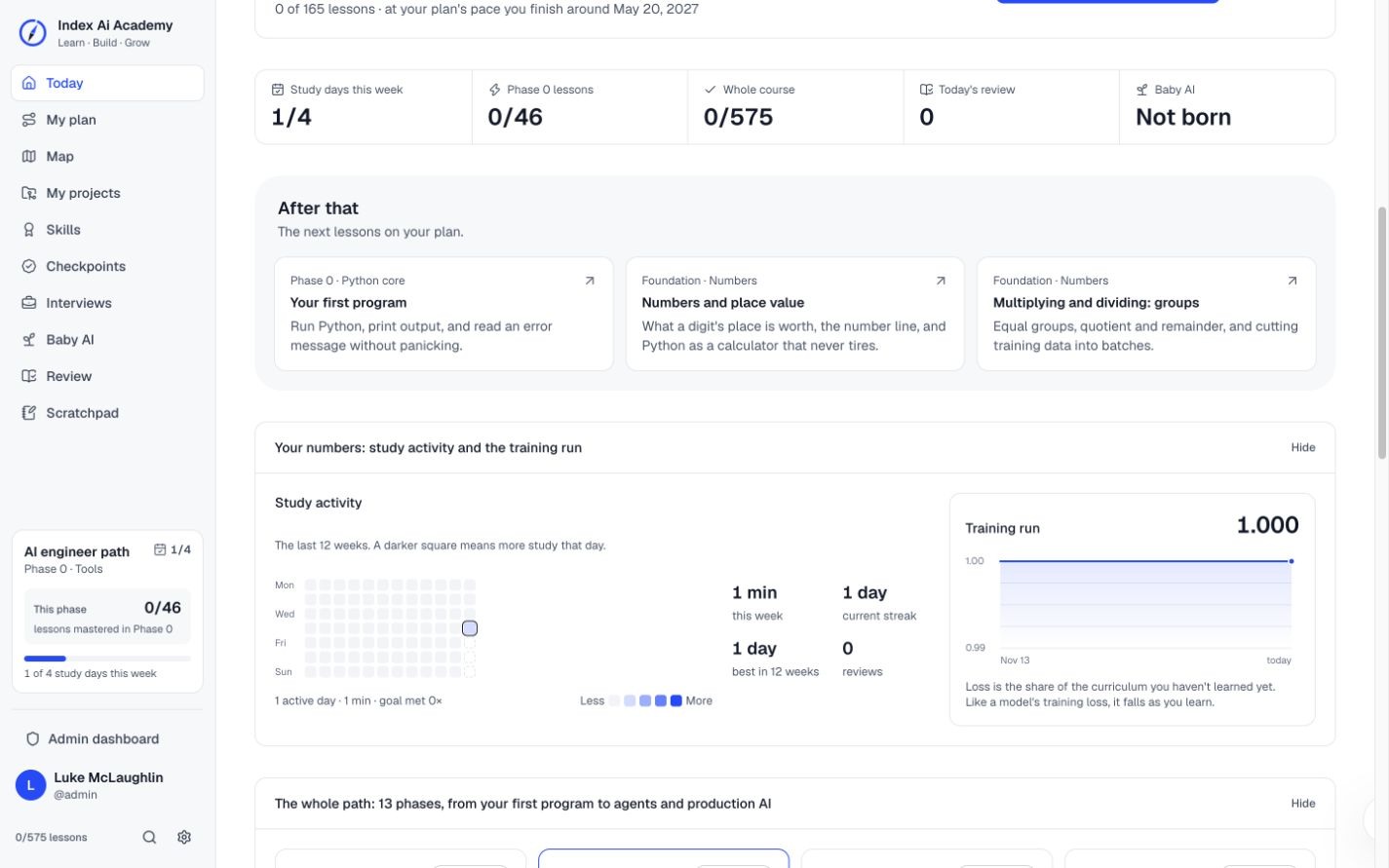
The dashboard expands beyond the current lesson to show the learner’s progress over time. This helps them choose where to resume their study session.
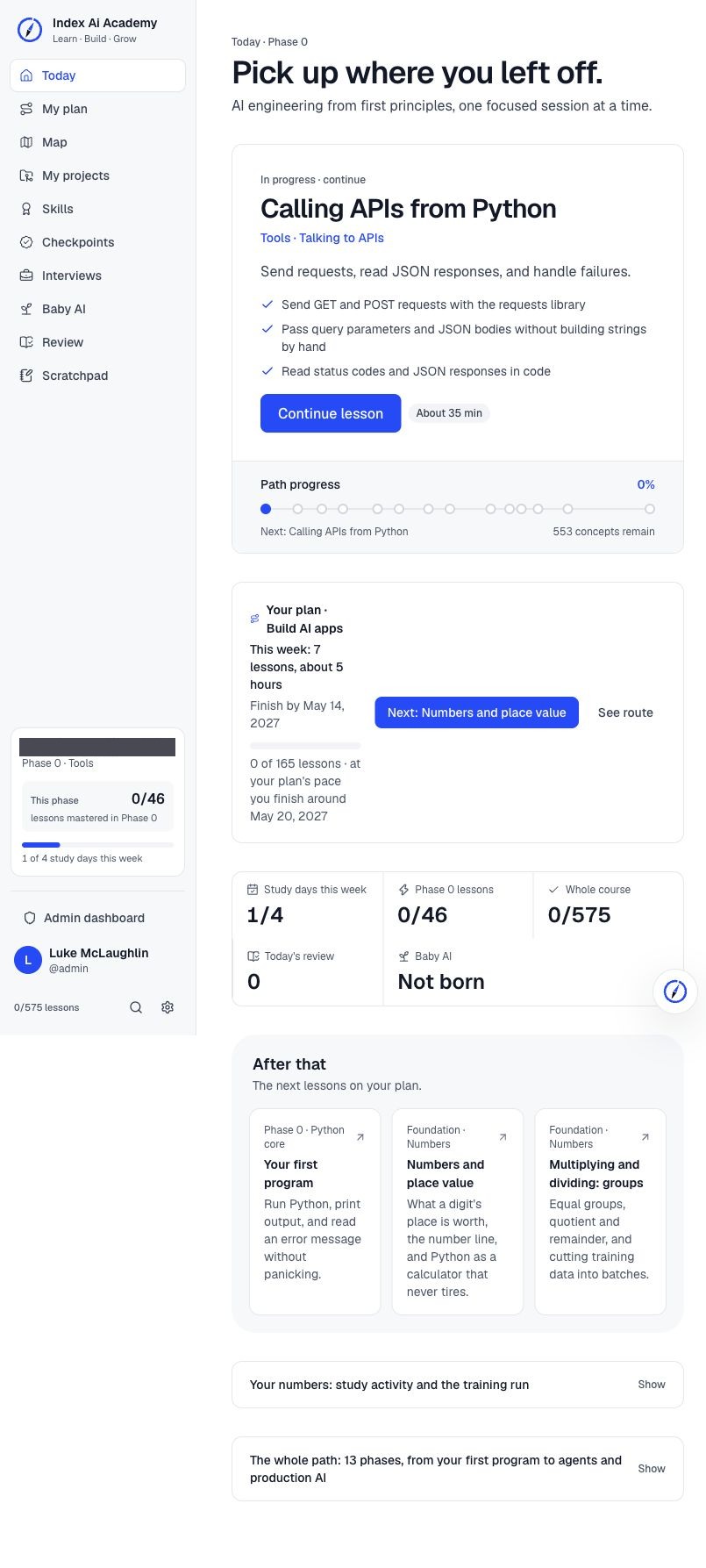
Today opens on Calling APIs from Python. The learner can resume that lesson, check this week’s study plan and see how far they have progressed through the current phase. This full-page capture includes the material below the initial viewport.
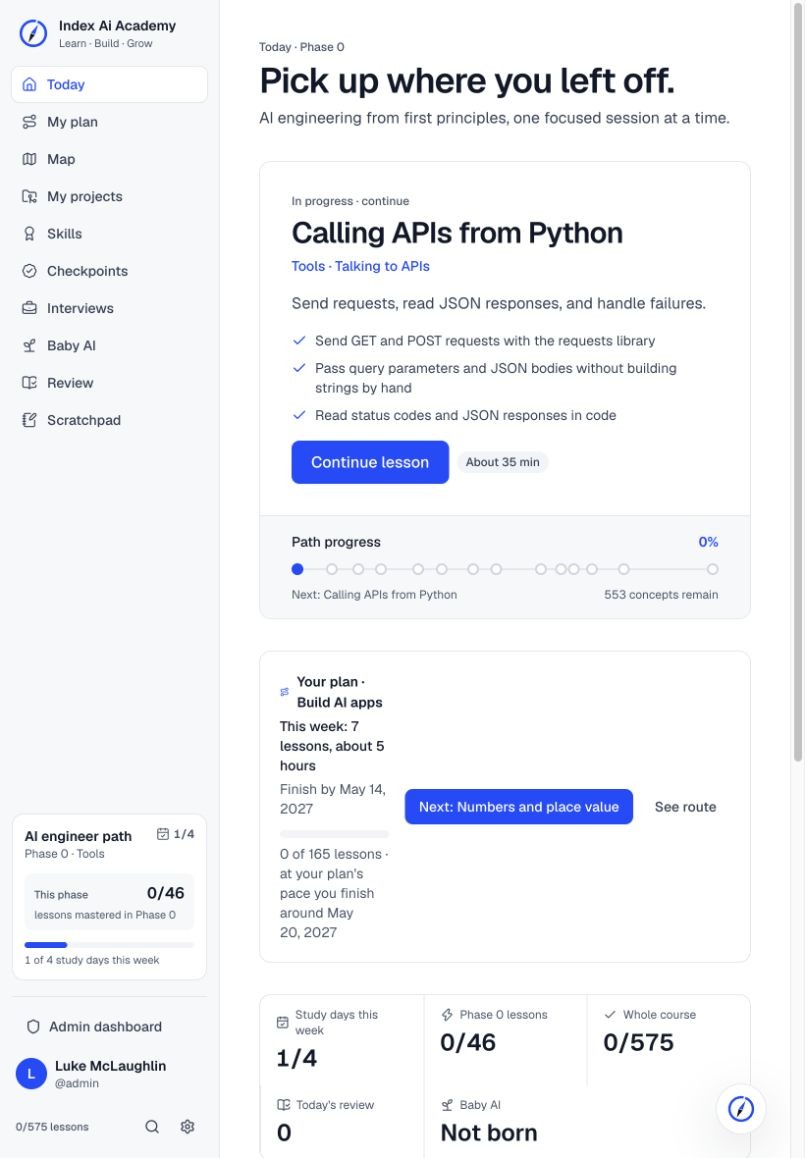
Today opens on Calling APIs from Python. The learner can resume that lesson, check this week’s study plan and see how far they have progressed through the current phase.
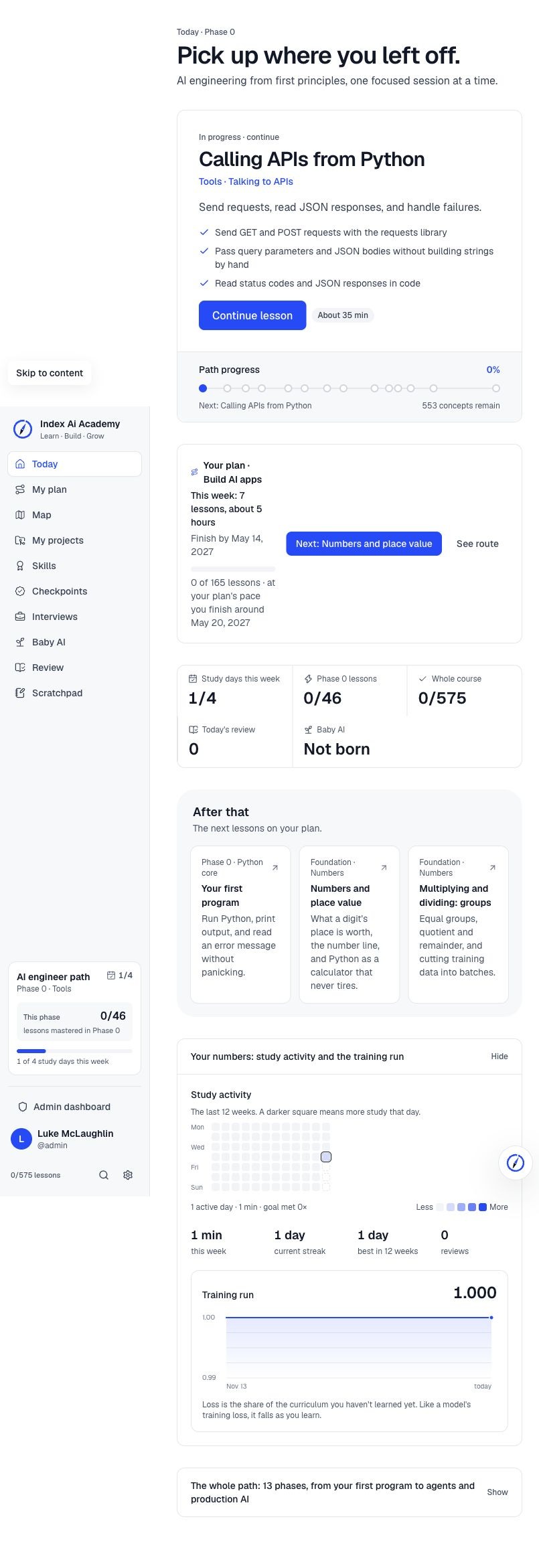
The dashboard expands beyond the current lesson to show the learner’s progress over time. This helps them choose where to resume their study session. This full-page capture includes the material below the initial viewport.
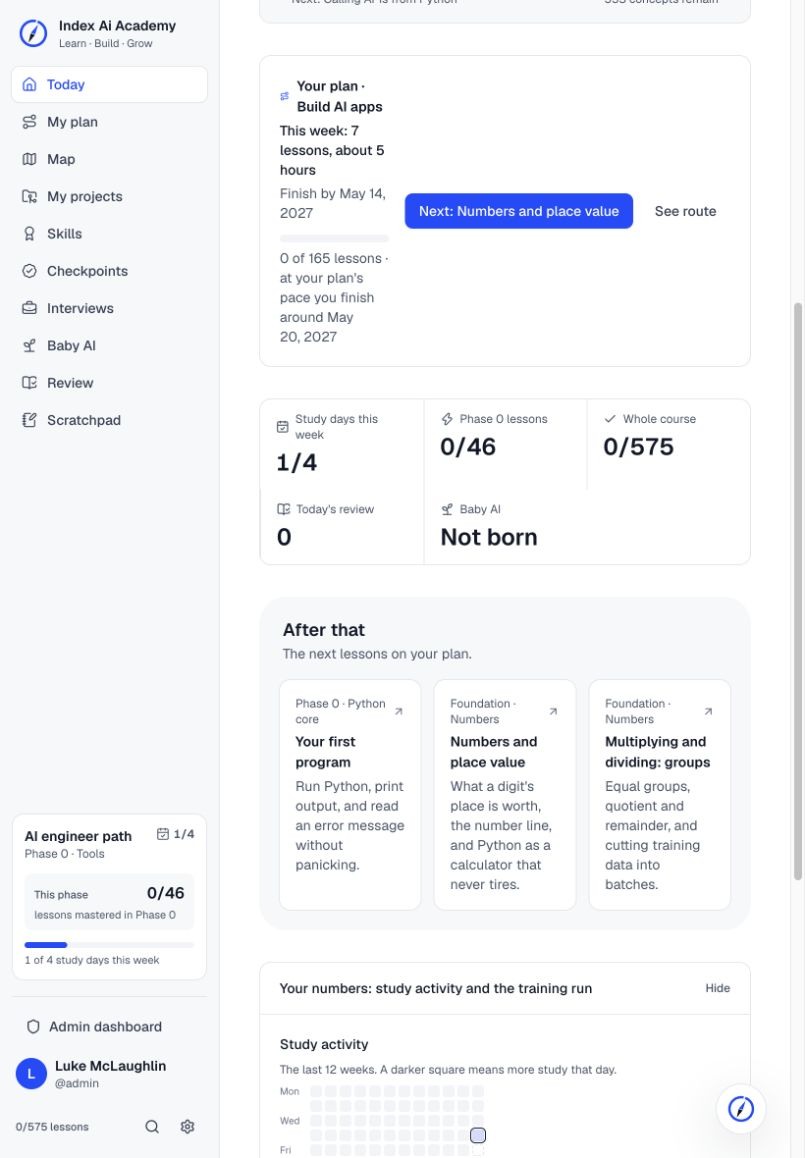
The dashboard expands beyond the current lesson to show the learner’s progress over time. This helps them choose where to resume their study session.

The dashboard expands beyond the current lesson to show the learner’s progress over time. This helps them choose where to resume their study session. This full-page capture includes the material below the initial viewport.
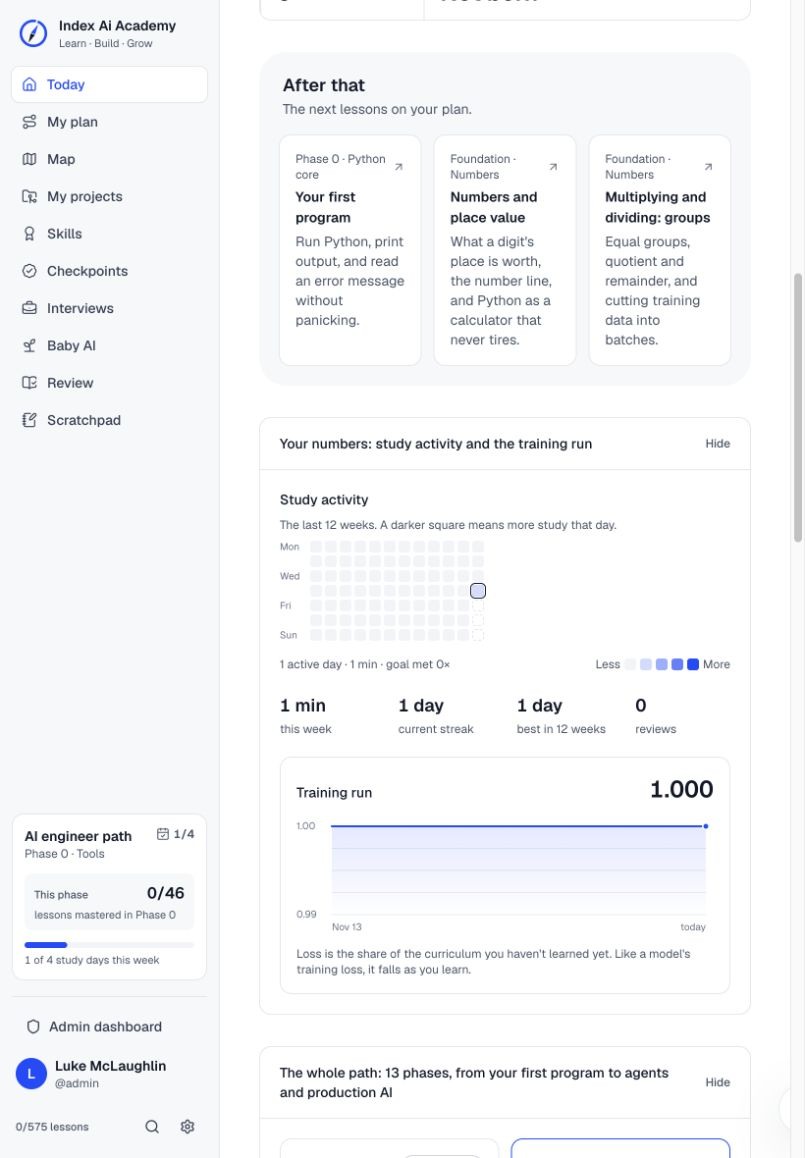
The dashboard expands beyond the current lesson to show the learner’s progress over time. This helps them choose where to resume their study session.

Today opens on Calling APIs from Python. The learner can resume that lesson, check this week’s study plan and see how far they have progressed through the current phase. This full-page capture includes the material below the initial viewport.
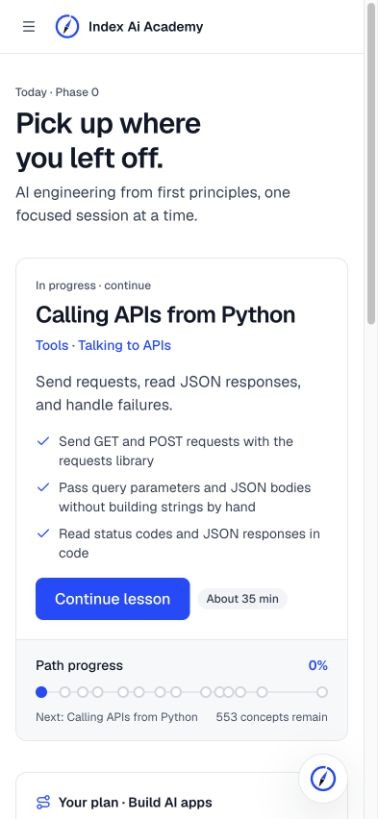
Today opens on Calling APIs from Python. The learner can resume that lesson, check this week’s study plan and see how far they have progressed through the current phase.

The dashboard expands beyond the current lesson to show the learner’s progress over time. This helps them choose where to resume their study session. This full-page capture includes the material below the initial viewport.
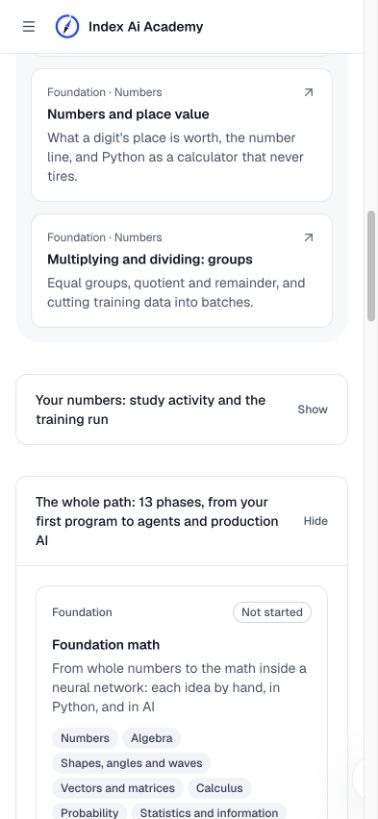
The dashboard expands beyond the current lesson to show the learner’s progress over time. This helps them choose where to resume their study session.

The dashboard expands beyond the current lesson to show the learner’s progress over time. This helps them choose where to resume their study session. This full-page capture includes the material below the initial viewport.
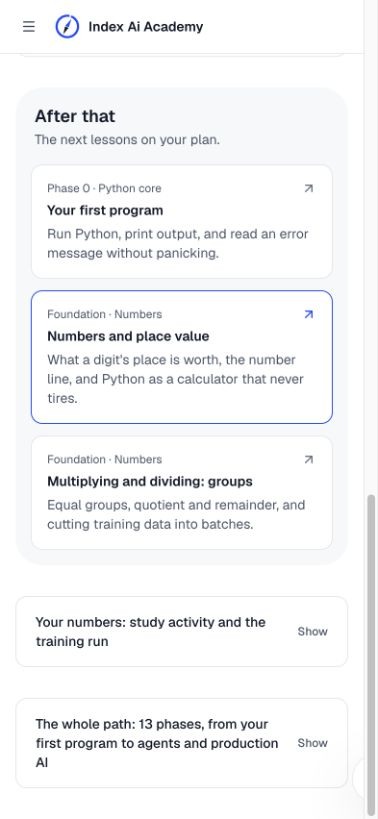
The dashboard expands beyond the current lesson to show the learner’s progress over time. This helps them choose where to resume their study session.
Custom AI Product Consultant & Developer
Develop your own custom AI products
If you teach a specialist subject, I can turn your curriculum into an interactive product with guided practice, assessments and progress tracking. I’ll work with you to define the problem, prototype the interface and build the application.
Get in touch →