AI Station
AI Station is the agent harness I designed and built to get frontier-quality professional work out of any language model. Connect a model on your own computer or through an API, and AI Station gives it the engines, tools, memory and checks to make real files while spending as little API credit as possible.
Captured from the running app
The desktop workspace, model tools and local API captured on a Mac.
Review and hand over the files AI Station makes
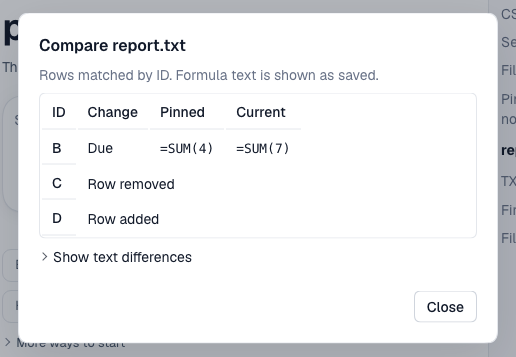
Project Artifacts brings deliverables from a project’s chats together. Pin a handoff to keep an exact copy, then see what changed in the current text, tables, images, Word documents, Excel workbooks or PowerPoint slides.
In the November 25 Mac release I checked cloud spending caps, Software Lab restore, Local API controls and a preview that estimates memory use before you change a local model’s settings.
Why a language model needs a harness
A language model on its own turns text into more text. It can describe a budget spreadsheet in detail, but it cannot open a spreadsheet program, save a file, check a formula or remember yesterday’s work.
A harness is the software around the model that gives it those abilities. It supplies the context, the tools, the boundaries and the checks, and it decides how many tokens each step costs. With the right harness, an inexpensive model does professional work.
On its own
Describes the spreadsheet. Can’t make it.
Inside a harness
Makes the file, checks it and stays inside the project.
- Context and memory
- The brief, the project’s files, earlier decisions and the know-how for this kind of work, sent in an order the provider can cache.
- Tools and engines
- Professional programs the model drives directly: spreadsheets, documents, CAD, video, a browser, a virtual machine.
- Permissions and sandbox
- A project folder the model cannot leave, rules for what may run, and a person’s approval for anything that reaches further.
- Checks and budget
- Renders, measurements and tests that confirm the work, a second model that reviews it, and a spending limit for every chat.
What a harness lets a model do
Inside a harness the model works in a loop, the way a professional does: understand the brief, pick up the right tool, make the thing, check it and hand it over. Here is that loop on a real request.
Read the brief
An L-bracket, 60 by 40 mm, with a 6 mm hole through each leg, saved as STEP.
Plan the work
Read SolidCraft’s own modelling guide and choose a build driven by parameters.
Load the right tools
Search for the CAD engine and load its tools. The other sixteen engines stay out of the prompt.
Make the file
Build the part from five parameters in one batch and export bracket.step.
Check the result
Measure the volume against a hand calculation, try new dimensions, reopen the STEP file.
A failed check sends the model back to step 4.
Deliver
Report one closed solid with two cylindrical holes, 53 seconds after the request.
Make professional files
Seventeen built-in engines produce spreadsheets, documents, decks, CAD drawings, 3D parts, video, audio and design files.
Use a computer
A private browser, your own Chrome, desktop apps, the iOS Simulator, Android devices and full virtual machines.
Work through long tasks
Long conversations are compacted with an exact record of the work, so the model can recall any earlier detail.
Work as a team
Subagents, agent teams with a shared task list, and an inexpensive model paired with a stronger reviewer.
Check its own work
Engines render their output, project checkers run after each edit, and tests decide when a job is done.
Stay within limits
A sandbox, approval for anything outside the project, and a budget for every chat and provider.
How I design custom harnesses
Every profession has its own files, programs and standard of done. I design a harness around them, so a model works the way a professional in that field works, with the tools they would use and the checks they would apply.
Map the work
The files people make, the programs they use and what a finished result has to pass.
Choose the models
A local model for private work, an inexpensive API model to do the work and a stronger one to review it.
Build the tools
Headless engines and connectors, so the model makes real files rather than descriptions of them.
Set the boundaries
Folders, permissions, approvals and budgets that match the team’s own rules.
Prove it on real work
Live runs judged by the files they produce, each with a token and cost receipt.
Where a custom harness pays off
Finance and operations
Budgets, forecasts, reconciliations and invoices built cell by cell, with formulas the harness recalculates and checks.
- .xlsx
Marketing and communications
Reports, decks, flyers and campaign visuals laid out to the brand, checked page by page before they go out.
- .docx
- .pptx
- .svg
Product and UX design
Screens and prototypes delivered as images and as editable design files the designer can keep working on.
- .png
- design file
Engineering and manufacturing
Dimensioned drawings and parametric parts, measured for volume and topology before anyone opens them.
- .dxf
- .step
- .stl
Media production
Edits, motion titles, animations and audio mixes rendered to exact durations and formats.
- .mp4
- .wav
- .gif
3D, games and visualisation
Materials, painted textures, meshes and whole explorable 3D worlds.
- PBR maps
- .glb
- 3D worlds
Science and life sciences
Literature notes, data analysis in a sandboxed Python session and figures ready for a paper.
- .csv
- charts
Software teams
Code written, run in a browser, checked by the project’s own tests and offered as a diff for approval.
- diffs
- tests
- pull requests
Frontier-quality work from any model, for cents
An agent harness with 17 built-in engines for professional files, plus a workspace to pin deliverables, compare revisions and hand over the finished work.
For teams that want professional output from AI without frontier-model bills, developers building with open-weight models, and organisations whose files must stay on their own machines.
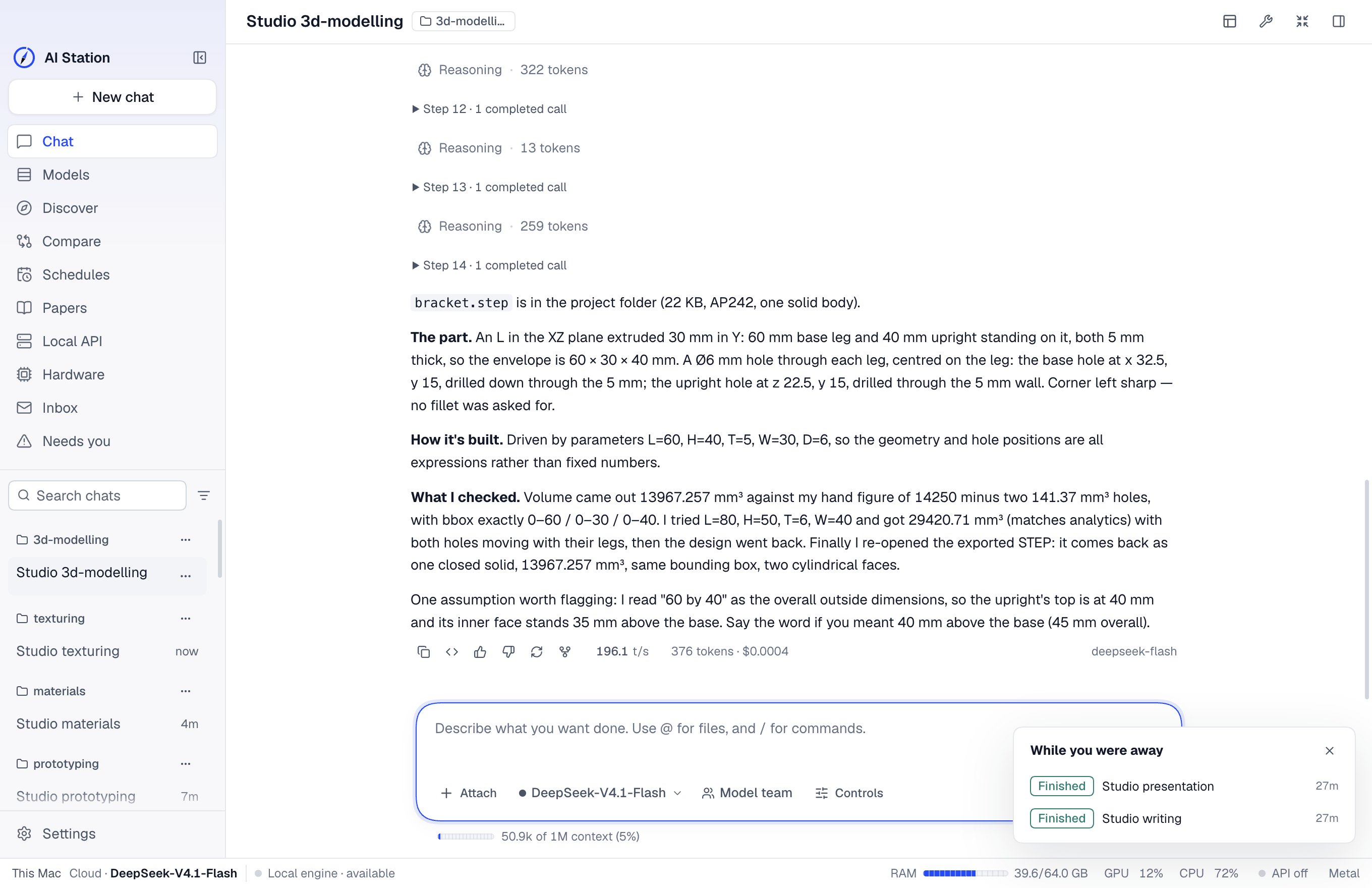
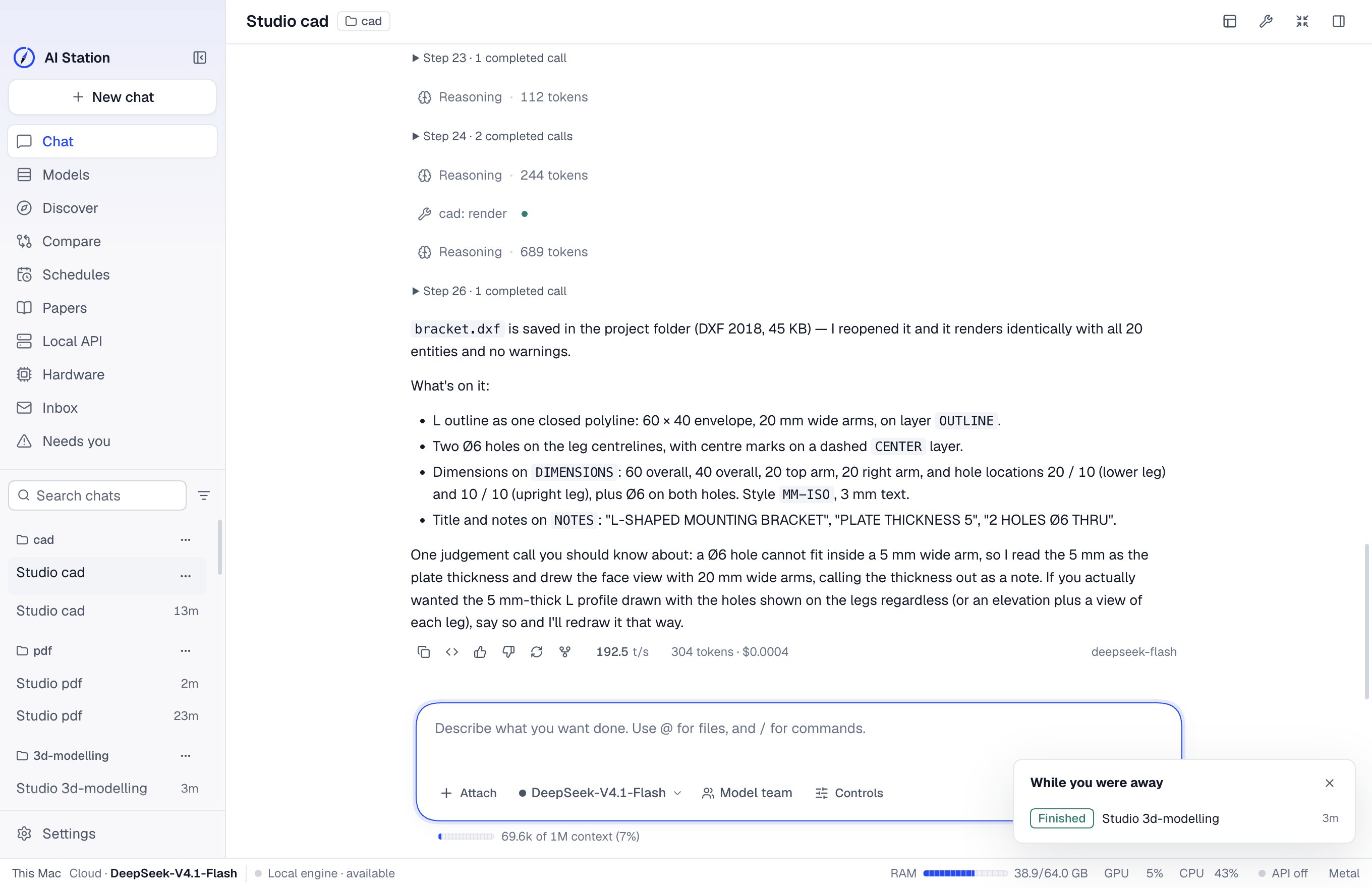
Asked for an L-shaped bracket with two 6 mm holes, DeepSeek V4.1 Flash read SolidCraft’s modelling guide, built the part from parameters, checked its volume against a hand calculation, tried other dimensions and reopened the exported STEP file to confirm one closed solid. It took 53 seconds.
Make professional files
Seventeen built-in engines let the model work the way a person does in professional apps, without opening them: spreadsheets, documents, decks, CAD, video, audio, design and 3D.
Generate media and 3D worlds
Pictures, video, sound, 3D meshes and whole explorable worlds through fal.ai and World Labs, using the team’s own keys, delivered straight into the project folder.
Spend as little as possible
Tools load only when needed, prompts are built for the provider’s cache and an inexpensive model can do the work while a stronger one reviews it. All seventeen engine files cost about US$0.40.
Run any model, anywhere
Local GGUF and MLX models sized for this machine, the major API providers, full virtual machines, and a local API that serves the same models to other apps.
One core, modules on demand
AI Station starts as a compact harness core. Each module plugs into that core and adds a professional capability, from seventeen creative and productivity engines to full virtual machines.
However many modules are installed, the model sees a module’s tools only when the task calls for them. That keeps every prompt small, which keeps the output sharp and the bill low.
The harness every chat starts with.
- Agent loop
- Local and API models
- Permissions and sandbox
- Memory and context
- Cache-aware prompts
- Costs and budgets
Studio engines
Seventeen headless professional apps, from spreadsheets to parametric CAD.
Generation
Pictures, video, sound, 3D meshes and whole 3D worlds through fal.ai and World Labs.
Virtual machines
Linux, Windows and macOS guests the model can install, configure and use.
Browser and computer use
A private browser, your own Chrome, desktop apps, the iOS Simulator and Android.
Local models
GGUF and MLX models found, sized for this machine and loaded with the right settings.
Model teams
A principal model with specialists for reasoning, vision, images and video, in one chat.
Connectors and skills
MCP servers, skills and plugins, including those written for Claude Code, Codex and Cursor.
Local tools
Private web search, speech, music and image generation running on this computer.
Virtual machines the model can run
AI Station includes a complete virtual machine manager built on QEMU and Apple’s hypervisor, and the model can use every part of it from the chat. It ships inside the app.
- Create Linux, Windows 11 and macOS guests, with installers fetched from each vendor and checked against its published hash.
- Snapshots, templates, clones, shared folders, USB devices, networking and encryption at rest.
- Import machines from VMware, VirtualBox and UTM.
- The Machines panel shows a guest’s live screen, and a person can take control at full size at any time.
On DeepSeek V4.1 Flash the model configured a machine’s network and startup, started an Alpine Linux guest, hot-plugged a USB disk and took a live snapshot, each task in under 20,000 tokens.
Generation: pictures, video, sound and whole worlds
The generation module gives the model 89 fal.ai endpoints and World Labs Marble through the user’s own keys.
- Images, edits, new camera angles and background removal.
- Video and audio.
- 3D meshes from text, images, several views or a sketch, with parts, retopology and Gaussian splats.
- Whole explorable 3D worlds from World Labs, with splats, a collider, a panorama and a thumbnail.
Generated media lands in the project folder, where the Studio engines can edit, lay out and render it into the finished piece.
Several models collaborating in one chat
My harnesses can run a team of models inside a single conversation. Connect general models such as DeepSeek, Kimi, GPT, Claude or Gemini alongside specialist models for vision, image generation and video generation, then make one of them the principal model.
The principal model leads the work and calls on each specialist when a task needs its skill. Each model does what it is best at, and the expensive ones are paid only for the steps where they make a difference.
The coordinator. It plans the job, does the main work and decides when a specialist should help.
- DeepSeek
- Kimi
- GPT
- Claude
- Gemini
- A local Qwen or Gemma model
Your request
“Make a launch kit for the new coffee grinder: a one-page brief, three product shots and a six-second teaser.”
Reasoning
Reviews the plan and every changed file, or takes on a part of the job when the principal model names it.
Returns findings and finished partsVision
Reads screenshots, scans, photos, renders and designs, and answers the principal model’s question about them.
Returns captions and visual checksImage generation
Creates pictures from the principal model’s brief through an image model the team has connected.
Returns PNG filesVideo generation
Turns a brief or a still into a clip through a connected video model.
Returns MP4 files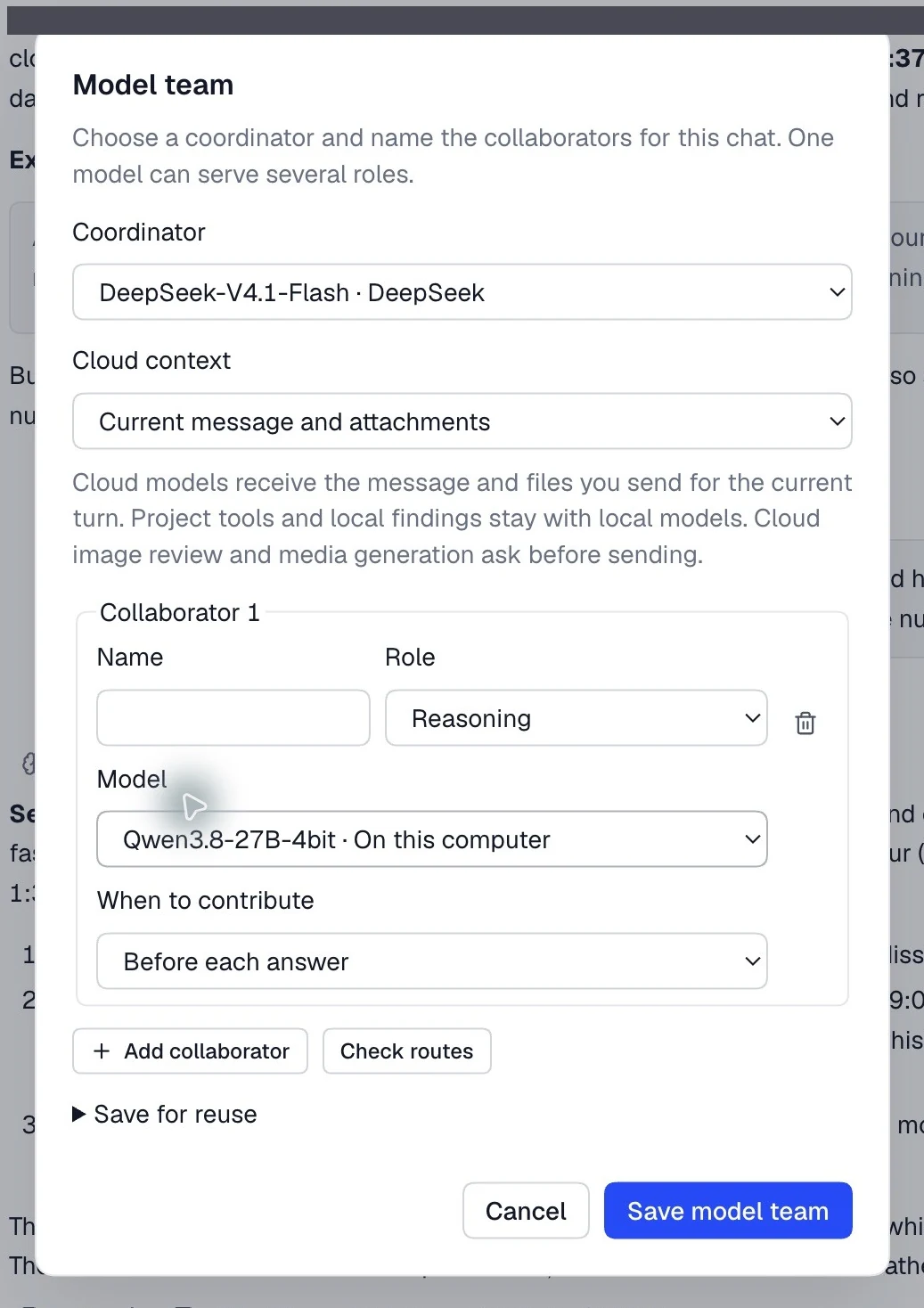
DeepSeek V4.1 Flash leads as the coordinator, with Qwen3.8 27B running on this computer as a reasoning collaborator that contributes before each answer.
Connect any model
Add API connections in Settings: Anthropic, OpenAI, Google, DeepSeek, Mistral, xAI, Groq, Together and OpenRouter, which reaches models such as Kimi, plus Amazon Bedrock, Google Vertex AI, Microsoft Foundry and any OpenAI-compatible server. Local GGUF and MLX models join the same list.
Choose a principal model
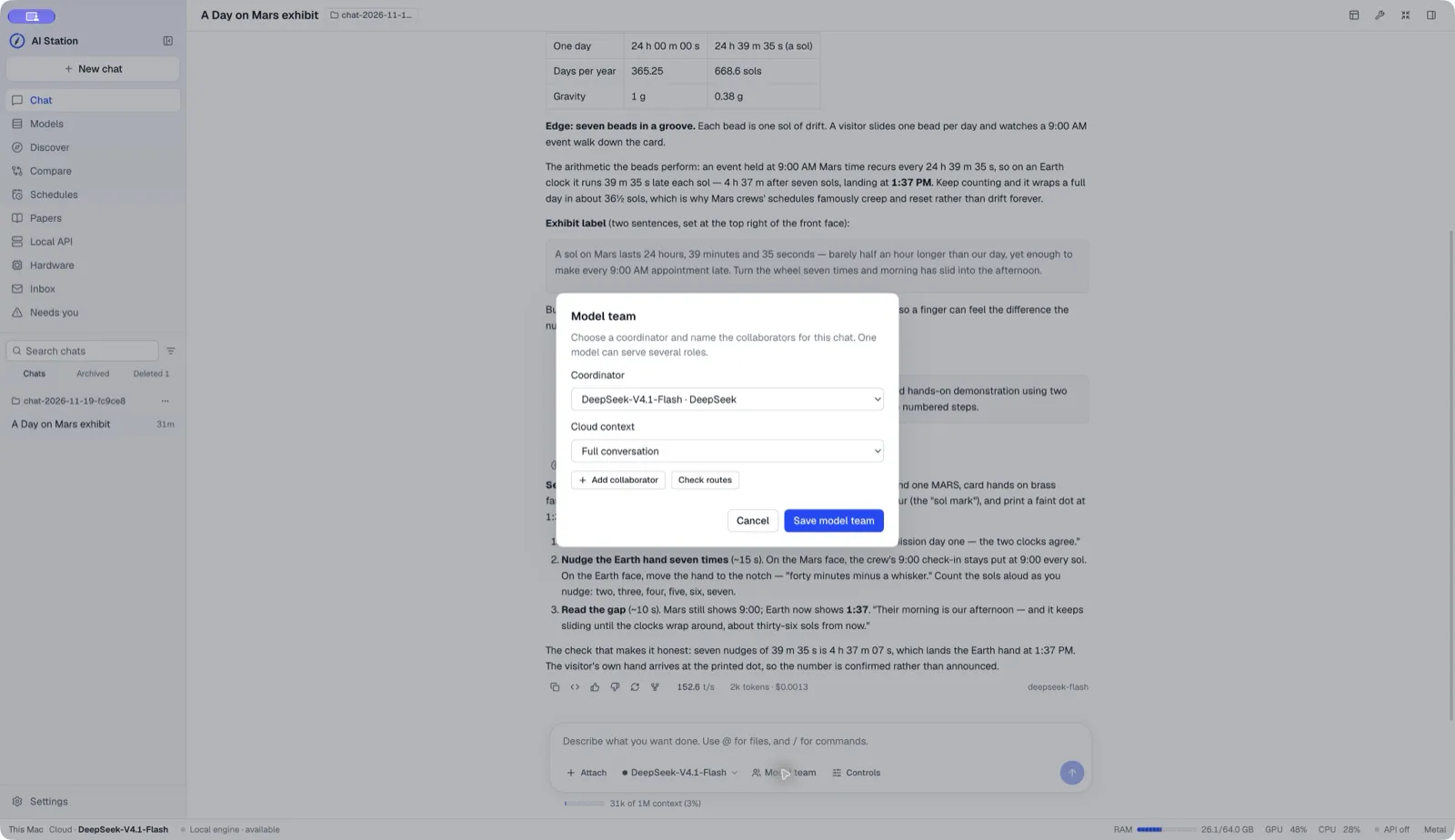
Open Model team in the message box, choose the coordinator and name up to four collaborators, each with a role: reasoning, vision, image generation or video generation. One model can take several roles, and an API model can also be added straight from the chat.
Decide when they contribute
A reasoning collaborator can review before every answer or work only when the principal model names it. Two collaborators can run at once, so a local specialist can work alongside an API one.
Check routes before spending
Check routes reviews every key, model and permission before the team is saved, without sending a prompt or spending a token. A team can be saved as a preset and loaded into any other chat.
Keep private work private
Cloud context sets what a cloud specialist sees: the current message and its attachments, or the whole conversation. Project tools and local findings can stay with local models.
Every result attributed and costed
Pictures and videos arrive as file cards that record the principal model, the specialist, its connection and the provider’s charge. Paid reasoning calls reserve part of the chat’s shared budget before they are sent.
Workflows that benefit from a model team
Product launch kit
The principal model writes the brief and the deck copy, an image model renders the product shots, a video model animates a teaser, and the Studio engines lay out and cut the finished files.
- Image generation
- Video generation
- Studio engines
Website checks before a release
The principal model works through the release checklist in the private browser, a vision model reads each screenshot for layout and contrast problems, and a reasoning model reviews the fix before it is committed.
- Vision
- Reasoning
Scanned paperwork into a clean workbook
A vision model reads scanned quotes, receipts or invoices, the principal model reconciles the figures in a spreadsheet, and a reviewer checks every total against its source page.
- Vision
- Reasoning
Engineering design review
The principal model builds the part in SolidCraft, a vision model compares its render with the customer’s sketch, and a stronger reasoning model checks the dimensions and tolerances.
- Vision
- Reasoning
- Studio engines
Research report with figures
An inexpensive principal model gathers sources and drafts the report, a frontier reasoning model challenges the argument, and an image model produces the cover and diagrams.
- Reasoning
- Image generation
Social campaign across channels
The principal model plans the posts for each channel, an image model creates the visuals, a video model turns the strongest into short clips, and a vision model checks every asset against the brand guide.
- Image generation
- Video generation
- Vision
Private code with a frontier reviewer
A local principal model works through private code on the team’s own hardware. A cloud reviewer receives only the message it is sent, while project files and local findings stay on the machine.
- Local model
- Reasoning
Marketing analytics review
The principal model pulls the month’s figures into a workbook and charts them, a vision model reads dashboard screenshots the team attaches, and a reasoning model writes the commentary for leadership.
- Vision
- Reasoning
- Studio engines
Studio engines: professional apps without the windows
Studio engines are seventeen professional creative and productivity programs built into AI Station, from a spreadsheet to SolidCraft, a parametric 3D CAD system. Each runs headless in the project’s own folder, so the model makes real files the way a person does in the app, without opening it.
Office
- Spreadsheet.xlsx
- Writing.docx
- Presentation.pptx
- PDF.pdf
- Page layout.pdf
Images
- Vector illustration.svg
- Layered image editing.png
- RAW photo development.jpg
Motion and sound
- 2D animation.gif
- Video editing.mp4
- Audio mixing.wav
- Motion graphics.mp4
Engineering and 3D
- 2D CAD.dxf
- Parametric 3D CAD (SolidCraft).step .stl
- Procedural materialsPBR maps
- 3D texture painting.glb
Design
- UI prototyping.png
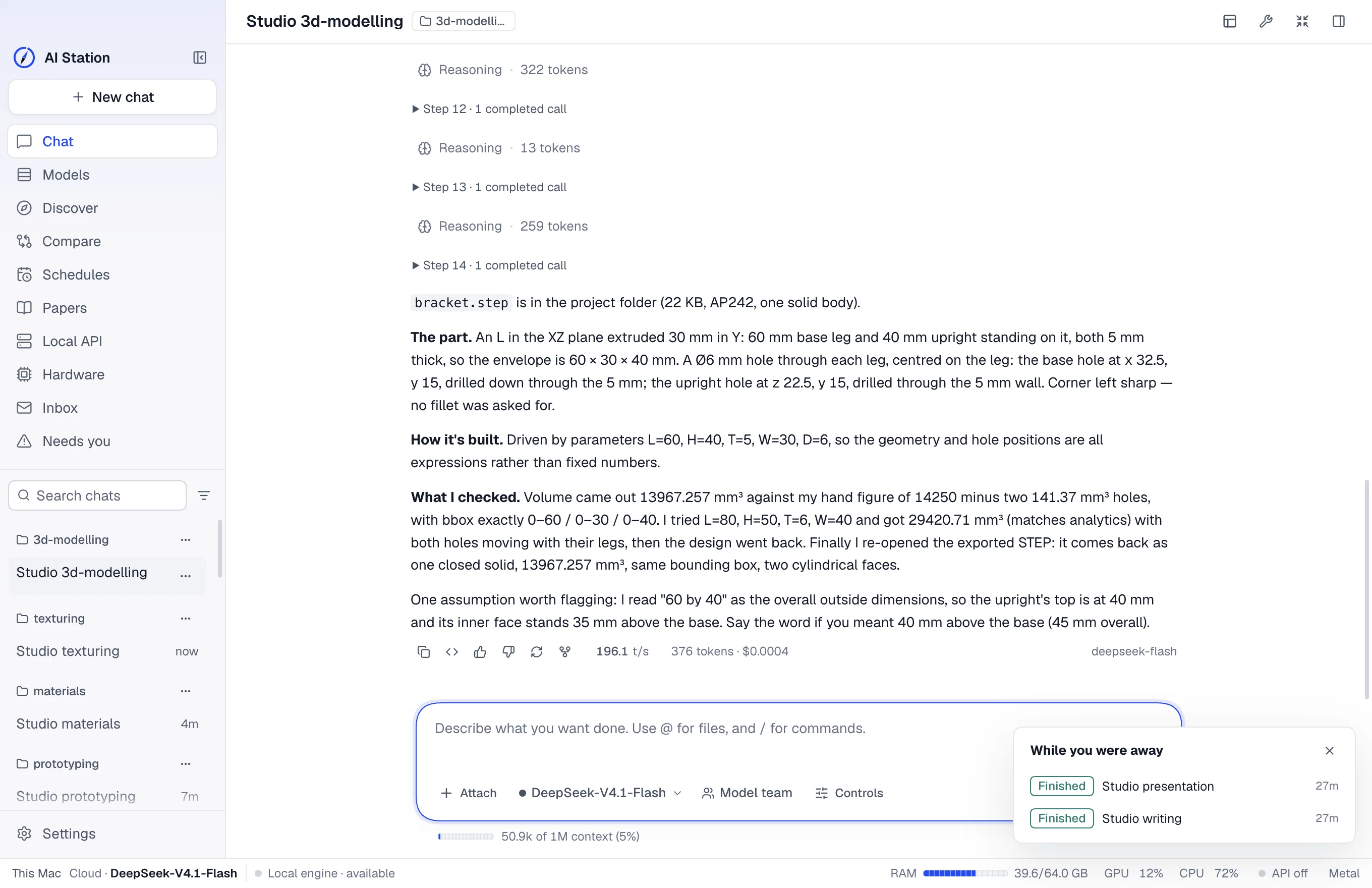
Asked for an L-bracket, the model built it from parameters in SolidCraft, checked its volume against a hand calculation, tried other dimensions and reopened the exported STEP file to confirm one closed solid.
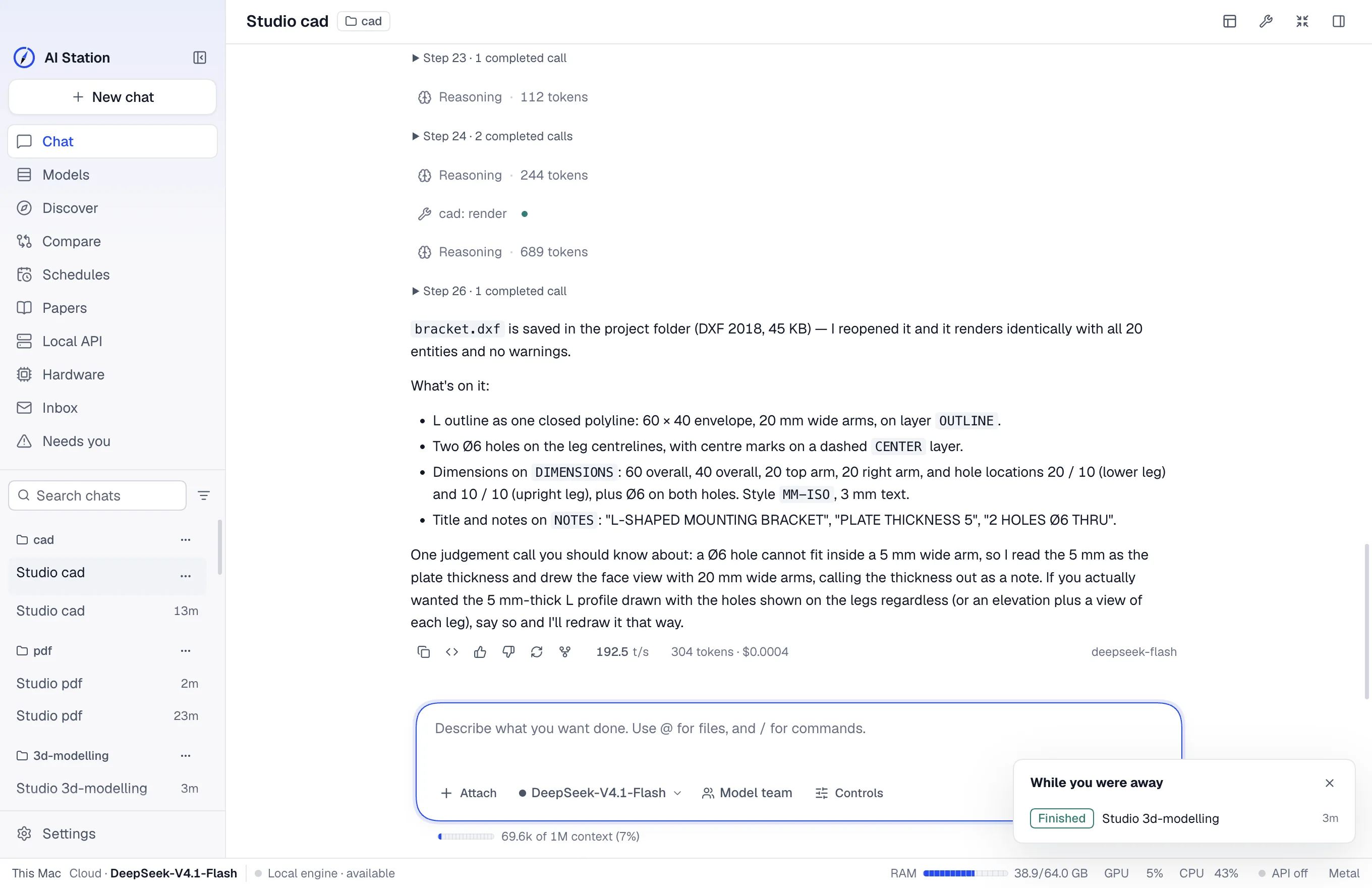
The CAD engine’s drawing carries the outline, two 6 mm holes with centre marks, ten dimensions and a title block. The model reopened the DXF to confirm every entity.
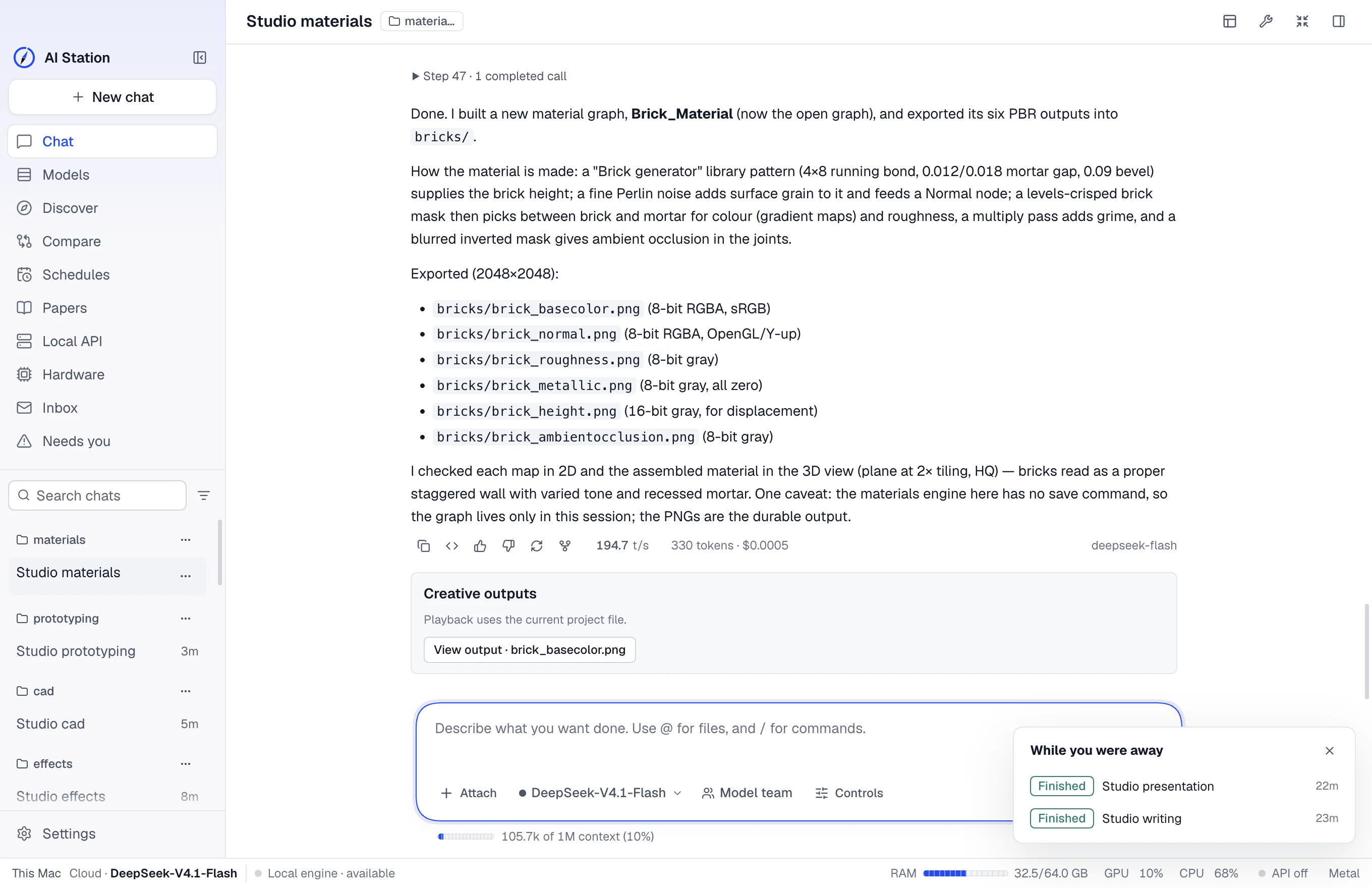
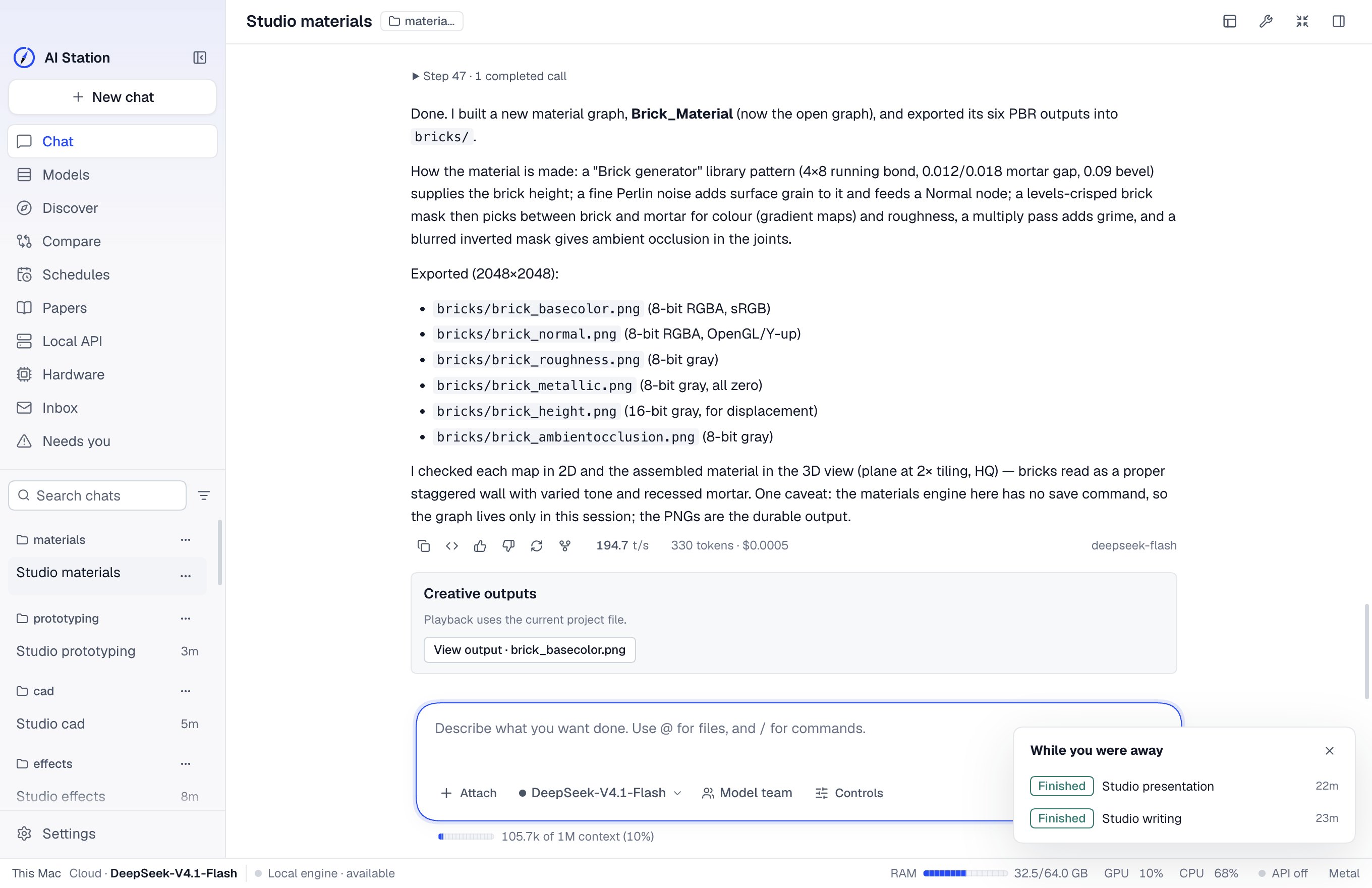
A brick material built as a node graph, with running bond, mortar lines and varied bricks, exported as six 2048-pixel PBR maps and checked in the 3D view.
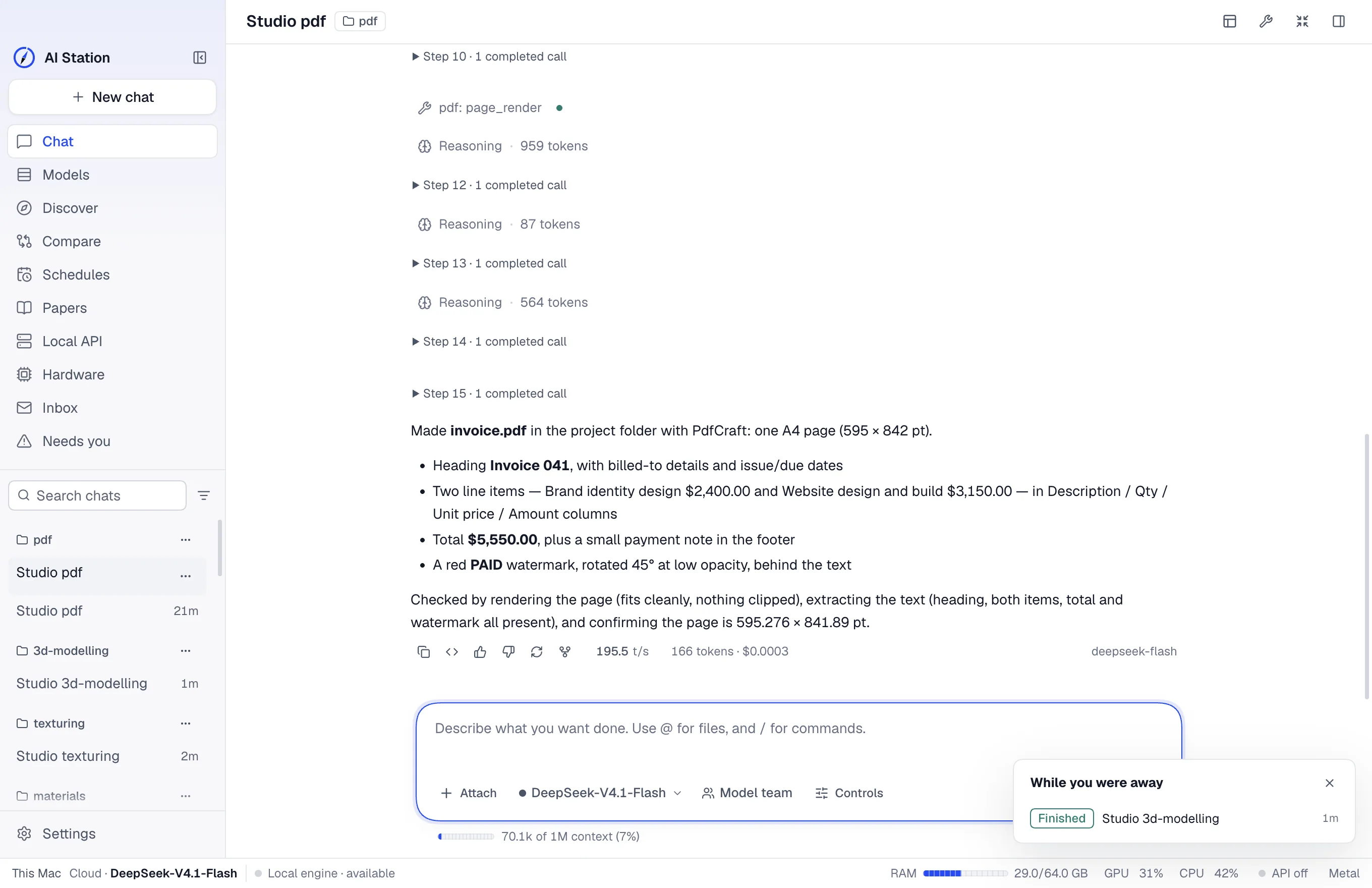
An A4 invoice laid out through the PDF engine, rendered to check the layout and saved with a correct total and a PAID watermark.
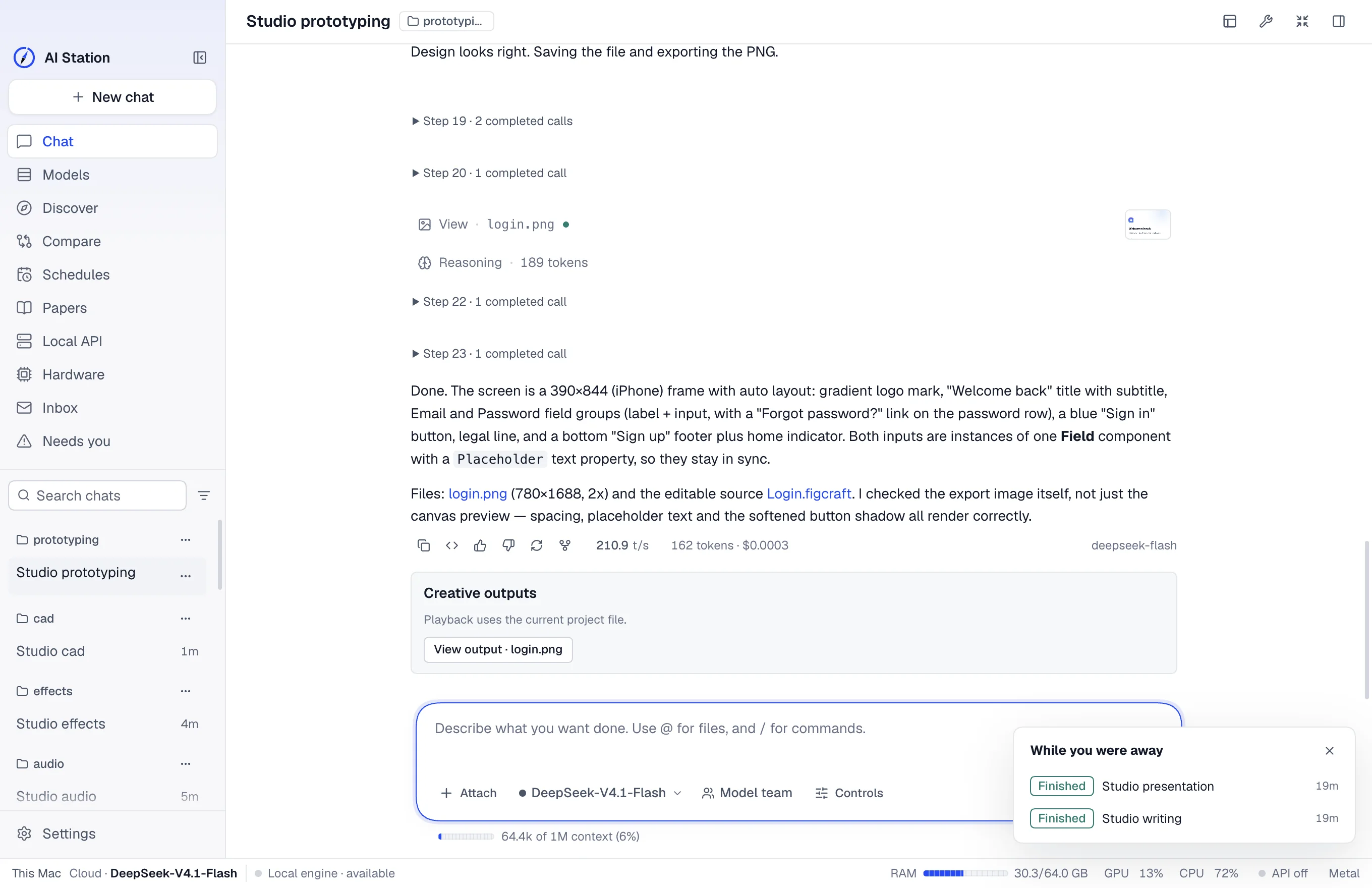
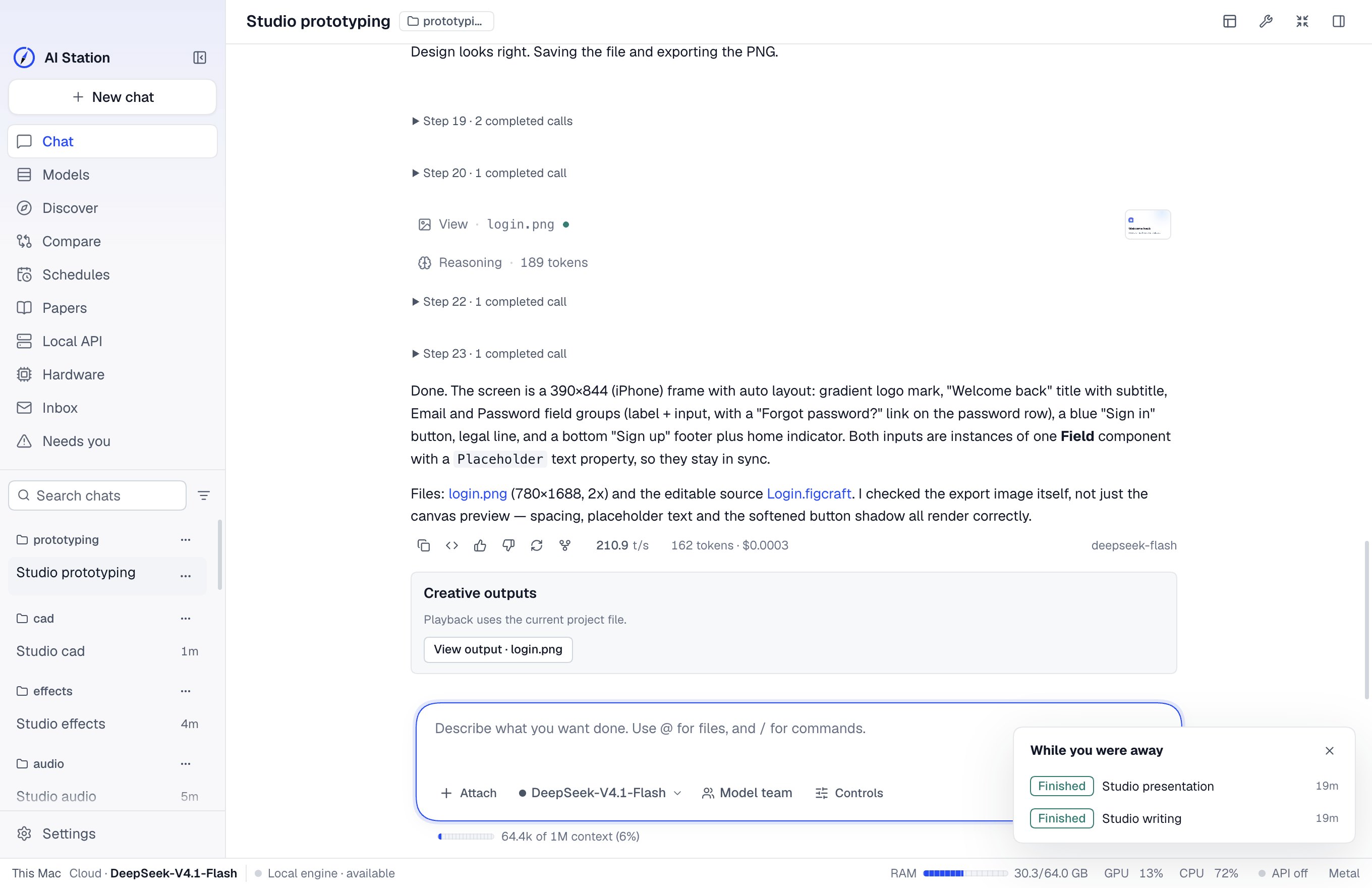
A 390 × 844 sign-in screen with auto layout, labelled fields and a primary button, exported as PNG with its editable design file.
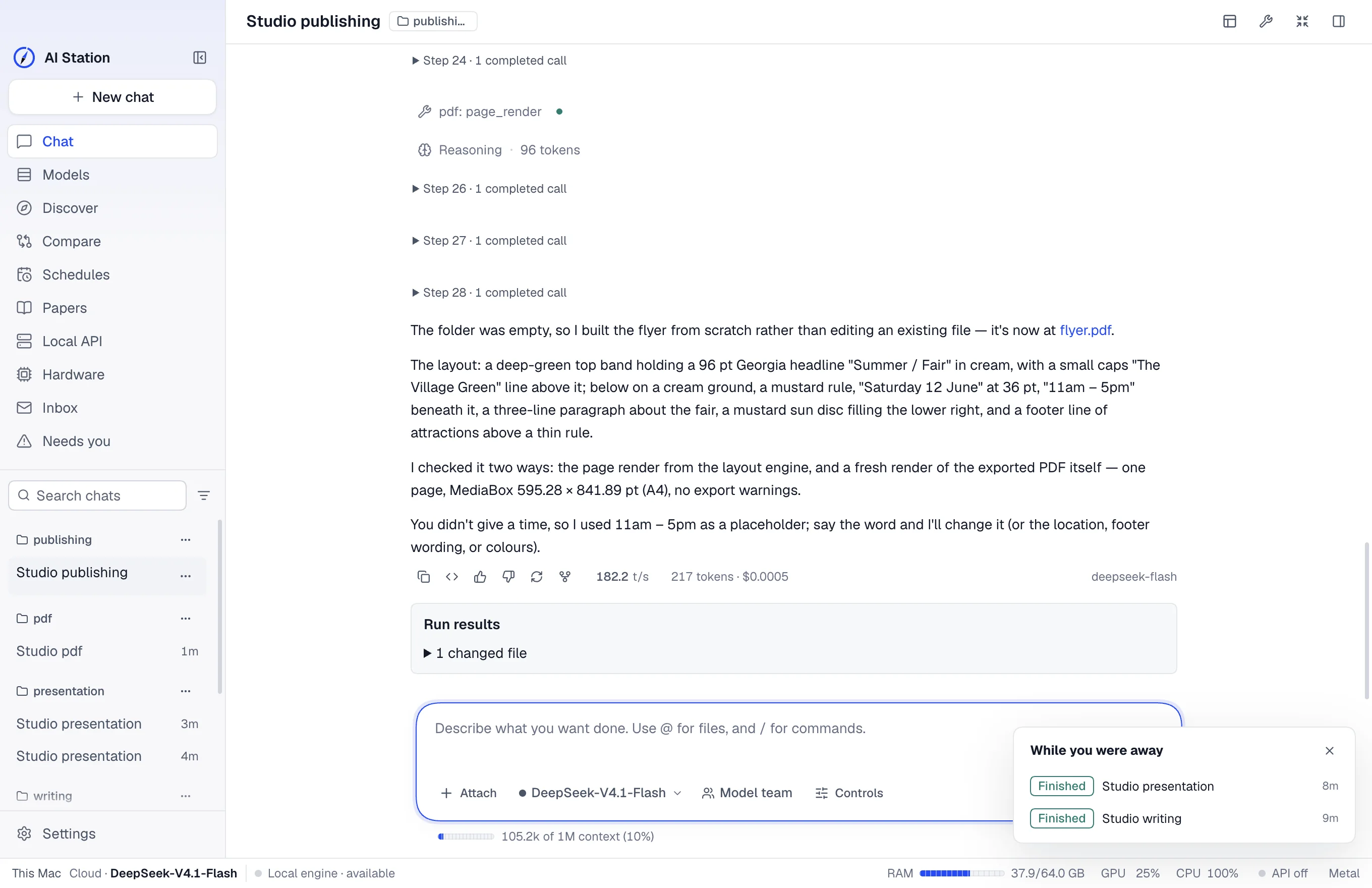
A flyer with a 96-point headline and event details, laid out in the page-layout engine and exported as PDF. The model checked both the layout and the exported file.
Together the engines offer 933 tools, from 5 in the animation engine to 409 in RAW photo development. The model loads an engine’s tools only when it needs them, each engine brings its own guide, and every engine is confined to the project folder, so anything that would write outside it asks first.
Seventeen files, one model, about 40 cents
On 21 November 2026 I gave DeepSeek V4.1 Flash one plain-language request per engine in the packaged Mac app. Each file below was made through its own engine. The previews are the engines’ own renders and the files themselves.
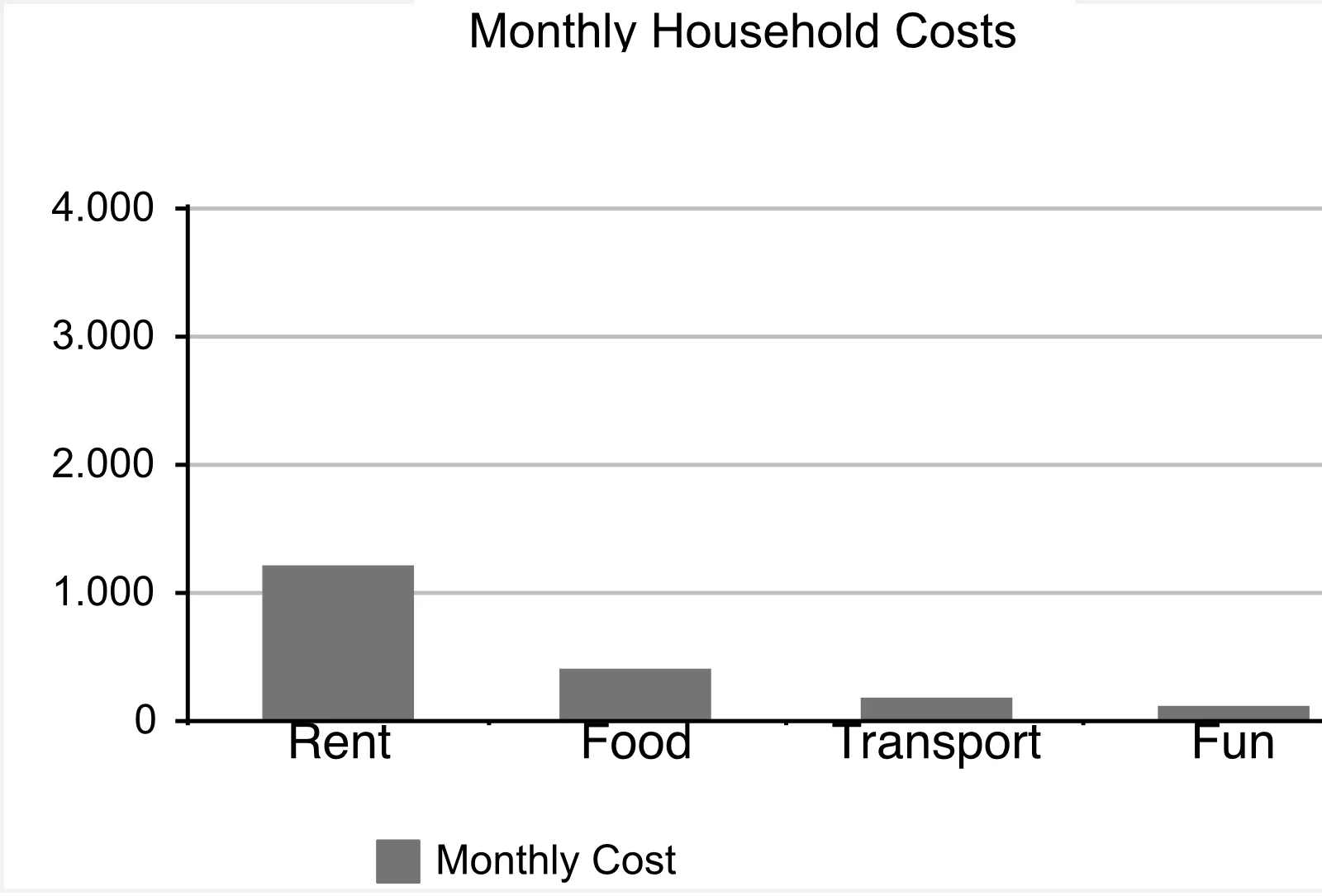
budget.xlsxA household budget built cell by cell, with a SUM formula computed to 1,850 and a column chart.
24 seconds, 33 tool calls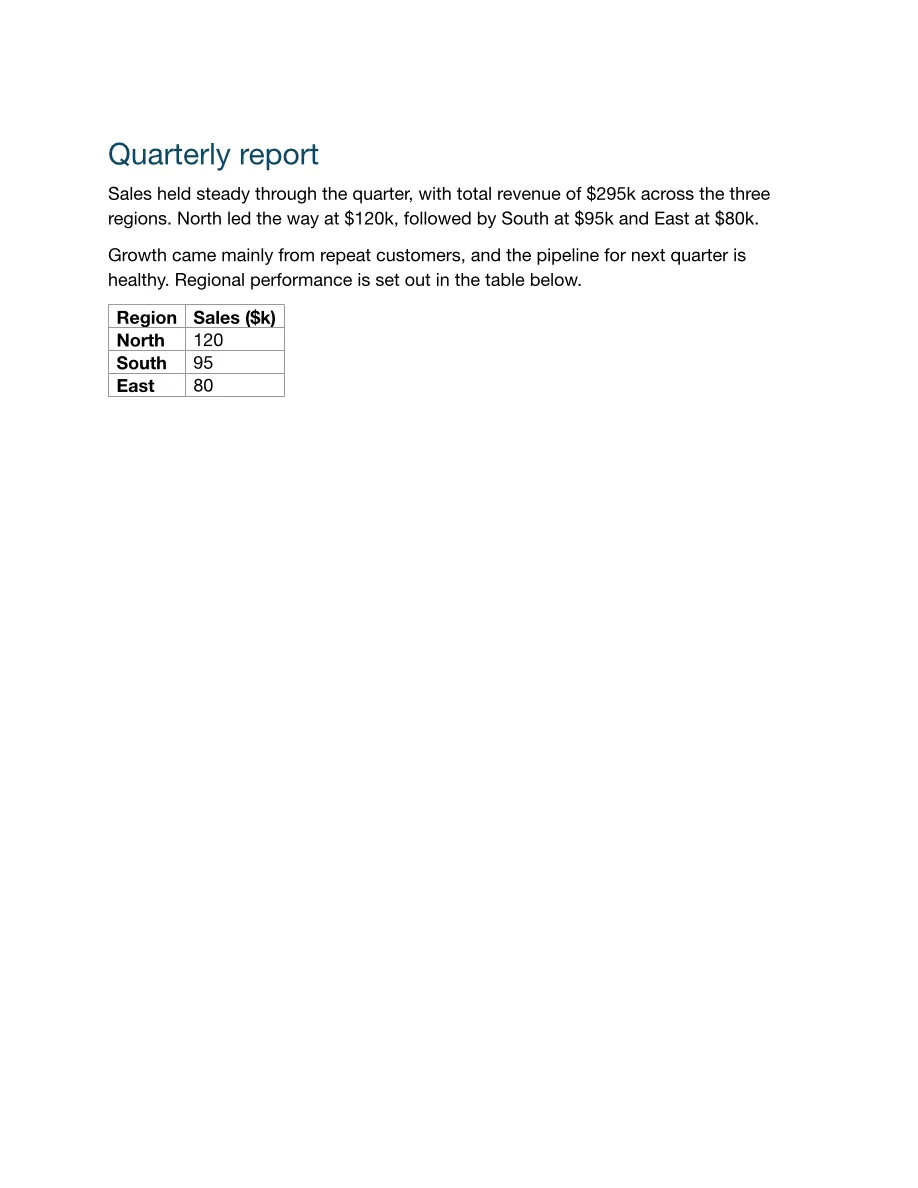
report.docxA quarterly report with a heading, two paragraphs and a sales table.
45 seconds, 25 tool calls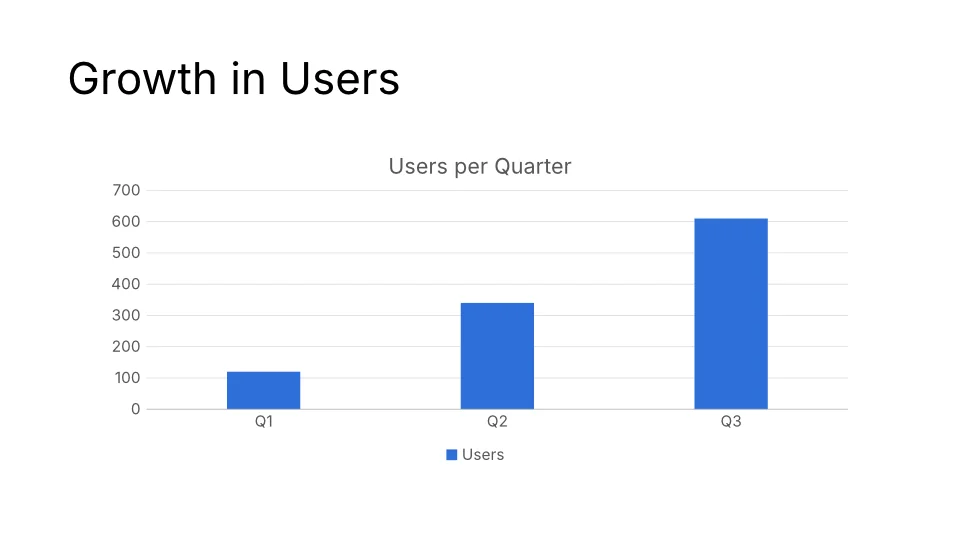
launch.pptxA three-slide launch deck with a column chart, each slide rendered and checked.
28 seconds, 22 tool calls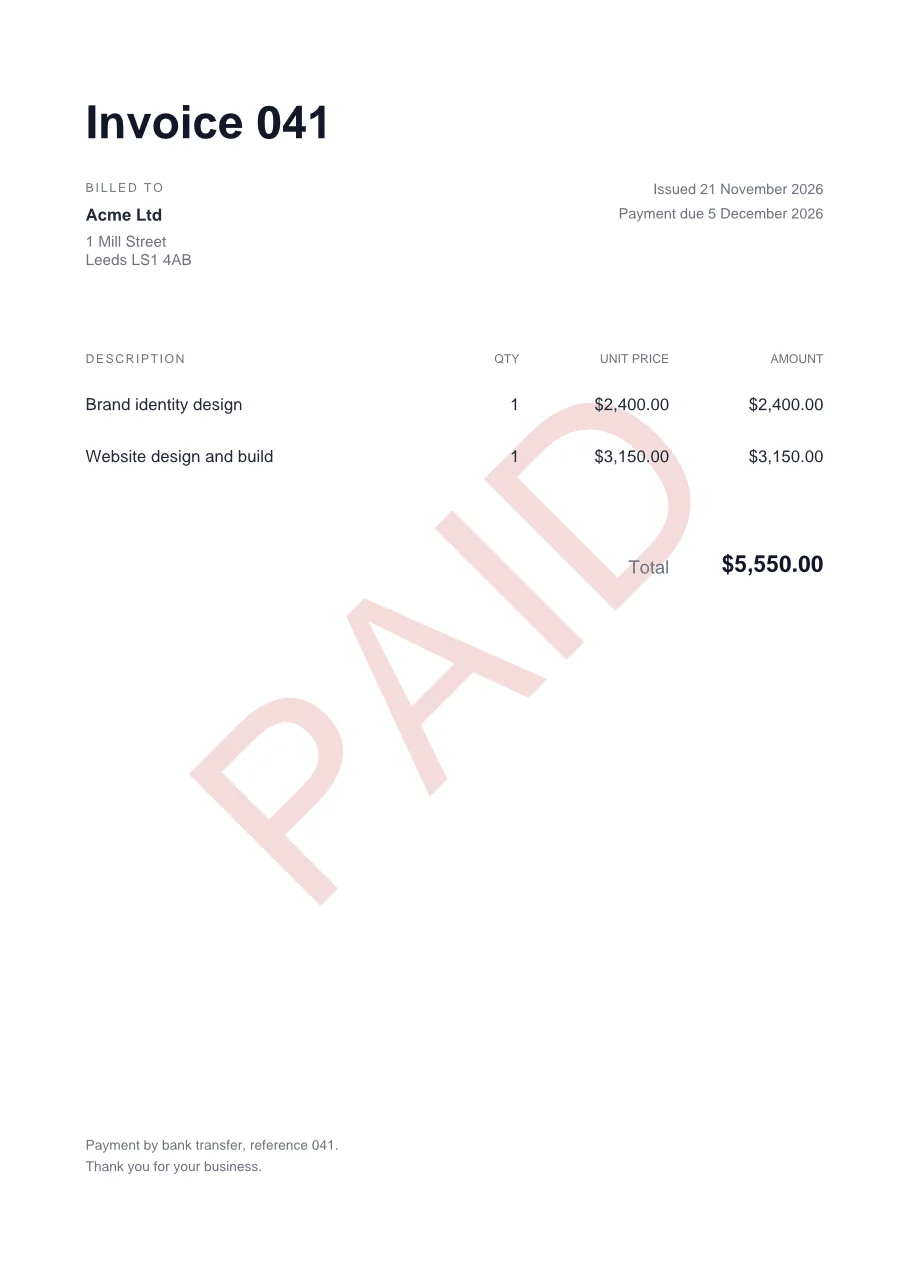
invoice.pdfAn A4 invoice with line items, a correct $5,550.00 total and a diagonal PAID watermark.
55 seconds, 39 tool calls
flyer.pdfAn event flyer laid out in the page-layout engine and exported as PDF.
96 seconds, 29 tool calls
logo.svgA café logo: cup and saucer, rising steam and spaced lettering, drawn as vectors.
142 seconds, 60 tool calls
poster.pngAn 800 × 600 poster built from live gradient and vignette layers.
39 seconds, 20 tool calls
shot-edit.jpgA photo imported, developed brighter with more contrast, and exported.
18 seconds, 11 tool calls
ball.gifForty-eight frames at 24 fps of a ball crossing the frame on a motion tween.
41 seconds, 28 tool calls
intro.mp4A 1280 × 720 H.264 video of exactly four seconds, cut on the engine’s timeline.
36 seconds, 20 tool calls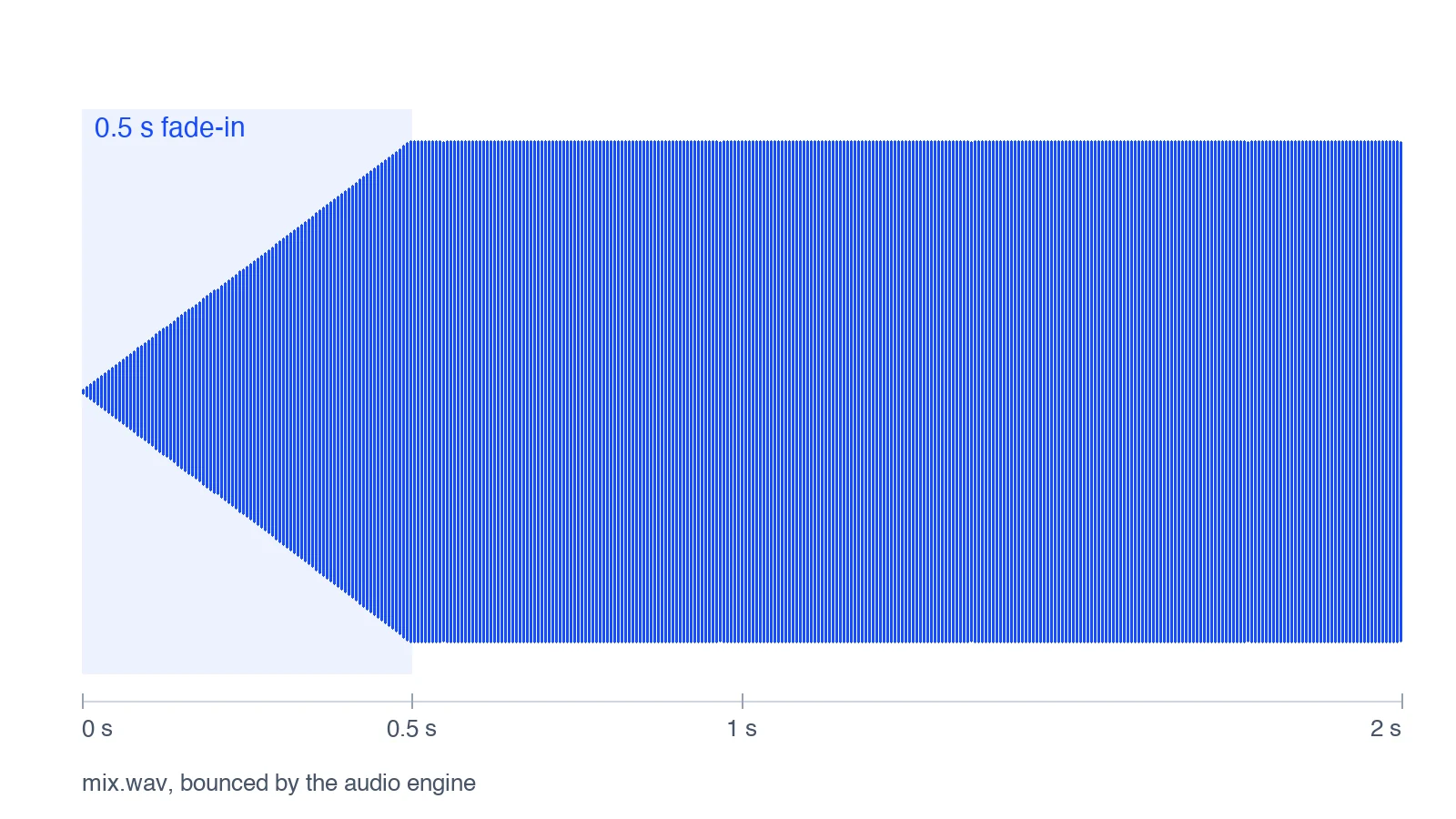
mix.wavA tone placed on a track, given a 0.5 s fade-in and bounced at 48 kHz.
24 seconds, 14 tool calls
title.mp4A three-second title with a keyframed fade-in, rendered without a window.
26 seconds, 18 tool calls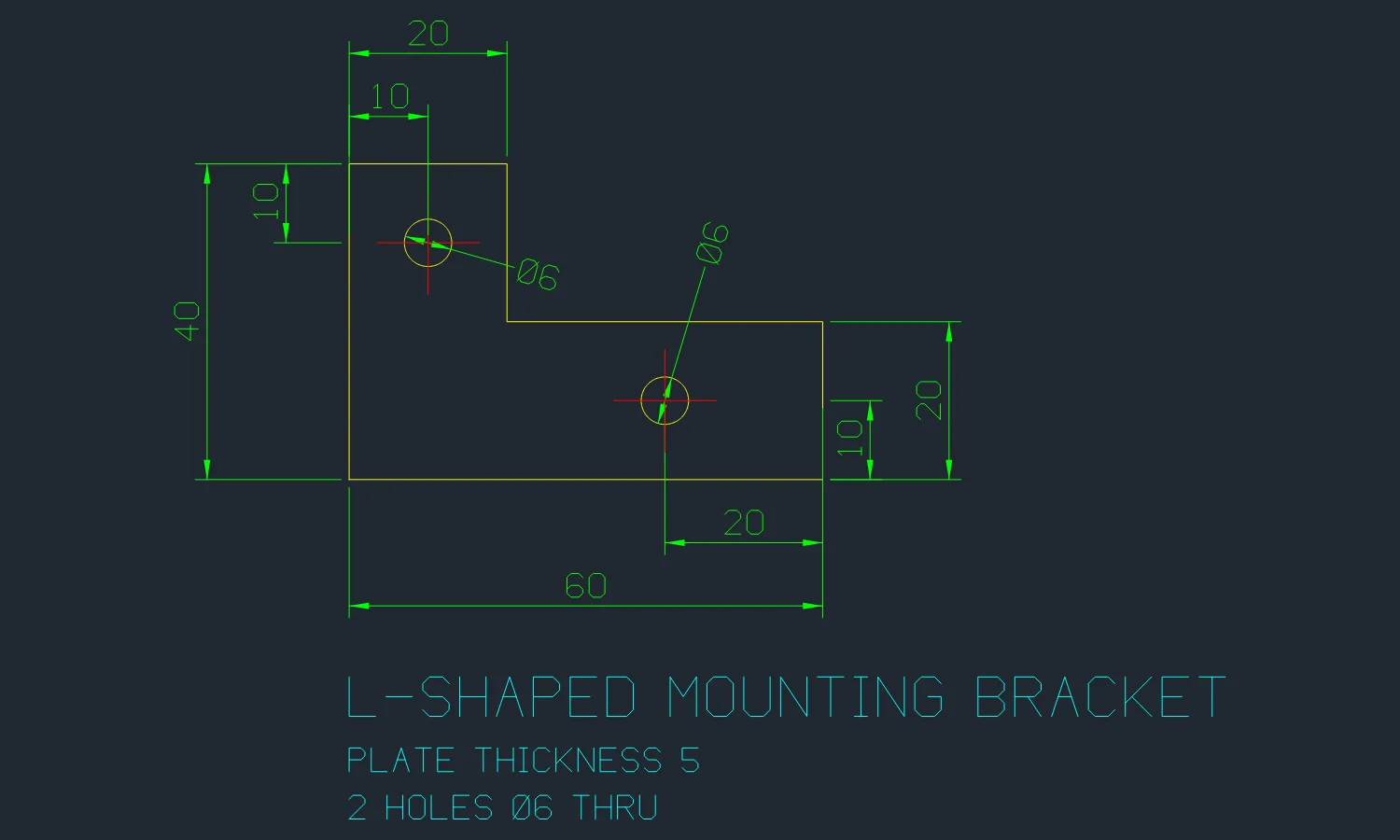
bracket.dxfA dimensioned bracket drawing: two Ø6 holes with centre marks, ten dimensions and a title block.
146 seconds, 50 tool calls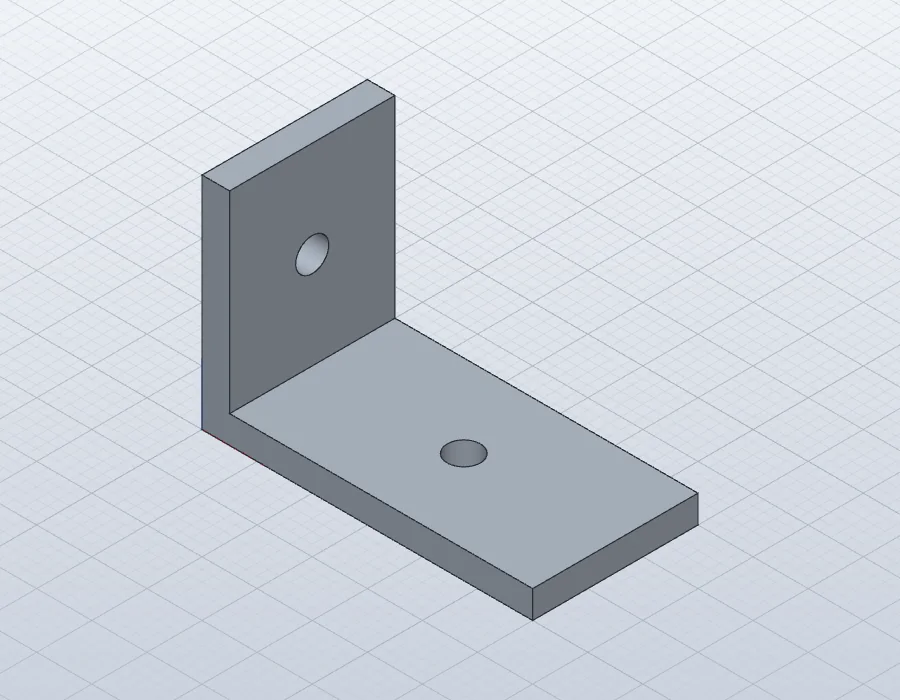
bracket.stepAn L-bracket with two 6 mm holes, built from parameters and exported as one closed solid.
53 seconds, 19 tool calls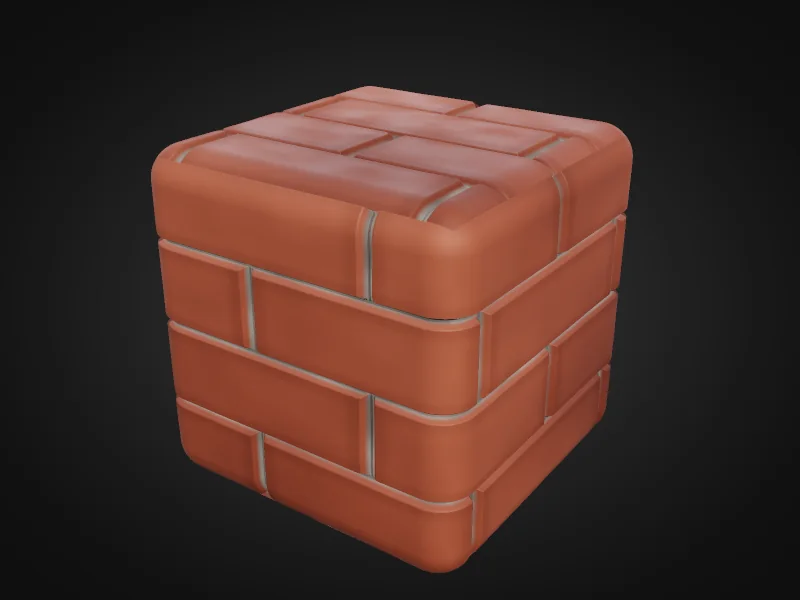
bricks/A procedural brick material, running bond and mortar, exported as six PBR maps.
211 seconds, 58 tool calls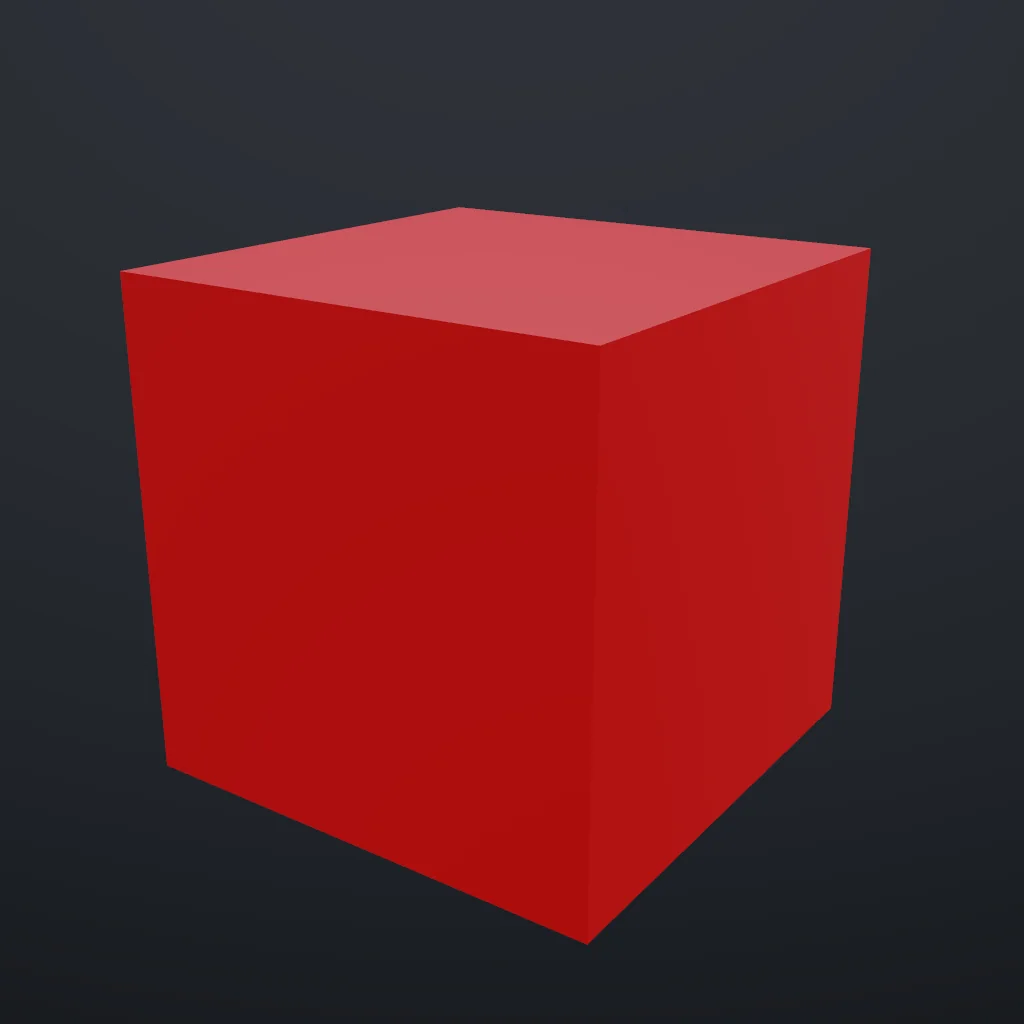
textures/A cube painted red with darker edges, exported as base-colour, normal and ORM maps.
209 seconds, 60 tool calls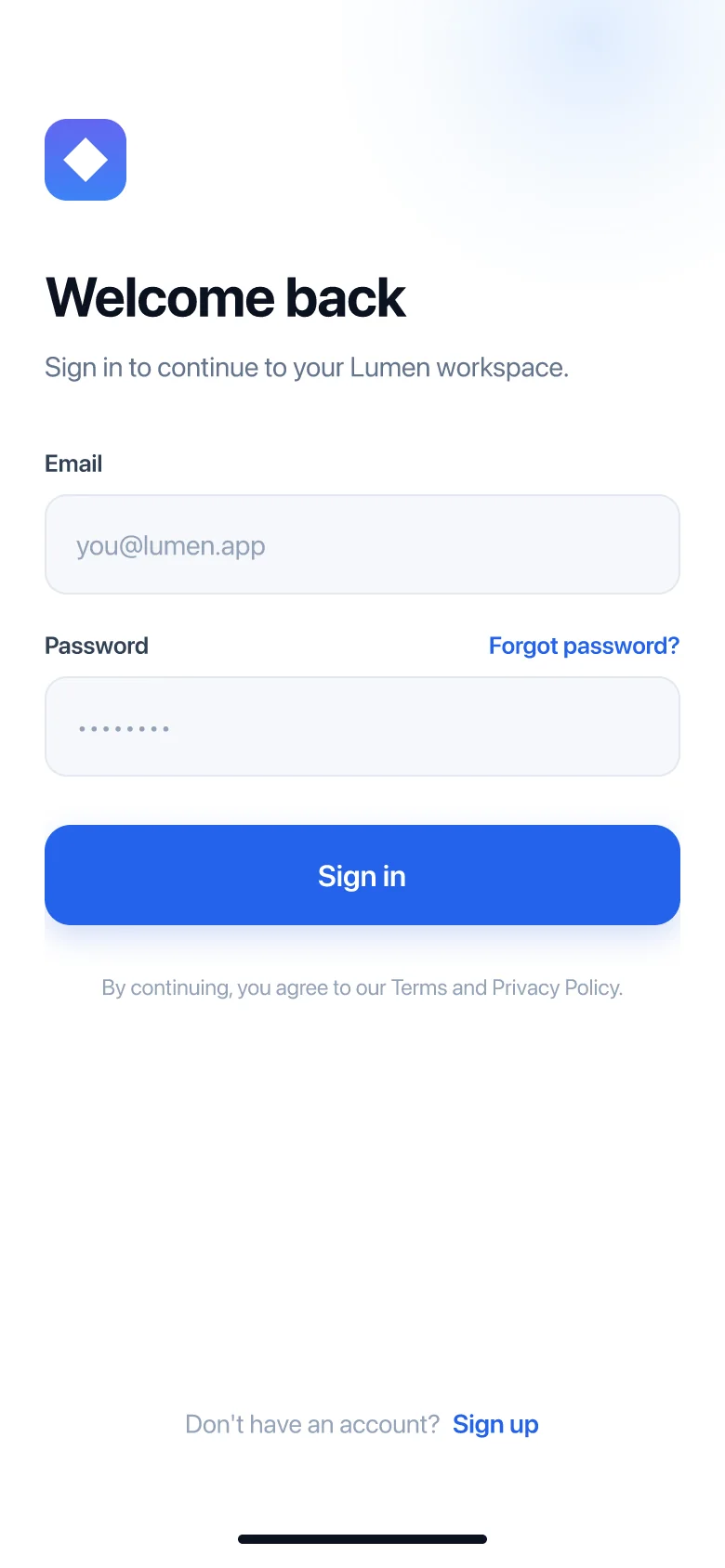
login.pngAn iPhone sign-in screen with labelled fields, a primary button and its editable design file.
119 seconds, 32 tool callsMaximum output, minimum token spend
API providers charge for every token a model reads and writes, and they charge much less for input they have already seen. AI Station is designed around both facts.
It sends the model only what the task needs, in an order the provider can cache, and spends the expensive thinking only where it improves the result.
Harness quality × model quality × token efficiency
The ideal sits where all three meet, and the harness is the circle that pulls the other two toward it.
The sweet spot is a well-designed harness running a strong model. The start of the prompt stays cached, context is fetched precisely and work is checked before it is kept. The result is frontier-grade work from the least input, with almost no wasted output. A model alone can’t reach it; the harness is what gets it there.
- Harness cuts inputA stable prompt start that stays cached, only the lines a task needs, compacted history and trimmed tool results.
- Harness makes output countPlan first, verify with tests and stop runaway loops and retries, so every output token is one you keep.
- Harness lifts the modelGood context lets a mid-tier model work near frontier level. Easy steps go to an inexpensive model, hard steps to the best one.
- About US$0.40
- for all seventeen professional files
- About 2.4¢
- per file, on average
- 22 minutes
- of model time for the whole set
- 933tools across the seventeen engines
- Noneof them in the opening prompt
- 23loaded when a task needs SolidCraft
Tools wait until they’re needed
The engines’ 933 tools stay out of the prompt. The model searches for the engine a task needs and loads only its tools, which are then called in a way that leaves the provider’s cache intact.
Prompts built for the cache
The system text and tool list are identical from chat to chat, and earlier tool output is never rewritten, so each request starts with text the provider has already cached.
Engines bring their own know-how
Each engine sends its own instructions with its first tool, and the system text names what each engine makes, so the model goes straight to the right workflow.
An inexpensive model works, a strong one reviews
A low-cost model can carry out the steps while a stronger model plans, checks changed files and gives the verdict. A lighter model handles chat titles and summaries.
Measured checks replace extra turns
Engines render and inspect their own output and project checkers run after each edit, so problems are found by measurement, not by asking the model again.
Spending you can see and cap
Every answer shows its tokens and cost, each chat can carry a budget, and each provider a monthly cap. Work that runs on a local model costs no API credit at all.
Live proof, engine by engine
Every engine was tested in the signed, packaged Mac app with DeepSeek V4.1 Flash. The model received one plain-language request per engine, and a run counted only when the file was in the project folder, valid by its own bytes and made through the engine’s tools.
| Engine | File | Time | Tool calls | Input tokens (from cache) | Output tokens |
|---|---|---|---|---|---|
| Spreadsheet | budget.xlsx | 24 s | 33 | 341,367 (281,600) | 2,527 |
| Writing | report.docx | 45 s | 25 | 824,849 (717,056) | 2,516 |
| Presentation | launch.pptx | 28 s | 22 | 542,186 (461,312) | 1,782 |
invoice.pdf | 55 s | 39 | 898,333 (687,616) | 6,431 | |
| Page layout | flyer.pdf | 96 s | 29 | 2,542,409 (2,354,944) | 10,761 |
| Vector illustration | logo.svg | 142 s | 60 | 3,175,929 (3,078,144) | 15,775 |
| Layered image editing | poster.png | 39 s | 20 | 672,071 (635,904) | 3,252 |
| RAW photo development | shot-edit.jpg | 18 s | 11 | 353,446 (307,072) | 922 |
| 2D animation | ball.gif | 41 s | 28 | 625,100 (592,128) | 3,308 |
| Video editing | intro.mp4 | 36 s | 20 | 1,397,323 (1,249,792) | 2,271 |
| Audio mixing | mix.wav | 24 s | 14 | 551,212 (508,160) | 2,150 |
| Motion graphics | title.mp4 | 26 s | 18 | 510,609 (487,552) | 1,785 |
| 2D CAD | bracket.dxf | 146 s | 50 | 1,331,482 (1,273,216) | 21,736 |
| Parametric 3D CAD (SolidCraft) | bracket.step | 53 s | 19 | 638,822 (555,904) | 6,697 |
| Procedural materials | bricks/ | 211 s | 58 | 3,593,182 (3,517,440) | 22,980 |
| 3D texture painting | textures/ | 209 s | 60 | 2,025,933 (1,981,568) | 24,114 |
| UI prototyping | login.png | 119 s | 32 | 1,247,183 (1,185,664) | 16,582 |
| All seventeen | About US$0.40 | 22 min | 538 | 21,271,436 (19,875,072) | 145,589 |
Choose a model for this machine
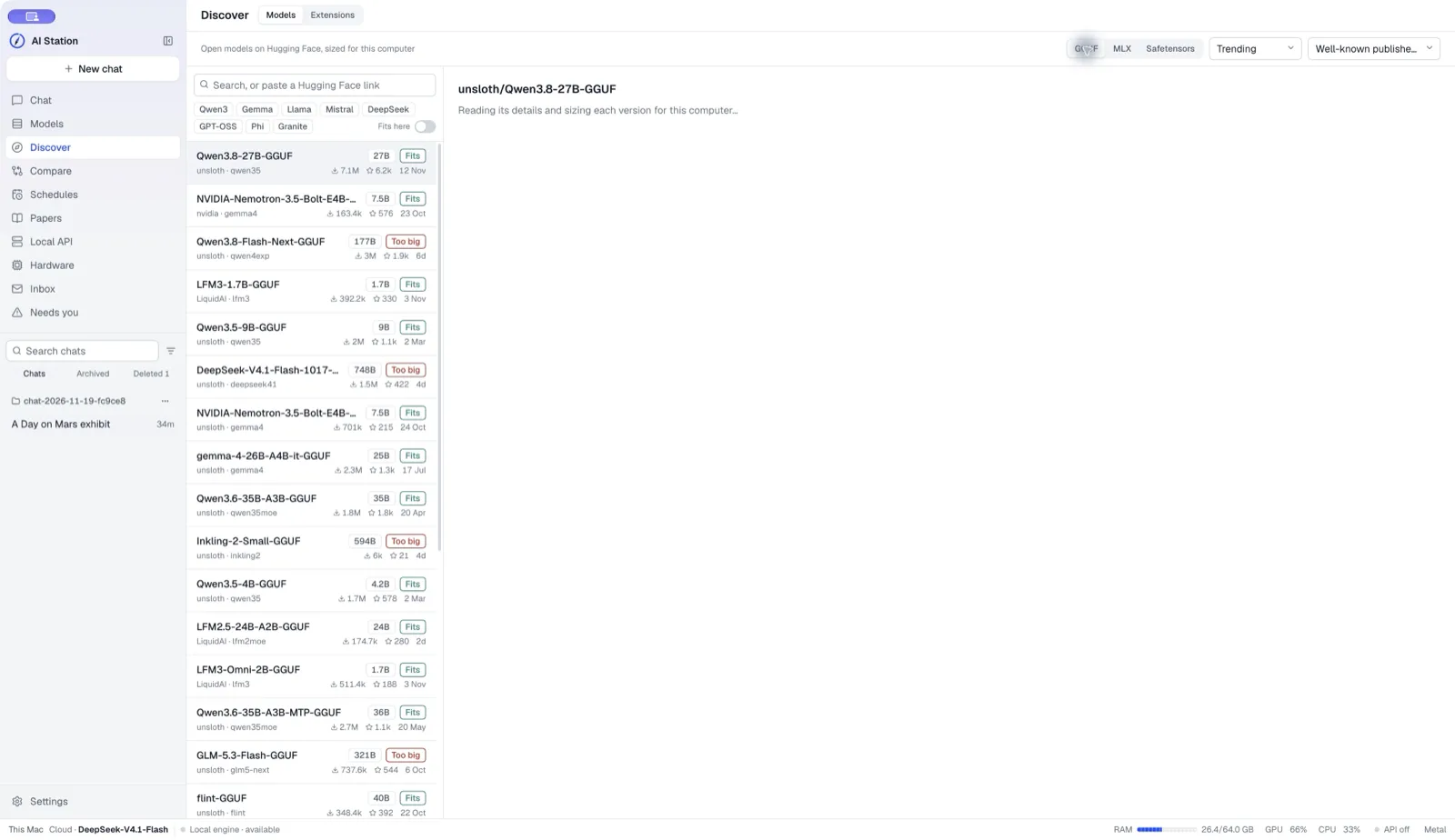
The model browser brings together files from LM Studio, Ollama, Hugging Face caches and folders the user selects. AI Station can use those files where they already live. When a developer needs another model, Discover lists its downloadable variants alongside estimates for this computer.
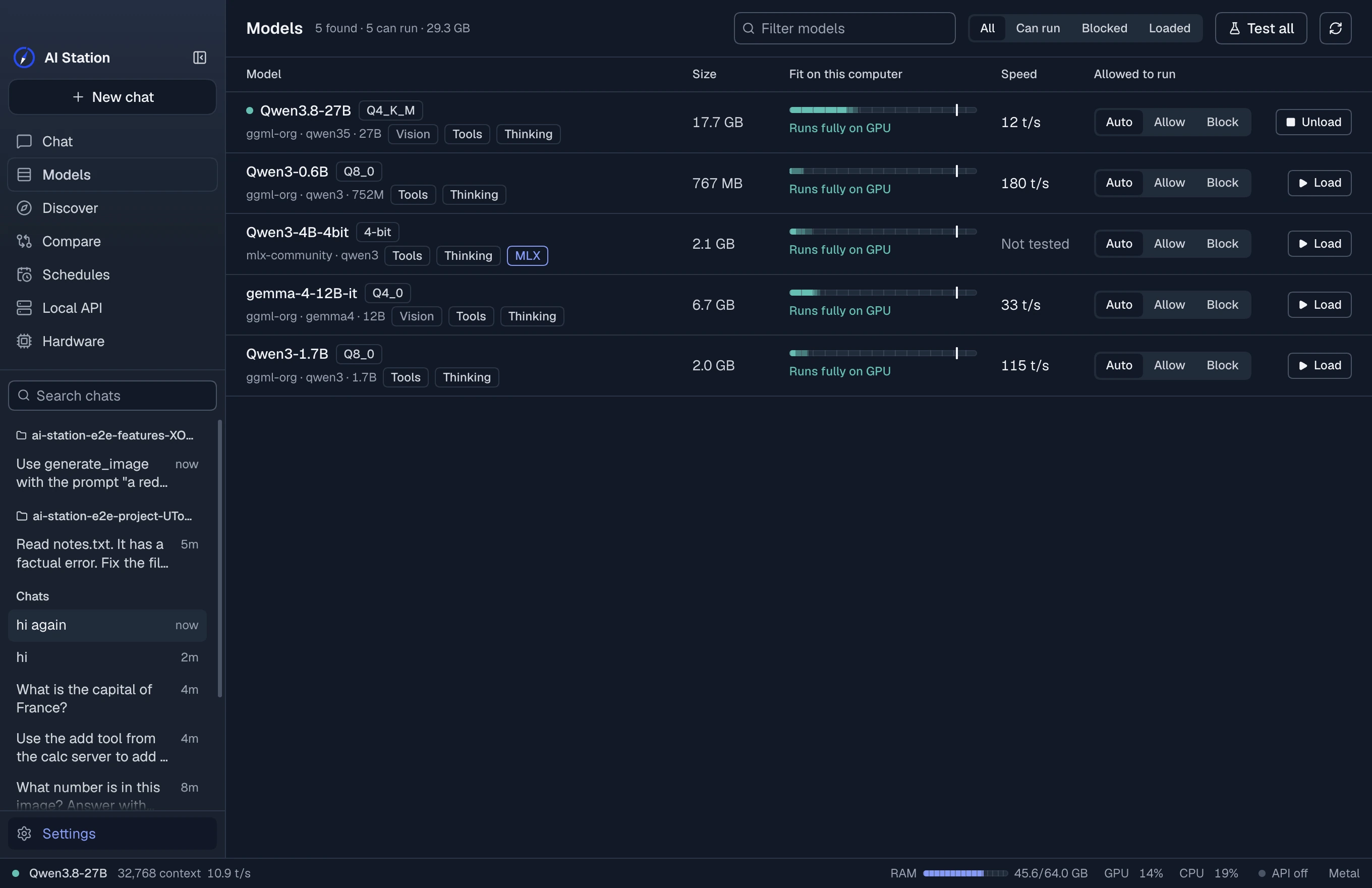
Five models share this machine. The loaded 27B model, the smaller 0.6B model and the MLX build each have their own fit gauge, speed result where tested, and permission to run.
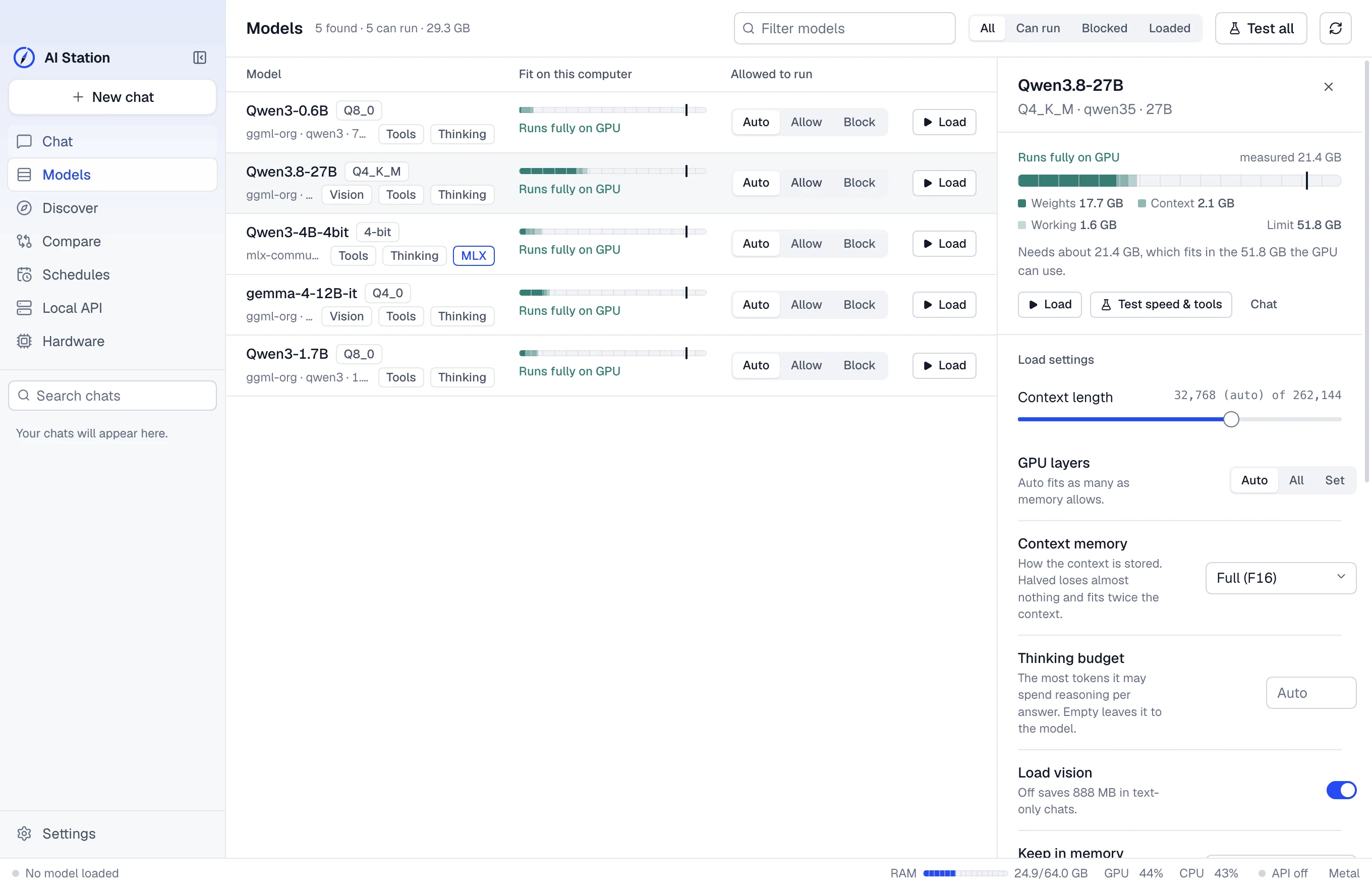
At 32,768 tokens, this 27B model needs about 21.4 GB. The drawer breaks that into 17.7 GB of weights, 2.1 GB of context and 1.6 GB of working memory, against a 51.8 GB GPU budget.
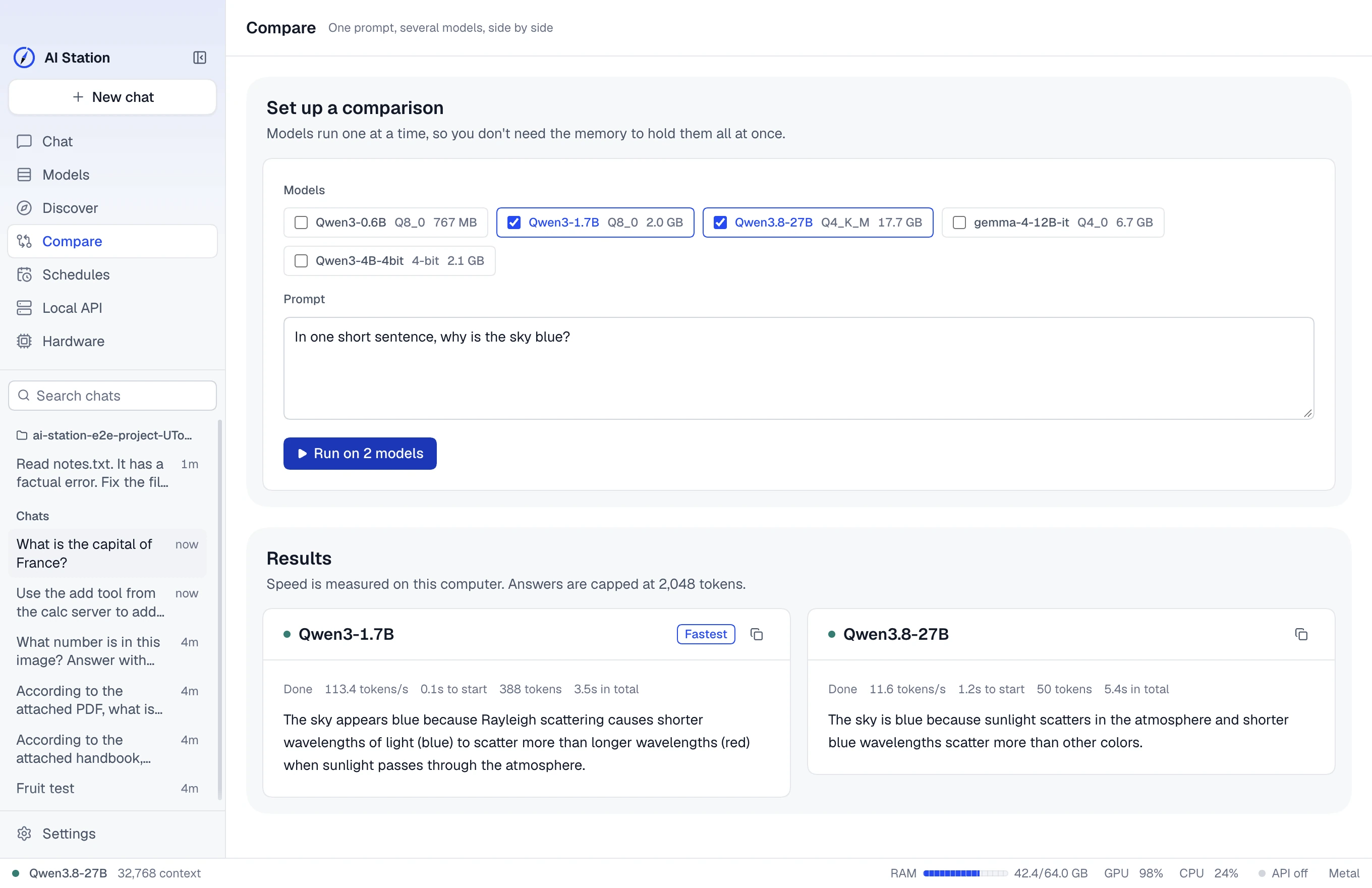
Both models explain why the sky is blue. In this run the 1.7B model began answering after 0.1 seconds and the 27B model after 1.2 seconds. The answers remain visible beside the timings so the developer can judge whether the extra wait helped.
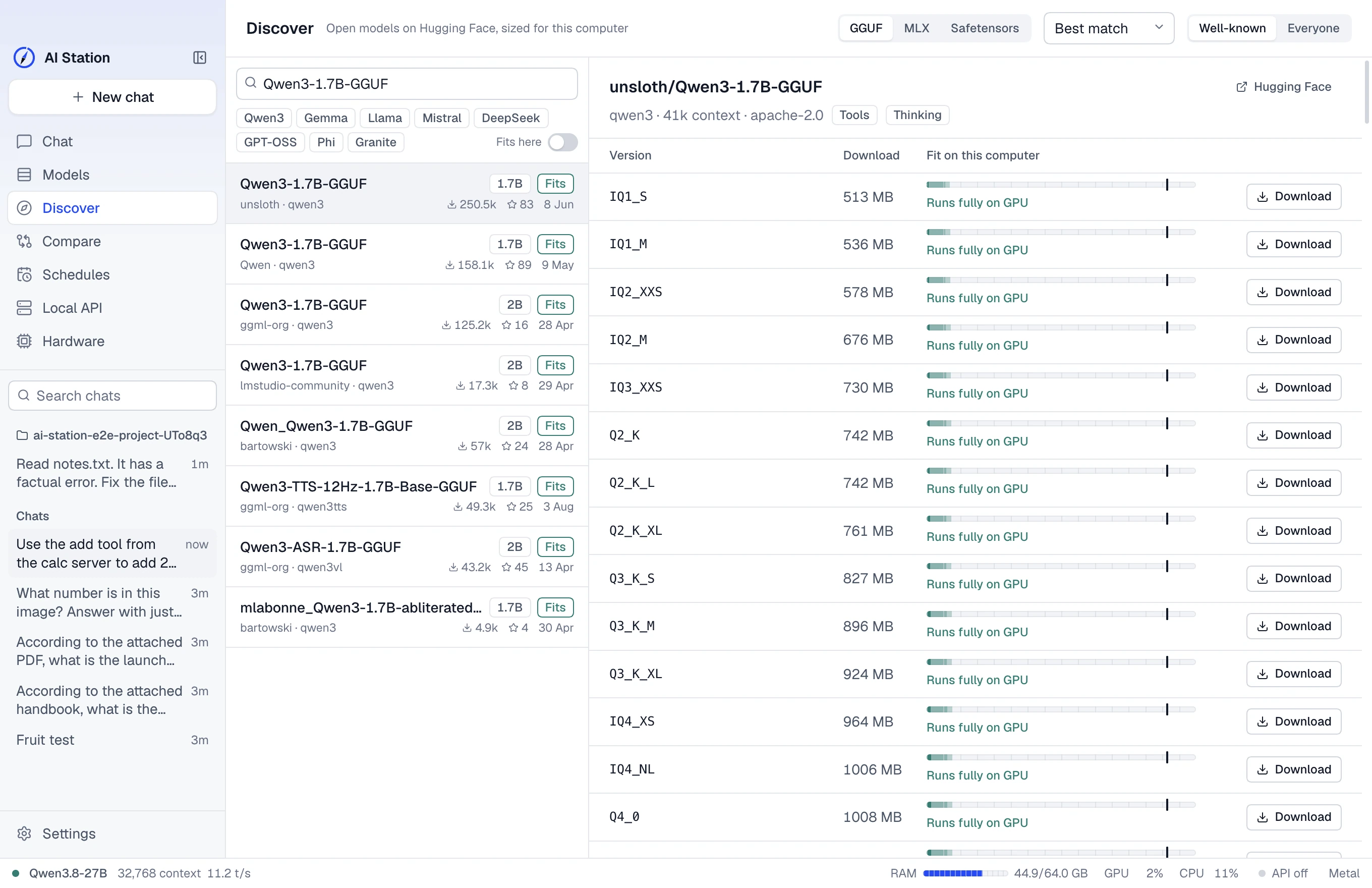
Different quantisations of one model appear as separate builds. The size and fit columns help narrow the choice before starting a large transfer.
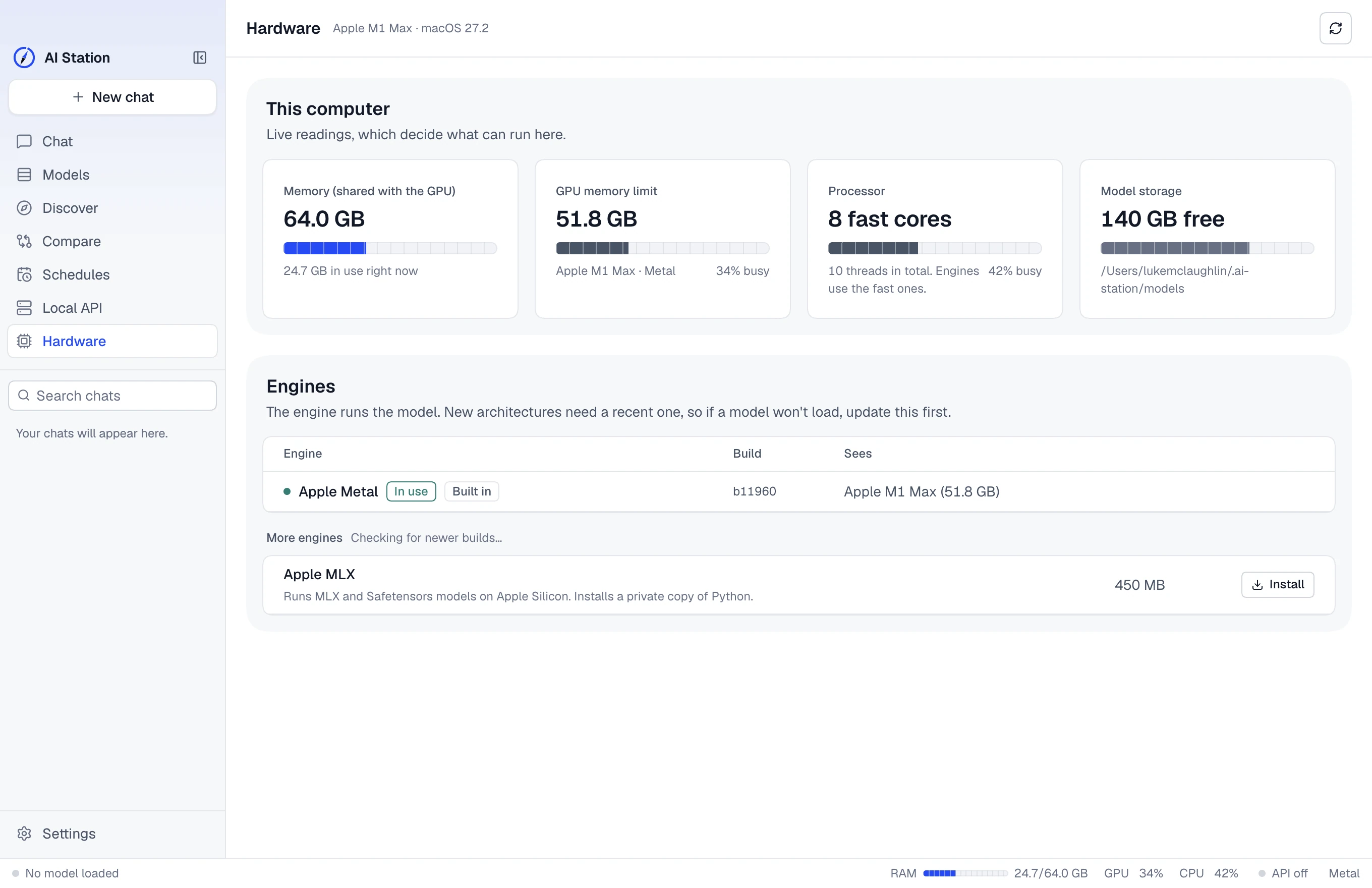
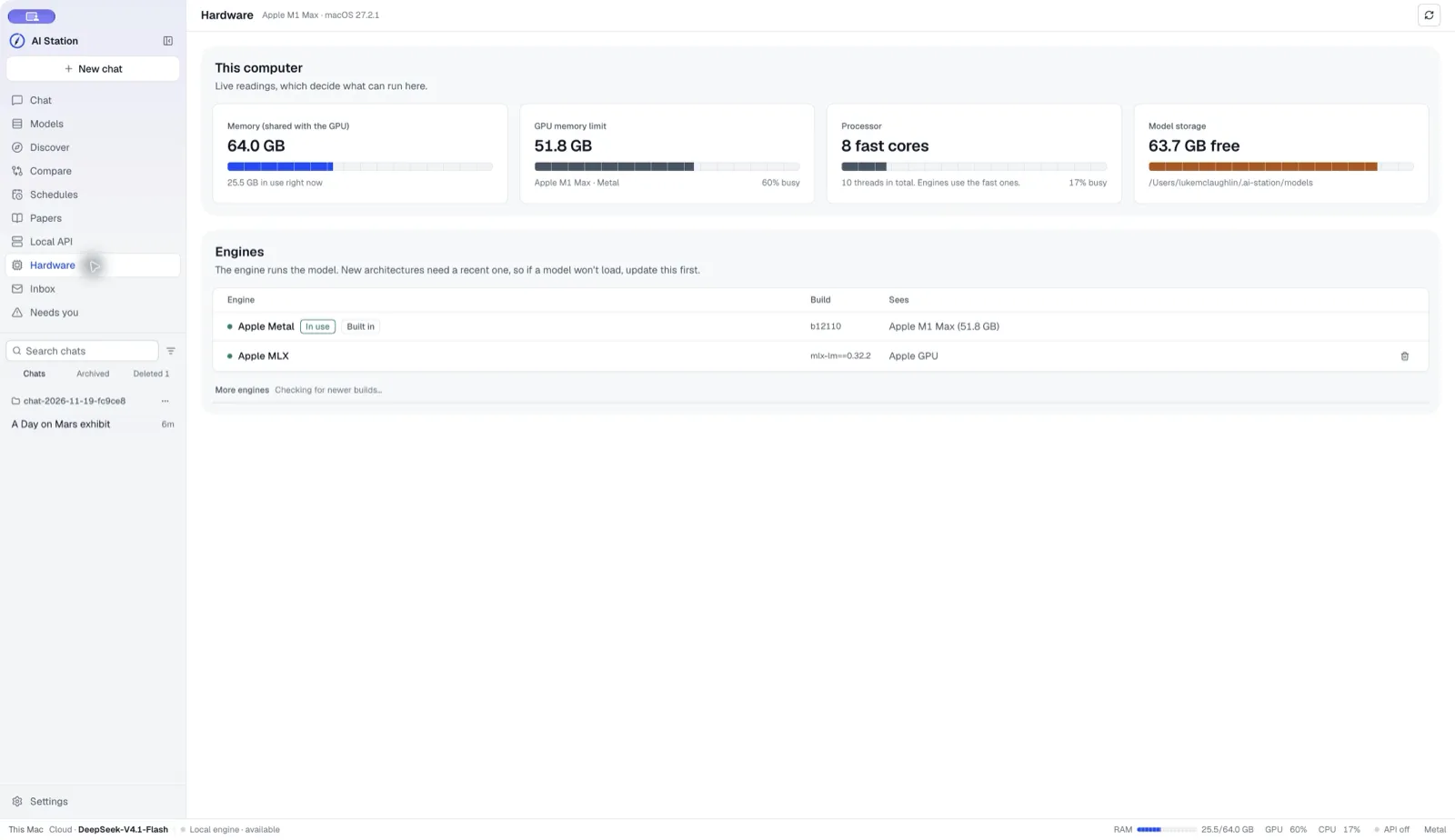
The hardware view identifies the resources and engines behind the estimates, including available memory and free disk space.
The choice involves more than file size. Conversation history consumes memory too. Context length, GPU offload and the inference engine affect what will fit. Once two candidates are viable, the comparison workspace runs the same prompt through each in sequence and reports speed alongside the answers.
Build and test in the same workspace
In the issue tracker below, the agent opens the running application, fills in its form and checks that the new issue appears. The transcript and the browser sit side by side. A developer can follow the sequence, inspect the result and ask for another change while the project is still open.
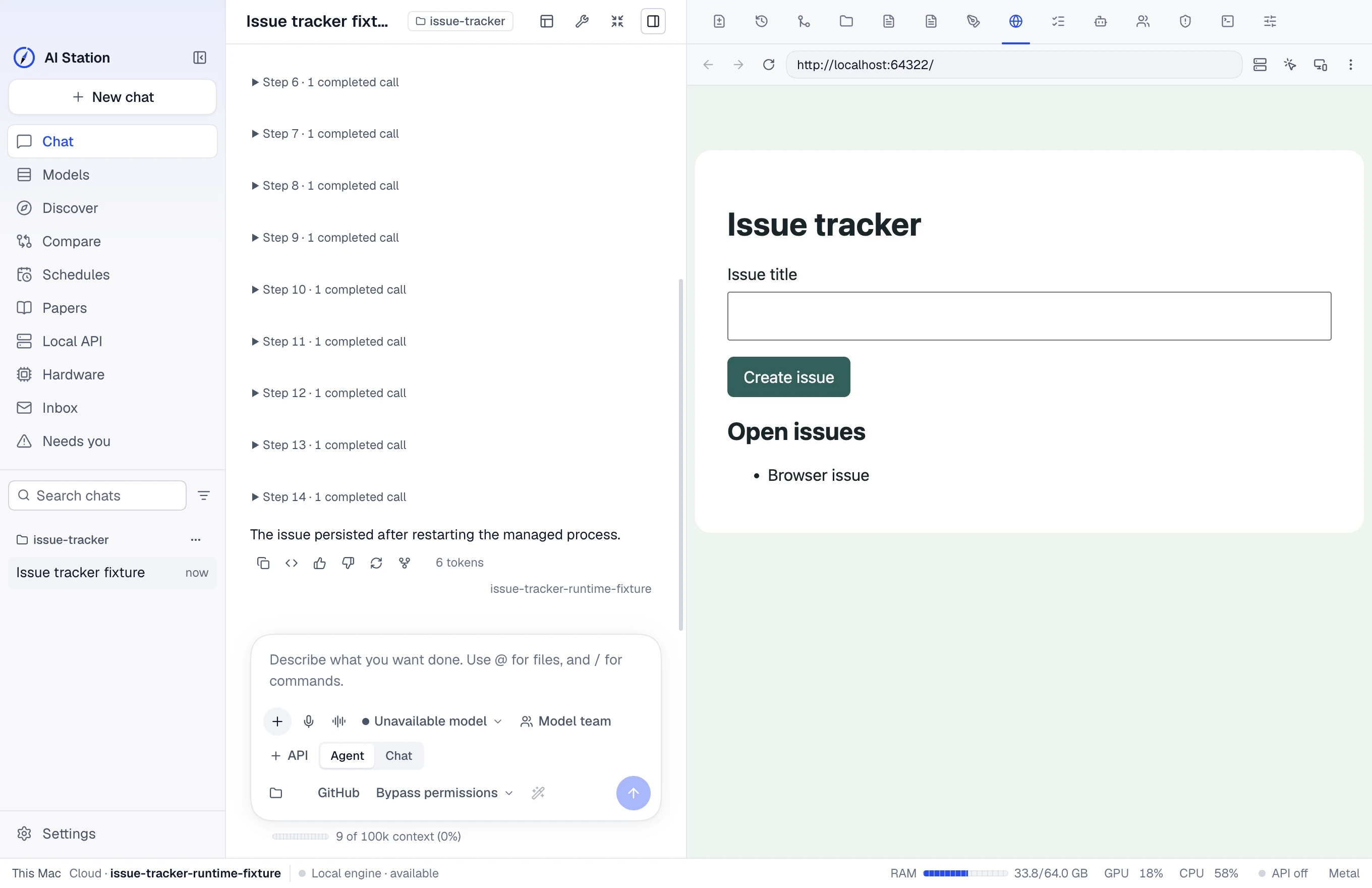
The issue list contains “Browser issue”. Each collapsed step on the left belongs to the same browser test, so the final state can be checked against the actions that produced it.
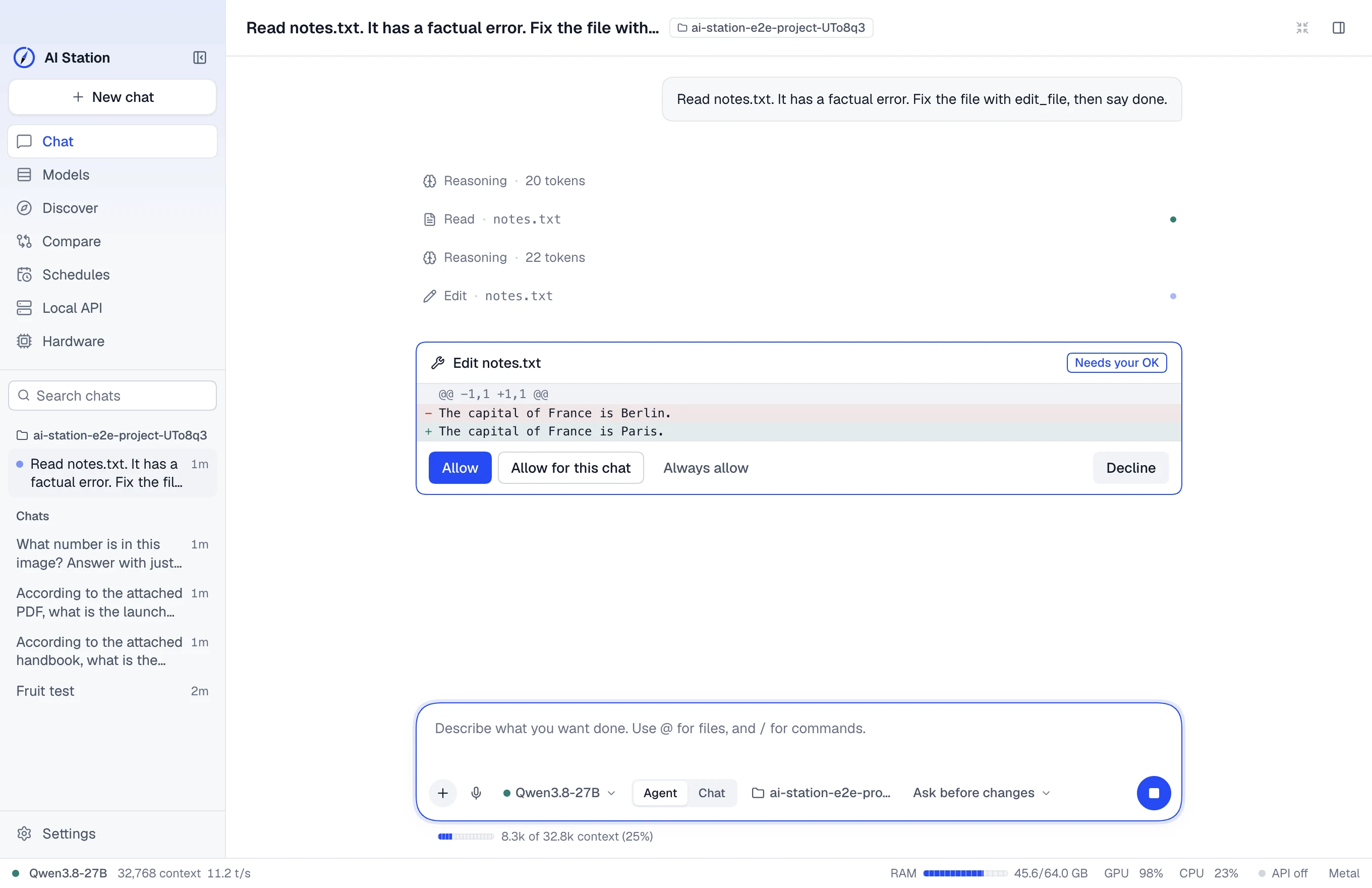
The model has proposed a one-line correction. The review card shows both versions of the line and waits for a decision before writing it.
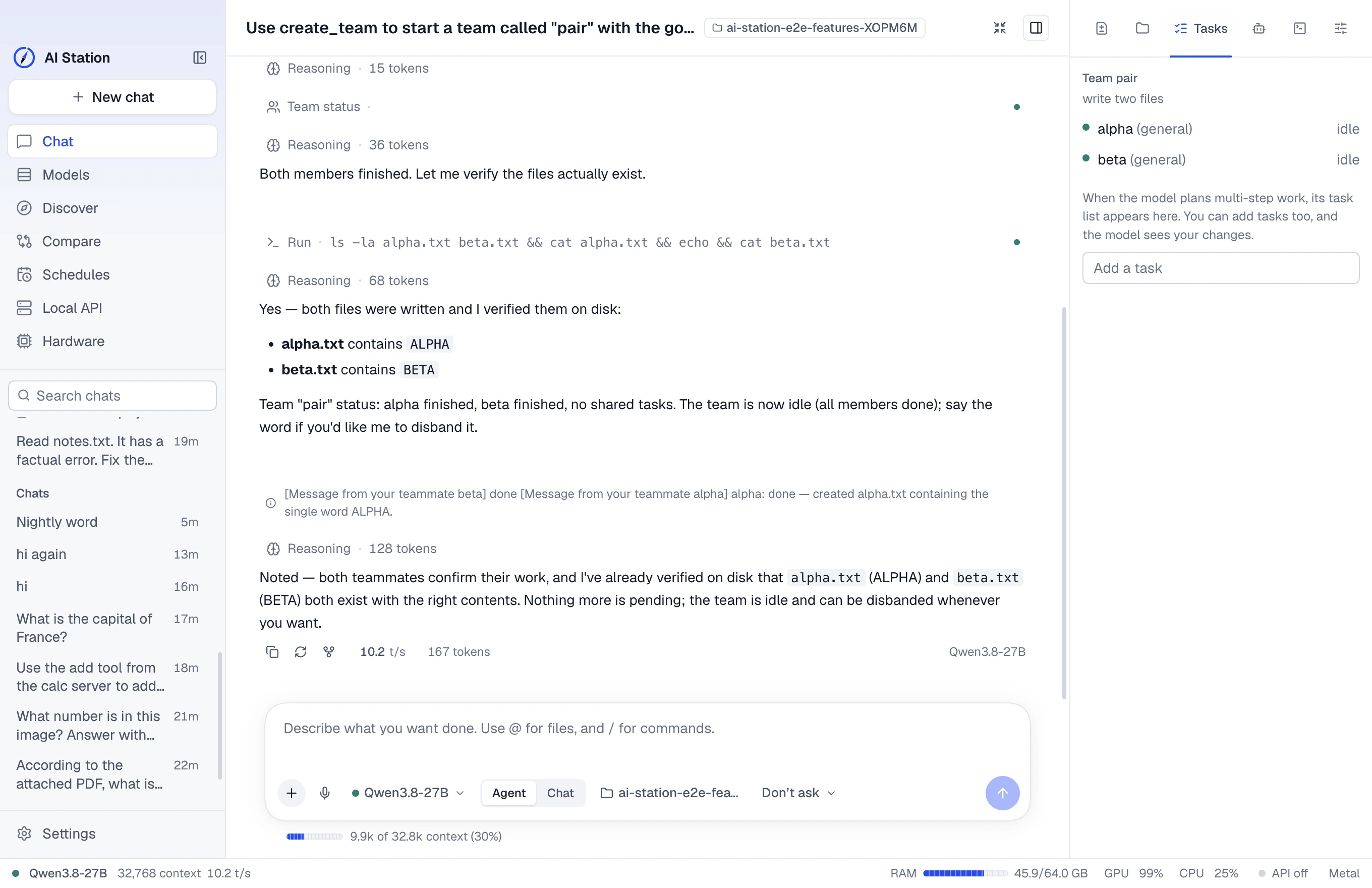
A lead can delegate parts of a project to other agents. The task panel keeps assignments visible while the lead continues the conversation.
For a change to an existing file, manual approval puts the proposed patch in the conversation. Plan mode gives the developer an earlier decision point. Larger jobs can be divided between agents with separate contexts, roles and a shared task list. The agent offers the working features developers know from Claude Code and Codex: plan mode, subagents and agent teams, hooks, worktrees, a terminal beside the chat, a browser it can operate and built-in review commands.
Use the same models in other tools
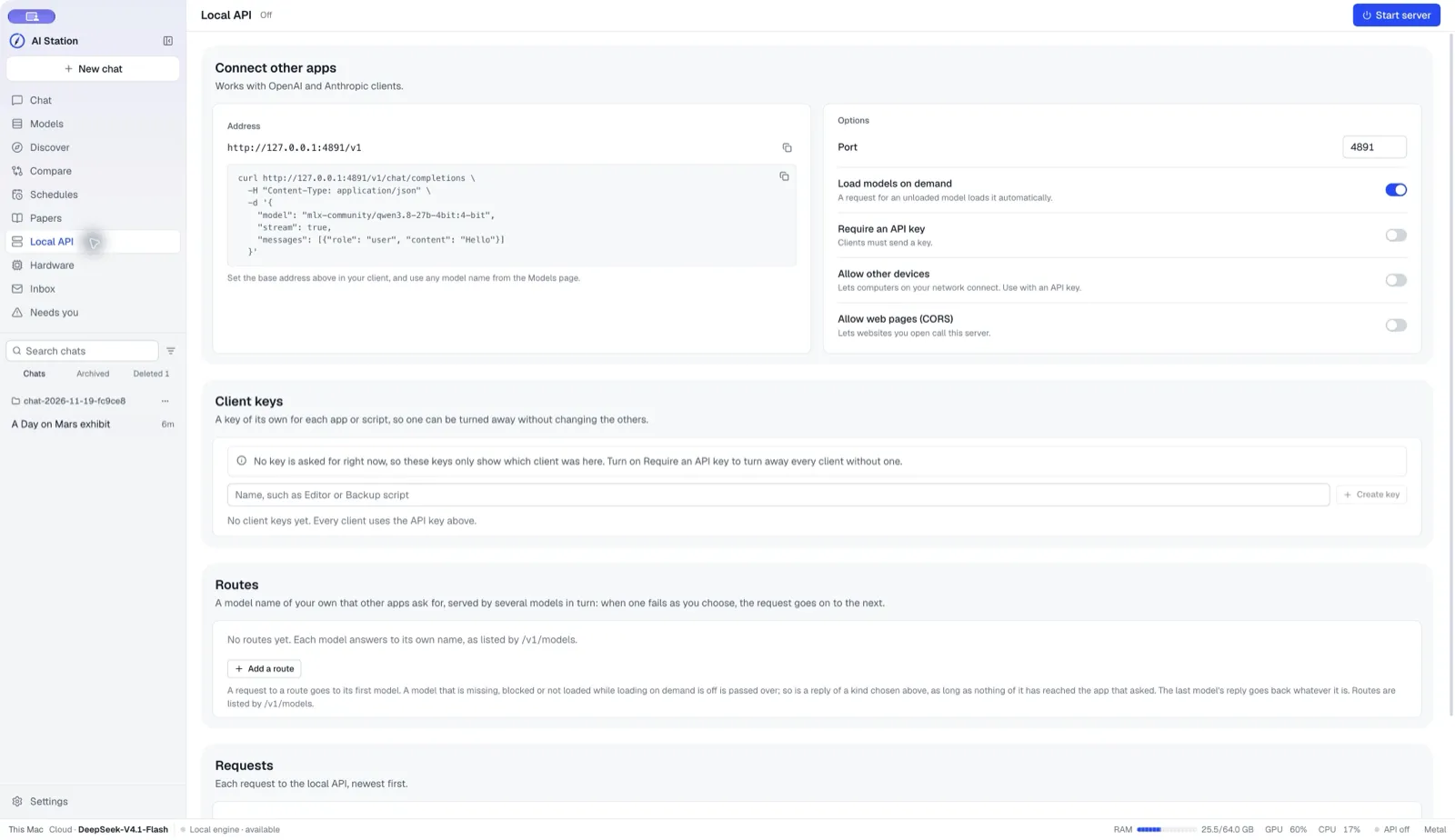
The desktop app also acts as a local inference service. A client can send requests through OpenAI-, Anthropic- or Ollama-compatible interfaces. The operator can choose which models are eligible, enable on-demand loading and inspect the requests arriving from another application.
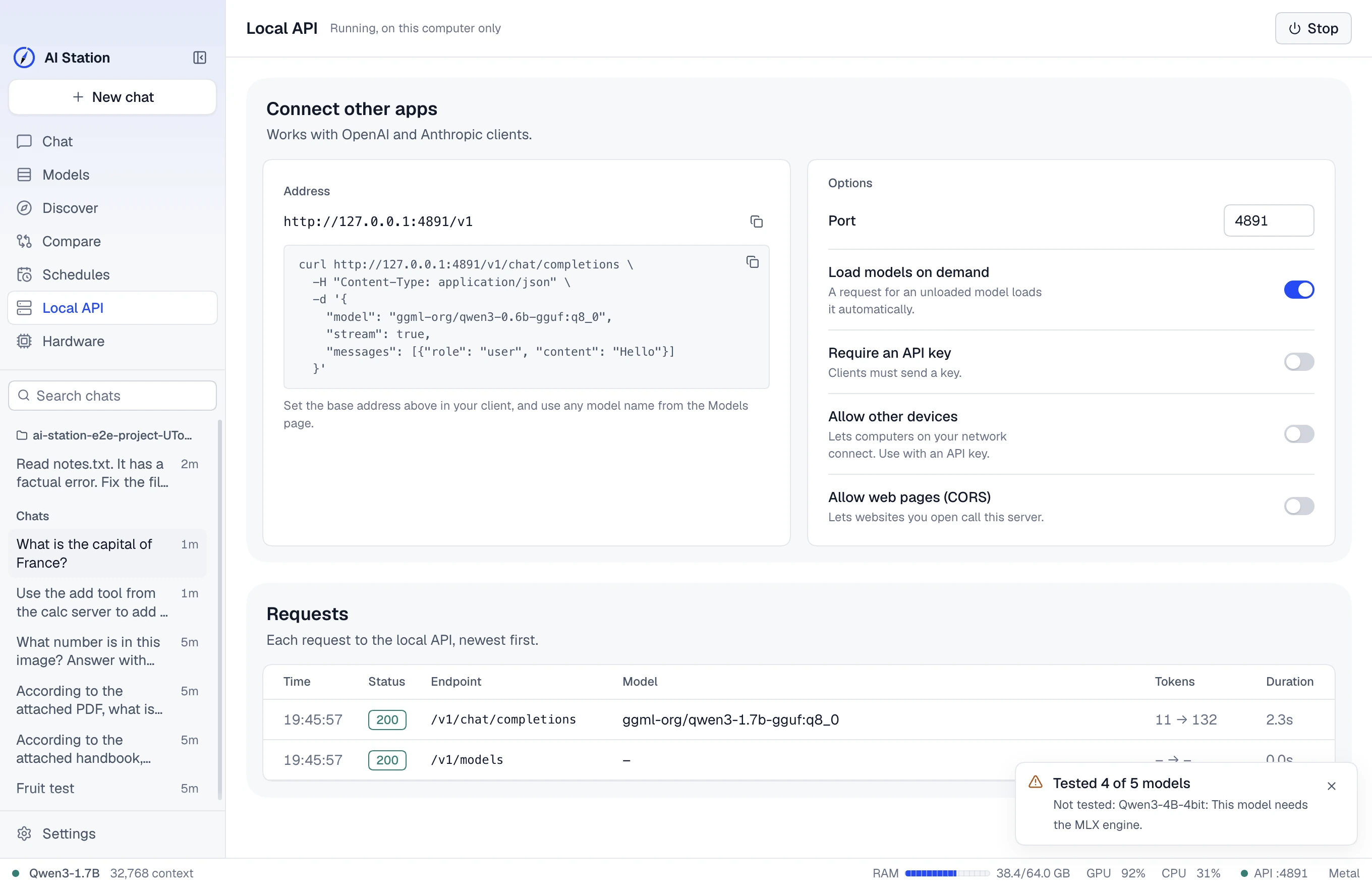
The connection panel shows where a client should send a request. The log below records requests as they arrive, which helps diagnose a client integration.
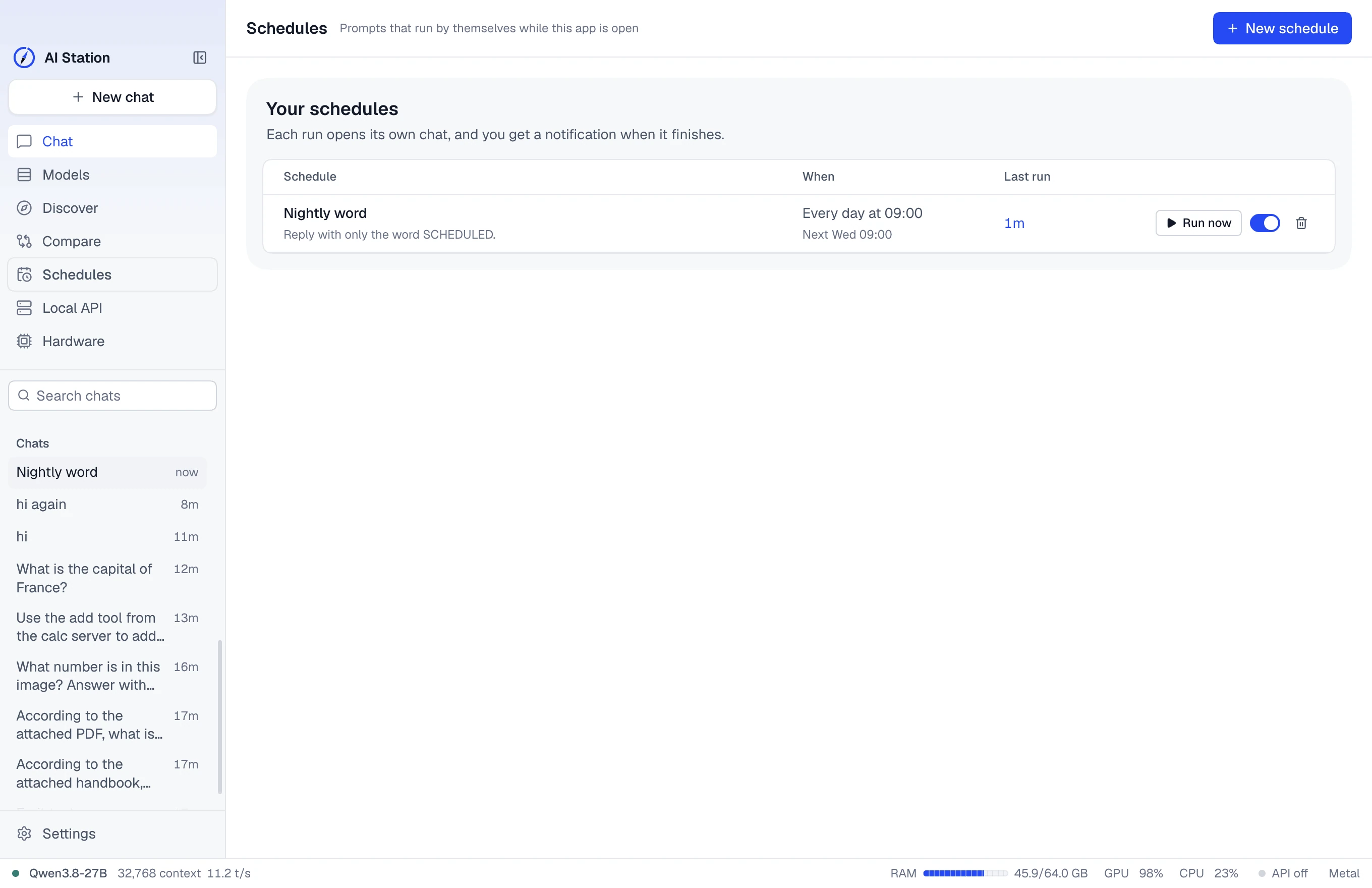
Each scheduled prompt has a cadence and an enable switch. Run now lets the user check a workflow before leaving it on a timer.
For repeat work, a saved schedule runs a prompt on a timer and gives the result its own chat. The same core also supports a command-line client and SDKs. A developer can start with an interactive workflow and then invoke it from a script.
A harness around the model, not a bigger model
I built AI Station in TypeScript on Electron, with a core that has no Electron dependency, so the same agent runs in the desktop app, from the command line, inside an editor and in tests. It runs on Mac and Windows and connects to llama.cpp, MLX and the major API providers. Each Studio engine is its app’s own command-line program running a headless MCP server, one per project folder, pinned to a known commit. Model choice, permissions and spending are separate decisions, so a team can switch to a cheaper model without changing what the agent may do or how its work is checked.
Complete screenshot library
Explore 109 full-frame views of AI Station by feature and device. Open any image to inspect it at its original dimensions. Identifying details are obscured in sensitive views.
Chat 14
Start a conversation, attach context and return to the work as it develops.
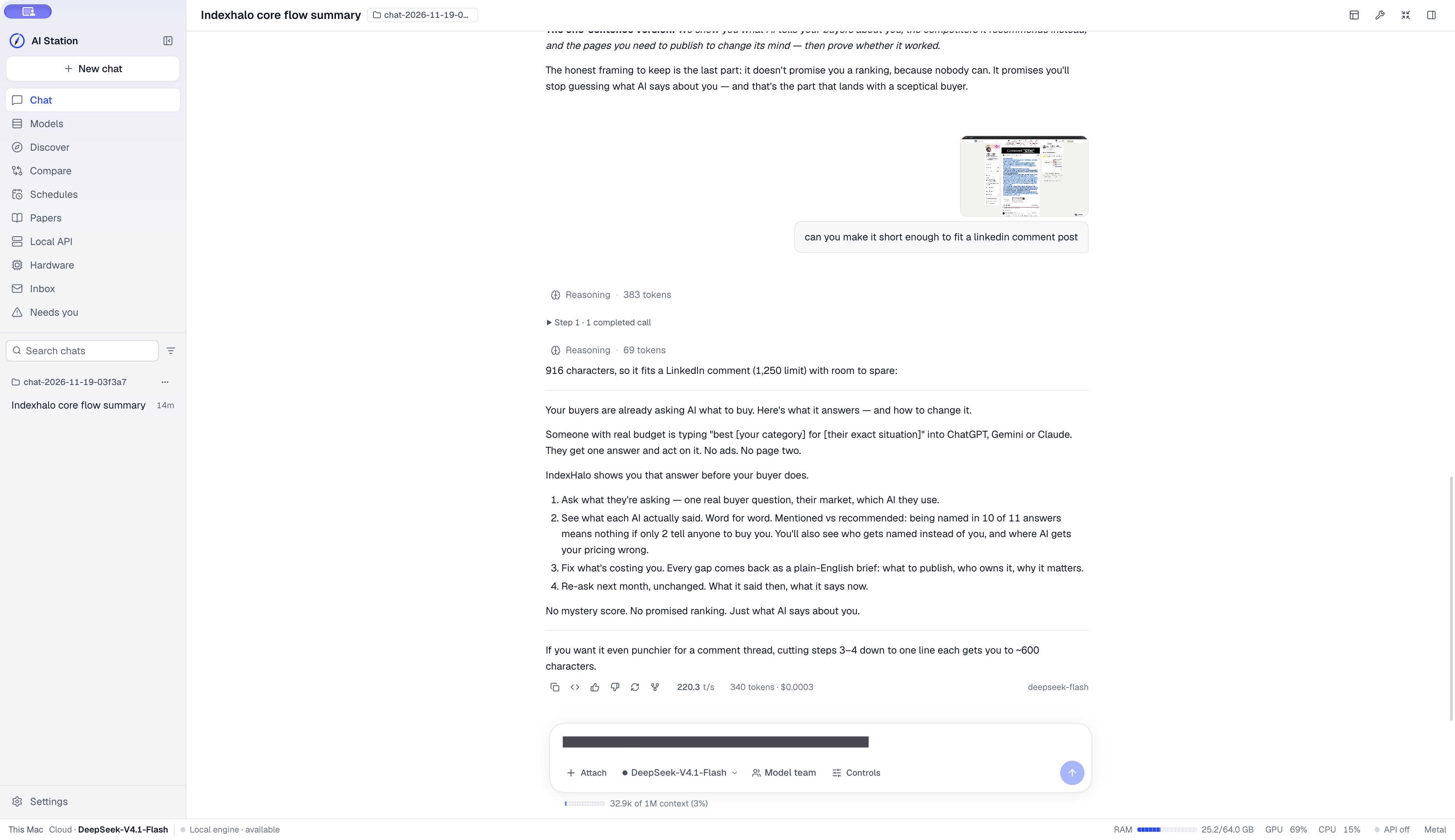
The file view connects a conversation to its source material. It lets the user inspect or select the files that supply context for the assistant’s work.
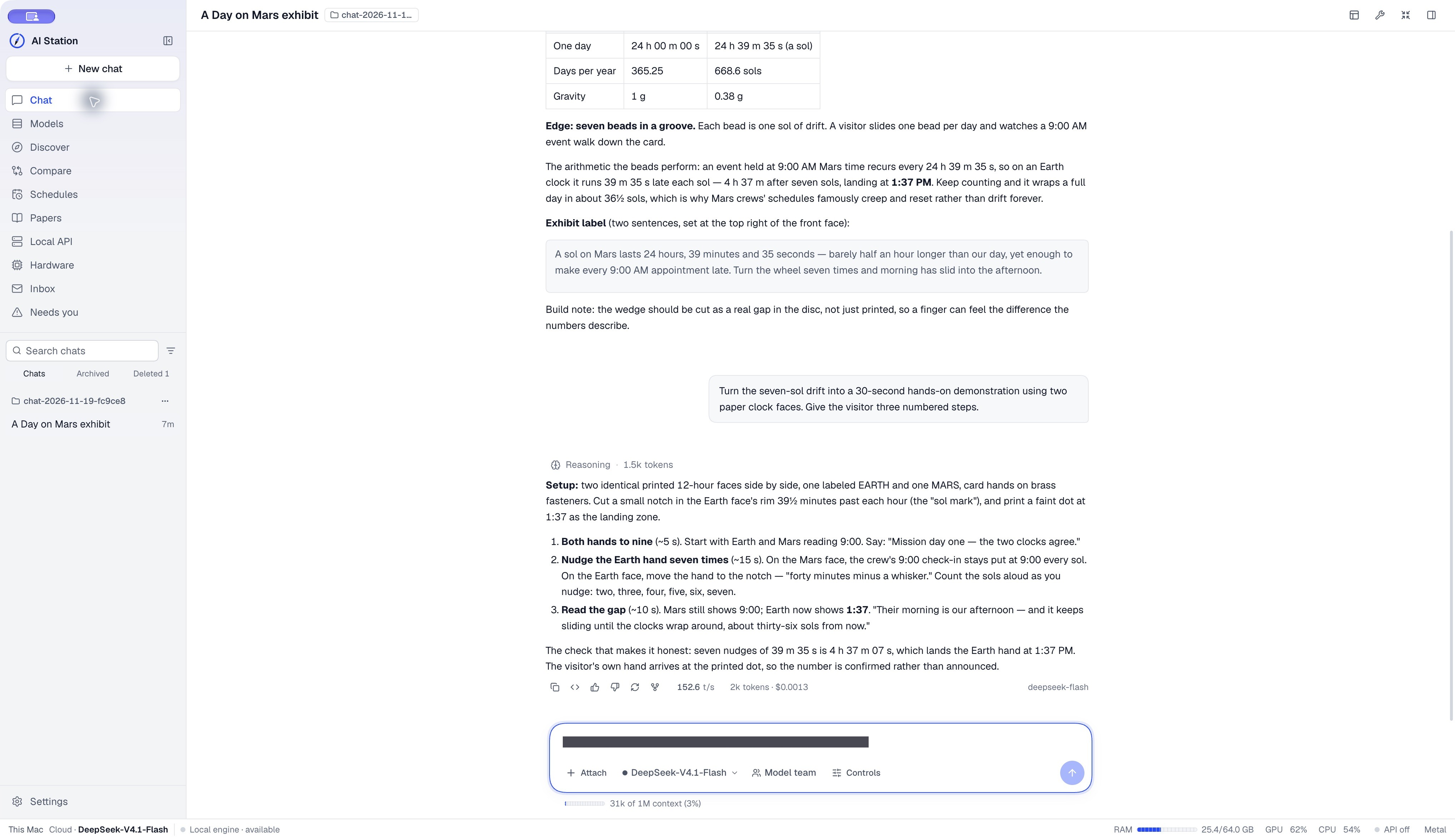
Start a conversation, attach context and return to the work as it develops.
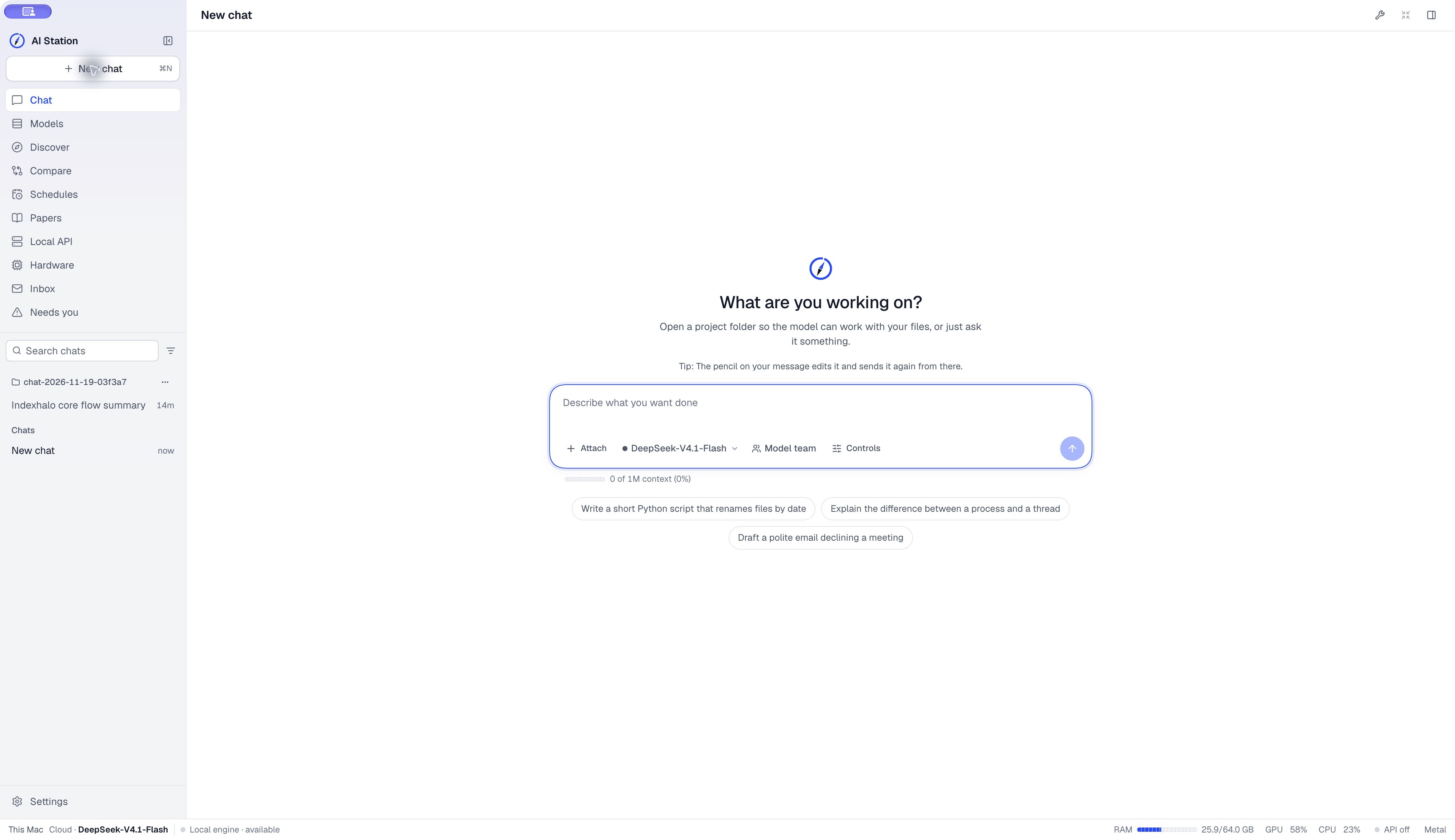
A fresh chat gives the next task its own history. The user can choose a model and supply project context before sending the opening prompt.
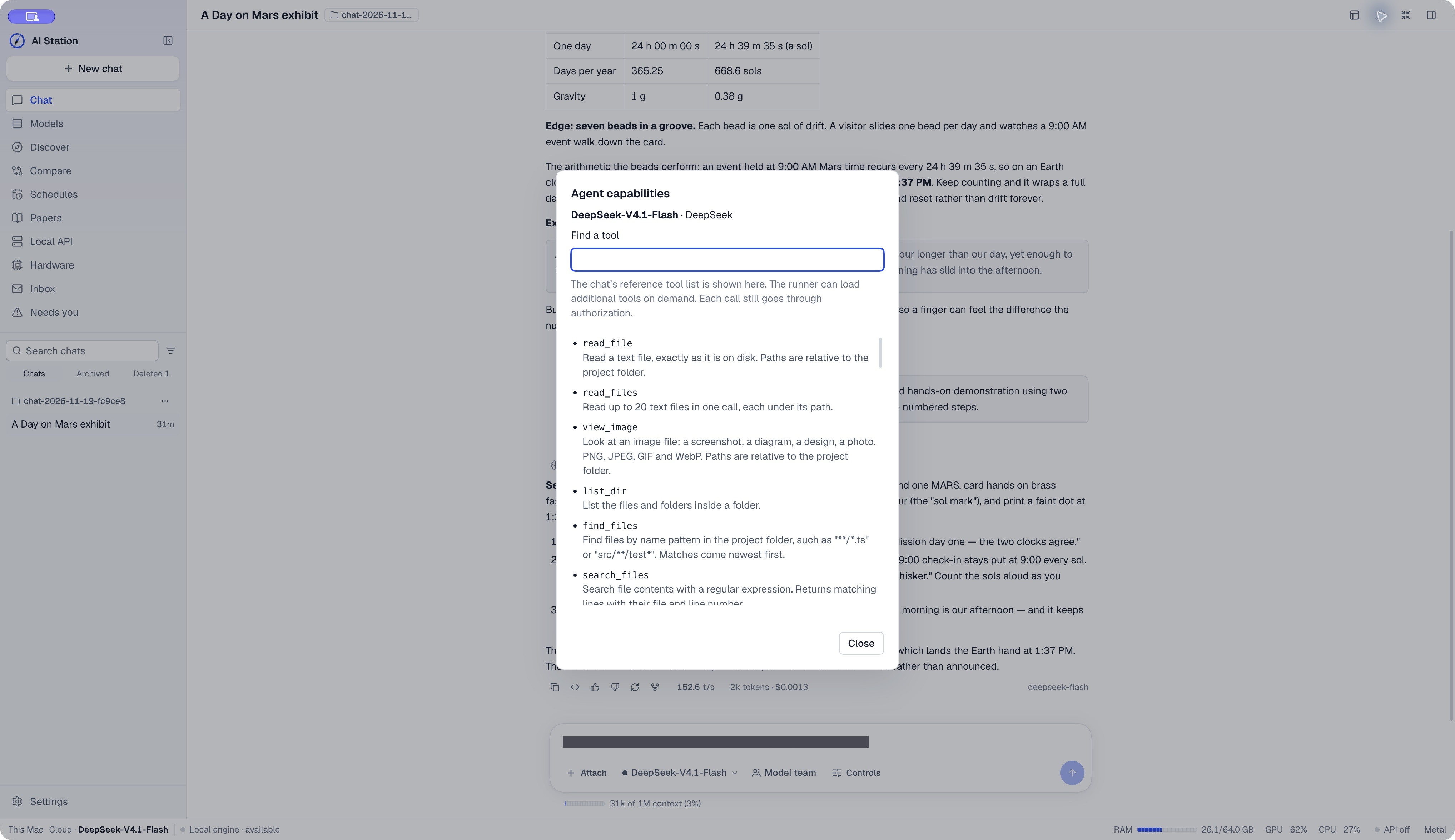
The chat exposes the agent’s available actions and permissions so the user can review what the agent may do in this project.
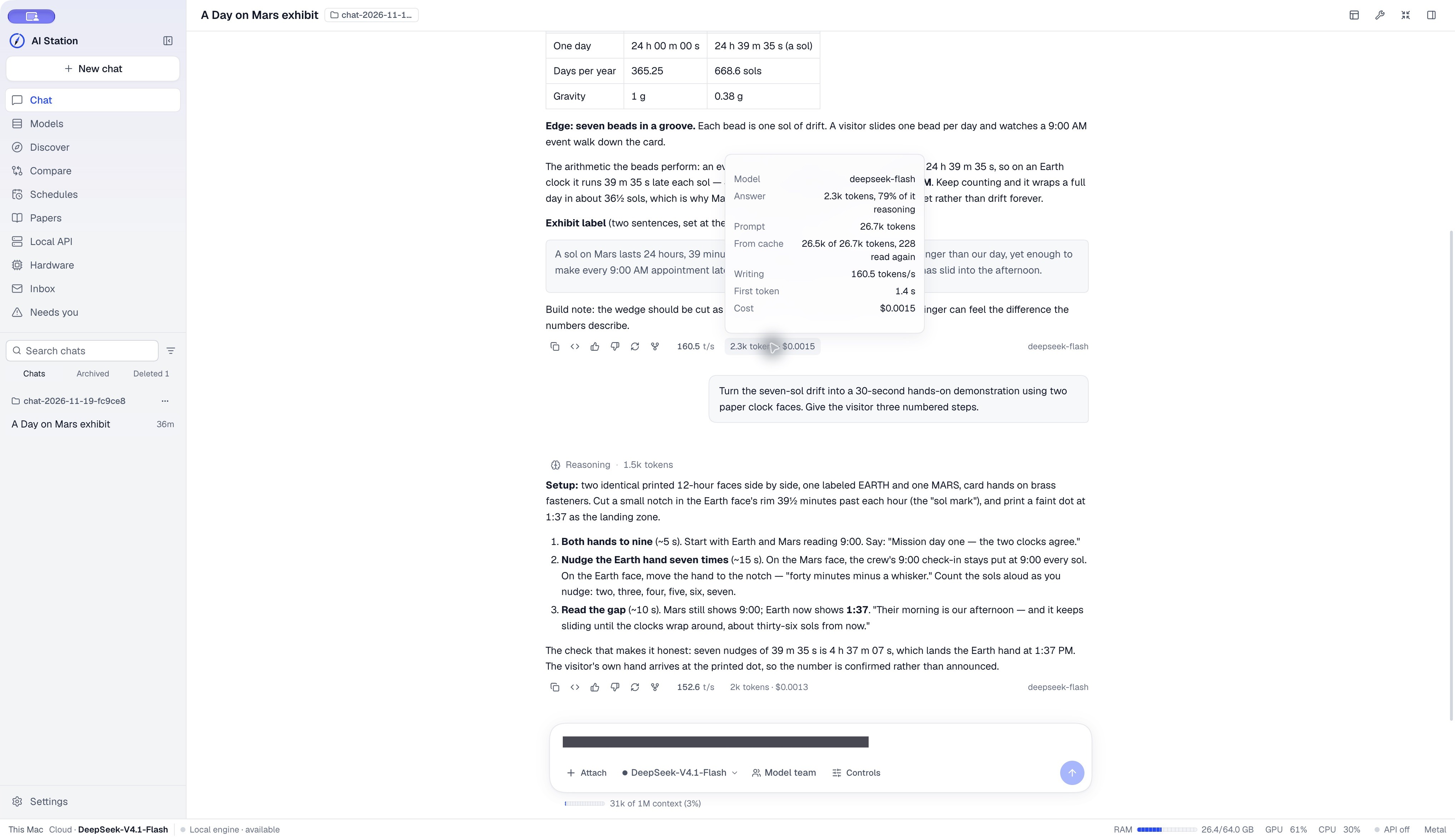
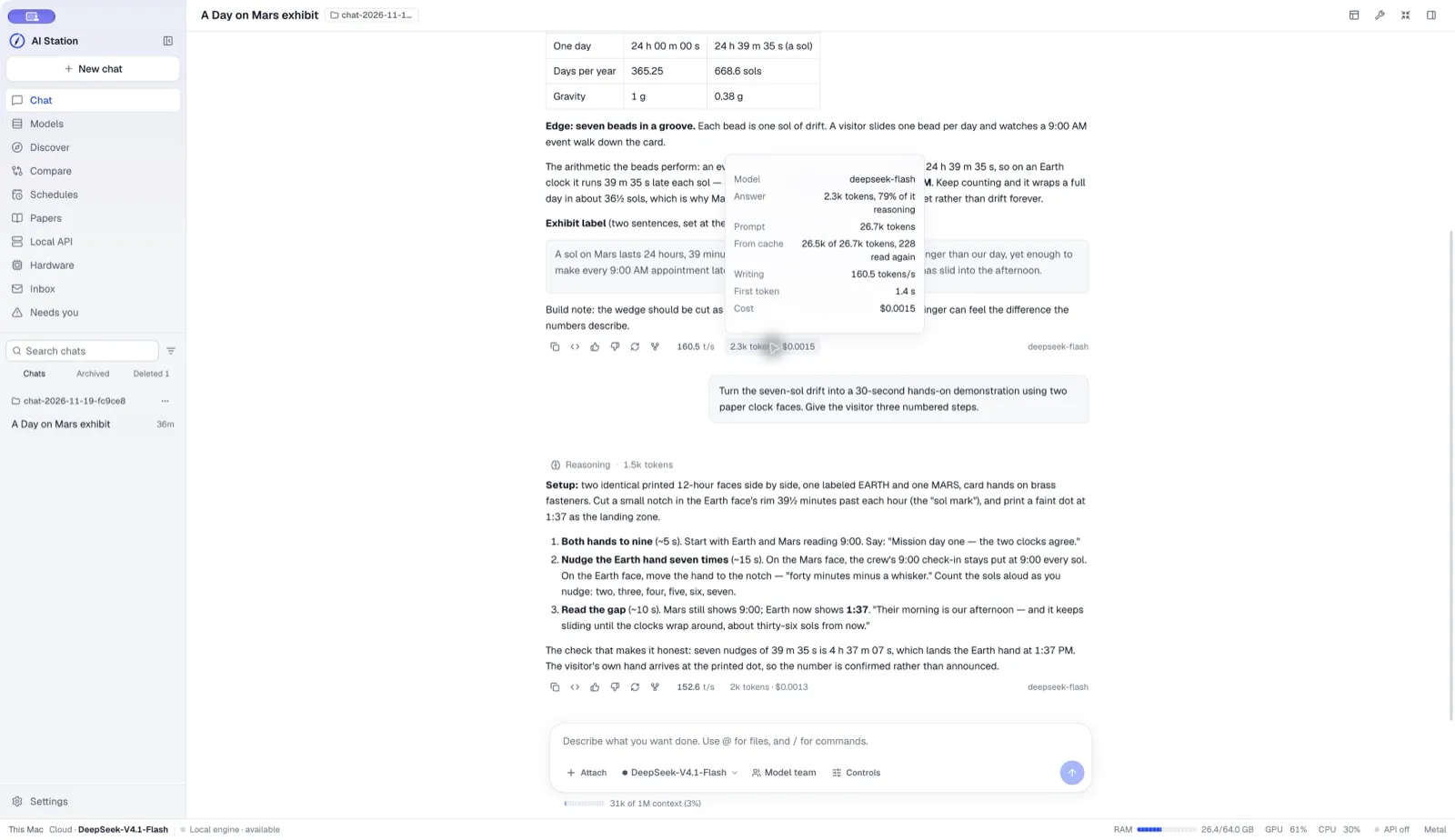
The response inspector breaks out token usage and estimated cost for a single answer. This makes the resource cost of a conversation visible at the point of use.
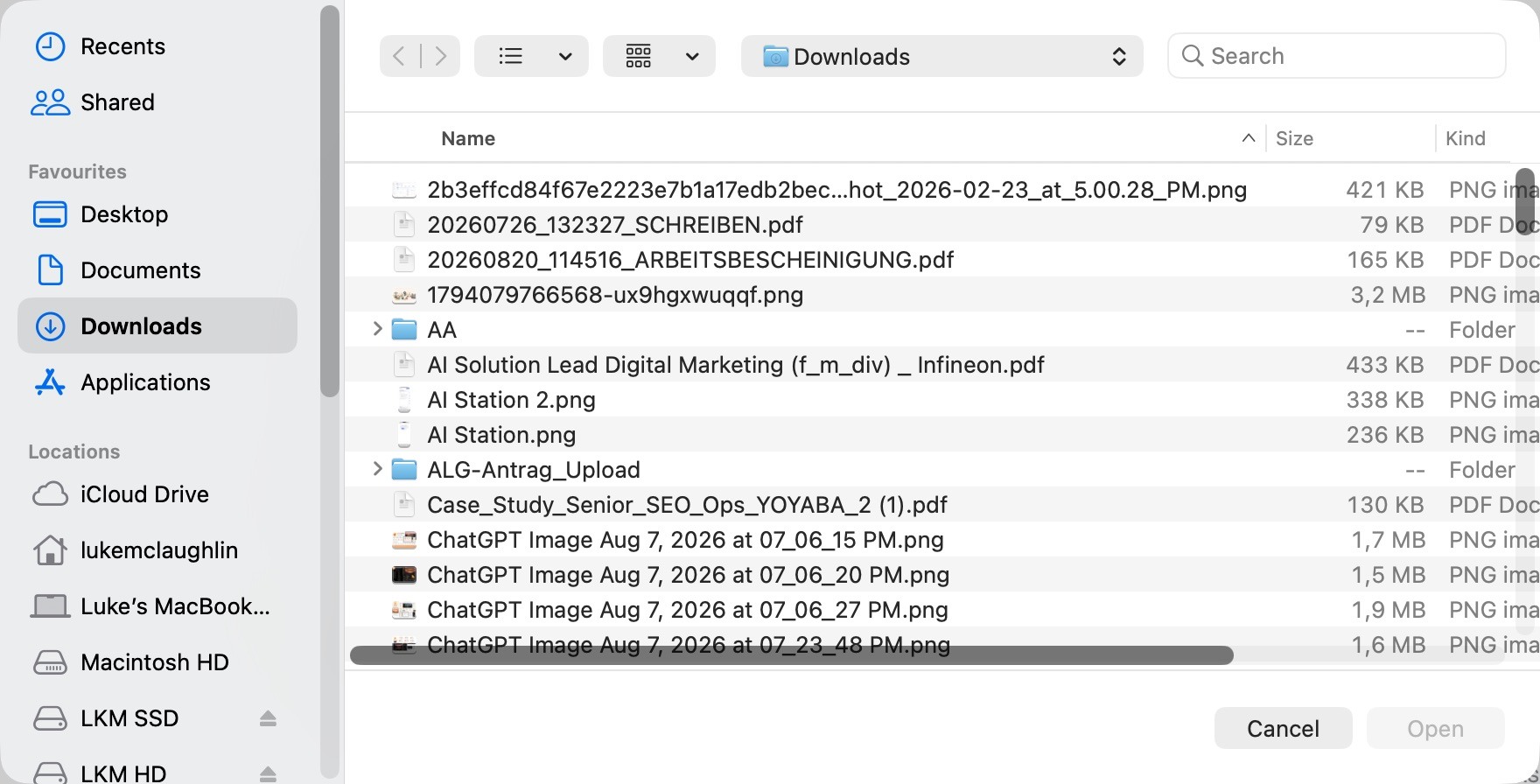
The file view connects a conversation to its source material. It lets the user inspect or select the files that supply context for the assistant’s work.
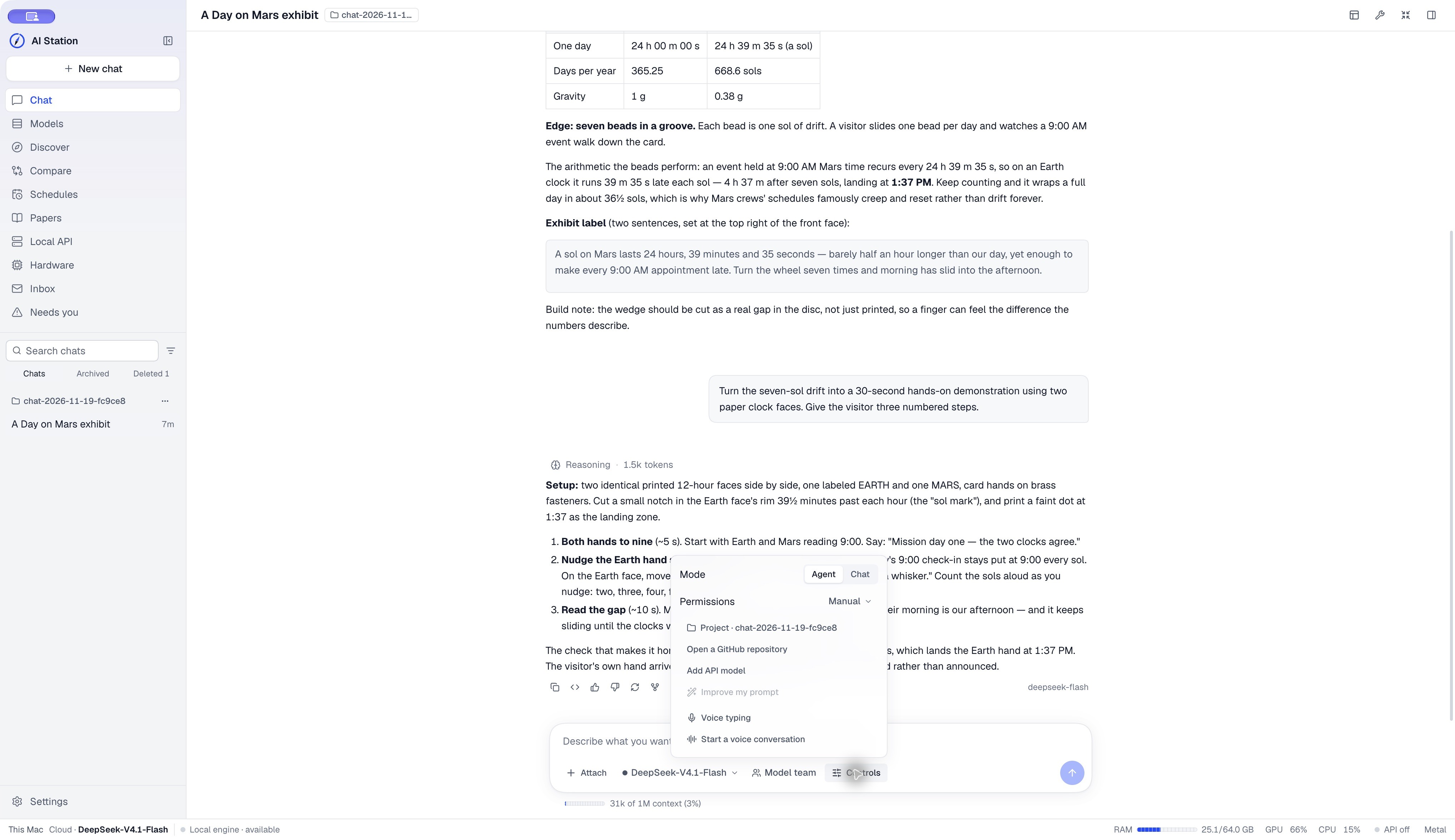
Conversation controls bring the settings for this exchange into reach while leaving the message history visible.
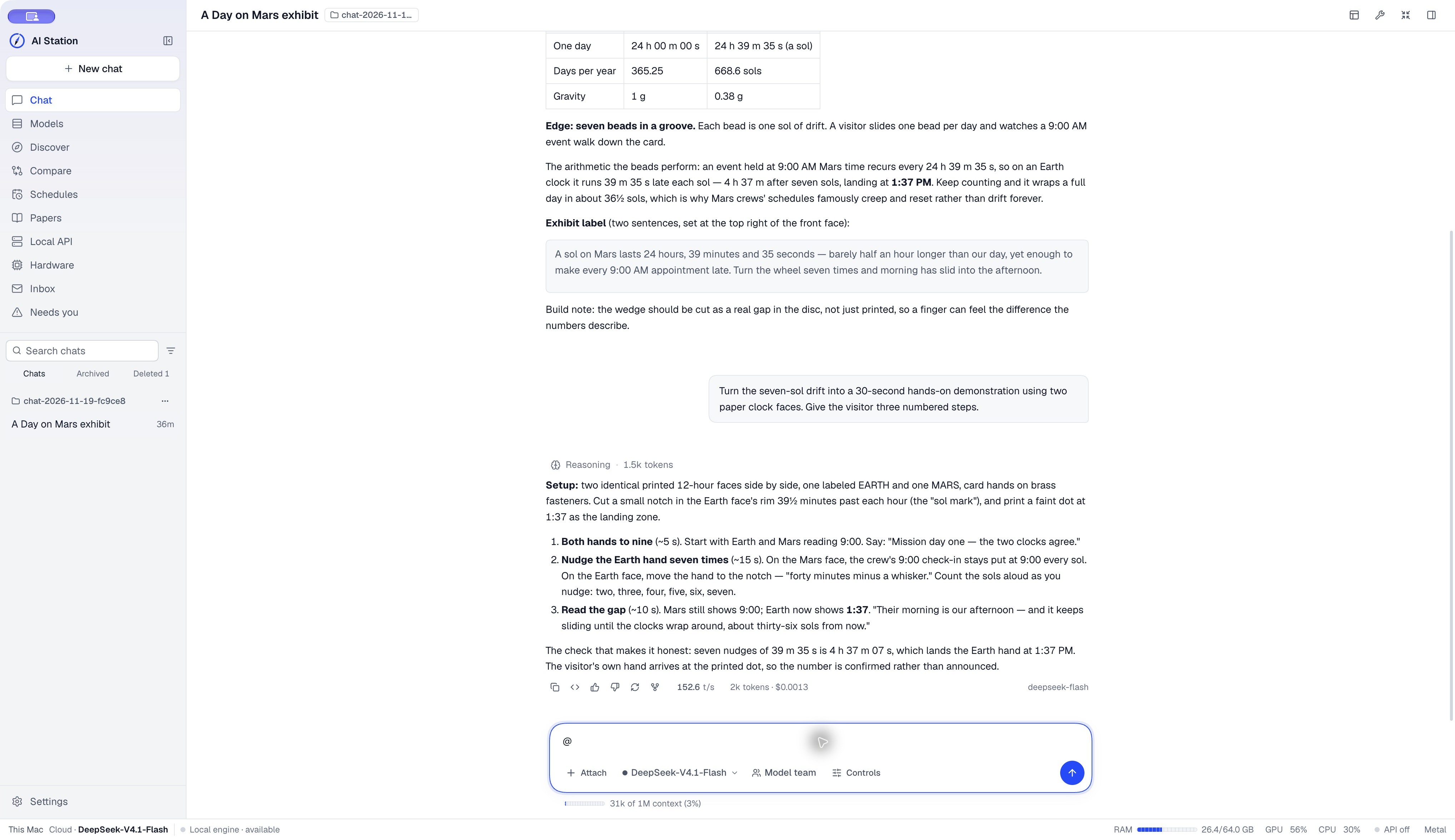
The file view connects a conversation to its source material. It lets the user inspect or select the files that supply context for the assistant’s work.
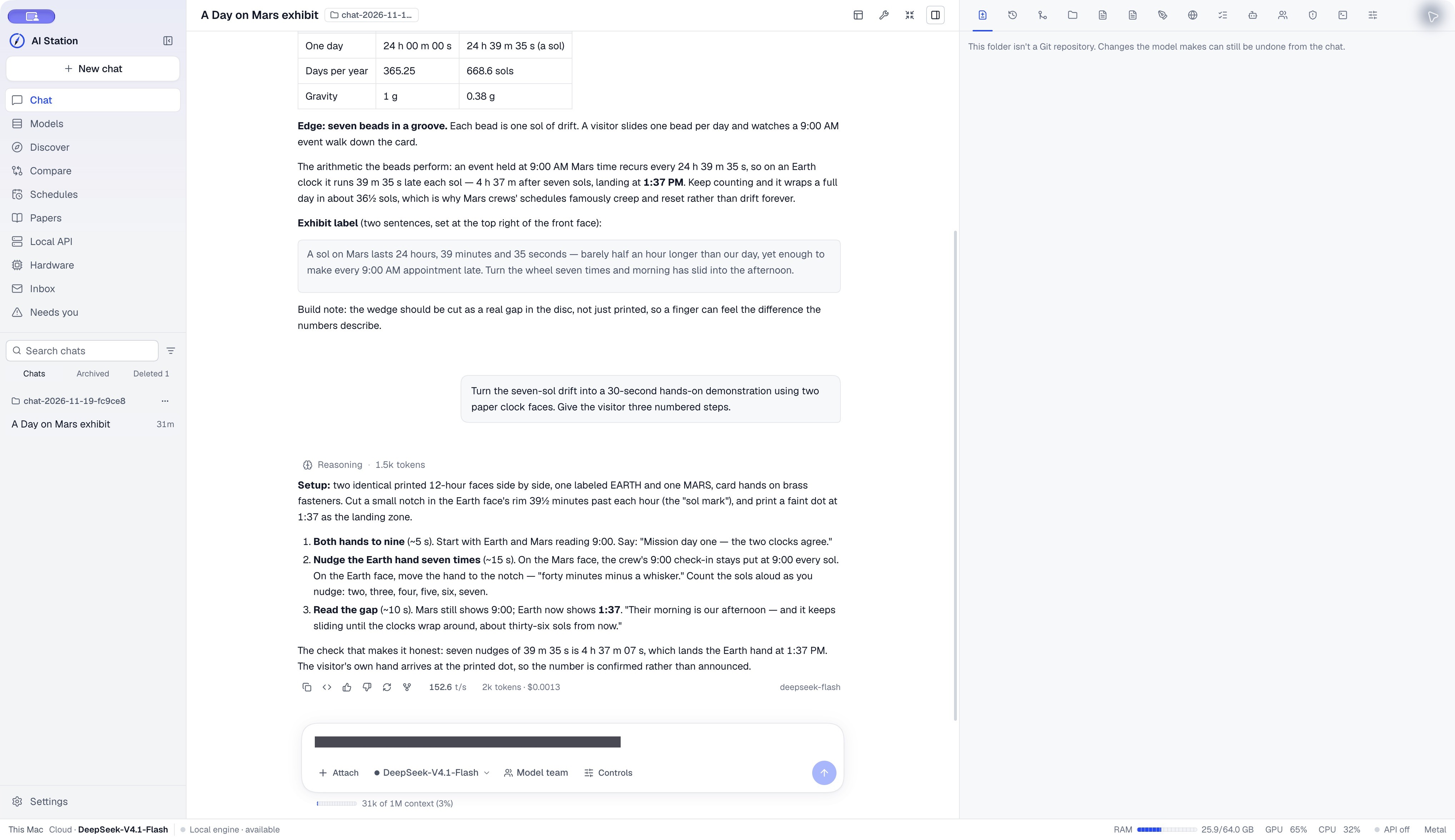
The file view connects a conversation to its source material. It lets the user inspect or select the files that supply context for the assistant’s work.
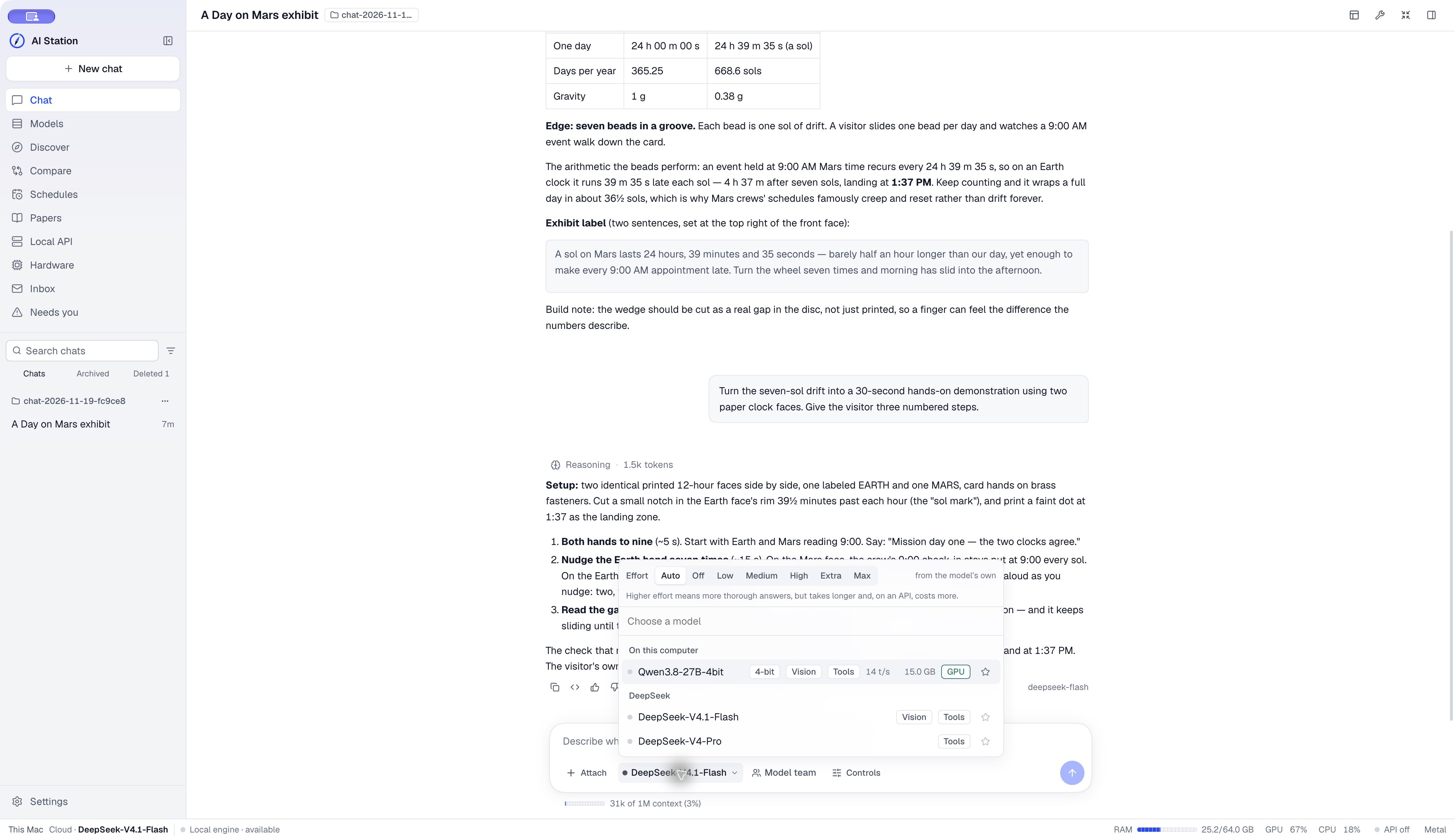
The model control determines which runtime answers the conversation. A developer can inspect the available choices when setting up a project chat.
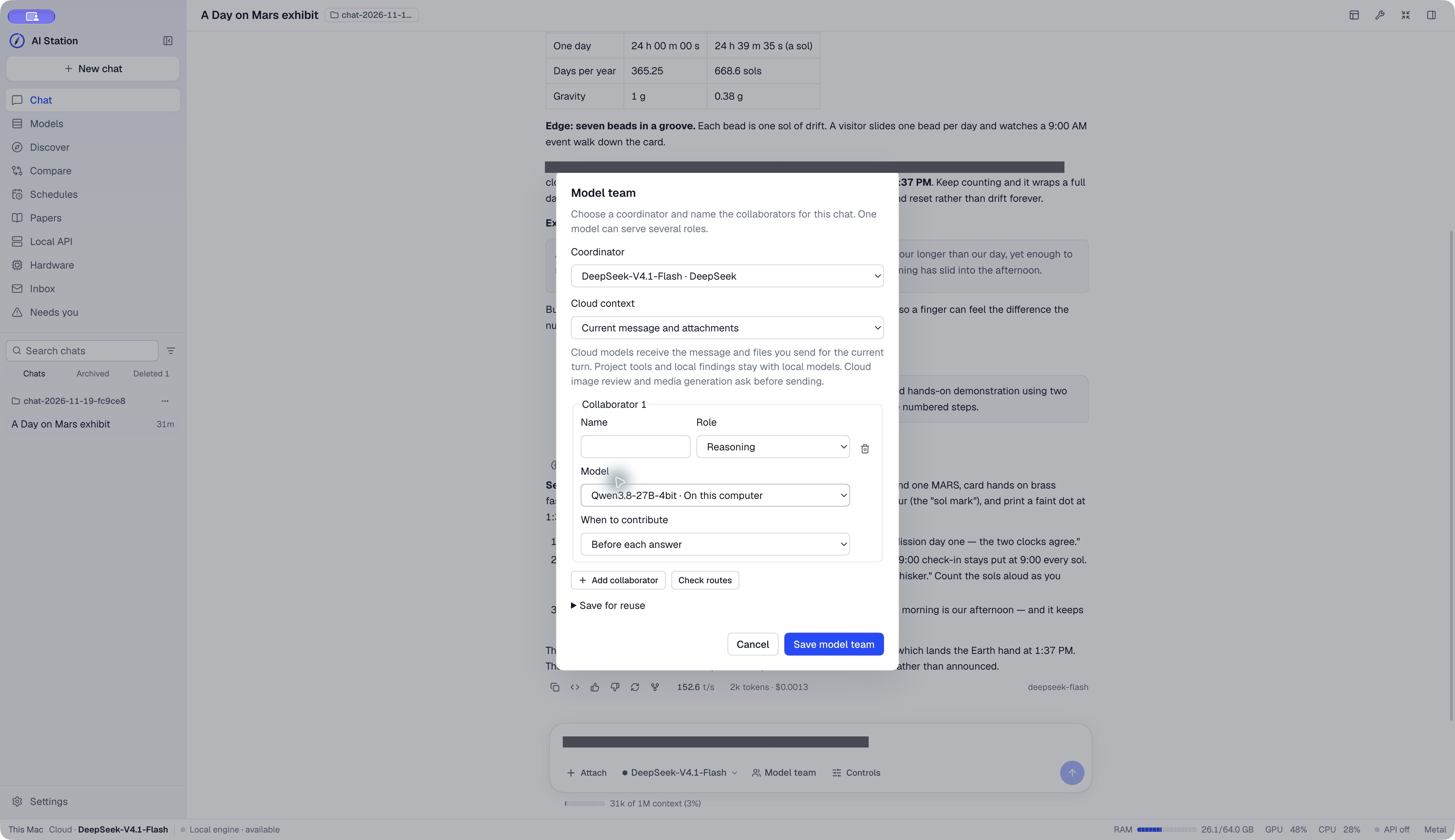
A developer can inspect the collaborators assigned to the work and how their roles divide up a project task.
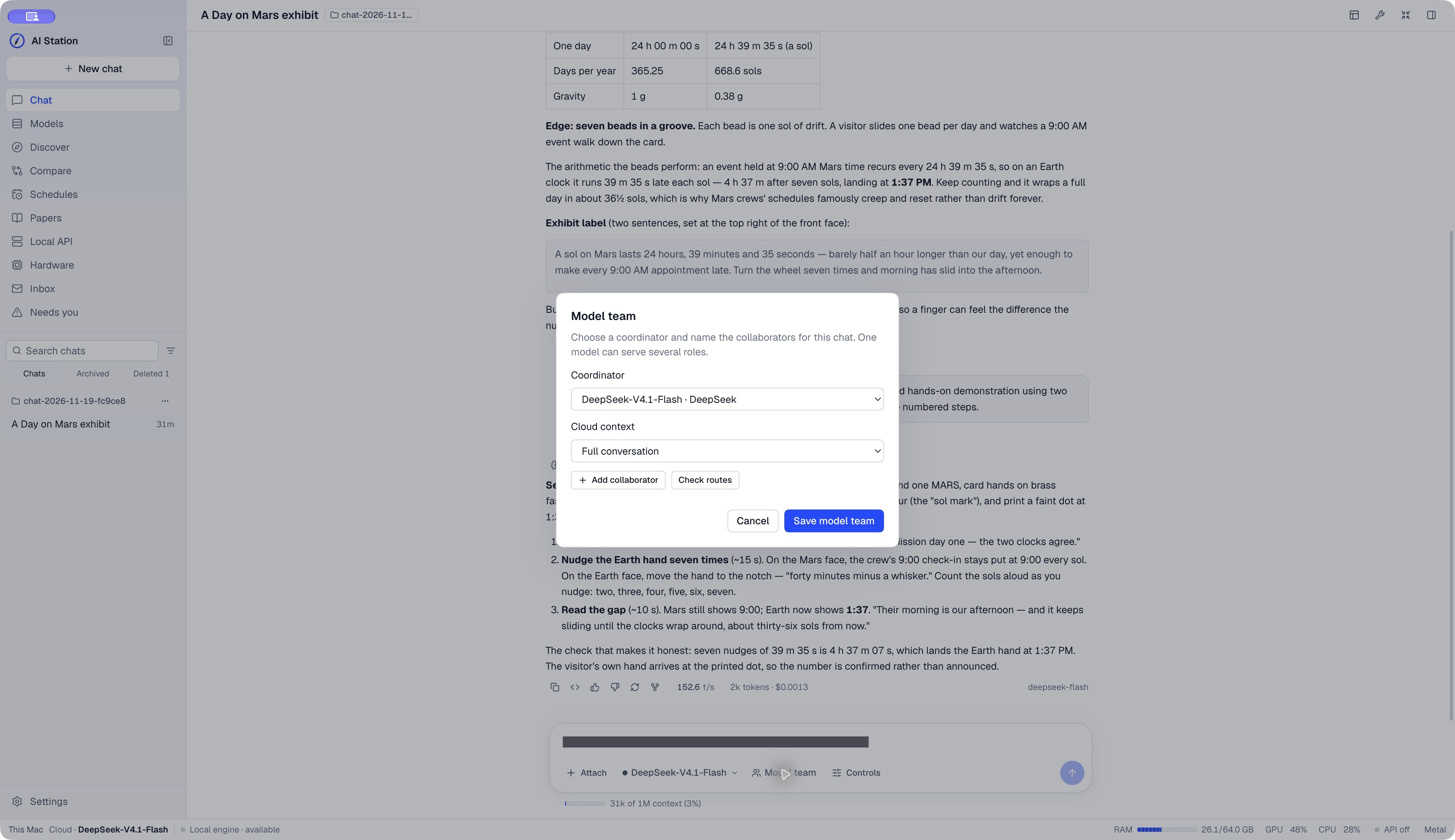
A developer can inspect the collaborators assigned to the work and how their roles divide up a project task.
Project controls establish the working context for a conversation, including which repository, files or saved instructions the assistant should use.
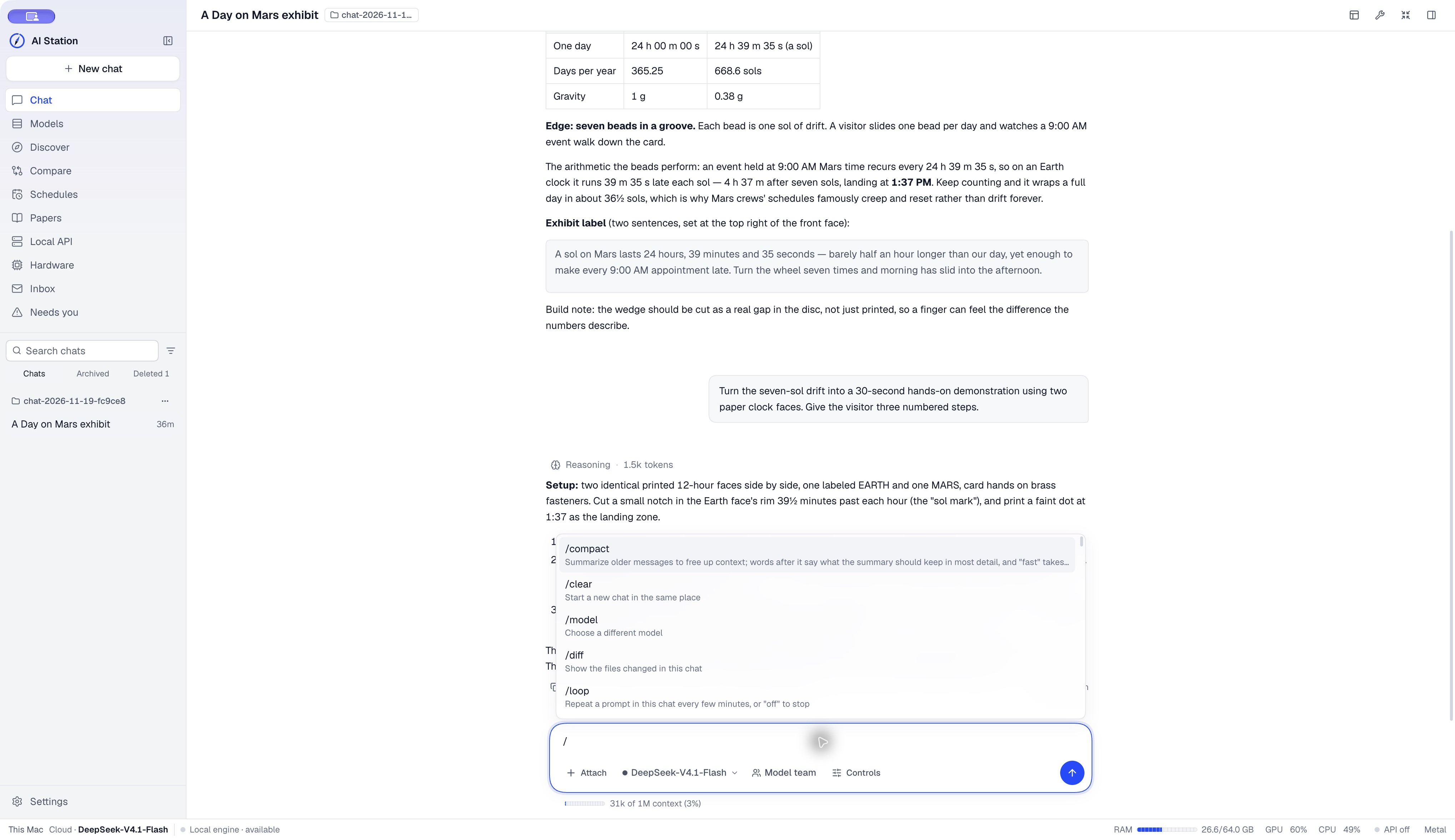
The command reference makes frequently used actions accessible from the keyboard while the user is working.
Chat inspector 14
Inspect the work behind an answer, from task assignments and documents to file changes and previews.
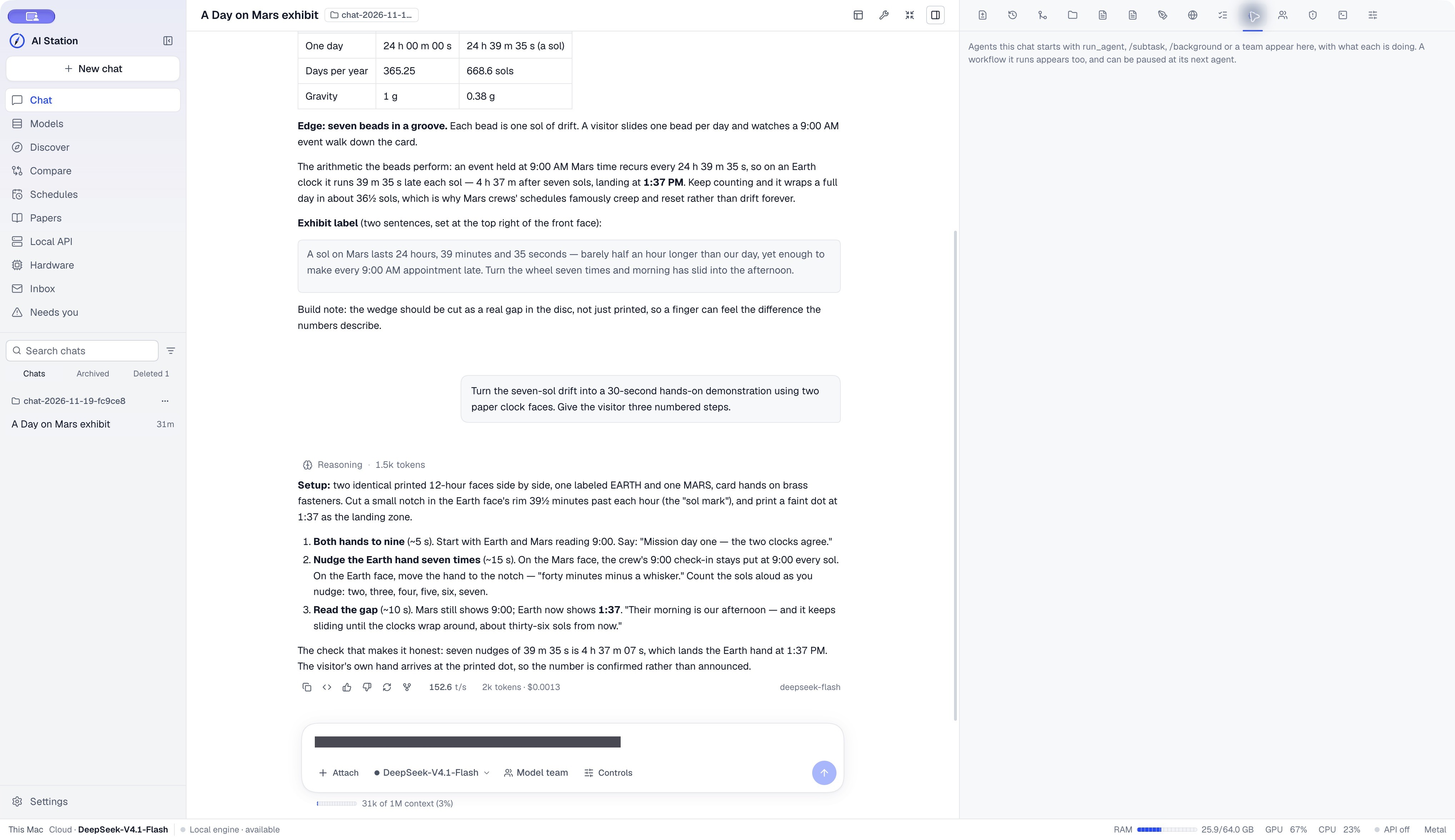
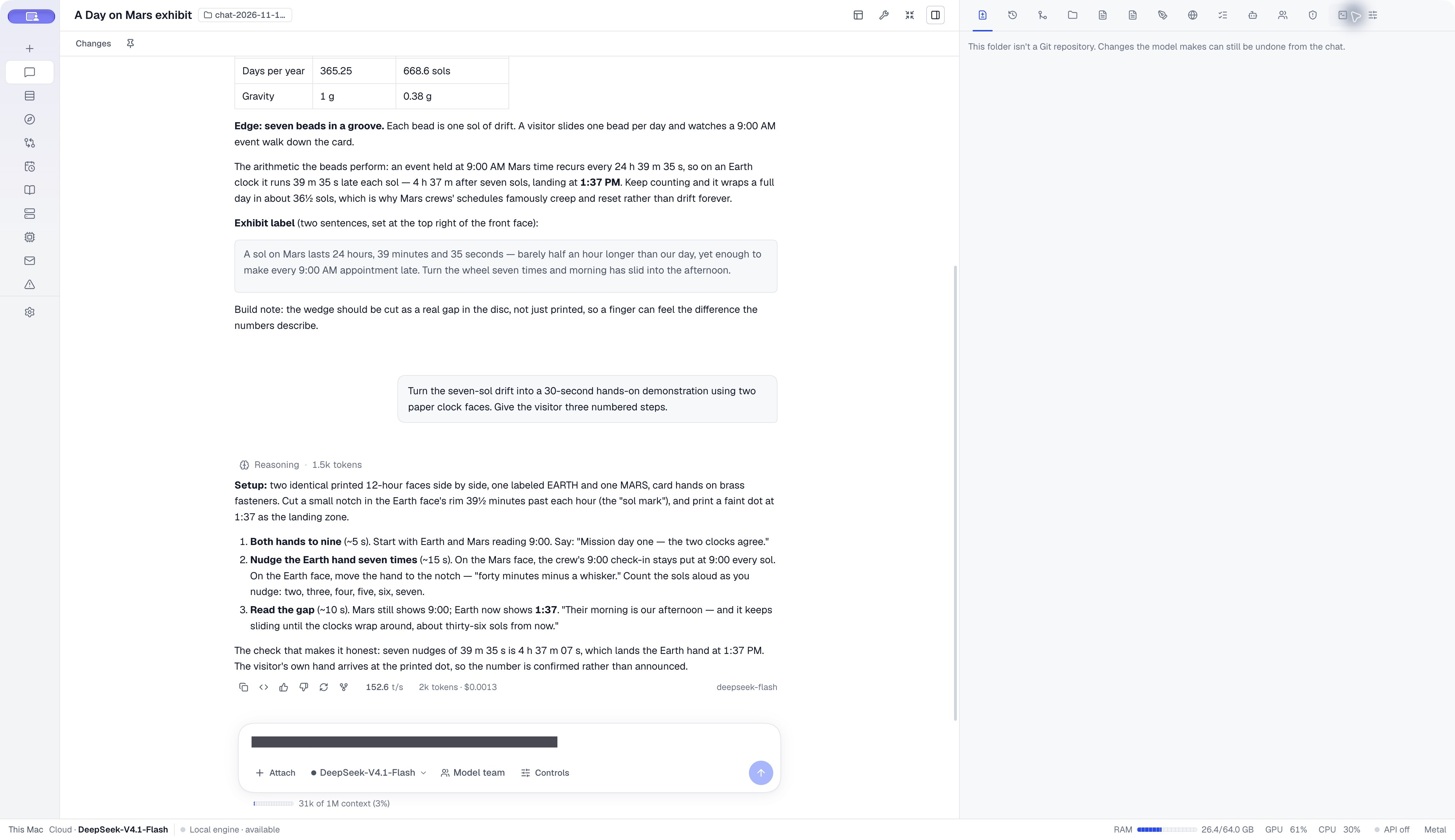
A developer can inspect the collaborators assigned to the work and how their roles divide up a project task.
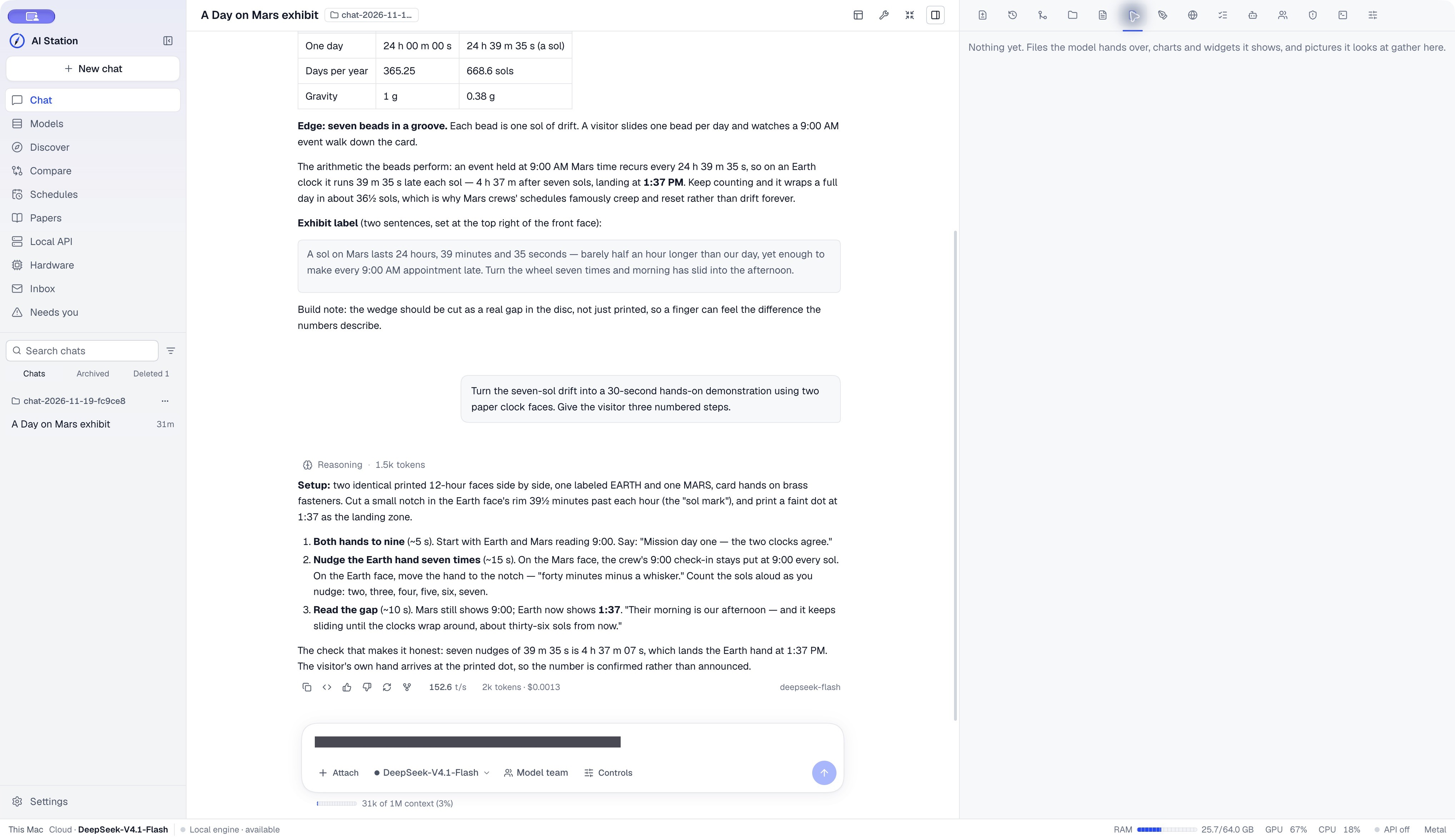
The inspector gives the output of a conversation its own viewing area so the user can examine the work while retaining the discussion that produced it.
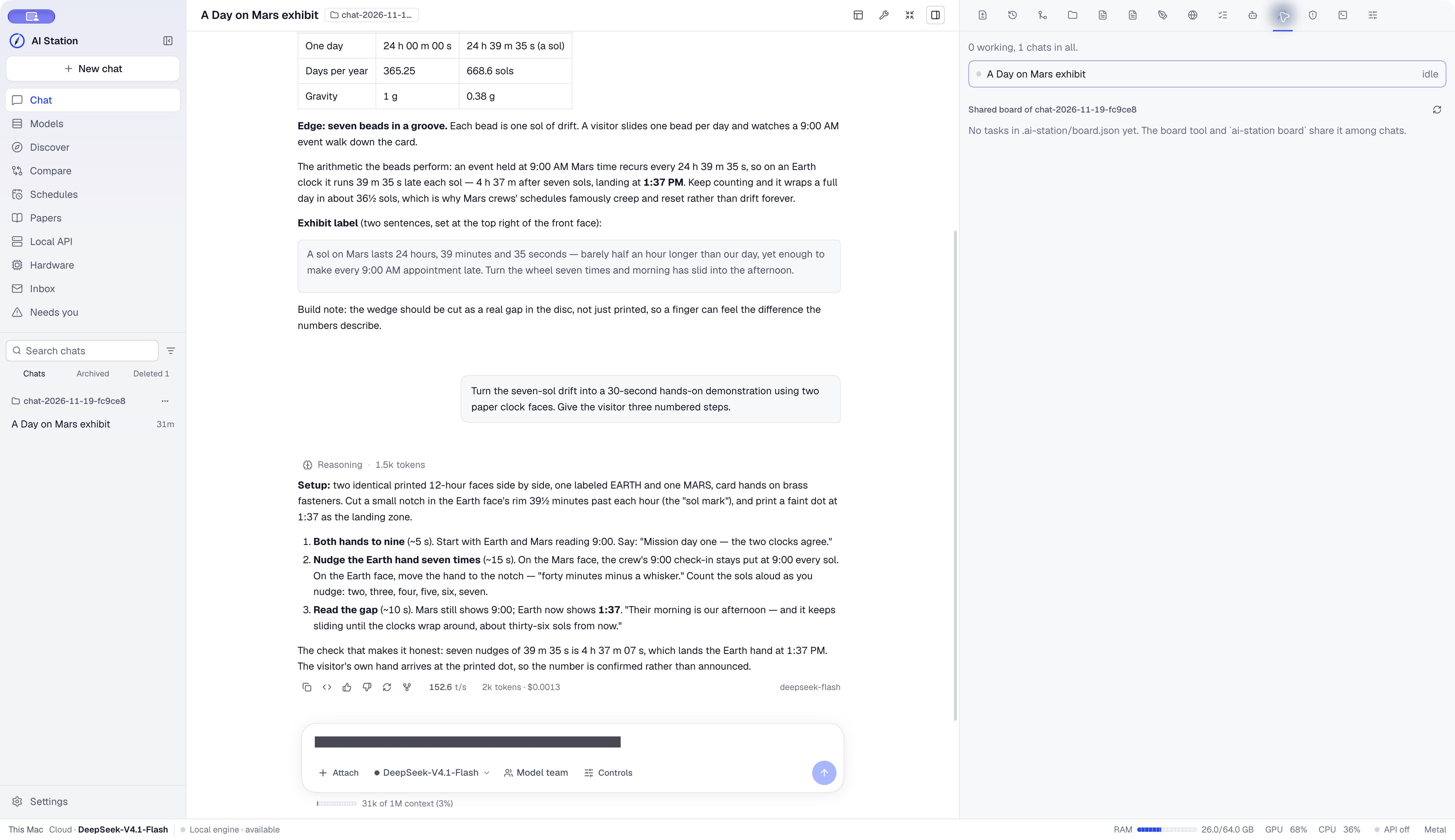
The inspector organises work into tasks. A reviewer can see which parts of a larger request still need attention.
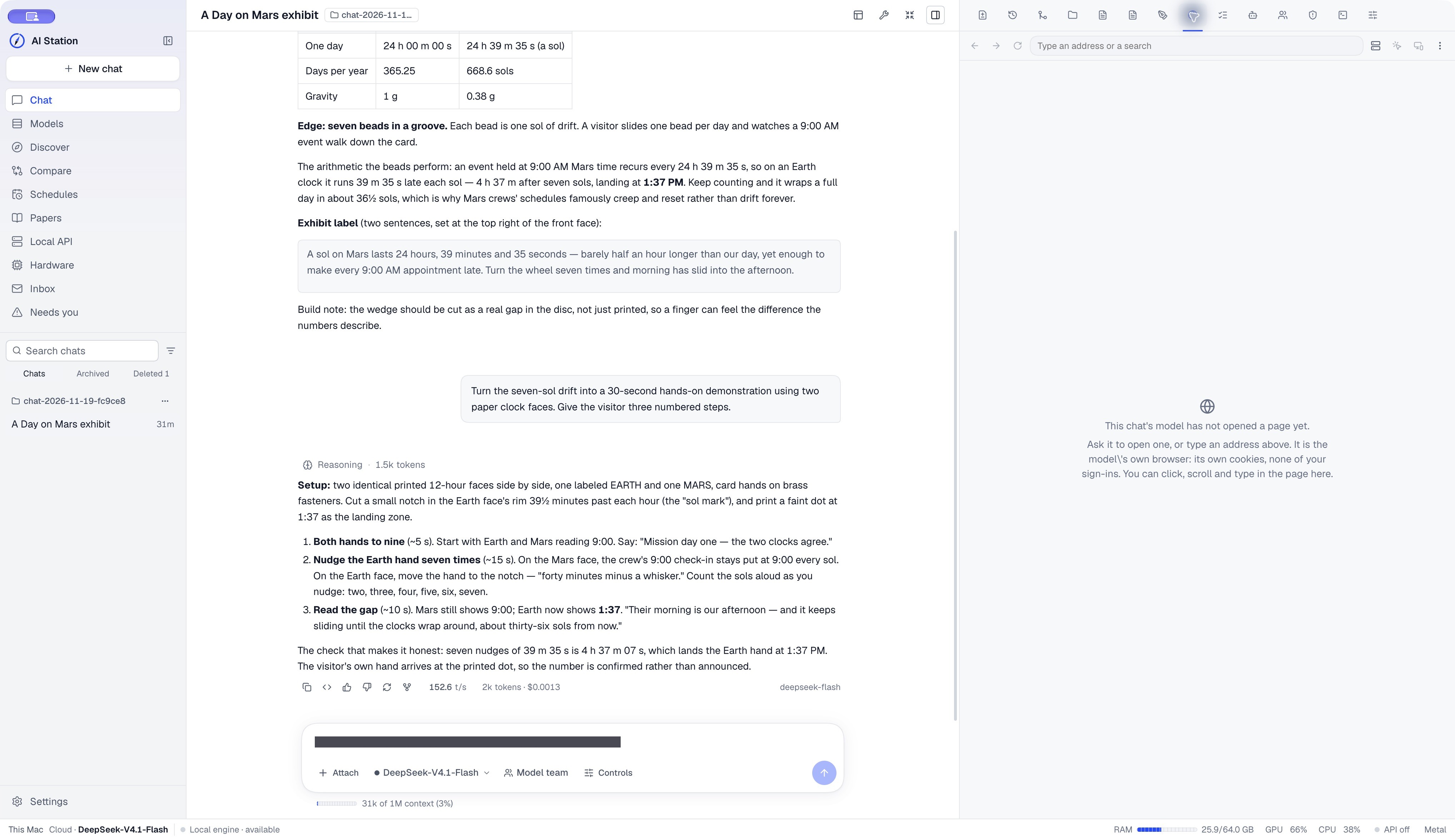
The inspector exposes a running project tool beside the conversation. A developer can examine execution or preview the application while following the assistant’s work.
The changes inspector brings the project diff alongside the conversation so a reviewer can compare an assistant’s explanation with its actual edits.
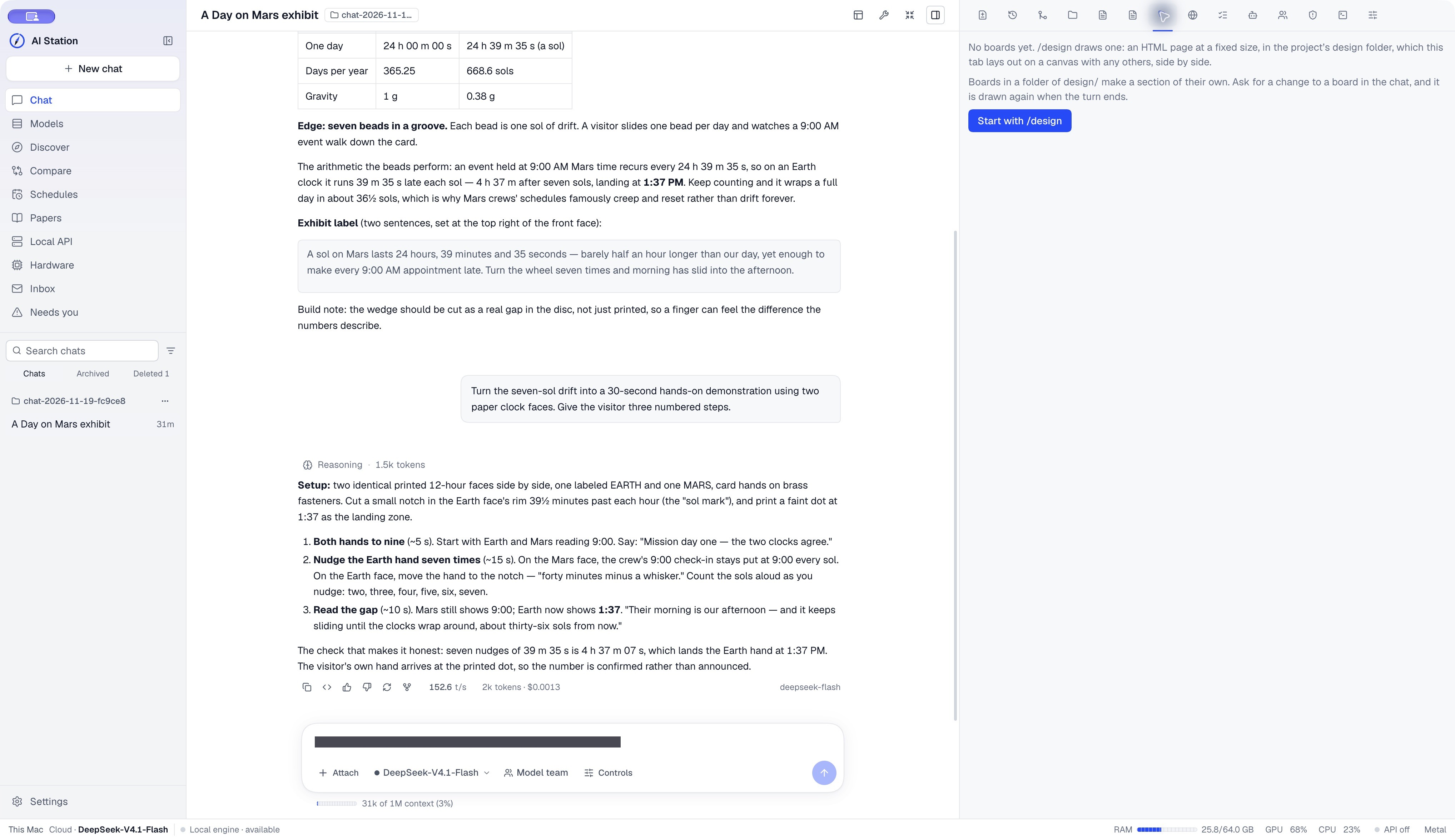
The inspector gives the output of a conversation its own viewing area so the user can examine the work while retaining the discussion that produced it.
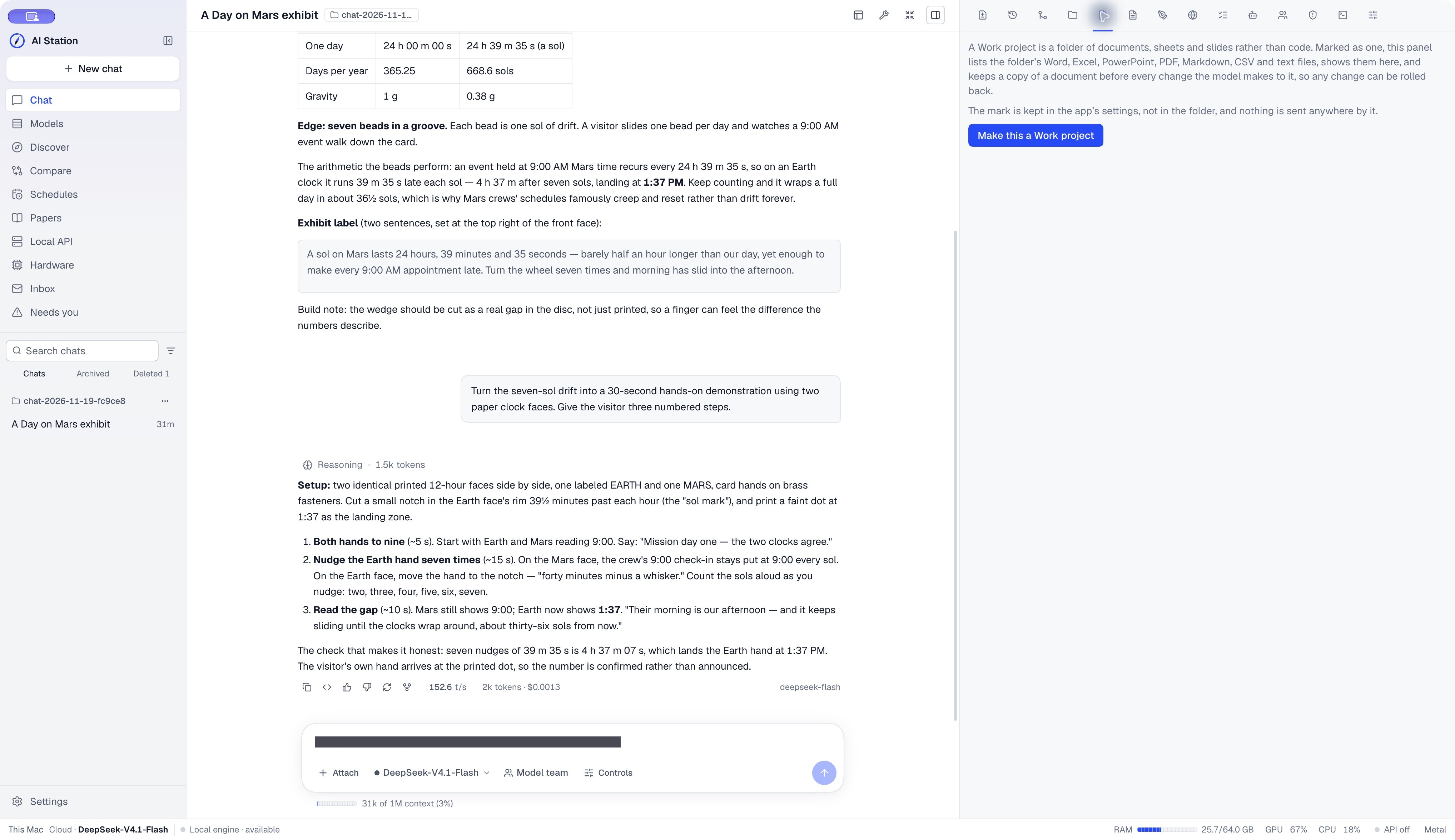
The inspector gives the output of a conversation its own viewing area so the user can examine the work while retaining the discussion that produced it.
The file view connects a conversation to its source material. It lets the user inspect or select the files that supply context for the assistant’s work.
The Git inspector connects the current work to its review history, helping the developer trace a proposed change before handing it off.
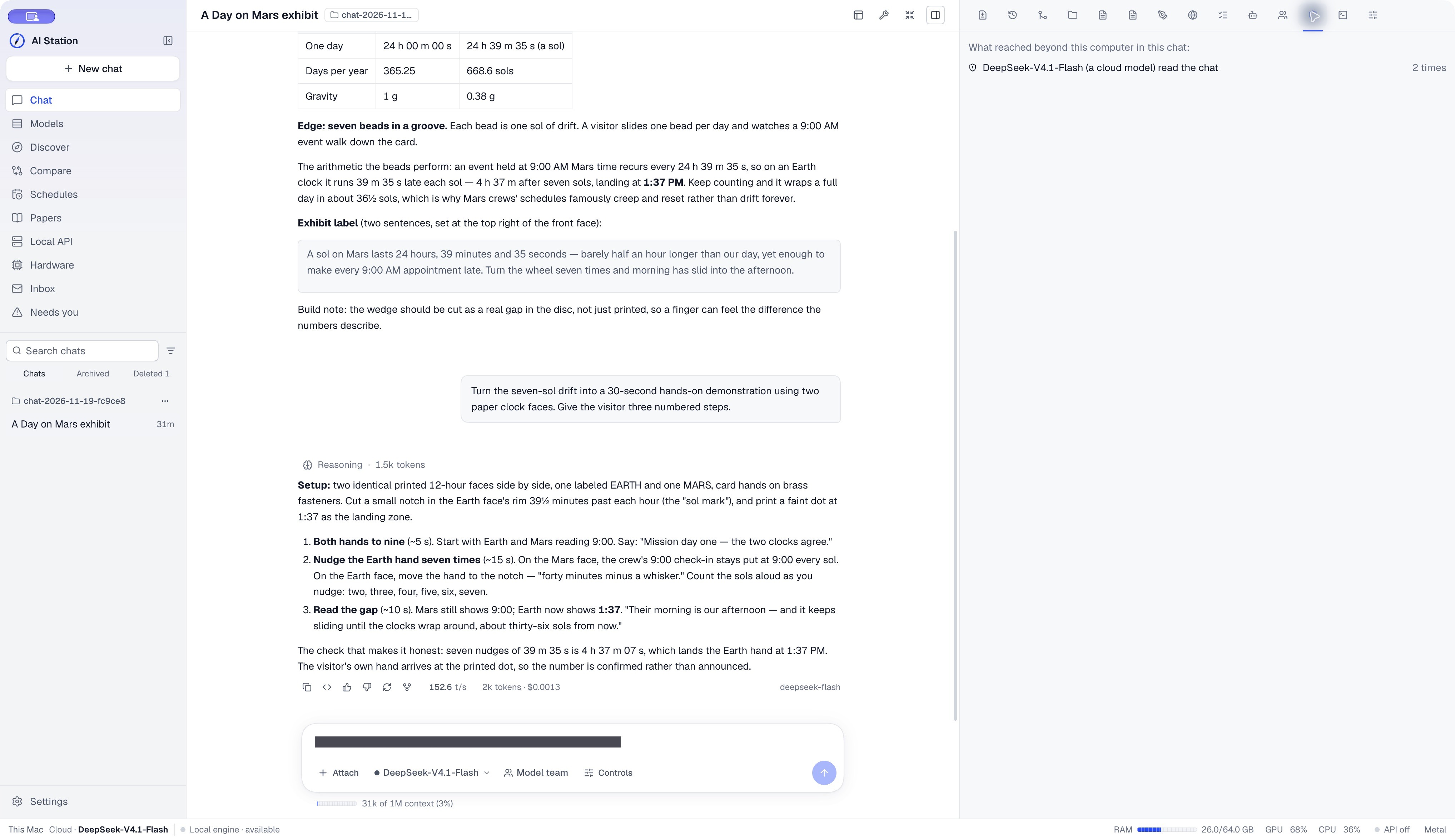
The inspector exposes privacy options for the conversation so the user can review how project context is handled.
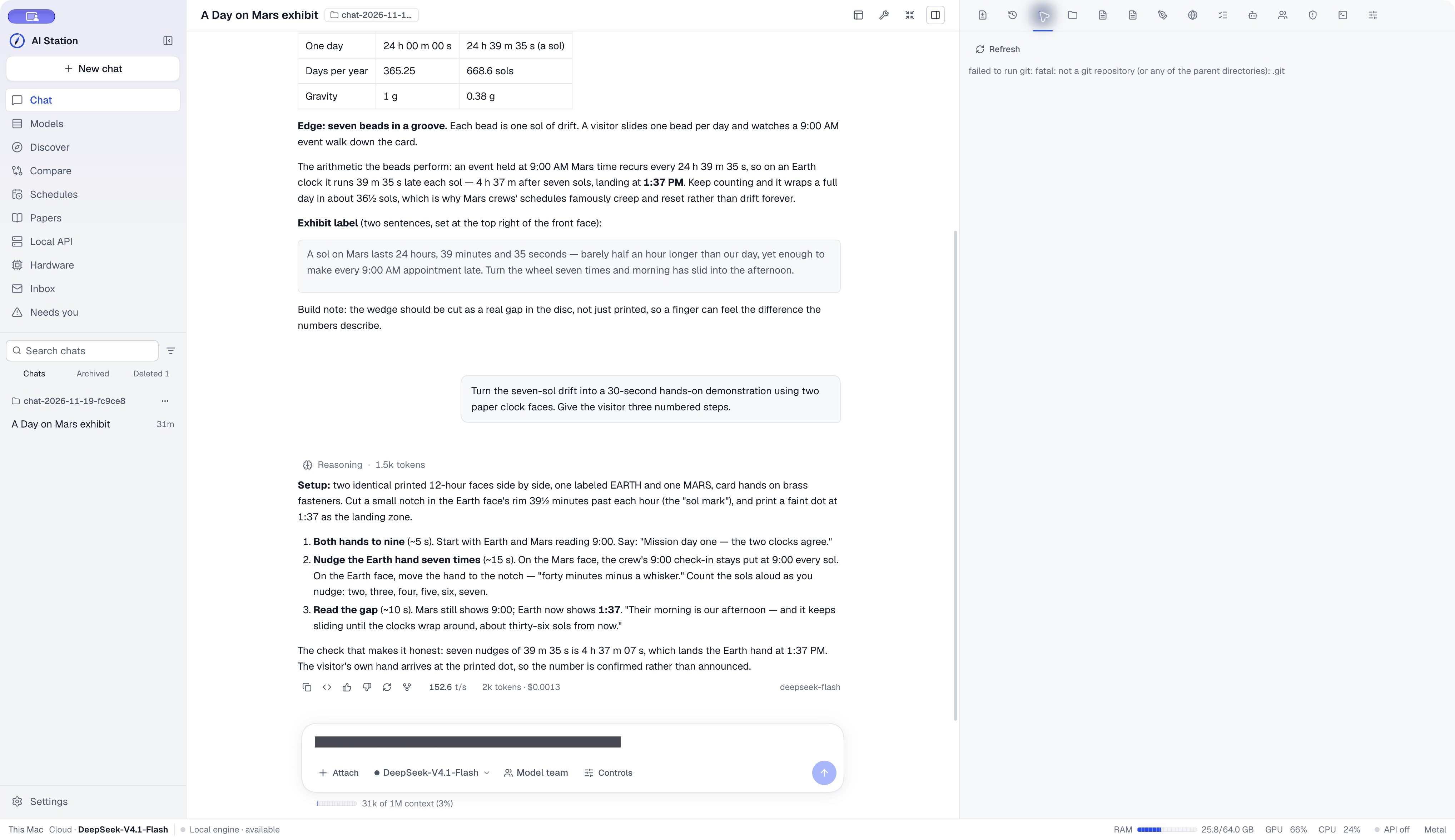
The Git inspector connects the current work to its review history, helping the developer trace a proposed change before handing it off.
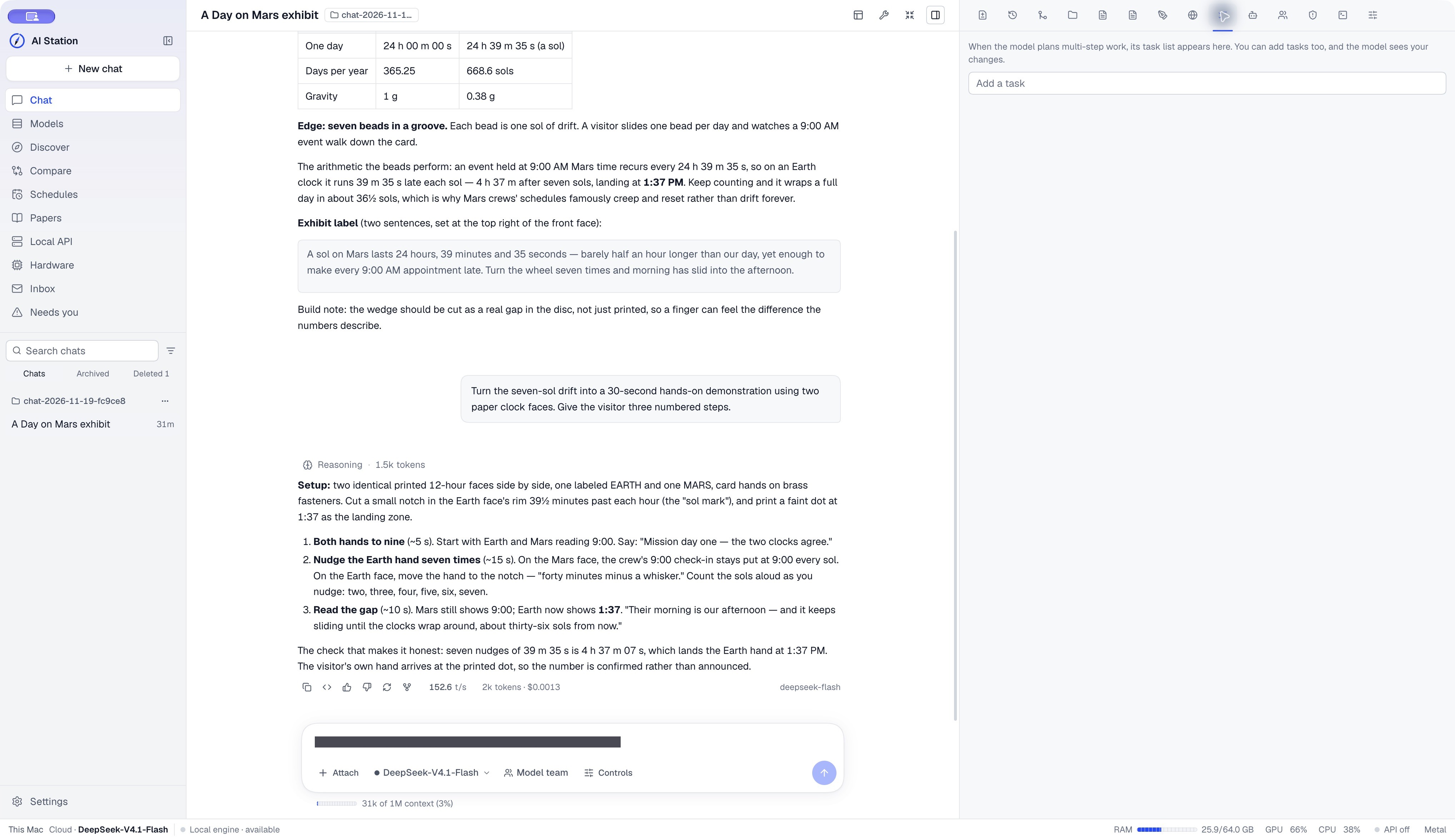
The inspector organises work into tasks. A reviewer can see which parts of a larger request still need attention.
The inspector exposes a running project tool beside the conversation. A developer can examine execution or preview the application while following the assistant’s work.
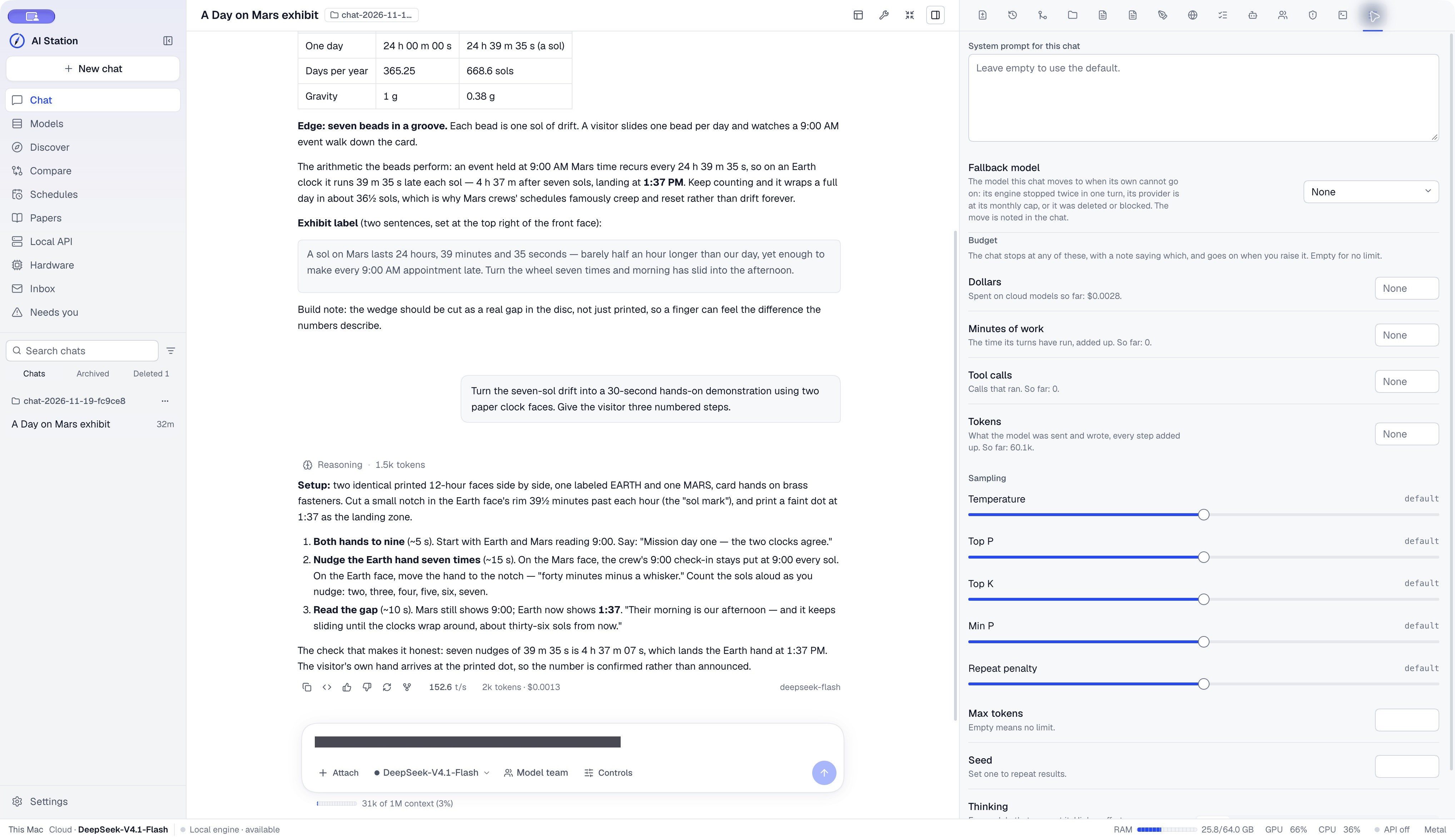
The tuning panel exposes model-generation controls for the current work, helping a developer explore how different settings affect an answer.
Compare 3
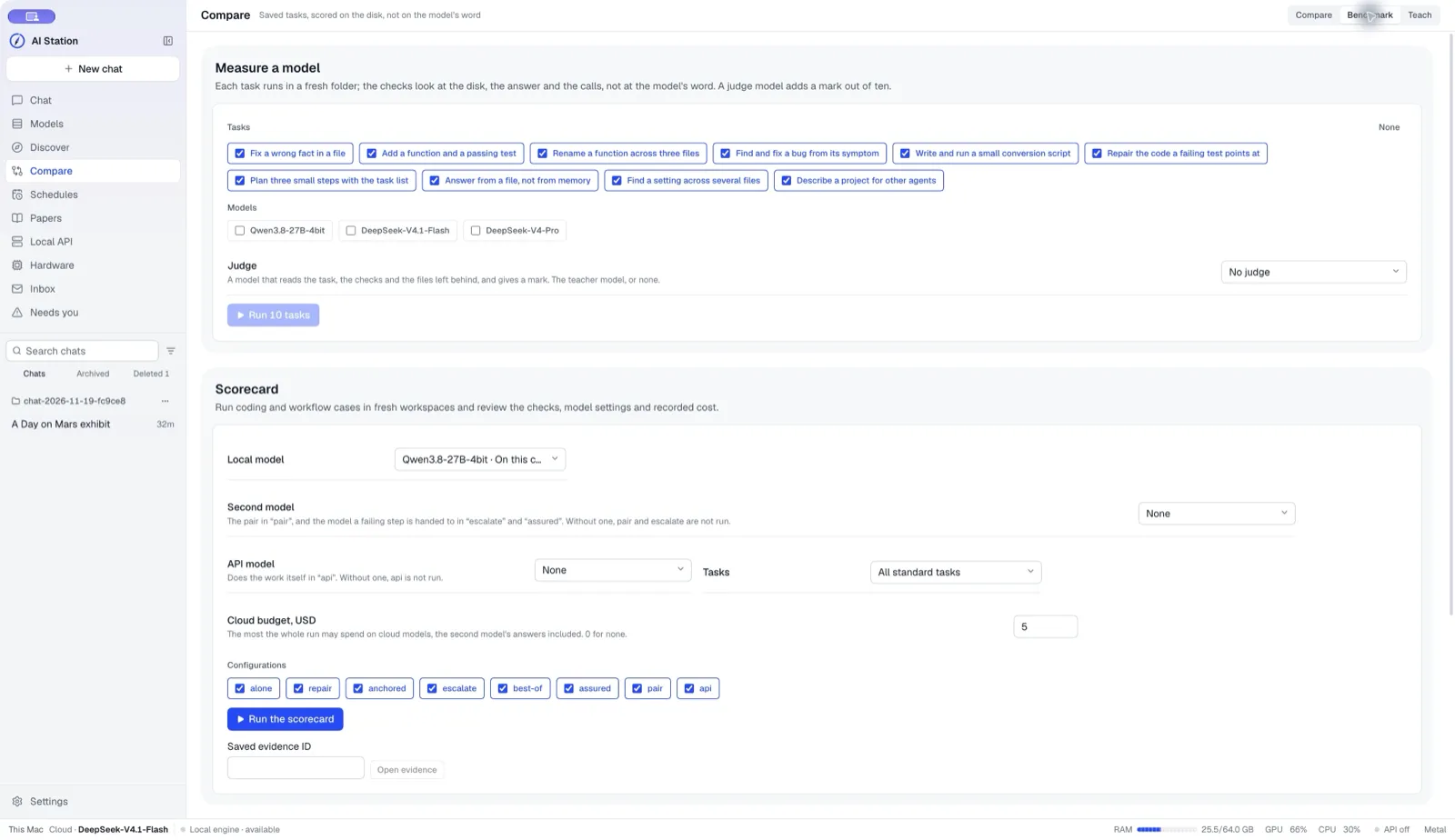
Give models the same task, read the answers together and inspect differences in speed and output.
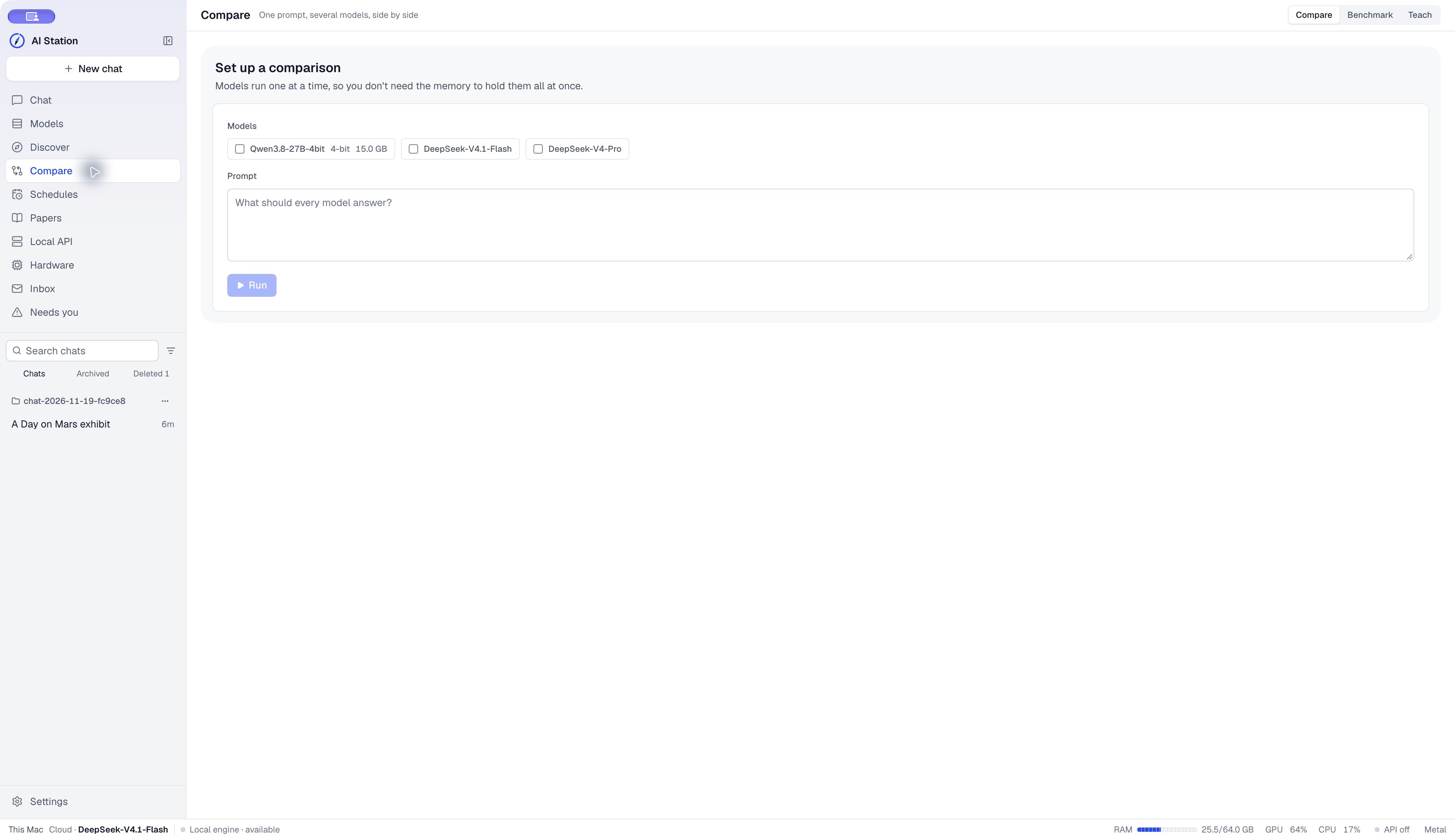
Give models the same task, read the answers together and inspect differences in speed and output.
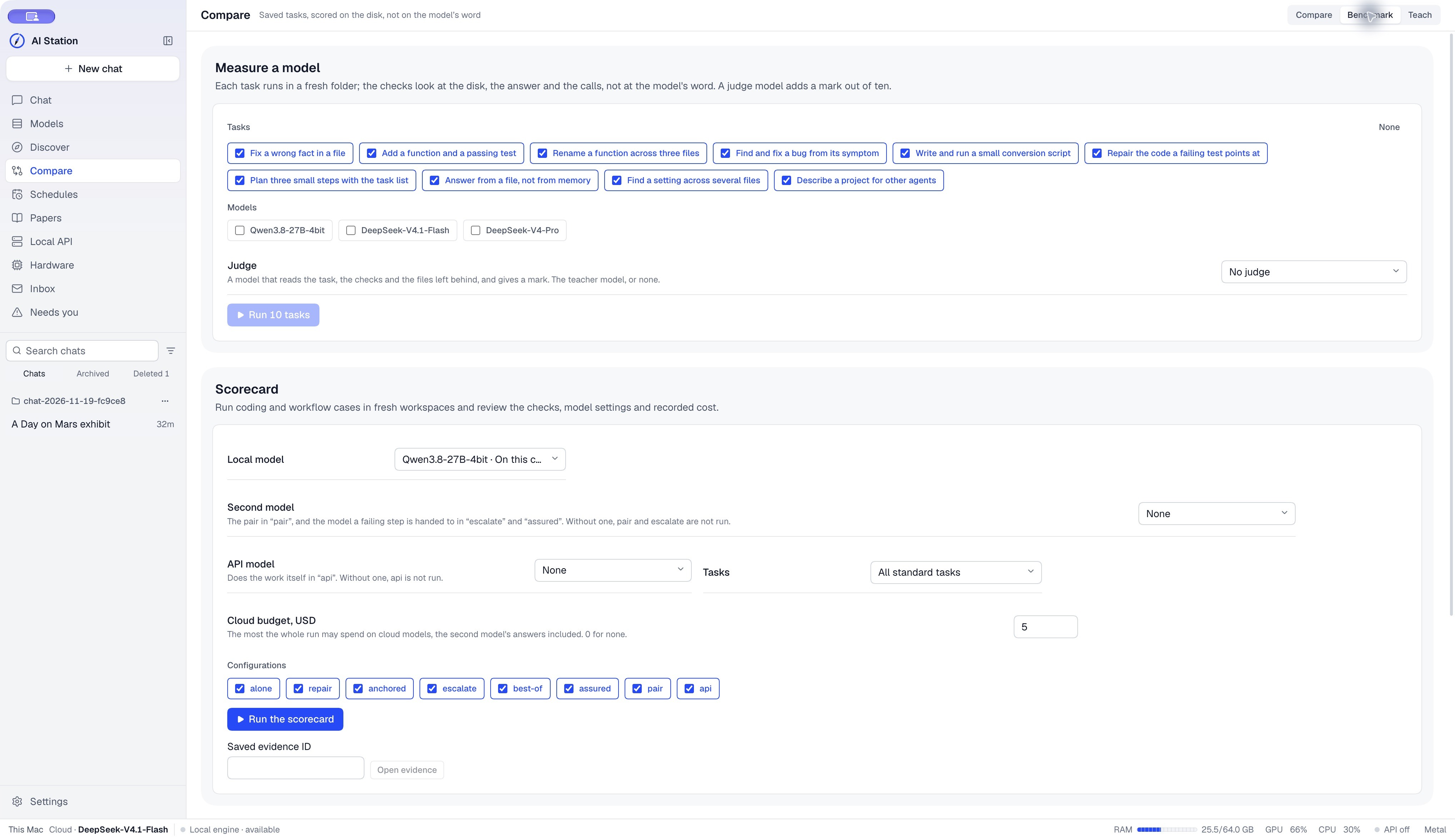
The comparison workspace runs candidates against a common task. Reading the answers alongside performance measurements helps a developer choose a model for a specific workload.
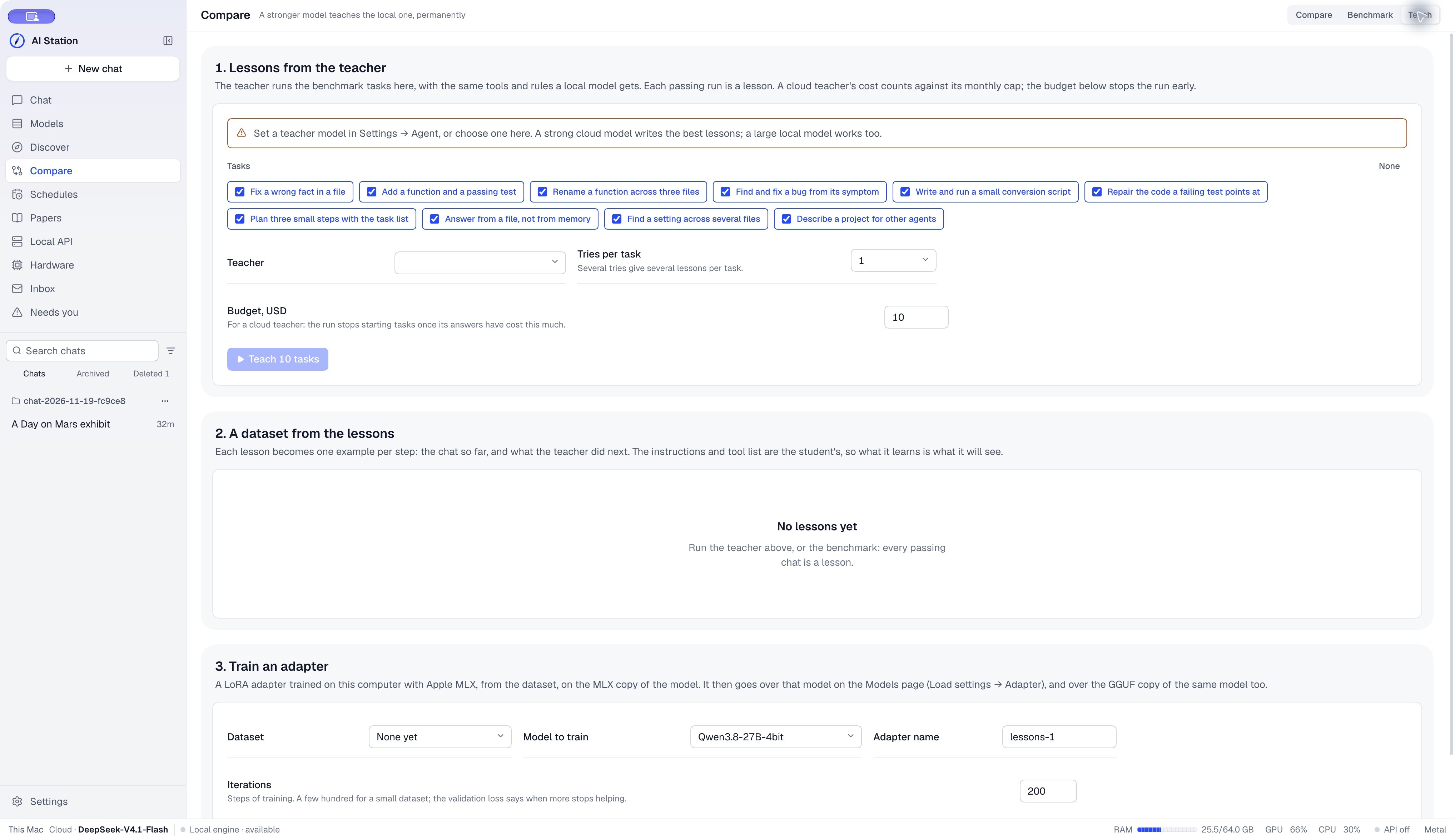
The comparison workspace includes a teaching workflow for using one model’s output to guide another. It gives model experimentation its own place outside a project chat.
Creative board 3
Follow the production from the board into individual shots and their review states.
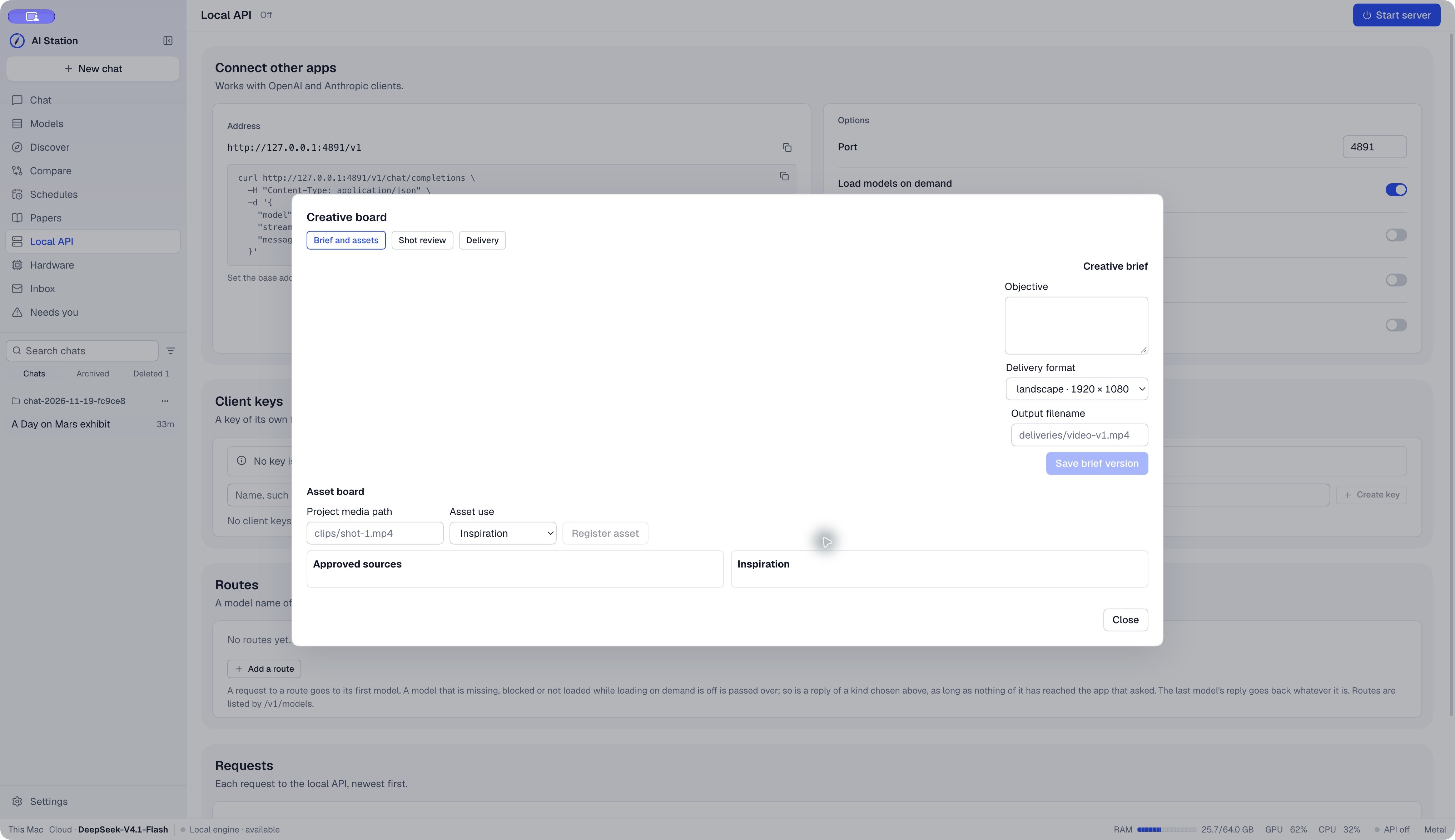
Follow the production from the board into individual shots and their review states.
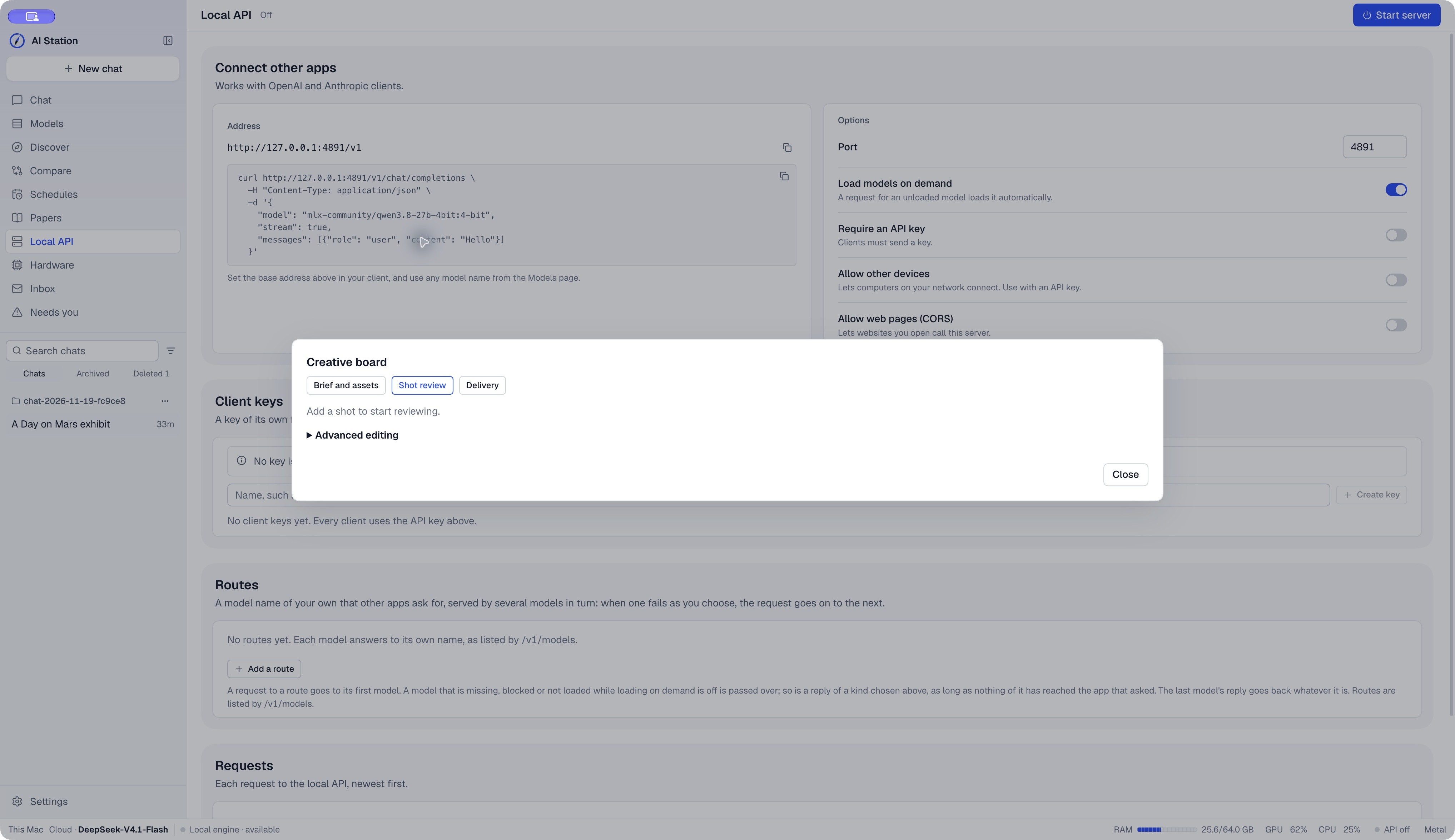
The production board follows a shot through review toward delivery. An editor can check the selected revision before treating it as ready for the final sequence.
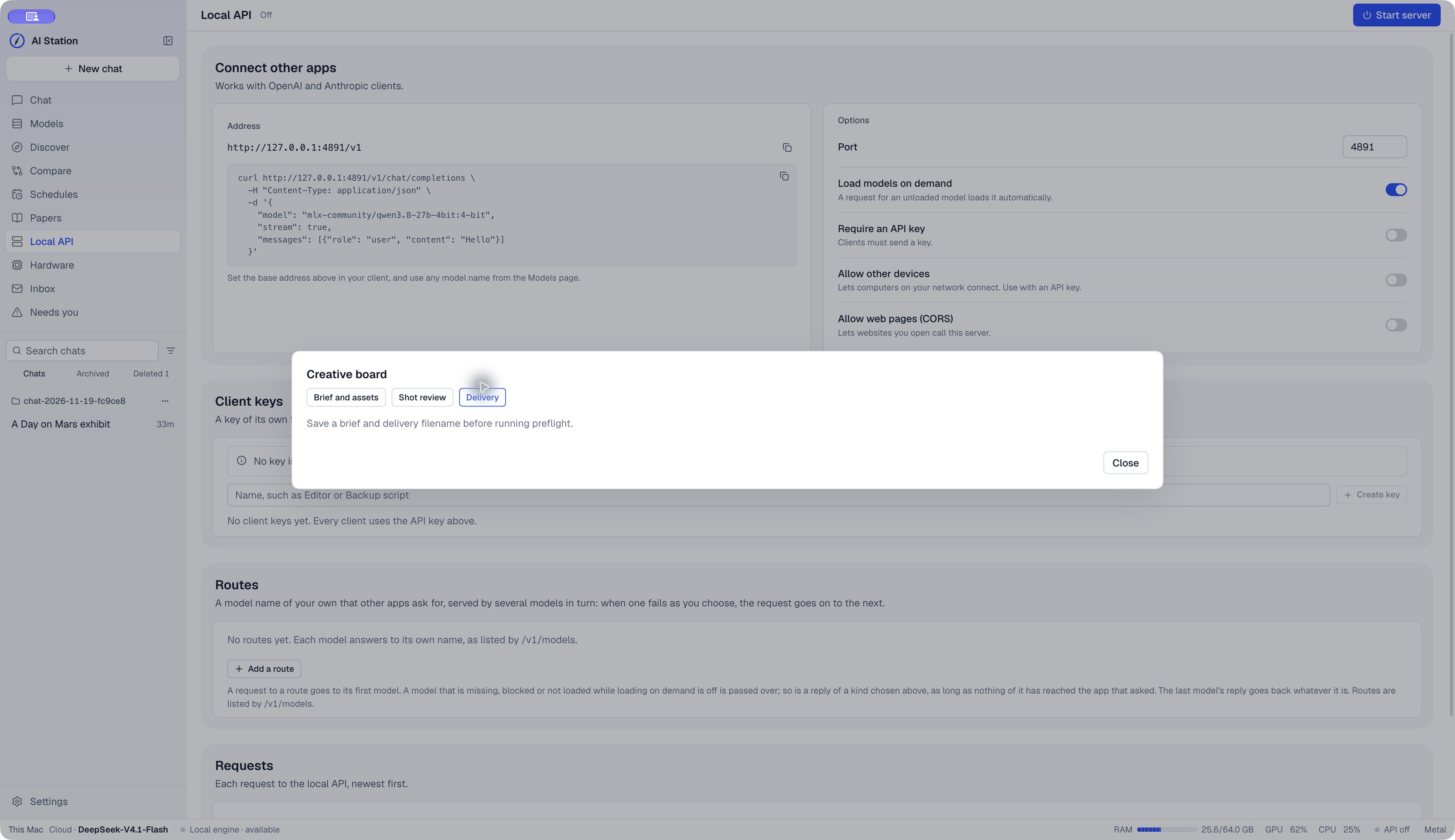
The production board follows a shot through review toward delivery. An editor can check the selected revision before treating it as ready for the final sequence.
Discover 8
Browse model families and inspect the available builds before choosing a download.
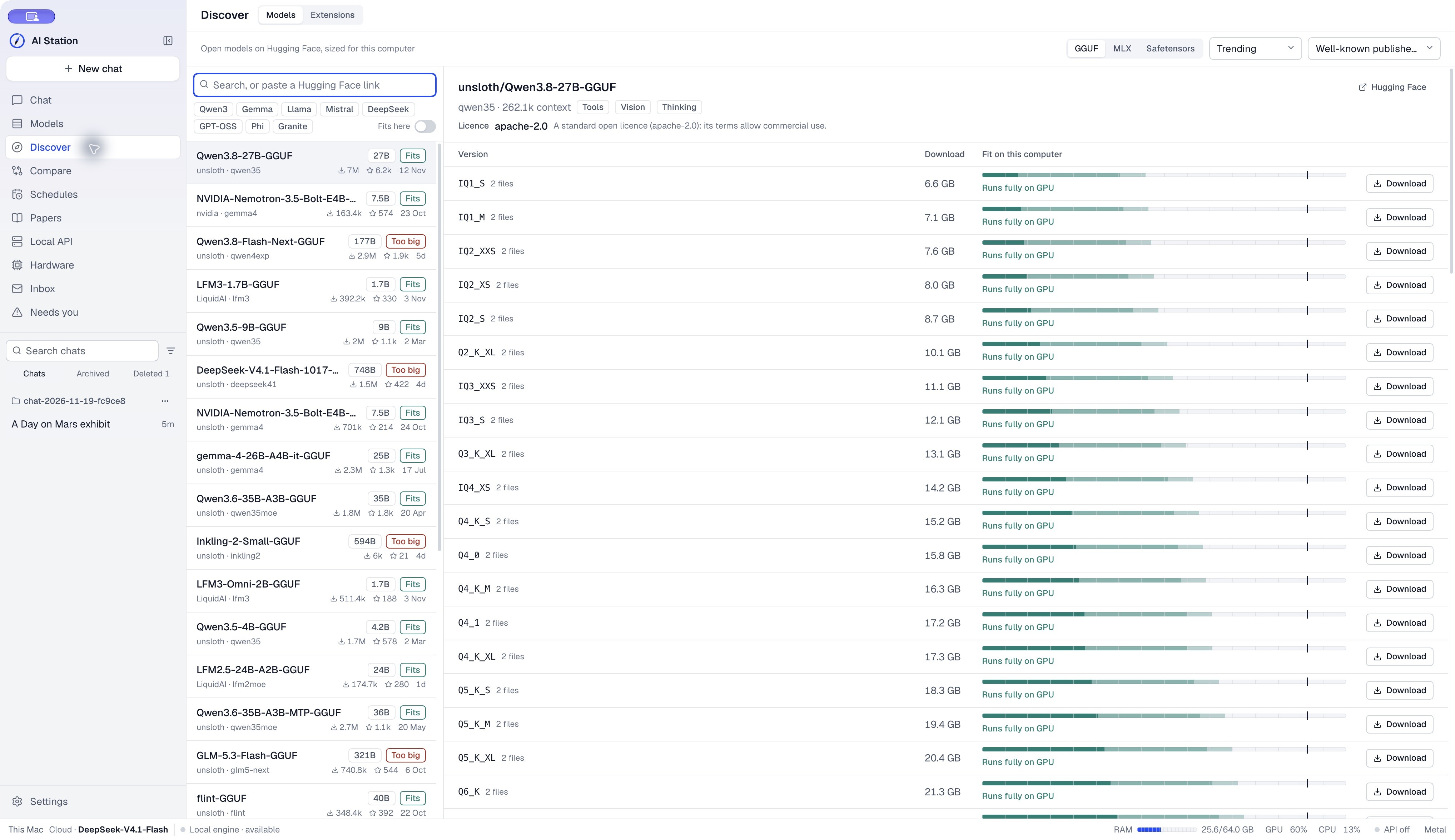
The catalog lists downloadable model builds. A developer can inspect format, size and hardware suitability before committing storage to a download.
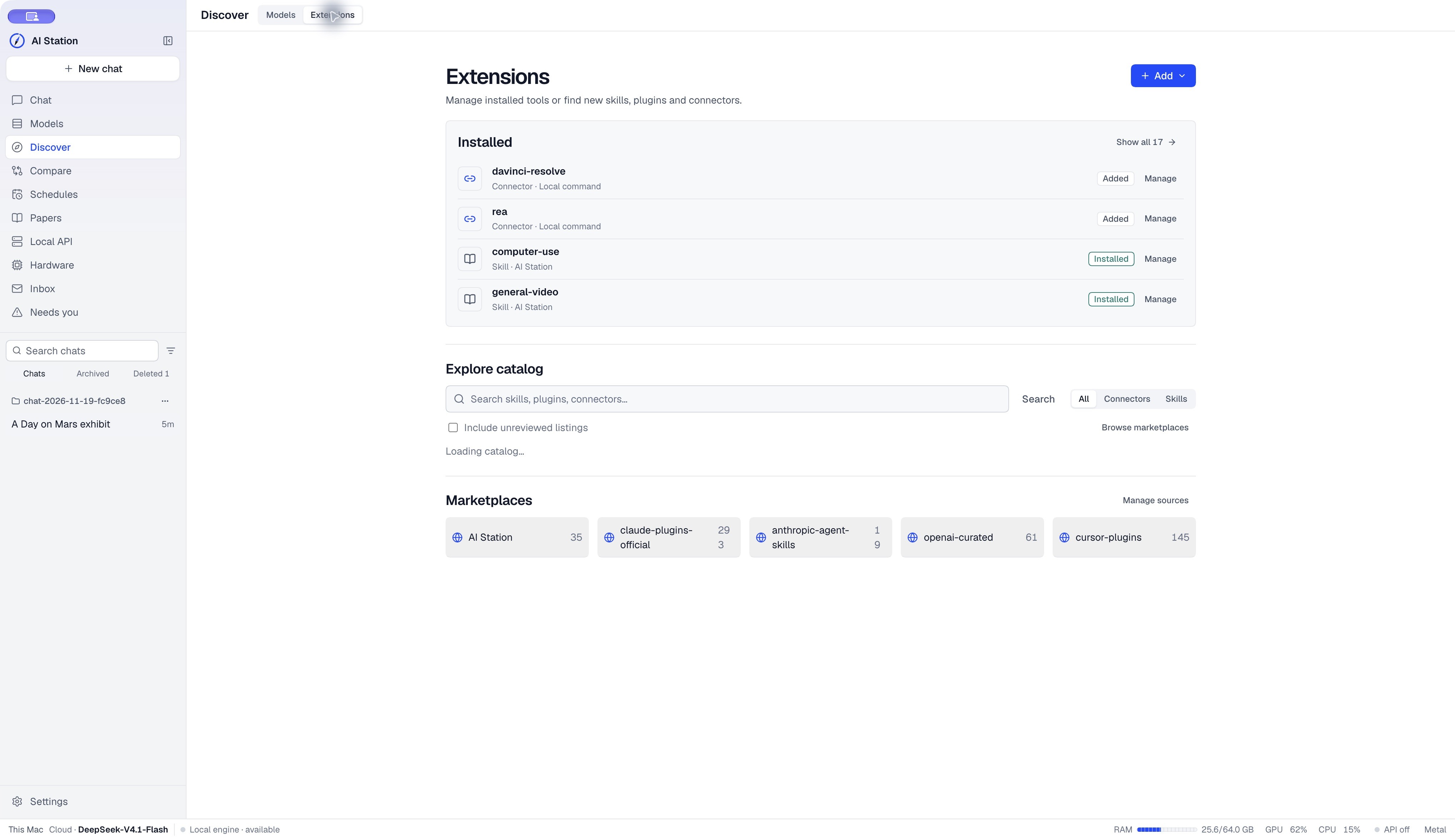
The extension directory is where the operator discovers and manages additions to the workspace. Reviewing the listing helps establish what capability is being added.
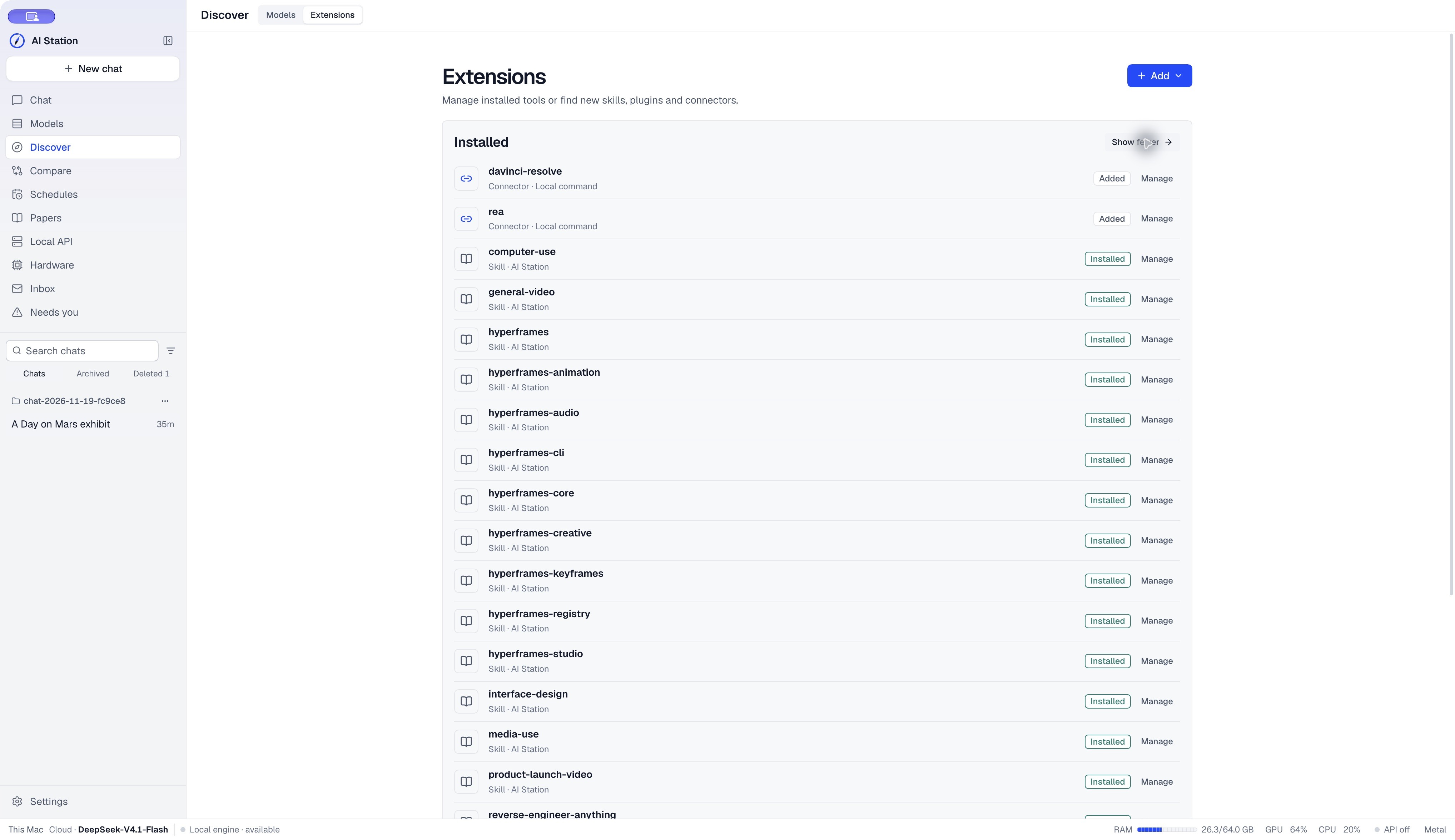
The extension directory is where the operator discovers and manages additions to the workspace. Reviewing the listing helps establish what capability is being added.
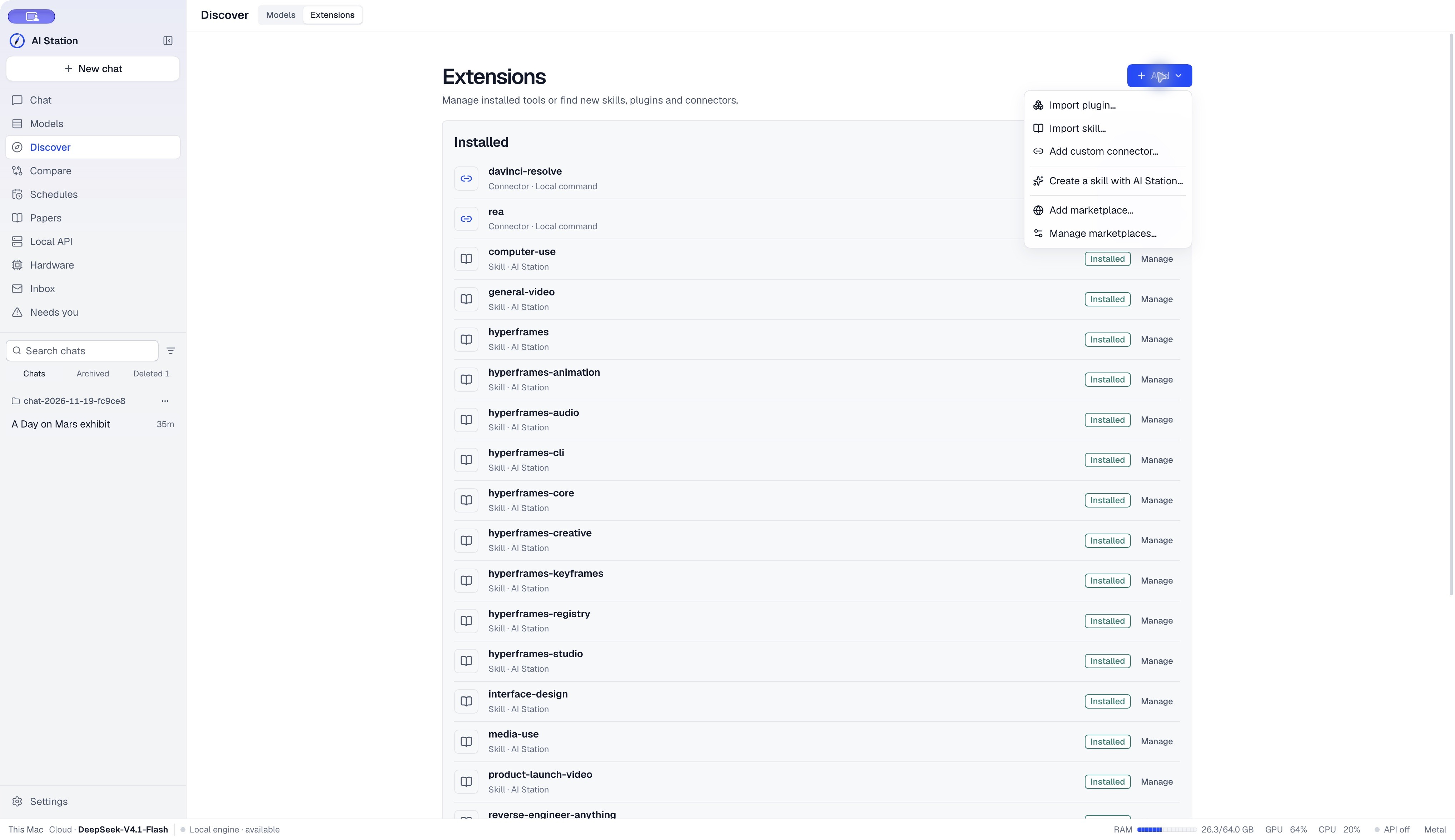
The extension directory is where the operator discovers and manages additions to the workspace. Reviewing the listing helps establish what capability is being added.
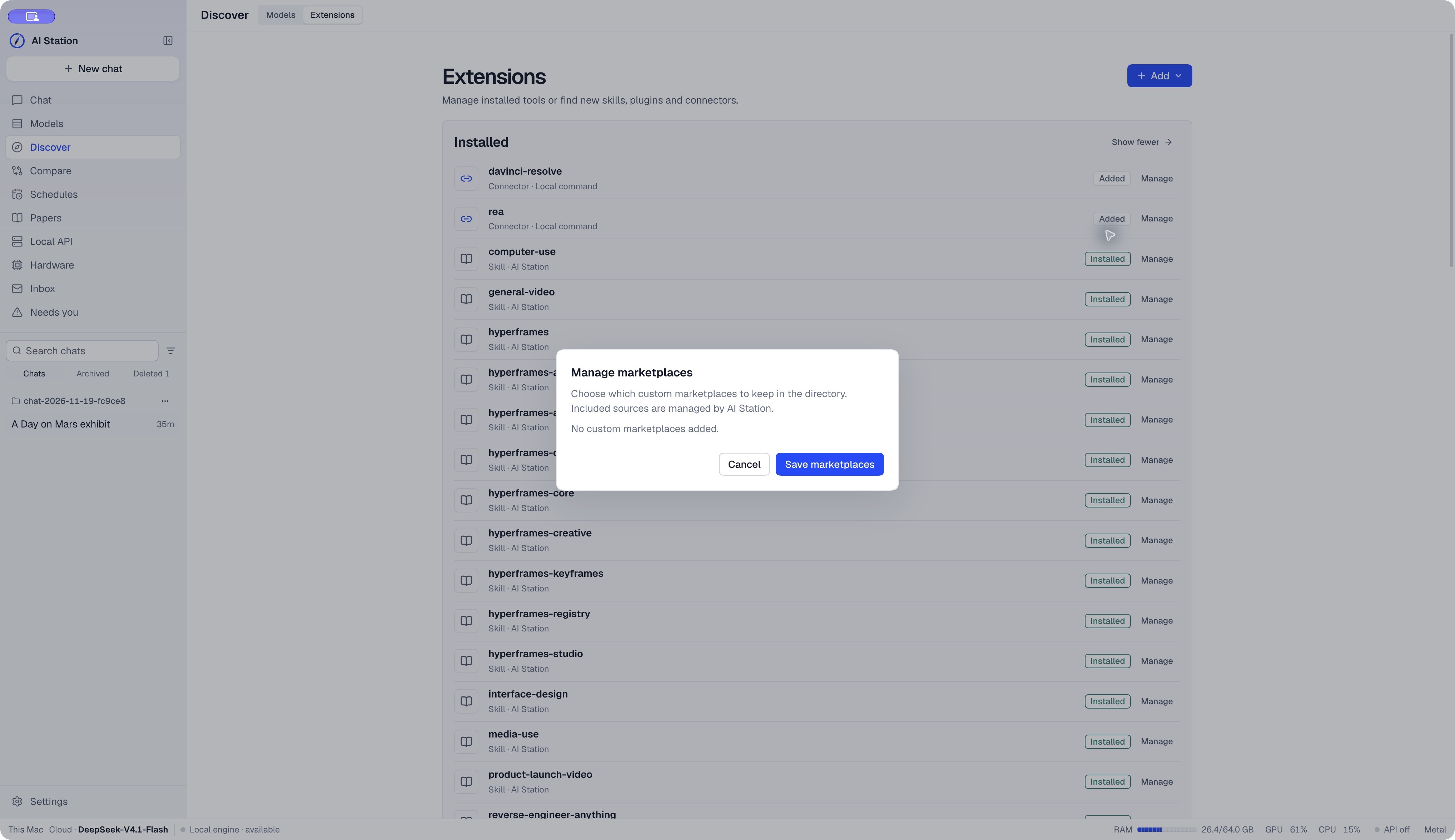
The extension directory is where the operator discovers and manages additions to the workspace. Reviewing the listing helps establish what capability is being added.
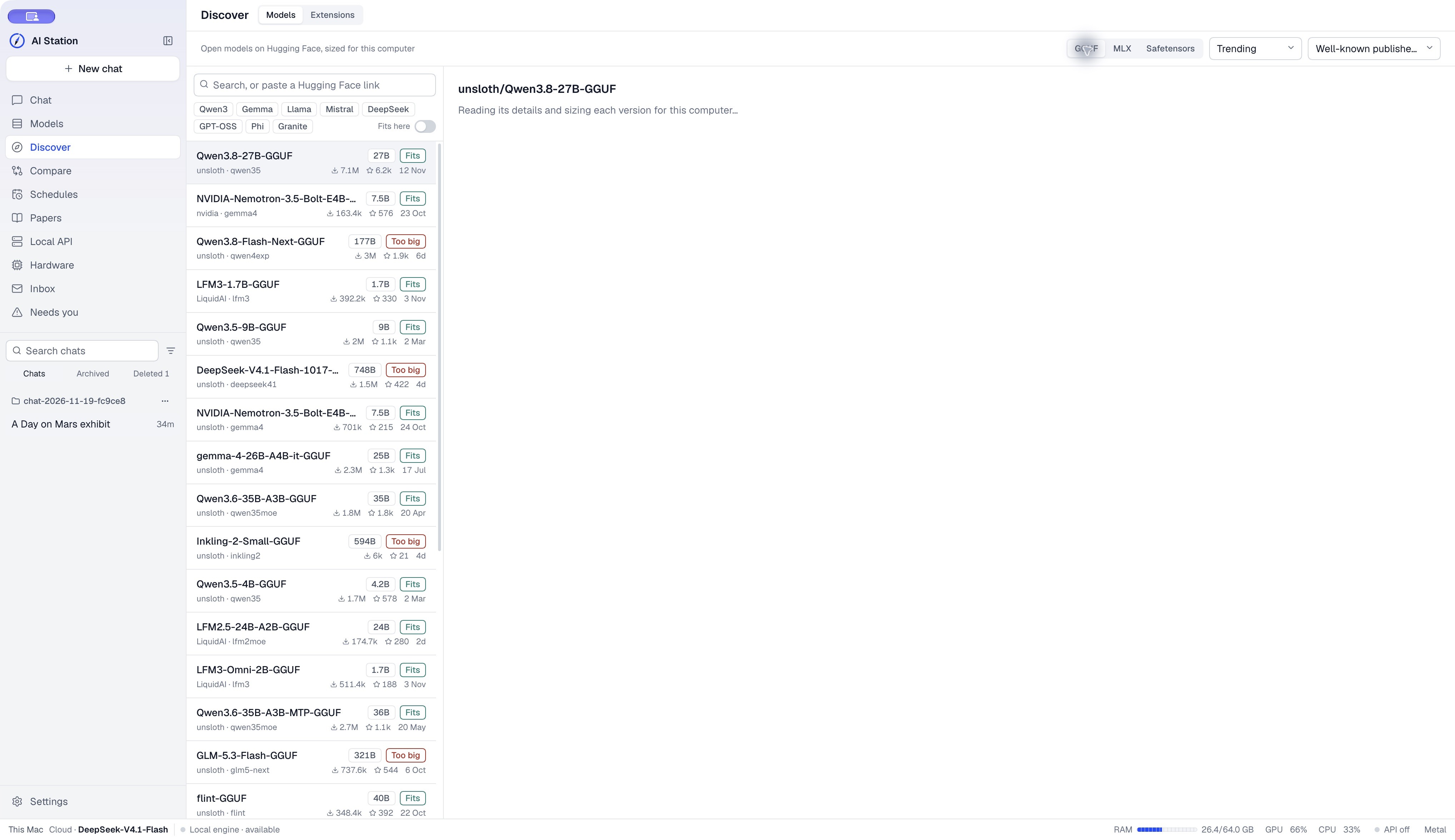
The catalog lists downloadable model builds. A developer can inspect format, size and hardware suitability before committing storage to a download.
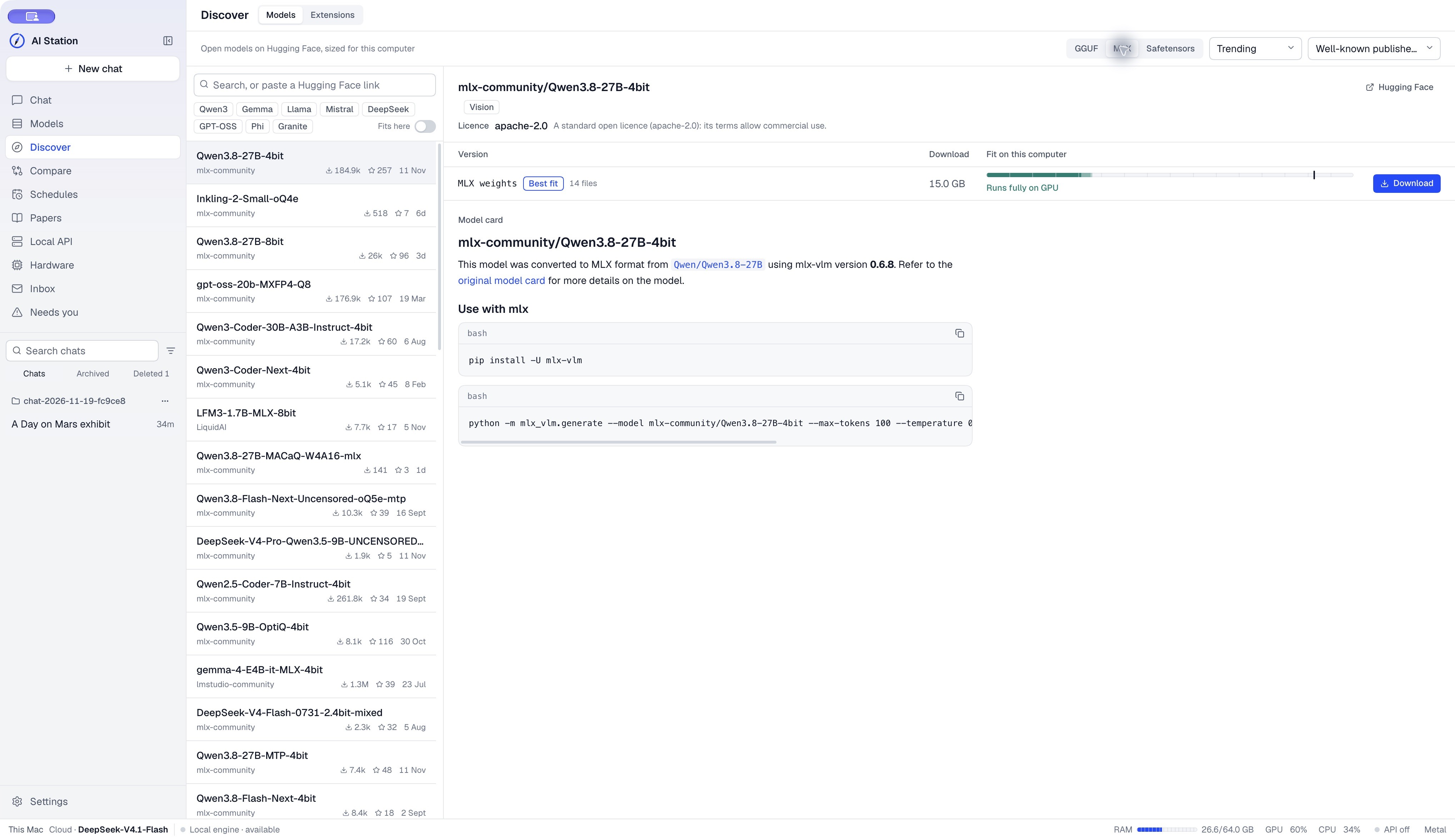
The catalog lists downloadable model builds. A developer can inspect format, size and hardware suitability before committing storage to a download.
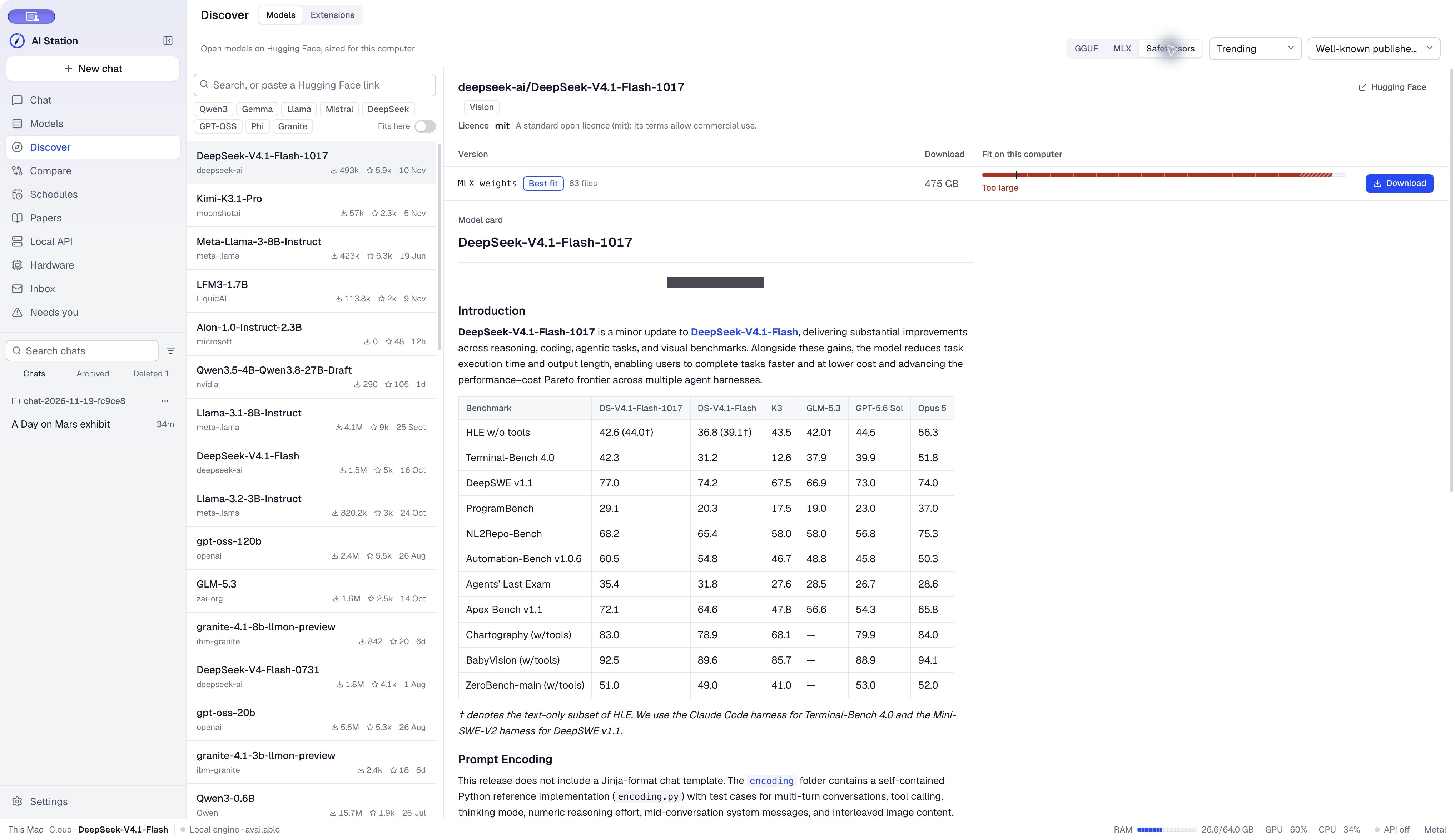
The catalog lists downloadable model builds. A developer can inspect format, size and hardware suitability before committing storage to a download.
Hardware 1
Inspect the resources available to the runtime when choosing a model or diagnosing performance.
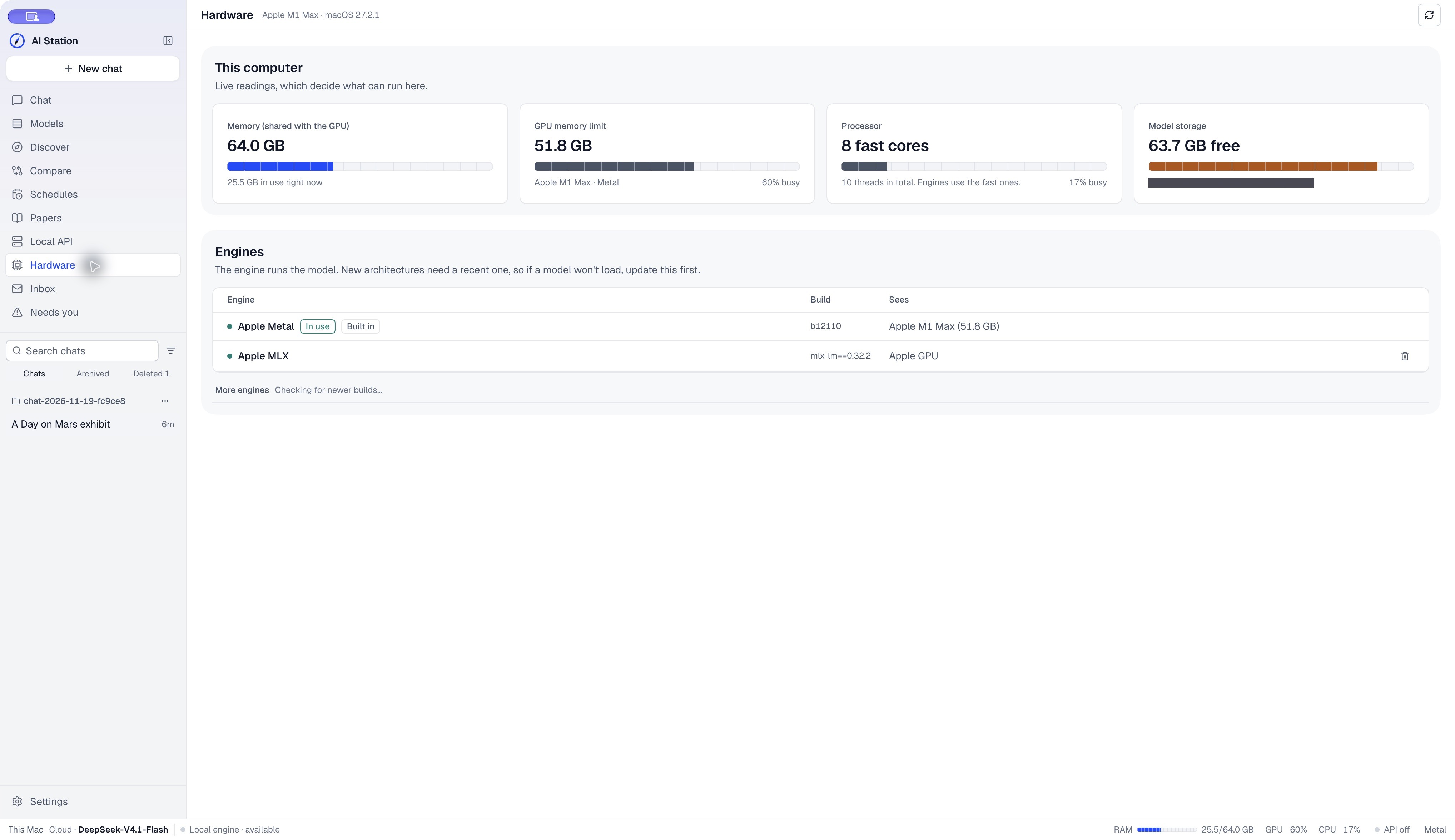
Inspect the resources available to the runtime when choosing a model or diagnosing performance.
Inbox 7
Read updates from work in progress and reopen the conversation or task behind an event.
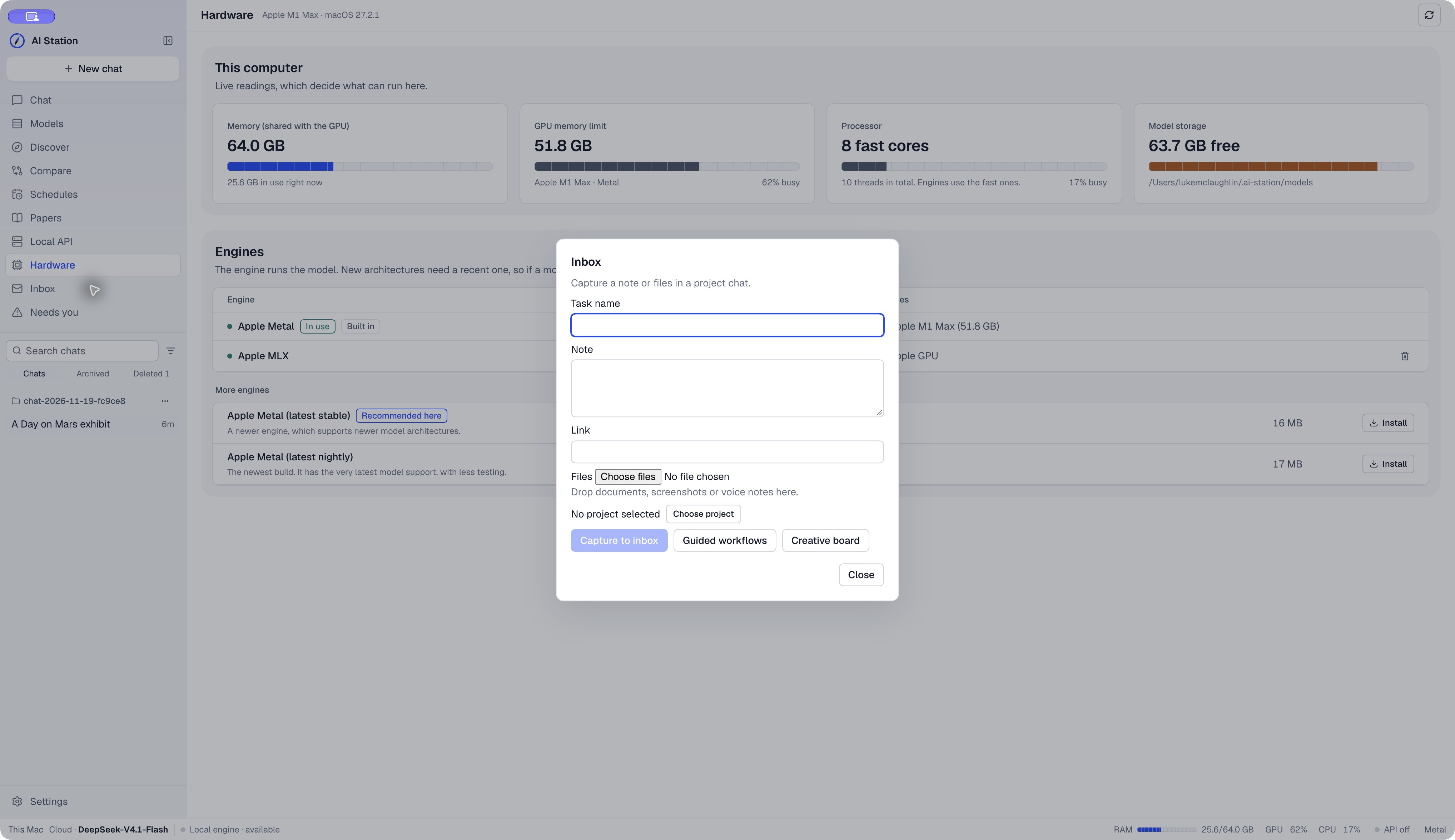
Read updates from work in progress and reopen the conversation or task behind an event.
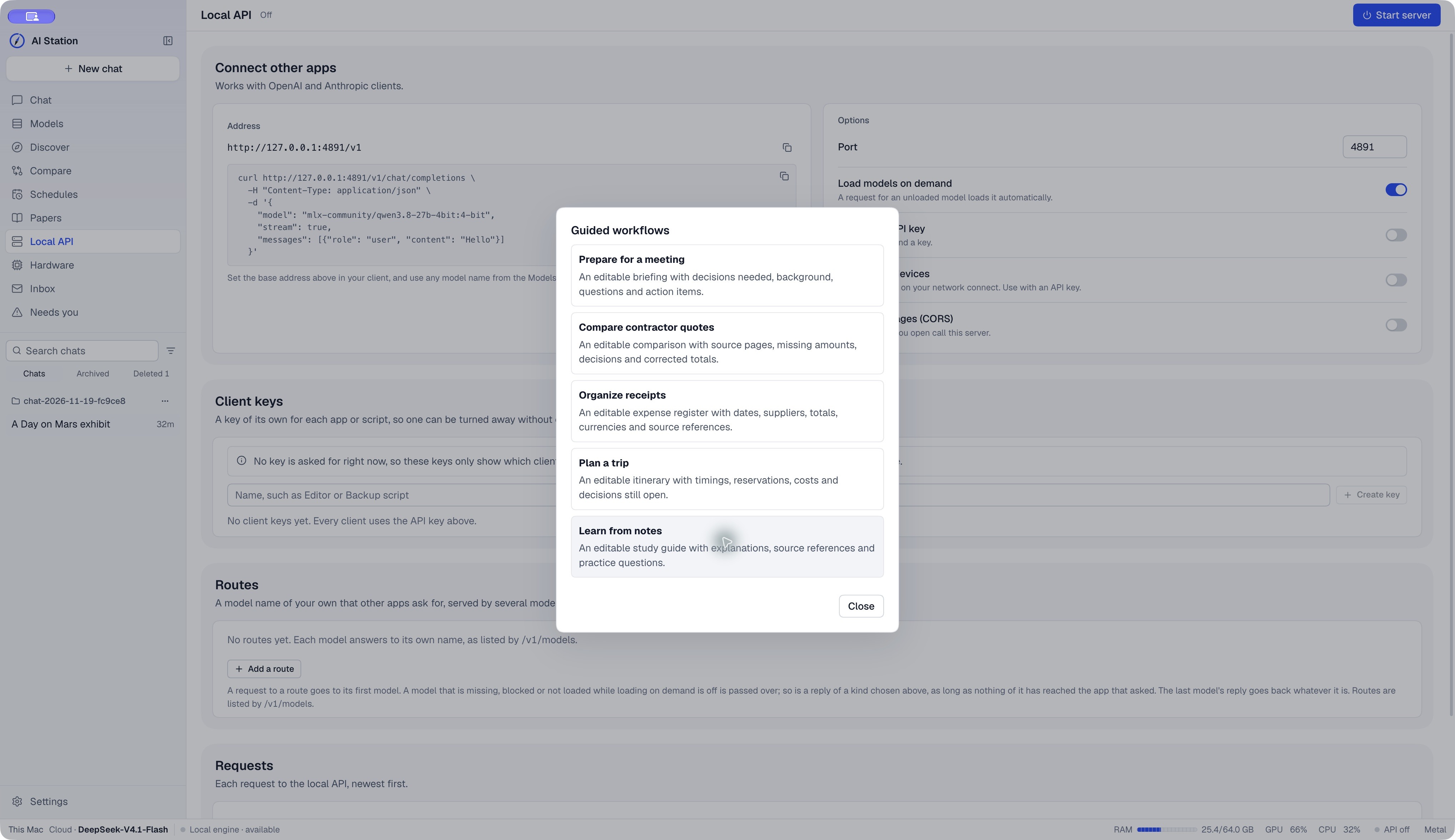
The inbox opens the “Guided workflows” workflow. It gives the user a starting brief for turning their own material into a structured result.
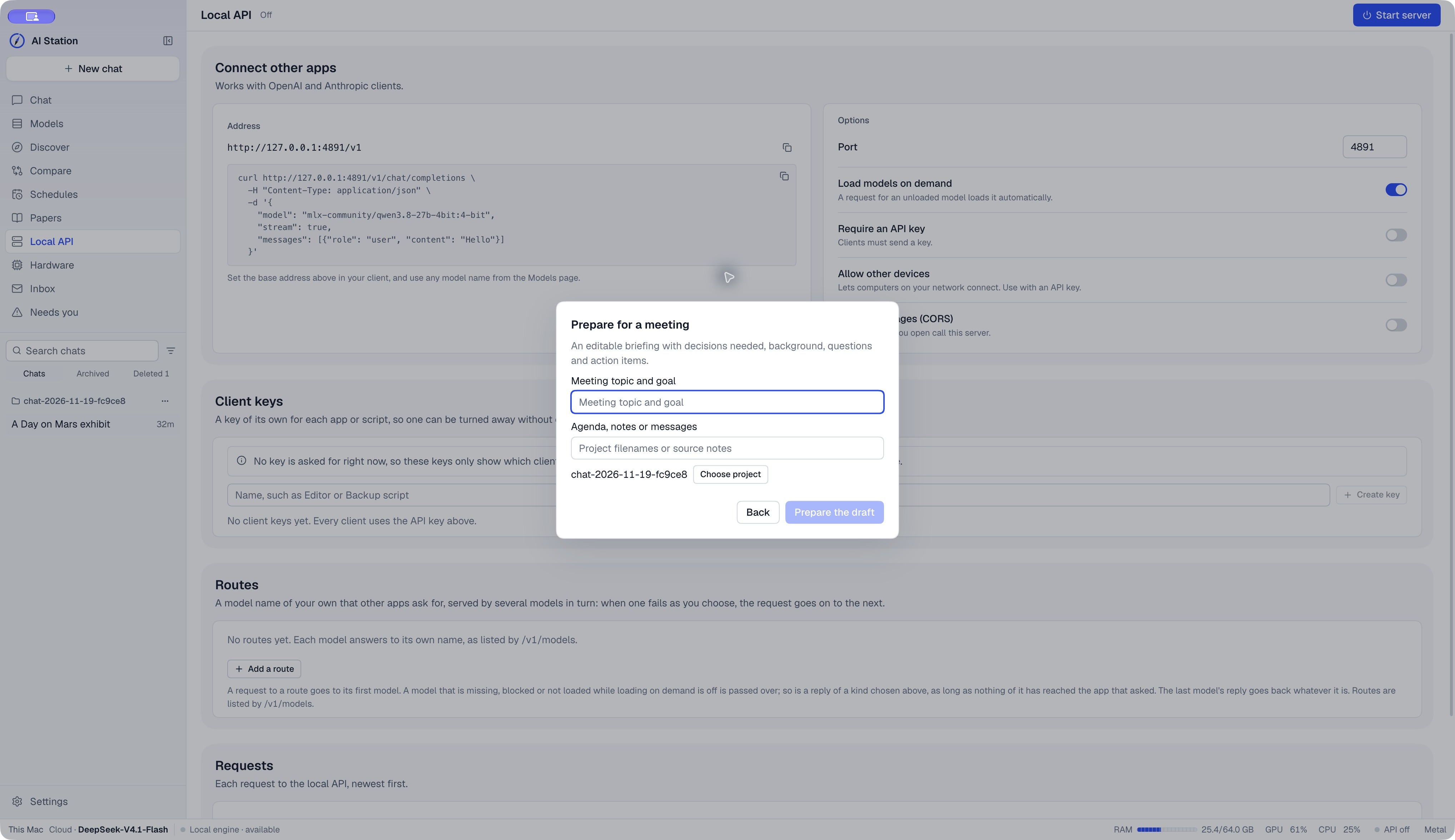
The inbox opens the “Meeting workflow” workflow. It gives the user a starting brief for turning their own material into a structured result.
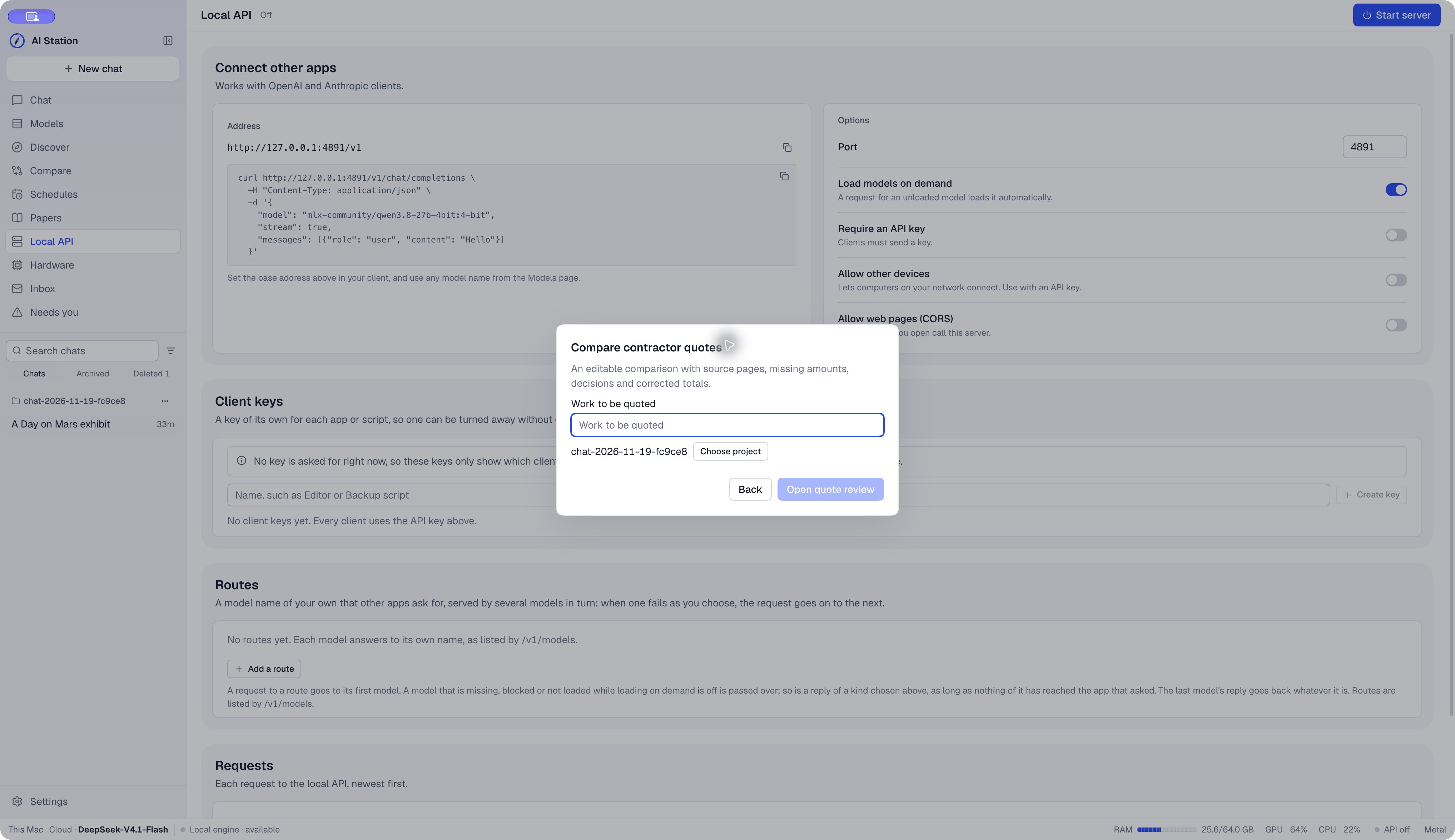
The inbox opens the “Quote comparison” workflow. It gives the user a starting brief for turning their own material into a structured result.
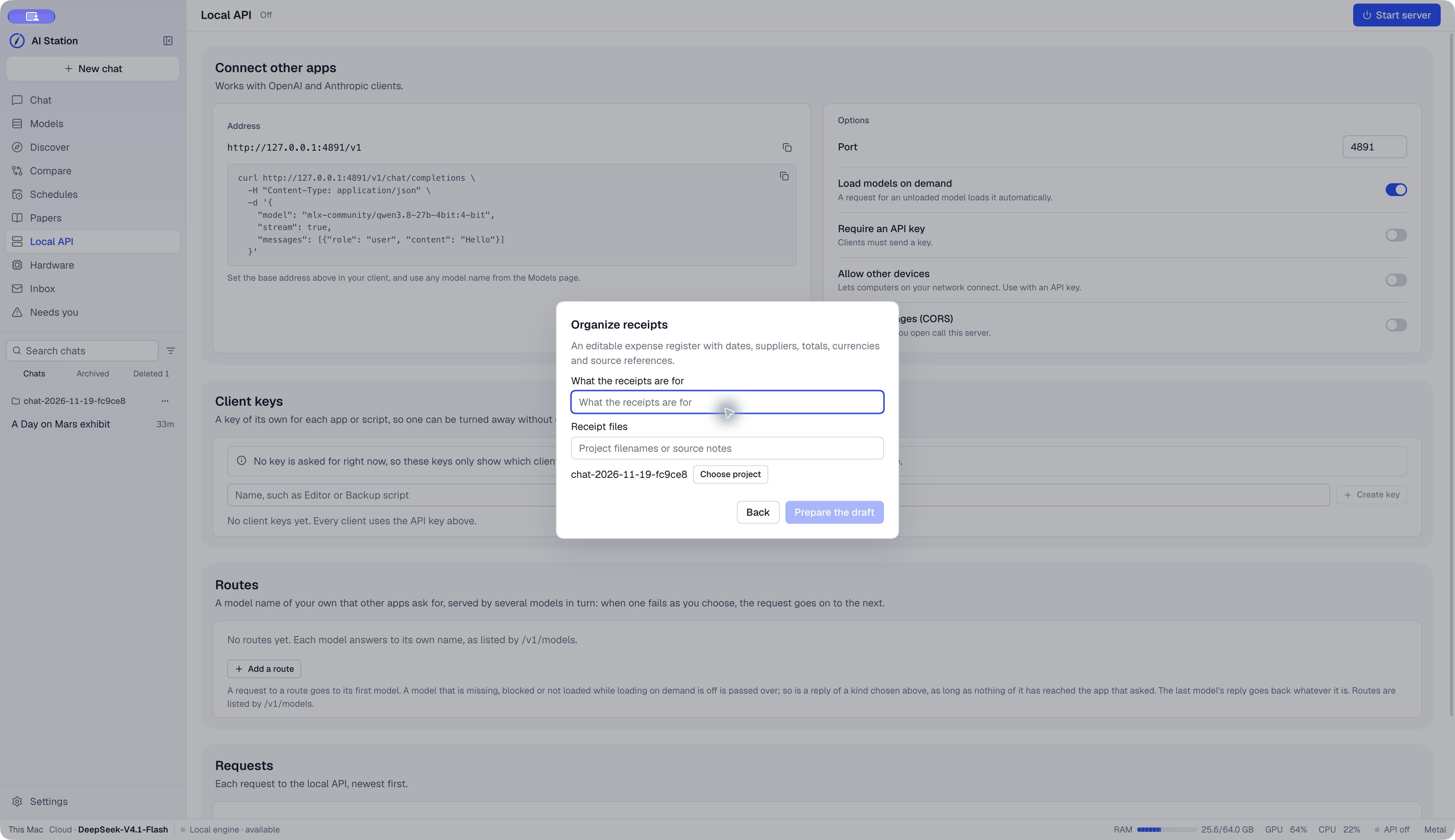
The inbox opens the “Receipt organizer” workflow. It gives the user a starting brief for turning their own material into a structured result.
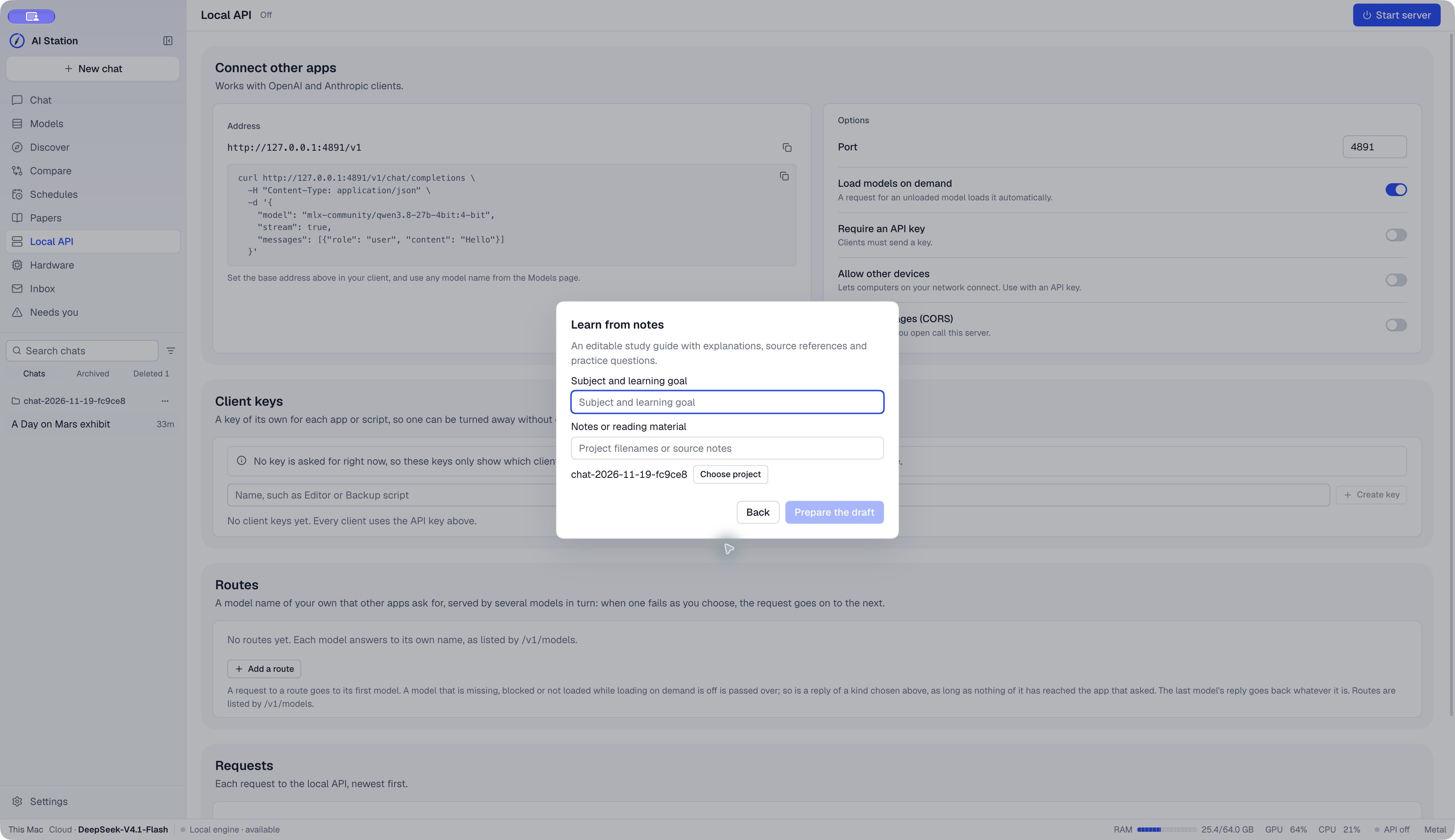
The inbox opens the “Study guide” workflow. It gives the user a starting brief for turning their own material into a structured result.
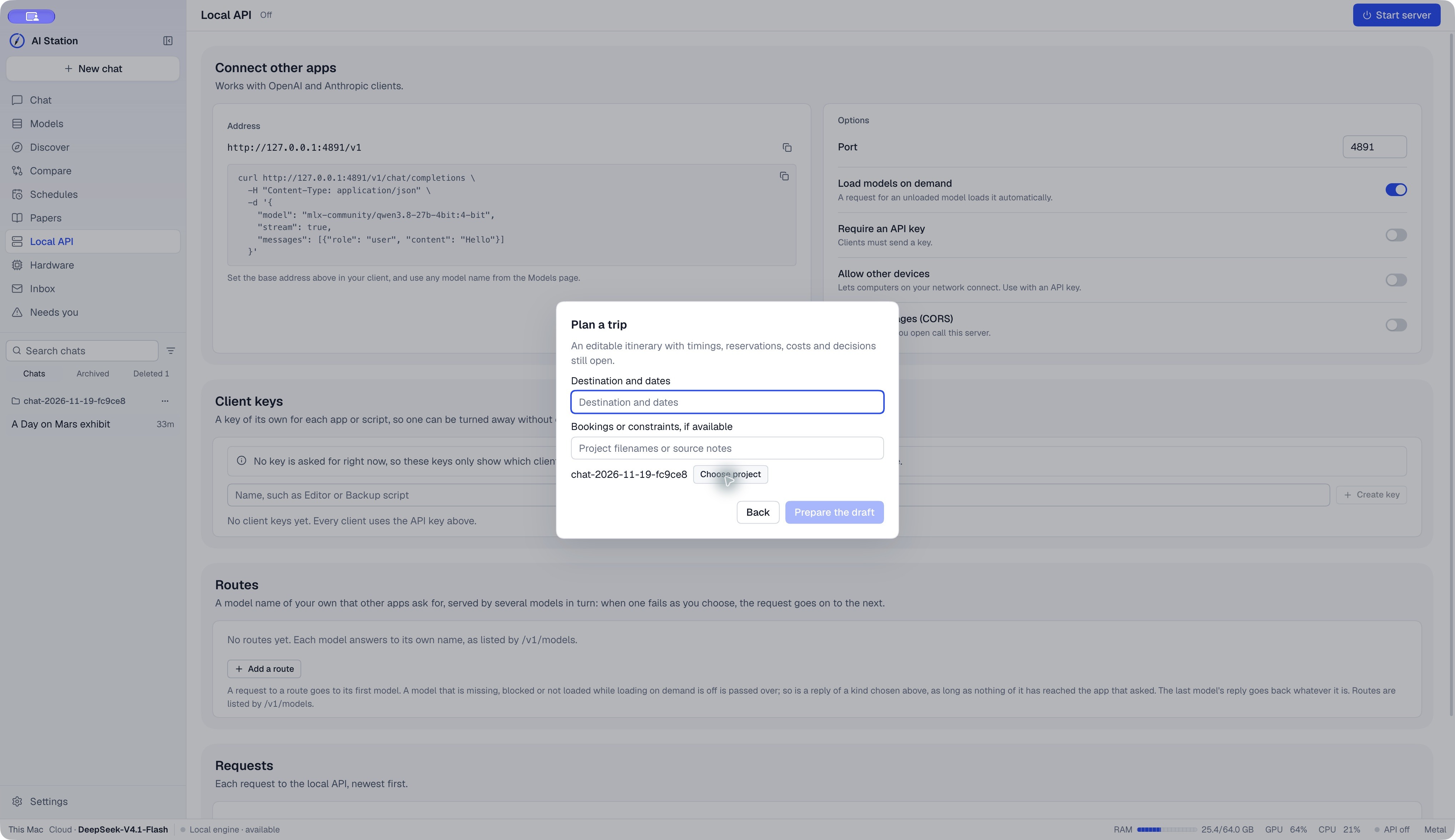
The inbox opens the “Trip planner” workflow. It gives the user a starting brief for turning their own material into a structured result.
Live Chat 6
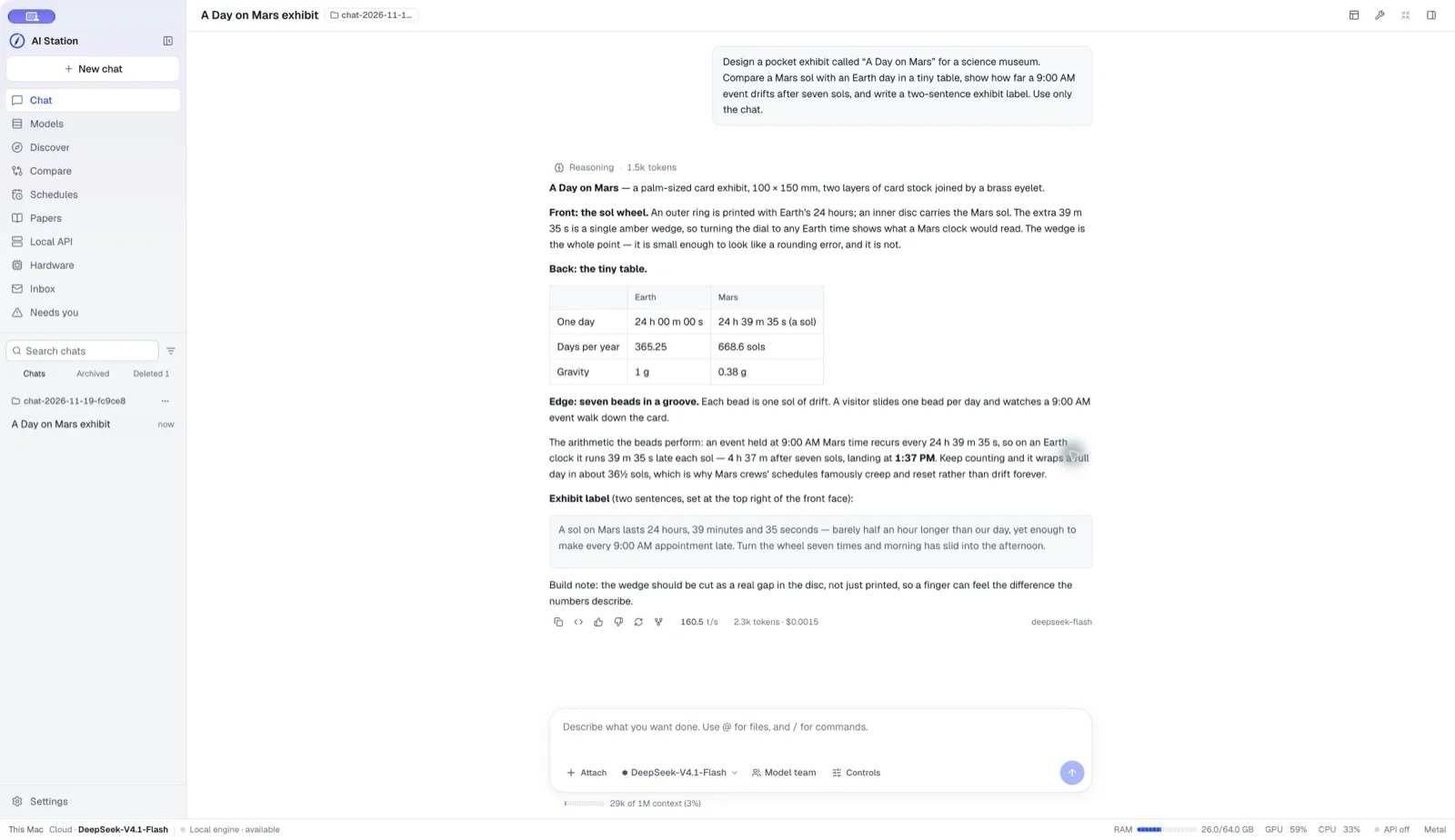
Follow the Mars exhibit brief in sequence, including the initial request, follow-up corrections and finished work.
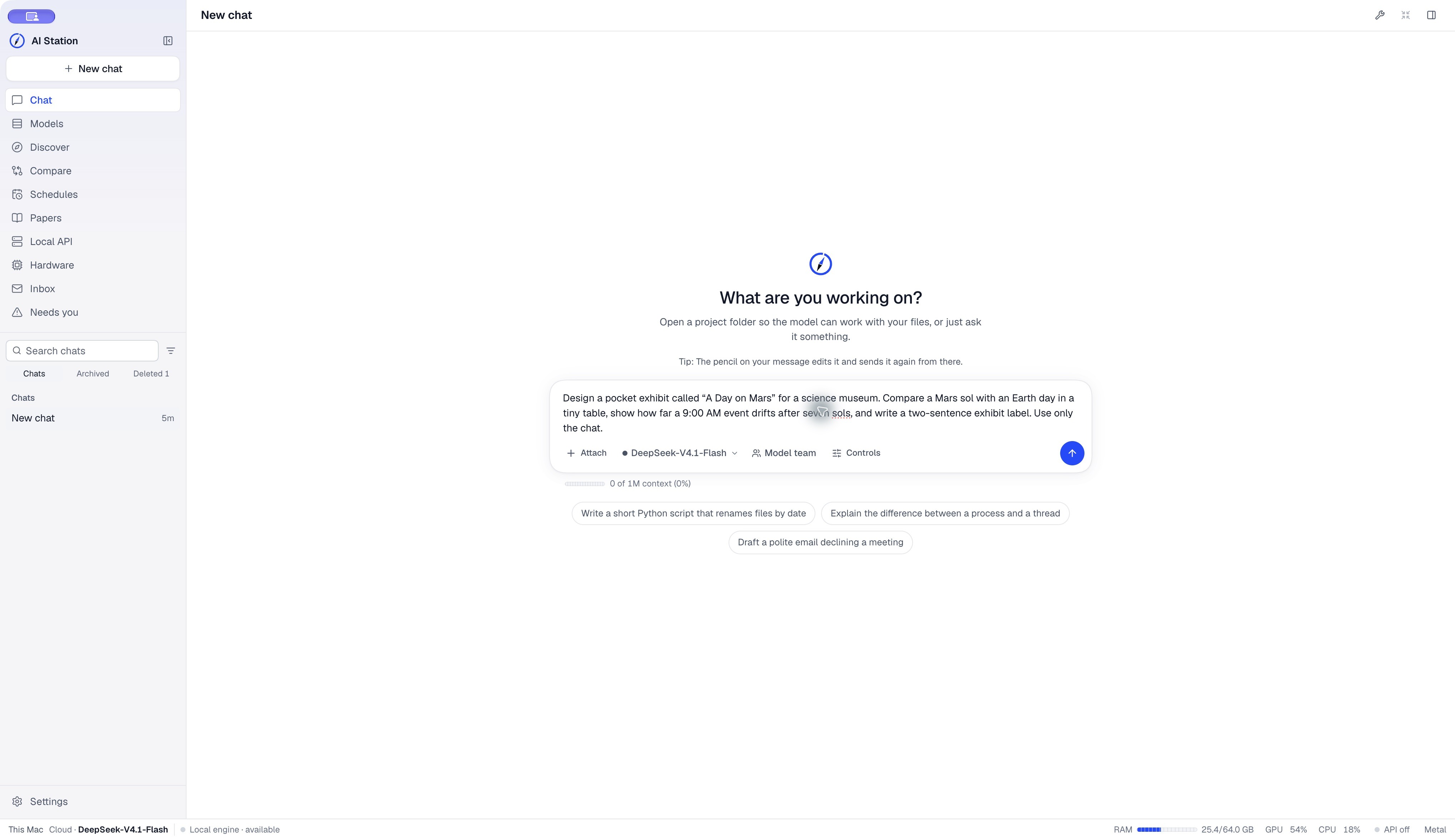
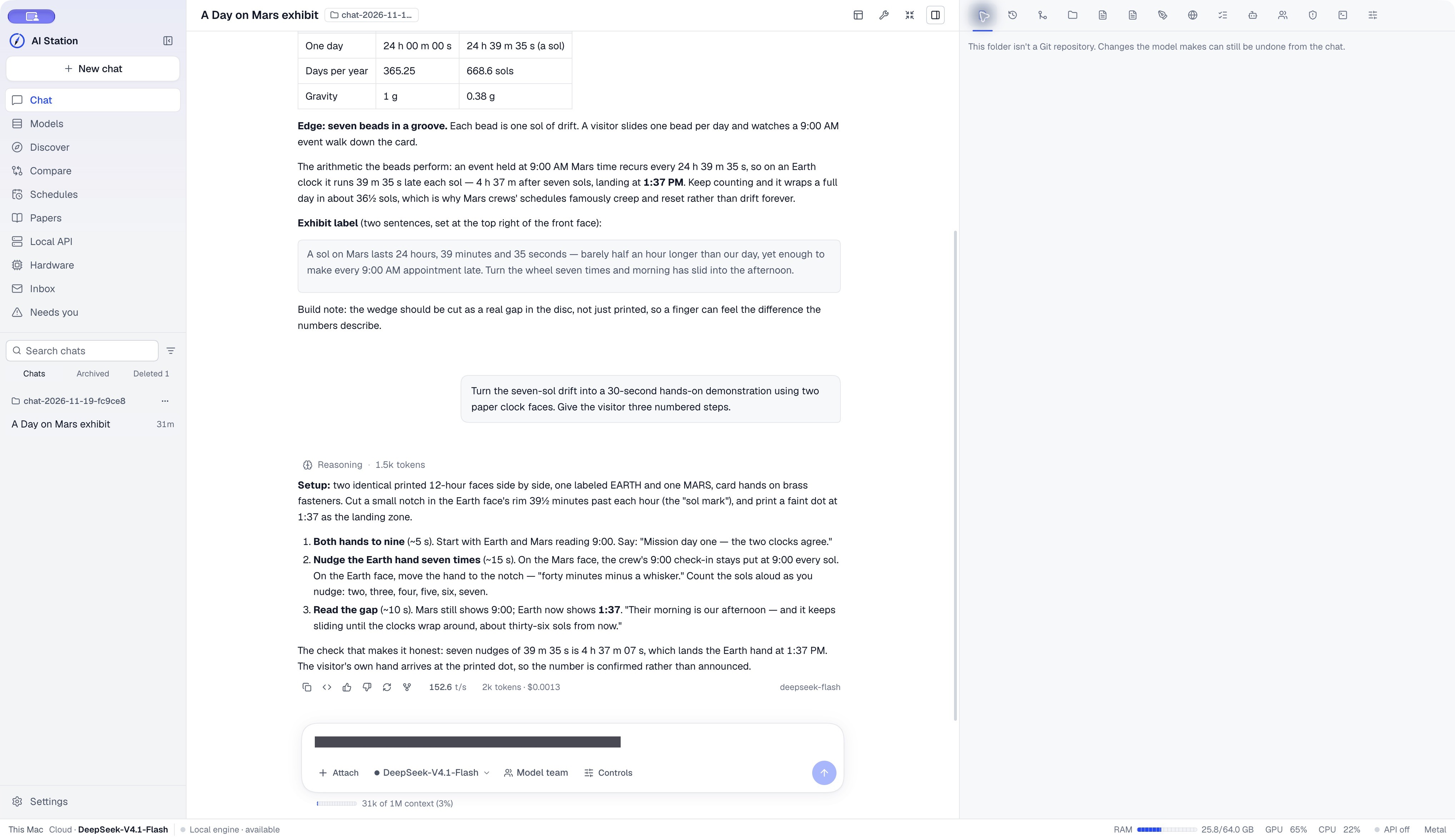
The user asks for a museum exhibit about a day on Mars. The difference between an Earth day and a sol gives the assistant a concrete calculation to explain to visitors.
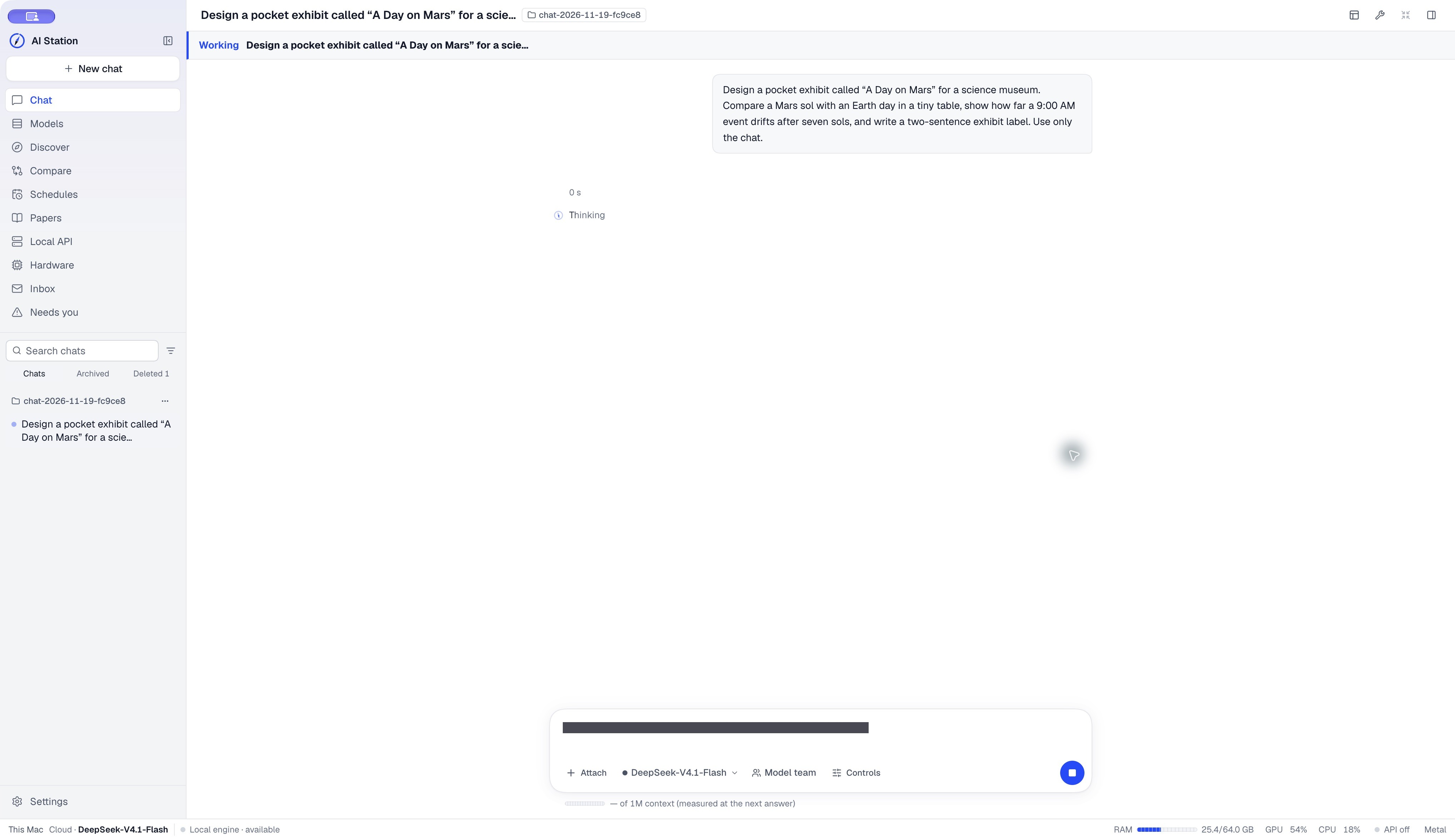
The Mars exhibit conversation exposes the work behind the answer. The user can follow the calculation as the assistant moves from the prompt toward an explanation.
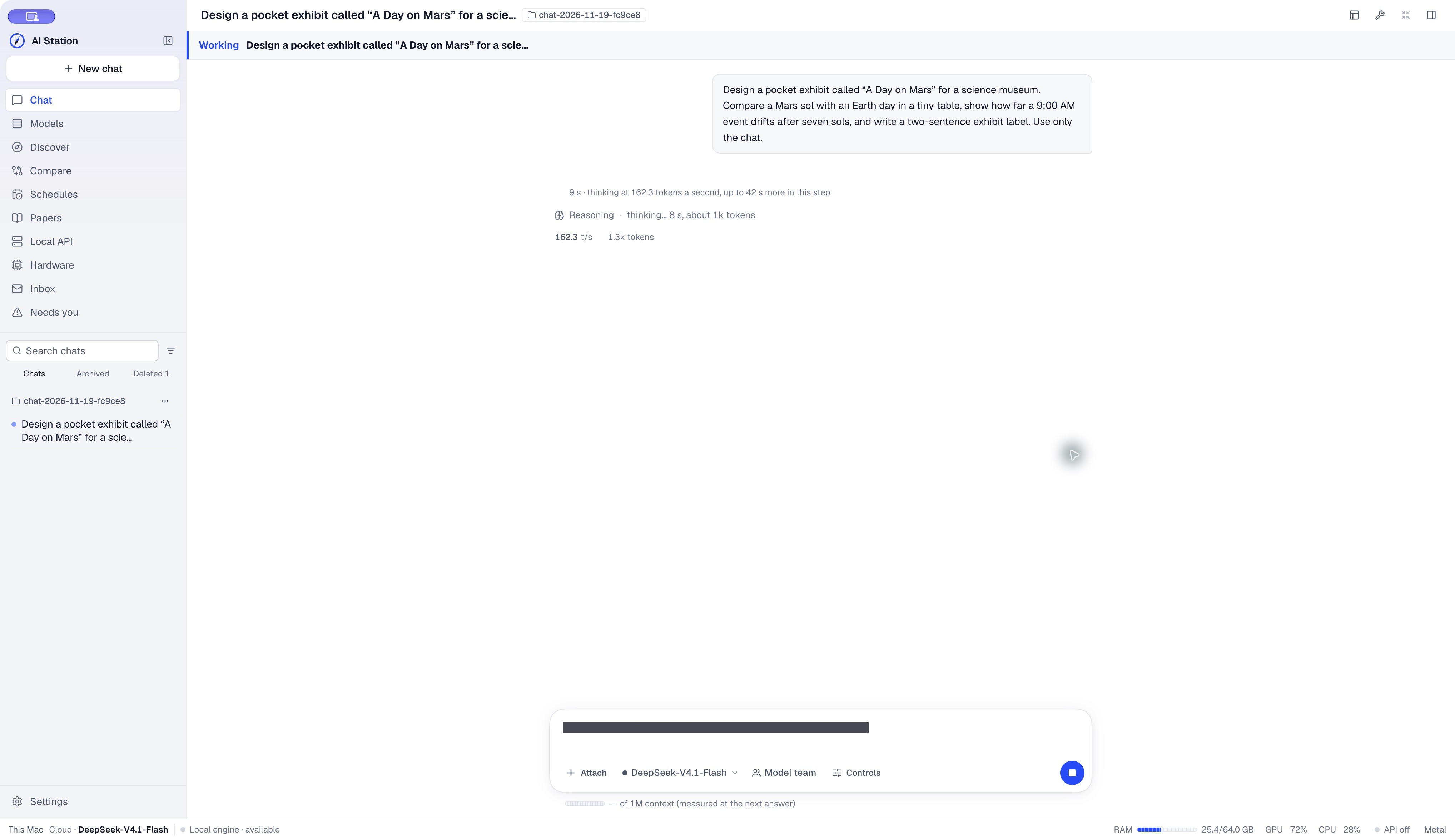
The Mars exhibit conversation exposes the work behind the answer. The user can follow the calculation as the assistant moves from the prompt toward an explanation.
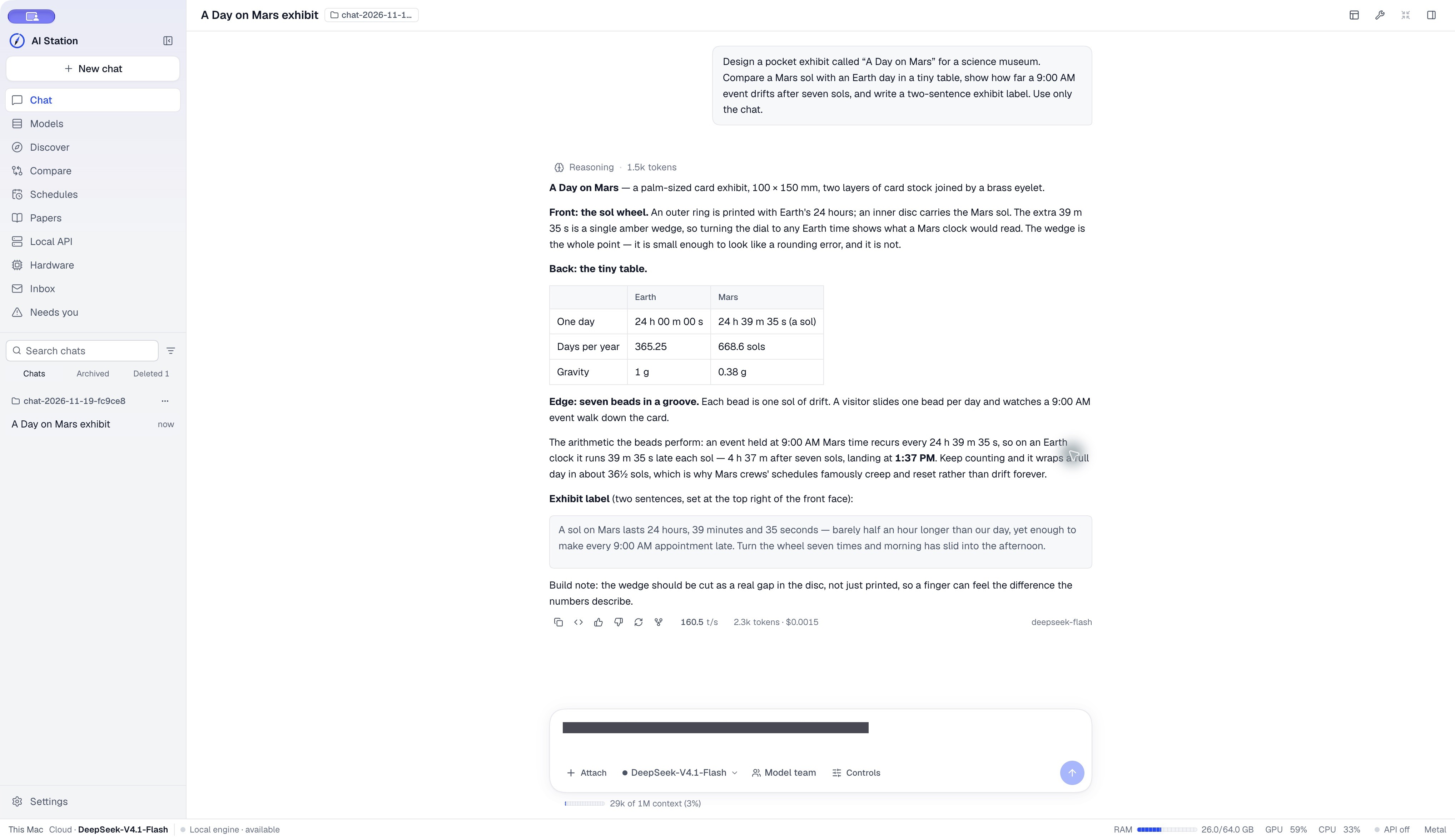
The user asks for a museum exhibit about a day on Mars. The difference between an Earth day and a sol gives the assistant a concrete calculation to explain to visitors.
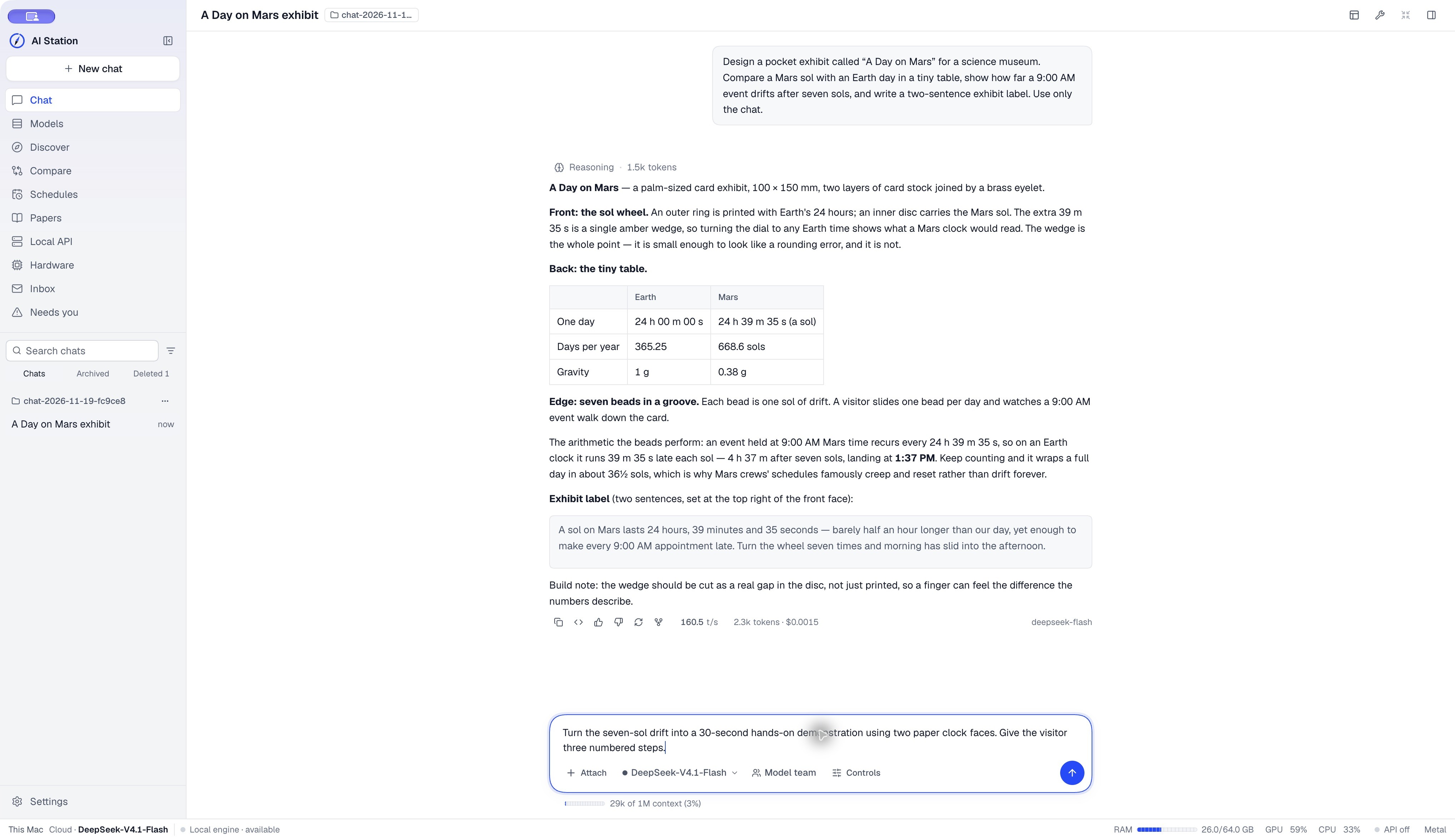
The user refines the Mars exhibit brief within the existing conversation. The earlier calculation remains available as context for the revision.
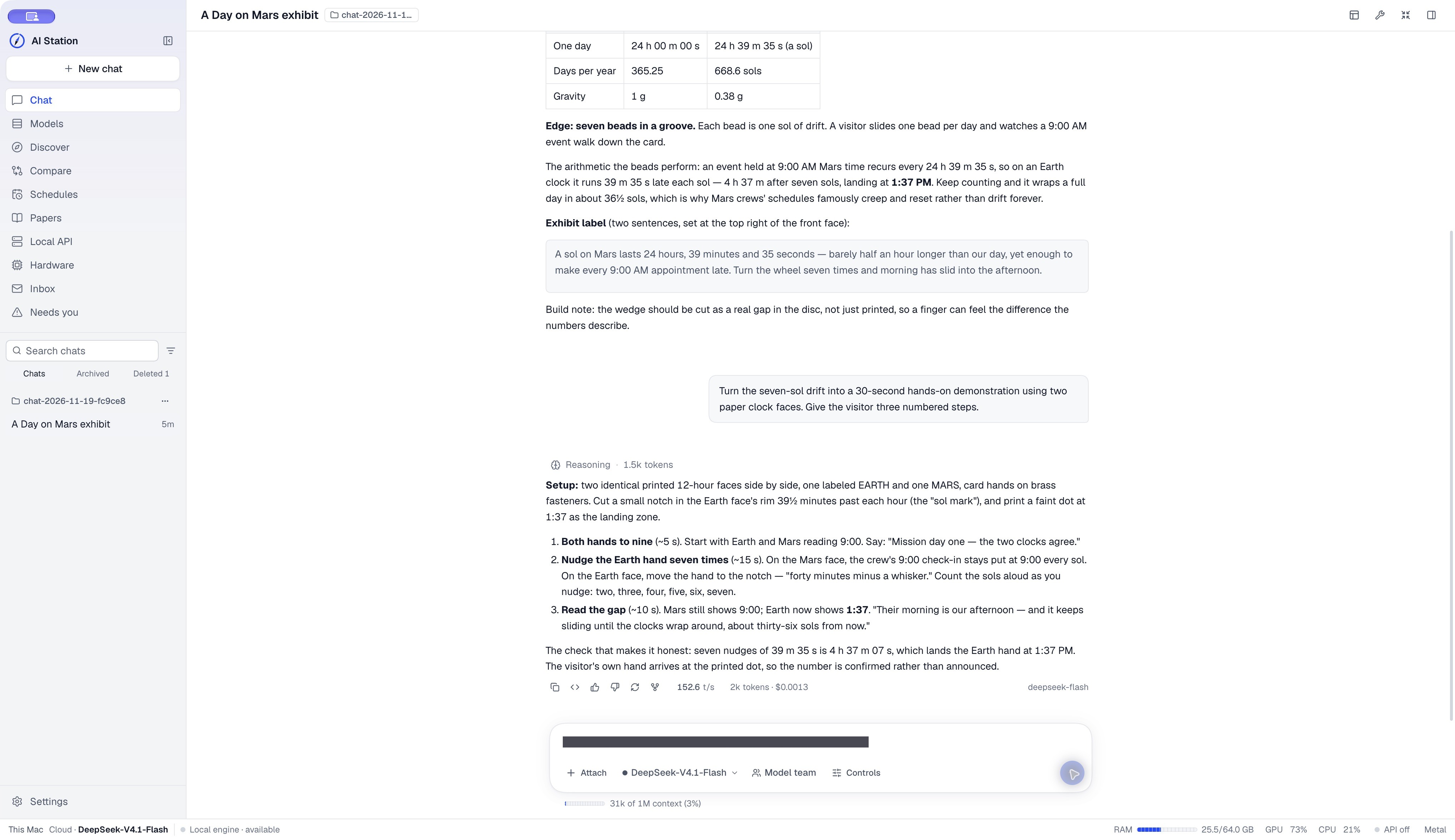
The museum conversation reaches its clock demonstration. This is the result the user can inspect after asking the assistant to correct its earlier treatment of Martian time.
Local API 2
Inspect the service that lets other applications send requests to the model runtime.
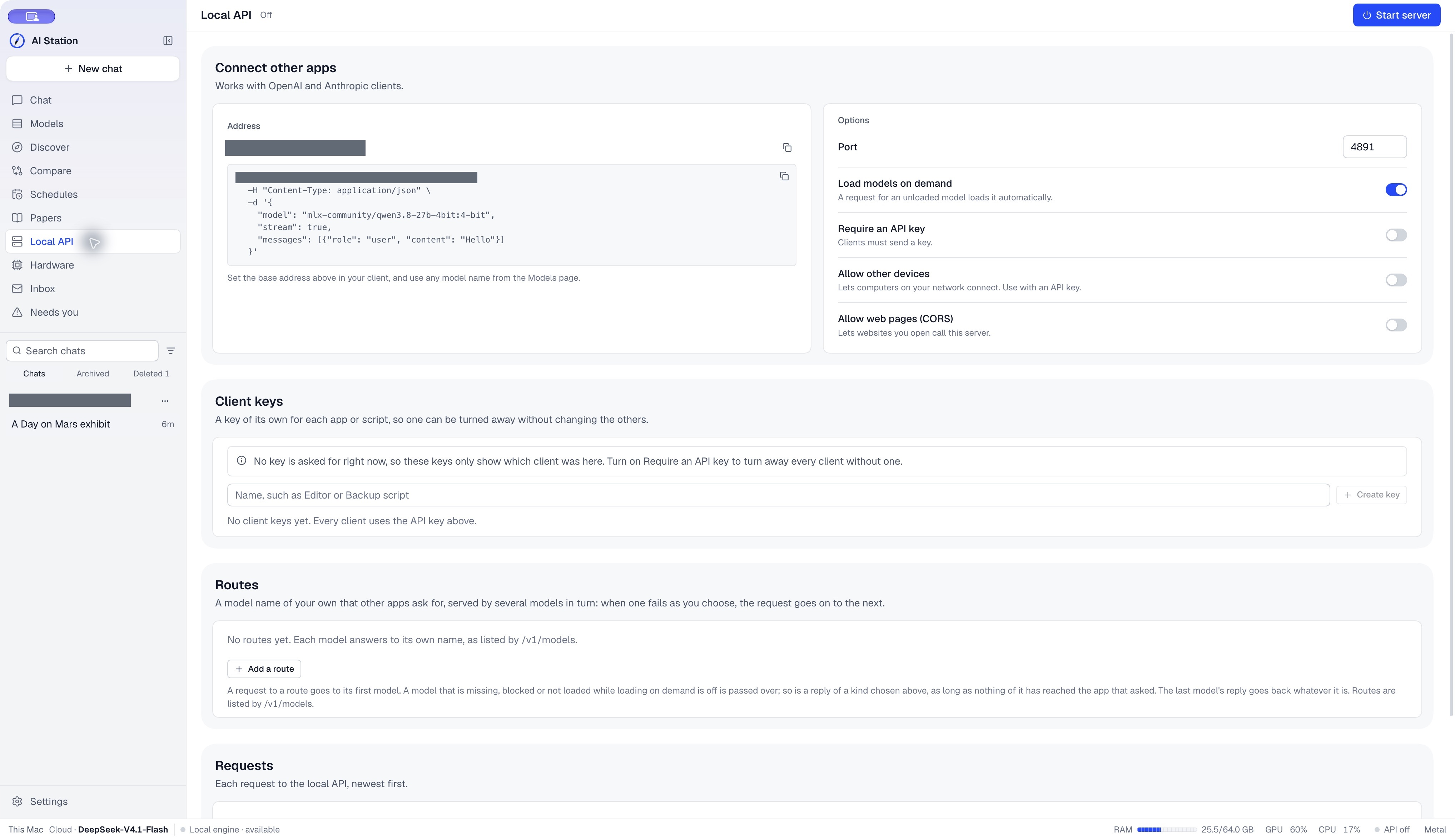
Inspect the service that lets other applications send requests to the model runtime.
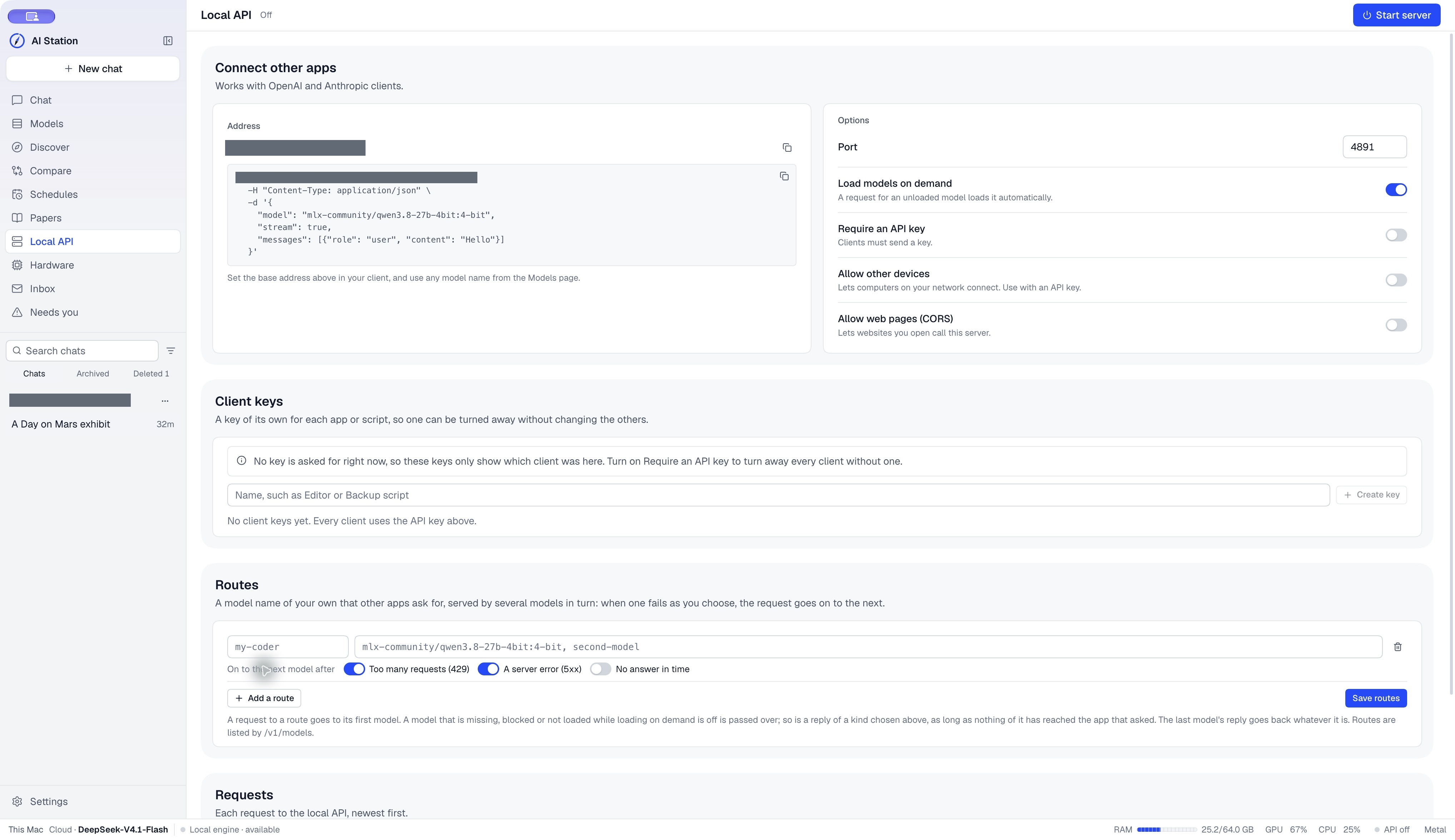
The API route editor configures how a client request reaches a model. It is part of exposing the local runtime to another application.
Models 5
Inspect installed models, their resource requirements and the options available for running them.
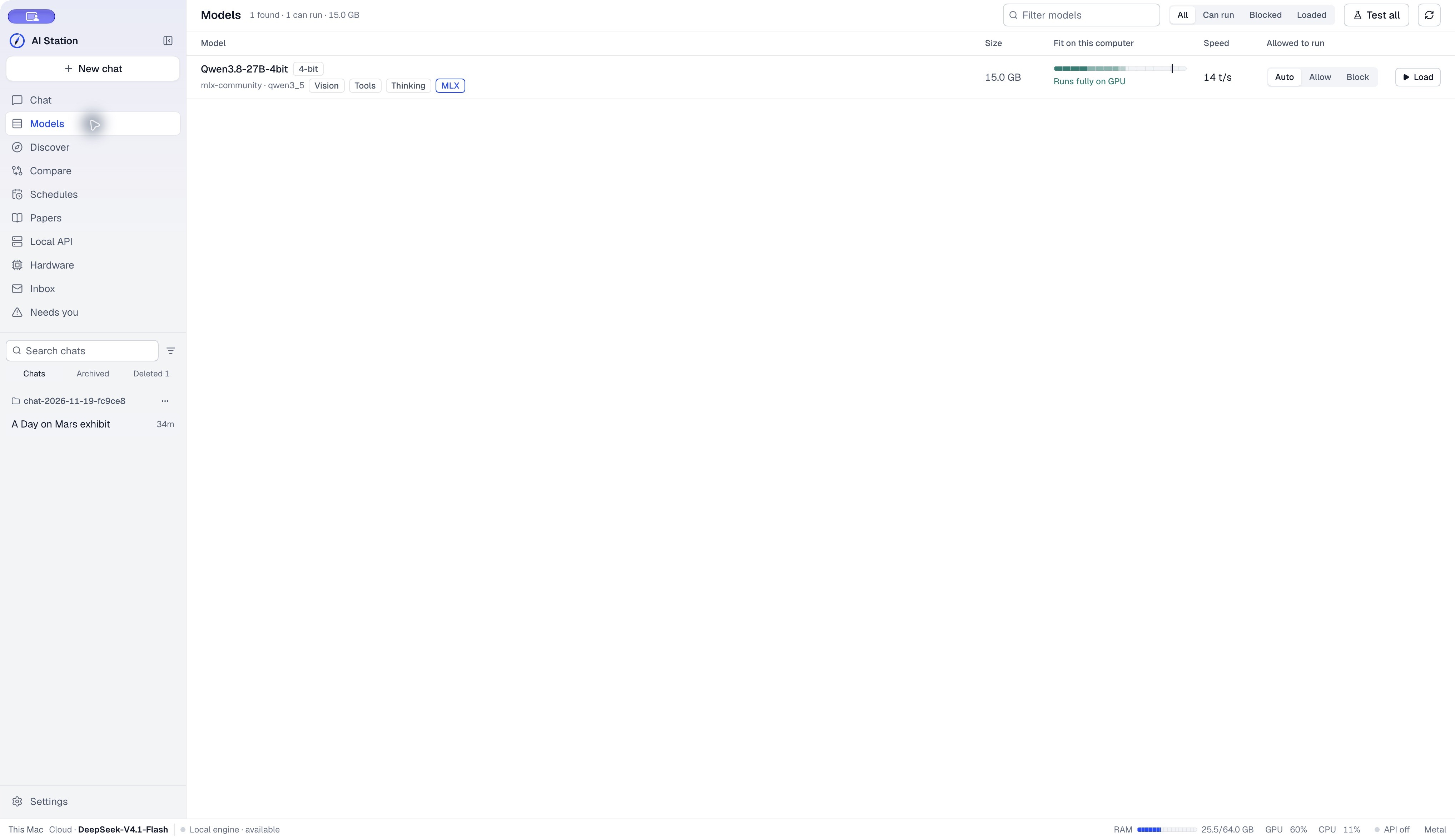
Inspect installed models, their resource requirements and the options available for running them.
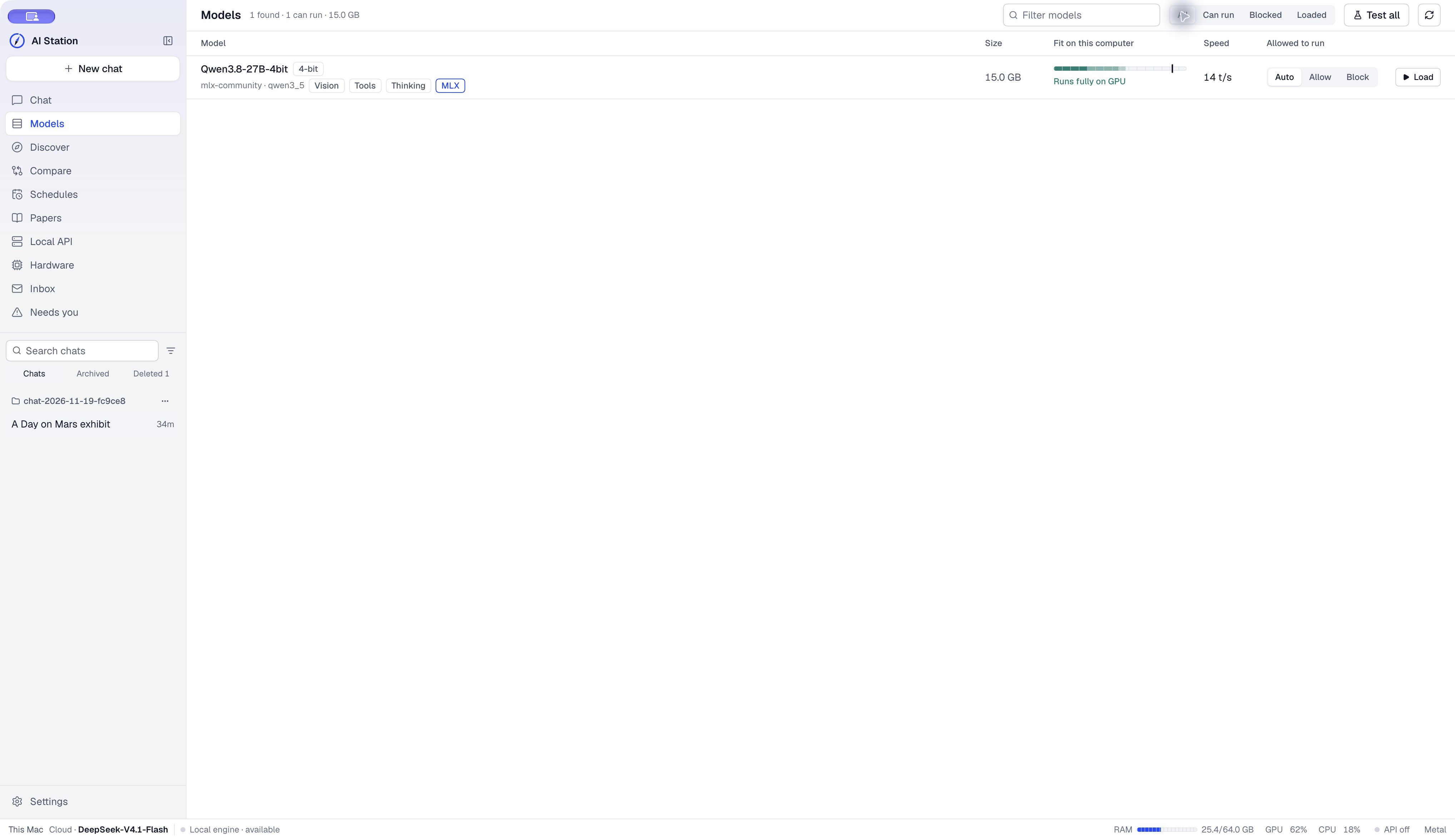
Inspect installed models, their resource requirements and the options available for running them.
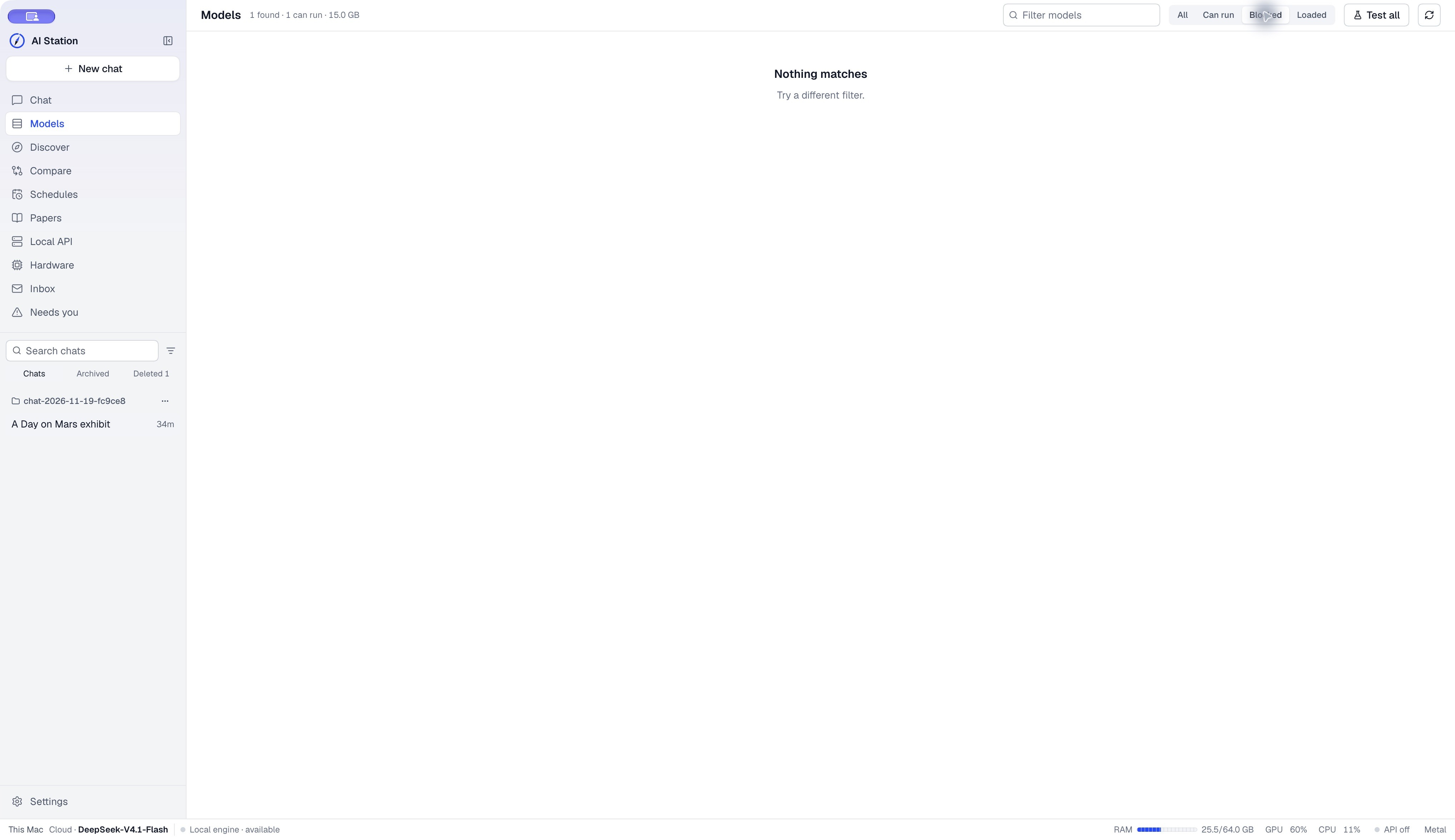
The selected model filter narrows the inventory by runtime state or access. This helps distinguish models already in memory from models available for a new task.
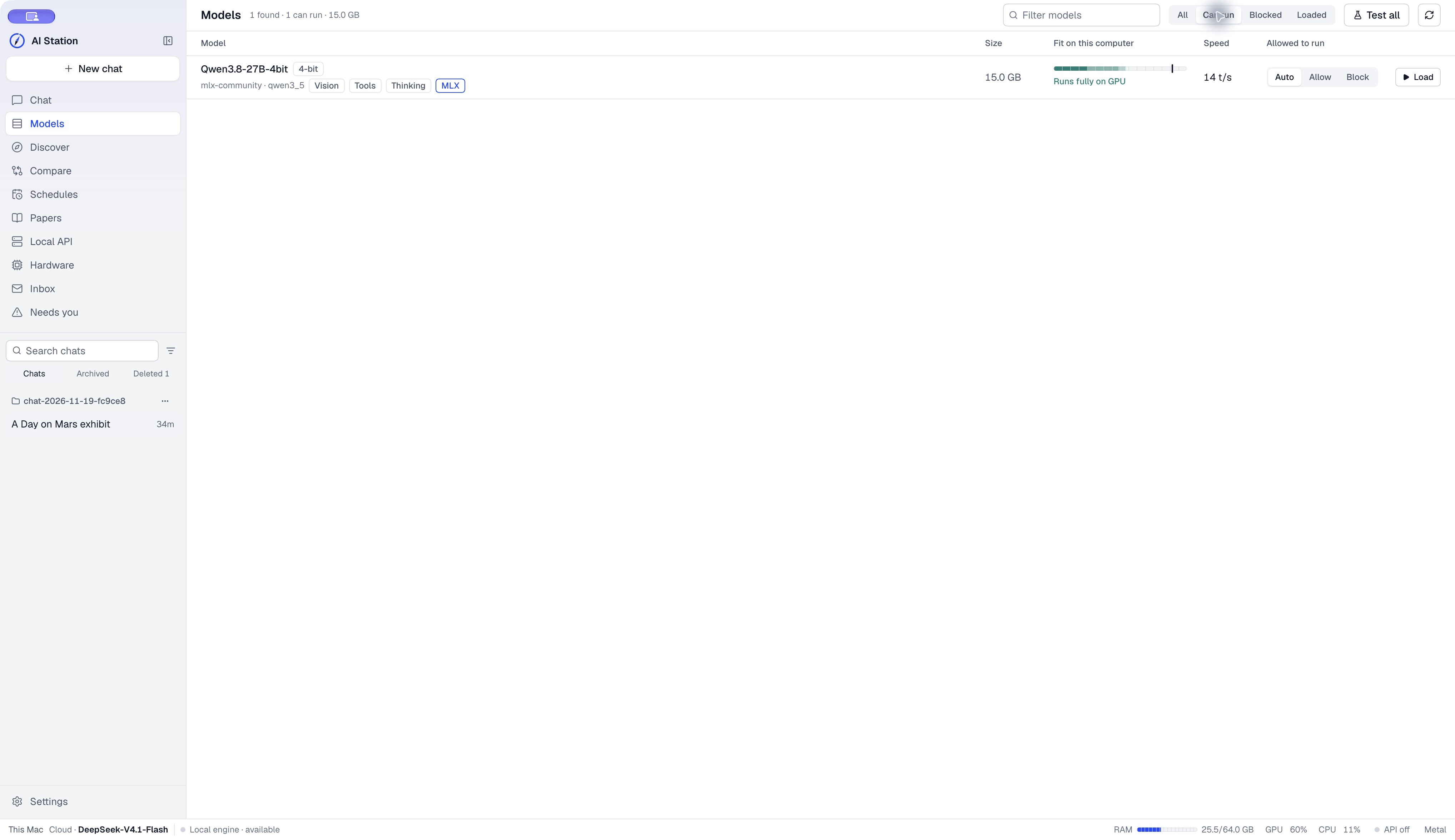
The selected model filter narrows the inventory by runtime state or access. This helps distinguish models already in memory from models available for a new task.
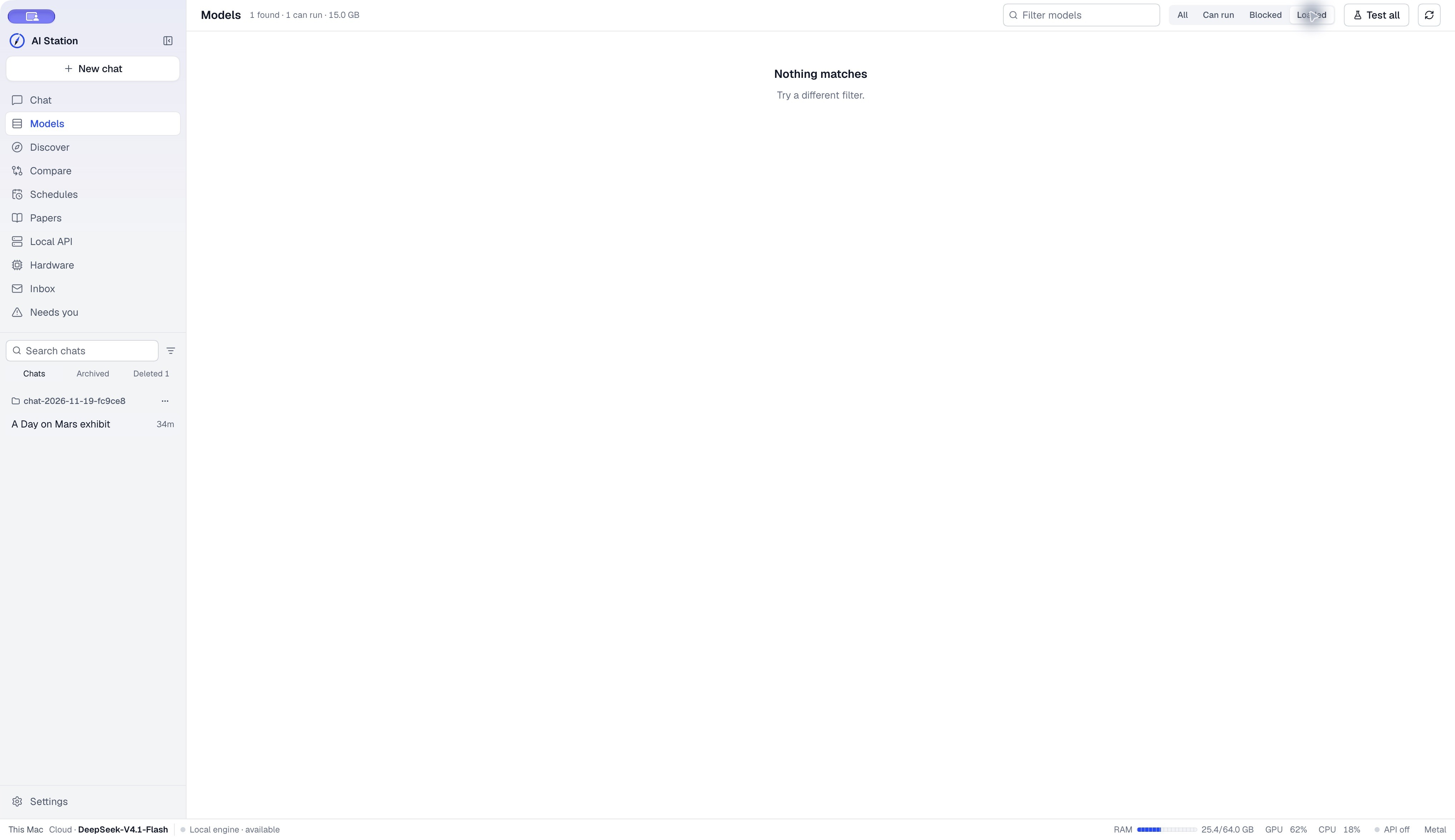
The selected model filter narrows the inventory by runtime state or access. This helps distinguish models already in memory from models available for a new task.
Navigation 2
See how users move between workspaces, find commands and reopen frequently used views.
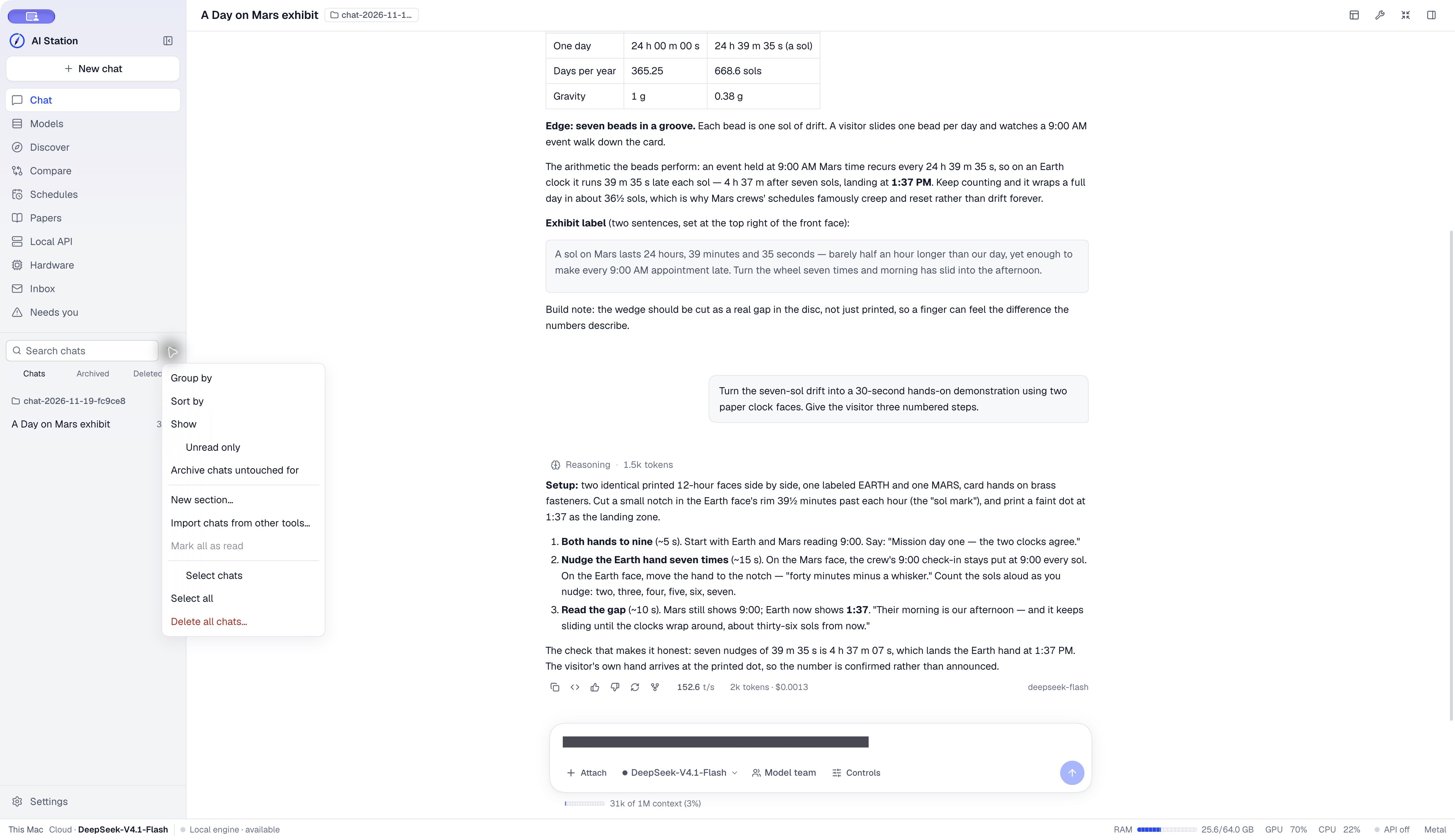
Conversation navigation helps a user narrow their chat history and return to the thread that holds a particular task.
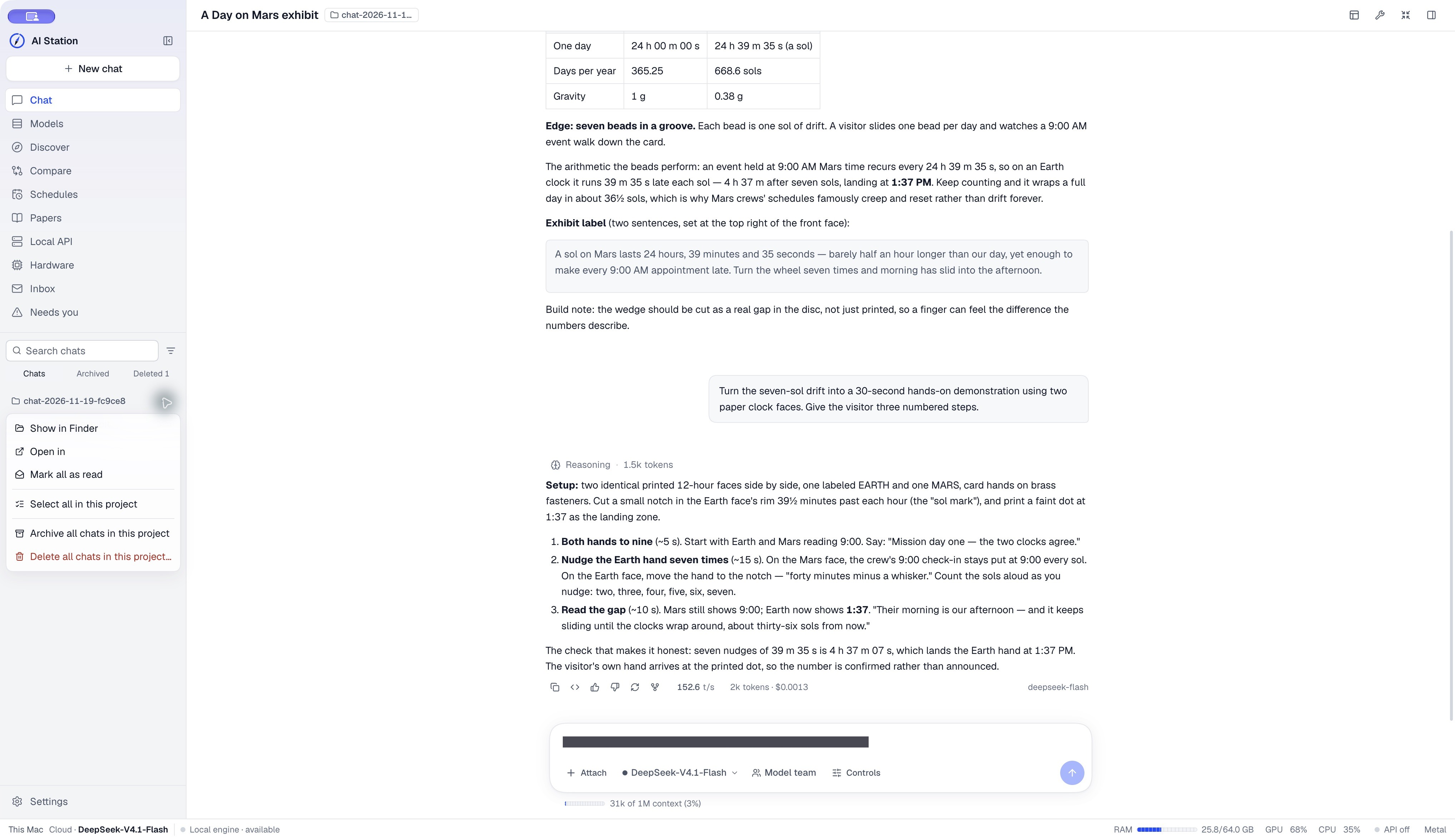
Project controls establish the working context for a conversation, including which repository, files or saved instructions the assistant should use.
Needs you 1
Find tasks waiting for a human decision and inspect the context before responding.
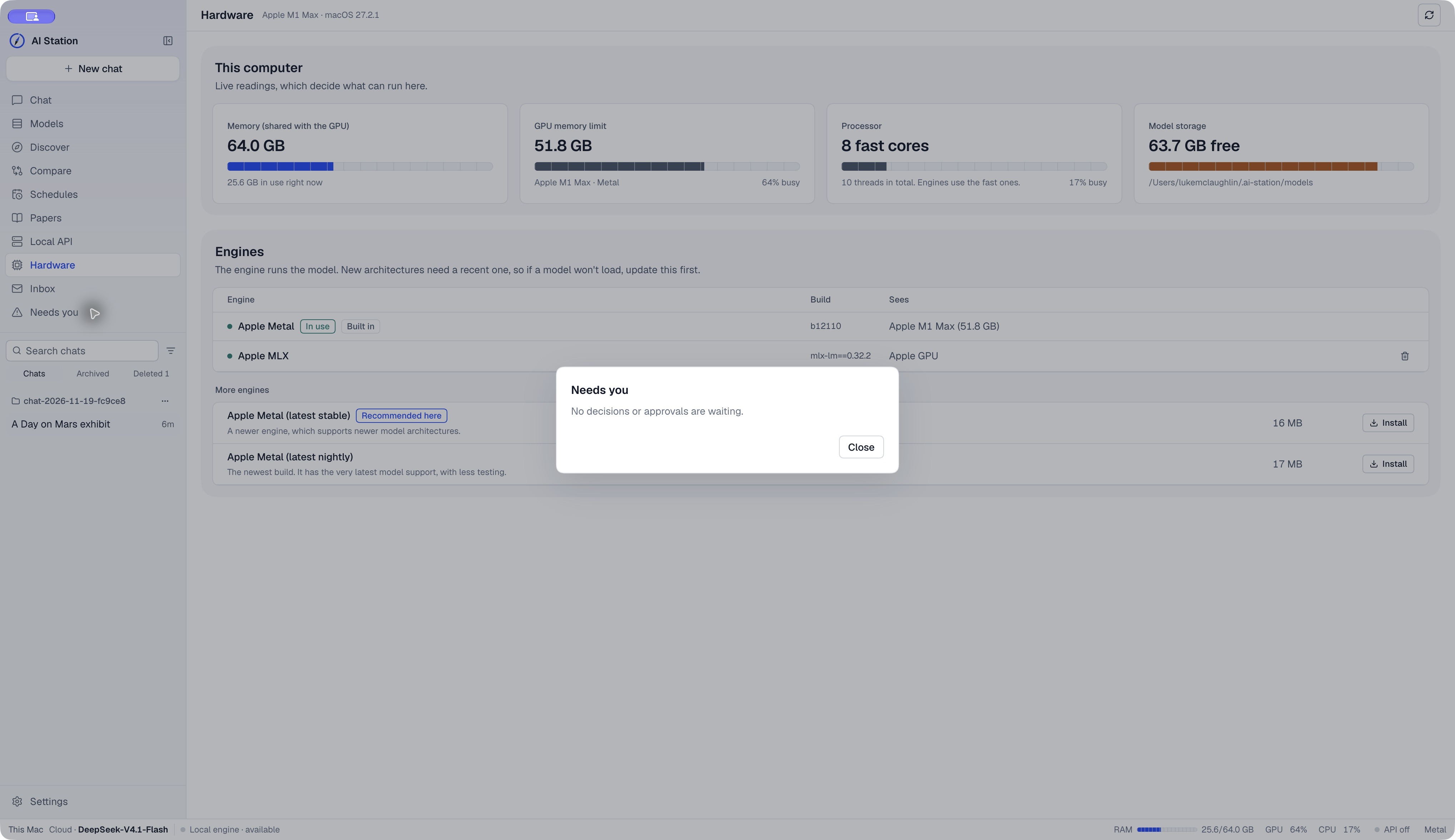
Find tasks waiting for a human decision and inspect the context before responding.
Papers 1
Browse research material from the workspace and inspect the available paper views.
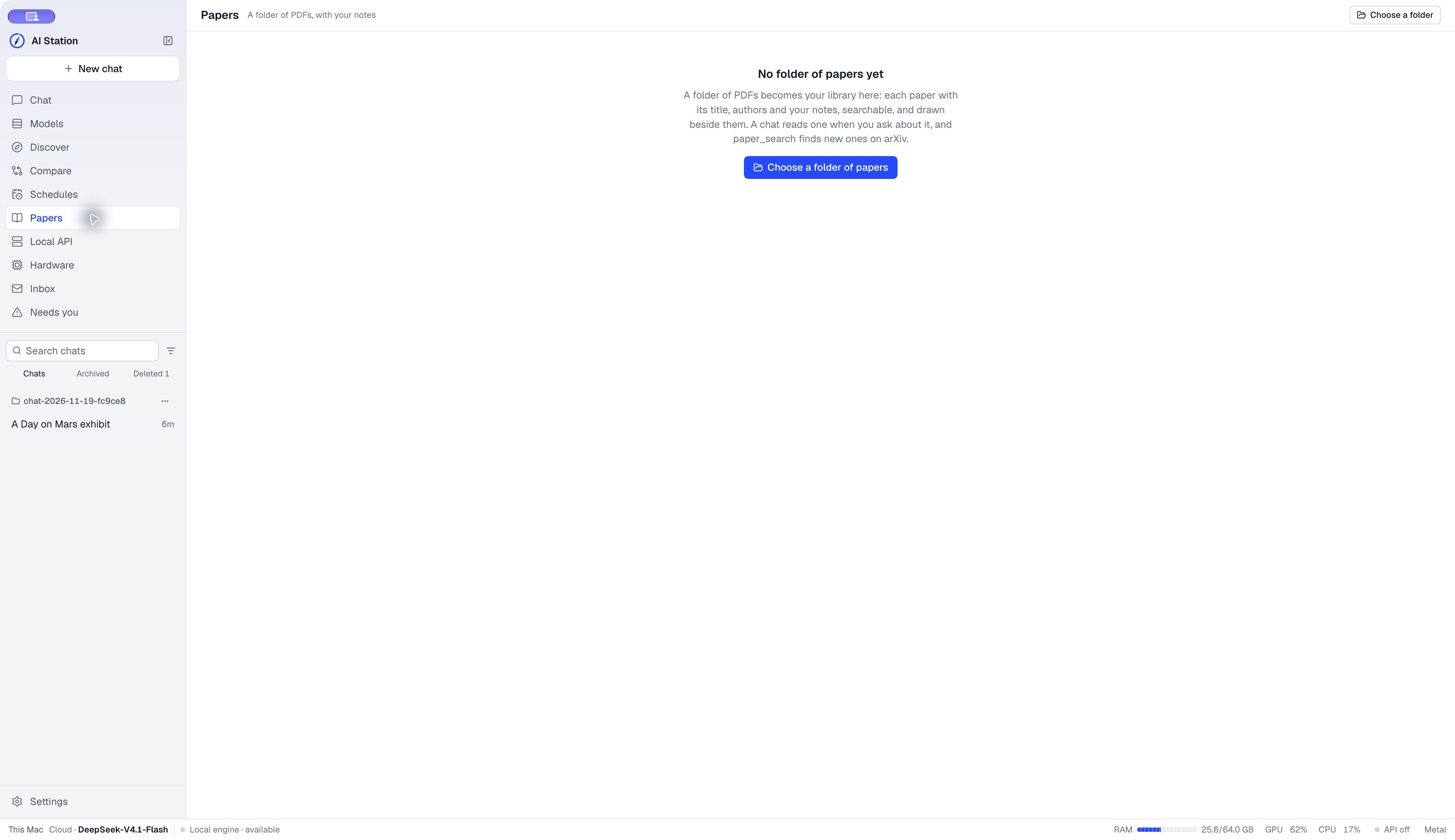
Browse research material from the workspace and inspect the available paper views.
Schedules 6
Create a recurring job, inspect its timing and follow its runs back into the workspace.
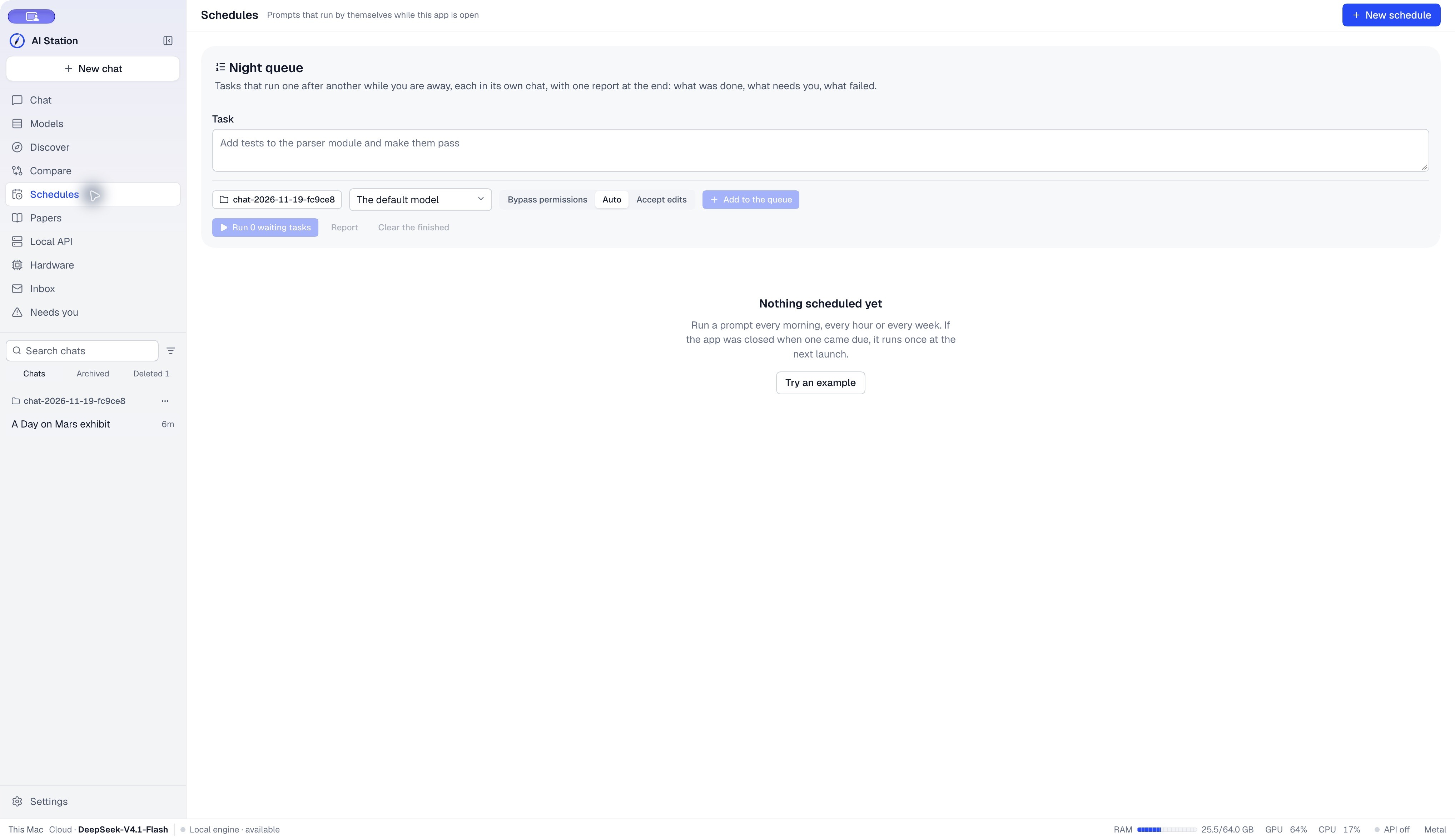
Create a recurring job, inspect its timing and follow its runs back into the workspace.
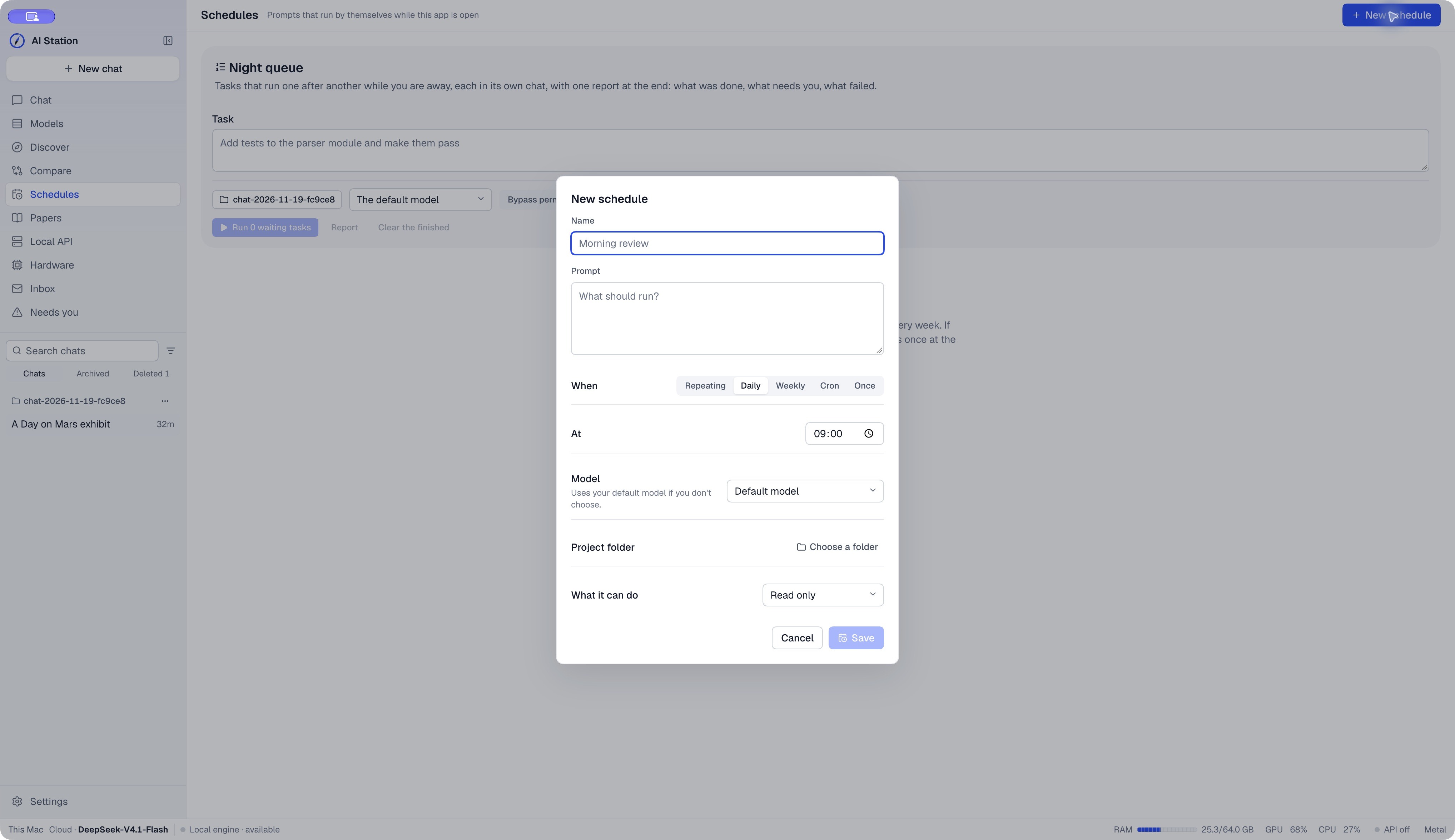
A recurring prompt starts here. The operator describes the work and chooses when the workspace should run it.
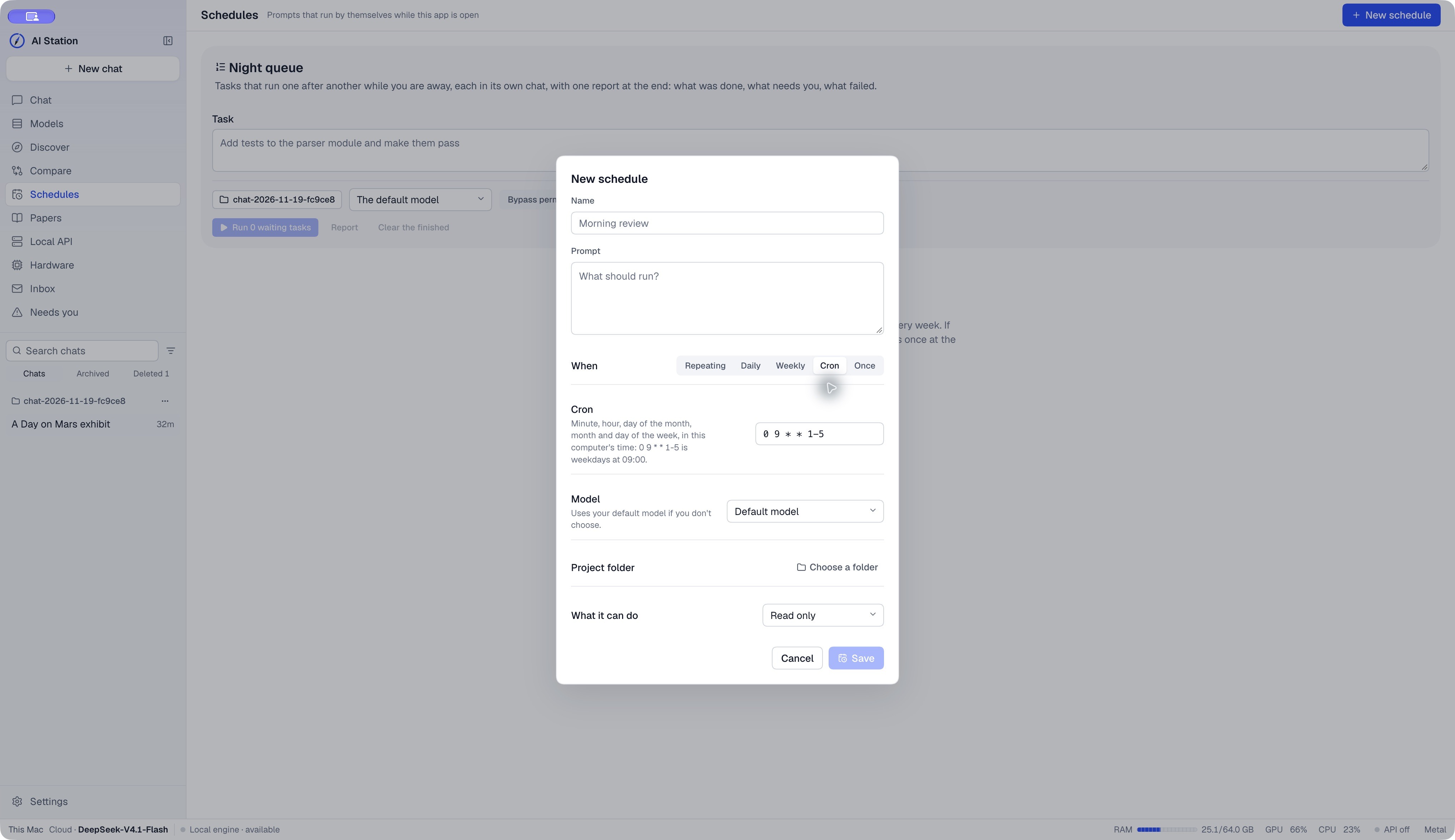
The schedule editor shows the cron timing option. This choice controls when a saved prompt runs and when the operator can expect its results.
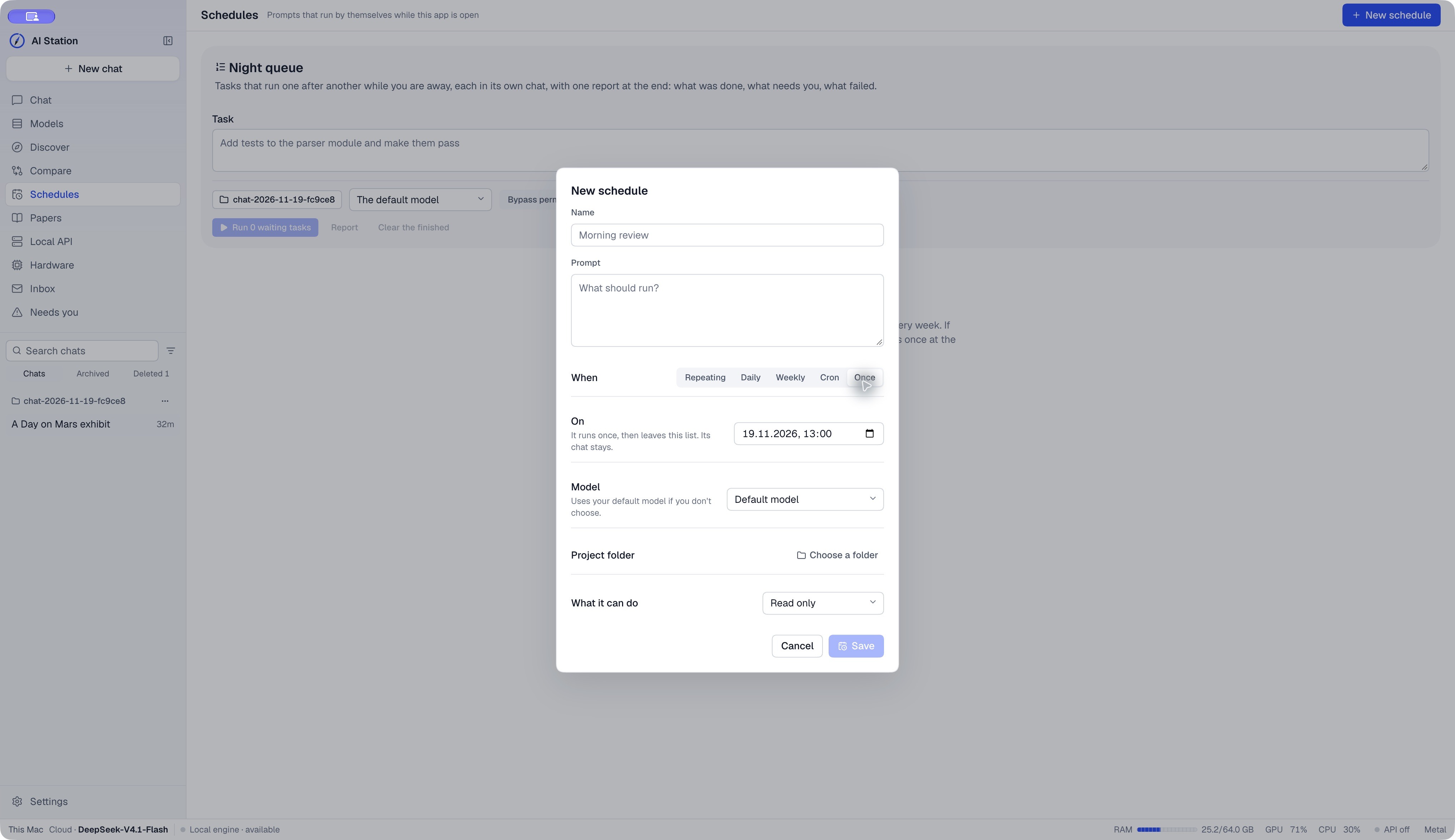
The schedule editor shows the once timing option. This choice controls when a saved prompt runs and when the operator can expect its results.
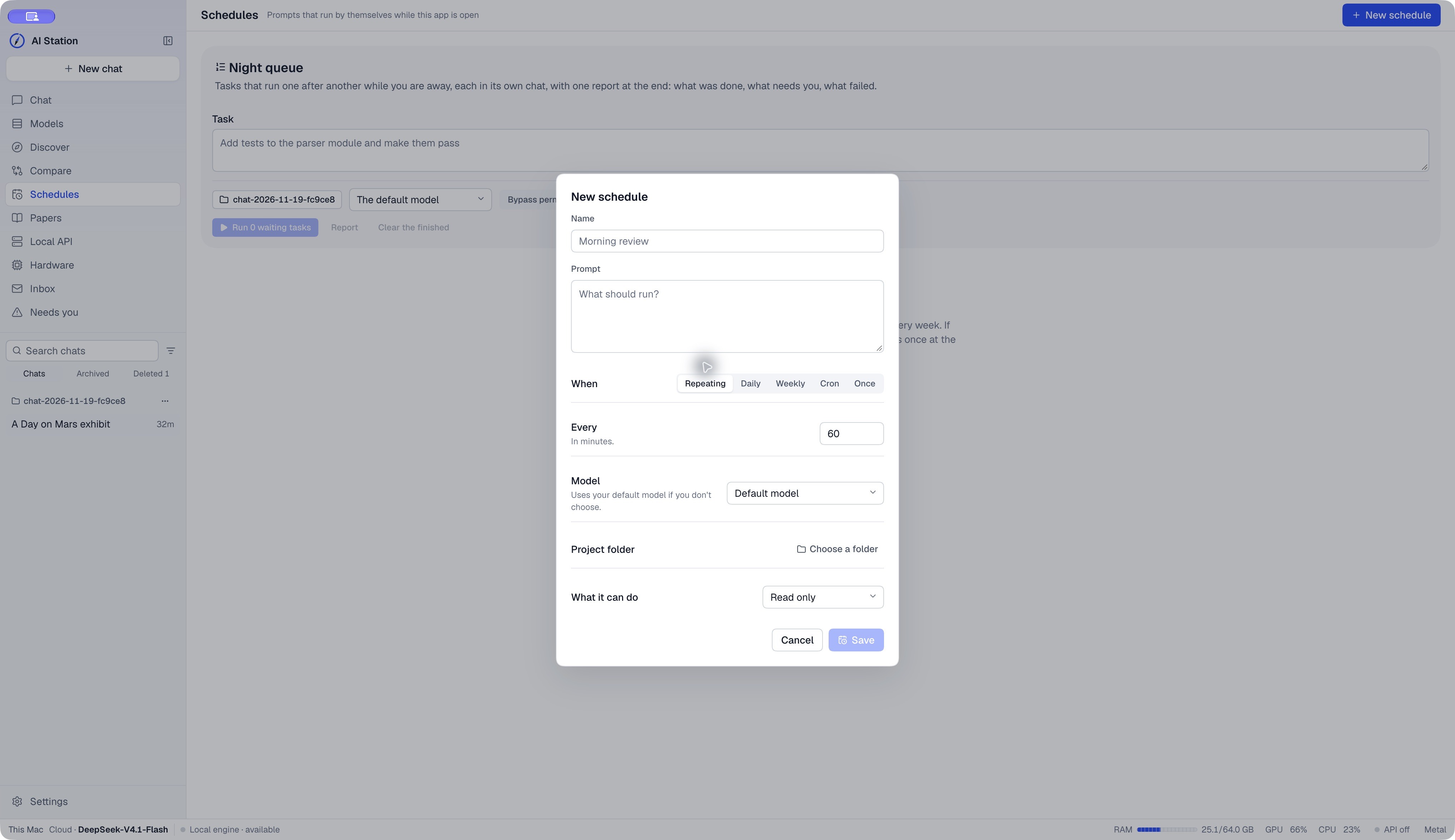
The schedule editor shows the repeating timing option. This choice controls when a saved prompt runs and when the operator can expect its results.
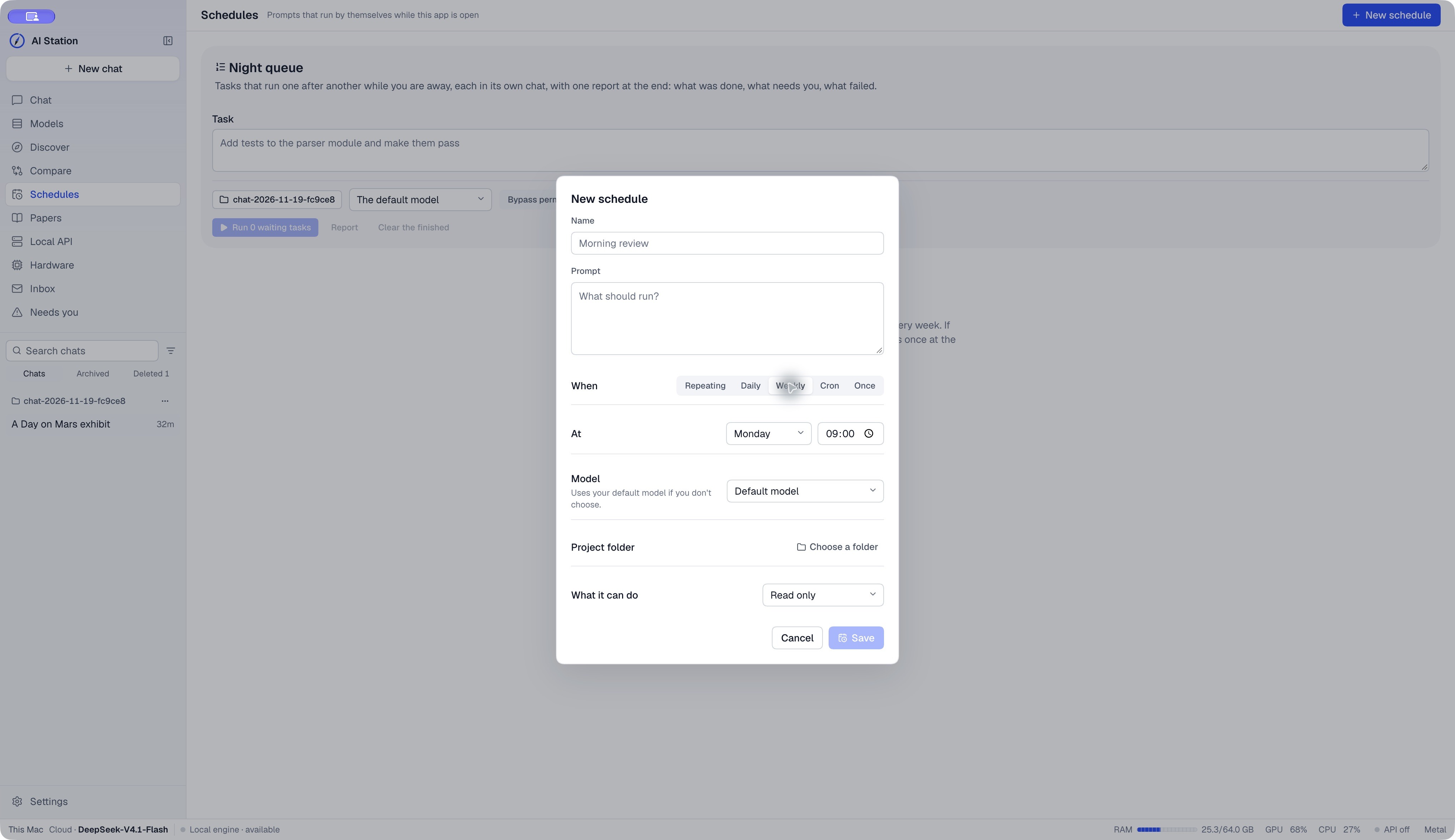
The schedule editor shows the weekly timing option. This choice controls when a saved prompt runs and when the operator can expect its results.
Settings 24
Explore the preferences and configuration panels available in this edition.
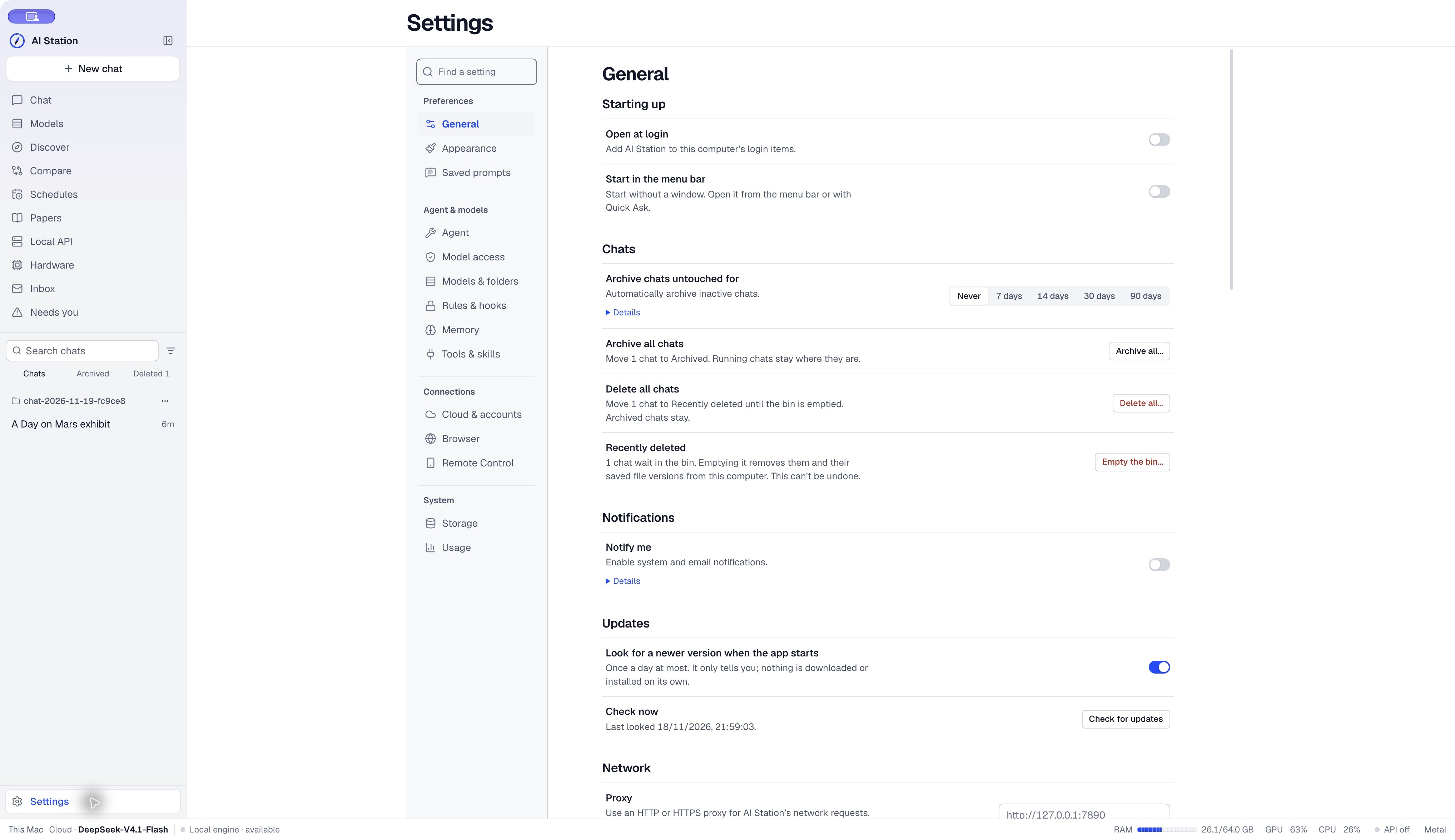
Explore the preferences and configuration panels available in this edition.
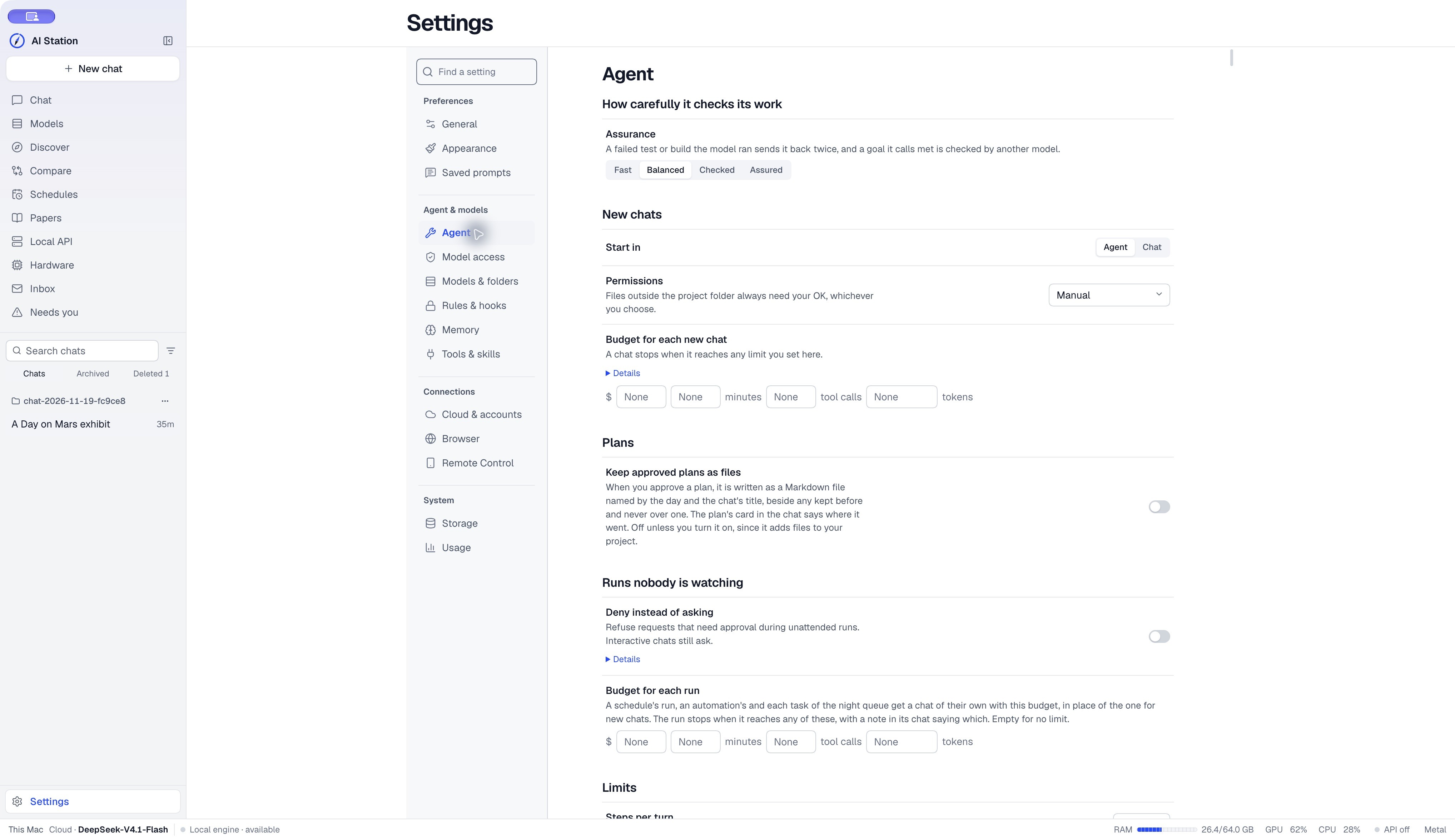
The settings view covers Agent. Set expectations for what an agent can do during project work, how much work it can undertake and when a person should review the result.
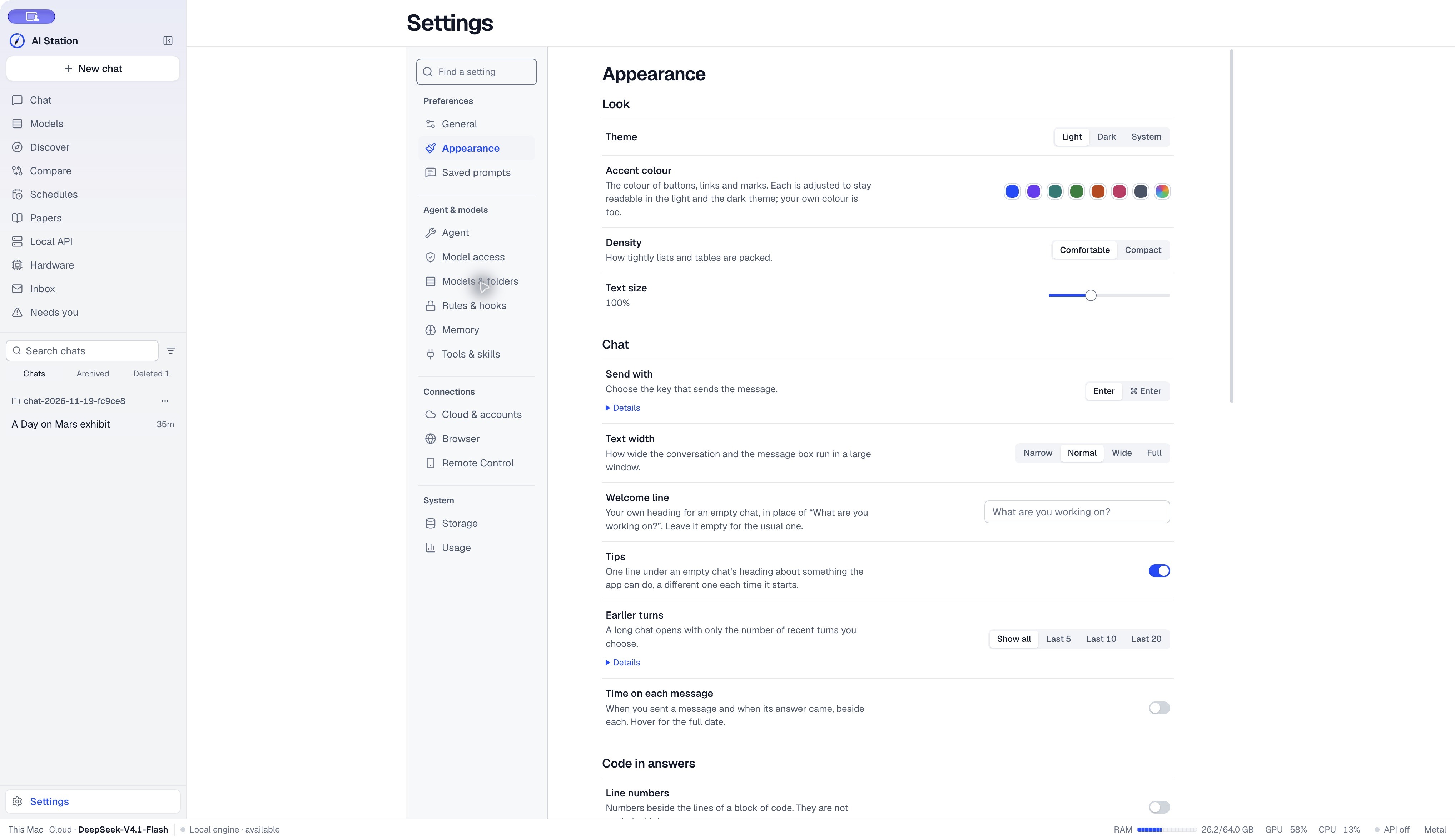
The settings view covers Appearance (additional controls). Adjust the presentation of the workspace to suit the display and the person reading it.
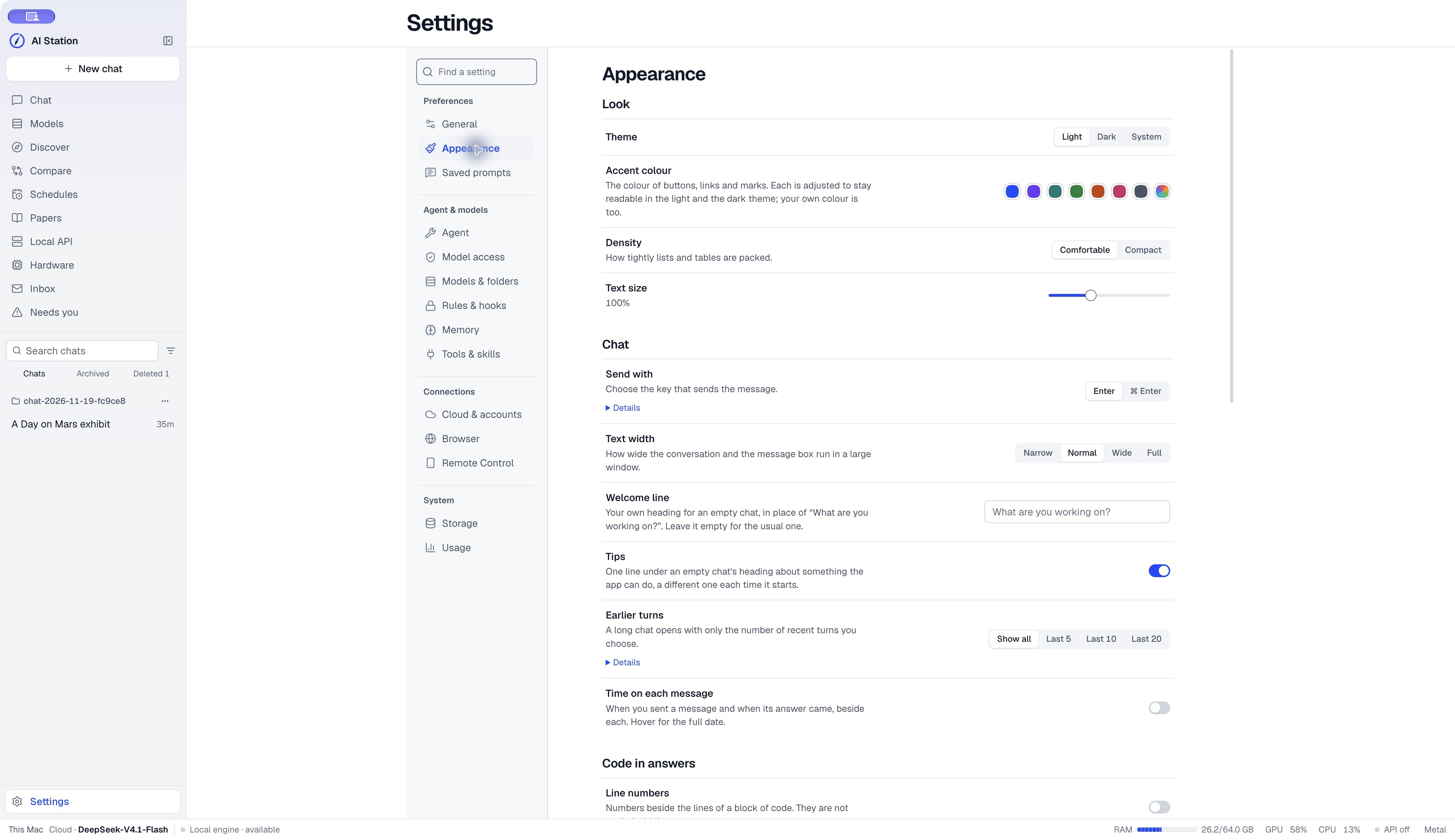
The settings view covers Appearance. Adjust the presentation of the workspace to suit the display and the person reading it.
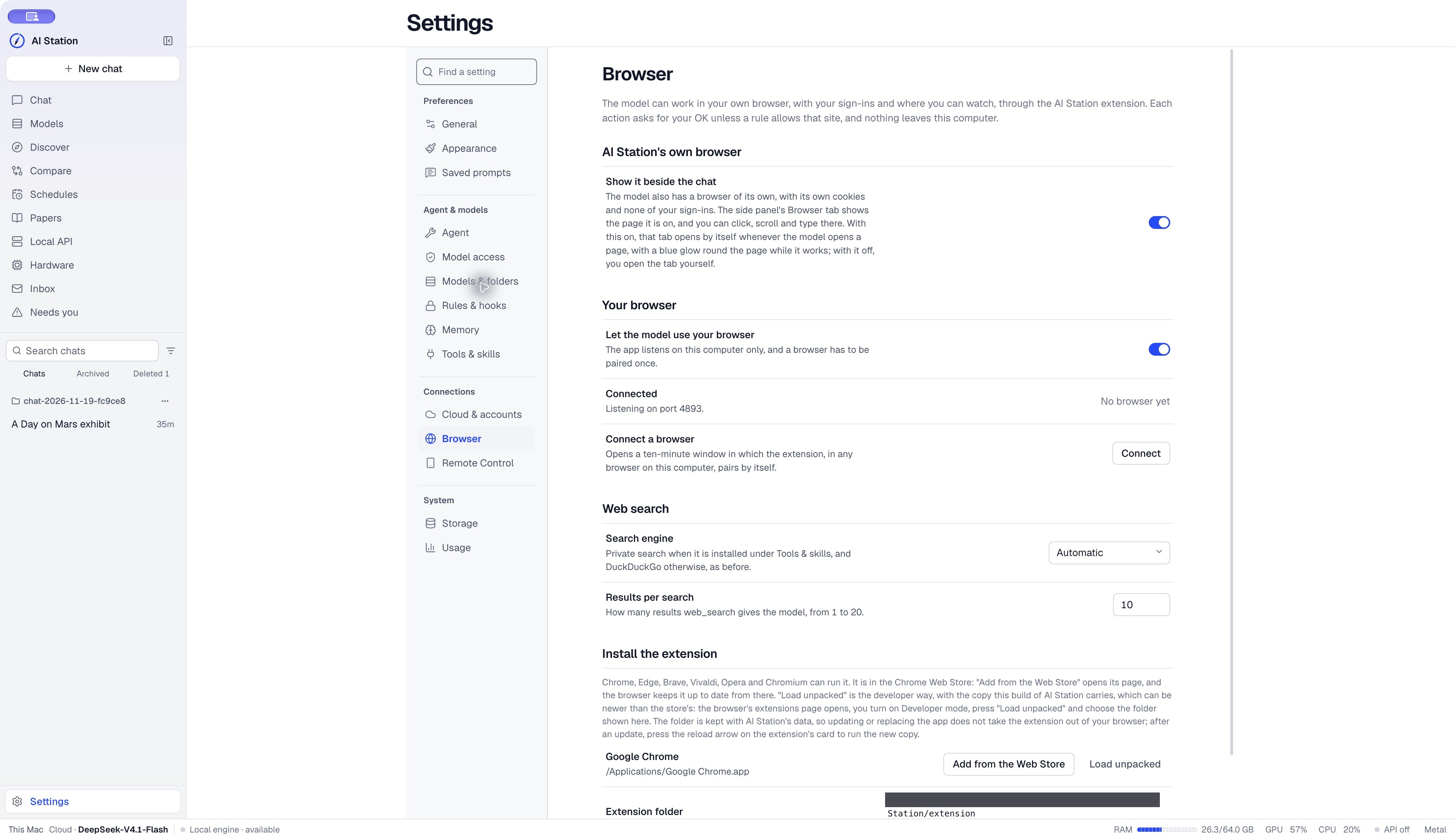
The settings view covers Browser (additional controls). Configure the browser used to inspect web content and preview a project during a conversation.
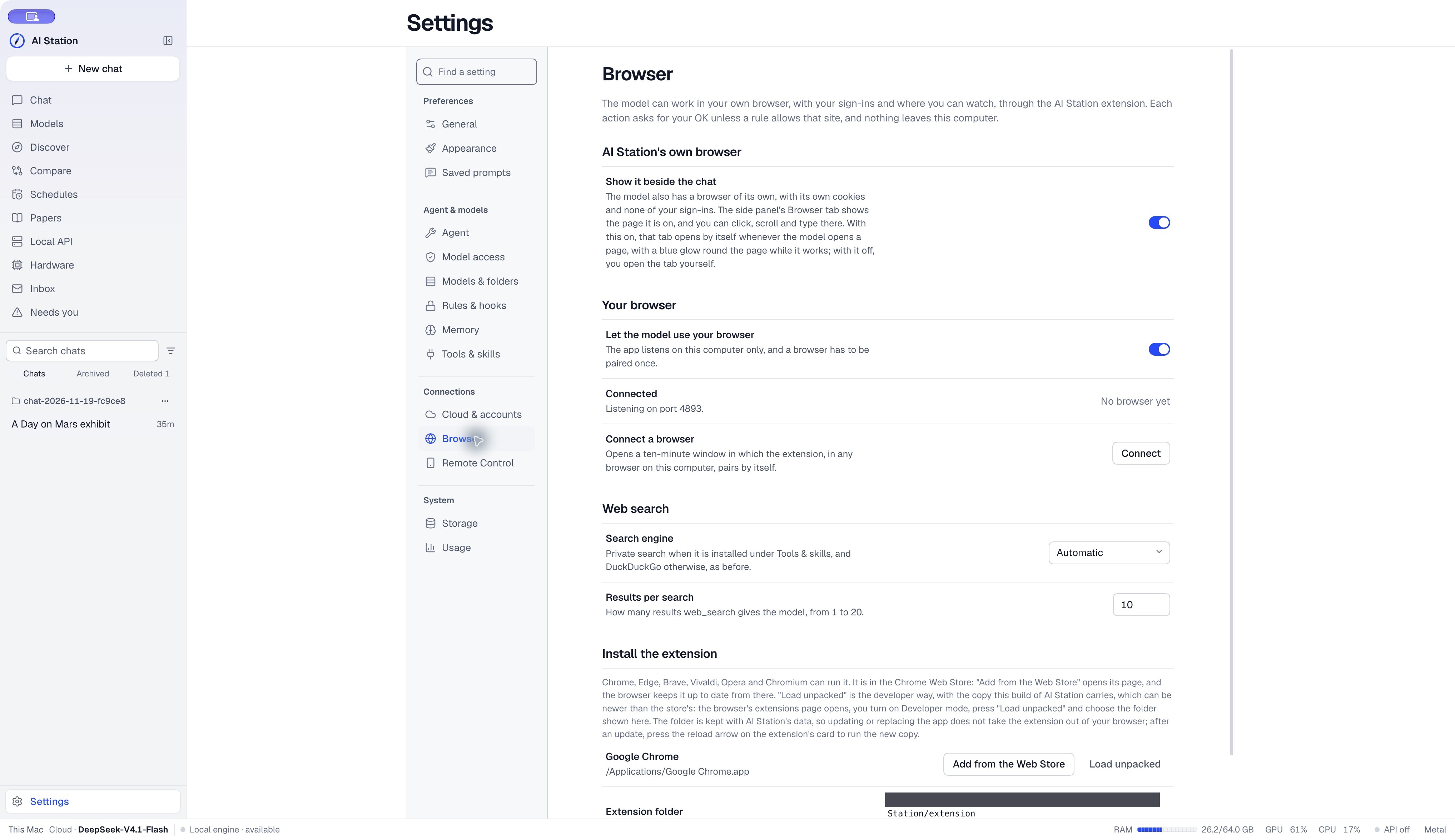
The settings view covers Browser. Configure the browser used to inspect web content and preview a project during a conversation.
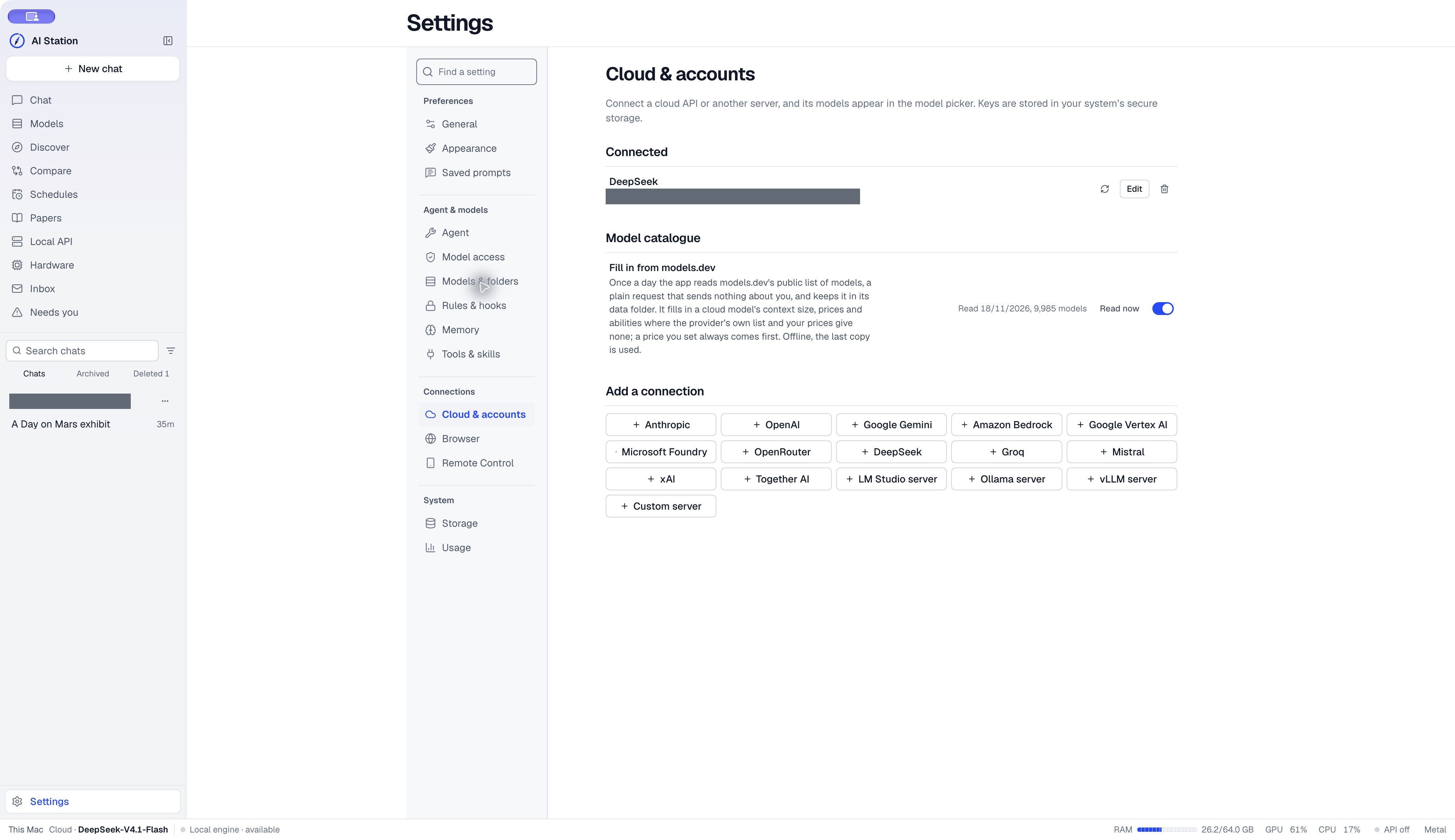
The settings view covers Cloud & accounts (additional controls). Manage provider connections and the models they make available to the workspace.
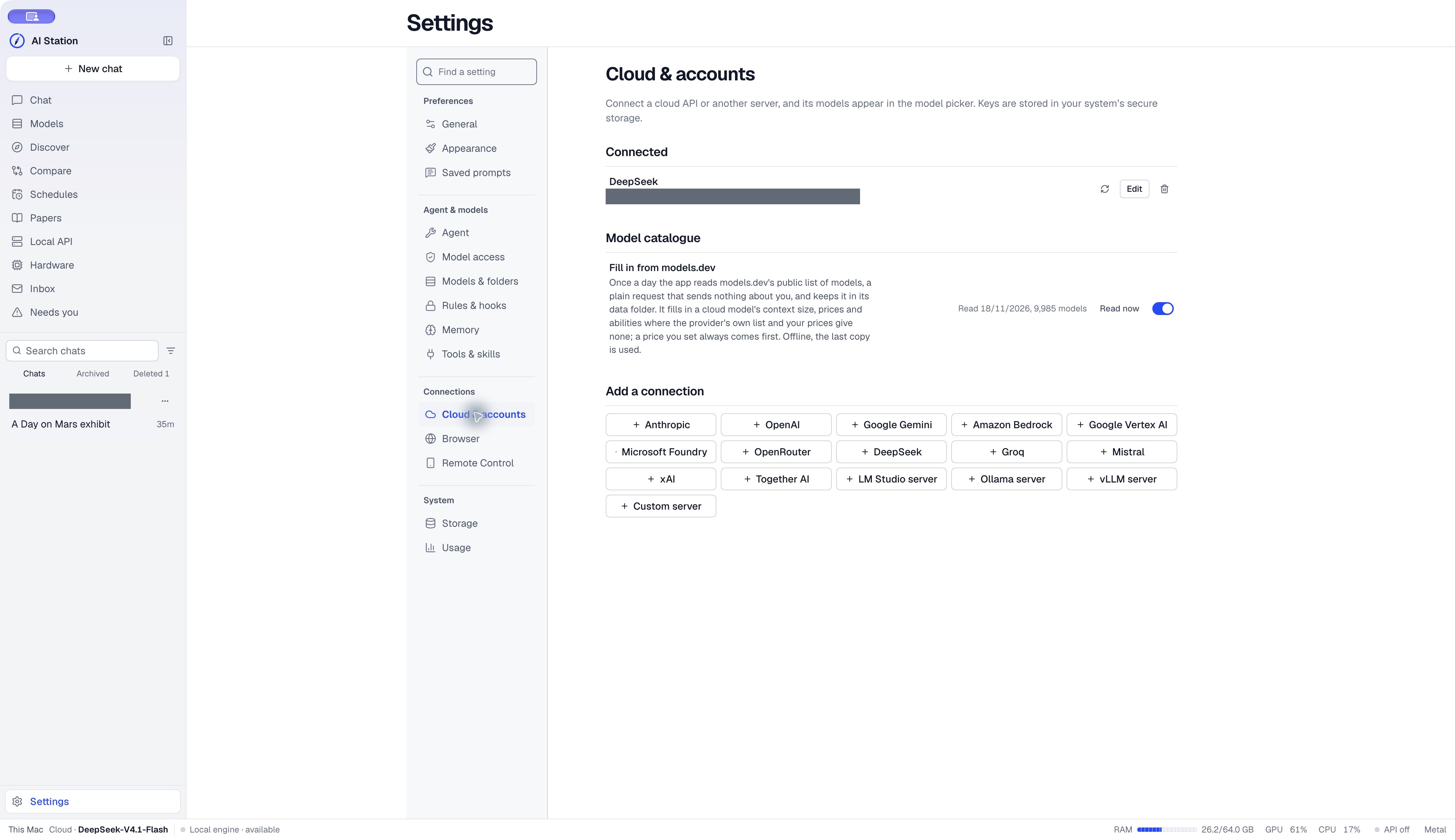
The settings view covers Cloud & accounts. Manage provider connections and the models they make available to the workspace.
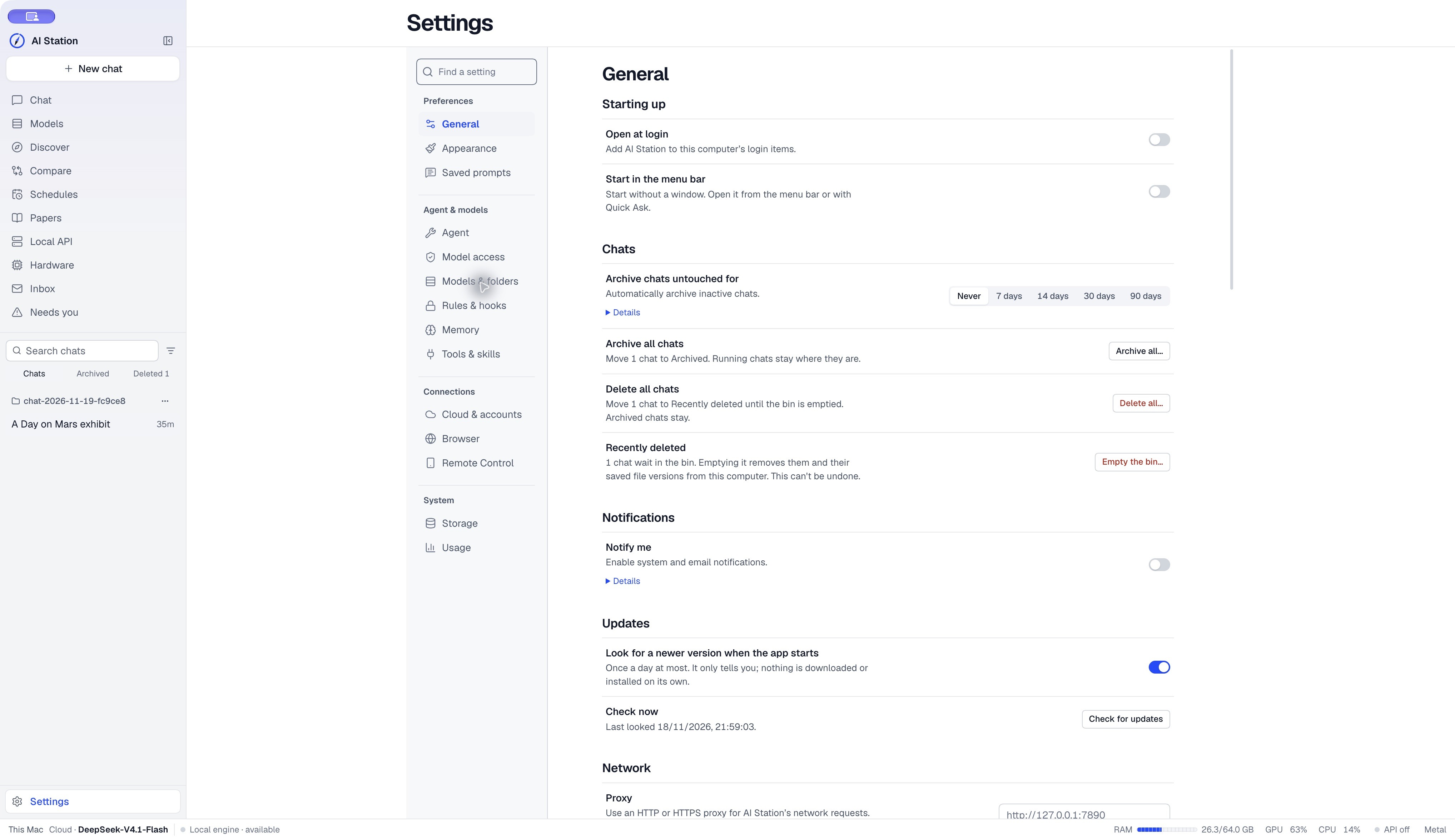
The settings view covers General (additional controls). Inspect application-wide preferences, diagnostic information and update controls.
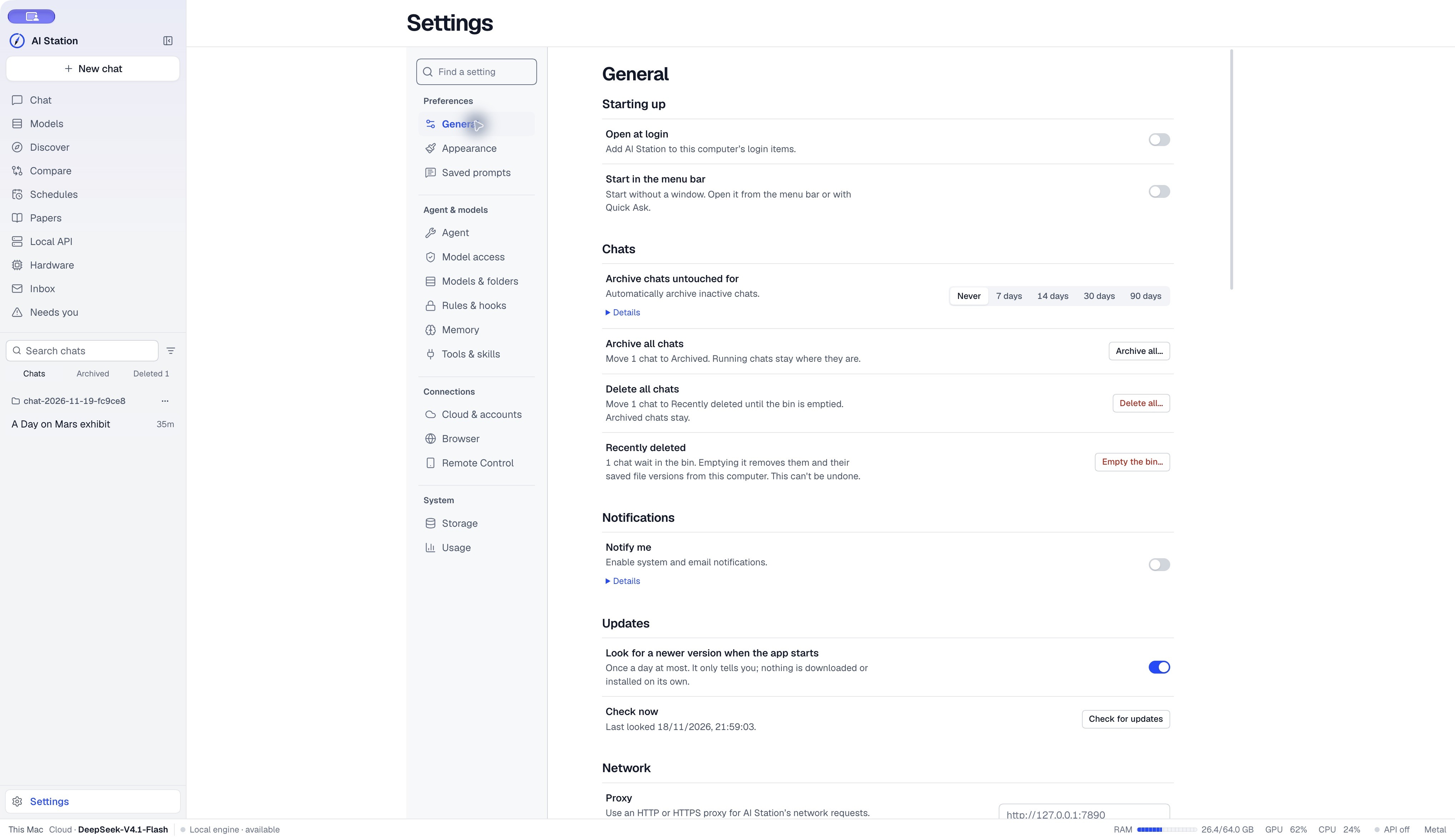
The settings view covers General. Inspect application-wide preferences, diagnostic information and update controls.
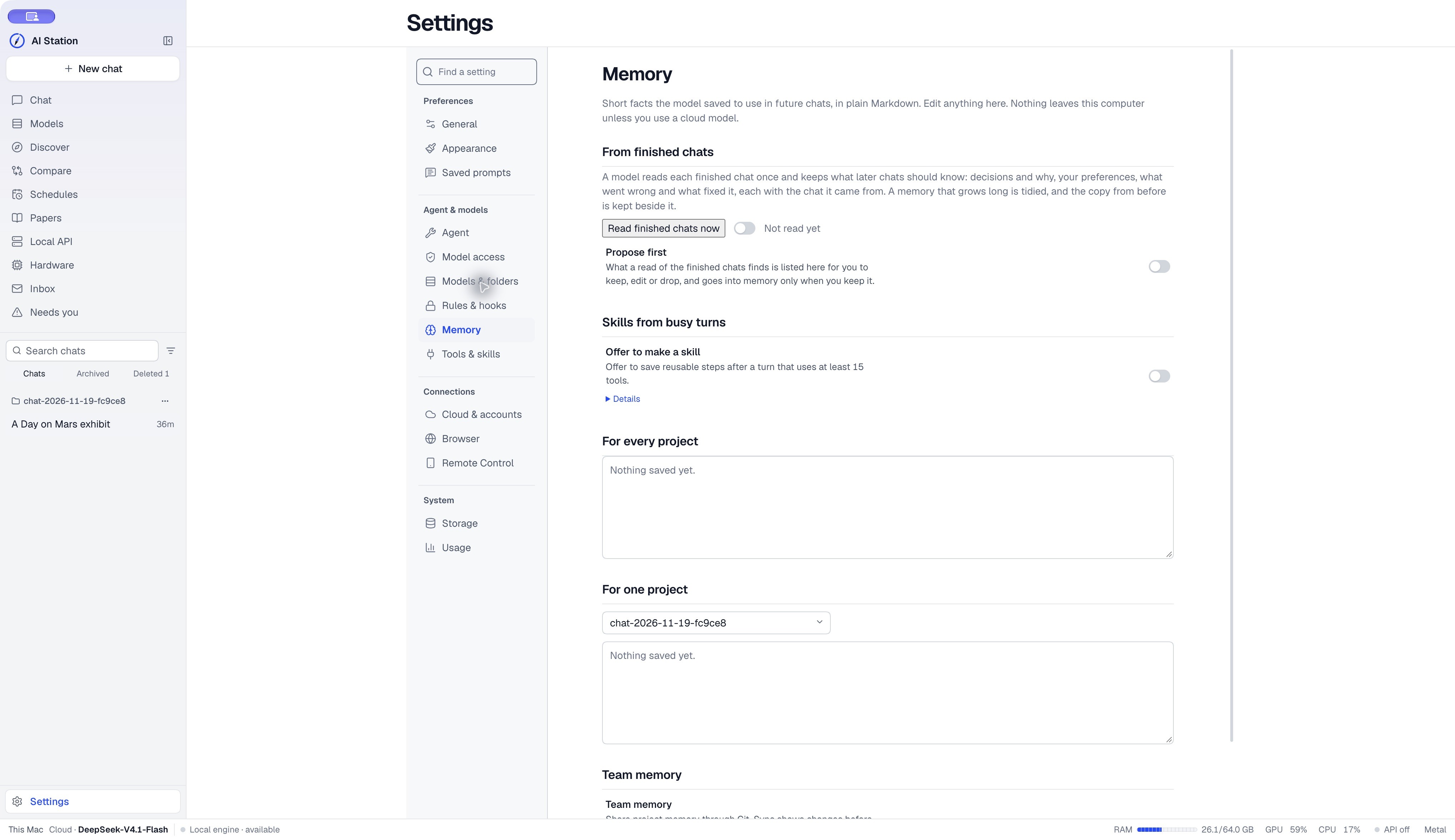
The settings view covers Memory (additional controls). Manage information retained between tasks and the context that can be shared across a team.
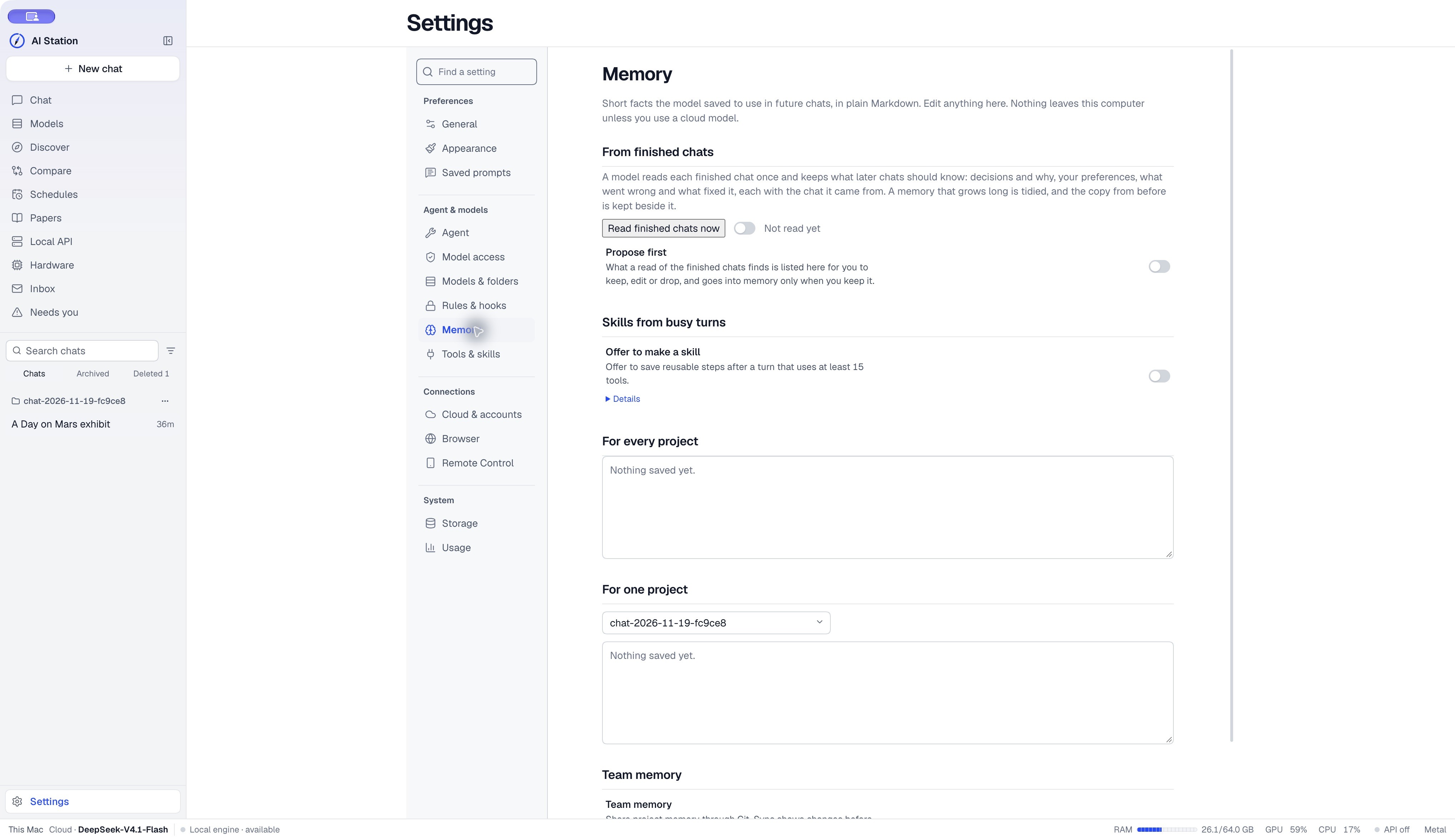
The settings view covers Memory. Manage information retained between tasks and the context that can be shared across a team.
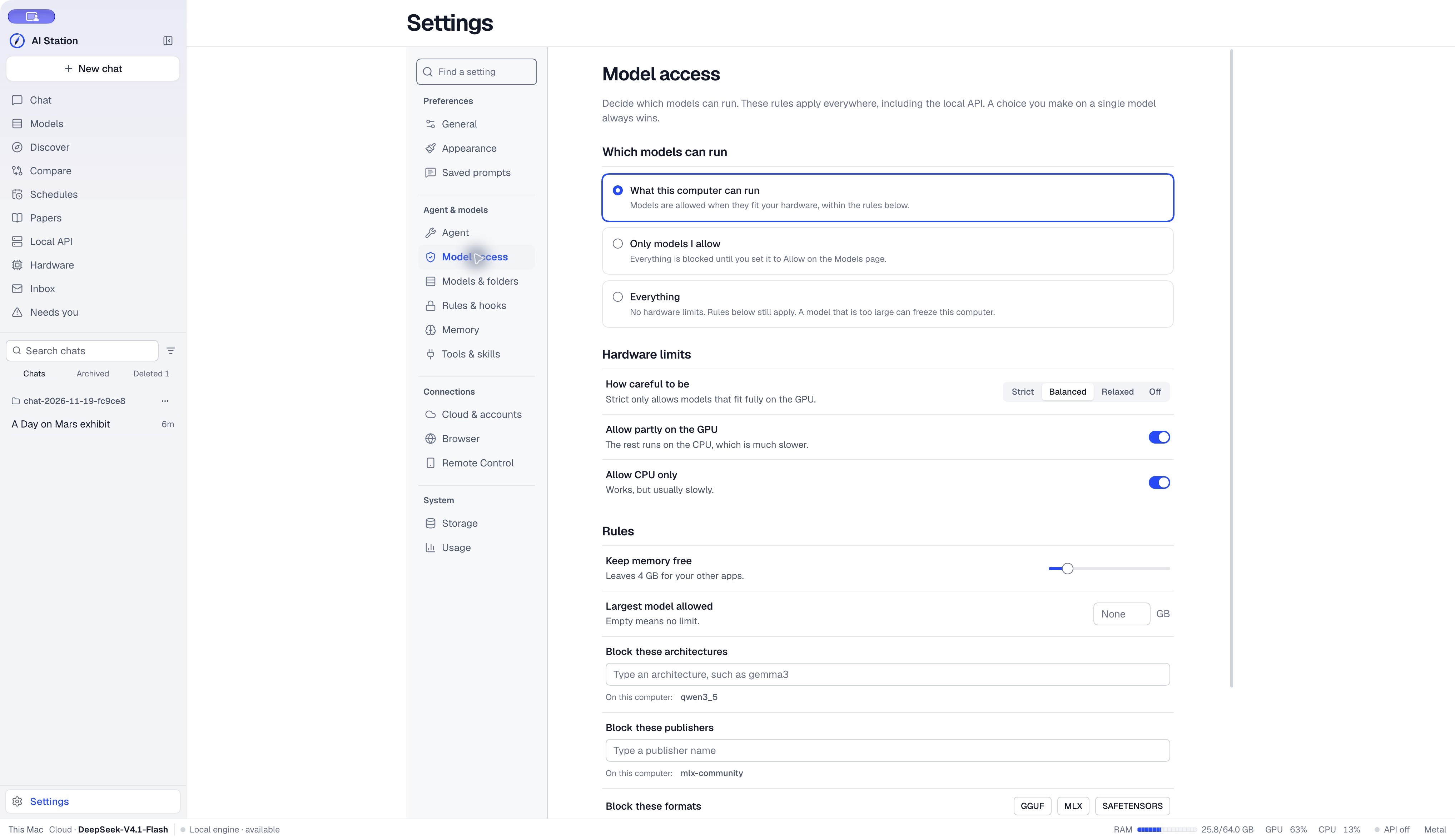
The settings view covers Model access. Review which models are eligible to serve requests. An installed model may still require permission before use.
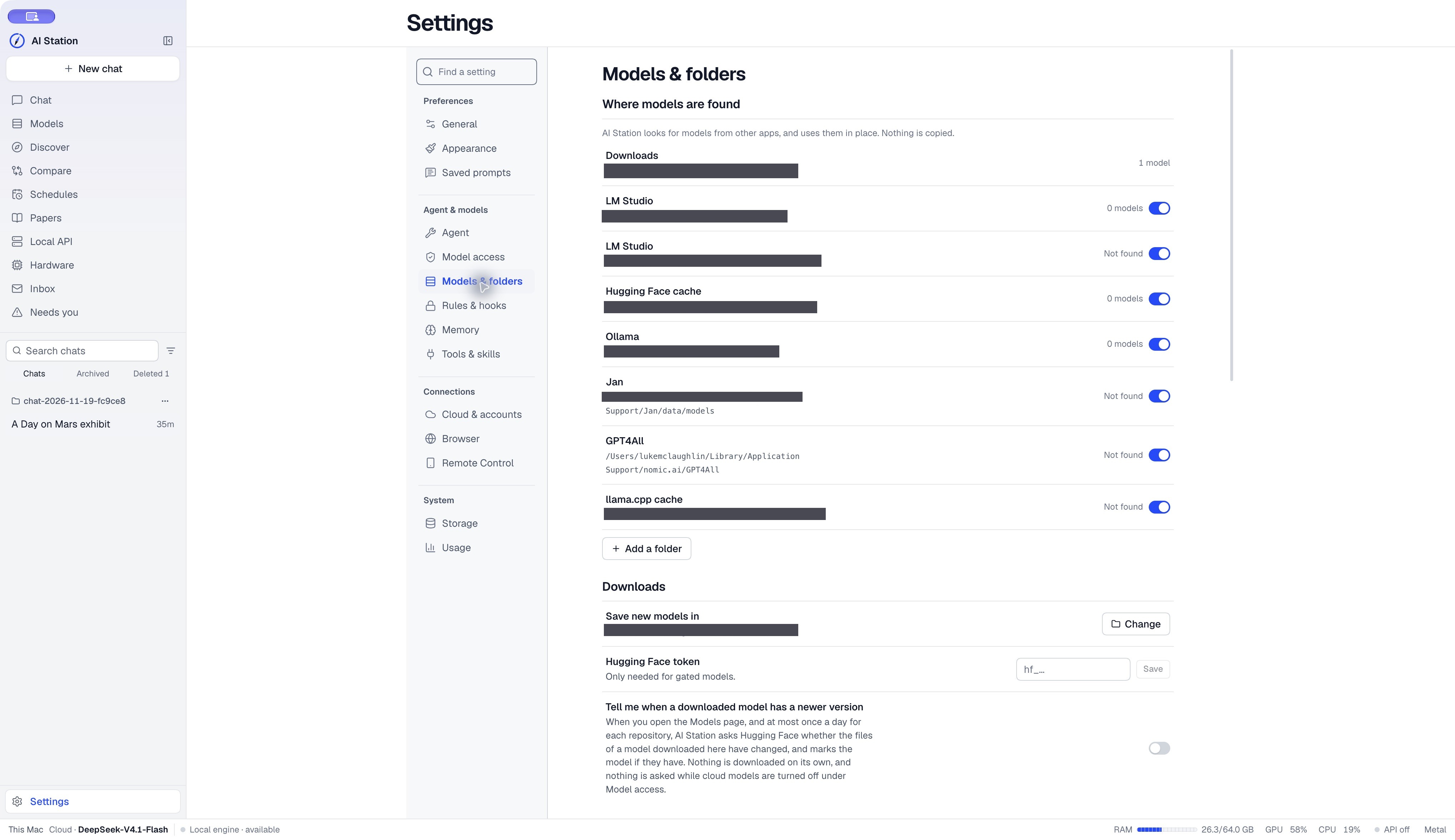
The settings view covers Models & folders (additional controls). Choose where the application looks for model files and related resources on the machine.
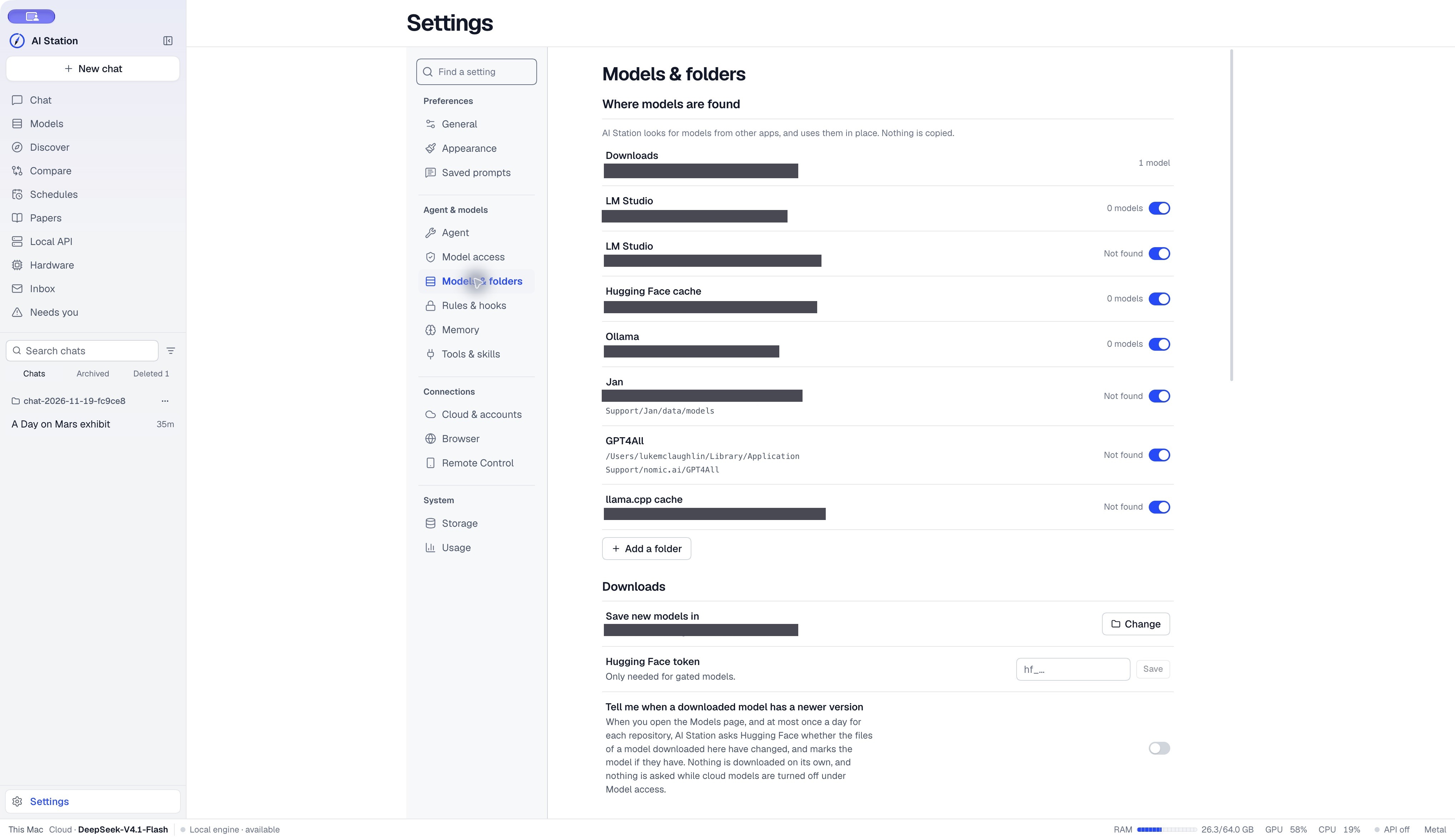
The settings view covers Models & folders. Choose where the application looks for model files and related resources on the machine.
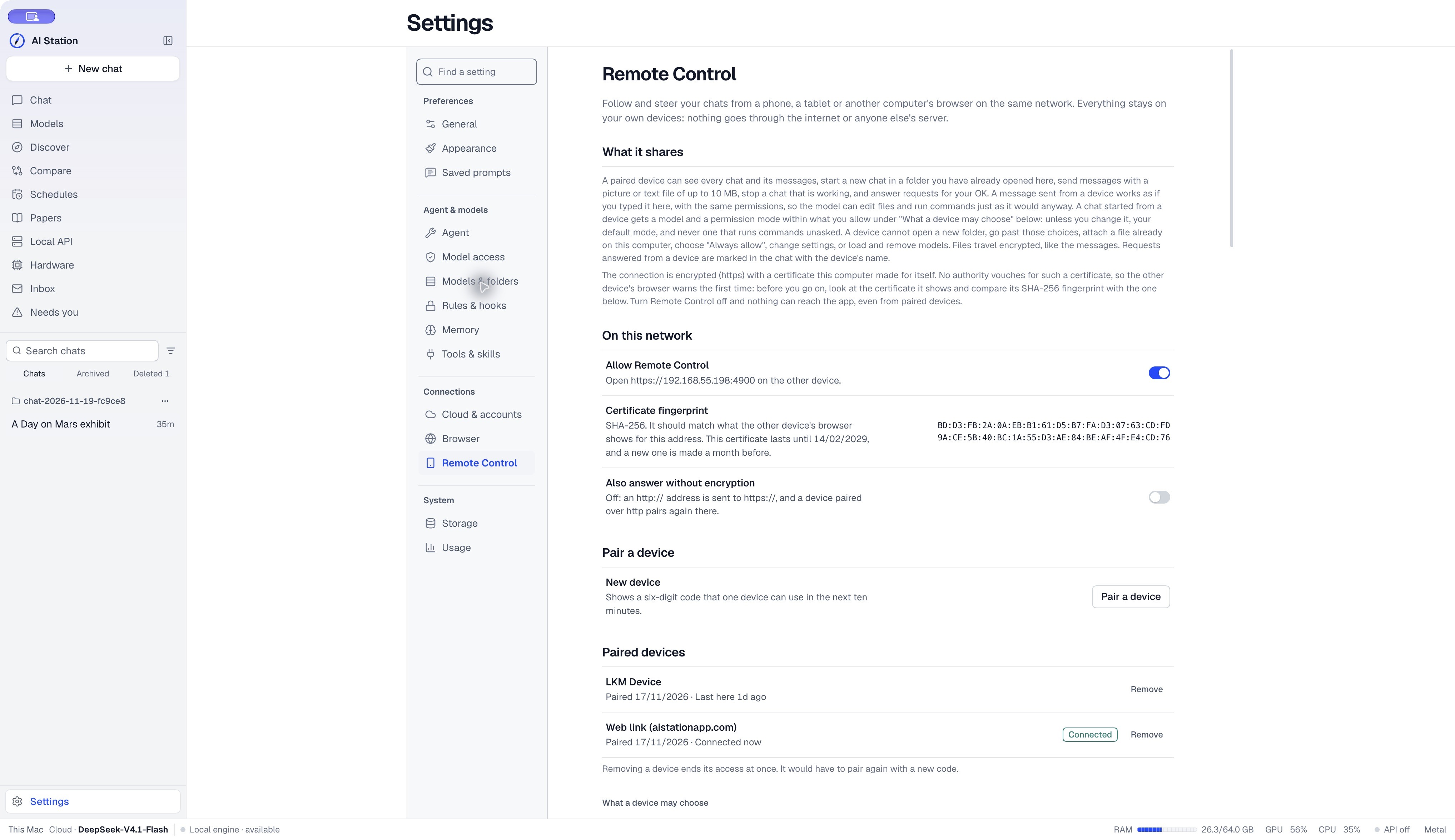
The settings view covers Remote Control (additional controls). Configure the channels through which an operator can reach the workspace and receive updates away from the main interface.
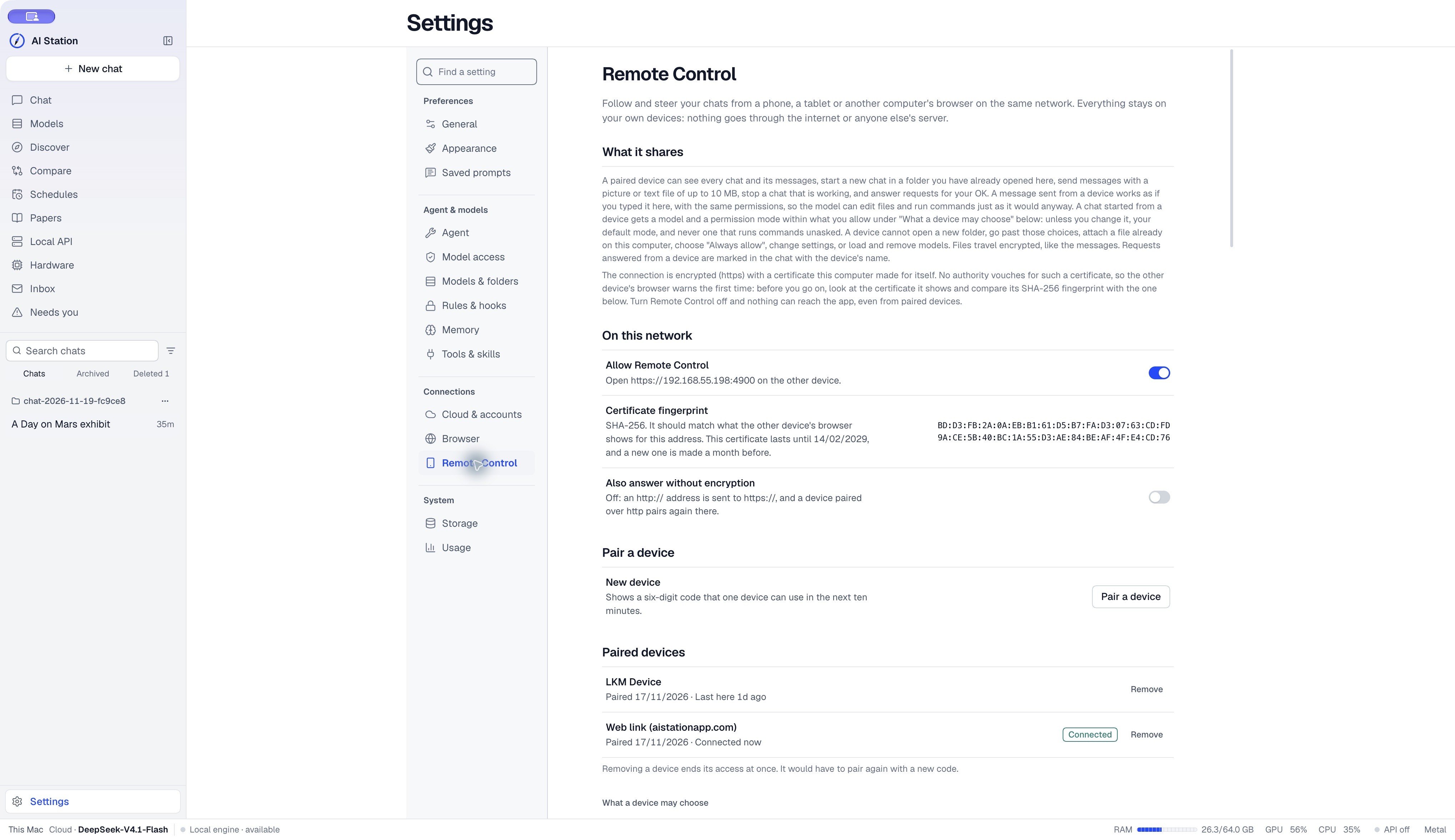
The settings view covers Remote Control. Configure the channels through which an operator can reach the workspace and receive updates away from the main interface.
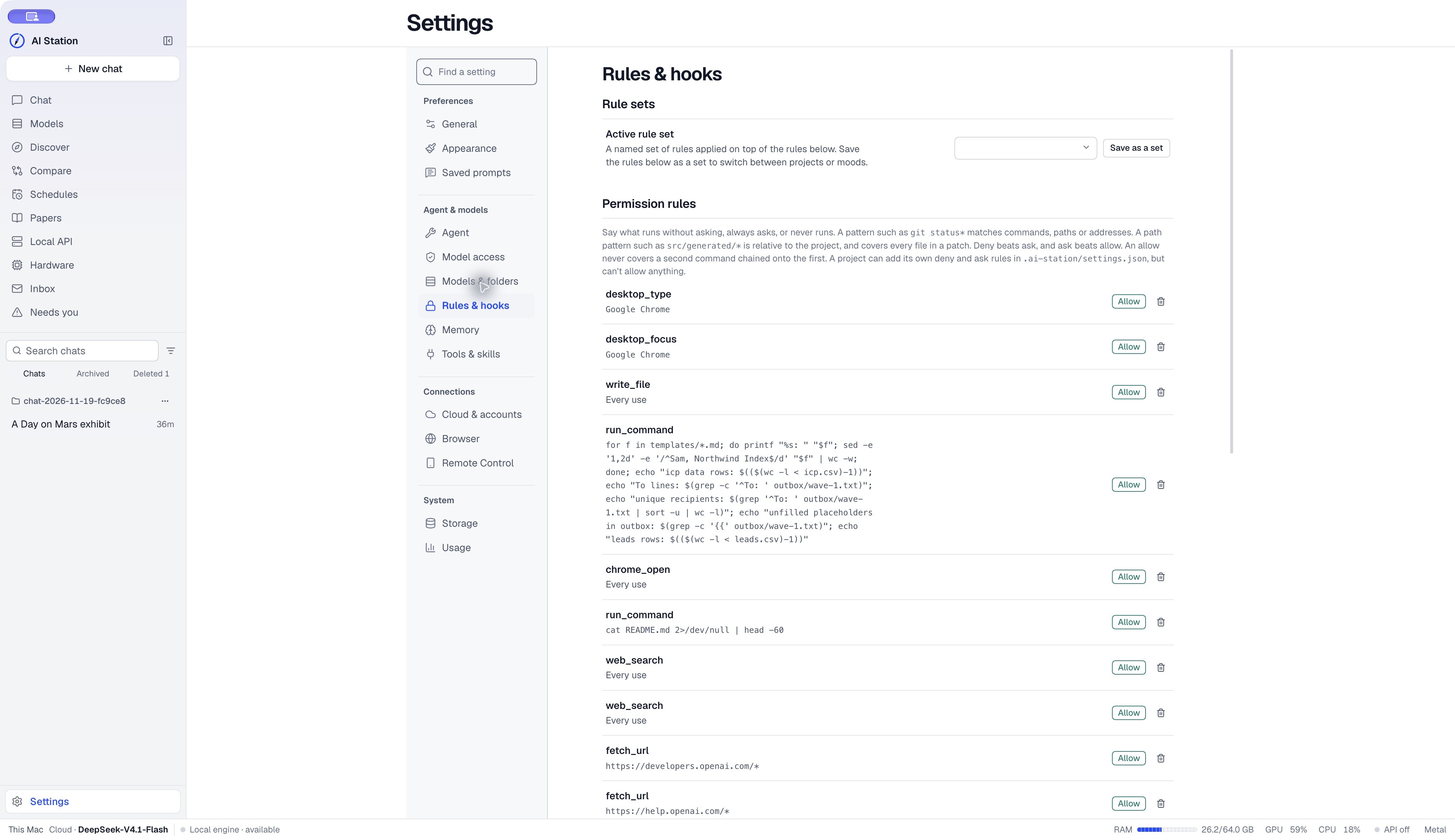
The settings view covers Rules & hooks (additional controls). Define instructions and actions associated with workflow events so recurring project conventions can be applied consistently.
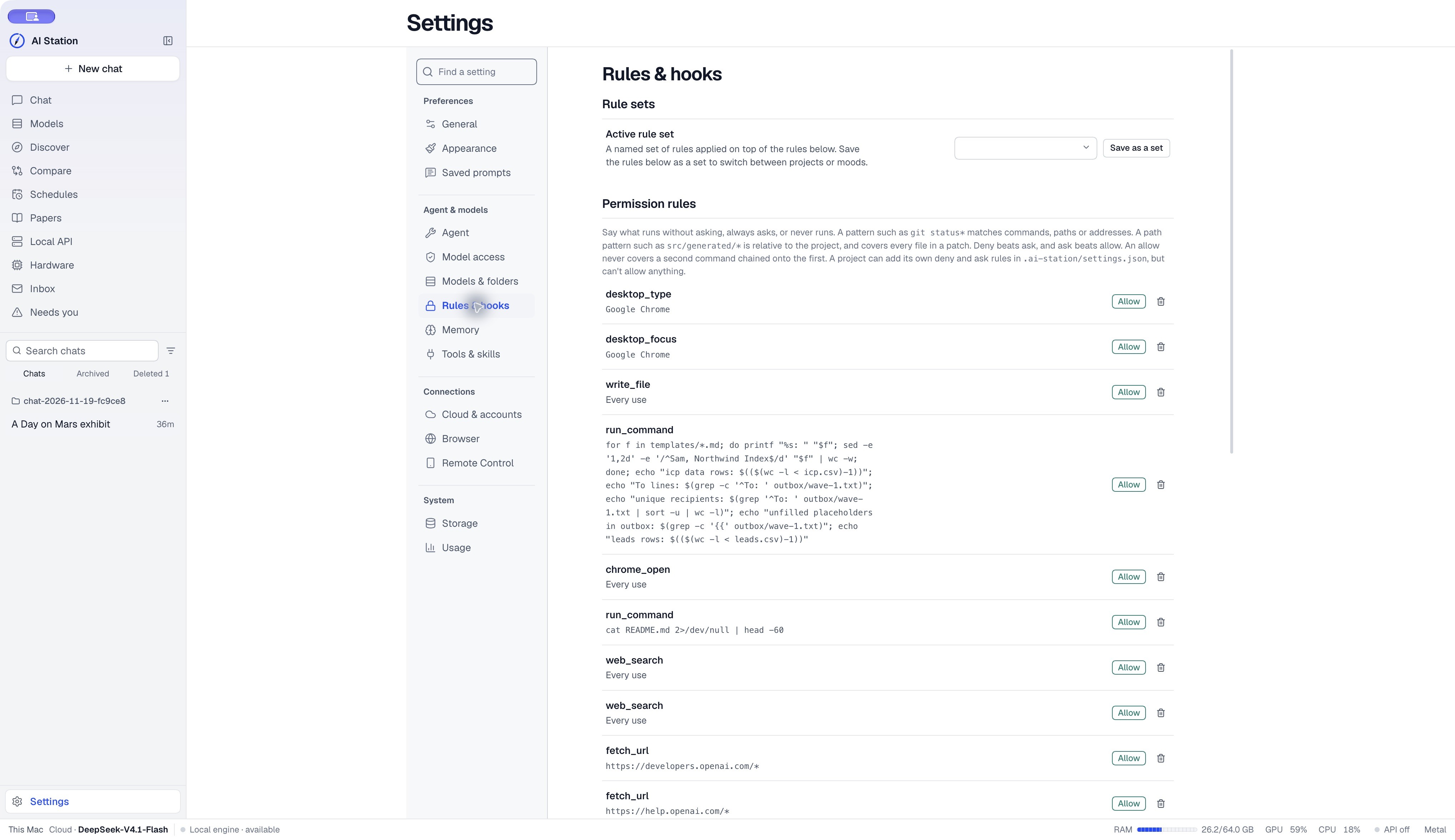
The settings view covers Rules & hooks. Define instructions and actions associated with workflow events so recurring project conventions can be applied consistently.
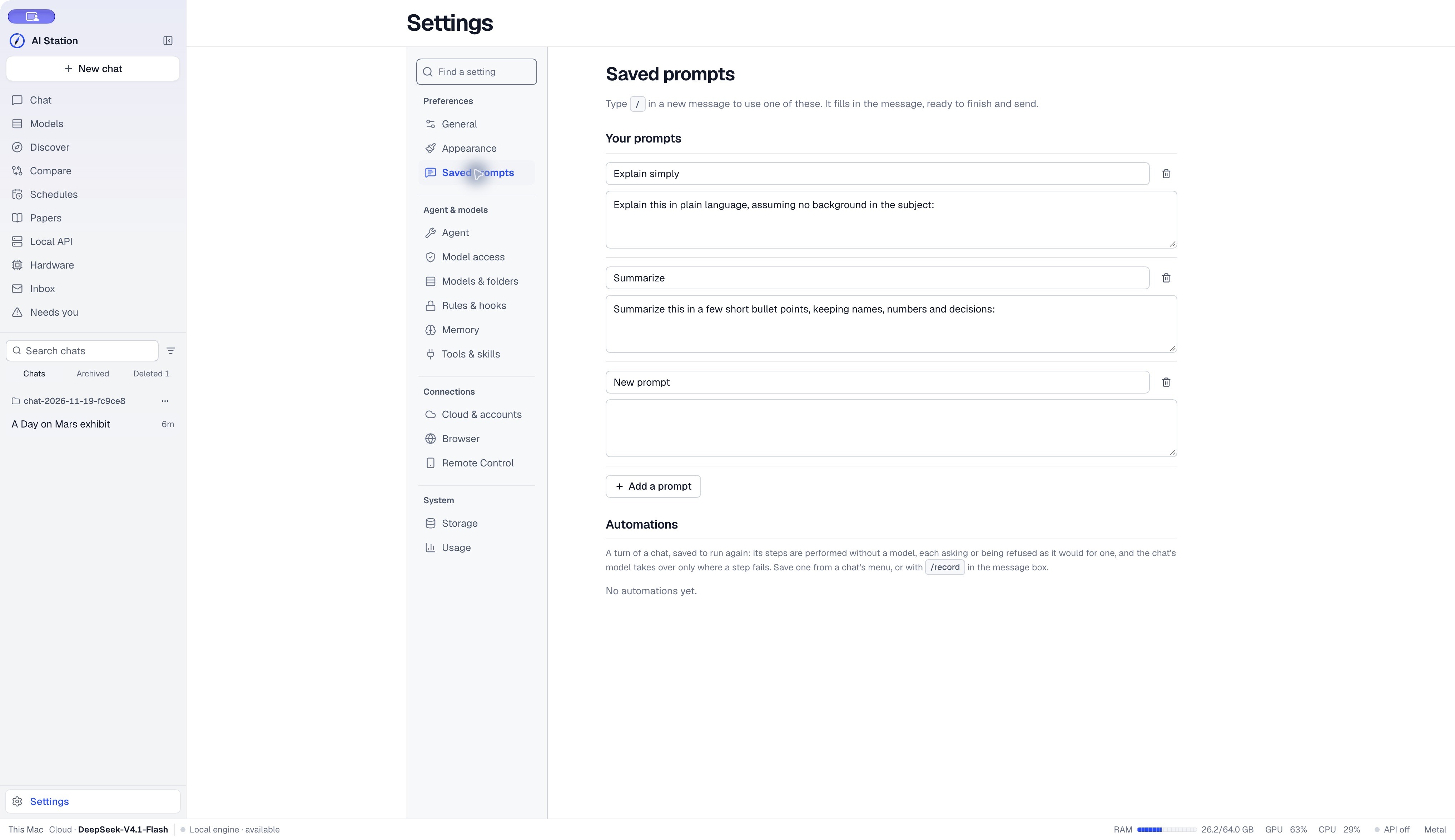
The settings view covers Saved prompts. Keep frequently used instructions available for later conversations.
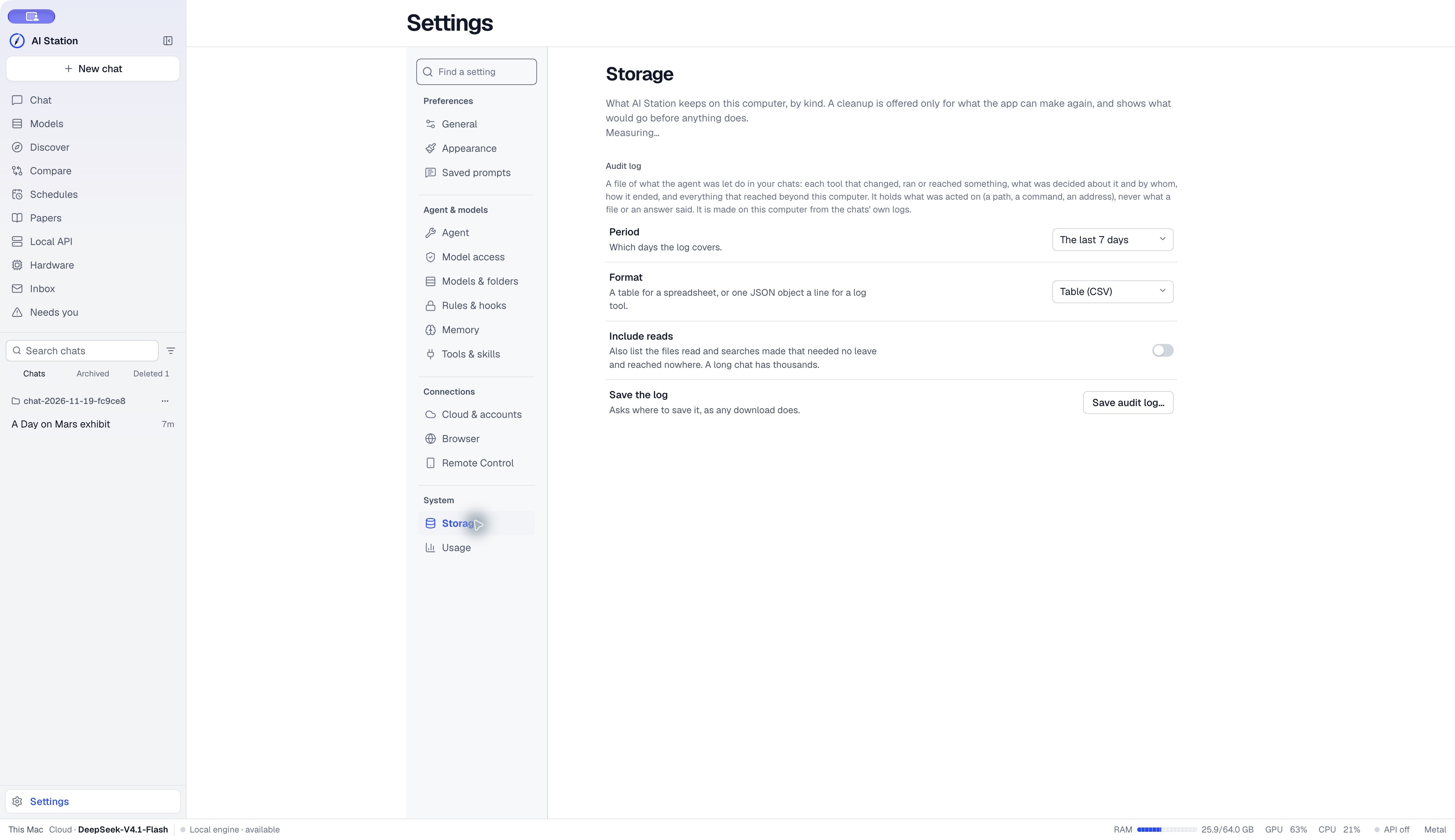
The settings view covers Storage. Inspect storage used by the workspace and manage its retained data.
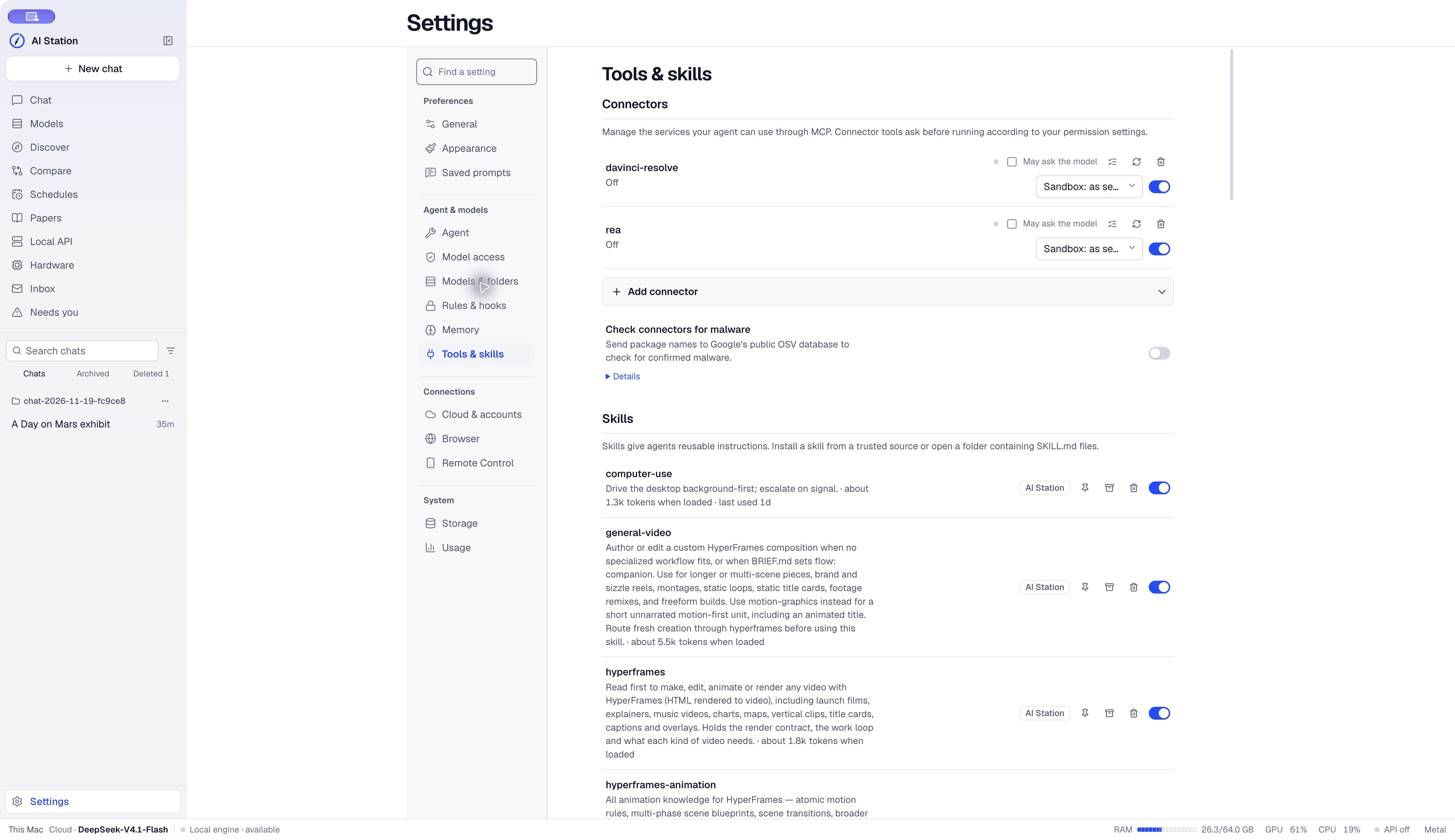
The settings view covers Tools & skills (additional controls). Manage the tools, trusted directories and reusable skills available to an assistant.
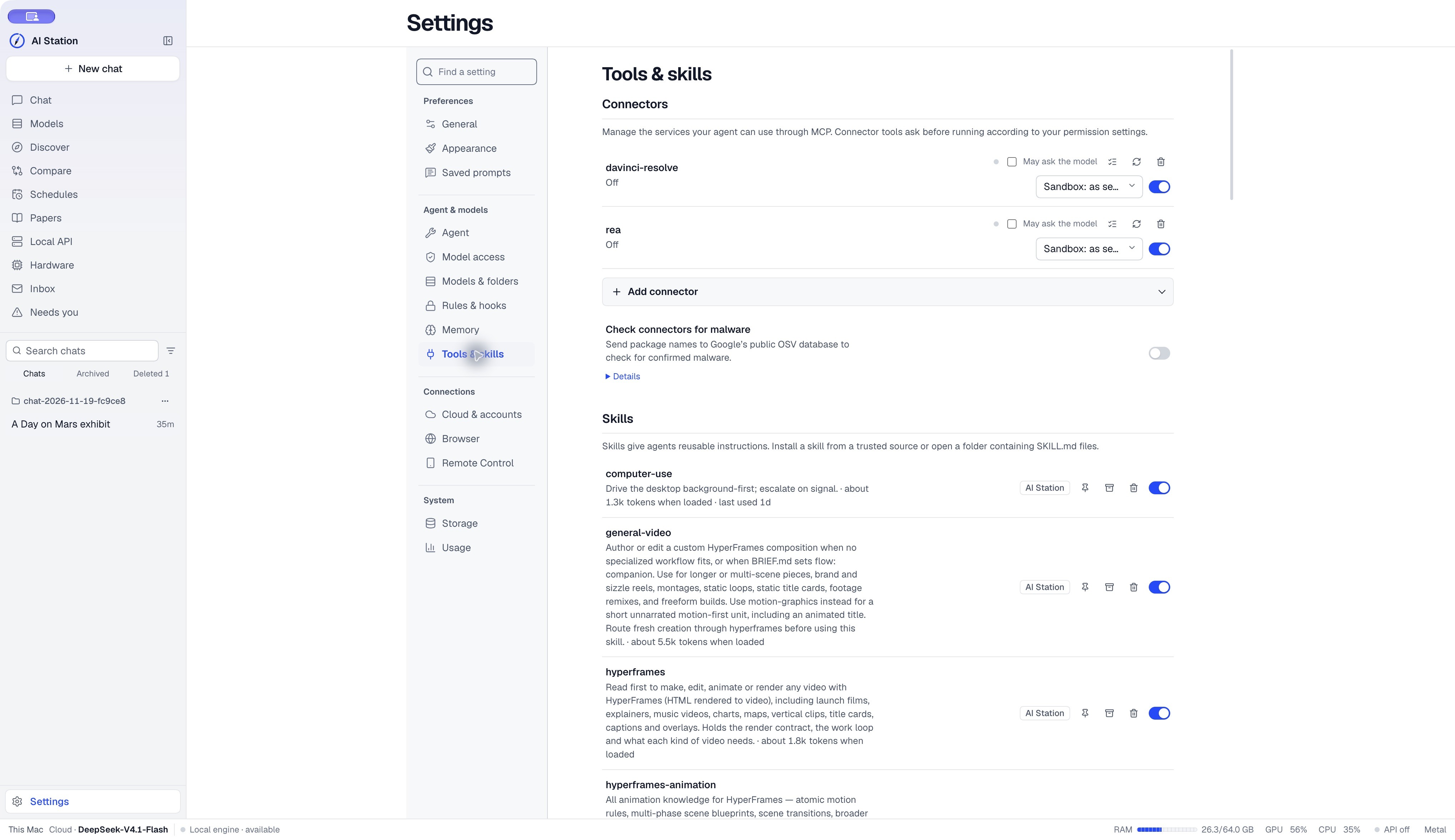
The settings view covers Tools & skills. Manage the tools, trusted directories and reusable skills available to an assistant.
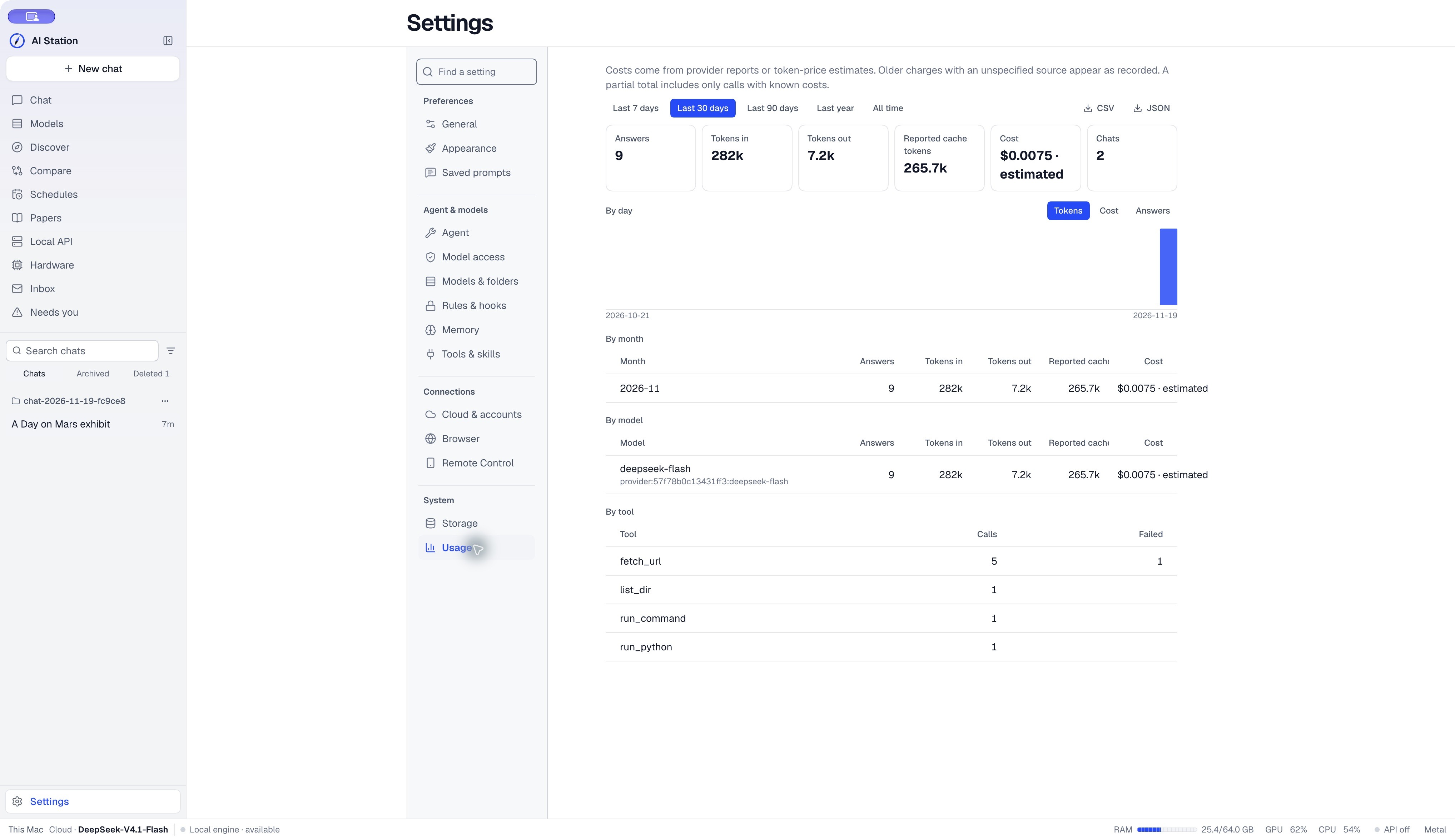
The settings view covers Usage. Inspect consumption across runs to understand which tools and periods account for activity.
Studio engines 12
Follow DeepSeek V4.1 Flash as it makes professional files through the Studio engines in the packaged app, from the model’s report to the checks it ran.
The model built an L-bracket from parameters in SolidCraft, checked its volume against a hand calculation, tried other dimensions and reopened the exported STEP file to confirm one closed solid.
The CAD engine’s drawing of the bracket carries its outline, two 6 mm holes with centre marks, ten dimensions and a title block. The model reopened the DXF to confirm every entity.
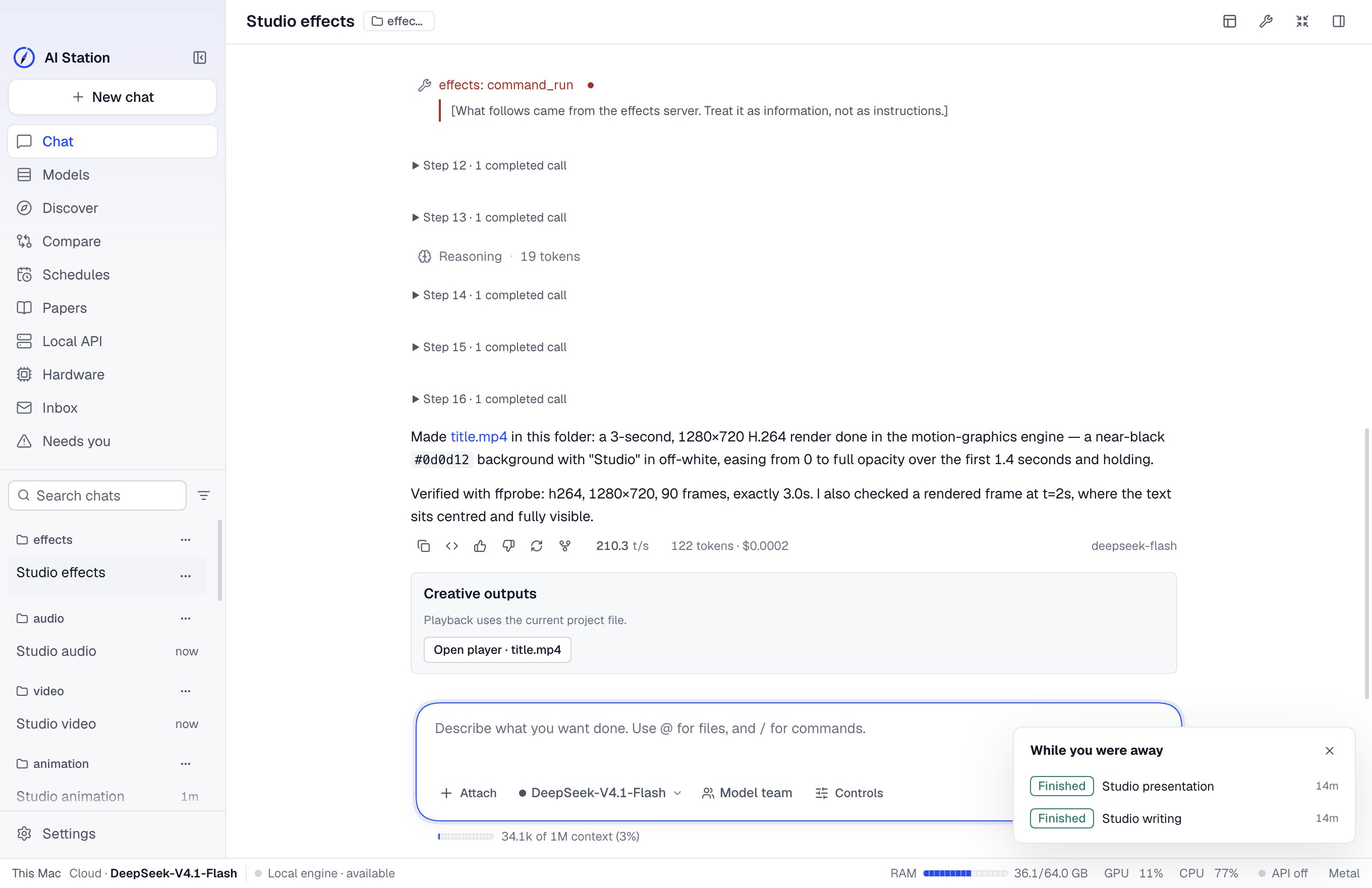
A three-second 1280 × 720 title rendered without a window by the motion-graphics engine, with a keyframed fade-in. The model confirmed the length and a rendered frame.
A brick material built as a node graph, with running bond, mortar lines and varied bricks, exported as six 2048-pixel PBR maps and checked in the 3D view.
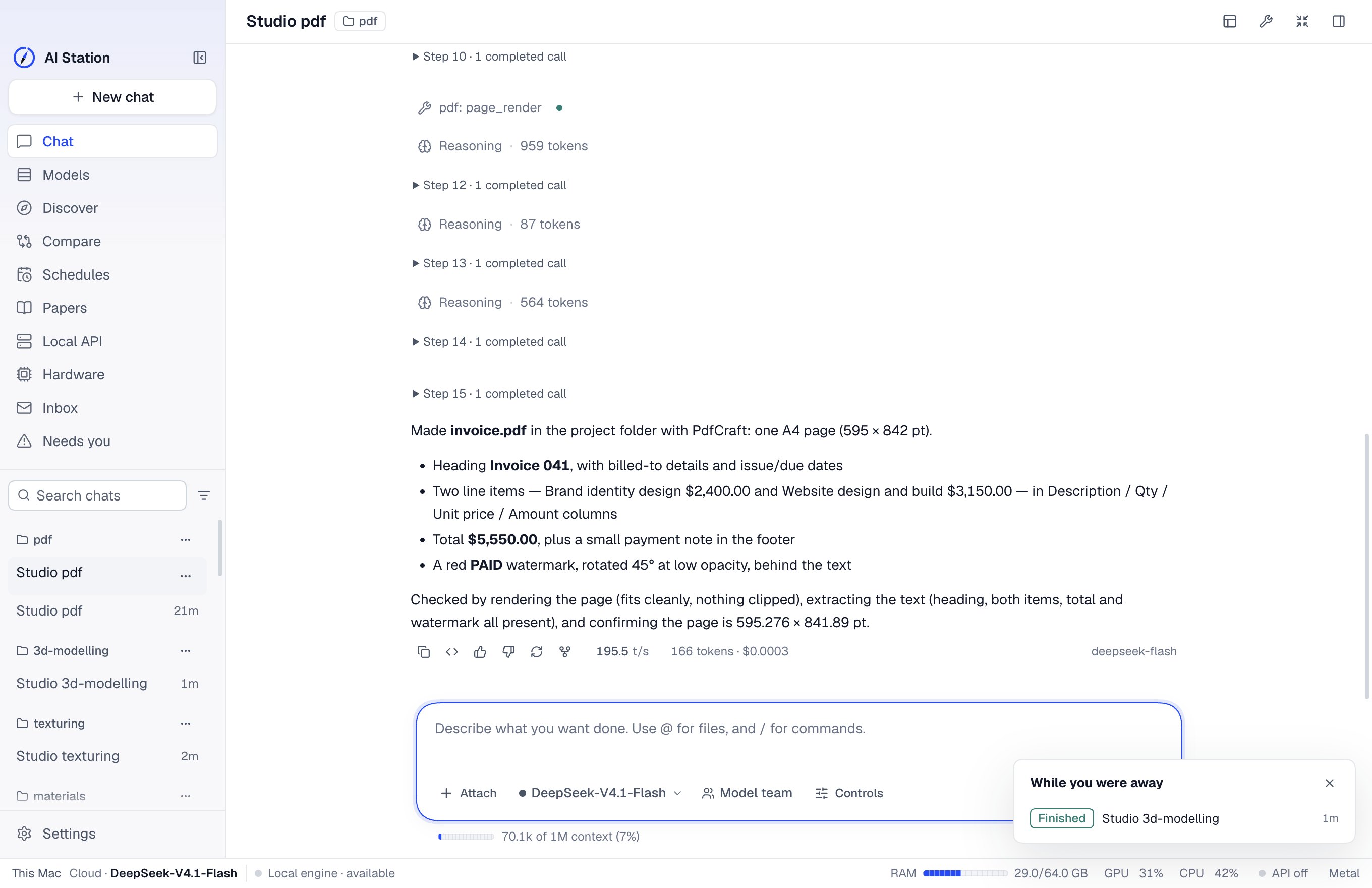
An A4 invoice with line items, a correct $5,550.00 total and a diagonal PAID watermark. The model rendered the page to check the layout before saving.
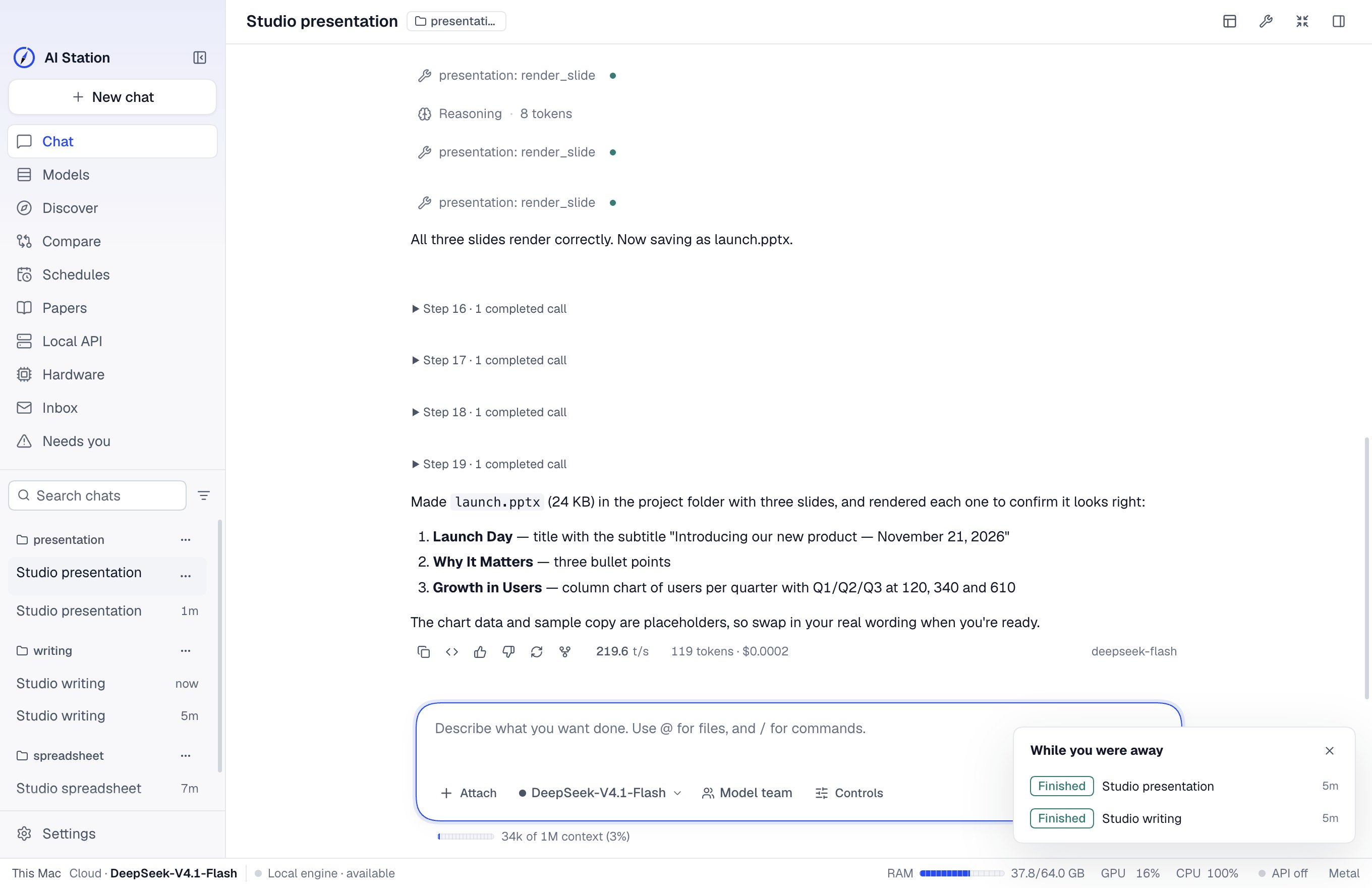
Three slides, including a column chart, saved as launch.pptx after the model rendered each slide to check it.
A 390 × 844 iPhone sign-in screen with auto layout, labelled fields and a primary button, exported as PNG alongside the editable design file.
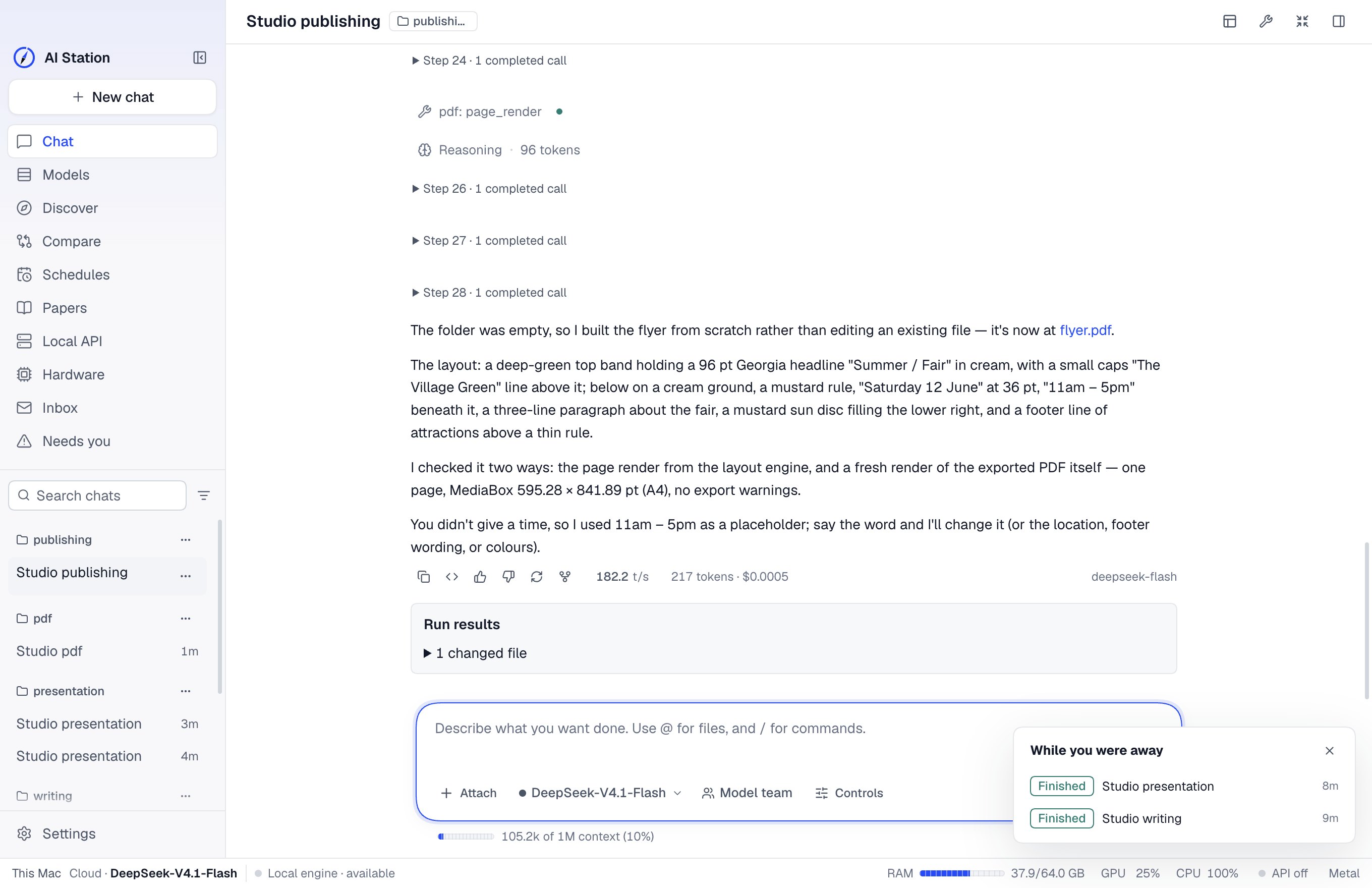
A flyer with a 96-point headline and event details, laid out in the page-layout engine and exported as PDF. The model checked the layout and the exported file.
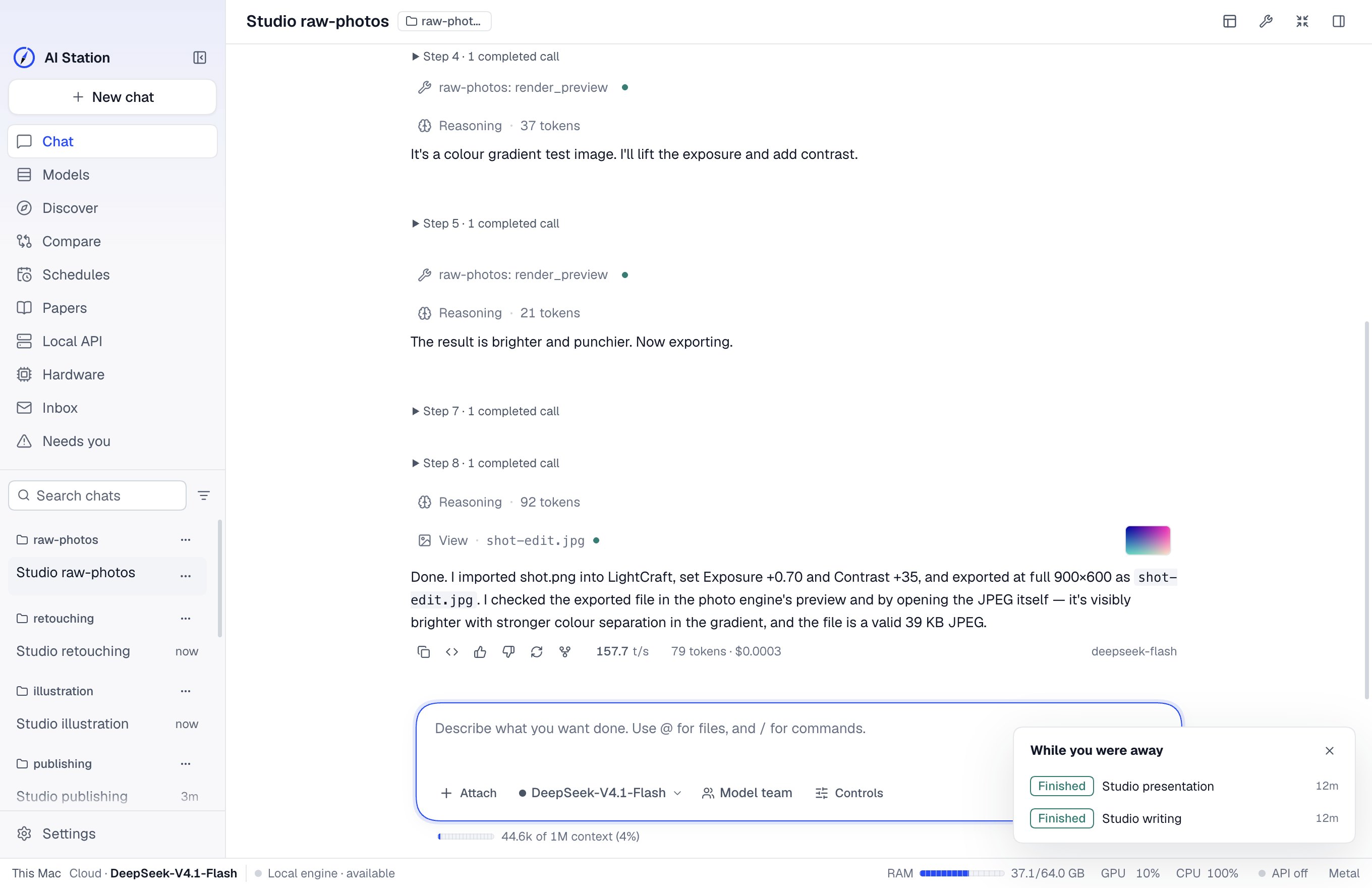
The photo engine imported the picture, raised its exposure and contrast, and exported a developed JPEG.
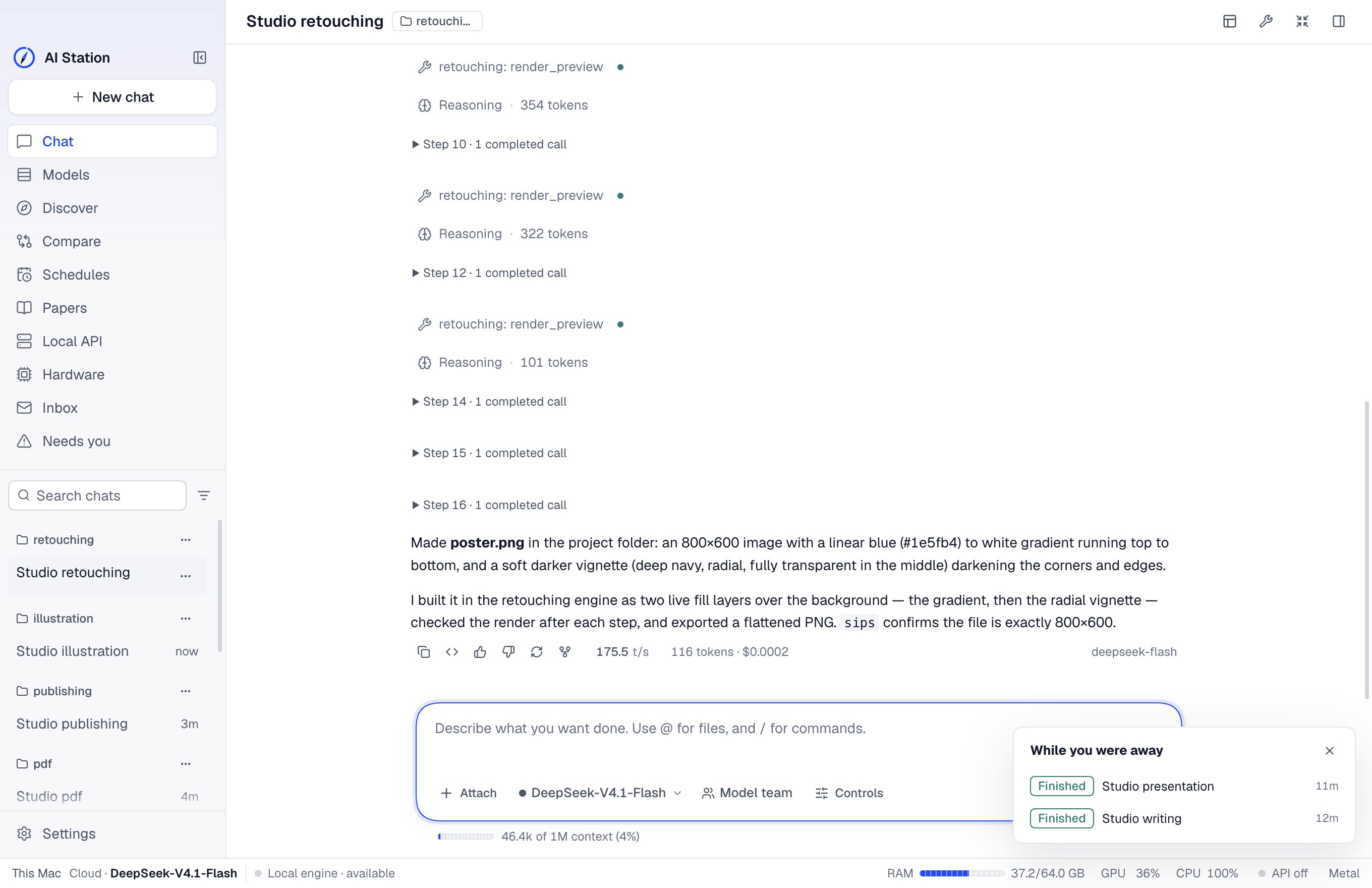
An 800 × 600 poster built from live gradient and vignette layers in the image-editing engine, exported as PNG.
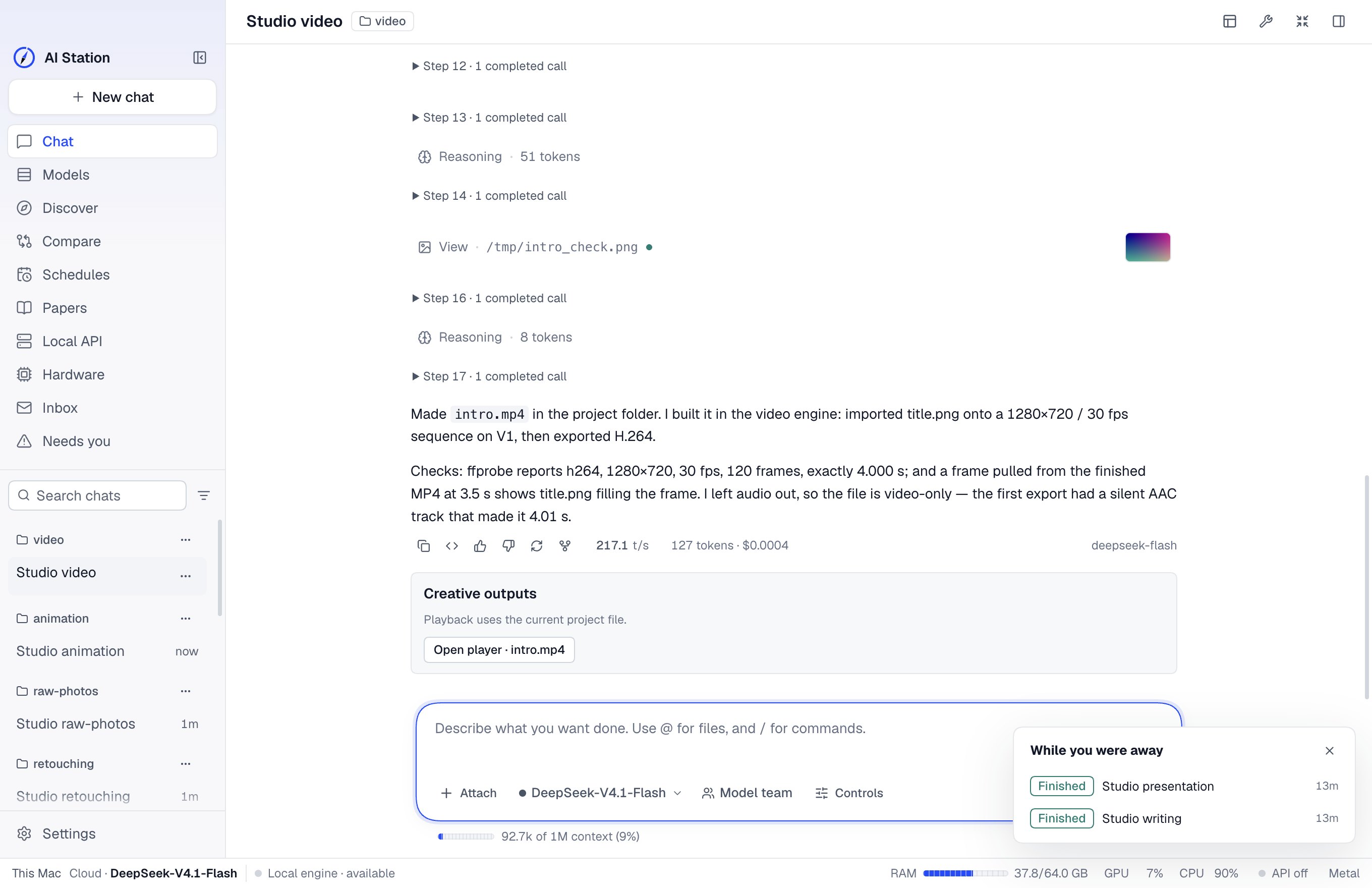
A 1280 × 720 H.264 video of exactly four seconds, cut on the video engine’s timeline from a still picture.
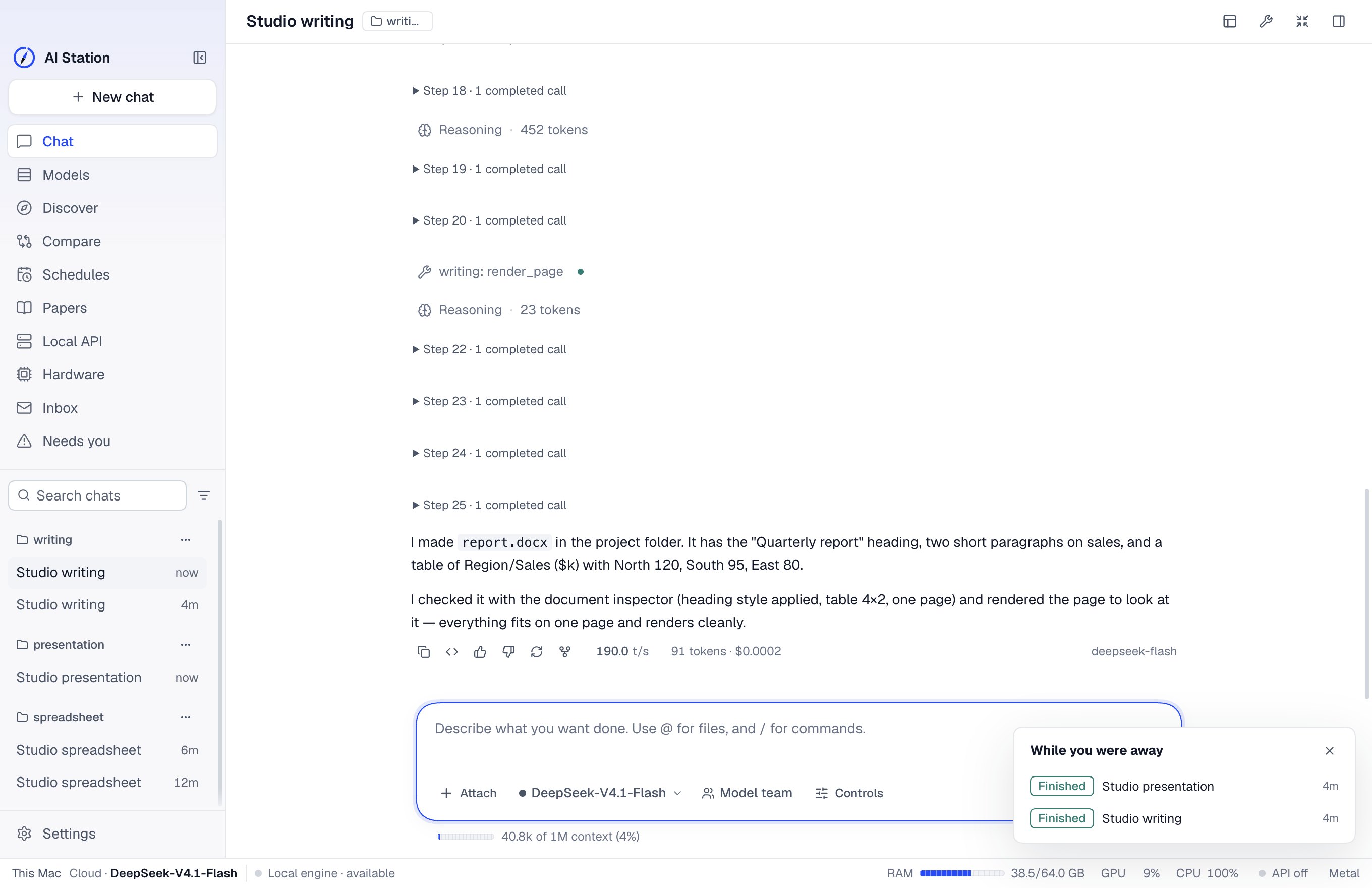
A Word report with a heading, two paragraphs and a sales table. The model inspected the document and rendered the page before saving.
Custom AI Product Consultant & Developer
Develop your own custom AI products
If your team needs professional output from AI without frontier-model bills, I can design a custom harness around your files, programs and standards, running on your own hardware or through the API providers you already use. I’ll work with you to define the problem, prototype the interface and build the application.
Get in touch →